




 here!
I’m your shopping assistant for PC builds, upgrades, and everything tech.
Got questions? Ask away!
Start a conversation
here!
I’m your shopping assistant for PC builds, upgrades, and everything tech.
Got questions? Ask away!
Start a conversationShipped by Newegg
 Hot Seller





Any questions? Ask CelesteSM will help you find out quickly.
We want to ensure your holiday shopping this year is hassle-free. That’s why we’re automatically extending our return policies on almost every product! For purchases placed between November 1st, 2026 and December 31, 2026 you will have until January 31, 2027 to return your product.
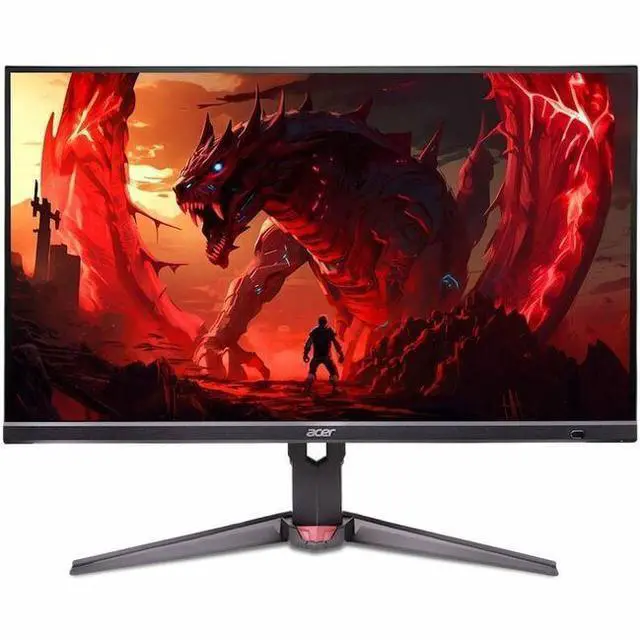
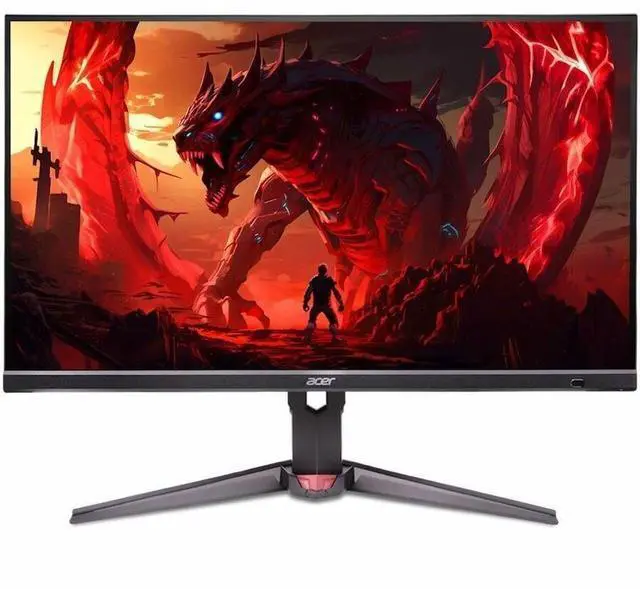
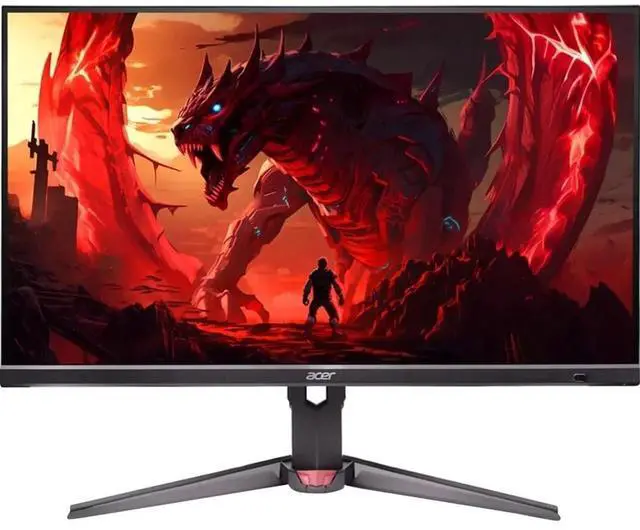
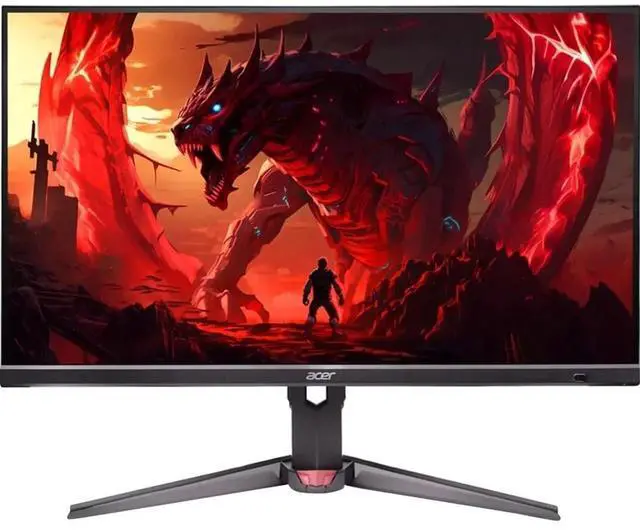
The Acer Nitro XV272K V5 is a 27-inch 4K IPS monitor with a 160Hz refresh rate, suited to PC gamers who want sharp detail and smooth motion on one display.
| Attribute | Value |
|---|---|
| Best For | Desktop use, including high-refresh-rate gaming with FreeSync support |
| Panel And Resolution | 27-inch IPS LCD panel with 3840 × 2160 (4K) resolution, 16:9 aspect ratio, 400-nit brightness, anti-glare finish, and a listed 100,000,000:1 contrast ratio |
| Refresh Rate And Response | 160Hz refresh rate, 1ms response time, and FreeSync adaptive sync |
| Ports And Connectivity | Two HDMI ports and DisplayPort |
| Stand And Ergonomics | Height and swivel adjustment |
| Audio Setup | Built-in speakers |
| Picture Enhancement | AI-powered picture quality enhancement |
| Dimensions And Weight | 24.1 × 14.3 × 2.7 inches (width × height × depth); 17.5 pounds |
| In The Box | Monitor, US power cord, and HDMI cable |
| Model Identifiers | Acer Nitro XV272K V5; model ACER XV272K V5bmiiprx; part number UM.HX2AA.501 |
Q: Acer Nitro XV272K V5 or XV275K P5: which 4K 160Hz monitor should I choose?
A: Choose the XV272K V5 for 27-inch 4K gaming at 160Hz, 400-nit brightness, and an adjustable stand with height, swivel, and pivot. Choose the XV275K P5 if Mini LED backlighting, USB-C with 90W power delivery, or its 1080p 320Hz dual mode better fits your setup.
Q: Acer Nitro XV272K V5 or VG272K V3 for 4K gaming?
A: Both are 27-inch IPS monitors with 4K resolution and a 160Hz refresh rate. The XV272K V5 is a strong fit if you value its 400-nit brightness and height-, swivel-, and pivot-adjustable stand; the VG272K V3 offers the same core resolution and refresh-rate combination with 350-nit brightness.
Q: Acer Nitro XV272K V5 or XV272U V3: 4K or 1440p?
A: Choose the XV272K V5 for 4K resolution, 160Hz refresh, and 400-nit brightness. The XV272U V3 is a 1440p option with a 180Hz refresh rate, making it the alternative when you prioritize that resolution and refresh-rate combination.
Q: Is this monitor suitable for both PC gaming and everyday office work?
A: Yes. Its 27-inch 4K IPS screen and 160Hz refresh rate suit detailed desktop work and high-refresh-rate PC gaming. It connects through HDMI or DisplayPort; USB-C is not listed, so check your computer’s video outputs before buying.
Q: Can it display 4K at 120Hz over HDMI for a game console?
A: The monitor supports up to 3840 × 2160 at 160Hz over HDMI, so its listed HDMI capability covers 4K at 120Hz. The actual mode depends on the connected console, game, and cable.
Q: Does it have built-in speakers, or do I need separate speakers?
A: It has built-in speakers, with 4W total speaker output listed by Acer. They provide a built-in audio option; choose external speakers or headphones if you want a separate audio setup.
Q: Is the stand height-adjustable?
A: Yes. Acer lists height and swivel adjustment for the stand, which helps position the screen on a desk. Check the product manual for the full adjustment range.
Q: Is the Acer XV272K V5 suitable for both office work and PS5 gaming?
A: It may suit someone who wants a 27-inch 4K display for work and gaming: the supplied specifications list an IPS panel and 160Hz refresh rate. A Reddit discussion considers it for office work and PS5, but notes that the choice depends on priorities such as design and ports. Check the console’s supported display modes and the monitor’s input limits before buying.
Q: Is 4K gaming on this monitor worth the performance trade-off?
A: Consider it if you value 4K detail alongside a high refresh rate; reconsider if maximizing game frame rates matters more than resolution. Reddit users discussing this model describe 4K gaming as demanding and compare it with lower-resolution options. Actual performance depends on the PC and game.
Q: Should I buy it mainly for HDR?
A: Probably not based on the available discussion. One owner reported that HDR looked washed out and described the monitor as lacking local dimming; that is an individual user report, not a controlled test. The supplied product information does not specify HDR performance.
Q: Are the built-in speakers good enough, or should I plan on external audio?
A: The product information confirms built-in speakers, but one Reddit owner described them as average. If audio quality matters to you, plan to use separate speakers or headphones rather than relying on the built-ins.
Q: Could text look blurry when using it for work?
A: One Reddit user reported pixelated-looking text at 4K and 100% scaling, while replies suggested checking display settings and the connection. Treat this as a reported setup or unit concern, not proof that all units have the issue; verify your computer’s resolution, scaling, and refresh-rate settings after setup.


