




 here!
I’m your shopping assistant for PC builds, upgrades, and everything tech.
Got questions? Ask away!
Start a conversation
here!
I’m your shopping assistant for PC builds, upgrades, and everything tech.
Got questions? Ask away!
Start a conversationShipped by Newegg
 Hot Seller

Make informed decisions with expert advice. Learn More






Any questions? Ask CelesteSM will help you find out quickly.
We want to ensure your holiday shopping this year is hassle-free. That’s why we’re automatically extending our return policies on almost every product! For purchases placed between November 1st, 2026 and December 31, 2026 you will have until January 31, 2027 to return your product.
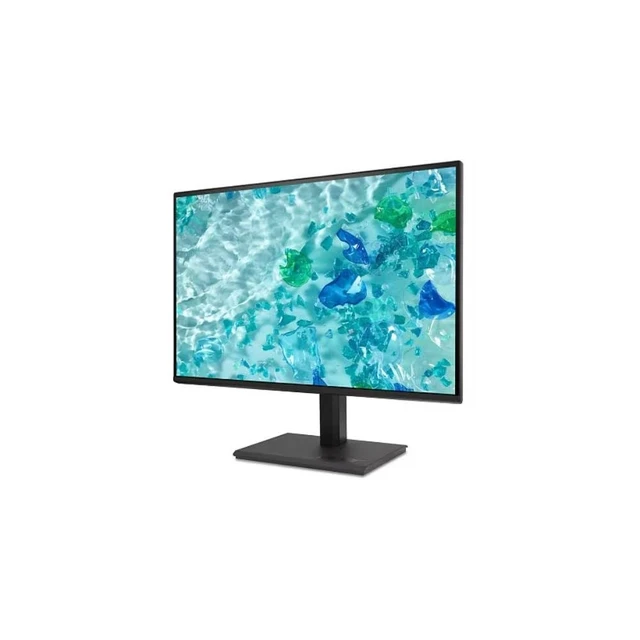
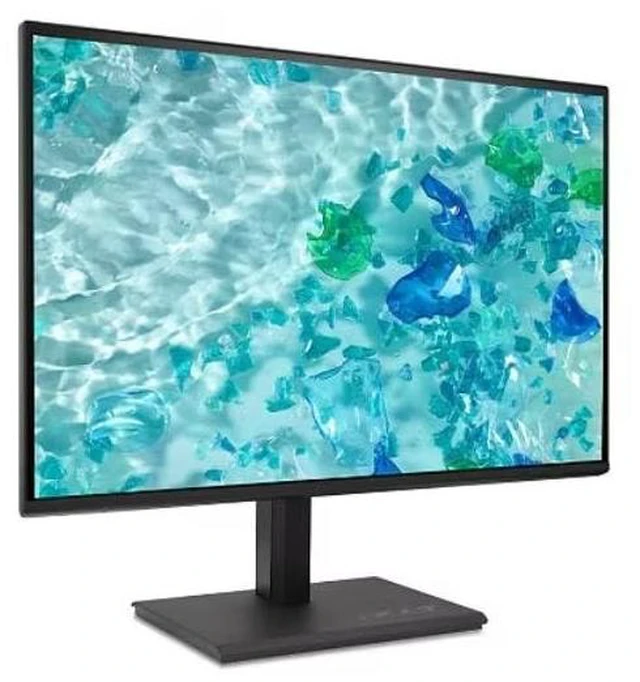
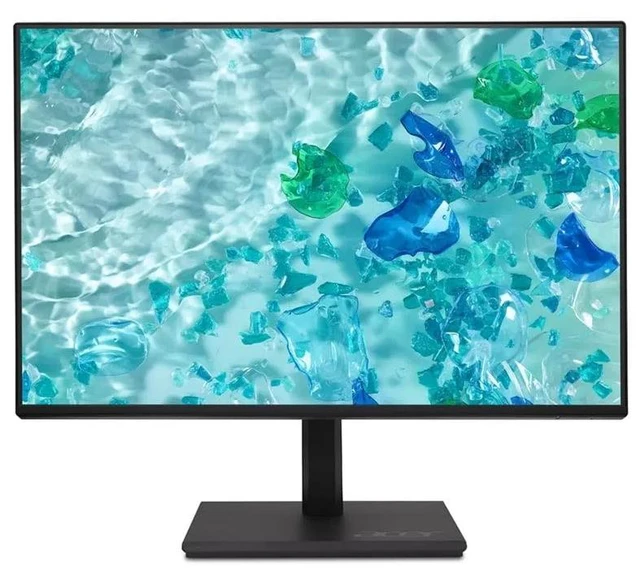
The Acer Vero B277 G is a 27-inch Full HD (1920×1080) IPS LCD monitor with an anti-glare screen and 4 ms response time, suited to everyday office work, web browsing and home use where a larger screen matters more than higher-than-Full-HD resolution.
| Attribute | Value |
|---|---|
| Best For | Desktop setups needing a 27-inch Full HD monitor with HDMI, DisplayPort, or VGA connectivity |
| Panel And Resolution | 27-inch LCD display with 1920 × 1080 Full HD resolution, 16:9 aspect ratio, anti-glare finish, and listed brightness of 856.5; contrast ratio listed as 100,000,000:1 |
| Refresh Rate And Response | 4 ms response time; refresh rate is listed as both 60 Hz and 100 Hz; FreeSync adaptive sync is listed |
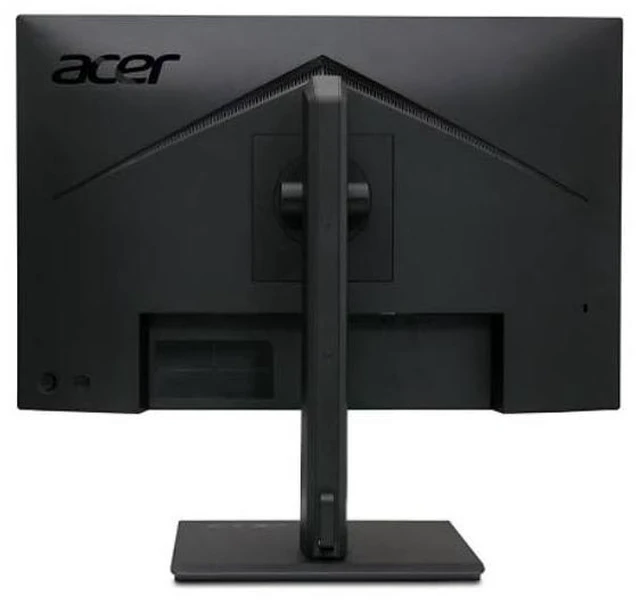
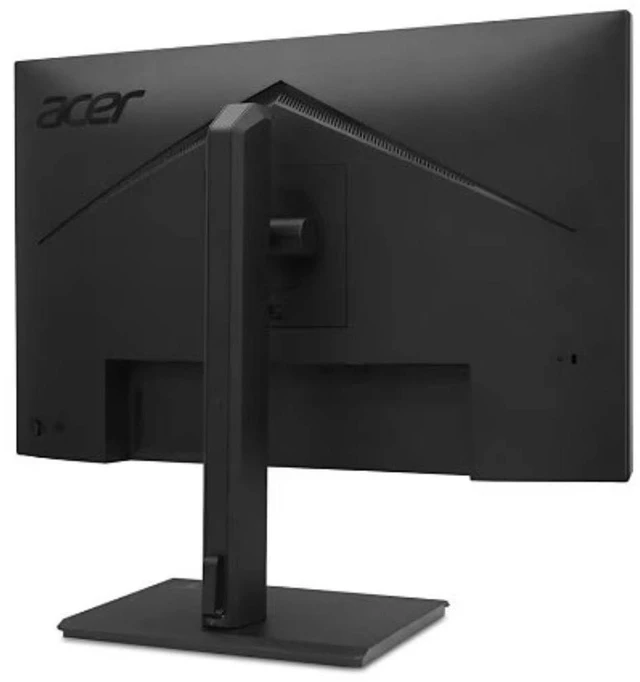
| Ports And Connectivity | 1 HDMI port, DisplayPort, and VGA connectivity; no USB or Thunderbolt ports |
| Stand And Ergonomics | Height adjustment and swivel adjustment are listed |
| Audio | Built-in speakers |
| Physical Specifications | Black cabinet; 2.6 × 24.17 × 14.45 inches; 19 lb |
| Model Identifiers | Acer Vero B; part/model number B277 G |
Q: Acer Vero B277 G vs B277U G: which should I choose?
A: Choose the Vero B277 G for a 27-inch Full HD screen and a height- and swivel-adjustable stand. Choose the B277U G if you prefer 2560 × 1440 resolution, a 120 Hz refresh rate, and USB-C with up to 90 W power delivery. Both are Acer Vero monitors with Adaptive Sync.
Q: Acer Vero B277 G vs Vero V277 G: what’s the difference?
A: Both are 27-inch Full HD monitors with refresh rates up to 120 Hz over HDMI or DisplayPort. Choose the B277 G for its height- and swivel-adjustable stand and included DisplayPort and HDMI cables; choose the V277 G if USB-C connectivity with up to 90 W power delivery is a priority.
Q: Acer Vero B277 G vs the older Acer B277U: which fits my setup?
A: Choose the Vero B277 G for Full HD resolution and a listed 120 Hz refresh rate over HDMI or DisplayPort. Choose the older B277U for its 2560 × 1440 resolution and built-in USB hub. Both models have 27-inch IPS displays and adjustable stands.
Q: Is this monitor suitable for everyday office work?
A: Yes. Its 27-inch 1920 × 1080 anti-glare screen is suited to common tasks such as documents, email, and web browsing. It has no USB ports, so it won’t serve as a USB hub for connecting peripherals.
Q: What cables come with the monitor?
A: The listed package includes a DisplayPort cable, an HDMI cable, and a US power cord. The monitor’s listed maximum resolution is 1920 × 1080.
Q: Can I connect it to a laptop that only has USB-C?
A: The monitor listing confirms HDMI support and includes an HDMI cable, but it does not list USB-C input. A USB-C-only laptop may need a compatible USB-C-to-HDMI adapter; check that the laptop’s USB-C port supports video output.
Q: Is it a good choice for gaming?
A: It has a 1920 × 1080 resolution and a listed 4 ms response time. The provided specifications do not state its refresh rate, so check that detail before buying if smooth high-refresh gaming is a priority.
Q: Can I connect a PS4 to the Acer Vero B277 G?
A: Yes. The provided product information lists HDMI, and the monitor’s maximum resolution is 1920×1080. Check your console’s output settings if you need a specific refresh rate or display mode.
Q: Should I buy a used Acer Vero B277 without testing the screen?
A: It’s safer to test it first and confirm the seller’s return terms. A Reddit user reported persistent image retention on a secondhand Vero B277, but one report does not establish that this is a common model-wide problem.


