




 here!
I’m your shopping assistant for PC builds, upgrades, and everything tech.
Got questions? Ask away!
Start a conversation
here!
I’m your shopping assistant for PC builds, upgrades, and everything tech.
Got questions? Ask away!
Start a conversationShipped by Newegg
 Hot Seller





Any questions? Ask CelesteSM will help you find out quickly.
We want to ensure your holiday shopping this year is hassle-free. That’s why we’re automatically extending our return policies on almost every product! For purchases placed between November 1st, 2026 and December 31, 2026 you will have until January 31, 2027 to return your product.
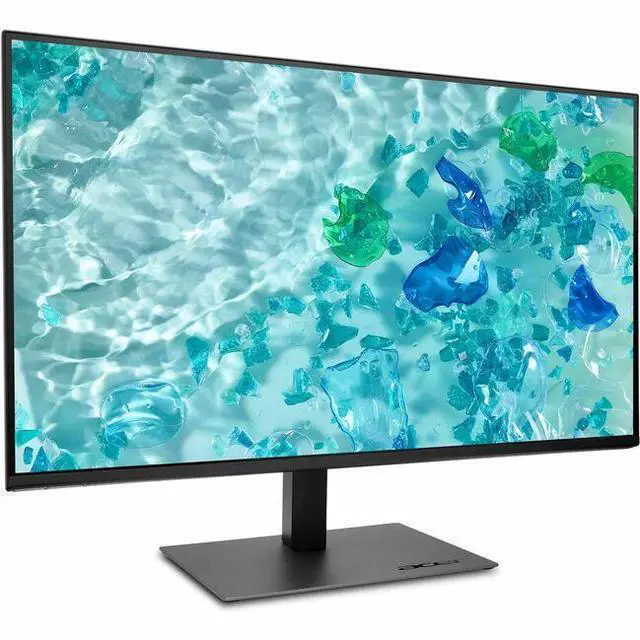
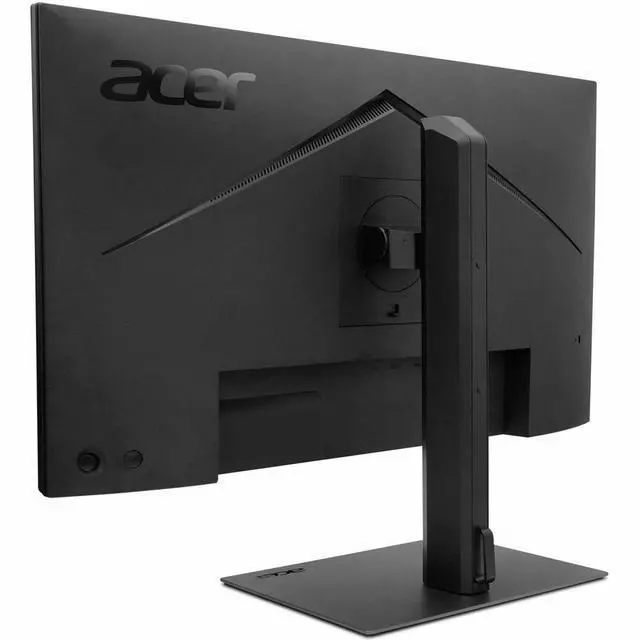
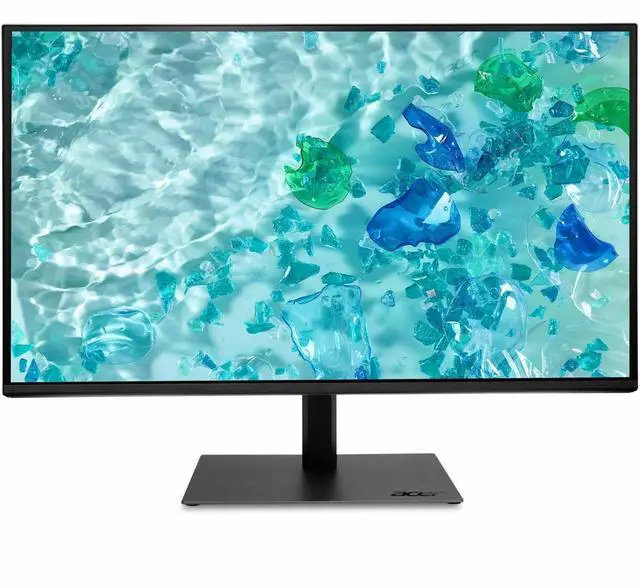
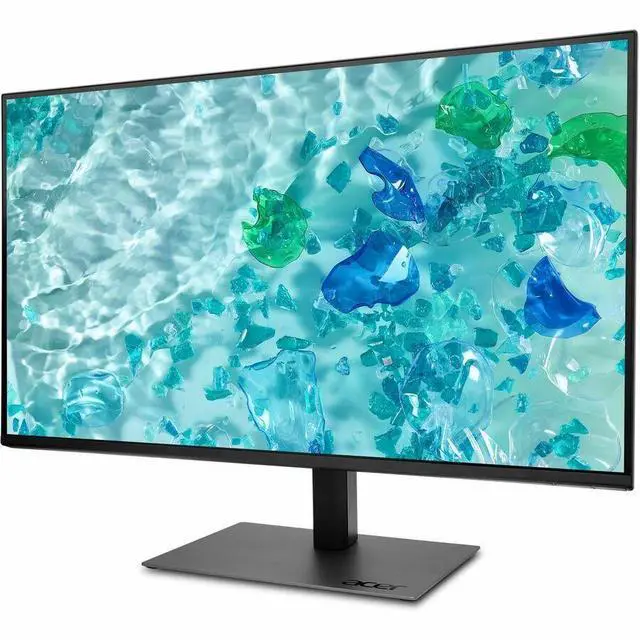
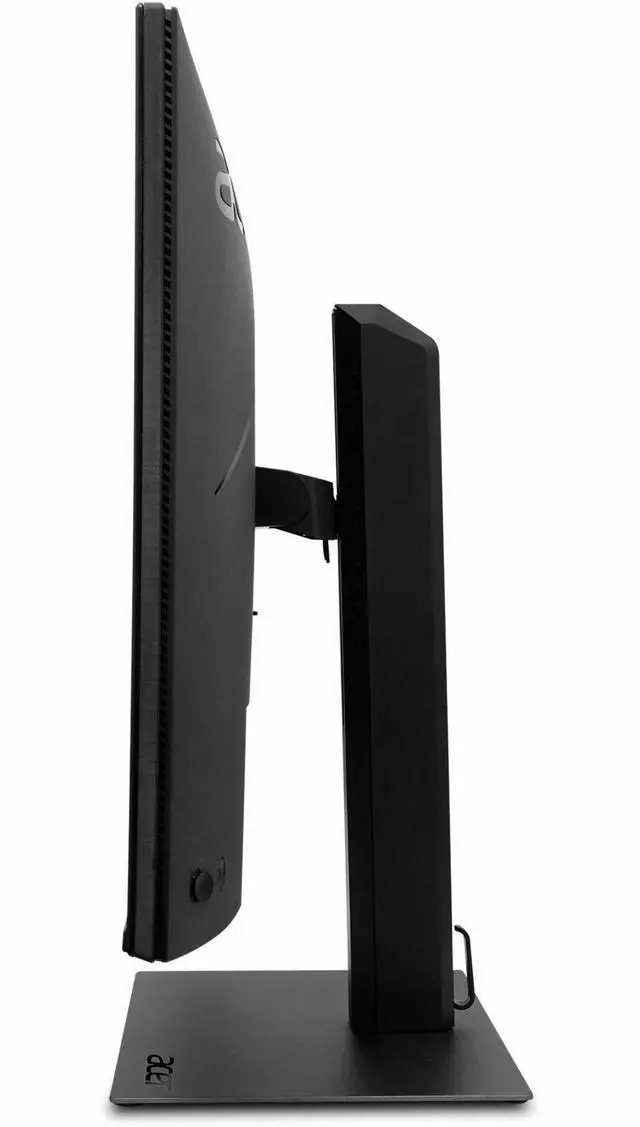
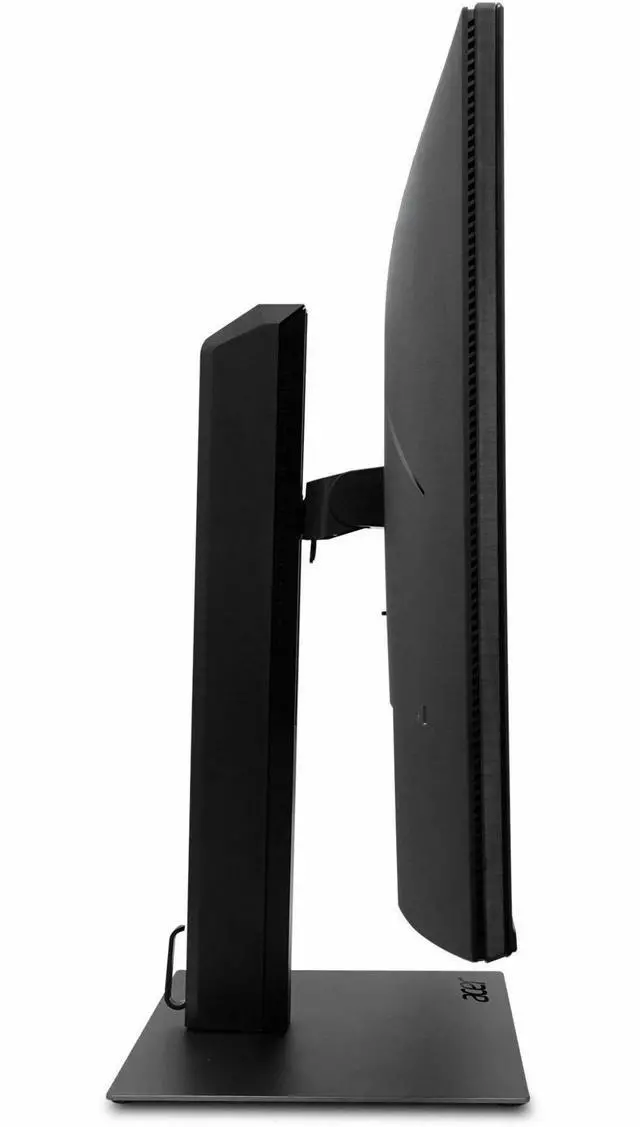
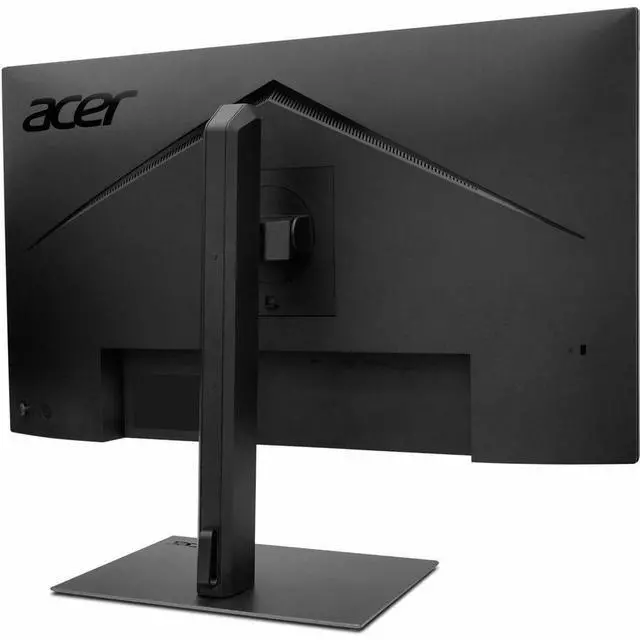
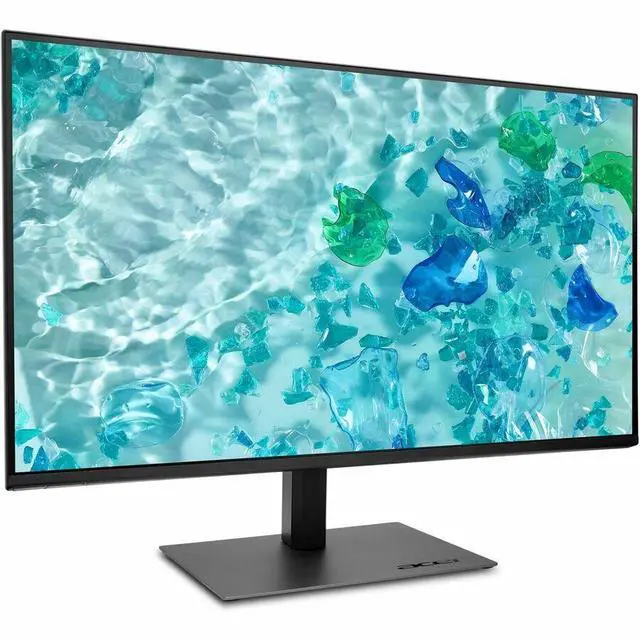
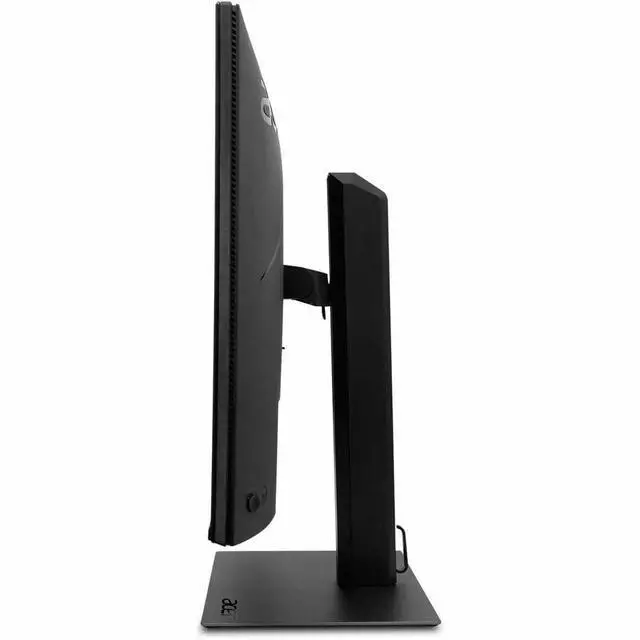
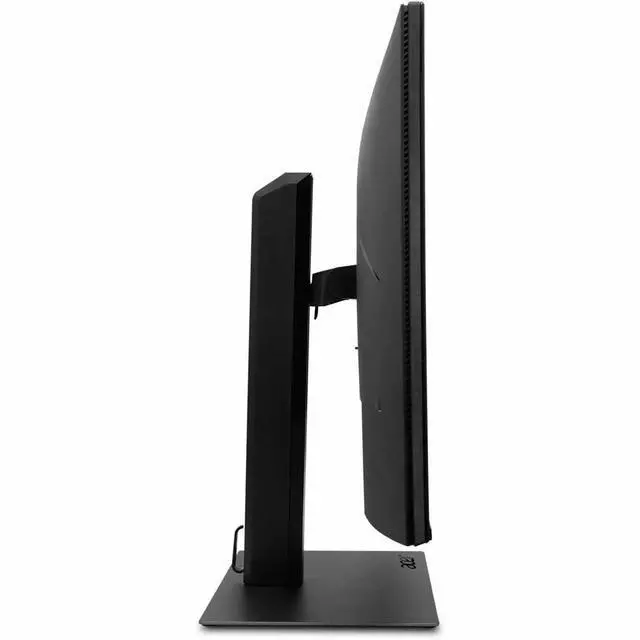
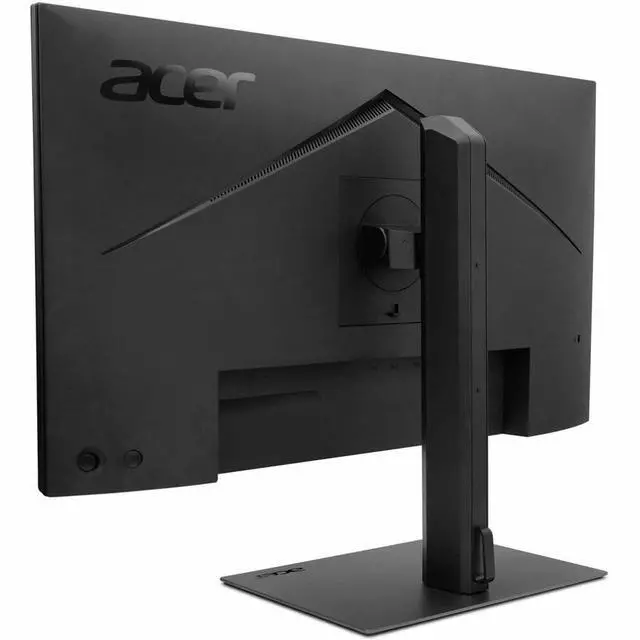
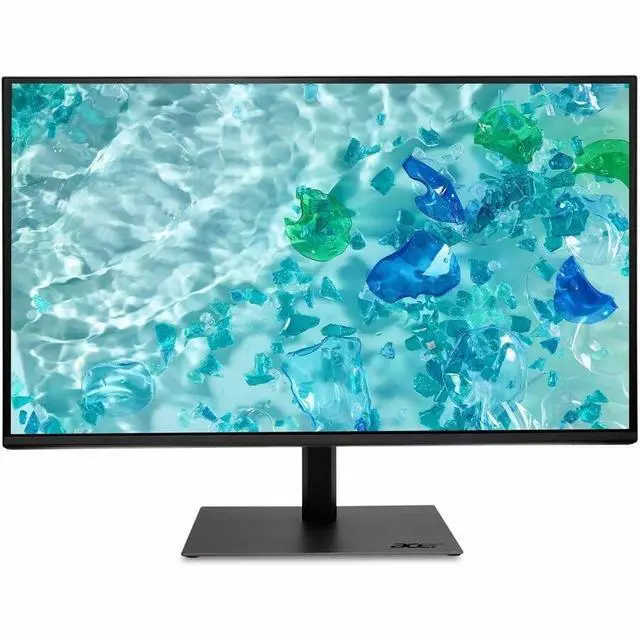
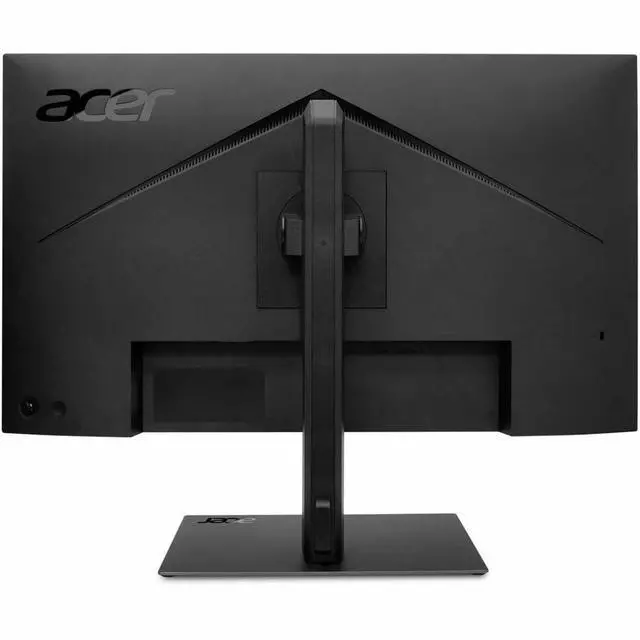
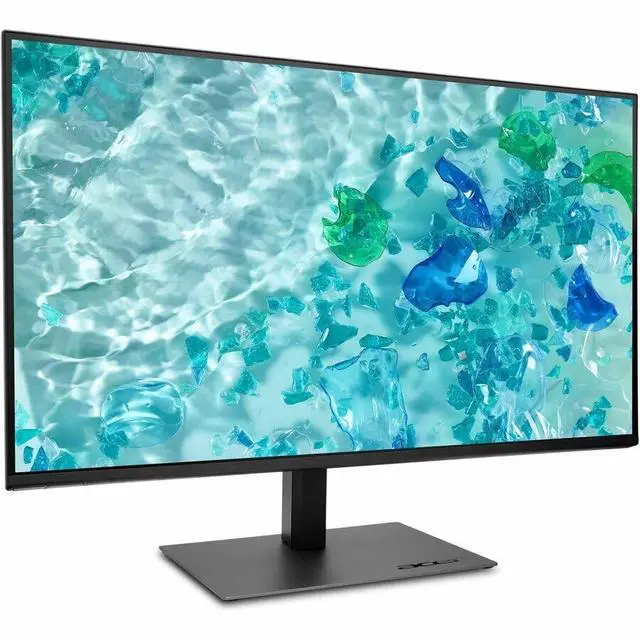
The Acer Vero B277U G is a 27-inch, 16:9 LCD monitor with 350-nit brightness, built-in speakers, and height and swivel adjustment, making it a practical fit for office work, home productivity, and users who want a more adjustable desk setup.
| Attribute | Value |
|---|---|
| Best For | Desktop use with a QHD display and height and swivel adjustment |
| Panel And Resolution | 27-inch LCD with a 2560 × 1440 QHD resolution, 16:9 aspect ratio, 350-nit brightness, dynamic contrast ratio of 100,000,000:1, and an anti-glare finish |
| Refresh Rate And Response | 75 Hz refresh rate, 4 ms response time, and FreeSync adaptive sync |
| Ports And Connectivity | HDMI 2.0, two DisplayPort 1.4 connections, USB Type-C, four USB 3.2 ports, USB Type-B upstream and downstream connections, Ethernet, and a headphone connection |
| Stand And Ergonomics | Height and swivel adjustment |
| Audio | Built-in speakers |
| Model Identifiers | Acer Vero B277U G, part number UM.HB7AA.G07 |
| Included Accessories | Power cord, HDMI cable, DisplayPort cable, USB Type-C cable, and USB 3.0 cable |
Q: Acer Vero B277U G or Acer Vero B277 G for a 27-inch work monitor?
A: Choose the Acer Vero B277U G if you want QHD resolution (2560 × 1440) for more on-screen detail and a 120 Hz standard refresh rate. The Acer Vero B277 G is a Full HD (1920 × 1080) option in the same series.
Q: How does the Acer Vero B277U G compare with the older Acer B277U?
A: Both are 27-inch QHD Acer monitors. The Vero B277U G is the choice for a 120 Hz standard refresh rate and USB Type-C connectivity; the older B277U bmiipprzx is a 75 Hz model with a USB hub and adjustable stand.
Q: Should I choose Acer Vero B277U G UM.HB7AA.G07 or UM.HB7AA.G03?
A: Choose the UM.HB7AA.G07 if USB Type-C and an RJ-45 network connection fit your setup. Both models list a 27-inch QHD display with a 120 Hz standard refresh rate; the UM.HB7AA.G03 lists two HDMI ports.
Q: Is this monitor suitable for everyday office work?
A: Yes. Its 27-inch WQHD (2560 × 1440) screen provides workspace for documents and multiple windows, and the stand supports height adjustment and swivel. It is suited to general productivity; the listed specifications do not identify a built-in webcam or microphone.
Q: Can the stand be adjusted for a more comfortable viewing position?
A: Yes. The stand supports height adjustment up to 6.5 inches and swivel, and the display also supports tilt and pivot. These adjustments can help position the screen for a desk setup.
Q: Does it have built-in speakers for calls and video?
A: Yes. The monitor has built-in speakers rated at 4 W total, which can handle basic audio playback. A webcam and microphone are not listed, so use separate devices if you need them for video calls.
Q: Can I connect a laptop using USB-C, and will the monitor charge it?
A: The monitor has a USB-C port and includes a USB-C cable. The available product specifications do not state whether that port supports video input or laptop charging, or specify a power-delivery rating. Confirm those details for your laptop and intended setup before relying on USB-C as a one-cable connection.
Q: Does the B277U G support video over USB-C for a laptop?
A: The provided specifications confirm a USB-C port, but do not specify whether it supports video input or laptop charging. A Reddit discussion raises the same compatibility question, so verify the exact SKU’s USB-C capabilities before relying on it for a one-cable setup.
Q: Who is the Acer Vero B277U G suited for?
A: It may suit someone looking for a 27-inch desk monitor with height and swivel adjustment, built-in speakers, and HDMI, DisplayPort, and USB-C connections. Check the full specifications against your needs first; the provided data does not state the screen resolution or refresh rate.
Q: Is the B277U G worth considering as a general-purpose monitor?
A: It is worth comparing if you want a 27-inch monitor with adjustable positioning, speakers, and several connection types. A confident buy recommendation is difficult without a confirmed price, resolution, and refresh rate; verify those details, along with USB-C functionality, before deciding.


