




 here!
I’m your shopping assistant for PC builds, upgrades, and everything tech.
Got questions? Ask away!
Start a conversation
here!
I’m your shopping assistant for PC builds, upgrades, and everything tech.
Got questions? Ask away!
Start a conversation Hot Seller






Any questions? Ask CelesteSM will help you find out quickly.
We want to ensure your holiday shopping this year is hassle-free. That’s why we’re automatically extending our return policies on almost every product! For purchases placed between November 1st, 2026 and December 31, 2026 you will have until January 31, 2027 to return your product.
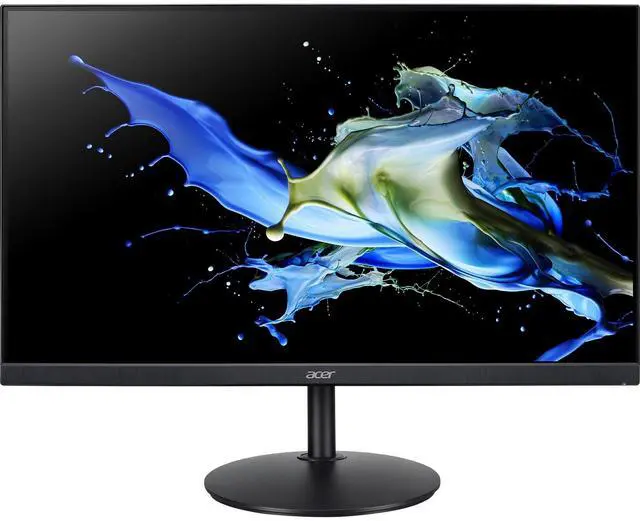
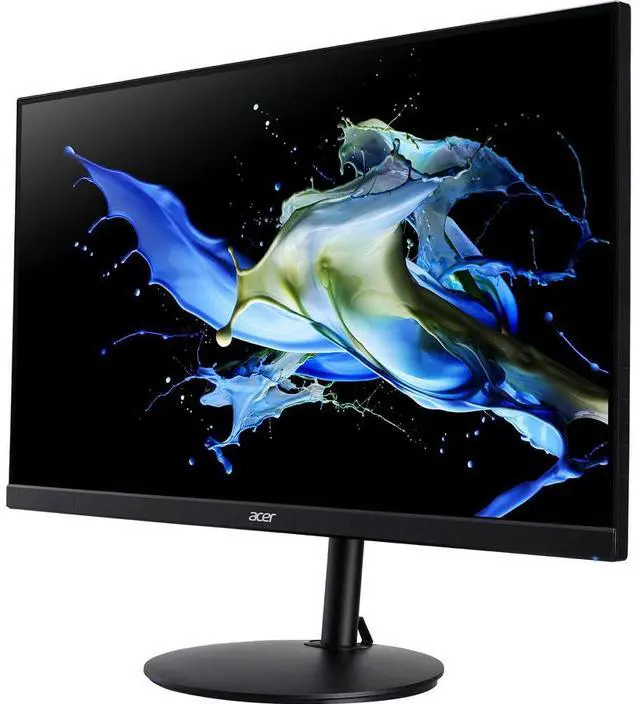
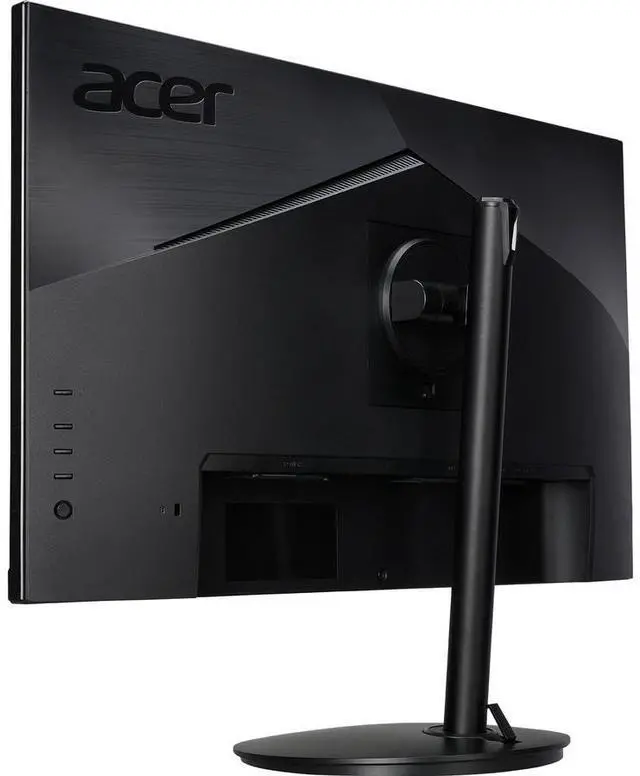
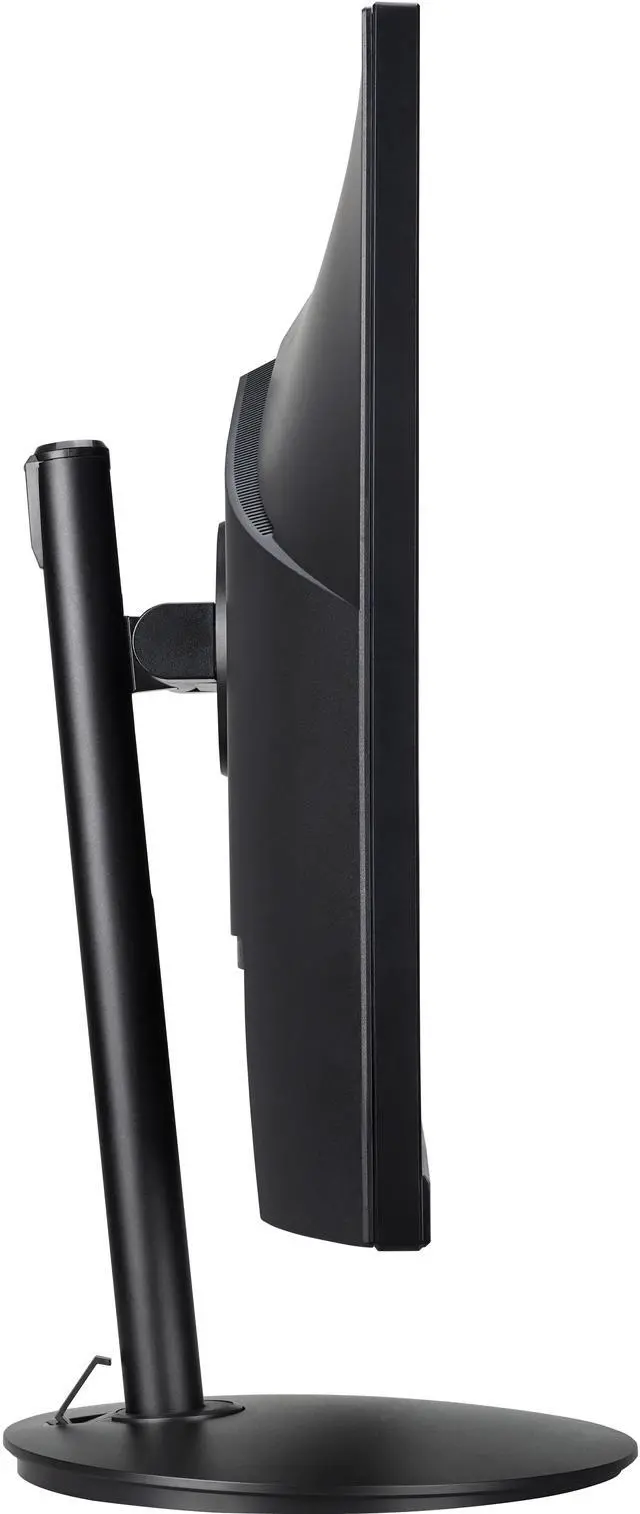
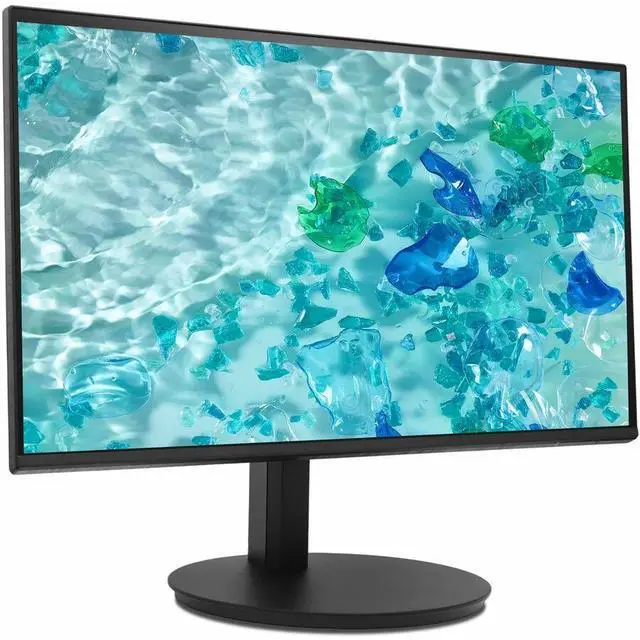
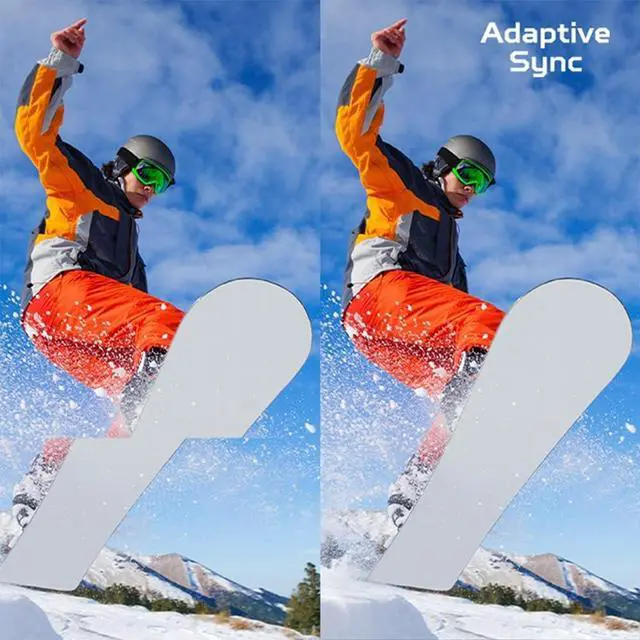
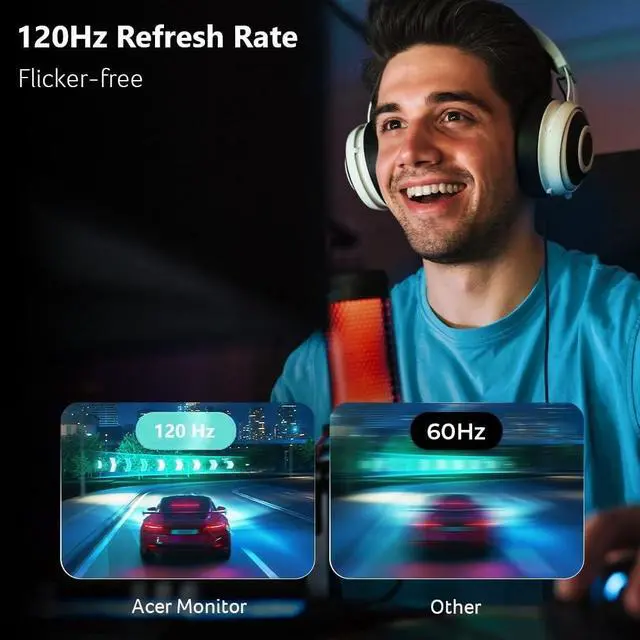
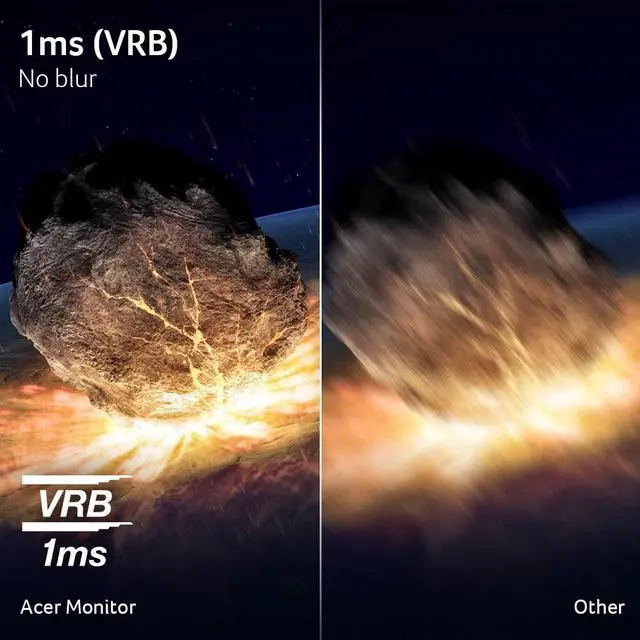
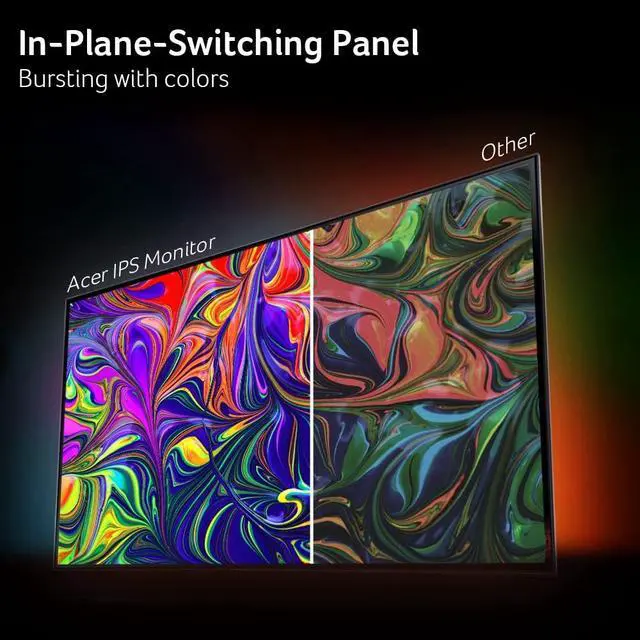
The Acer Vero CB272 G is a 27-inch Full HD IPS monitor with a 120Hz refresh rate, 1ms response time, and DisplayPort Adaptive Sync, suited to everyday gaming and smooth general PC use.
| Attribute | Value |
|---|---|
| Best For | Desktop, business, and entertainment use |
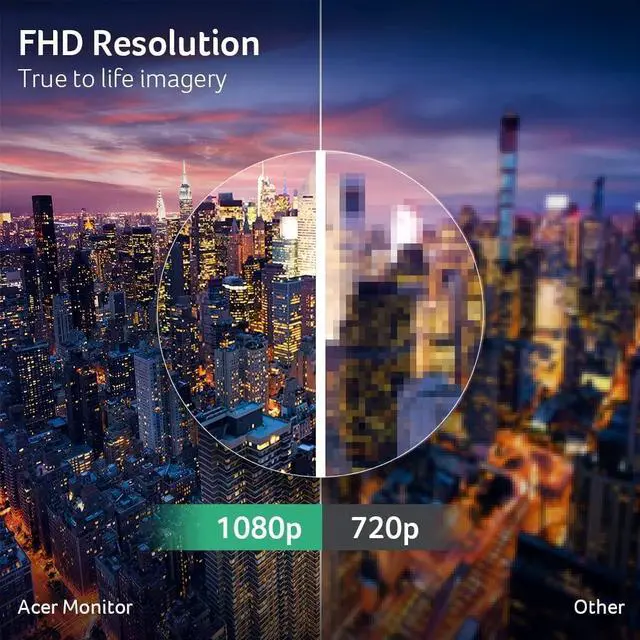
| Panel And Resolution | 27-inch flat IPS LCD panel with a matte finish, 1920 × 1080 Full HD resolution, 16:9 aspect ratio, 178° viewing angle, and 99% sRGB color gamut |
| Refresh Rate And Response | 120 Hz refresh rate, 1 ms response time, and FreeSync Adaptive-Sync |
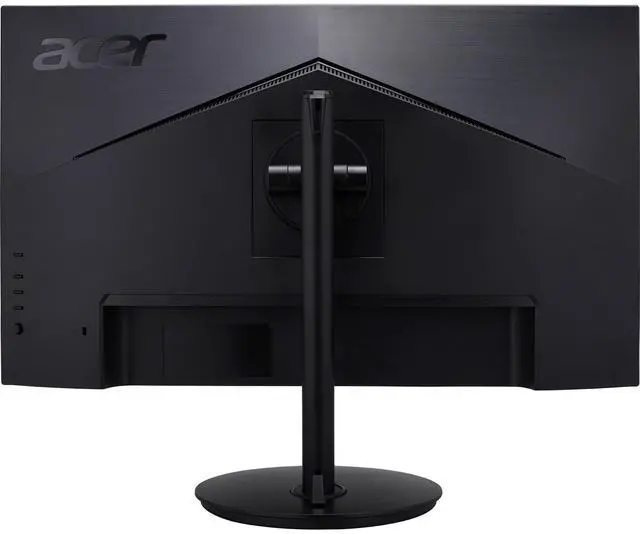
| Ports And Connectivity | HDMI, DisplayPort, USB-C, and headphone connectivity; one HDMI port and one USB port |
| Display And Power Features | 250-nit brightness, 100,000,000:1 contrast ratio, and 14 W power consumption |
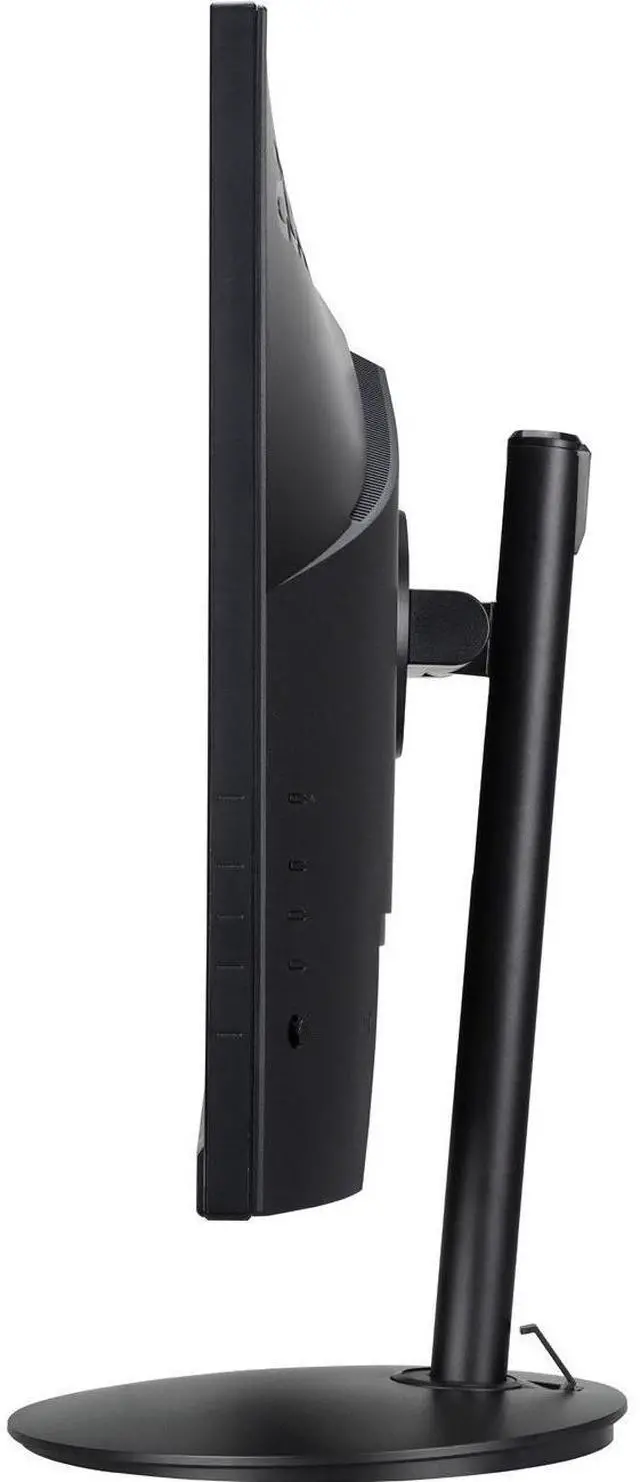
| Stand And Ergonomics | Height, pivot, swivel, and tilt adjustments; supports wall mounting |
| Dimensions And Weight | 24.11 in wide × 18.5 in high × 9.65 in deep; listed item weight 19.4 lb |
| Included Components | Monitor, stand, power cord, USB-C cable, and HDMI cable |
| Model Identifiers | Acer Vero; model CB272 Gbmiprux |
Q: Acer Vero CB272 G or CB272U G: which should I choose for a 27-inch monitor?
A: Choose the Acer Vero CB272 G for a 27-inch Full HD (1920 × 1080) display with a stated 120Hz refresh rate. Choose the Acer CB272U G if you prefer the higher 2560 × 1440 resolution; Acer lists it at 120Hz as well.
Q: How does the Acer Vero CB272 G compare with the older Acer CB272 bir?
A: Both are 27-inch Full HD IPS monitors. Choose the Vero CB272 G if you want the newer model’s stated 120Hz refresh rate; Acer lists the CB272 bir at 75Hz.
Q: Should I compare the Acer Vero CB272 G with the Acer KA272 G0bi?
A: Both are 27-inch Full HD IPS monitors with refresh rates up to 120Hz. Choose the Vero CB272 G if Acer’s Vero business-monitor positioning and documented recycled-material design are priorities; consider the KA272 G0bi as an Acer Essential-series alternative with the same core screen size and resolution.
Q: Is this monitor suitable for casual gaming?
A: It can suit casual gaming: the monitor is listed with a 120 Hz refresh rate, 1 ms response time, and Adaptive Sync over DisplayPort. To use those features, the connected computer or console must support the relevant refresh rate and connection. Its 1920 × 1080 resolution prioritizes Full HD rather than higher-resolution detail.
Q: Is this monitor good for office work and video meetings?
A: It is suitable for everyday office tasks such as documents, browsing, and email, with a 27-inch IPS Full HD display. It can show a meeting when connected to a computer, but the provided specifications do not confirm a built-in webcam or microphone, so check whether you need separate meeting equipment.
Q: Can I connect this monitor to a laptop?
A: The product information confirms HDMI connectivity, so it can connect to a laptop with a compatible HDMI output. USB-C connectivity is not specified; a laptop with only USB-C video output may require a compatible adapter. Check the laptop’s ports and the monitor’s full port list before buying.
Q: Is Full HD sharp enough on a 27-inch screen?
A: This monitor’s resolution is 1920 × 1080 on a 27-inch screen. That can work for everyday viewing and office tasks, but users who prioritize finer text detail or more on-screen workspace may want to consider a higher-resolution display.


