- Free 30-day Returns
Best Sellers
- $264.58
- + FREE SHIPPING
- $265.99
- + $6.99 Shipping
- $281.11
- + FREE SHIPPING
Meet Your Seller
Make informed decisions with expert advice. Learn More
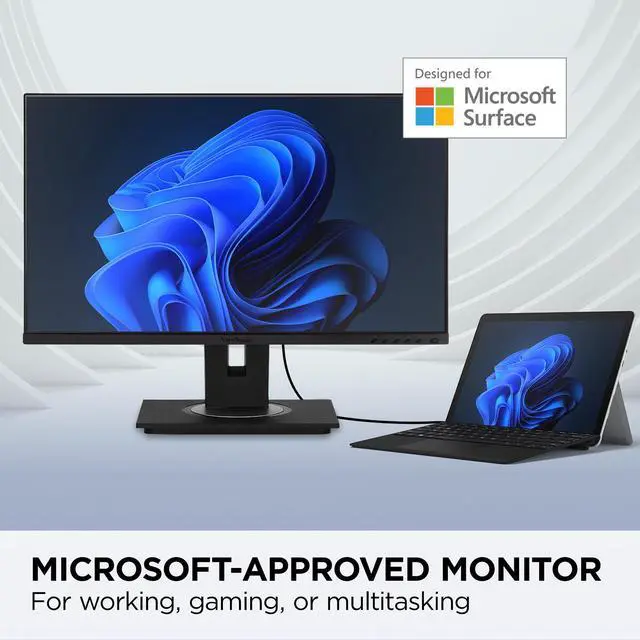
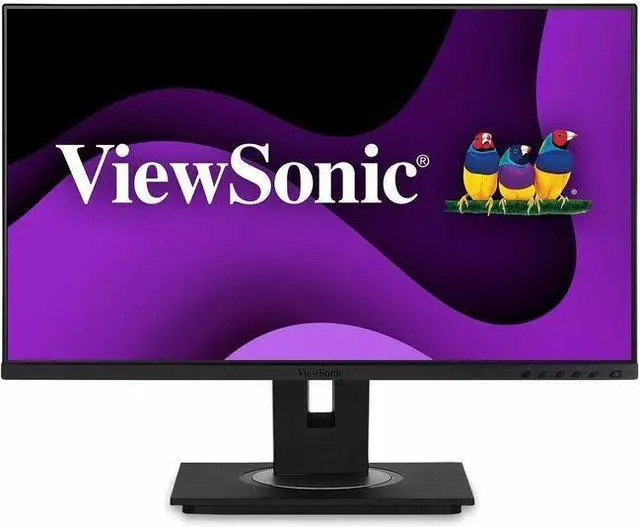
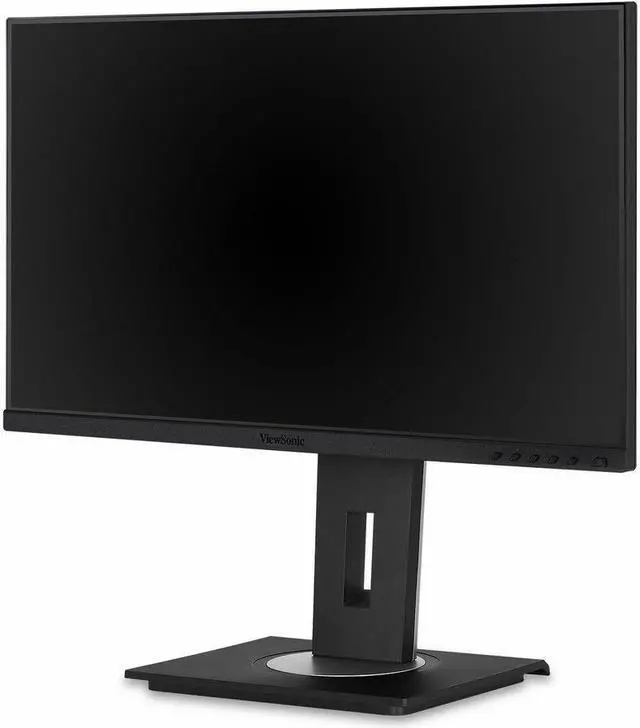
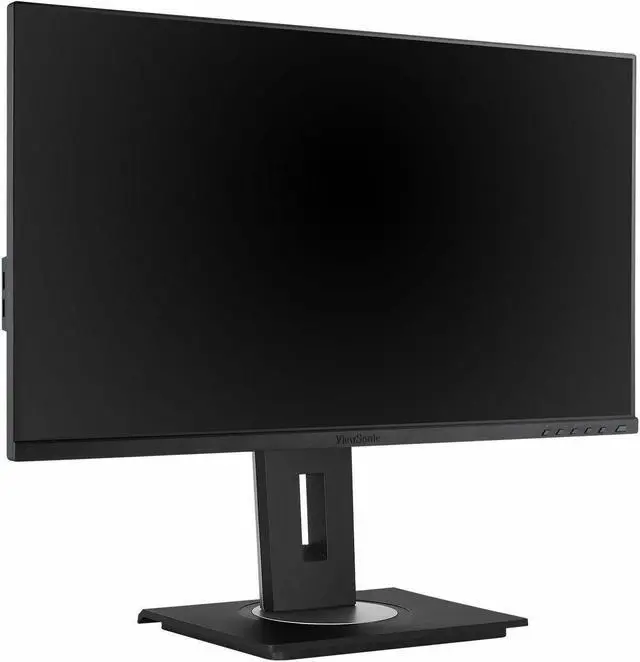
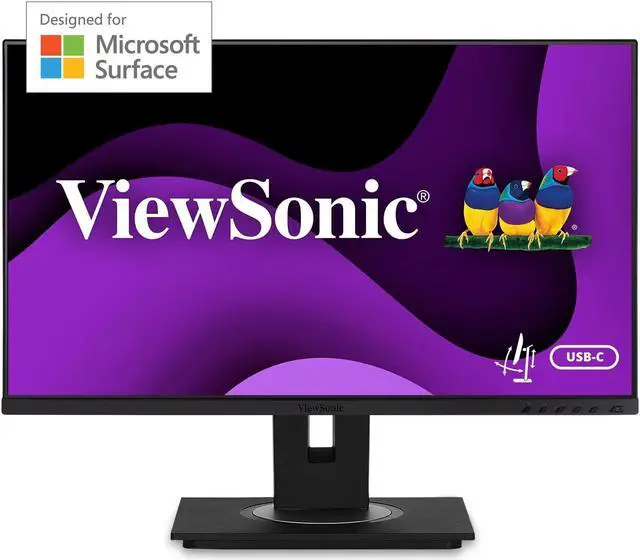
ViewSonic VG245 24 Inch IPS 1080p Computer Monitor Designed for Surface with advanced ergonomics, 60W USB C, HDMI and DisplayPort inputs for Home and Office
- VERSATILE MONITOR: 24 Inch HD (1920x1080p) IPS Design for Surface monitor with thin bezels and 60 Hz refresh rate
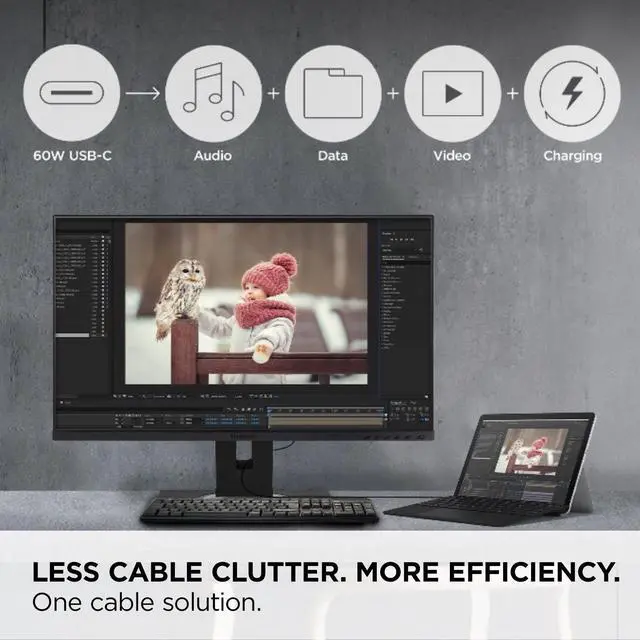
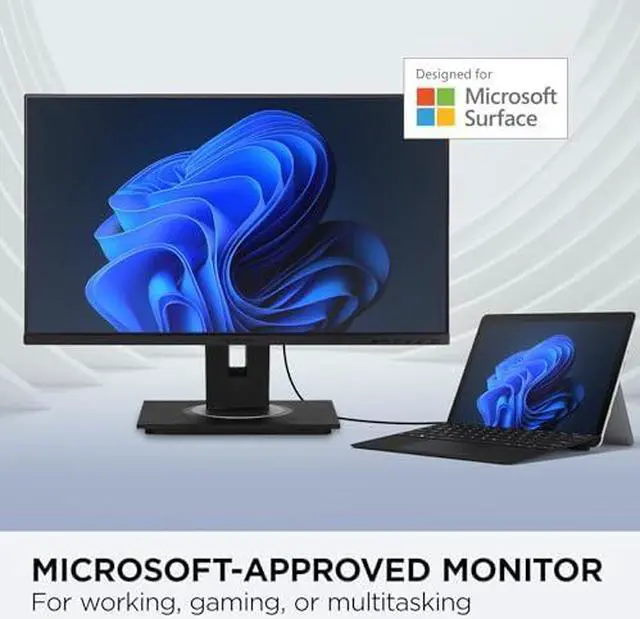
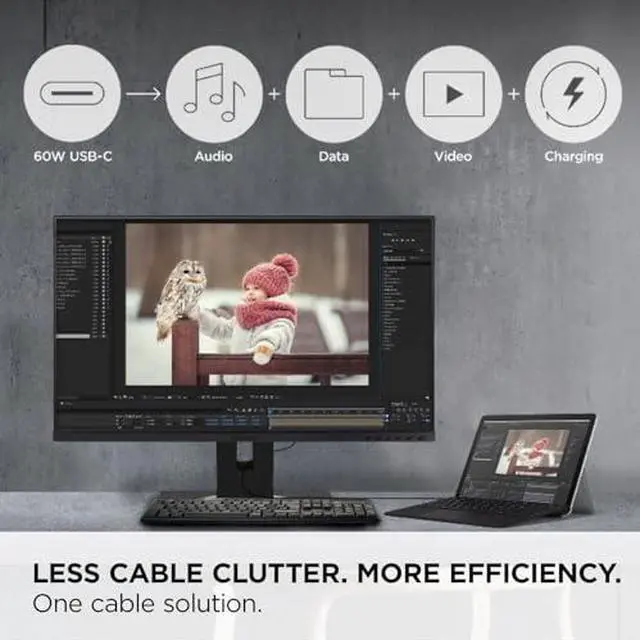
- LESS CABLE CLUTTER: In addition to fast data, audio and video transfer, USB-C also provides quick 60W charging over a single cable
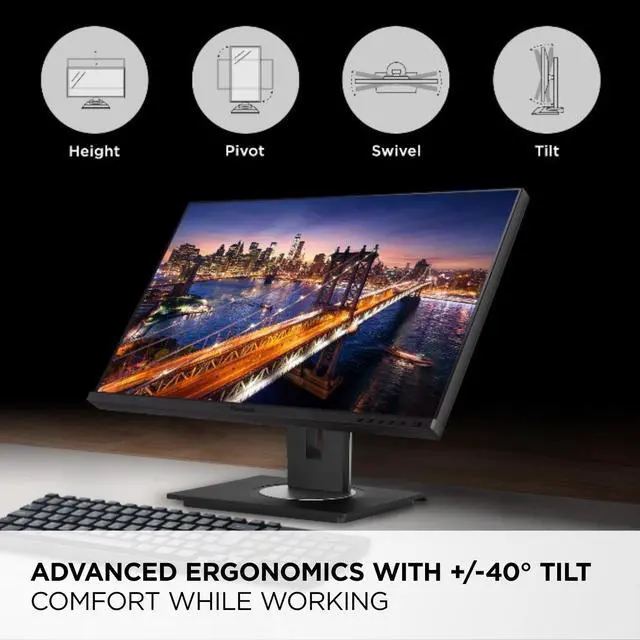
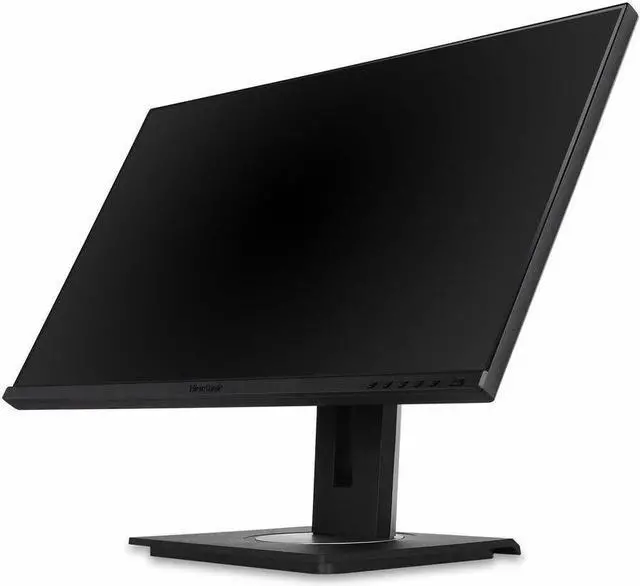
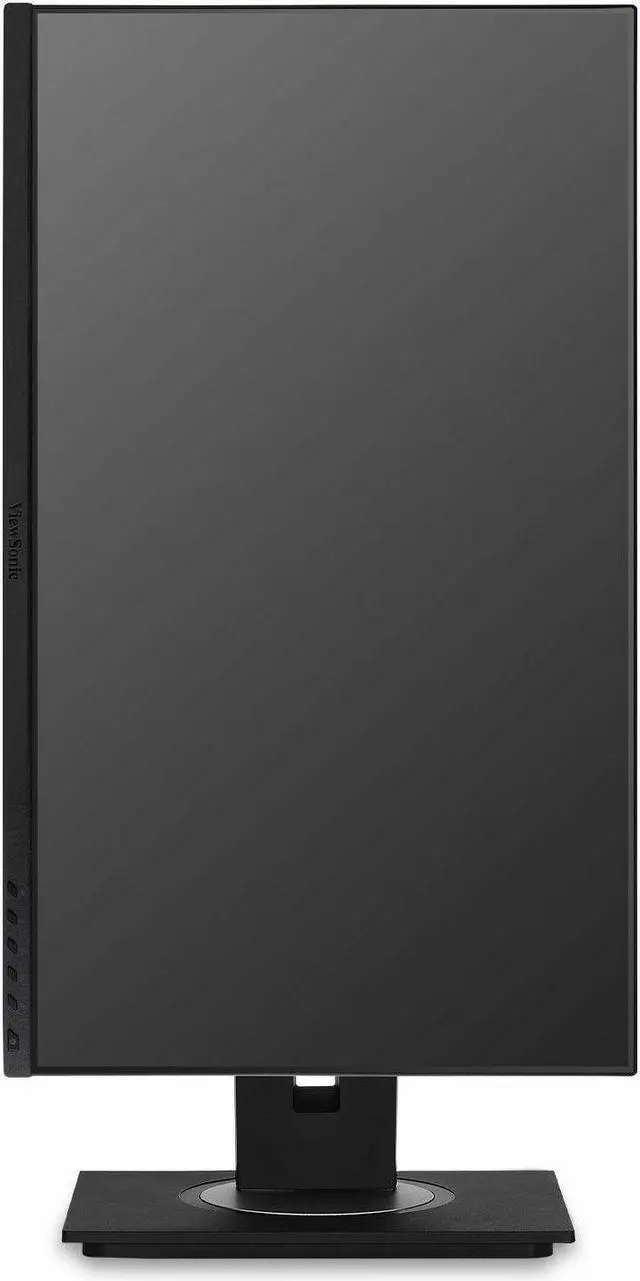
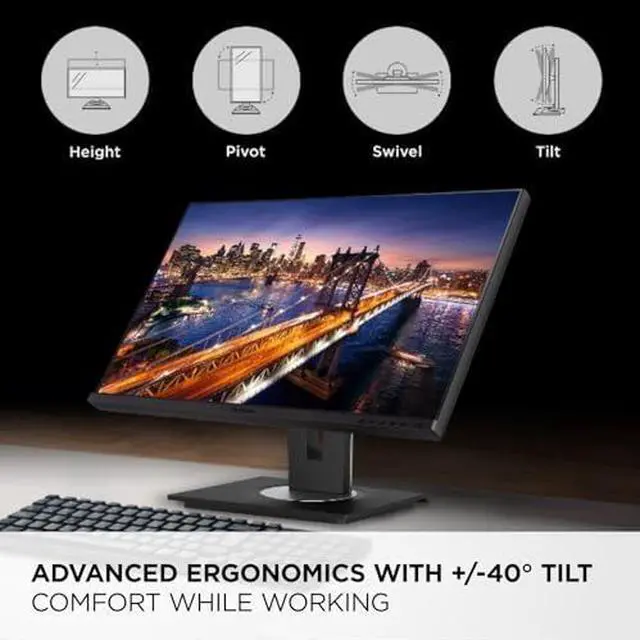
- ERGONOMIC STAND: Advanced ergonomics (tilt, swivel, rotate and height) for all-day comfort
- OPTIMIZED VIEW SETTINGS: Offers Game, Movie, Web, Text, and Mono presets
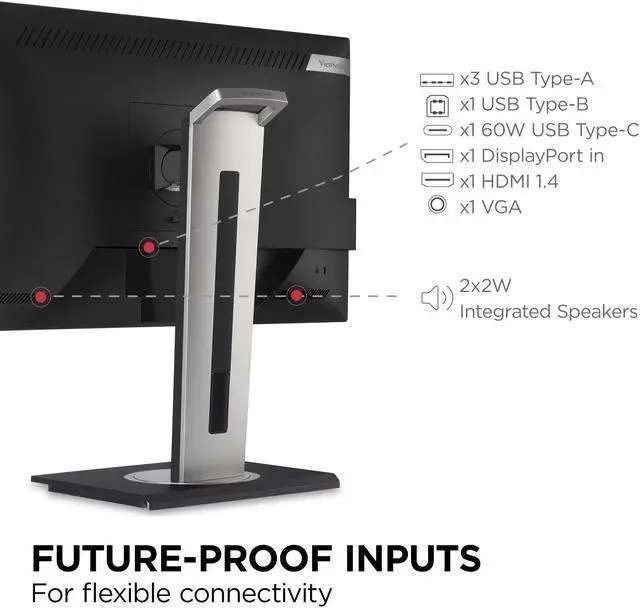
- FLEXIBLE CONNECTIVITY: The VG245 supports PCs, laptops, and more with USB, HDMI, DisplayPort, and VGA inputs
Any questions? Ask CelesteSM will help you find out quickly.
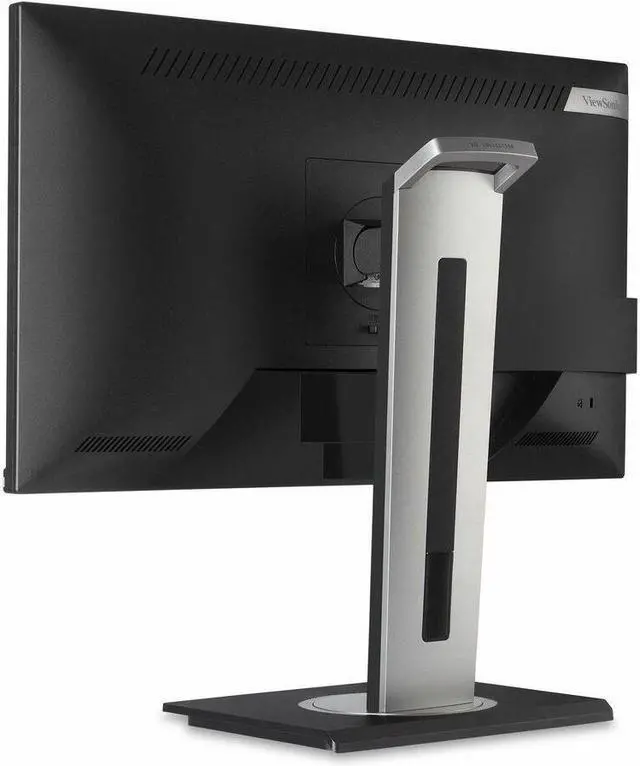
This monitor is shipped in eco-friendly biodegradable packaging, along with an easy-to-install quick release stand that makes for simple out-of-the box setup. The quick release stand also includes an integrated client mount and cable management features. *Microsoft, Microsoft Surface, Designed for Surface are trademarks of the Microsoft group of companies.
Warranty & Returns
Warranty, Returns, And Additional Information
Warranty
- Please contact the Seller directly for warranty information. Warranty information may also be found on the Manufacturer's website.
- Read full details
- CONTACT
Return Policies
- Return for refund within: 30 days
- Return for replacement within: 30 days
- This item is covered by ViewSonic Return Policy
Manufacturer Contact Info
- For a directory of all our manufacturers, please click below.
- Manufacturers Directory
Recommended For
- Surface laptop and tablet users who want a tidier desk: one USB-C connection carries video, audio, data, and up to 60W charging, and the model is Microsoft Designed for Surface certified.
- Desk-based office workers who switch between reading, writing, and video calls, and want a Full HD IPS screen with height, tilt, swivel, and pivot adjustments.
- People setting up a compact home-office or study desk who need a 24-inch screen for documents, browsing, and everyday multitasking rather than a high-resolution workspace.
- Users connecting a mix of newer and older computers who value USB-C, HDMI, DisplayPort, and VGA options, plus a built-in USB hub.
Real-World Use Scenarios
- At a home or office desk, a Surface laptop user connects the monitor over USB-C for a larger workspace while sending video and data and charging the laptop through one cable, reducing the need to reconnect multiple accessories.
- For everyday laptop or desktop work—such as writing, browsing, email, and video calls—the 24-inch Full HD screen provides a dedicated desk display, with an IPS panel suited to viewing from different seating positions.
- During a long work session, users can adjust the screen’s height, tilt, swivel, and rotation to better match their desk and viewing posture, rather than relying on a fixed-position display.
- When switching between a compatible Surface laptop and another computer or older device, users can choose among USB-C, HDMI, DisplayPort, and VGA connections, making the monitor adaptable to a mixed-device desk.
- For reading long documents or viewing portrait-oriented content, users can rotate the display vertically and use the Text view preset; this can make document-focused work easier to arrange on the desk.
Spec Summary
| Attribute | Value |
|---|---|
| Best For | Business and desktop use, with compatibility for laptops, cameras, and gaming consoles |
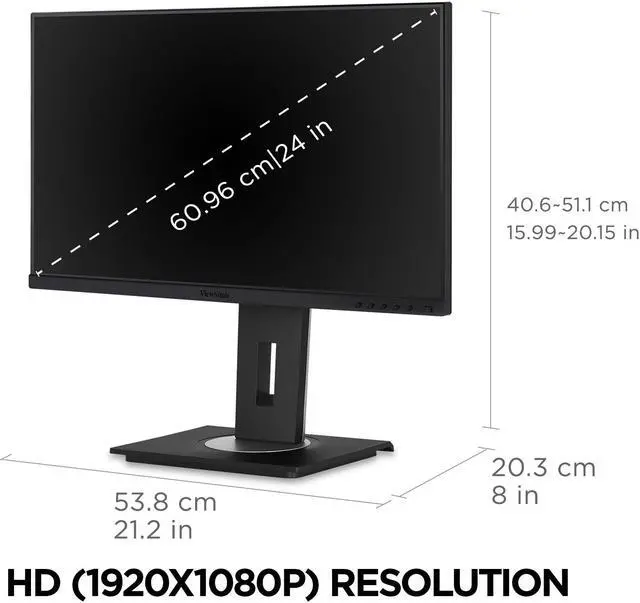
| Panel And Resolution | 23.8-inch viewable flat IPS/WLED LCD with 1920 × 1080 Full HD resolution, 16:9 aspect ratio, 178° horizontal and vertical viewing angles, 16.7 million colors, 250 cd/m² brightness, 1000:1 static contrast, 72% NTSC color gamut, and 0.276 mm pixel pitch; matte, anti-glare screen |
| Refresh Rate And Response | 60 Hz refresh rate with 5 ms response time |
| Ports And Connectivity | HDMI 1.4 × 1, DisplayPort × 1, VGA × 1, USB-A × 3, USB-B × 1, and USB-C × 1; no DVI input |
| Stand And Ergonomics | Height, pivot, swivel, and tilt adjustments; VESA 100 × 100 mm mounting support |
| Display Features And Controls | Flicker-free and blue-light-filter features, with physical controls and on-screen input, audio, view-mode, color, image, and setup menus |
| Audio | Built-in stereo speakers rated at 2 W each |
| Power And Consumption | 100–240 VAC, 50/60 Hz input; typical consumption 19.3 W, maximum 45.1 W, and standby 0.3 W; Eco modes use 13.4 W and 15.9 W |
| Dimensions And Weight | 21.2 × 15.99–20.15 × 8 in with stand; 21.2 × 12.6 × 2 in without stand; weighs 13.7 lb with stand and 8.8 lb without stand |
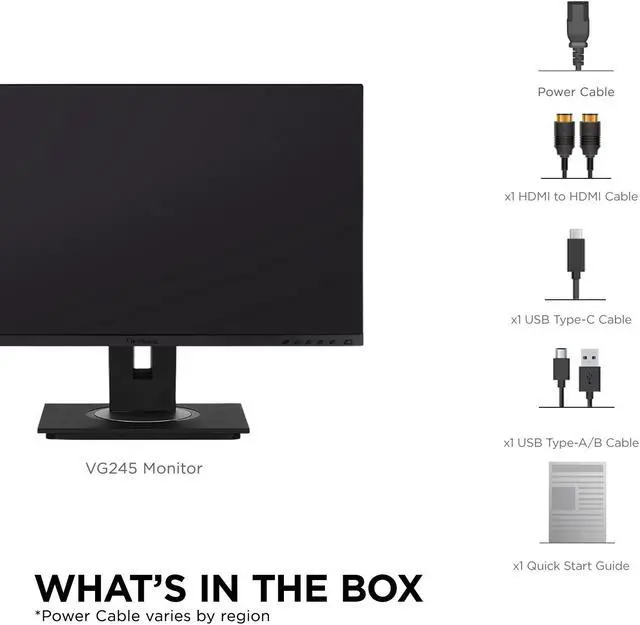
| In The Box | LCD display, power cable, HDMI-to-HDMI cable, USB-C cable, USB-A/B cable, and quick start guide |
| Model Identifiers | ViewSonic VG245; model number VS17528; black cabinet |
Reference Q&A
Q: Can I connect and charge a laptop with one USB-C cable?
A: Yes, if the laptop’s USB-C port supports video output. The VG245 can carry video, audio, and data over USB-C and provide up to 60W of laptop charging. Check that 60W is sufficient for your laptop; otherwise, use its separate charger.
Q: Is this monitor suitable for everyday office work?
A: Yes. Its 23.8-inch IPS screen has Full HD resolution, and the stand adjusts for height, tilt, swivel, and portrait rotation. It is suited to typical office tasks such as documents, browsing, and video meetings; its 60Hz refresh rate is aimed at everyday use rather than high-refresh gaming.
Q: Does it have built-in speakers?
A: Yes. The VG245 has two built-in 2W speakers. It does not have a built-in webcam, so video meetings require a separate camera or one built into the connected device.
Q: Can I use the monitor in portrait mode or mount it on an arm?
A: Yes. Its stand supports pivoting into portrait orientation, as well as height, tilt, and swivel adjustment. It also supports VESA 100 × 100 mm mounting; check that your chosen mount supports the monitor’s weight.