




 here!
I’m your shopping assistant for PC builds, upgrades, and everything tech.
Got questions? Ask away!
Start a conversation
here!
I’m your shopping assistant for PC builds, upgrades, and everything tech.
Got questions? Ask away!
Start a conversationShipped by Newegg
 Top Rated Top Rated






Any questions? Ask CelesteSM will help you find out quickly.
We want to ensure your holiday shopping this year is hassle-free. That’s why we’re automatically extending our return policies on almost every product! For purchases placed between November 1st, 2026 and December 31, 2026 you will have until January 31, 2027 to return your product.
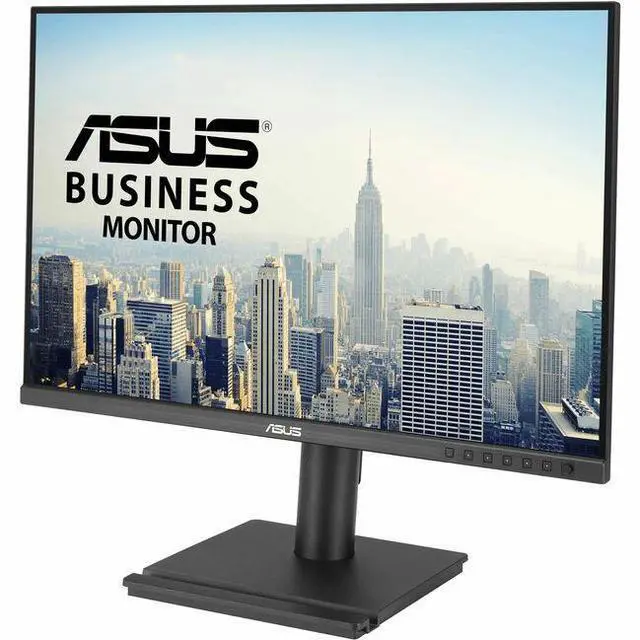
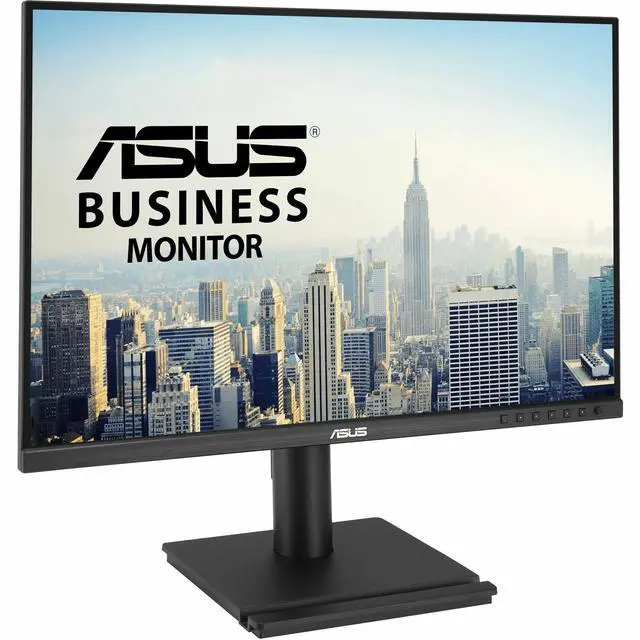
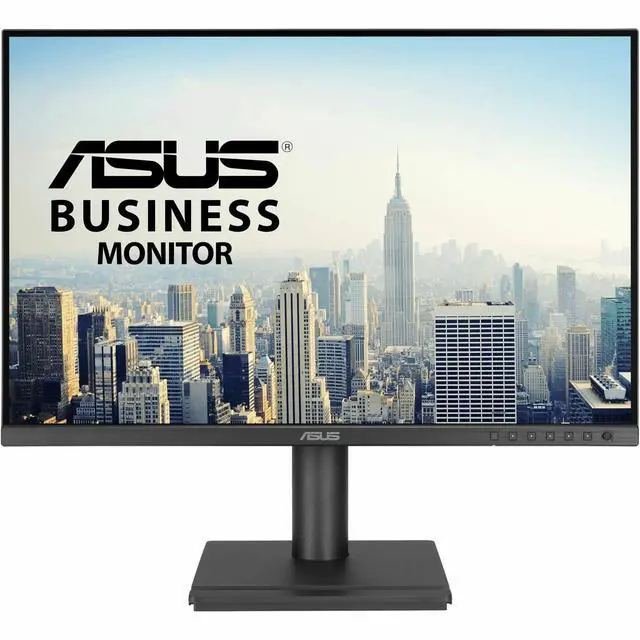
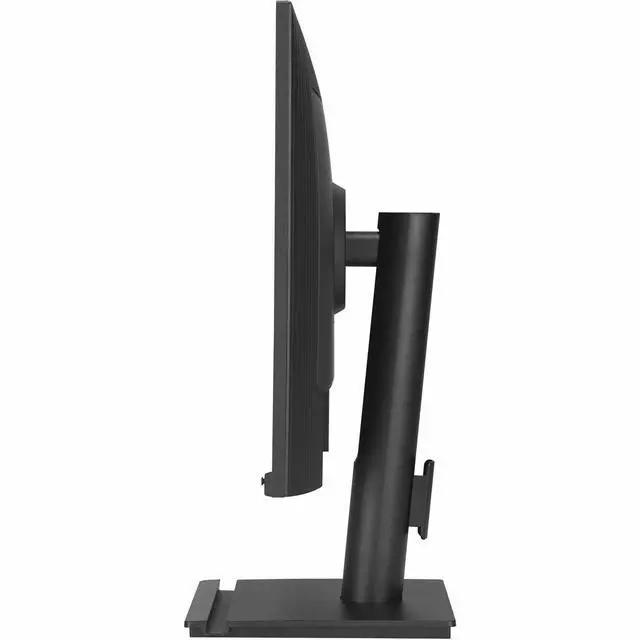
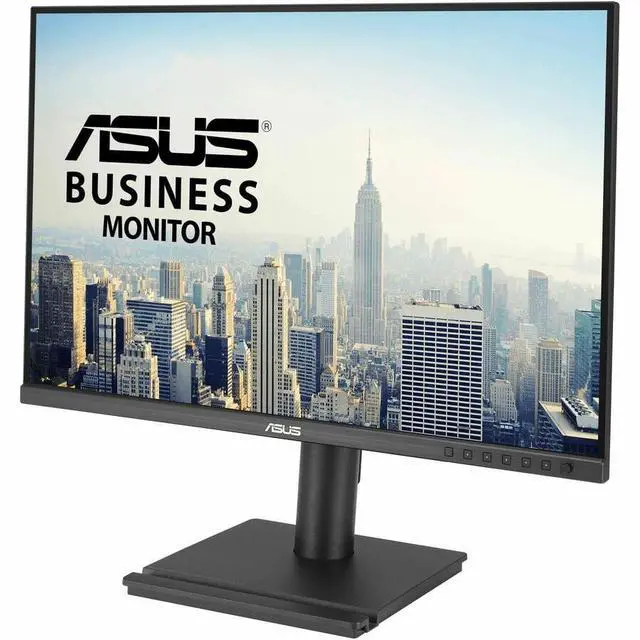
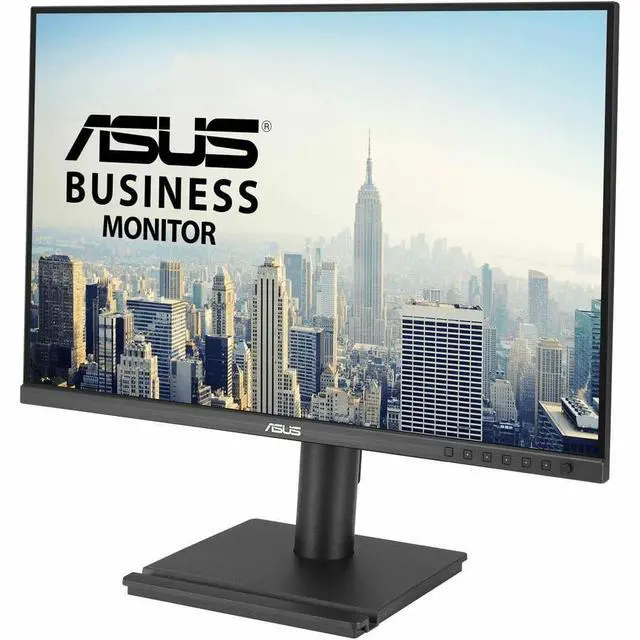
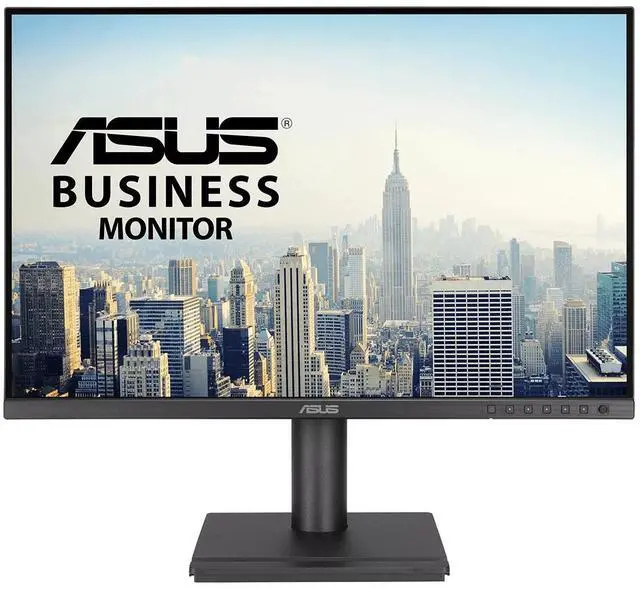
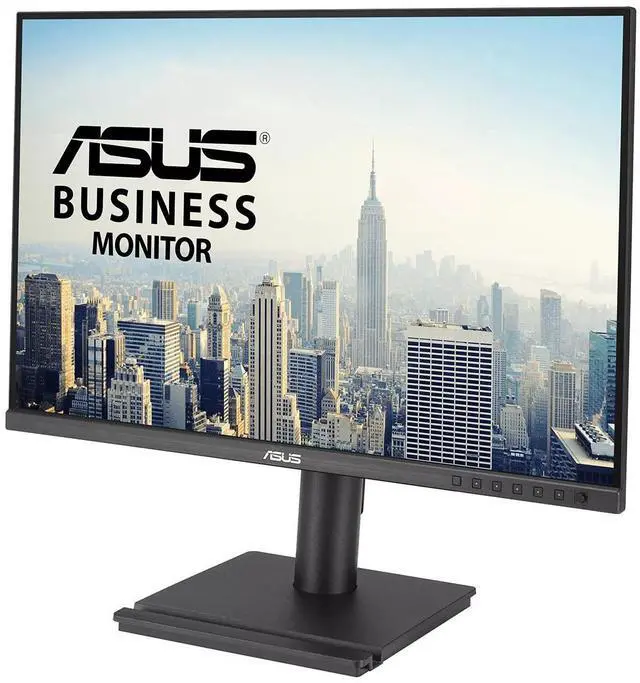
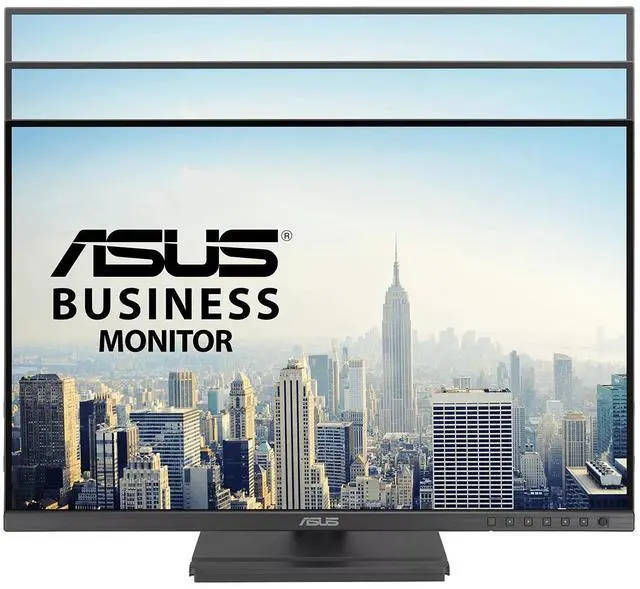
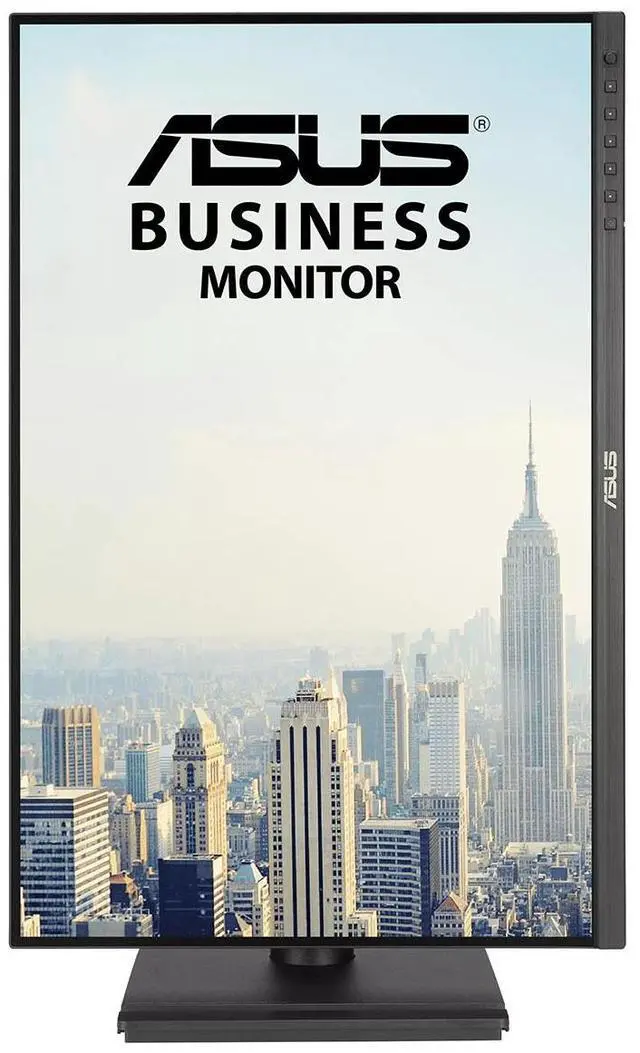
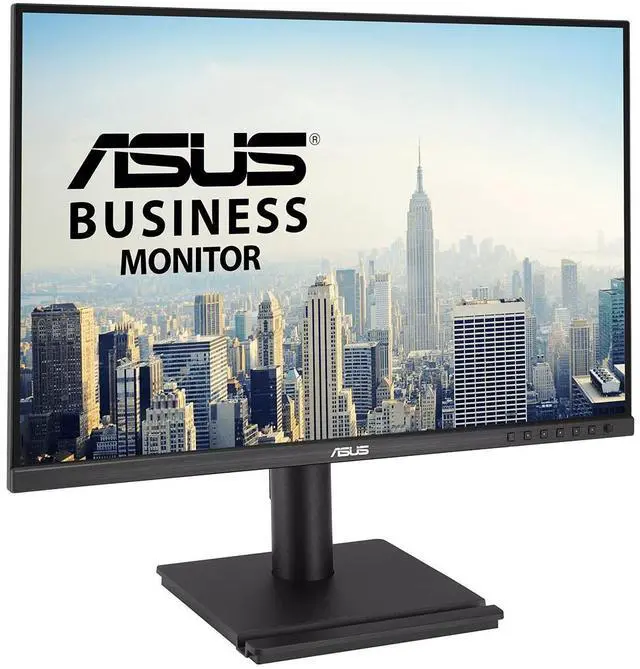
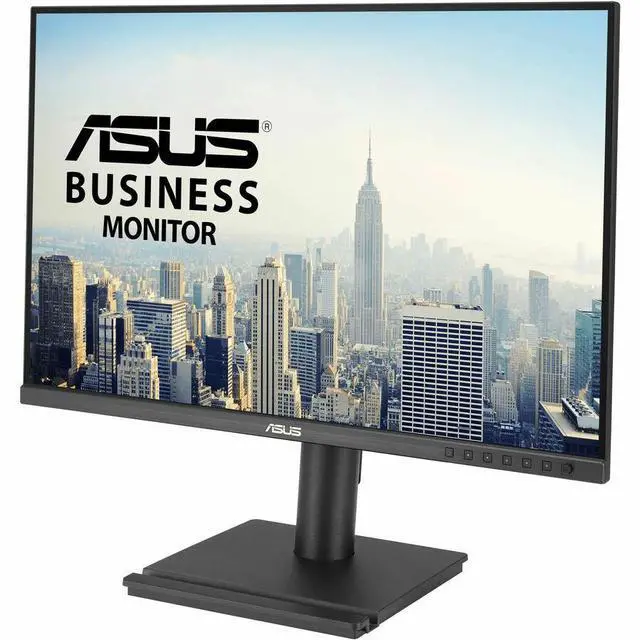
The ASUS BE248QF is a 24.1-inch WUXGA monitor with a 16:10 IPS display, built-in speakers, and adjustable swivel, height, pivot, and tilt, making it a practical fit for office work, web browsing, and users who want more vertical workspace for documents.
| Attribute | Value |
|---|---|
| Best For | Home, business, personal, gaming, photo and video editing, and entertainment use |
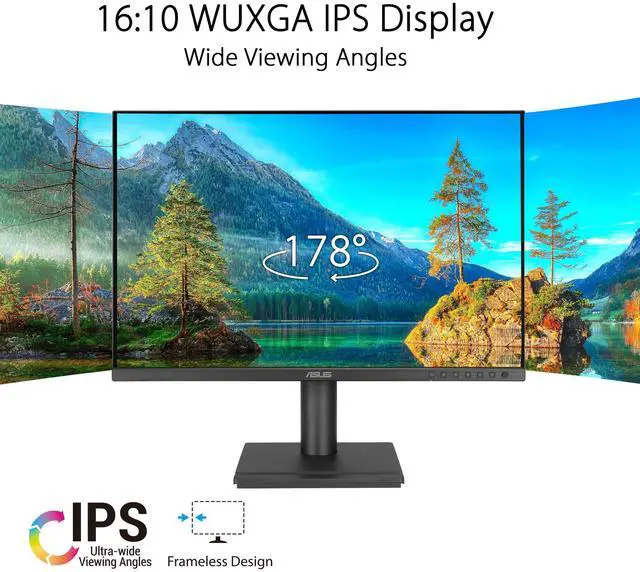
| Panel And Resolution | 24-inch LED LCD with IPS technology, WUXGA 1920 × 1200 resolution, 16:10 aspect ratio, matte finish, 350 cd/m² brightness, 3000:1 contrast ratio, 100% sRGB color gamut, and 178° viewing angle |
| Refresh Rate And Response | 100 Hz refresh rate, 5 ms response time, and FreeSync adaptive sync |
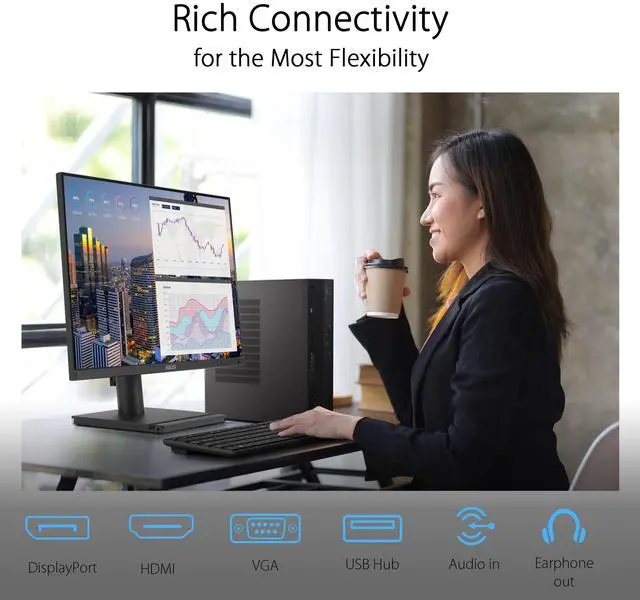
| Ports And Connectivity | One HDMI port, DisplayPort, VGA, and four USB ports; also includes an earphone jack |
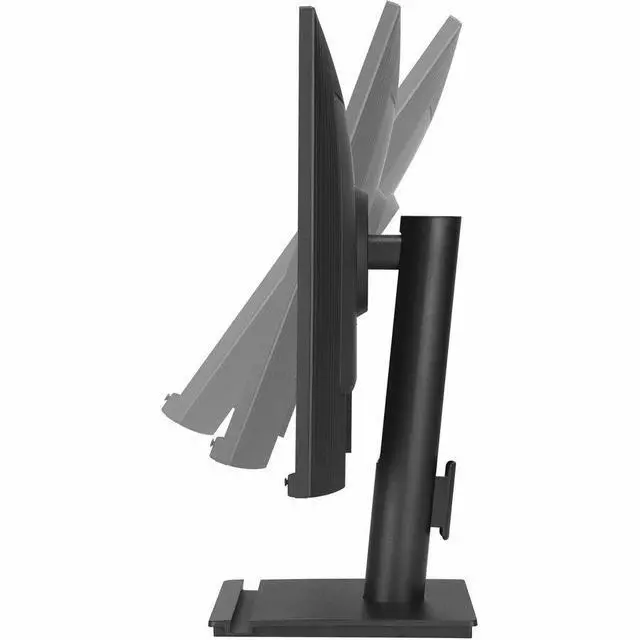
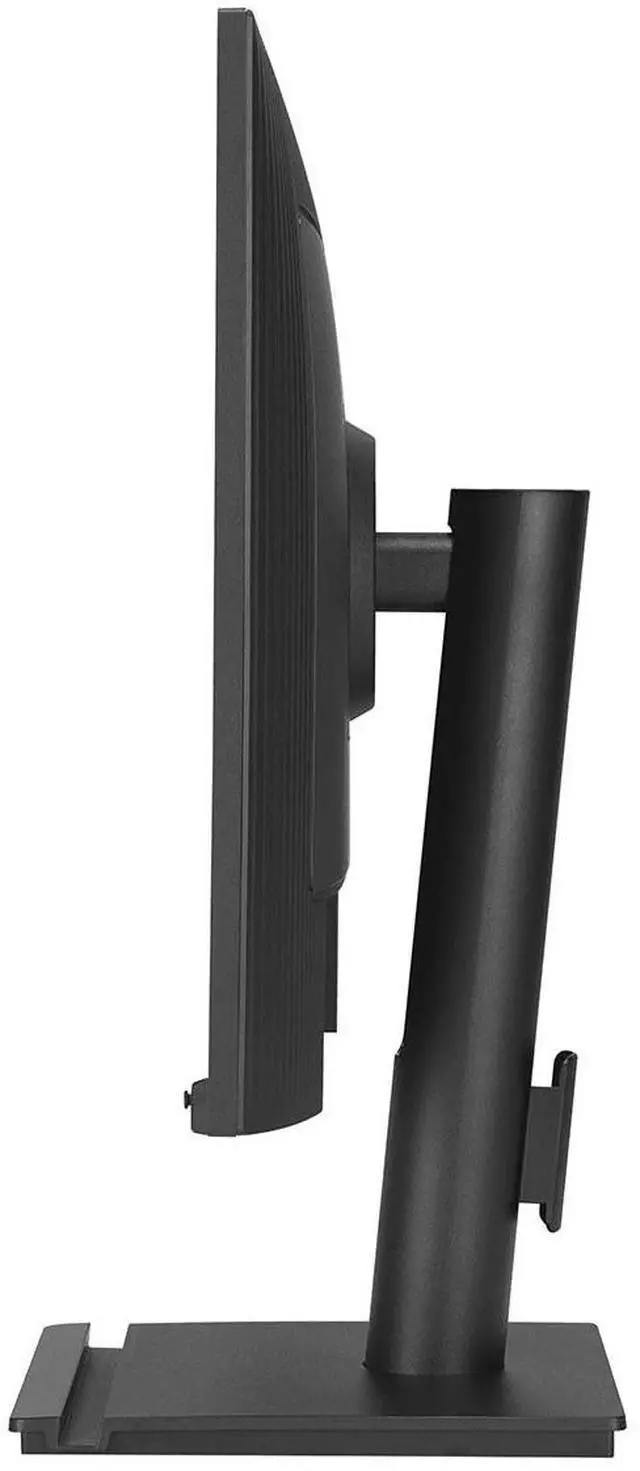
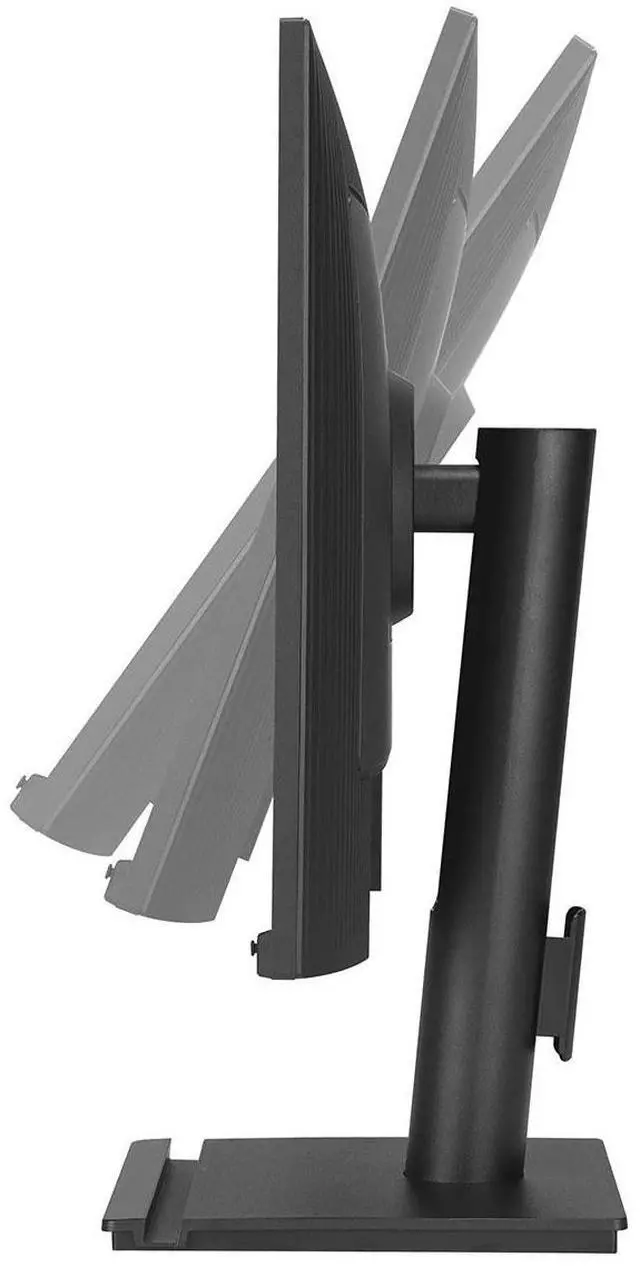
| Stand And Ergonomics | Height adjustment from 0–130 mm, tilt from −5° to +35°, swivel from −180° to +180°, and pivot from −90° to +90°; compatible with a 100 × 100 mm VESA mount |
| Audio | Built-in speakers and an earphone jack |
| Power | 11.03 W power consumption |
| Dimensions And Weight | 20.9 in wide × 18.6 in high × 8.3 in deep with stand; 20.9 in wide × 13.8 in high × 1.6 in deep without stand; weighs 12.1 lb |
| Included Accessories | HDMI cable, USB 3.2 cable, power cord, quick start guide, and warranty card |
| Model Identifiers | ASUS BE248QF |
Q: ASUS BE248QF vs ASUS VA24EHF: which is better for office work?
A: Choose the ASUS BE248QF for a taller 16:10 WUXGA workspace, a height-, swivel- and pivot-adjustable stand, and a built-in USB hub. The ASUS VA24EHF is a 16:9 Full HD option with 100Hz refresh and Adaptive-Sync. Both offer an IPS panel and up to 100Hz refresh, so the choice mainly depends on workspace format and connectivity.
Q: ASUS BE248QF vs ASUS BE24ECSNK: which is better for laptop video calls?
A: Choose the ASUS BE24ECSNK when an integrated webcam, microphone array and USB-C laptop docking with up to 80W power delivery are priorities. Choose the ASUS BE248QF for a 16:10, 1920 × 1200 screen with 100Hz refresh, height adjustment, and DisplayPort, HDMI, VGA and USB-A hub connectivity.
Q: ASUS BE248QF vs ASUS ProArt PA248QV: which should I choose for color-focused work?
A: Choose the ASUS ProArt PA248QV for its creator-focused ProArt presets, six-axis color adjustment and stated ΔE < 2 color accuracy. Choose the ASUS BE248QF for 100Hz refresh, 350-nit typical brightness and an ergonomic stand with height, swivel and pivot adjustment. Both are 24.1-inch, 16:10 IPS monitors with 1920 × 1200 resolution and 100% sRGB coverage.
Q: Is this monitor suitable for office work and multitasking?
A: Yes. Its 24.1-inch IPS screen has a 1920 × 1200 resolution and 16:10 aspect ratio, providing a practical setup for documents, spreadsheets, browsing, and video meetings. The stand supports height adjustment, tilt, swivel, and portrait pivot. It is a desktop monitor, not a travel display.
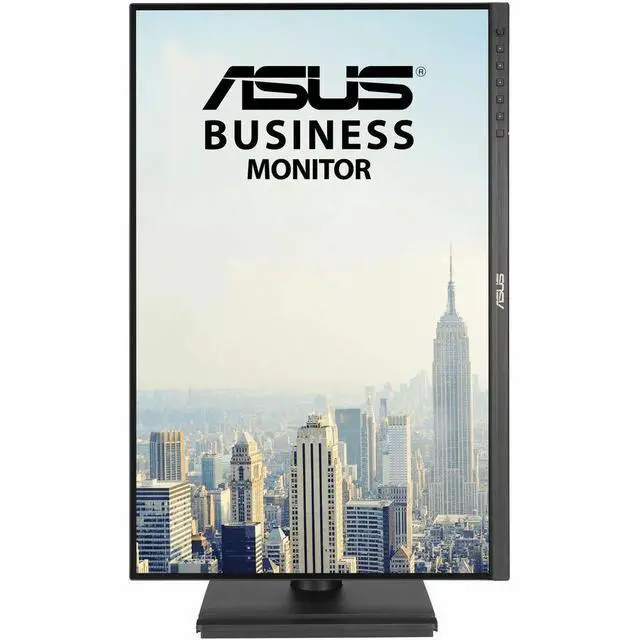
Q: Can I rotate the screen into portrait mode?
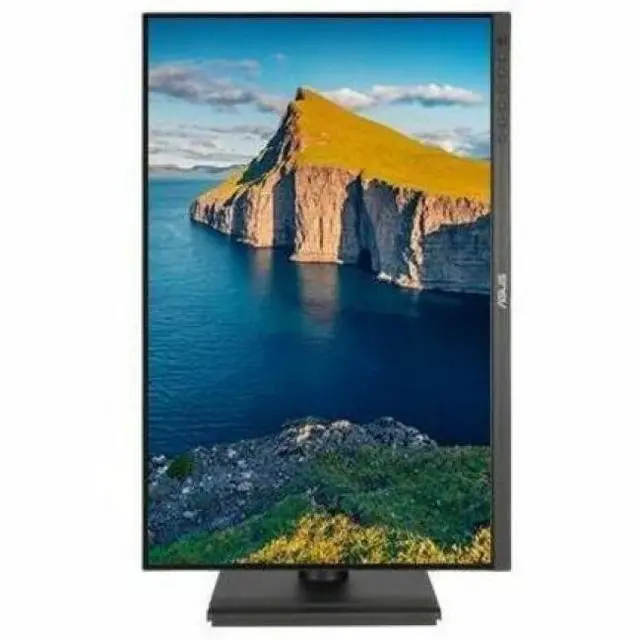
A: Yes. The stand supports pivot, so the screen can be turned to portrait orientation. You may also need to change the display orientation in your computer’s settings.
Q: Does it have built-in speakers for meetings and videos?
A: Yes. The monitor has built-in speakers, so separate speakers are not required for basic audio playback. The provided product information does not specify speaker sound quality.
Q: Can I connect it to a laptop or desktop computer?
A: Yes, if the computer has a compatible video output. The monitor has HDMI and VGA inputs; use the matching cable or an appropriate adapter if the computer’s output differs.
Q: Is the ASUS BE248QF a good fit for office work and productivity?
A: It is a reasonable fit if you want a 24.1-inch 16:10 screen for workplace use. Its 1920 × 1200 resolution provides a taller workspace than 16:9 Full HD, and the stand supports height, swivel, pivot, and tilt adjustments. A Reddit workplace-monitor discussion also considers the BE248QF among options for general work use.
Q: Can it work for productivity and occasional casual gaming?
A: It may suit mixed use if work is the priority and gaming is occasional. The listed IPS panel, 5 ms response time, and Adaptive Sync support casual play, but the supplied product information does not establish that it is the best choice for demanding or competitive gaming.
Q: How should I compare it with other monitors for a workplace?
A: Compare the features that matter for your work rather than treating one model as universally best. The Reddit workplace discussion asks for a technical comparison without specific requirements; for the BE248QF, relevant points include its 16:10 1920 × 1200 IPS display, adjustable stand, Adaptive Sync, and available inputs.


