




 here!
I’m your shopping assistant for PC builds, upgrades, and everything tech.
Got questions? Ask away!
Start a conversation
here!
I’m your shopping assistant for PC builds, upgrades, and everything tech.
Got questions? Ask away!
Start a conversationShipped by Newegg
 Hot Seller
 Top Rated





Any questions? Ask CelesteSM will help you find out quickly.
We want to ensure your holiday shopping this year is hassle-free. That’s why we’re automatically extending our return policies on almost every product! For purchases placed between November 1st, 2026 and December 31, 2026 you will have until January 31, 2027 to return your product.
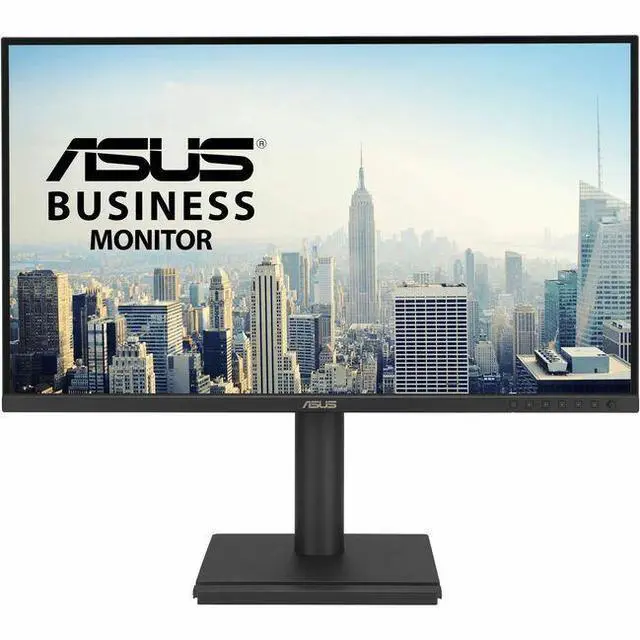
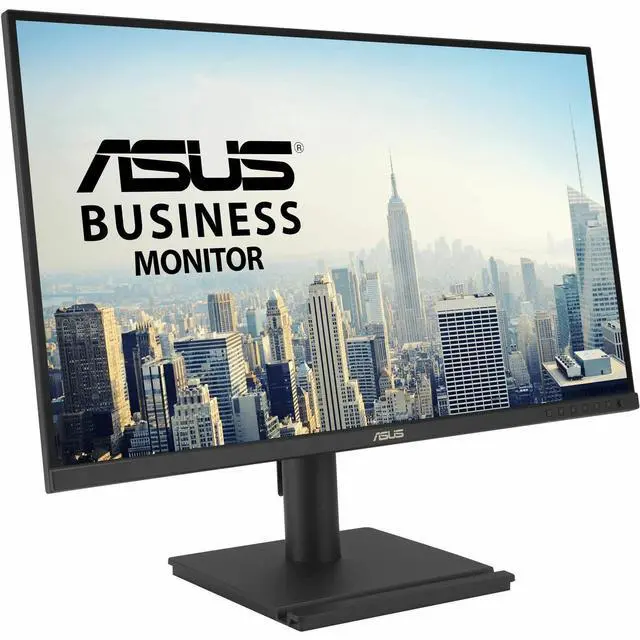
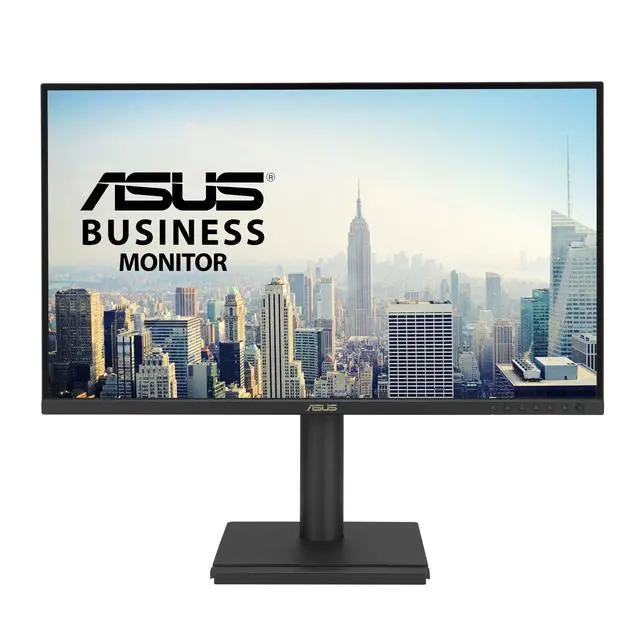
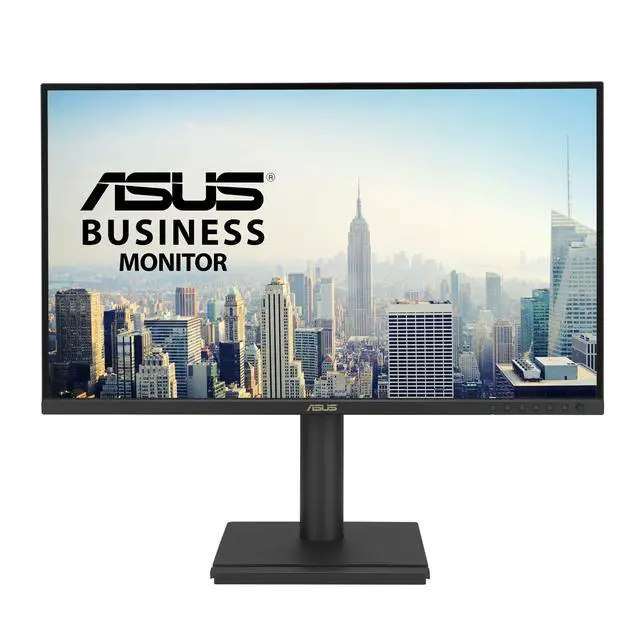
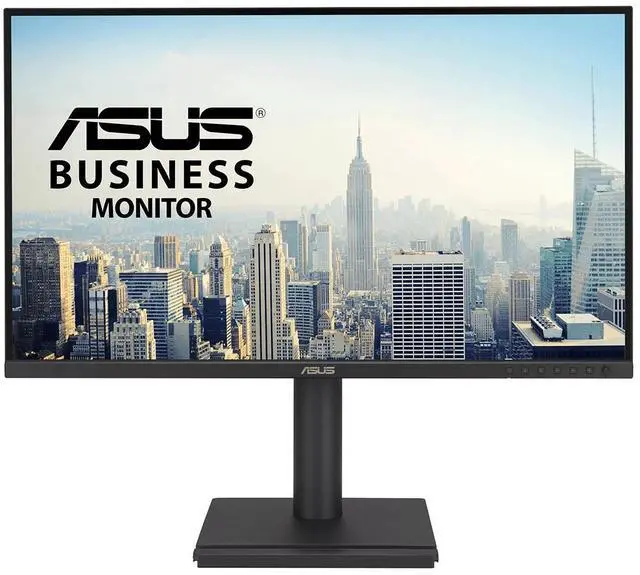
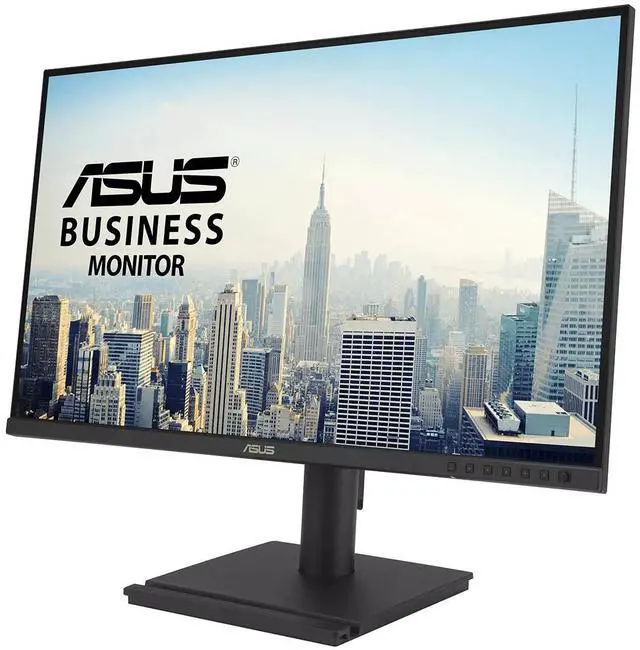
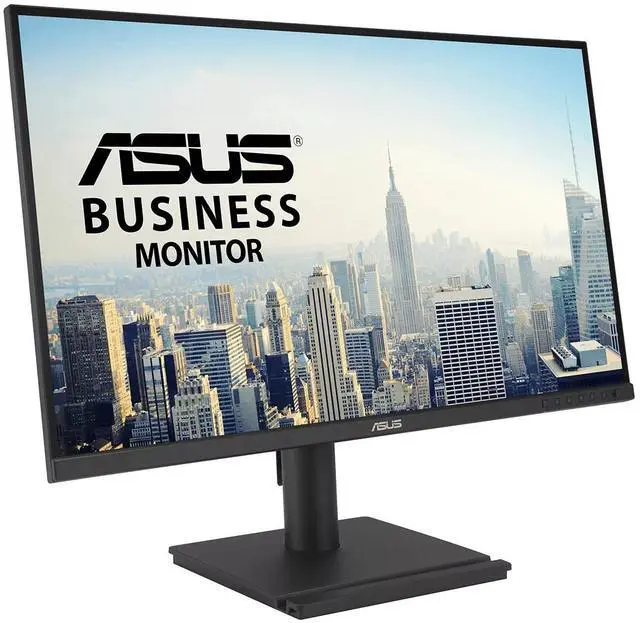
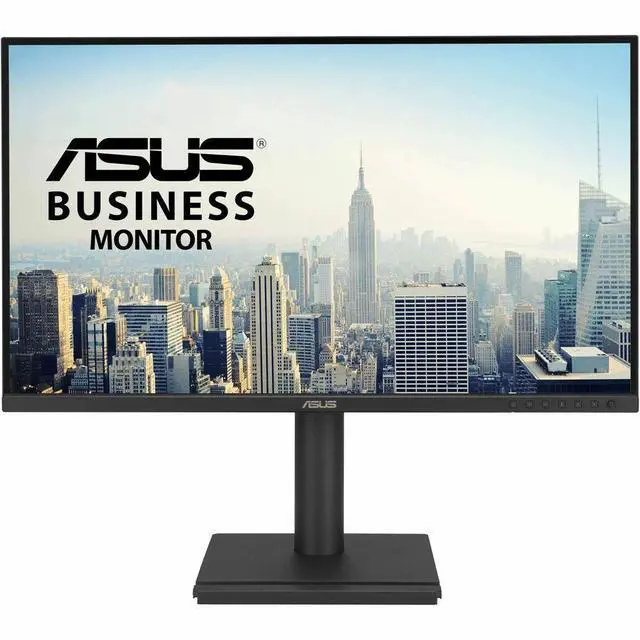
The ASUS BE27AQG is a 27-inch QHD business monitor with an IPS panel, 120Hz refresh rate, and an ergonomic stand, suited to office users who want a sharp, smooth, adjustable display for everyday work.
| Attribute | Value |
|---|---|
| Best For | Gaming, business, home and personal use, photo/video editing, and entertainment on a 27-inch QHD monitor |
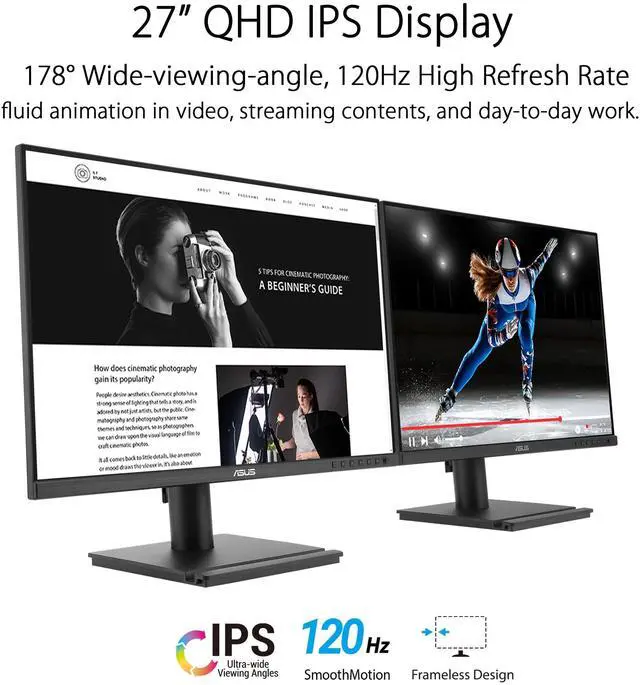
| Panel And Resolution | 27-inch flat LCD/LED display with 2560 × 1440 QHD resolution, 16:9 aspect ratio, matte finish, 178° viewing angle, 99% sRGB color gamut, and 0.233 mm pixel pitch |
| Refresh Rate And Response | 120 Hz refresh rate, 5 ms response time, and FreeSync adaptive sync |
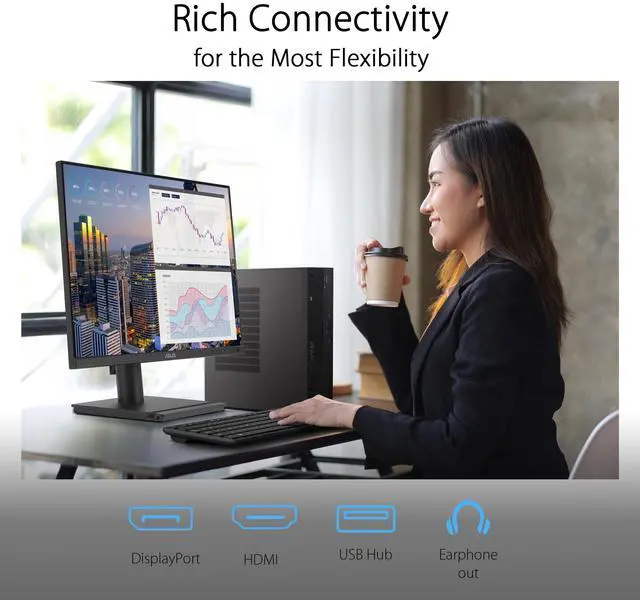
| Ports And Connectivity | One HDMI 2.1 port, DisplayPort, and four USB ports with USB 3.2 Gen 1 connectivity |
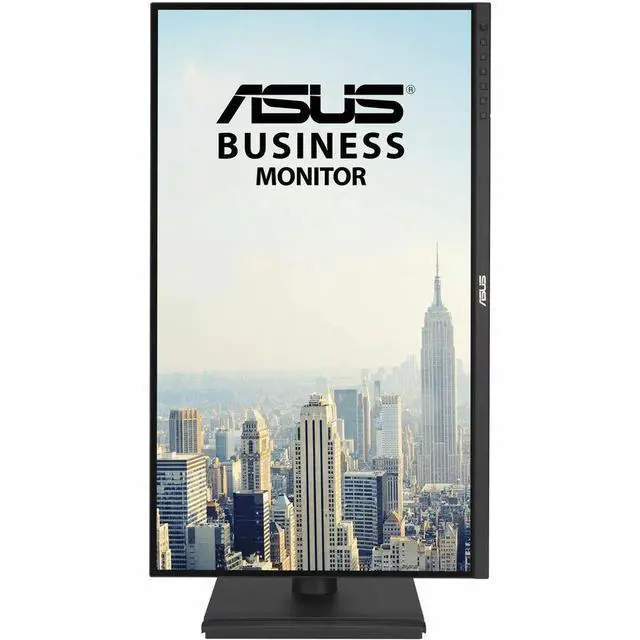
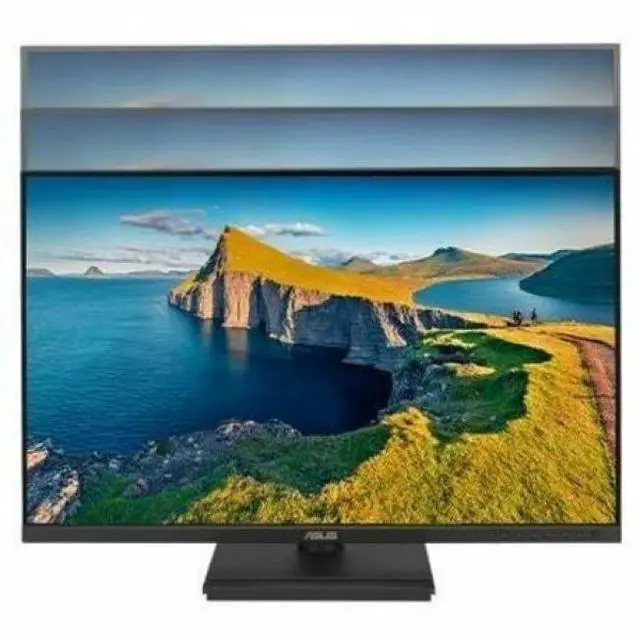
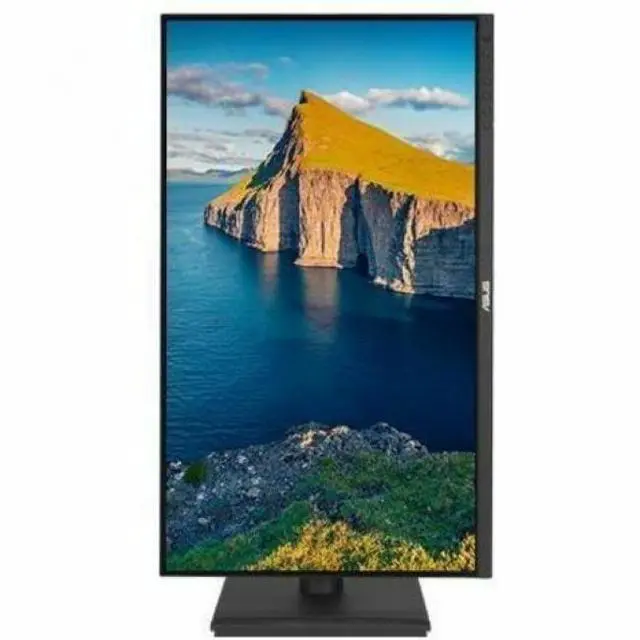
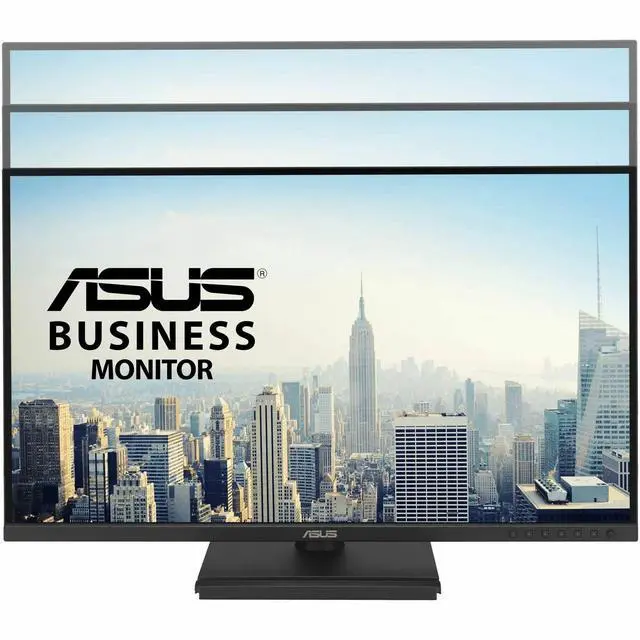
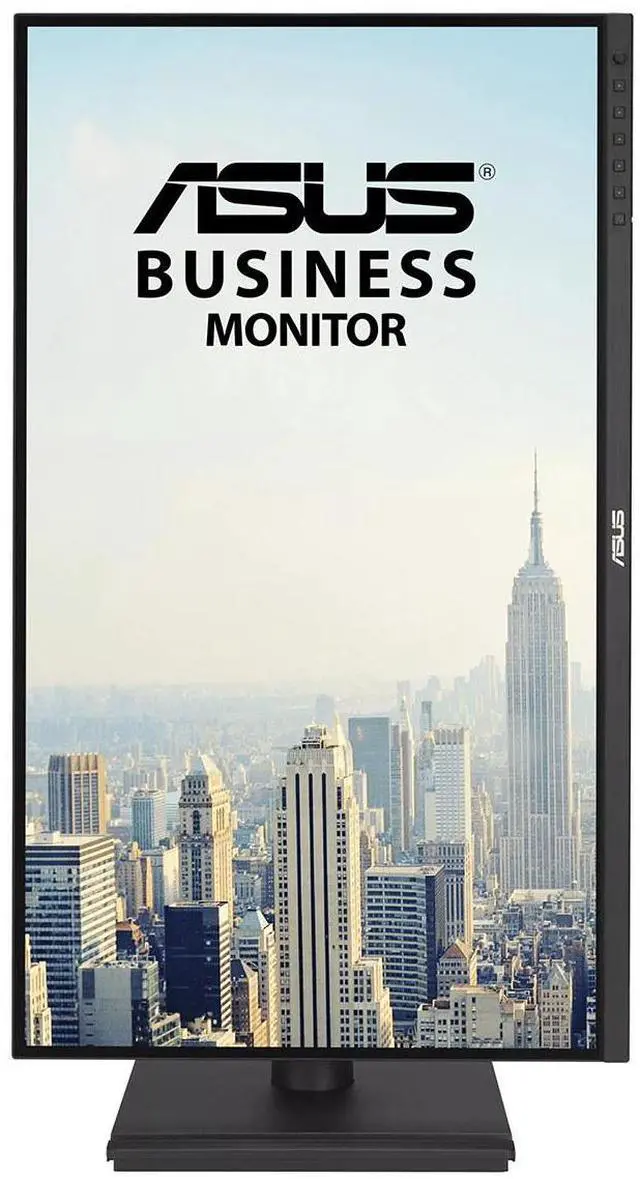
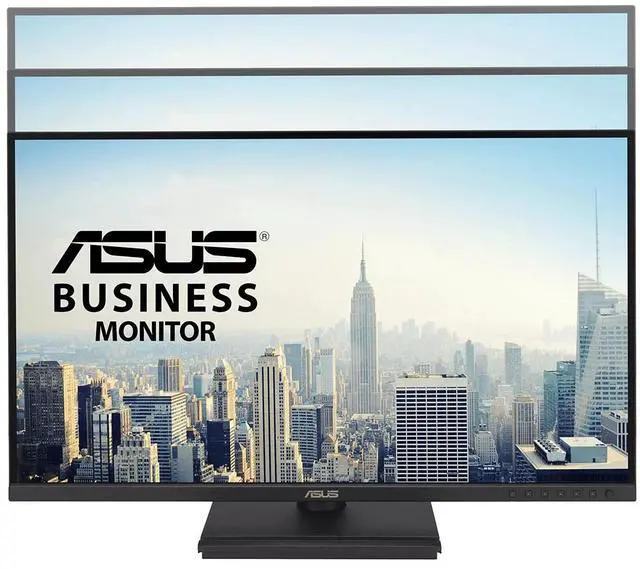
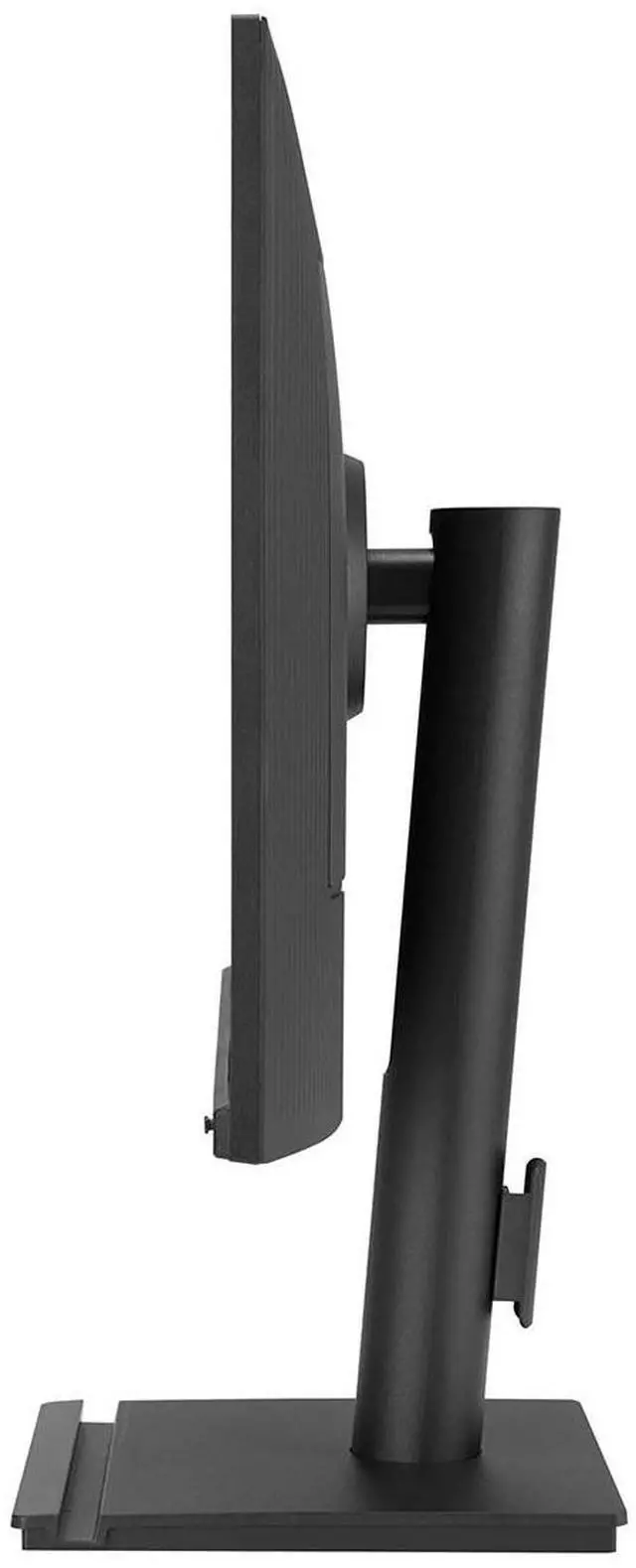
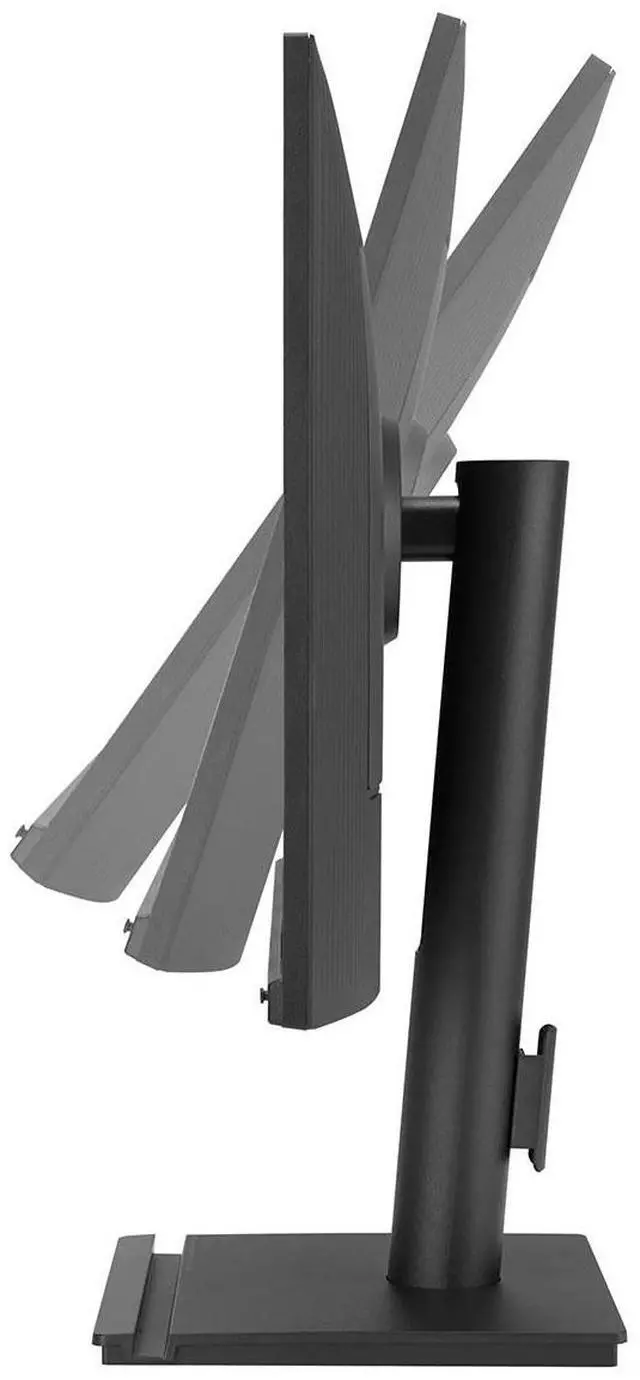
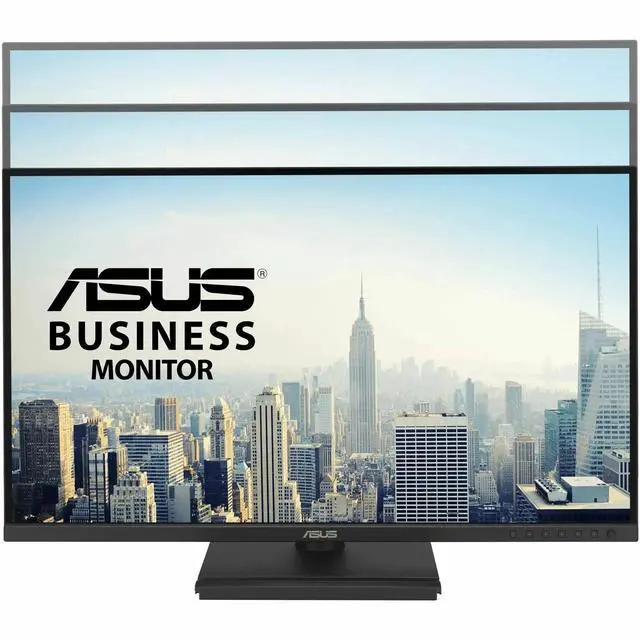
| Stand And Ergonomics | Adjustable tilt (+35° to −5°), swivel (±180°), pivot (±90°), and height (up to 150 mm); supports wall mounting with a 100 × 100 mm VESA pattern |
| Eye Care And Certifications | Blue-light filtering and flicker-free features; picture-quality certifications include TÜV Flicker-free, TÜV Low Blue Light, and TCO Certified |
| Audio Setup | Built-in speakers and an earphone jack |
| Power | 16.94 W power consumption |
| Model Identifiers | ASUS BE27AQG; style name: 2K 1440P 120Hz TAA |
| Included Components | Monitor, HDMI cable, USB 3.2 cable, power cord, quick start guide, and warranty card |
Q: ASUS BE27AQG vs VA279QGS: which 27-inch monitor gives me more screen detail?
A: Choose the ASUS BE27AQG for more workspace detail: it has a 2560 × 1440 QHD resolution, compared with the VA279QGS’s 1920 × 1080 Full HD resolution. Both are 27-inch IPS business monitors with 120Hz refresh rates, so the main choice is QHD resolution versus Full HD.
Q: ASUS BE27AQG vs BE27ACGN: which is better for a one-cable laptop setup?
A: The ASUS BE27ACGN is the better match for one-cable laptop docking: its USB-C port supports video, data, and up to 96W power delivery, and it includes RJ45 Ethernet and DisplayPort output. The BE27AQG offers the same 27-inch QHD resolution and 120Hz refresh rate, with HDMI, DisplayPort, and a USB hub for a conventional desktop connection setup.
Q: ASUS BE27AQG vs ProArt PA278QGV: which should I choose for color-focused creative work?
A: Choose the ASUS ProArt PA278QGV for color-focused creative work: ASUS lists 95% DCI-P3 coverage, 100% sRGB, factory calibration to Delta E < 2, and Calman Verified status. The BE27AQG is a 27-inch QHD, 120Hz business monitor with 99% sRGB coverage, suited to general productivity and office use.
Q: Is this monitor suitable for office work and viewing multiple documents?
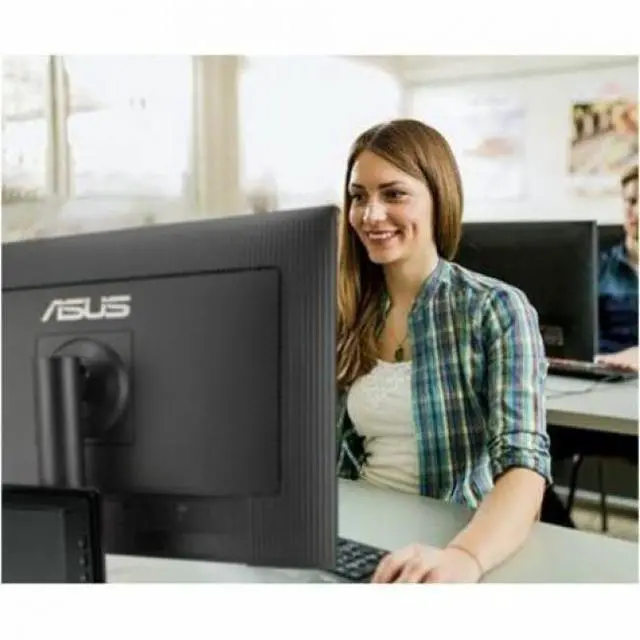
A: Yes. Its 27-inch QHD IPS screen provides room for office apps and multiple documents, while the 178° viewing angles, 99% sRGB coverage, and flicker-free and low-blue-light features support everyday desk use. Its adjustable stand offers height, tilt, swivel, and pivot adjustments. The monitor is a display, not a complete meeting setup; the listed information does not specify a built-in camera or microphone.
Q: Can I connect a laptop to this monitor?
A: Yes, if the laptop has HDMI or DisplayPort video output. The monitor lists both HDMI and DisplayPort. USB-C video input and laptop charging over USB-C are not listed, so a USB-C-only laptop may need a compatible video adapter; check the laptop’s port capabilities before buying.
Q: Can I adjust the monitor’s height and position?
A: Yes. The stand supports 150 mm of height adjustment, tilt from -5° to +35°, swivel up to 180° in either direction, and 90° pivot. This makes it suitable for users who want more positioning options than a tilt-only stand provides.
Q: Is 120Hz useful for everyday use and casual gaming?
A: The 120Hz refresh rate can make scrolling, cursor movement, and supported games appear smoother than lower-refresh-rate displays. The computer and connection must support the selected resolution and refresh rate. The listed specifications do not establish that this is a specialized competitive-gaming monitor.


