




 here!
I’m your shopping assistant for PC builds, upgrades, and everything tech.
Got questions? Ask away!
Start a conversation
here!
I’m your shopping assistant for PC builds, upgrades, and everything tech.
Got questions? Ask away!
Start a conversationShipped by Newegg
 Top Rated





Any questions? Ask CelesteSM will help you find out quickly.
We want to ensure your holiday shopping this year is hassle-free. That’s why we’re automatically extending our return policies on almost every product! For purchases placed between November 1st, 2026 and December 31, 2026 you will have until January 31, 2027 to return your product.
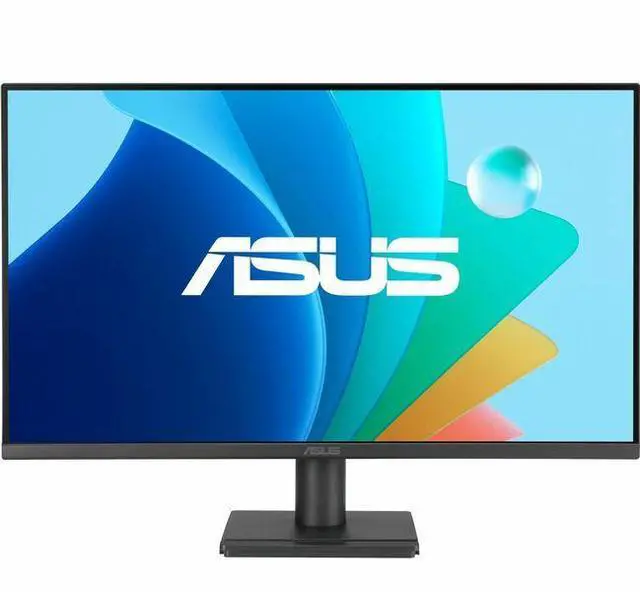
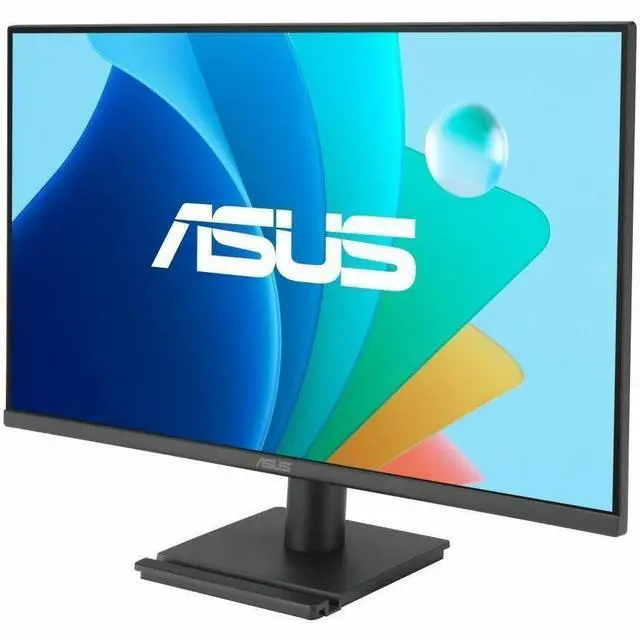
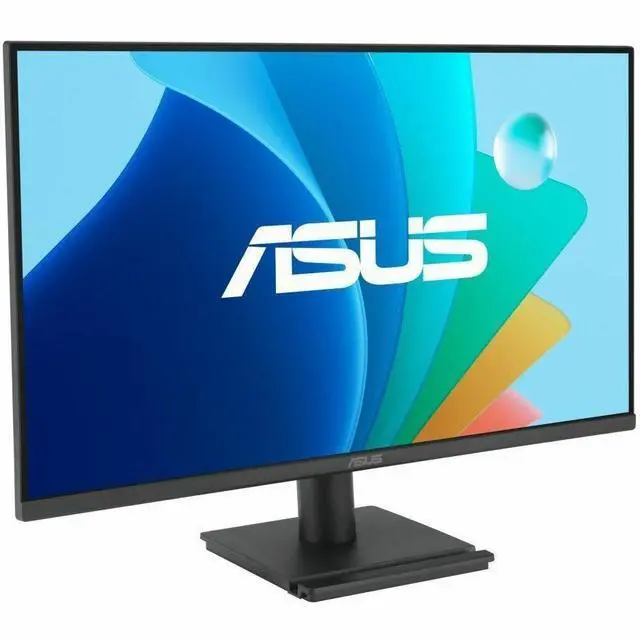
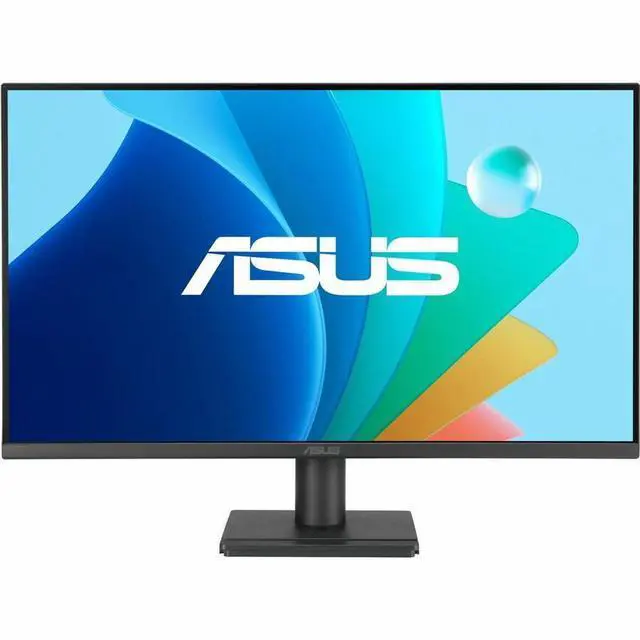
The ASUS VA27EHF2 is a 27-inch Full HD IPS gaming monitor with a 120Hz refresh rate, Adaptive-Sync, and a listed 1ms response time, suited to players seeking smoother motion for everyday and casual gaming.
| Attribute | Value |
|---|---|
| Best For | Gaming, business, personal entertainment, and photo or video editing |
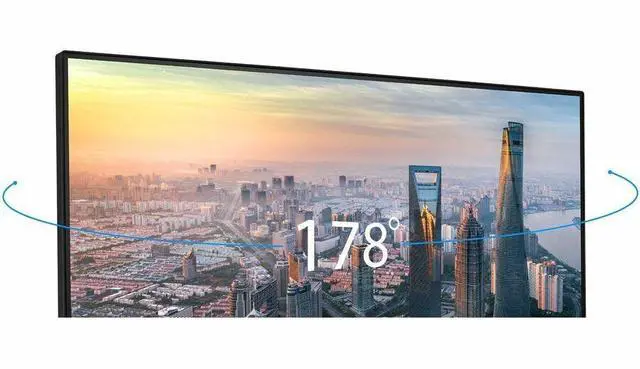
| Panel And Resolution | 27-inch matte IPS LED display with a 16:9 aspect ratio, 1920 × 1080 Full HD resolution, 178° viewing angle, and 99% sRGB color gamut |
| Brightness And Contrast | 300 cd/m² brightness and 1500:1 contrast ratio |
| Refresh Rate And Response | 120 Hz refresh rate with a 1 ms response time; FreeSync adaptive sync supports gaming |
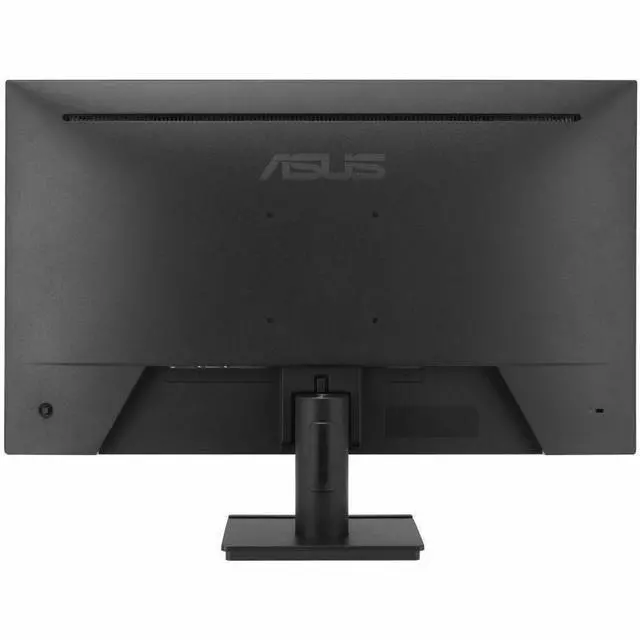
| Ports And Connectivity | One HDMI 1.4 port, one VGA port, and an earphone jack |
| Stand And Ergonomics | Tilt adjustment from −5° to +23°; supports 100 × 100 mm VESA mounting |
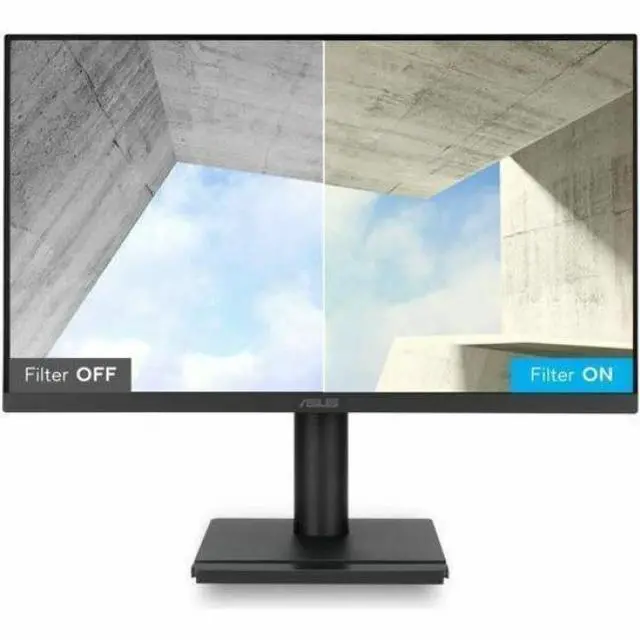
| Eye Care And Display Features | Flicker-free operation, blue-light filter, GamePlus, QuickFit, Motion Sync, and SmoothMotion Technology |
| Physical Details | 24.15 in wide × 17.6 in high × 7.65 in deep; 8.25 lb. Without the stand: 24.15 in wide × 14.26 in high × 1.96 in deep |
| Power | 15 W power consumption |
| Model Identifiers | ASUS VA27EHF2 |
Q: Should I choose the ASUS VA27EHF2 or the VA27EHF?
A: Choose the VA27EHF2 for a 27-inch Full HD IPS display with a 120Hz refresh rate; choose the VA27EHF if its 100Hz refresh rate better fits your needs. Both offer Adaptive-Sync, and ASUS positions them for smoother everyday viewing and gaming.
Q: How does the ASUS VA27EHF2 compare with the VA27EHE for gaming?
A: The VA27EHF2 is the more gaming-oriented choice, with a 120Hz refresh rate and Adaptive-Sync. The VA27EHE offers a 27-inch Full HD IPS display with a 75Hz refresh rate, making it a straightforward option for general computing and entertainment.
Q: Is the ASUS VA27EHF2 or the TUF Gaming VG27AQ3AZ a better fit for gaming?
A: Choose the VA27EHF2 for 27-inch Full HD gaming at up to 120Hz. Choose the TUF Gaming VG27AQ3AZ for a higher-resolution 2560 × 1440 display and a 180Hz refresh rate, aimed at a more performance-focused gaming setup.
Q: Can I connect this monitor to a laptop as a second screen?
A: Yes. The VA27EHF2 has HDMI and VGA inputs, so it can serve as an external display if your laptop has a matching video output. You may need an adapter if it does not.
Q: Does the monitor have built-in speakers?
A: No. The VA27EHF2 does not have built-in speakers, so plan to use speakers or headphones connected to your computer or another audio source.
Q: Can I mount it on a monitor arm or wall mount?
A: Yes. The VA27EHF2 supports VESA mounting. Check that your arm or wall mount is compatible with the monitor’s VESA pattern and weight.
Q: Is it suitable for gaming on a console or PC?
A: It is suitable for gaming at up to 1920 × 1080 resolution, with a 120 Hz refresh rate and Adaptive-Sync. The actual refresh rate and performance depend on the connected device, its settings, and the connection used.


