







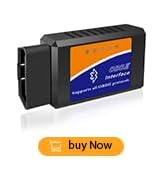
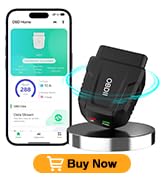

Powerful Diagnostic Scan Tool
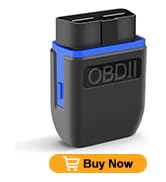
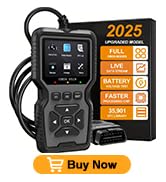
OBD2 Scanner Diagnostic Tool
Are our products high quality?
For over 10 years, we have been a professional manufacturer of high-quality multimeters.
Customers always comes first
As a customer, you are our top priority.
We are committed to providing good value products at the most competitive cost on .
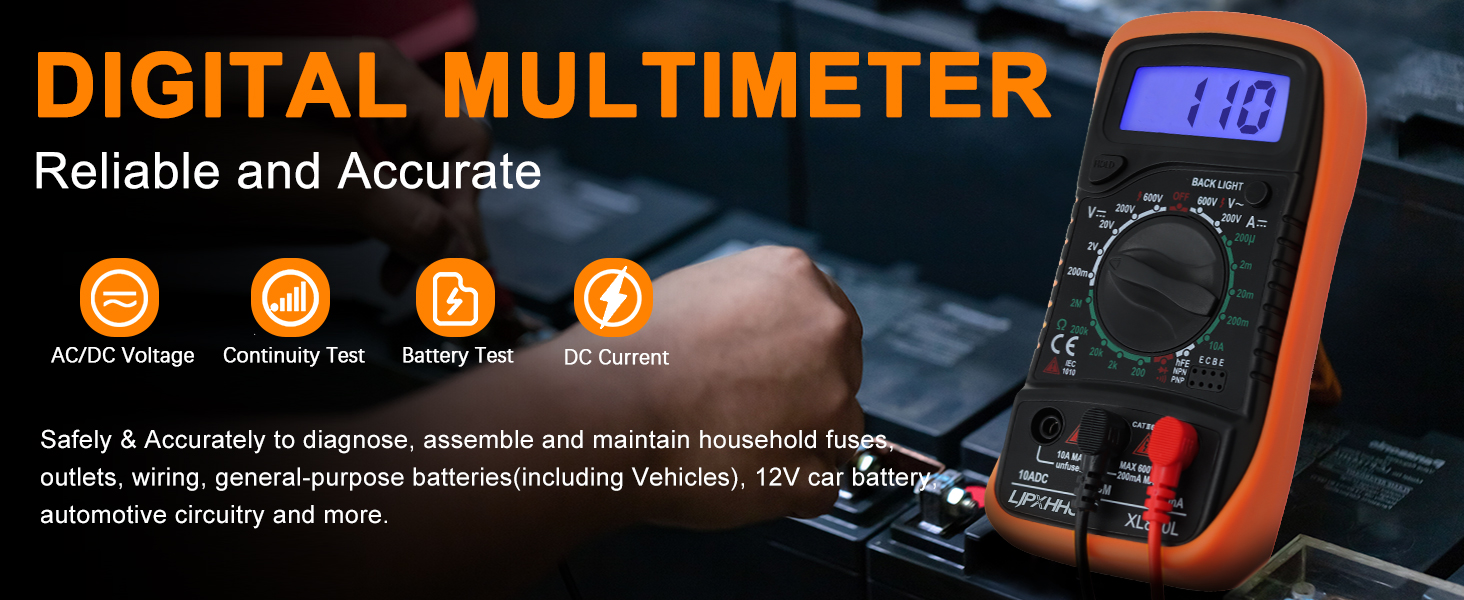
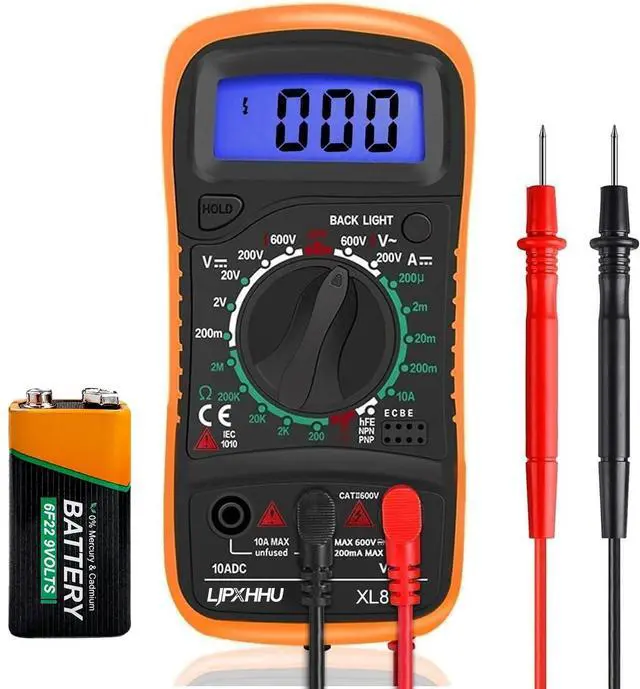
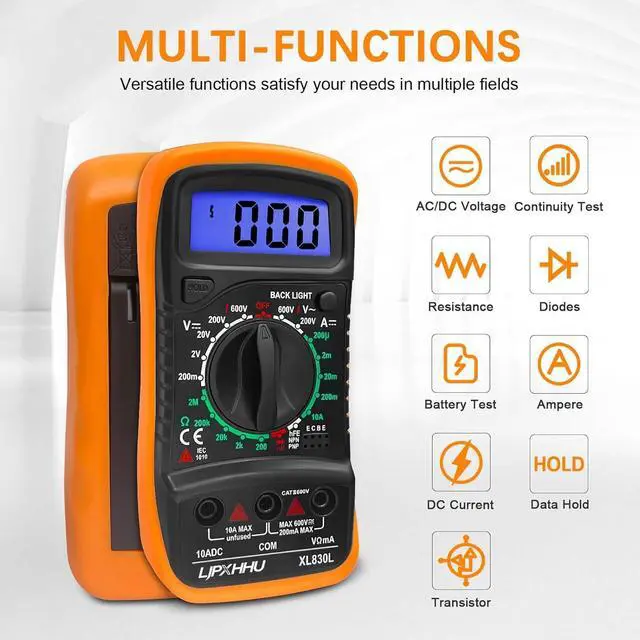
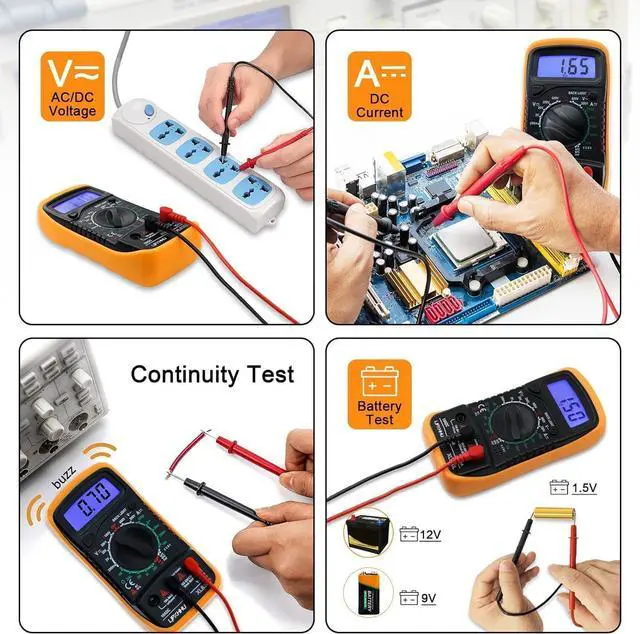
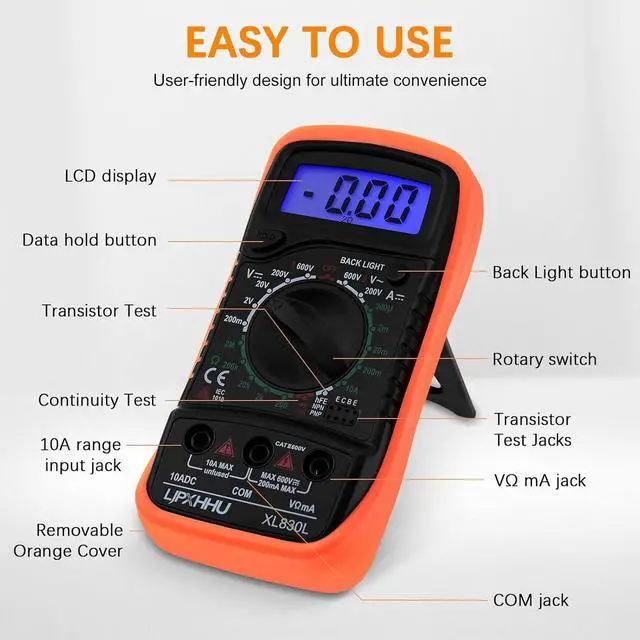
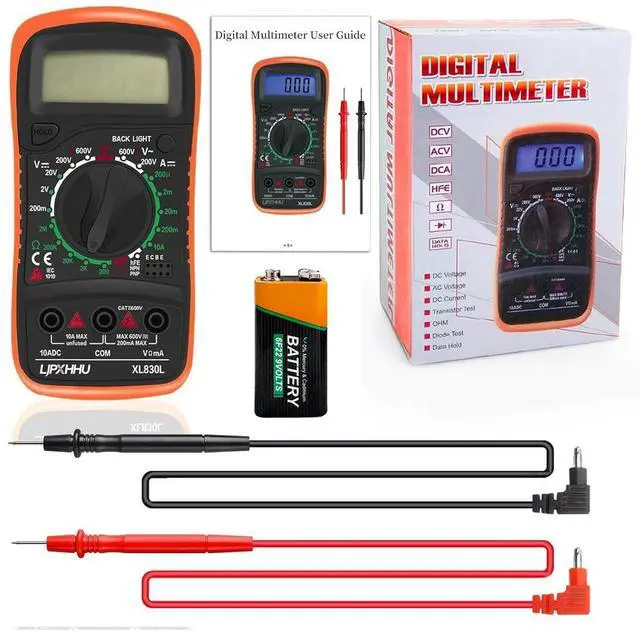
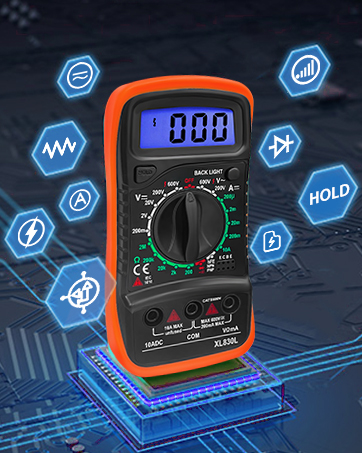
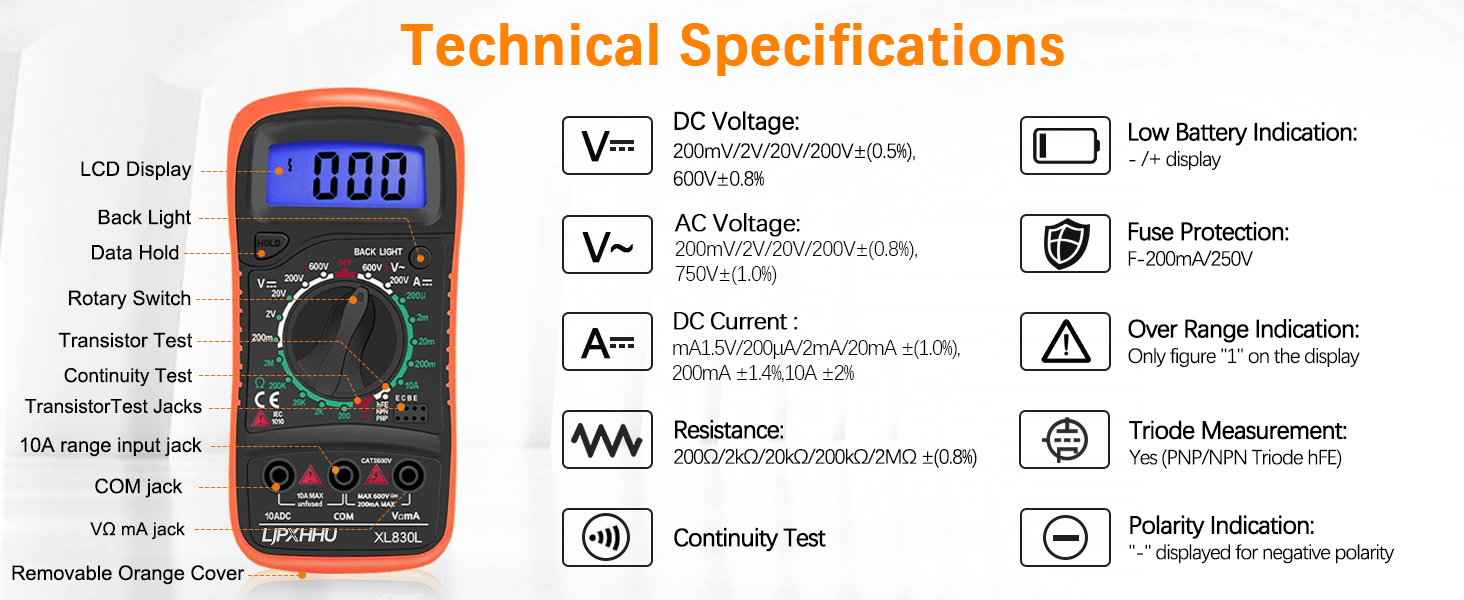
A practical electric multimeter tester gives accurate measurements for AC/DC Voltage, DC Current, Resistance, Continuity, Diodes, Transistor P-N junction & HFE(DC Amplification) test and more.
Works as a Voltmeter, Ammeter, OHM meter, Battery tester, Voltage tester
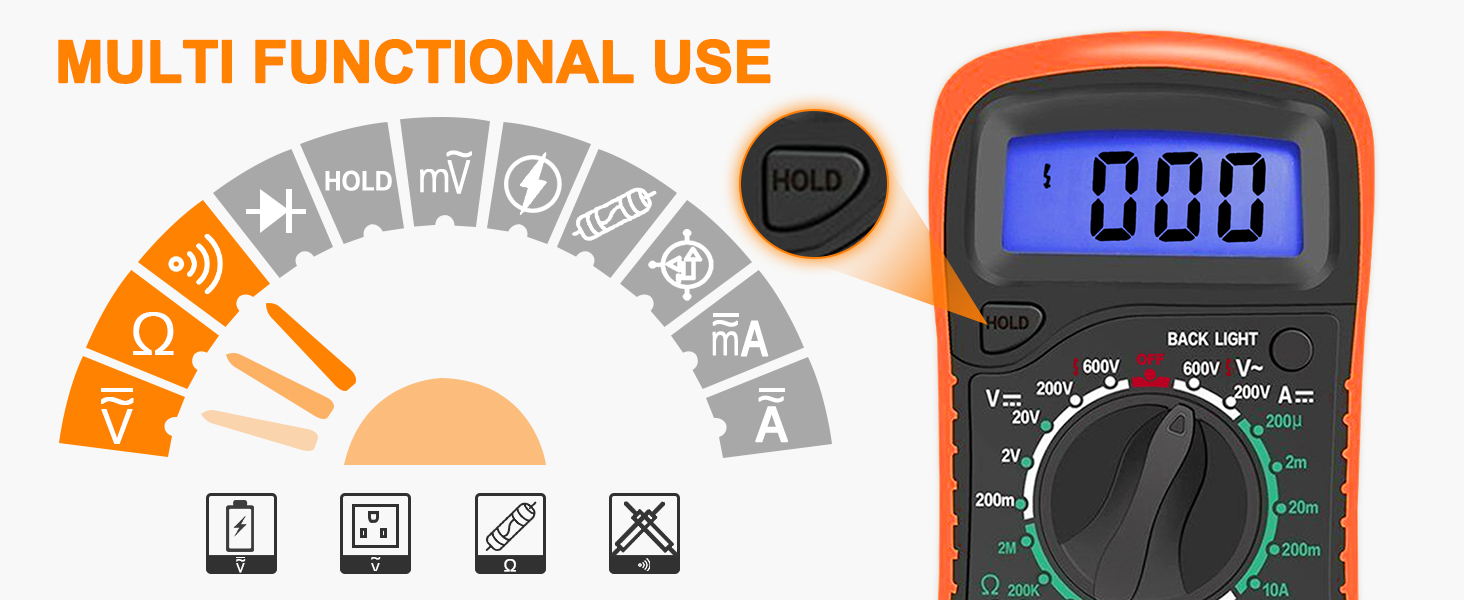
Data Hold: If you want to take measurements and record the results, just press the 'Hold' button, then the reading showed on the screen will be locked.
Versatile Digital Multimeter- Best for beginners
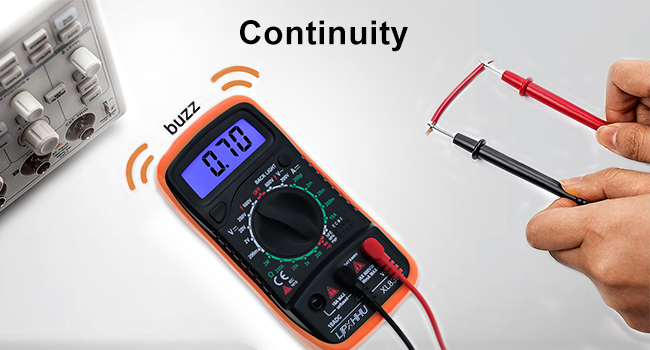
Sensitive Continuity Test & Stand-Up Support
1.Turn the rotary switch to continuity buzzer position.
2.Connect the test leads to two points on the circuit being tested.
3. When the power line is continuous, the beep will sound.
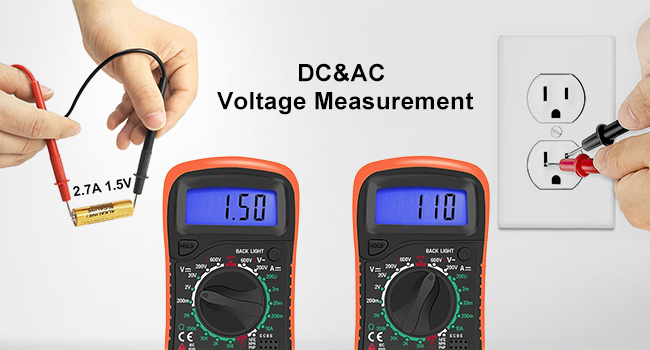
Accurate Reading & Maximum Safety
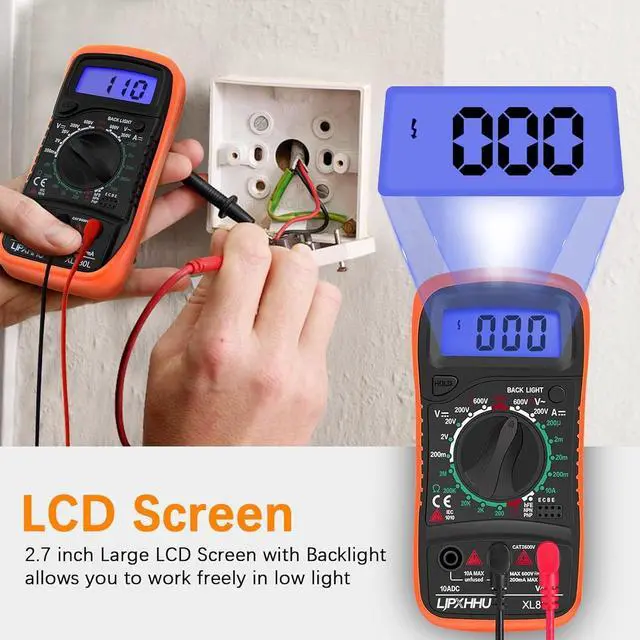
Battery quality test, Data retention function probes. Circuit Overload Protection on all ranges. The fuse can protect the multimeter effectively. Very useful for solving industrial and household electrical issues safely and accurately.
Troubleshoot Electrical Problems Accurately

Our multimeter is safely & accurately designed to diagnose, assemble and maintain household outlets, wiring, general-purpose batteries(including Vehicles), 12V car battery, automotive circuitry and more, useful for DIY jobs, school Laboratory, Workshop, machine repairing & soldering, etc.
Is the product unable to start?
Please check if the battery is installed correctly before use, and then turn the rotary switch to the desired voltage range position
Is the screen number flashing?
If you want the screen to hold the measurement data, you just need to press the "HOLD" button, then the reading showed on the screen will be locked.No need, just press the "HOLD" button again
Don't know how to use the multimeter?
Our product comes with an instruction manual. Before use, please check if the multimeter is in good condition according to the manual, and then find the function page you want to measure and operate it according to the instructions
The screen always displays"1 "?
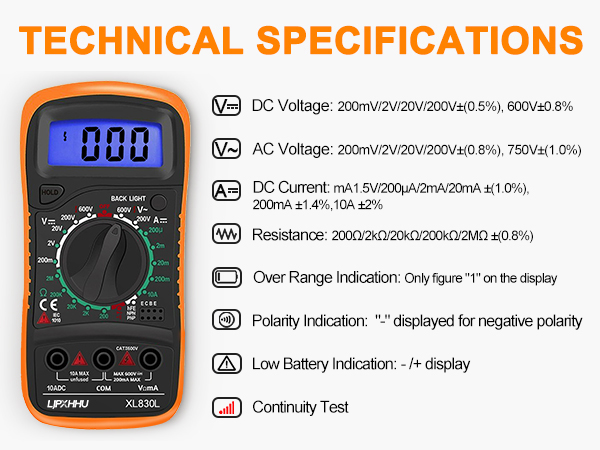
When the screen displays a number of "1", it indicates that the range is overloaded. Please replace the range with a larger one to display the accurate value.
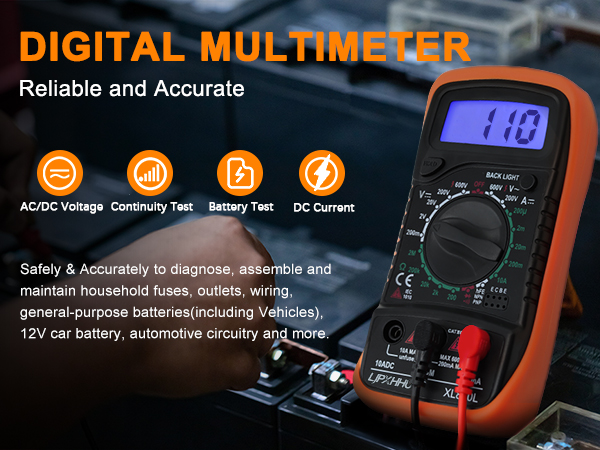
A practical electric multimeter tester gives accurate measurements for AC/DC Voltage, DC Current, Resistance, Continuity, Diodes, Transistor P-N junction & HFE(DC Amplification) test and more.
Works as a Voltmeter, Ammeter, OHM meter, Battery tester, Voltage tester
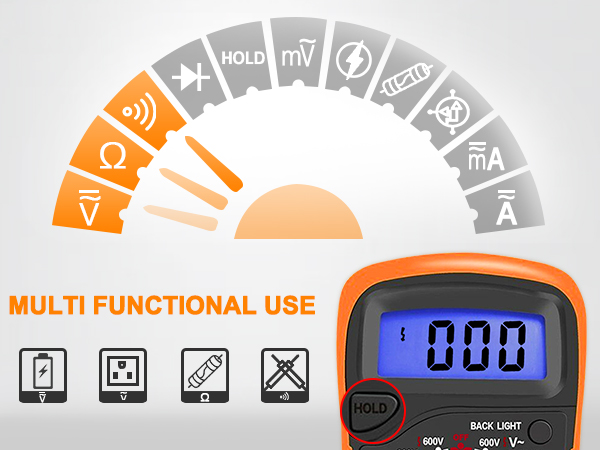
Data Hold: If you want to take measurements and record the results, just press the 'Hold' button, then the reading showed on the screen will be locked.
Versatile Digital Multimeter- Best for beginners
Sensitive Continuity Test & Stand-Up Support
1.Turn the rotary switch to continuity buzzer position.
2.Connect the test leads to two points on the circuit being tested.
3. When the power line is continuous, the beep will sound.
Accurate Reading & Maximum Safety
Battery quality test, Data retention function probes. Circuit Overload Protection on all ranges. The fuse can protect the multimeter effectively. Very useful for solving industrial and household electrical issues safely and accurately.
Troubleshoot Electrical Problems Accurately

Our multimeter is safely & accurately designed to diagnose, assemble and maintain household outlets, wiring, general-purpose batteries(including Vehicles), 12V car battery, automotive circuitry and more, useful for DIY jobs, school Laboratory, Workshop, machine repairing & soldering, etc.
Is the product unable to start?
Please check if the battery is installed correctly before use, and then turn the rotary switch to the desired voltage range position
Is the screen number flashing?
If you want the screen to hold the measurement data, you just need to press the "HOLD" button, then the reading showed on the screen will be locked.No need, just press the "HOLD" button again
Don't know how to use the multimeter?
Our product comes with an instruction manual. Before use, please check if the multimeter is in good condition according to the manual, and then find the function page you want to measure and operate it according to the instructions
The screen always displays"1 "?
When the screen displays a number of "1", it indicates that the range is overloaded. Please replace the range with a larger one to display the accurate value.
Powerful Diagnostic Scan Tool
OBD2 Scanner Diagnostic Tool
Are our products high quality?
For over 10 years, we have been a professional manufacturer of high-quality multimeters.
Customers always comes first
As a customer, you are our top priority.
We are committed to providing good value products at the most competitive cost on .