




 here!
here!
I’m your shopping assistant for PC builds, upgrades, and everything tech.
Got questions? Ask away!
Start a conversation
here!
I’m your shopping assistant for PC builds, upgrades, and everything tech.
Got questions? Ask away!
Start a conversation



Any questions? Ask CelesteSM will help you find out quickly.
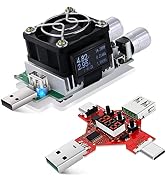
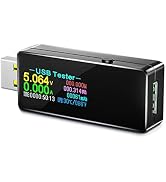
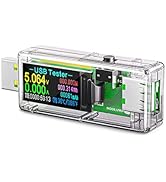
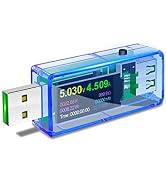
 2 in 1 USB Tester |  USB C Power Meter Tester |  USB 3.0 Tester |  35W USB Power Meter | 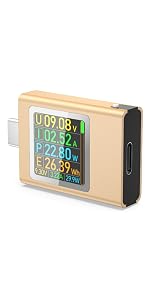 AT085 USB C Tester | |
|---|---|---|---|---|---|
| Customer Reviews | — | — | — | — | — |
| Price | — | — | — | — | — |
| Applications | For USB A and USB C port devices | For USB A and USB C port devicesport | For USB A port devices | For USB A and USB C devicesport | For USB C port devices |
| Measured Voltage Range | DC3.6-30V | DC4.5V-24V | DC3.3-30V | DC 3-21V | DC4.5-50V |
| Measured Current Range | 0-5.1A | 0-8A | 0-5.1A | 0-3A | 0-12A |
| Supported Protocols | QC3.0/2.0, BC 1.2, DCP, AFC, APPLe, FCP MTK-PE, etc | QC3.0, QC2.0 | QC3.0/2.0, BC 1.2, DCP, AFC, APPLe, FCP MTK-PE, etc | QC2.0/ QC3.0, BC 1.2, MTK-PE, ect | PD3.1 48V, PD2.0, PD3.0, PPS, OC2.0, QC3.0, FCP, SCPAFC, PE, DASH VOOC, SuperV00C etc. |
| Screen Rotation | Support, requires manual adjustment | Support, requires manual adjustment | no data | no data | Support, gravity-sensing automatic screen rotation |


If you need a PDF file of the 2-in-1 USB tester, or have any other questions, please let us know(via ).

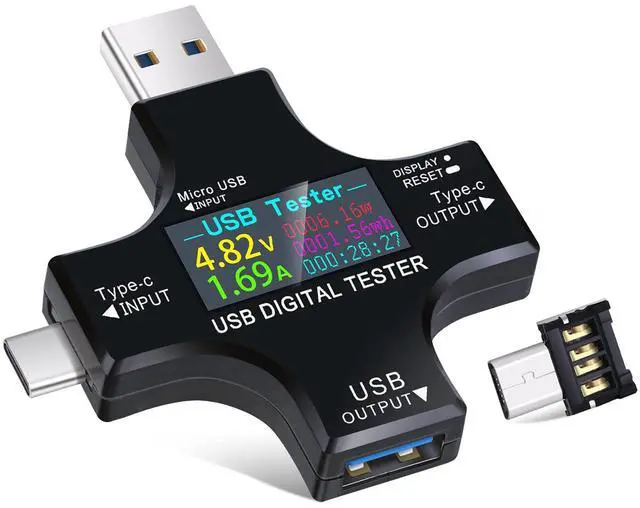
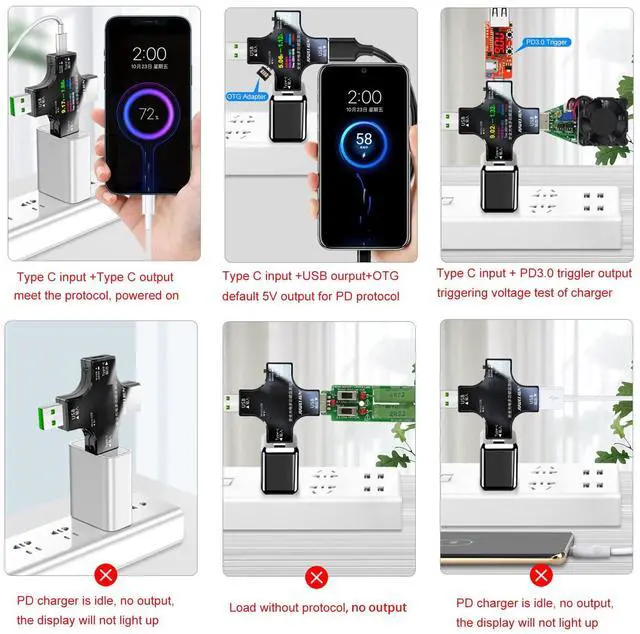
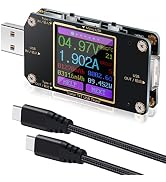
USB tester provides safe charging for mobile phone and monitors charging data in real time.

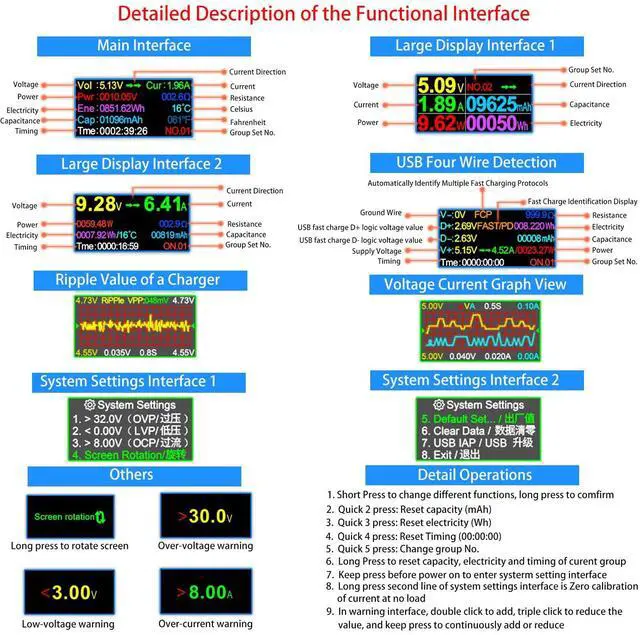
How to change default value?
How to Quickly Distinguish the Quality of a Charger via Ripple Graph View?
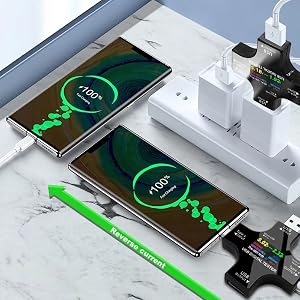
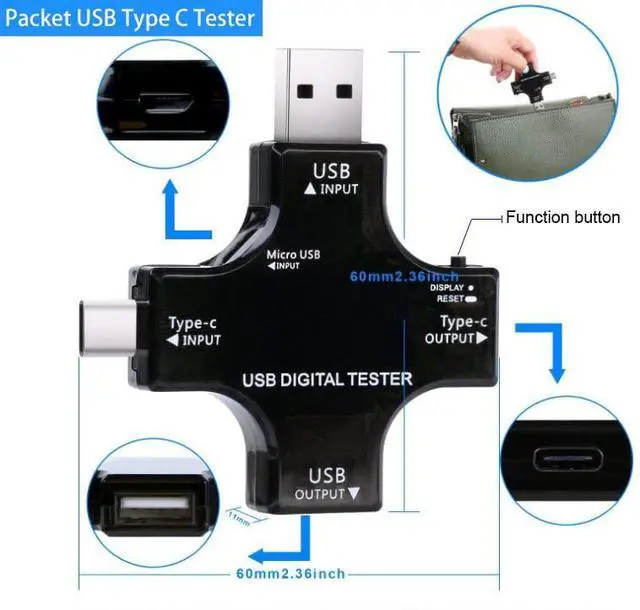
This USB Tester uses a special metering chip, and both positive and negative currents can be sampled and measured, the output port can also be used as an input port.
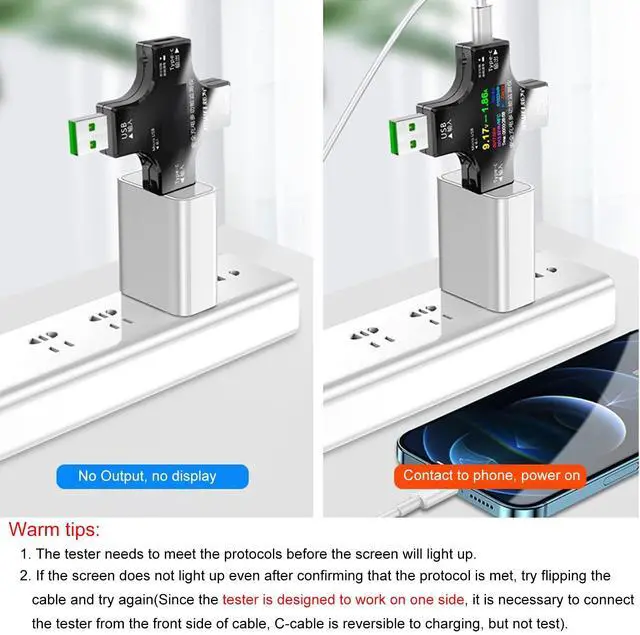
eg: The C port can be plugged into the charger or used on the mobile phone. The small current displayed by the no-load application in the reverse application is the self-consumption current of the tester, which is a normal phenomenon.
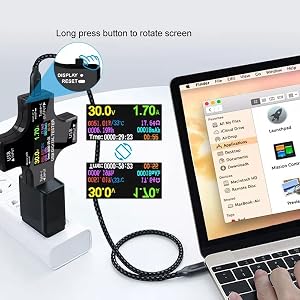
To accommodate some chargers that use an inverted display as a forward display, Eversame add screen 180 degree flip display setting function of the USB tester, helping you to read the data more convenient.
(Move to the System Settings page, select the 4th option for Screen Rotation, and then press and hold the key to flip it 180 degrees.)
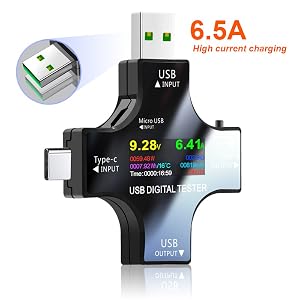
USB meter tester uses a sampling chip with an internal resistance as low as 1 milliiohm (1mO), reducing self-consumption while providing you with more reliable values.
USB port upgraded to 6.5A fast charging port, which will help to test fast charging devices quickly and easily.
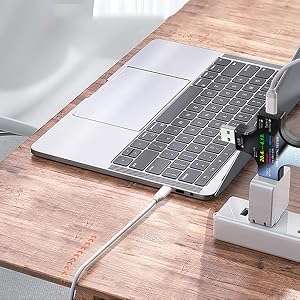
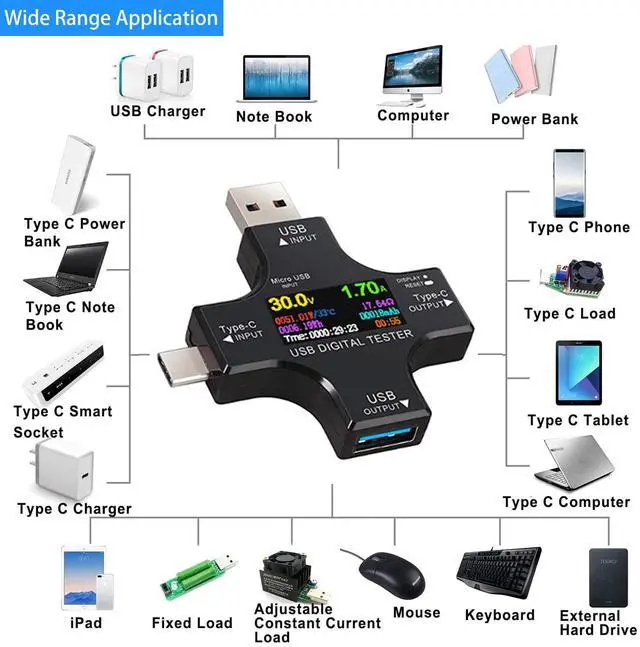
USB tester provides real-time charging information of charging status to you, ensure a safety charging environment to your laptops.
Laptops' peripherals devices also can be tetected, including mobile hard drives, U disks, mouses, keyboards and HUB splitter, etc.

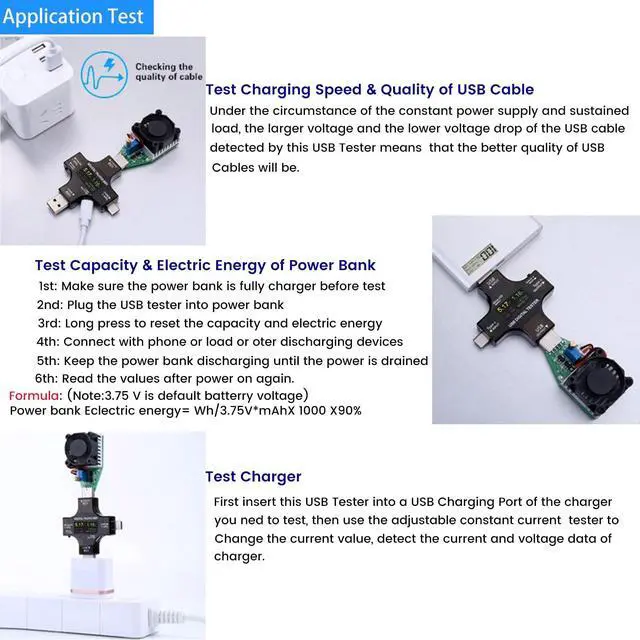
Under the circumstance of the constant power supply and sustained load, the larger voltage and the lower voltage drop of the USB cable detected by this USB Tester means that the better quality of the USB Cables will be.
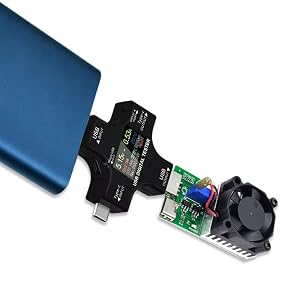
Make sure the power bank to be tested is fully charged firstly, then plug this USB Tester into it and reset the capacity and electric energy by long pressing, and connect your phone or load or other discharging devices, making it charge for phone and or other discharging devices till power bank run out of its energy. Finally, the reading on this multimeter is real data of capacity of your power bank.


We are Eversame. We believe in the power of technology to enhance different aspects of your life.
Eversame is committed to providing excellent quality and ultimate user experience, by offering safer, faster, and higher-quality electronic accessories that create convenience in your life.
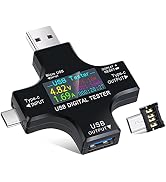
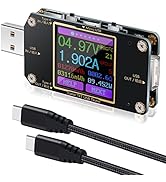

We are Eversame. We believe in the power of technology to enhance different aspects of your life.
Eversame is committed to providing excellent quality and ultimate user experience, by offering safer, faster, and higher-quality electronic accessories that create convenience in your life.
 2 in 1 USB Tester | USB C Power Meter Tester | 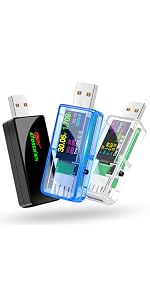 USB 3.0 Tester | 35W USB Power Meter |  AT085 USB C Tester | |
|---|---|---|---|---|---|
| Customer Reviews | — | — | — | — | — |
| Price | — | — | — | — | — |
| Applications | For USB A and USB C port devices | For USB A and USB C port devicesport | For USB A port devices | For USB A and USB C devicesport | For USB C port devices |
| Measured Voltage Range | DC3.6-30V | DC4.5V-24V | DC3.3-30V | DC 3-21V | DC4.5-50V |
| Measured Current Range | 0-5.1A | 0-8A | 0-5.1A | 0-3A | 0-12A |
| Supported Protocols | QC3.0/2.0, BC 1.2, DCP, AFC, APPLe, FCP MTK-PE, etc | QC3.0, QC2.0 | QC3.0/2.0, BC 1.2, DCP, AFC, APPLe, FCP MTK-PE, etc | QC2.0/ QC3.0, BC 1.2, MTK-PE, ect | PD3.1 48V, PD2.0, PD3.0, PPS, OC2.0, QC3.0, FCP, SCPAFC, PE, DASH VOOC, SuperV00C etc. |
| Screen Rotation | Support, requires manual adjustment | Support, requires manual adjustment | no data | no data | Support, gravity-sensing automatic screen rotation |
If you need a PDF file of the 2-in-1 USB tester, or have any other questions, please let us know(via ).
USB tester provides safe charging for mobile phone and monitors charging data in real time.
How to change default value?
How to Quickly Distinguish the Quality of a Charger via Ripple Graph View?
This USB Tester uses a special metering chip, and both positive and negative currents can be sampled and measured, the output port can also be used as an input port.
eg: The C port can be plugged into the charger or used on the mobile phone. The small current displayed by the no-load application in the reverse application is the self-consumption current of the tester, which is a normal phenomenon.
To accommodate some chargers that use an inverted display as a forward display, Eversame add screen 180 degree flip display setting function of the USB tester, helping you to read the data more convenient.
(Move to the System Settings page, select the 4th option for Screen Rotation, and then press and hold the key to flip it 180 degrees.)
USB meter tester uses a sampling chip with an internal resistance as low as 1 milliiohm (1mO), reducing self-consumption while providing you with more reliable values.
USB port upgraded to 6.5A fast charging port, which will help to test fast charging devices quickly and easily.
USB tester provides real-time charging information of charging status to you, ensure a safety charging environment to your laptops.
Laptops' peripherals devices also can be tetected, including mobile hard drives, U disks, mouses, keyboards and HUB splitter, etc.
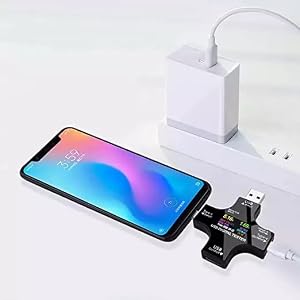
Under the circumstance of the constant power supply and sustained load, the larger voltage and the lower voltage drop of the USB cable detected by this USB Tester means that the better quality of the USB Cables will be.
Make sure the power bank to be tested is fully charged firstly, then plug this USB Tester into it and reset the capacity and electric energy by long pressing, and connect your phone or load or other discharging devices, making it charge for phone and or other discharging devices till power bank run out of its energy. Finally, the reading on this multimeter is real data of capacity of your power bank.


