




 here!
here!
I’m your shopping assistant for PC builds, upgrades, and everything tech.
Got questions? Ask away!
Start a conversation
here!
I’m your shopping assistant for PC builds, upgrades, and everything tech.
Got questions? Ask away!
Start a conversation
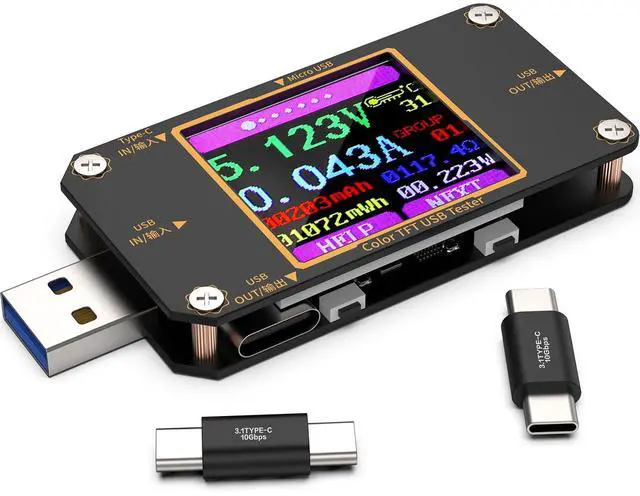
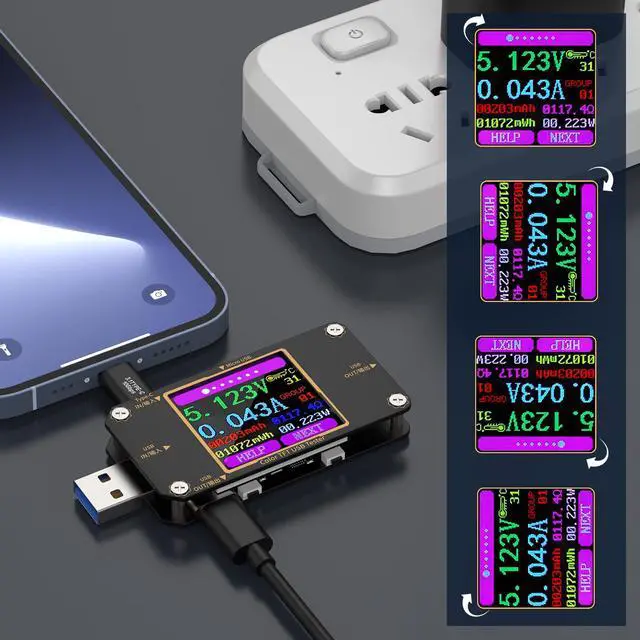
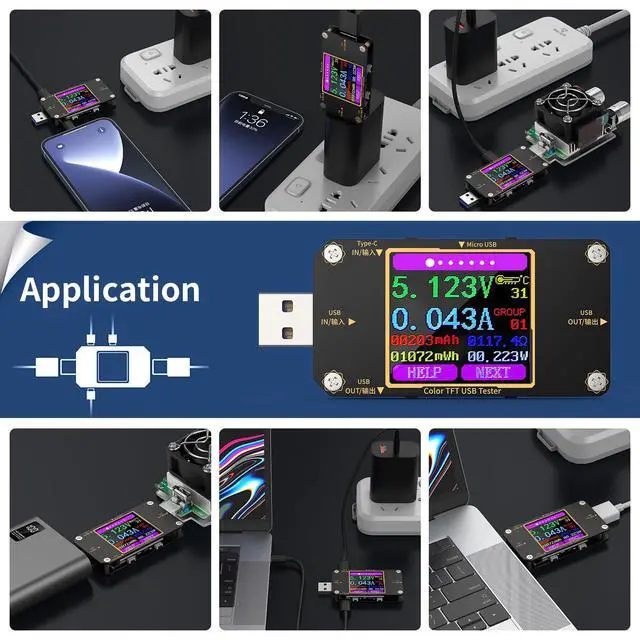
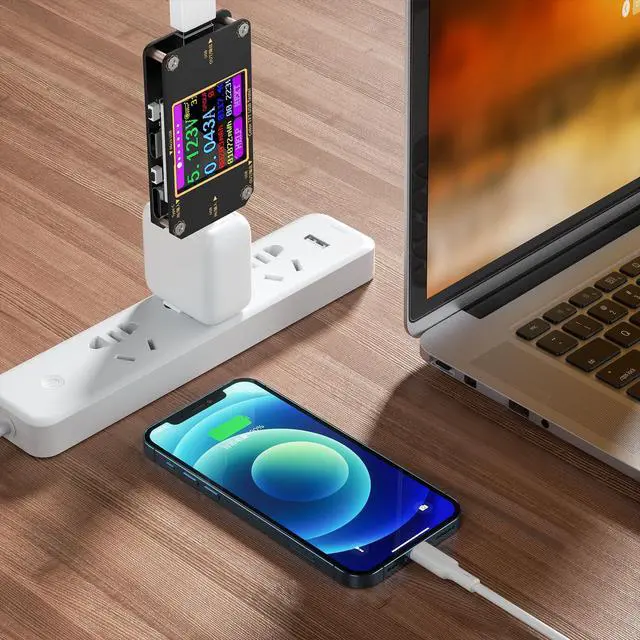



Any questions? Ask CelesteSM will help you find out quickly.
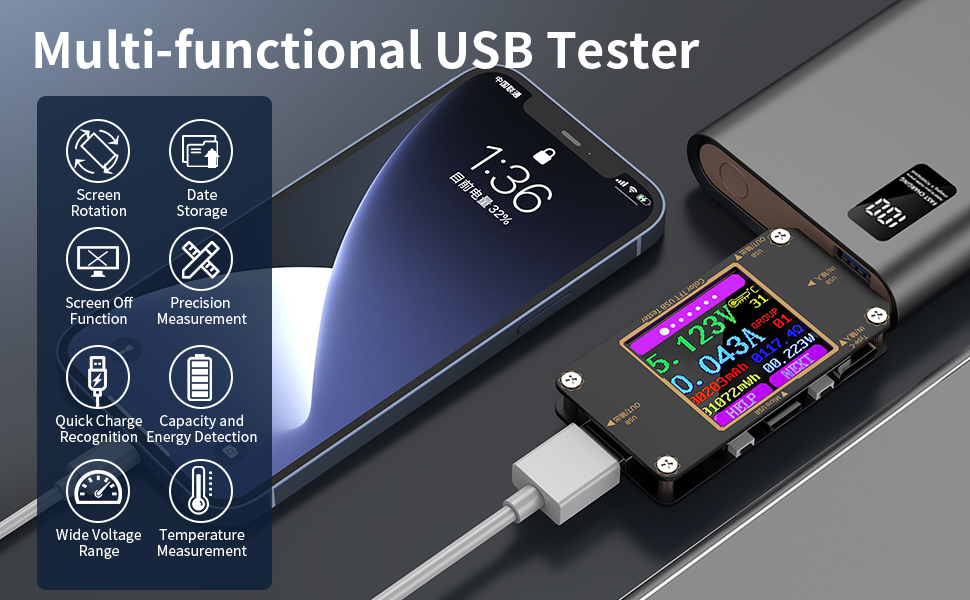
Important Note
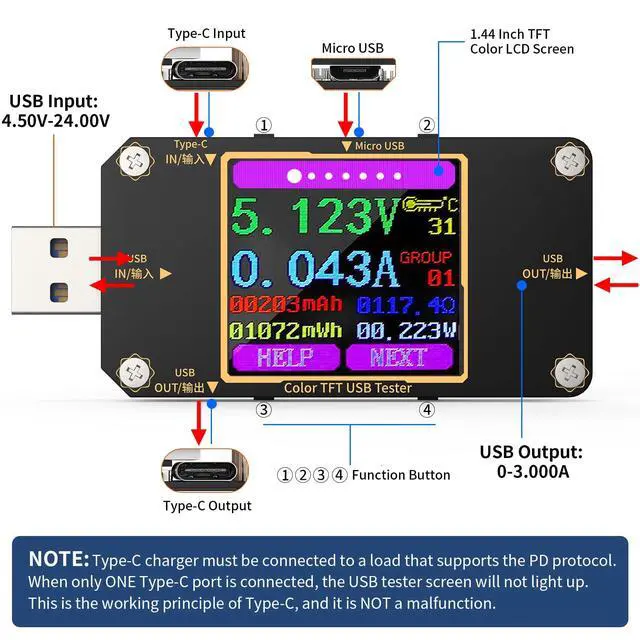
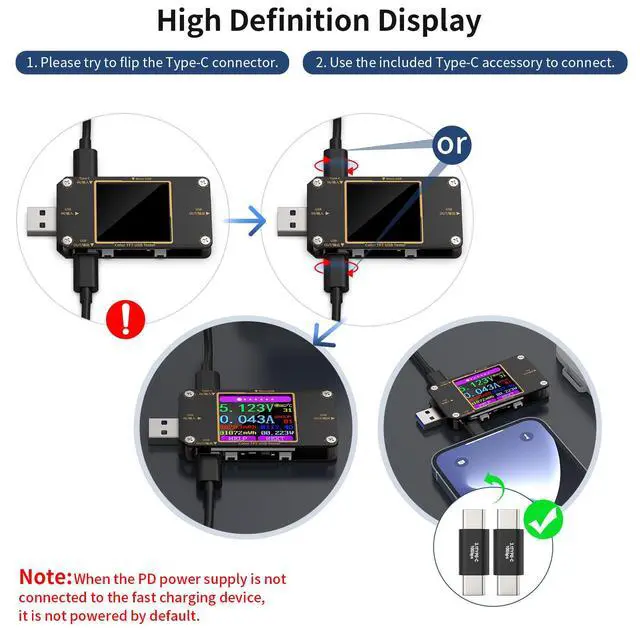
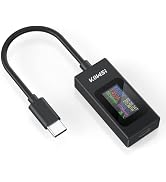
The Type-C charger must be connected to a load that supports the PD protocol. When only ONE Type-C port is connected, the USB tester screen will not light up.
This is the operating principle of Type C and is NOT a malfunction.
Important: Please download additional information from the product guides and documents.
The product is constantly being updated and new content is added, so the version you receive may sometimes differ from the description, but this does not affect the quality and use of the product.
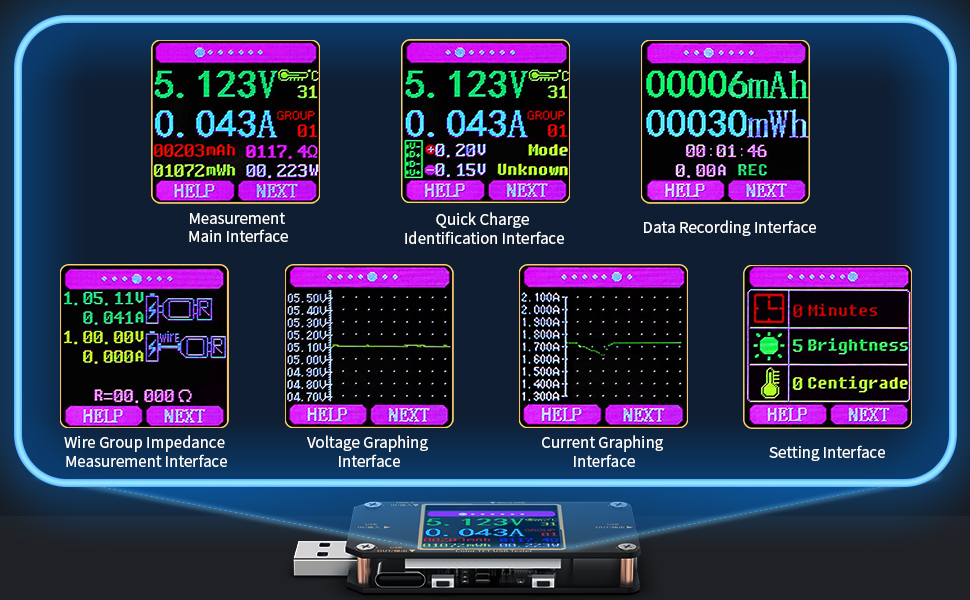
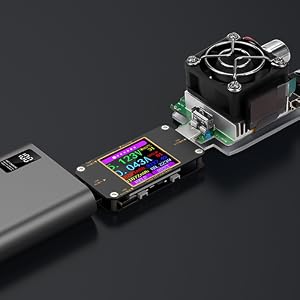
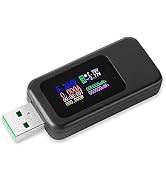
Make sure the power bank you want to test is fully charged first, then connect it to this USB tester and reset the capacity and electrical power by long press, then fully discharge it with this USB tester and 5V load until the power bank has used up its energy. The readings on this USB tester are real capacity data of your power bank.
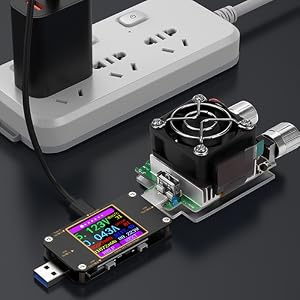
Plug the Android data cable into the micro USB input port of this USB tester, and then connect it to the USB output port for testing with an adjustable constant current load. The higher the current, the better the data cable.
The process to test the Type-C data cable is the same as above, inserting the Type-C cable into the Type-C input port for testing.
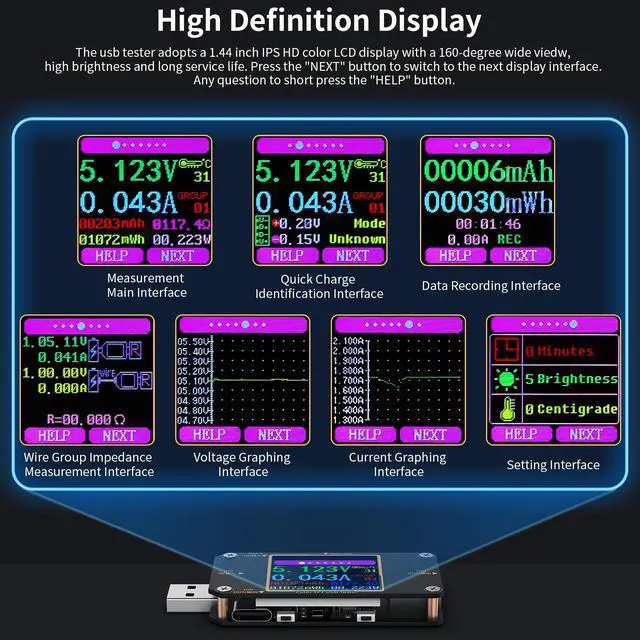
The USB meter provides you with real-time charging parameter information about charging status and ensures a safe charging environment for your devices.
Important note: If the PD power supply is not connected to the fast charger, the power supply will not be provided by default. If the display does not light up, please try to reverse the Type-C cable and try again.
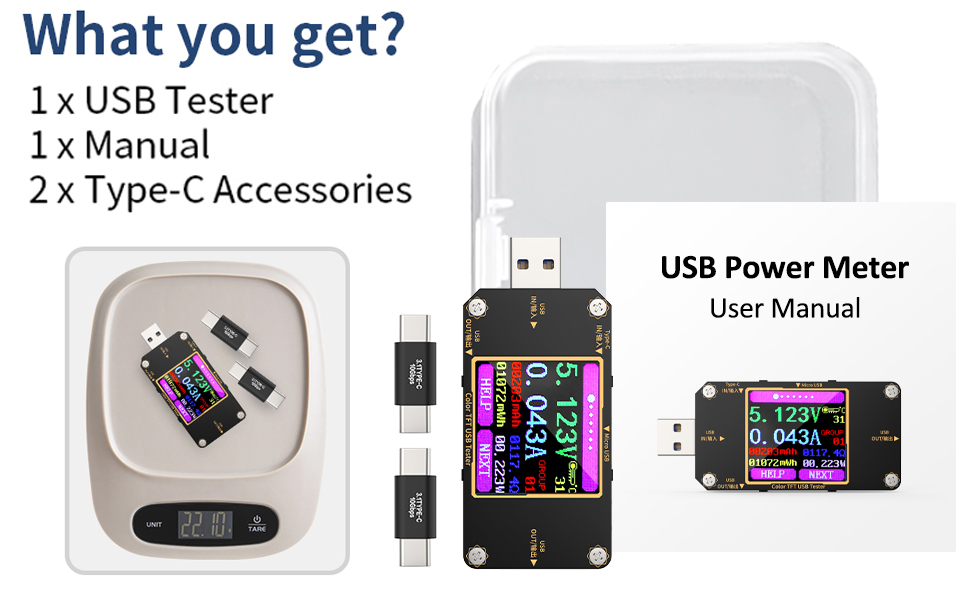
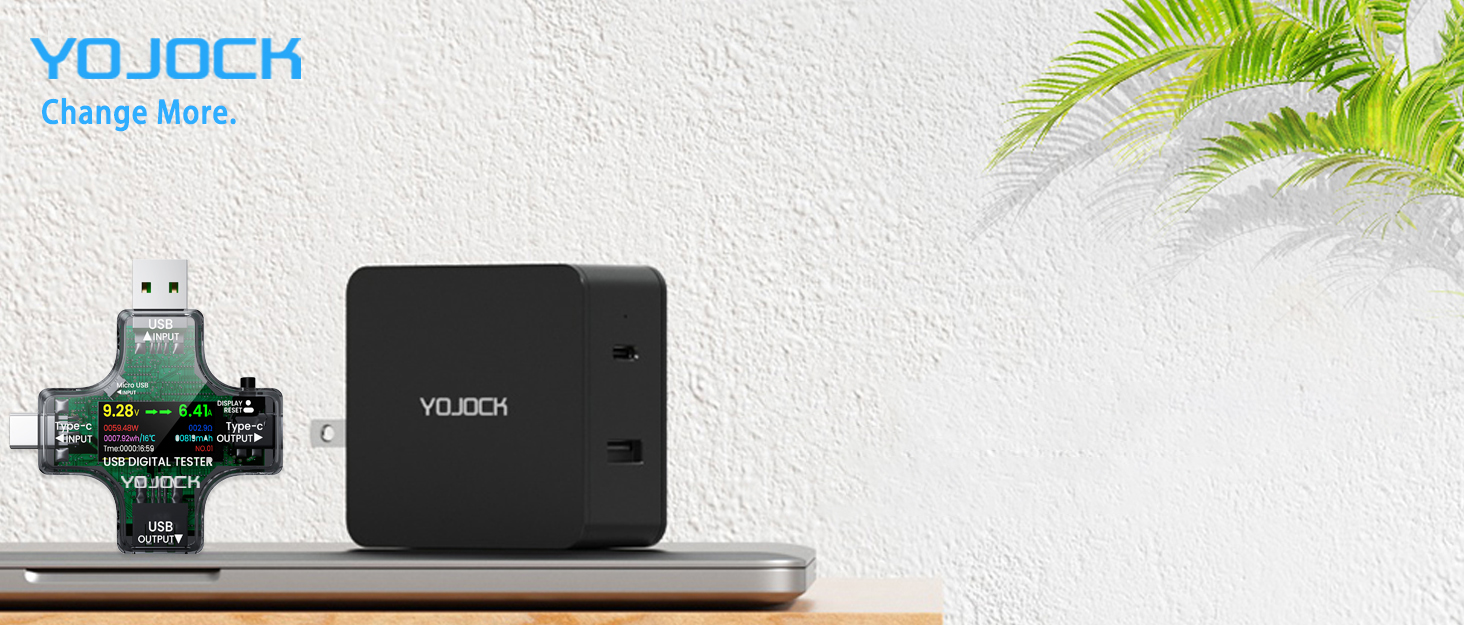

YOJOCK is a global brand in the consumer electronics accessories industry, provide customer around the world with high quality product and authentic service.
We devote ourselves to provide reliable, safe, durable and stable quality products to our customers. Take a look at our extensive products on store. I believe you will be able to find to meet the needs of electronics products.
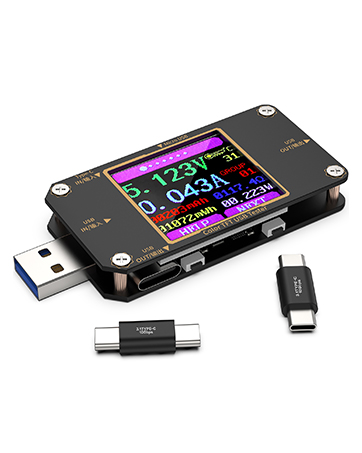
A Must Gadget checks the charging performance(charging speed and quality).
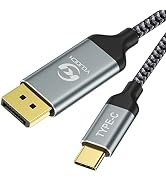
![YOJOCK 8K Displayport Cable 1.4, Monitor DP Cable 6.6ft/2M [8K@60Hz, 4K@144Hz, 2K@165Hz, HDR] Hig...](http://c1.neweggimages.com/sellingpilot/modules/product/a-plus/62322b59be1fbef6bd6012f071cdb06a291a056b43697dcf58cd345aeb59da84.jpg)
Important Note
The Type-C charger must be connected to a load that supports the PD protocol. When only ONE Type-C port is connected, the USB tester screen will not light up.
This is the operating principle of Type C and is NOT a malfunction.
Important: Please download additional information from the product guides and documents.
The product is constantly being updated and new content is added, so the version you receive may sometimes differ from the description, but this does not affect the quality and use of the product.
Make sure the power bank you want to test is fully charged first, then connect it to this USB tester and reset the capacity and electrical power by long press, then fully discharge it with this USB tester and 5V load until the power bank has used up its energy. The readings on this USB tester are real capacity data of your power bank.
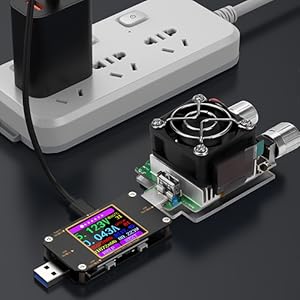
Plug the Android data cable into the micro USB input port of this USB tester, and then connect it to the USB output port for testing with an adjustable constant current load. The higher the current, the better the data cable.
The process to test the Type-C data cable is the same as above, inserting the Type-C cable into the Type-C input port for testing.
The USB meter provides you with real-time charging parameter information about charging status and ensures a safe charging environment for your devices.
Important note: If the PD power supply is not connected to the fast charger, the power supply will not be provided by default. If the display does not light up, please try to reverse the Type-C cable and try again.
| Input voltage | 4.5-24.0V |
| Input current | 0-3.000A |
| Capacity measurement range | 0-99999mAh |
| Energy measurement range | 0-99999mWh |
| Impedance measurement range | 1.5O-9999.9O |
| Temperature measurement range | -10?~80?/14?~176? |
| Voltage curve range | 4.5-24.0V |
| Current curve range | 0-3.000A |
| Voltage measurement resolution | 0.01V |
| Current measurement resolution | 0.001A |
| Voltage measurement accuracy | ±1% |
| Current measurement accuracy | ±1% |
| Time measurement range | 0-99 hrs 59 mins 59 secs |
| Delay off screen time | 0-9 mins |
| Screen brightness setting | 0-5 a total of 6 levels |
| Fast charge recognition mode | QC2.0 QC3.0 |
YOJOCK is a global brand in the consumer electronics accessories industry, provide customer around the world with high quality product and authentic service.
We devote ourselves to provide reliable, safe, durable and stable quality products to our customers. Take a look at our extensive products on store. I believe you will be able to find to meet the needs of electronics products.
A Must Gadget checks the charging performance(charging speed and quality).
![YOJOCK 8K Displayport Cable 1.4, Monitor DP Cable 6.6ft/2M [8K@60Hz, 4K@144Hz, 2K@165Hz, HDR] Hig...](http://c1.neweggimages.com/sellingpilot/modules/product/a-plus/0a9db63d00ef4ea680a531976f320db8bda4bddd7f2da63c567fea44d234dc53.jpg)


