




 here!
here!
I’m your shopping assistant for PC builds, upgrades, and everything tech.
Got questions? Ask away!
Start a conversation
here!
I’m your shopping assistant for PC builds, upgrades, and everything tech.
Got questions? Ask away!
Start a conversation



Any questions? Ask CelesteSM will help you find out quickly.
Description:
Material:PCB
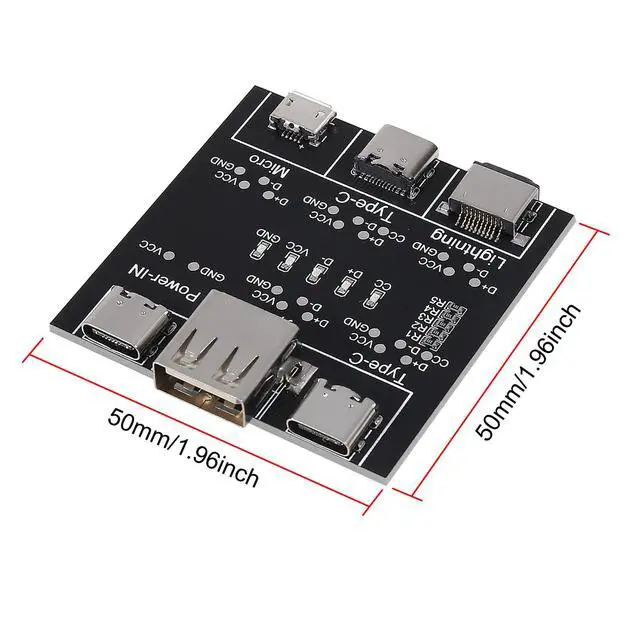
Size:5x5 cm
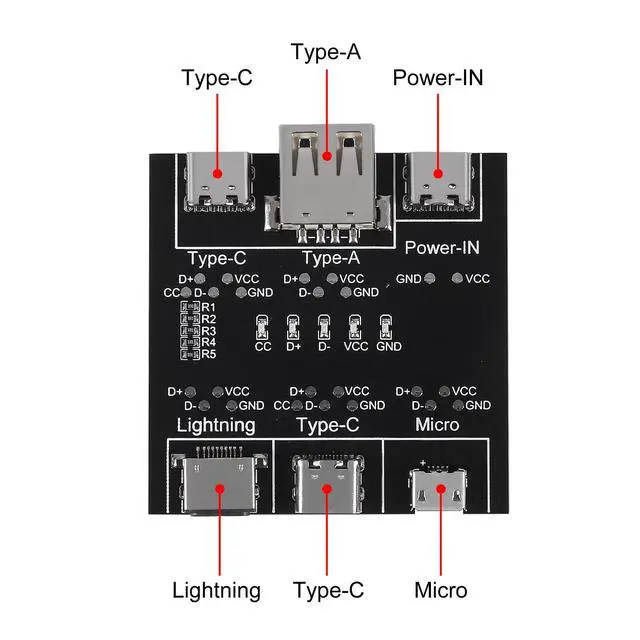
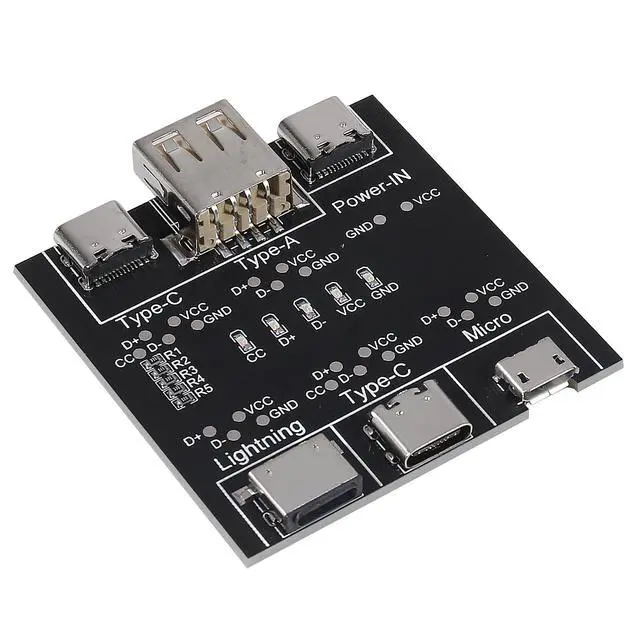
Port:Type-C, Type-A, Micro
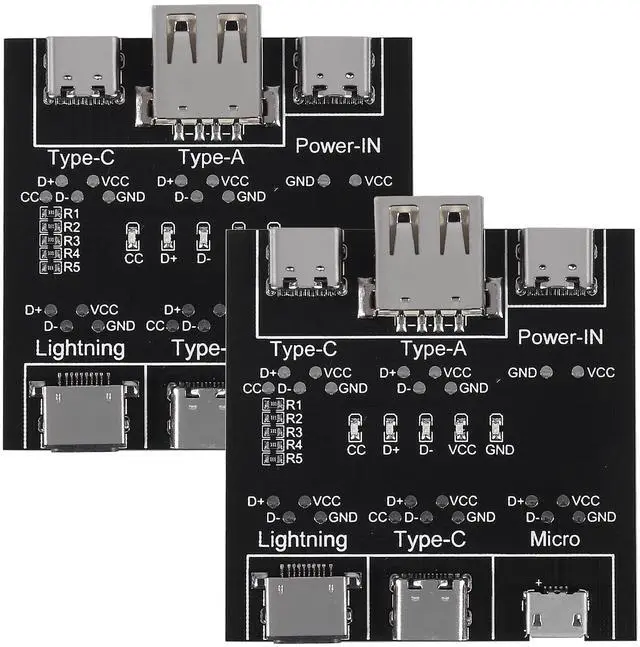
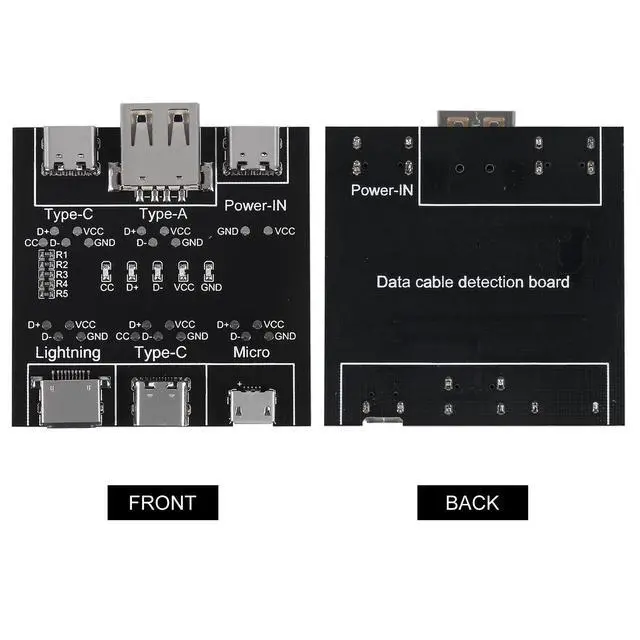
Data Cable Detection Board
Quick detection of data line anomalies
If all indicator lights are on, the data cable is normal. If one indicator light is not on, it indicates that the data cable is abnormal.
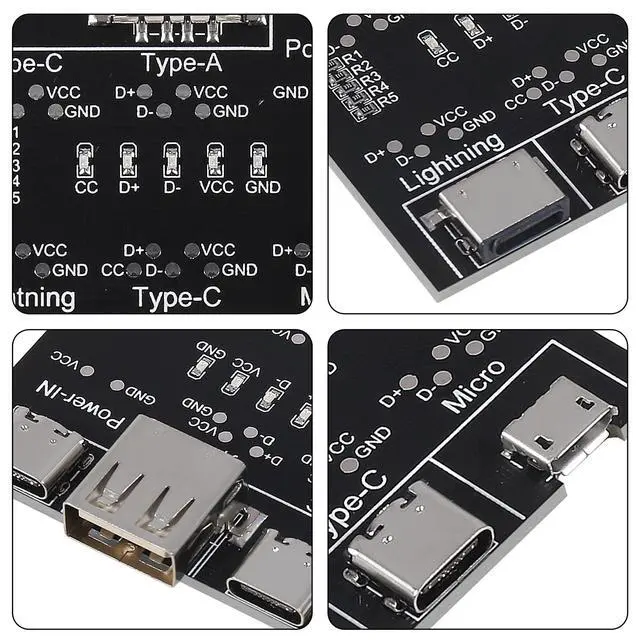
Indicator light description
If all four indicator lights are on, the data cable is normal (dual headed type-c data cables require all five indicator lights to be on).
If VCC or GND is not lit, it indicates that the data cable charging function is abnormal.
D+or D - off indicates abnormal data transmission function.
CC is specifically designed for dual head type-c data line detection. When testing other data cables, the light does not turn on.
Test scope:
Type-c to Type-c
Type-c to Lighting
USB to lighting
USB to Type-c
USB to Mini
Interface distribution:
The operation is simple, the detection is convenient, and the detection efficiency of the data line is improved.
Instructions for using the tester
1. Use a type-c charging cable to plug into the power port to power the product.
2. Insert one end of the data cable to be tested into the corresponding port.
3. Insert the other end of the data cable into the corresponding port.
4. Observe the indicator light.
Package
2x USB Data Cable Test Board


