





Simple but Helpful USB Tester
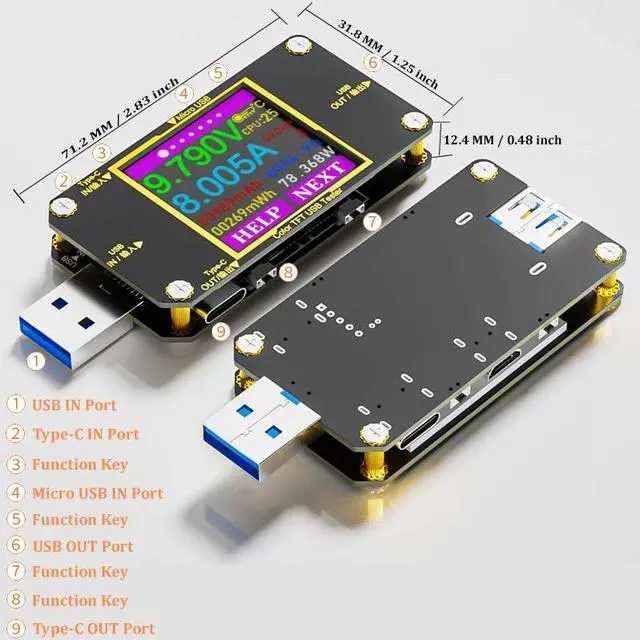
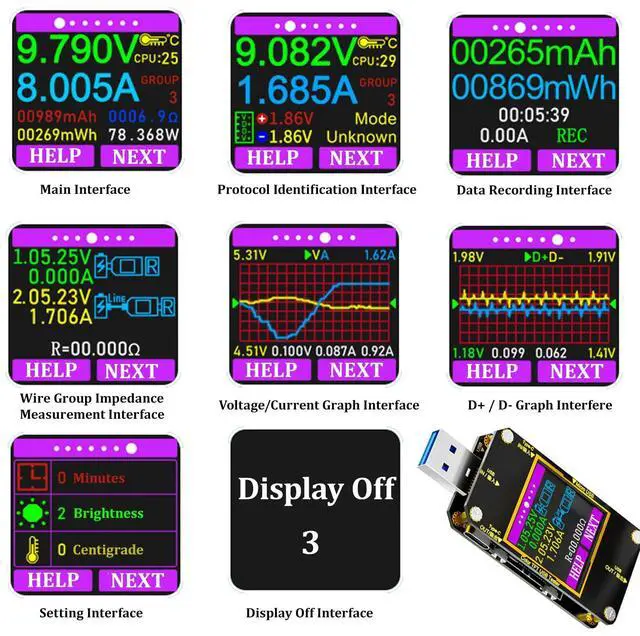
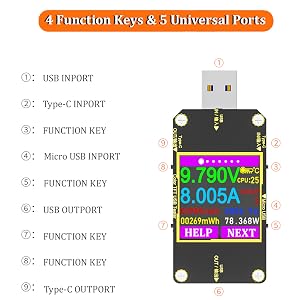
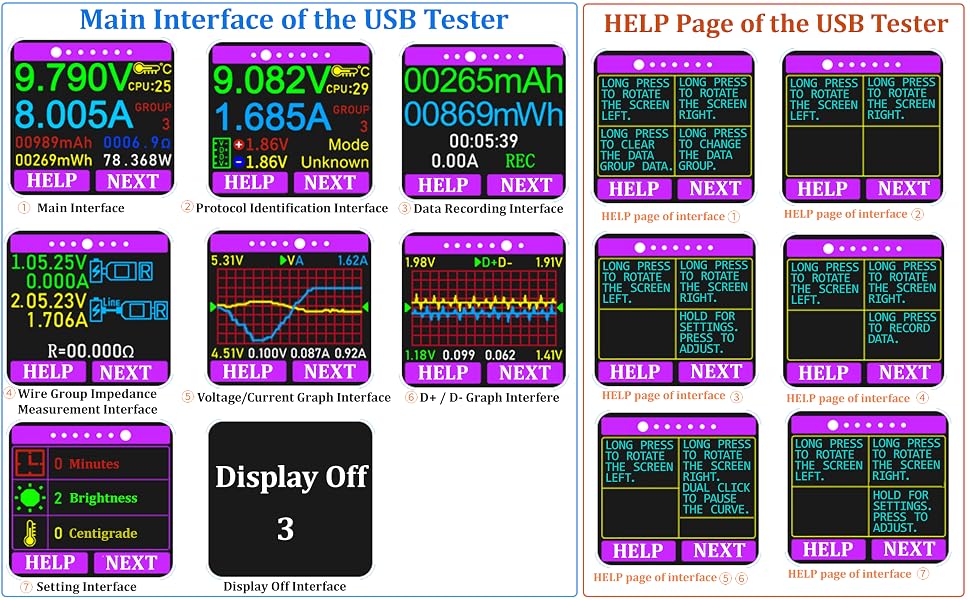
The USB tester is designed for easier and more intuitive use, equipped with descriptions for the 4 function keys.
You can click the HELP button to access the help page, which will assist you in quickly understanding the functions of each key on the different pages.
System Settings
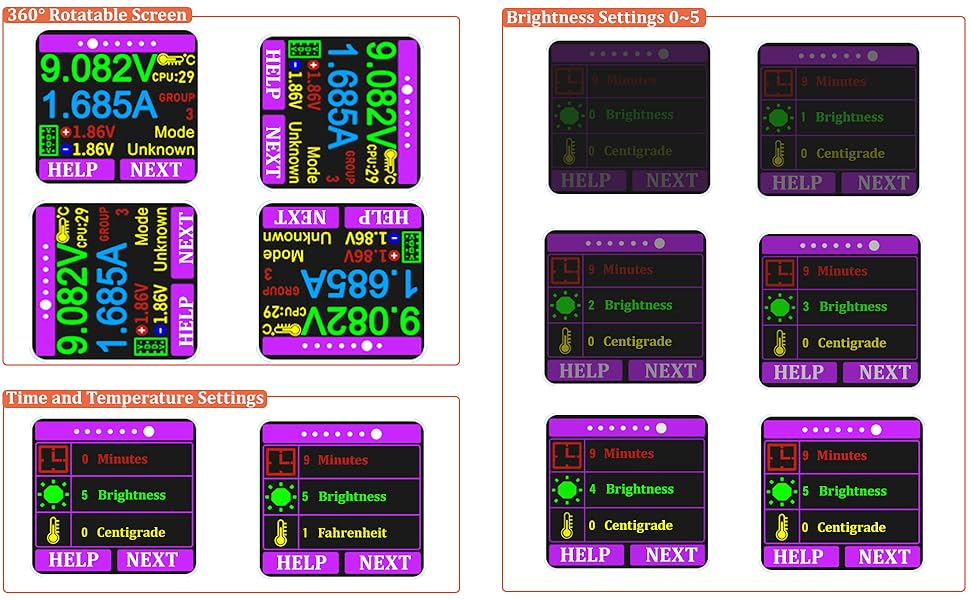
- 360-degree Rotating Screen
Pressing and holding the corresponding key to rotate the screen, allowing you to easily read the measured value from any angle of insertion, making the measurement process more convenient.
Time, Brightness and Temperature Settings: Long press "NEXT" button to select and change the value, then long press "NEXT" button to confirm the change.
- Auto-off Time Setting:0~9 Minutes, 0 for constant light up
- Temperature Settings: 0 -- Centigrade 1 -- Fahrenheit
- Brightness Settings: 0 ~ 5 The larger the number the brighter the screen
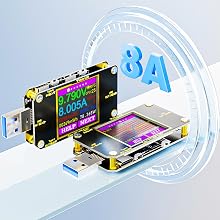
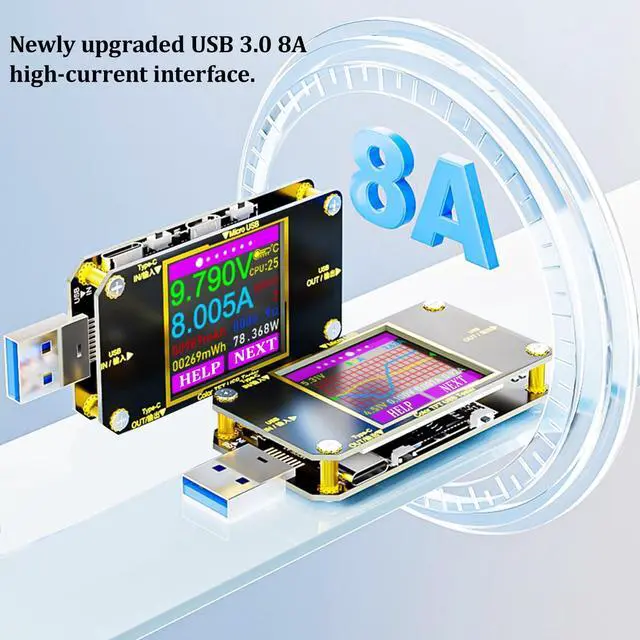
Support 8A High Current Test
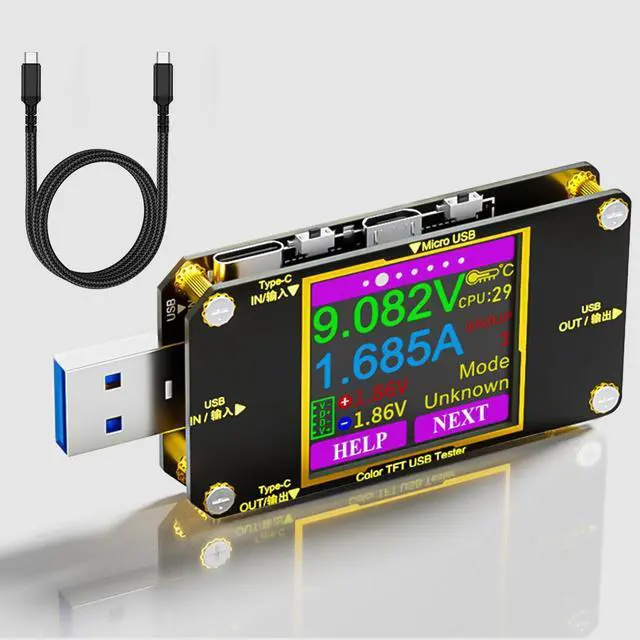
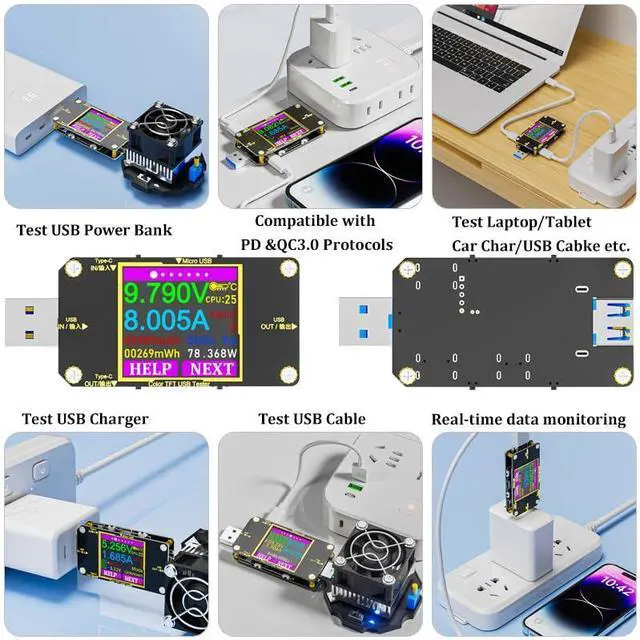
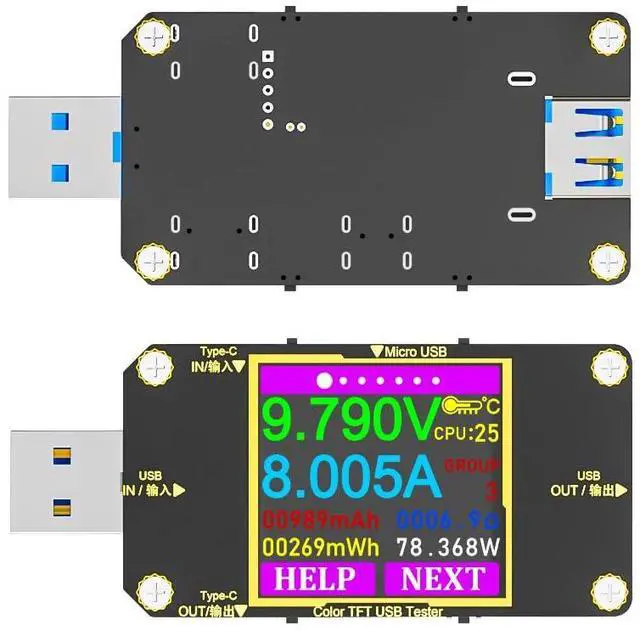
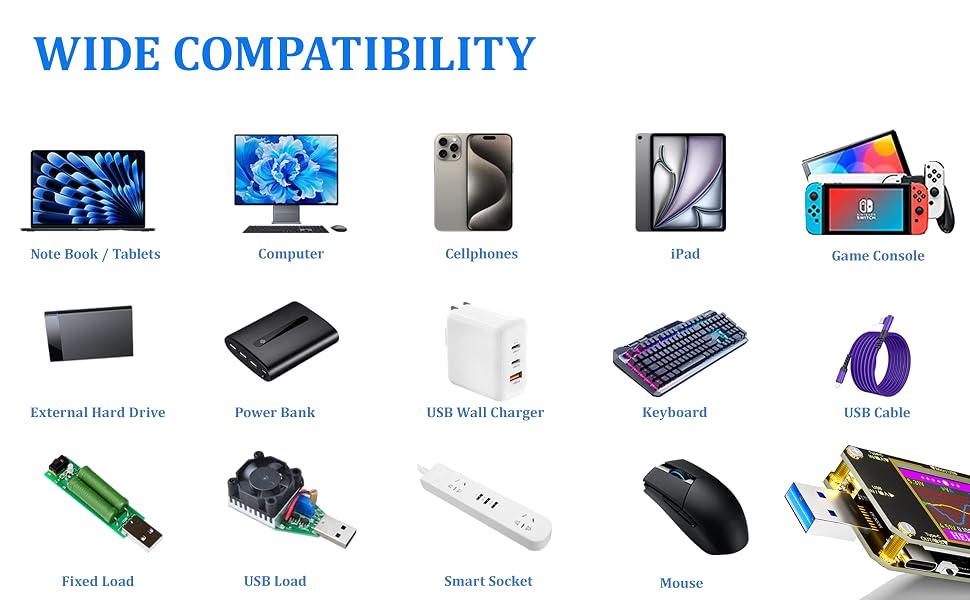
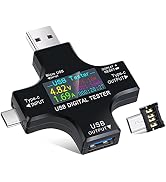
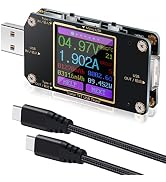
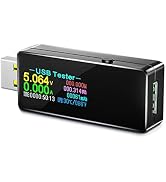
USB tester features a 1.44-inch high-definition color display, supports 8A high current, and is compatible with USB-A, Type-C, and Micro USB port conversions, making it your ideal measuring tool.
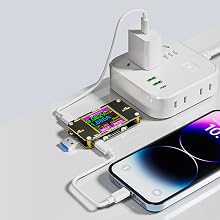
Fast Charging Protocol
Compatible with multiple fast charging protocols:
- PD
- QC2.0
- QC3.0
- QC4.0
- MTK etc.
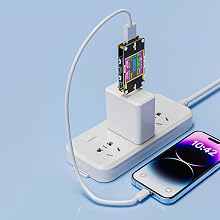
Real-time Monitoring of Phone Charging Status
Real-time display of various numerical changes during the charging process, allowing you to monitor the charging status of your cell phone in real time, and check the quality of USB cable, chargers, etc., to ensure the safe charging of your device.
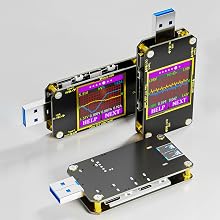
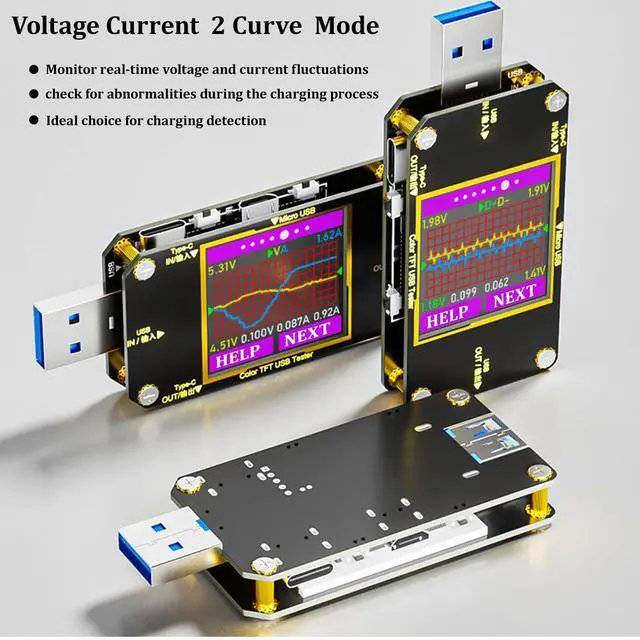
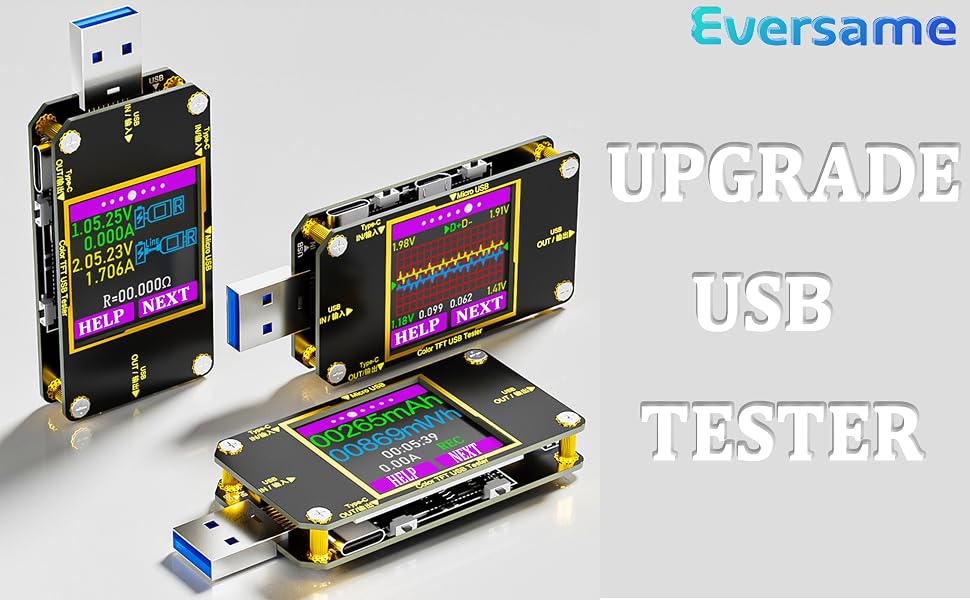
Current Voltage 2 Curve Modes
New addition of D+D- curve detection allows you to conveniently monitor the fluctuations of current and voltage in real time, making it an ideal choice for your charging detection needs.
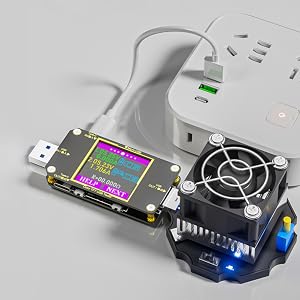
Wire Resistance Measurement
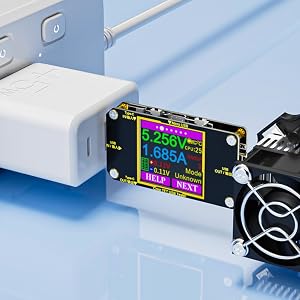
Testing Performance Stability of USB Chargers
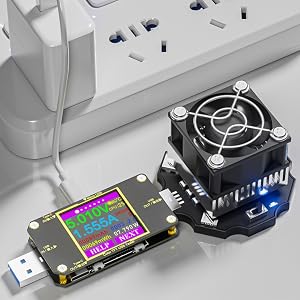
Testing Performance of USB Cables
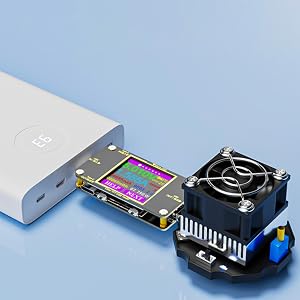
Testing Performance of Power Bank


We are Eversame. We believe in the power of technology to enhance different aspects of your life.
Eversame is committed to providing excellent quality and ultimate user experience, by offering safer, faster, and higher-quality electronic accessories that create convenience in your life.
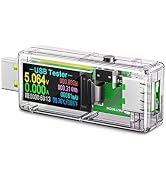
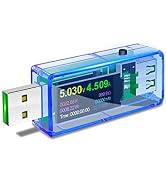
Digital USB Tester
USB Meter and Voltage Meter
Simple but Helpful USB Tester
The USB tester is designed for easier and more intuitive use, equipped with descriptions for the 4 function keys.
You can click the HELP button to access the help page, which will assist you in quickly understanding the functions of each key on the different pages.
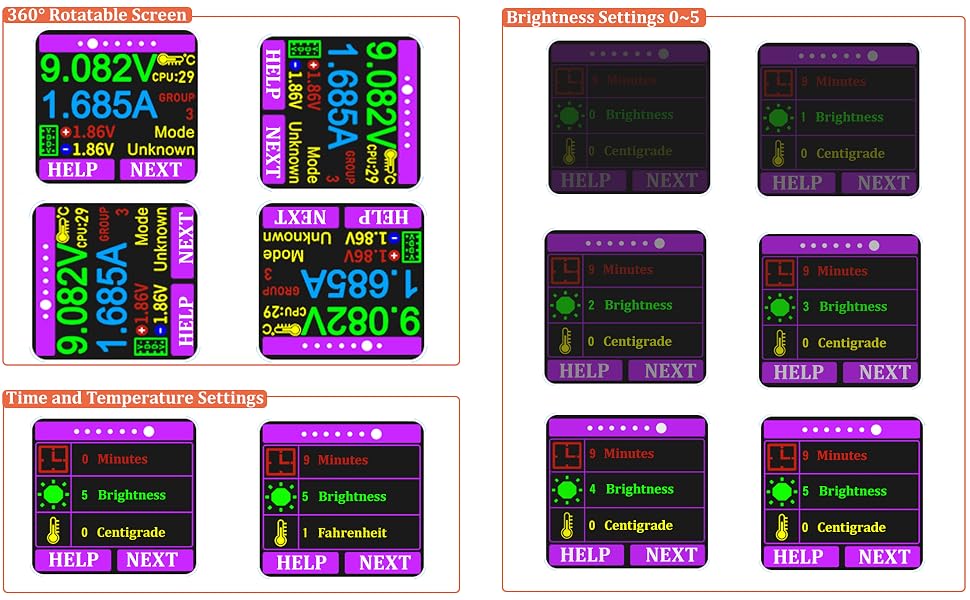
System Settings
- 360-degree Rotating Screen
Pressing and holding the corresponding key to rotate the screen, allowing you to easily read the measured value from any angle of insertion, making the measurement process more convenient.
Time, Brightness and Temperature Settings: Long press "NEXT" button to select and change the value, then long press "NEXT" button to confirm the change.
- Auto-off Time Setting:0~9 Minutes, 0 for constant light up
- Temperature Settings: 0 -- Centigrade 1 -- Fahrenheit
- Brightness Settings: 0 ~ 5 The larger the number the brighter the screen
Support 8A High Current Test
USB tester features a 1.44-inch high-definition color display, supports 8A high current, and is compatible with USB-A, Type-C, and Micro USB port conversions, making it your ideal measuring tool.
Fast Charging Protocol
Compatible with multiple fast charging protocols:
- PD
- QC2.0
- QC3.0
- QC4.0
- MTK etc.
Real-time Monitoring of Phone Charging Status
Real-time display of various numerical changes during the charging process, allowing you to monitor the charging status of your cell phone in real time, and check the quality of USB cable, chargers, etc., to ensure the safe charging of your device.
Current Voltage 2 Curve Modes
New addition of D+D- curve detection allows you to conveniently monitor the fluctuations of current and voltage in real time, making it an ideal choice for your charging detection needs.
Wire Resistance Measurement
After inserting the data cable, if the tester’s screen turns black, it indicates that the voltage difference is too large, and the tester has entered a 4.5V power-off state. You will need to reduce the load current and restart the measurement from the first step. Once the wire resistance measurement is completed, start the measurement again when the tester is powered on next time.
- Voltage and current values when the tester is directly connected to the power source.
- Voltage and current values when the tester is connected to the power source through the data cable being tested.
Testing Performance of Power Bank
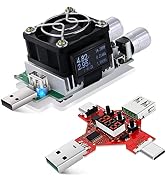
Easily test various USB chargers with a constant current load. Simply adjust the load knob to measure the charging current and voltage values, allowing the charger to operate under load for extended periods and assess its performance stability.
Testing Performance of USB Cables
- Test Micro-USB / USB-A Cable
Connect the micro USB cable into the Micro USB Input port, then connect an adjustable constant current load to the USB output. The higher the current, the better the quality of the USB Cable, making it easy to test the quality of the USb cables.
- Test USB-C Cable
The operation for testing Type-C cables is the same. Plug the cable into the Type-C IN port, adjust the load to reduce the no-load voltage by 1V; the displayed current value at this point is the maximum current value for the data cable.
Testing Performance of Power Bank
- Equipped with a power-off storage function, it can store the power bank capacity data when the power bank is powered off, making it convenient for future reference and facilitating capacity testing of the power bank.
- When powered off, it temporarily saves the current capacity.
- Upon rebooting, it will accumulate the currently used capacity.
- If accumulation is not needed, you can manually clear the data.
We are Eversame. We believe in the power of technology to enhance different aspects of your life.
Eversame is committed to providing excellent quality and ultimate user experience, by offering safer, faster, and higher-quality electronic accessories that create convenience in your life.
Digital USB Tester
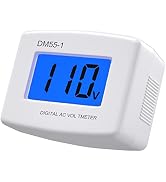
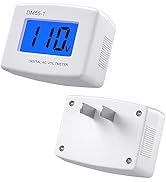
USB Meter and Voltage Meter