here!
here!
I’m your shopping assistant for PC builds, upgrades, and everything tech.
Got questions? Ask away!
Start a conversation
here!
I’m your shopping assistant for PC builds, upgrades, and everything tech.
Got questions? Ask away!
Start a conversation
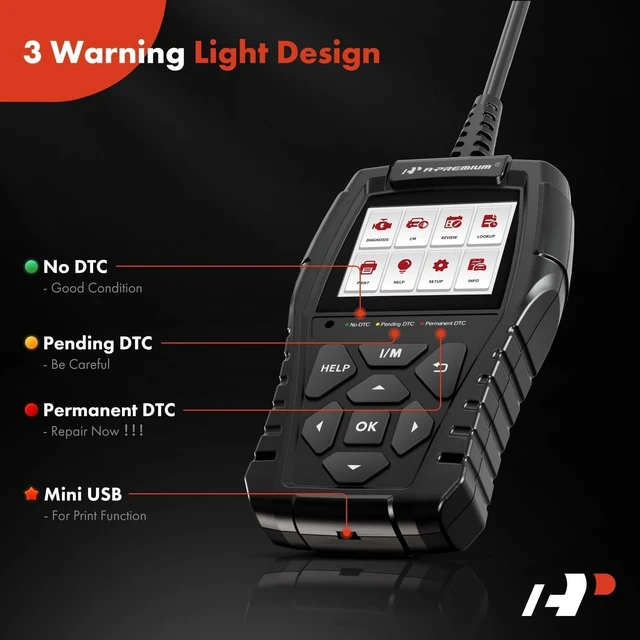
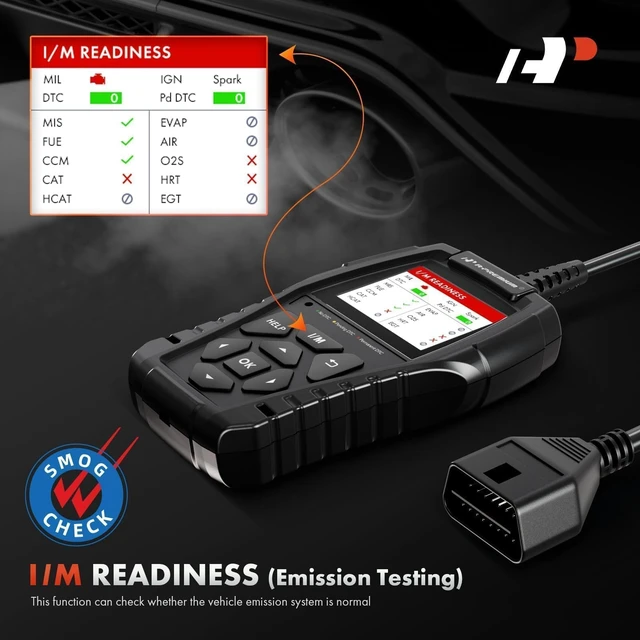



Any questions? Ask CelesteSM will help you find out quickly.
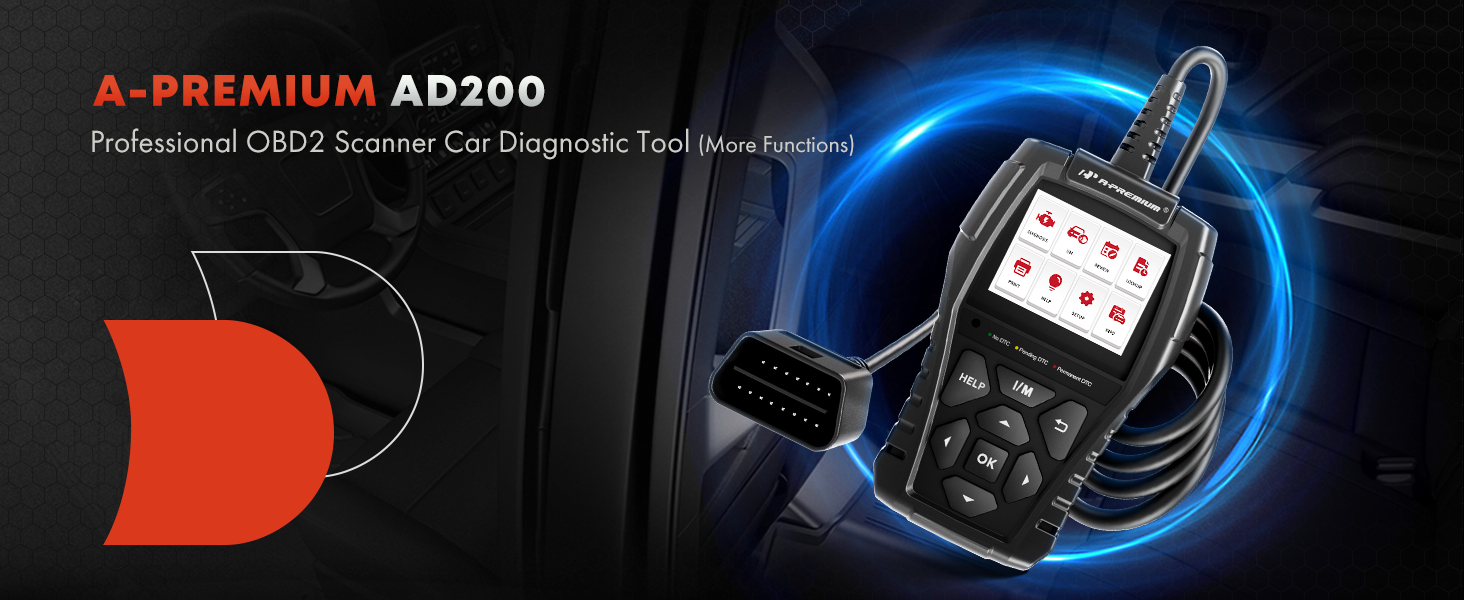
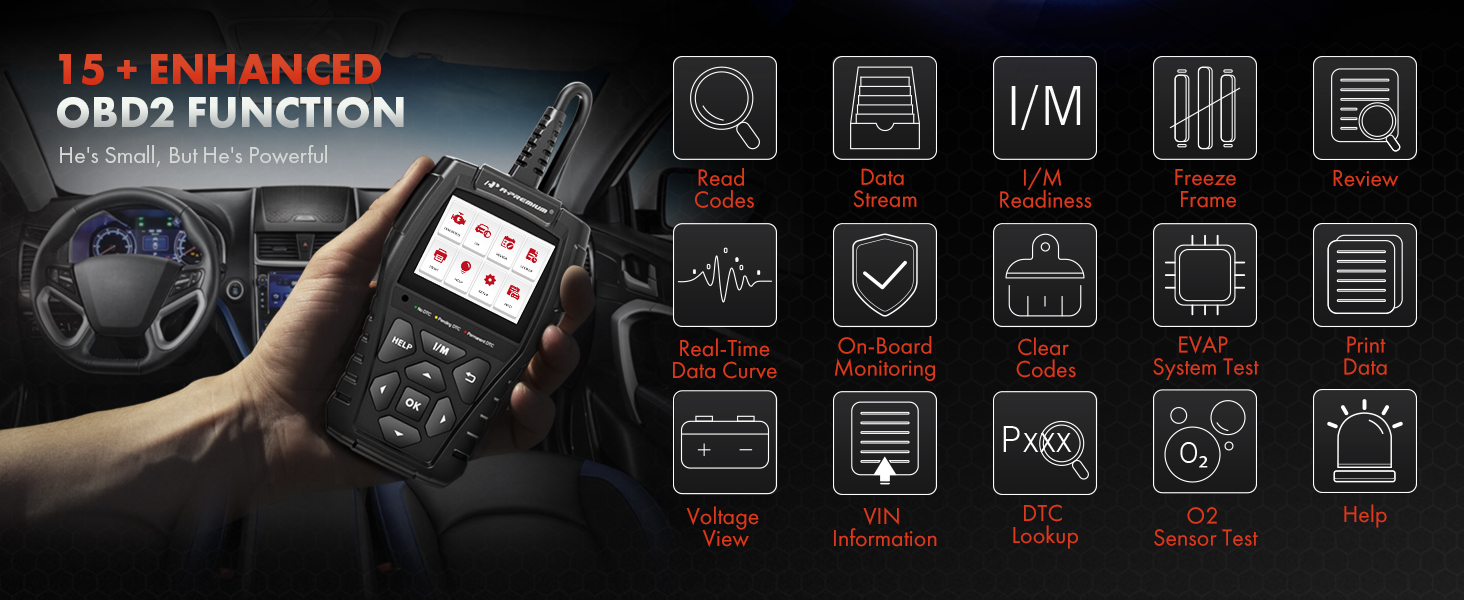
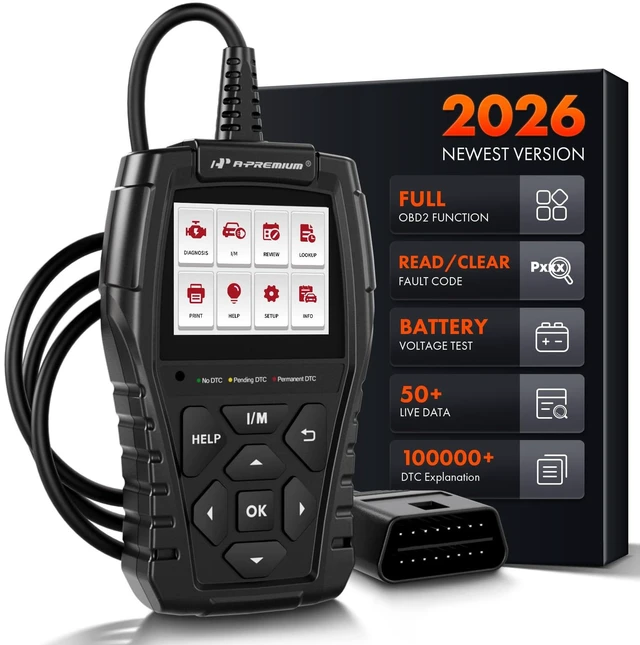
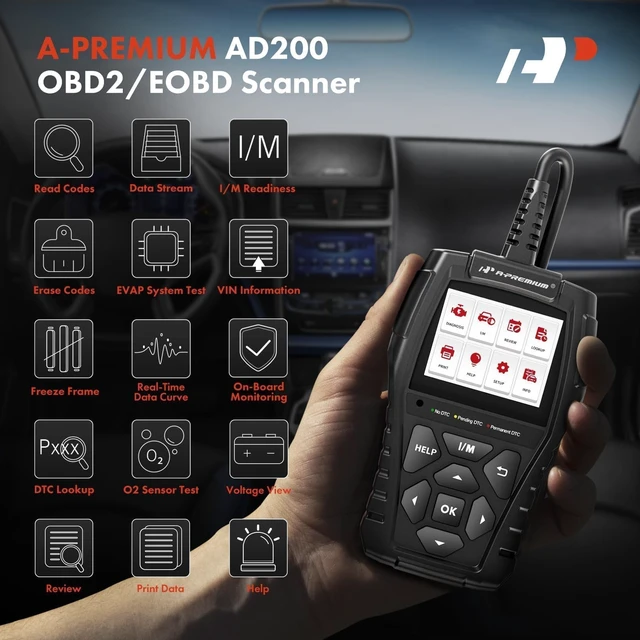
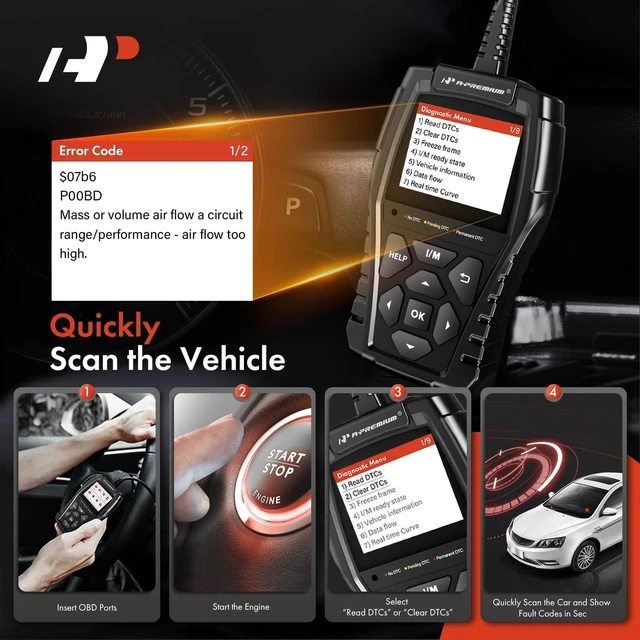
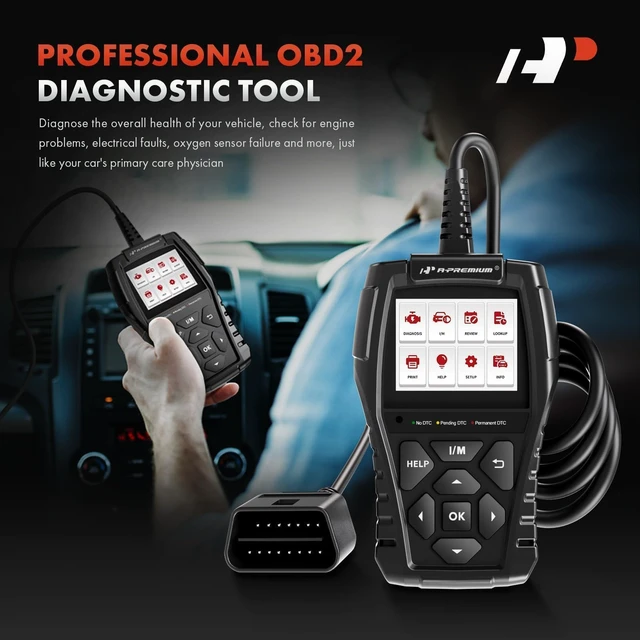
How to use a-premium AD200 OBD2 Scanner?
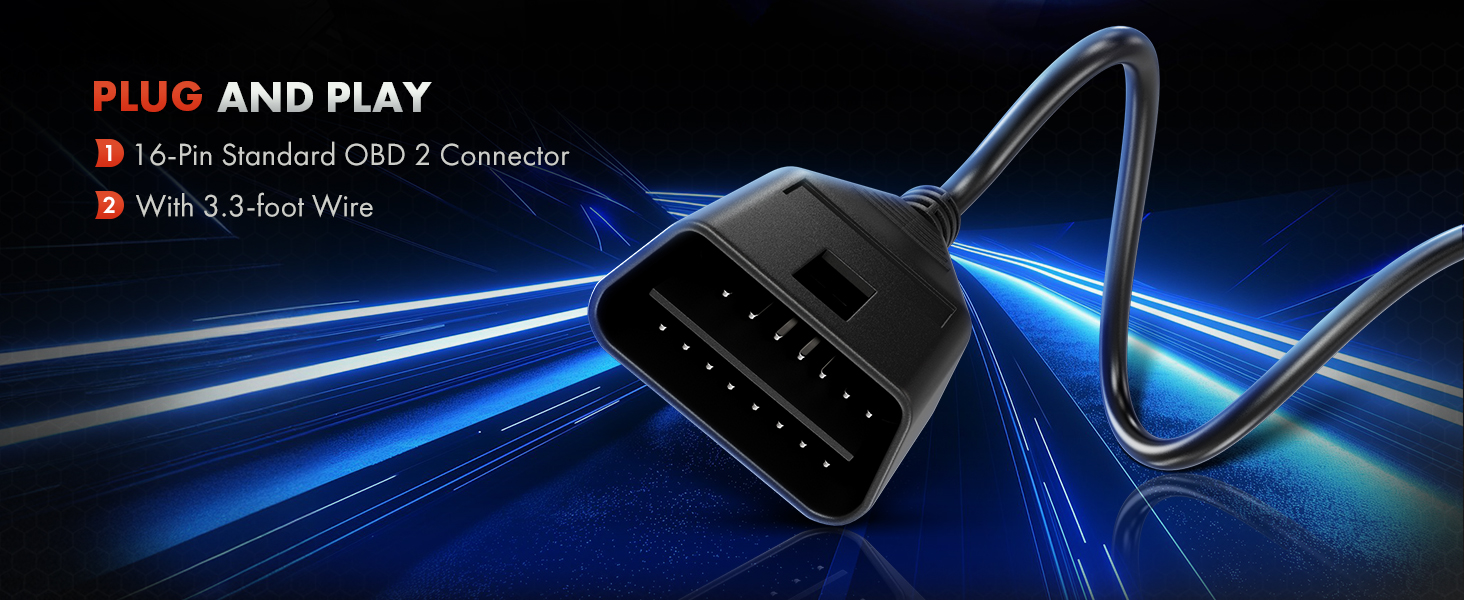
Step-1: Plug the Scanner into the car's OBD 2 port.
Step-2: Turn the ignition on.
Step-3: Scanner will start to link the ECU.
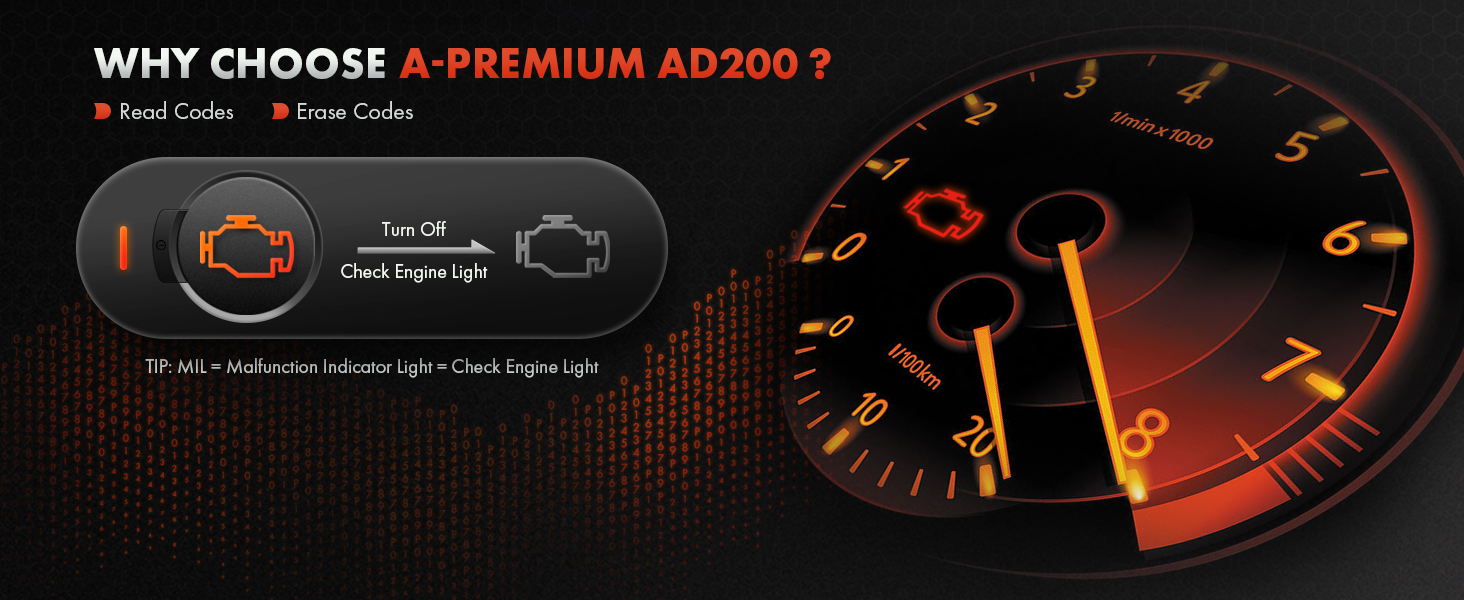
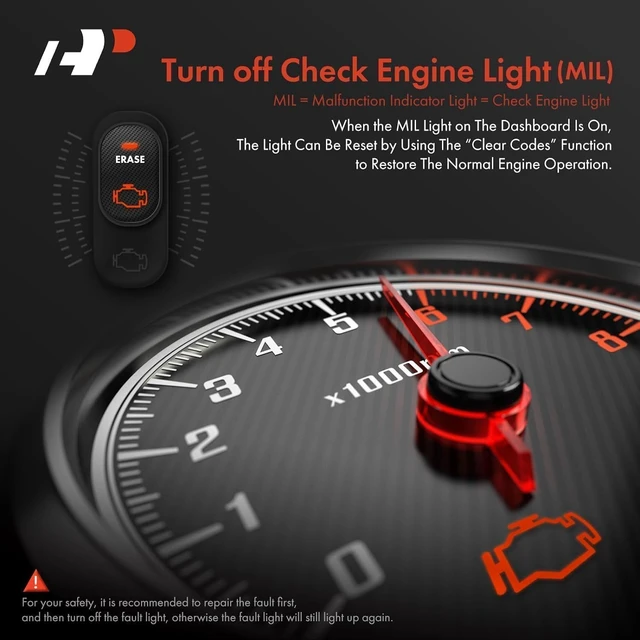
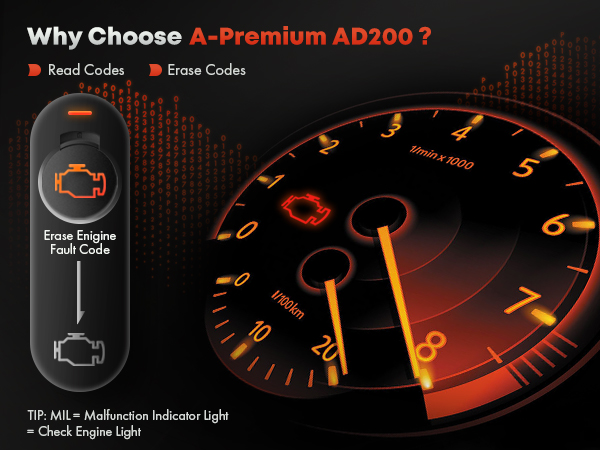
Why can't I clear the fault code or turn off the fault light?
You need to fix the fault before you can erase the code / turn off the fault light.
Can this product scan the transmission or steering or ABS or body or SRS .... system?
Sorry, Only Engine (note:If your car is “electric vehicle”, then this scanner tool may not support your model, because the electric vehicle does not have an engine to scan, and 24-V heavy duty trucks are also not supported !!!!!)
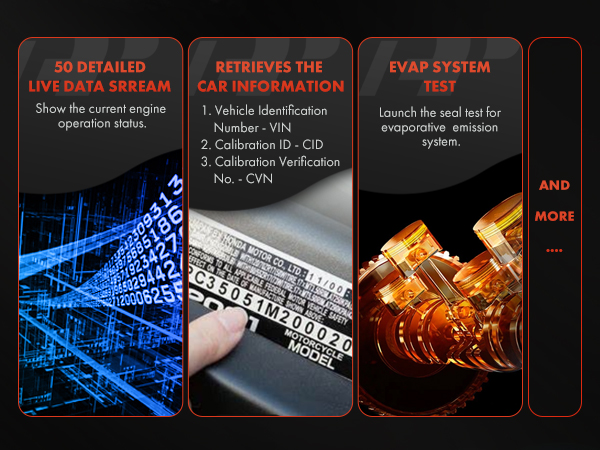
Why doesn't this scanner recognize my car's VIN?
Due to different vehicle makers, some cars’ VINs can not be identified by this scanner. We recommend that you use professional scanner tool.
Where is the OBD port in my vehicle?
The port is usually located under the steering wheel.
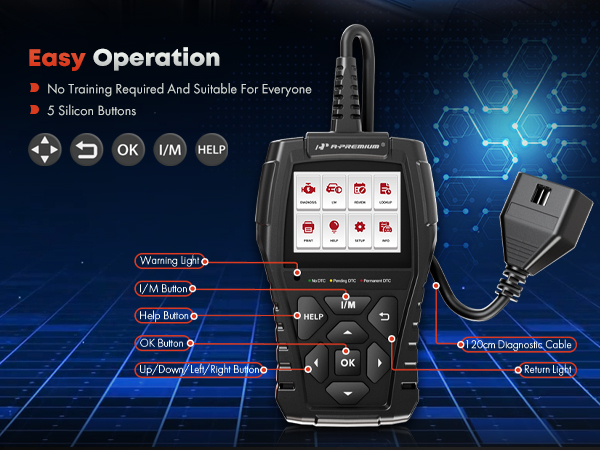
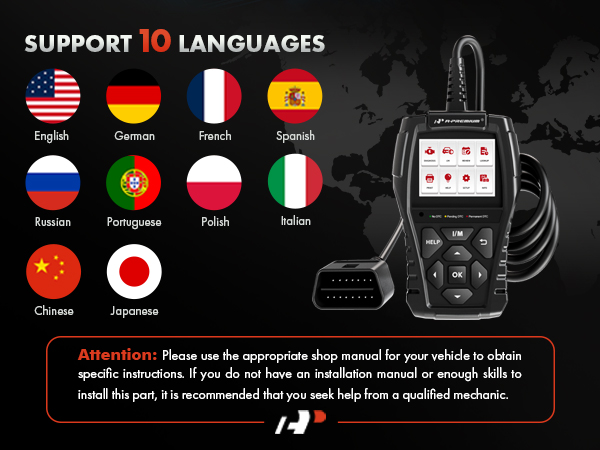

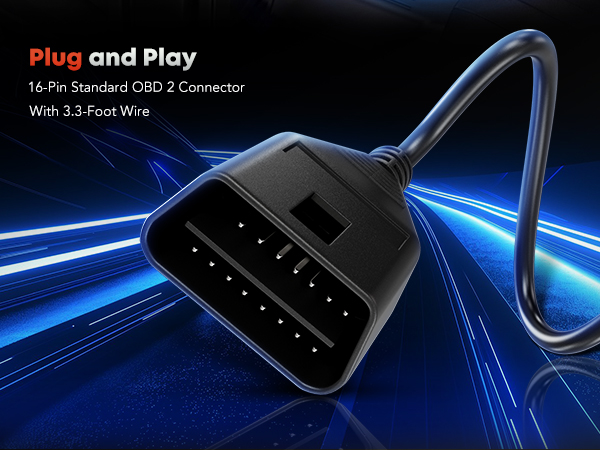
How to use a-premium AD200 OBD2 Scanner?
Step-1: Plug the Scanner into the car's OBD 2 port.
Step-2: Turn the ignition on.
Step-3: Scanner will start to link the ECU.
Why can't I clear the fault code or turn off the fault light?
You need to fix the fault before you can erase the code / turn off the fault light.
Can this product scan the transmission or steering or ABS or body or SRS .... system?
Sorry, Only Engine (note:If your car is “electric vehicle”, then this scanner tool may not support your model, because the electric vehicle does not have an engine to scan, and 24-V heavy duty trucks are also not supported !!!!!)
Why doesn't this scanner recognize my car's VIN?
Due to different vehicle makers, some cars’ VINs can not be identified by this scanner. We recommend that you use professional scanner tool.
Where is the OBD port in my vehicle?
The port is usually located under the steering wheel.