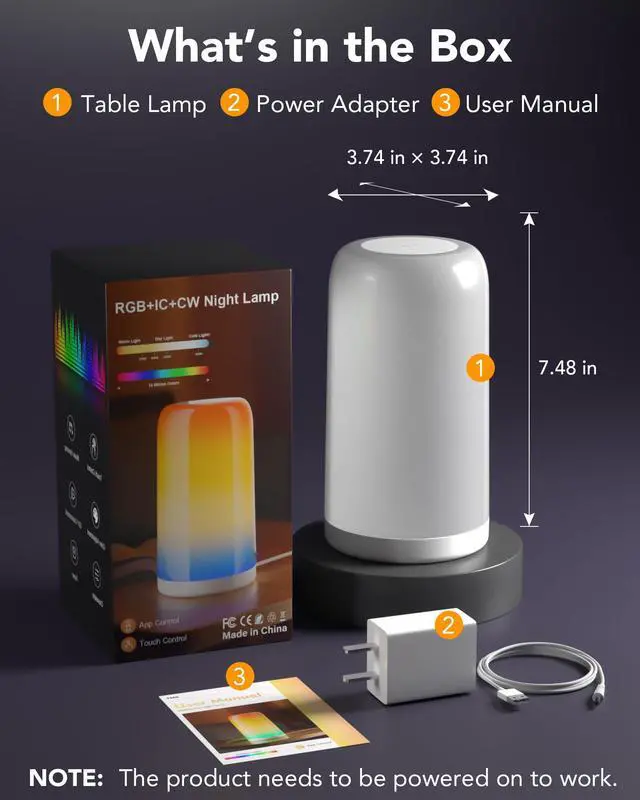


Can the product be used without power?
The product needs to be connected to a power source in order to work. Plug-in models of desk lamps are usually brighter and more stable, but need to rely on the socket. Suitable for fixed use scenarios such bedrooms, living rooms or offices.
Does it work with smart speakers or other apps?
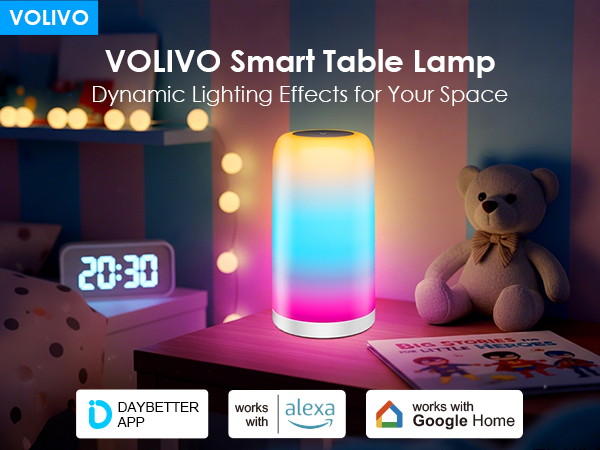
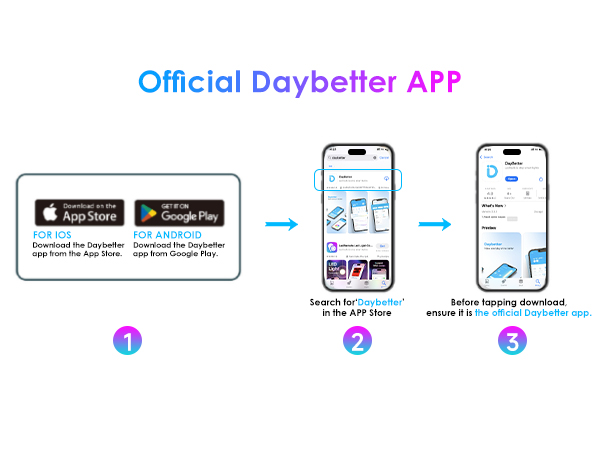
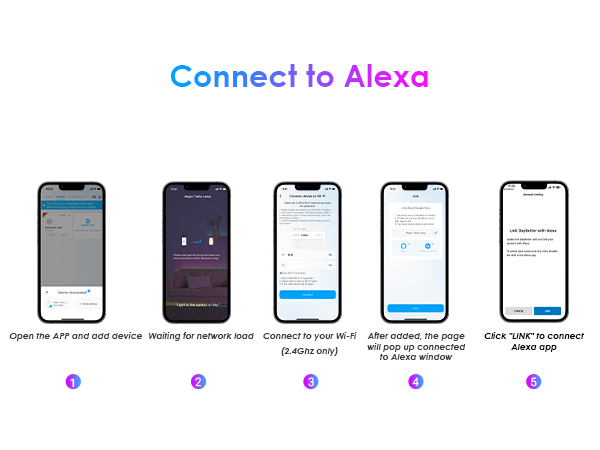
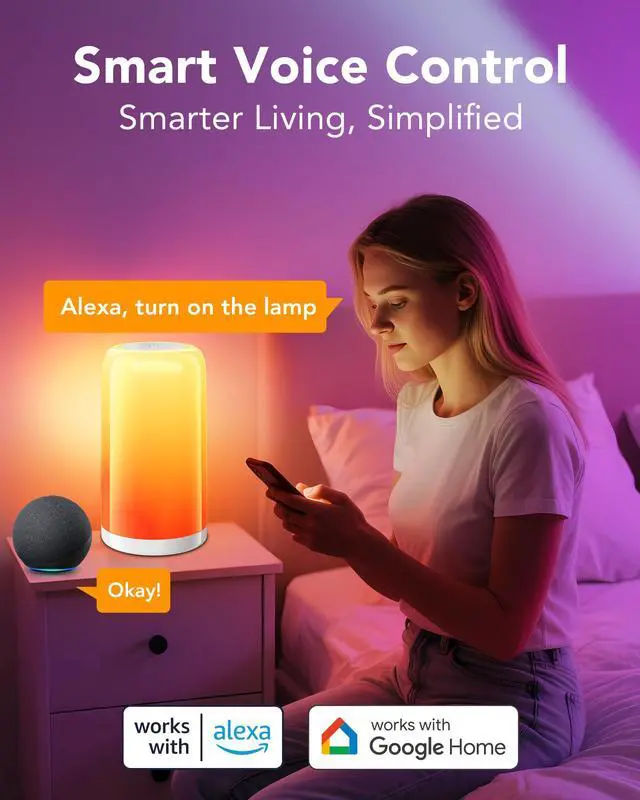
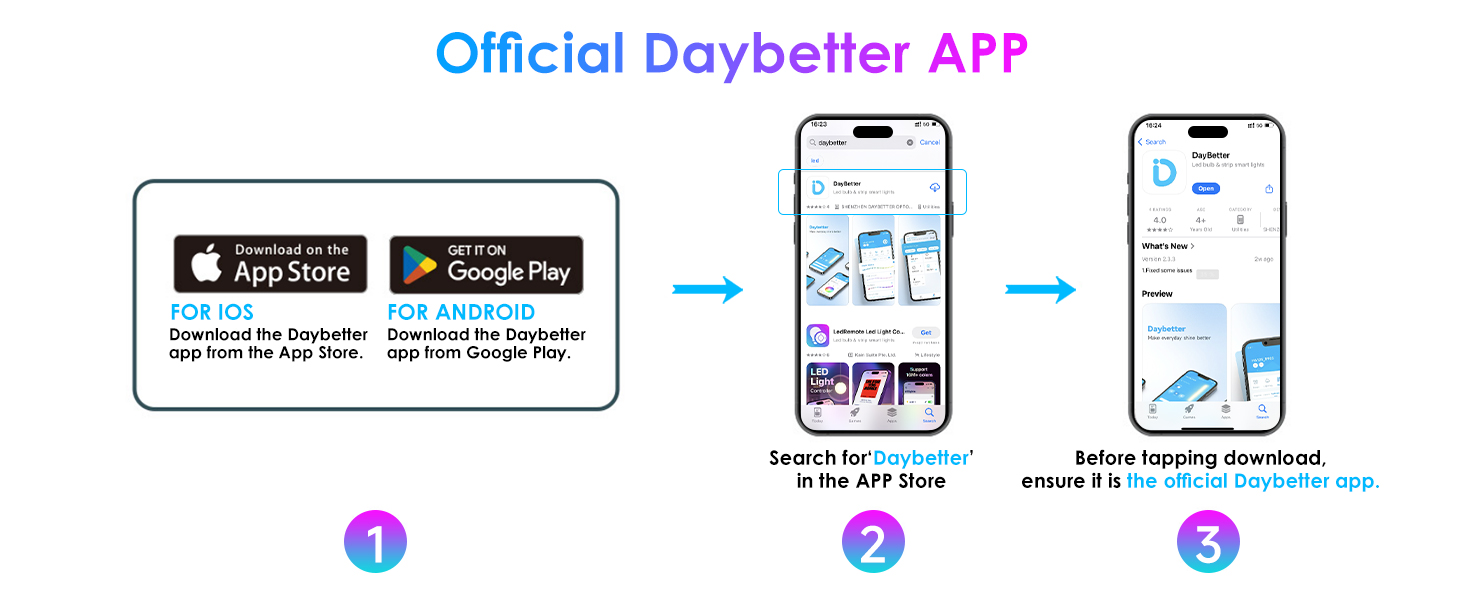
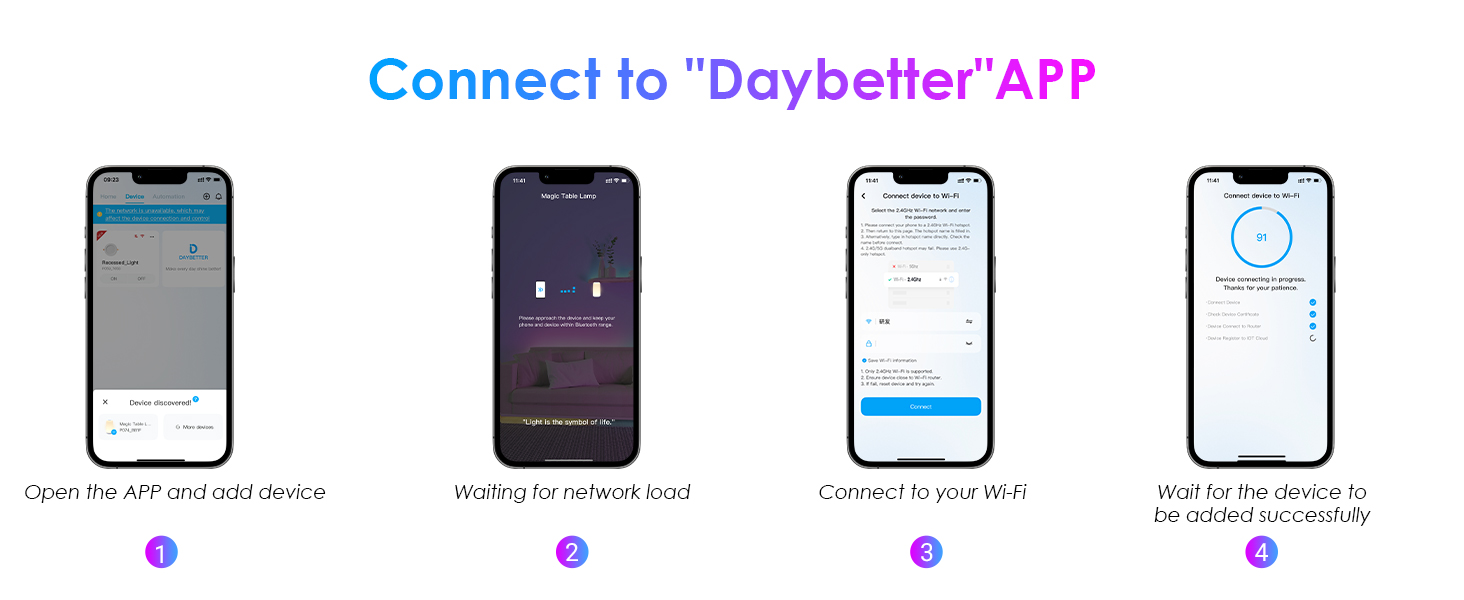
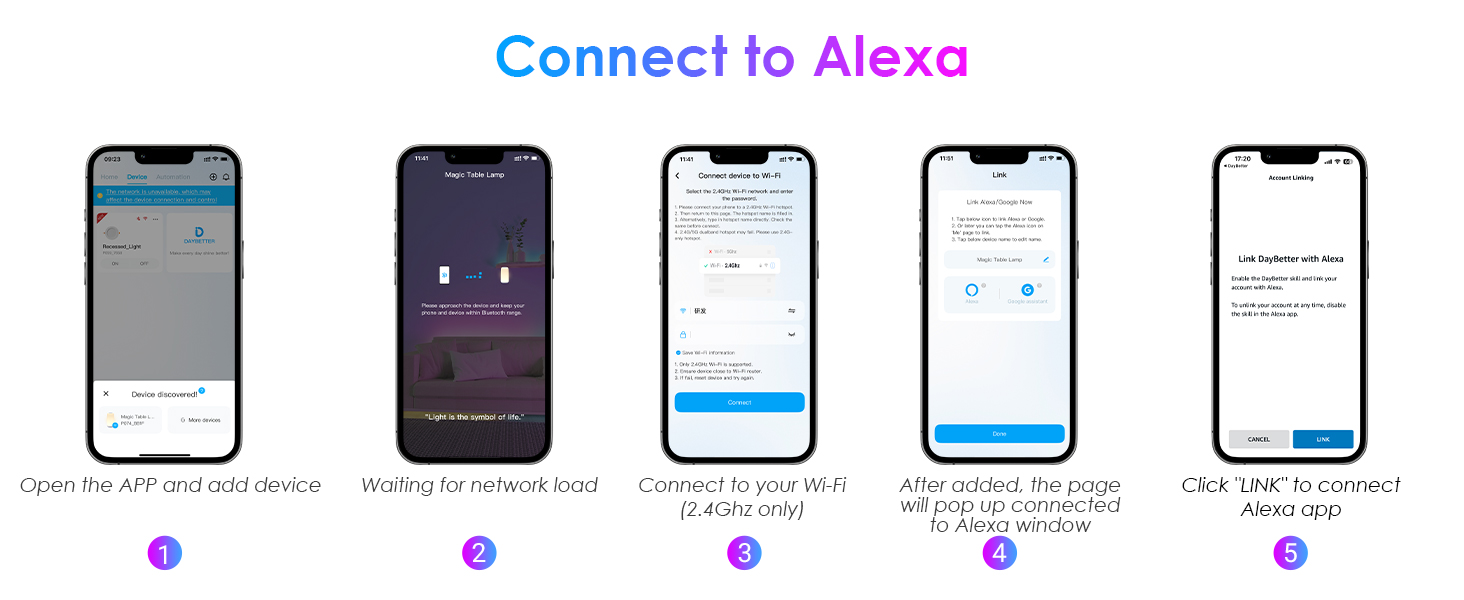
Yes. Control via DayBetter App (iOS/Android). Compatible with Alexa & Google Home. Not compatible with Smart Life, Tuya, other 3rd-party apps, or platforms like Apple HomeKit/Siri. *Requires 2.4GHz Wi-Fi (5GHz not supported).*
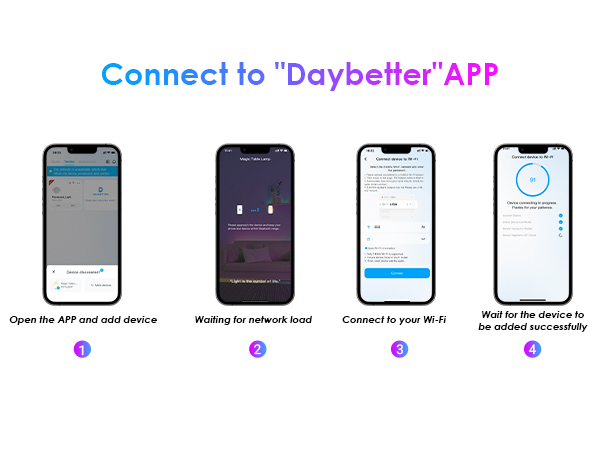
What should I do if WiFi connection fails?
You need to reset the device. Please follow these steps:
1. Disconnect the device from power, then plug it back in. Repeat this cycle three times (wait 2-4 seconds between each power off and on).
2. Re-add the device and connect it.
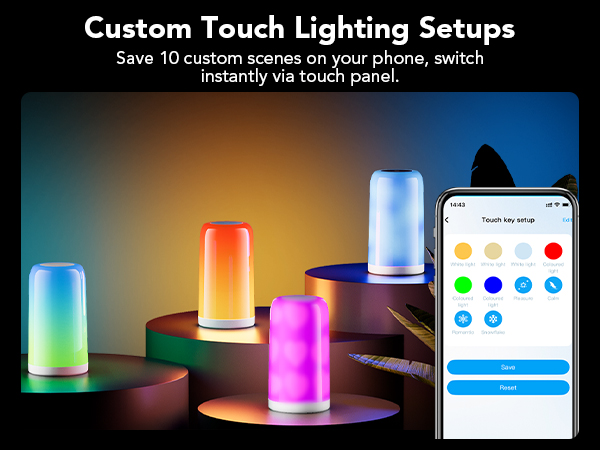
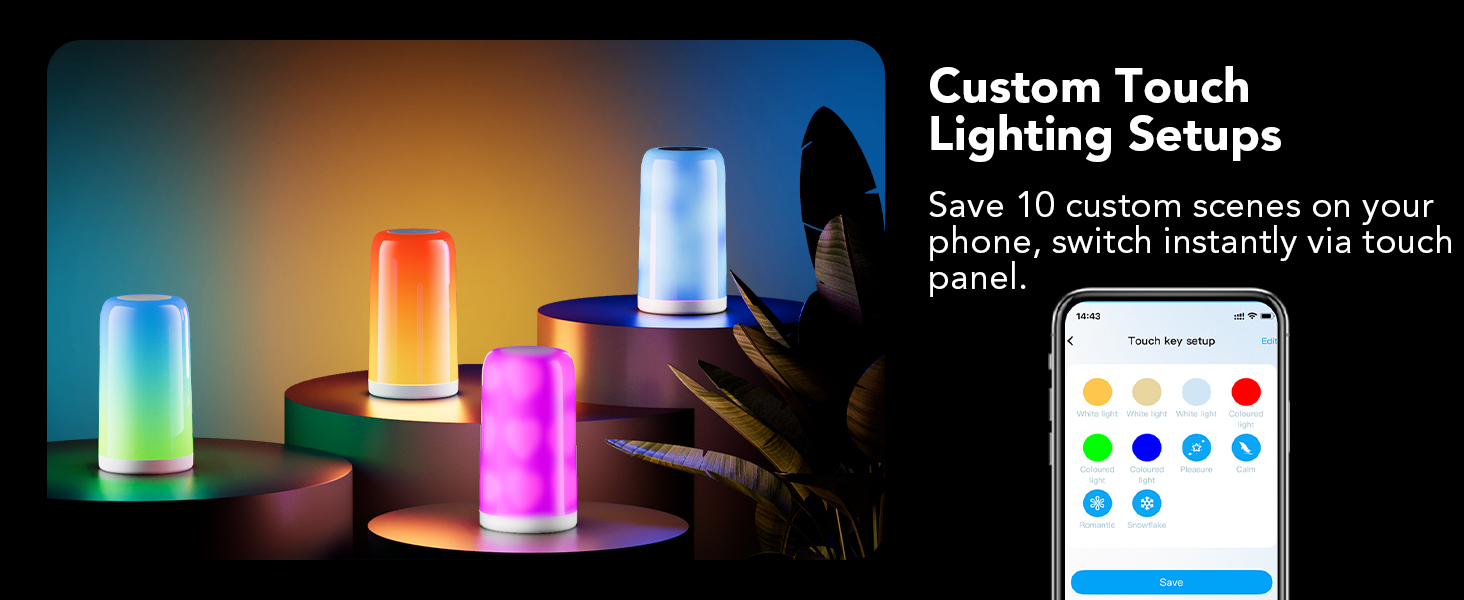
How to customize touch key lighting effects?
Follow these steps:
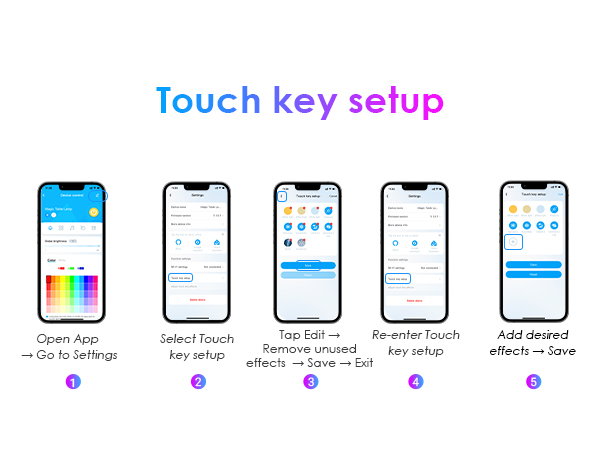
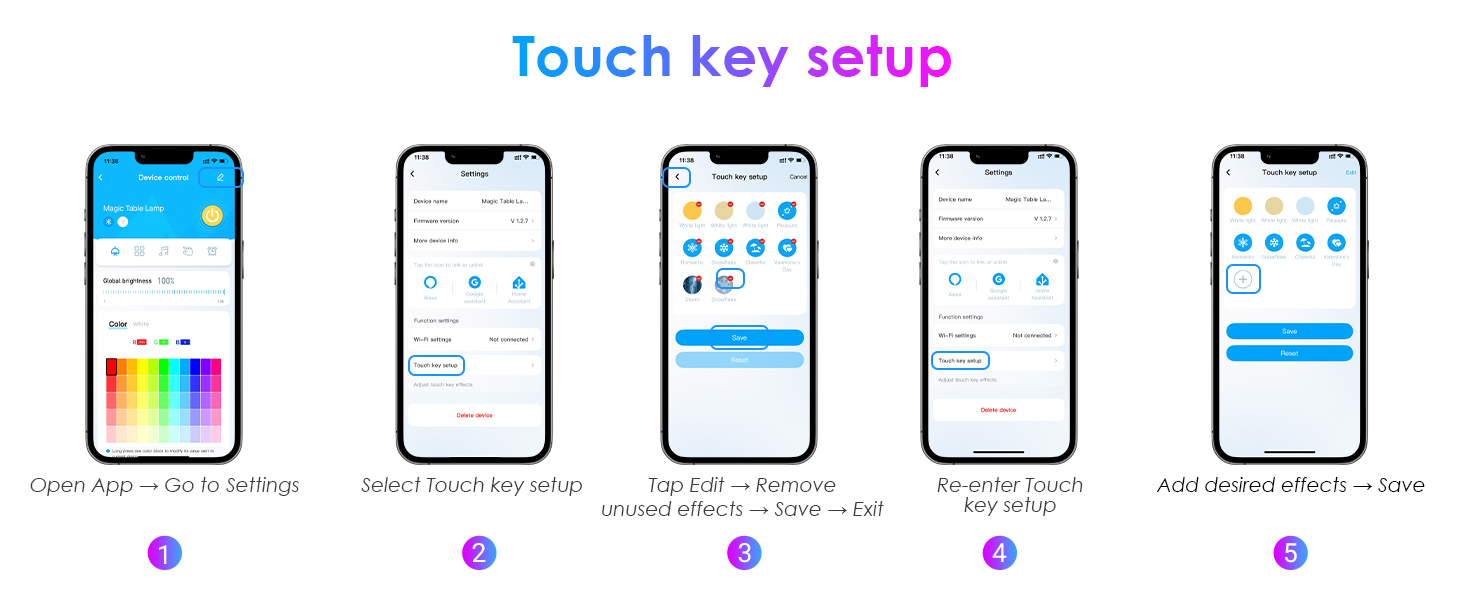
1.Open App ? Go to Settings ? Select Touch key setup
2.Tap Edit ? Remove unused effects ? Save
3.Exit to main menu ? Re-enter Touch key setup ? Add desired effects ? Save
Can the product be used without power?
The product needs to be connected to a power source in order to work. Plug-in models of desk lamps are usually brighter and more stable, but need to rely on the socket. Suitable for fixed use scenarios such bedrooms, living rooms or offices.
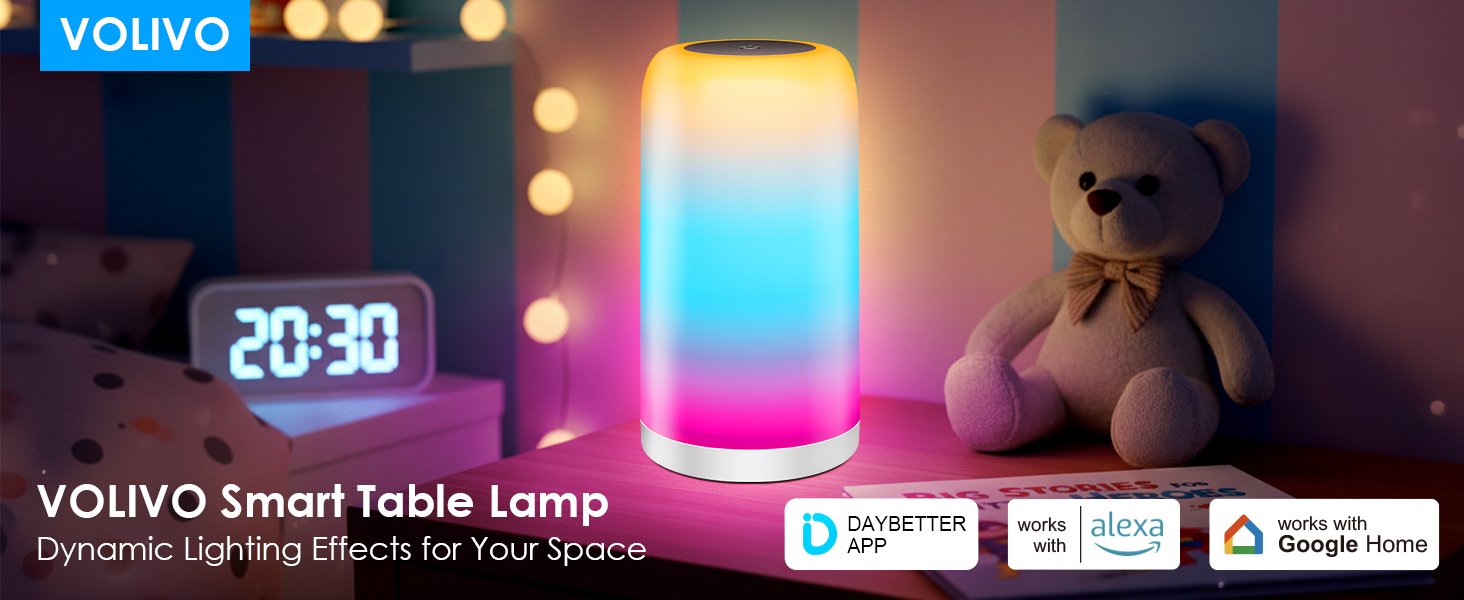
Does it work with smart speakers or other apps?
Yes. Control via DayBetter App (iOS/Android). Compatible with Alexa & Google Home. Not compatible with Smart Life, Tuya, other 3rd-party apps, or platforms like Apple HomeKit/Siri. *Requires 2.4GHz Wi-Fi (5GHz not supported).*
What should I do if WiFi connection fails?
You need to reset the device. Please follow these steps:
1. Disconnect the device from power, then plug it back in. Repeat this cycle three times (wait 2-4 seconds between each power off and on).
2. Re-add the device and connect it.
How to customize touch key lighting effects?
Follow these steps:
1.Open App ? Go to Settings ? Select Touch key setup
2.Tap Edit ? Remove unused effects ? Save
3.Exit to main menu ? Re-enter Touch key setup ? Add desired effects ? Save