






How do I turn this wall light on and off?
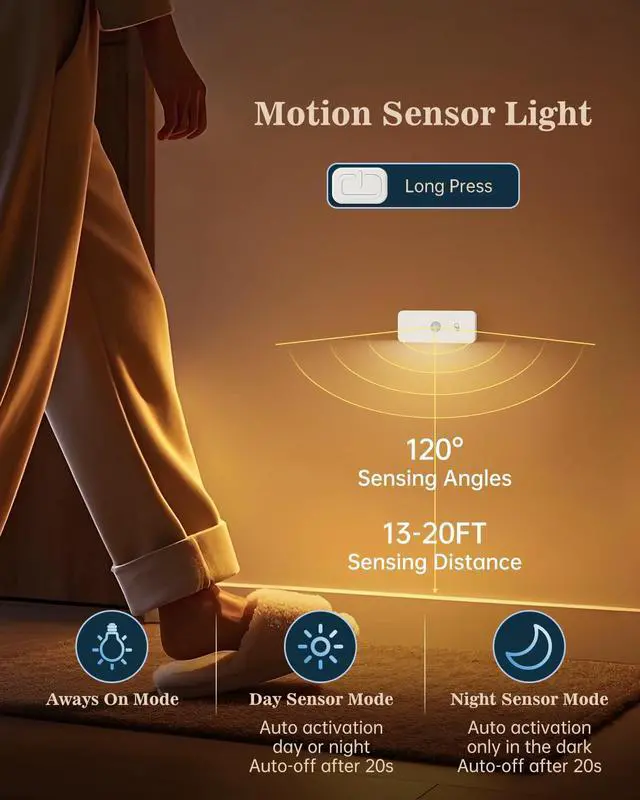
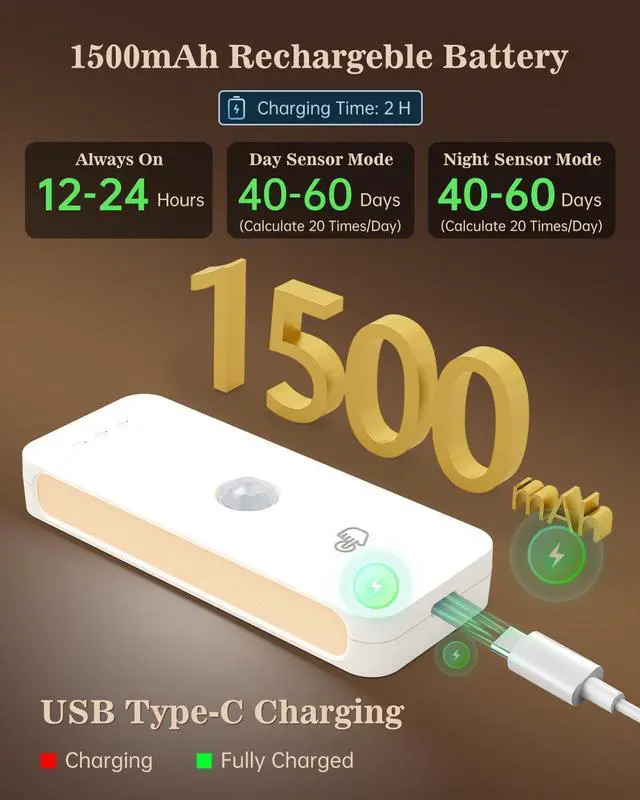
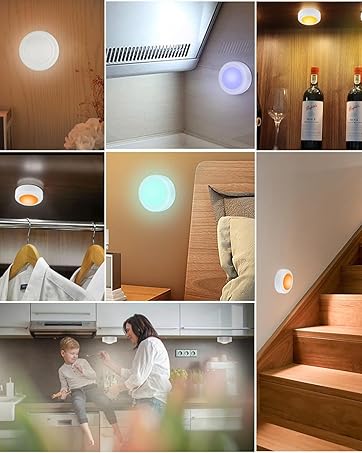
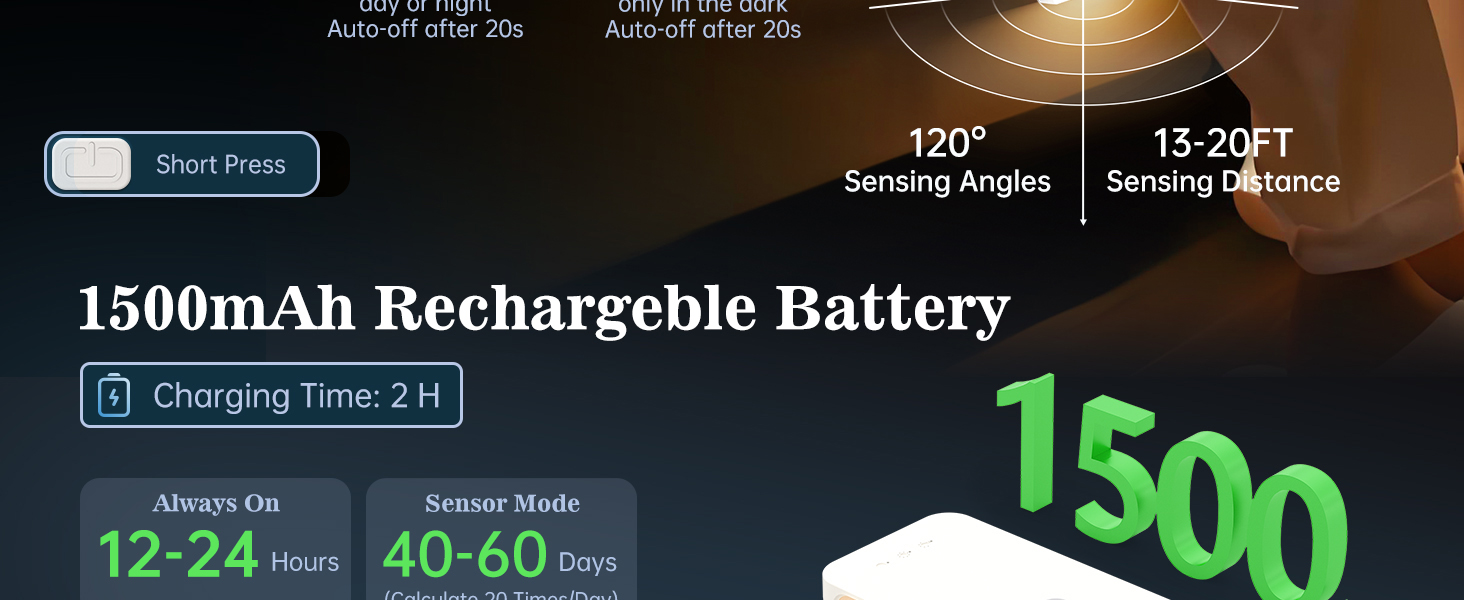
To turn the wall light on or off, press and hold the power button for about 2–3 seconds. If it doesn’t turn on, make sure it's charged and try holding the button again.
How do I switch between the three lighting modes, and what’s the difference?
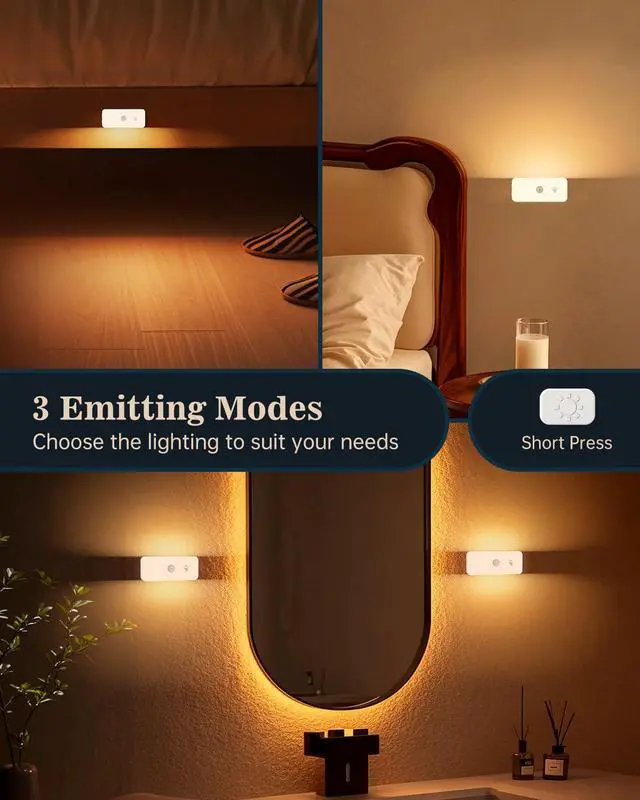
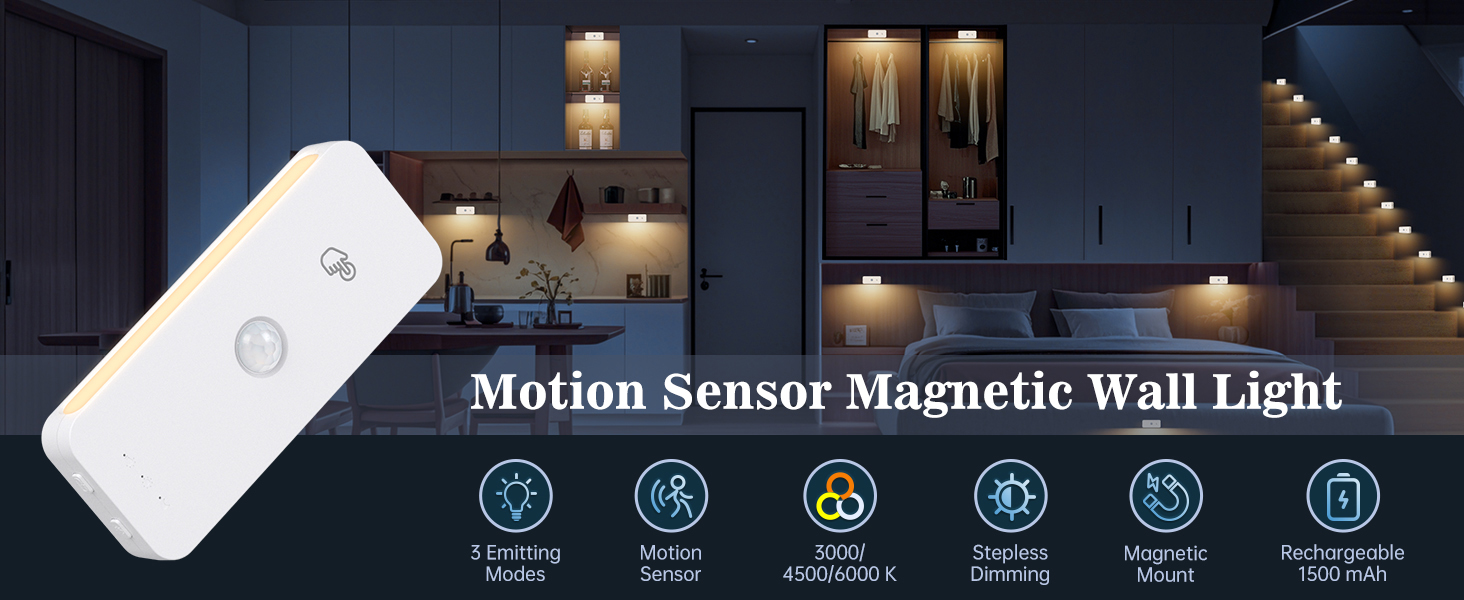
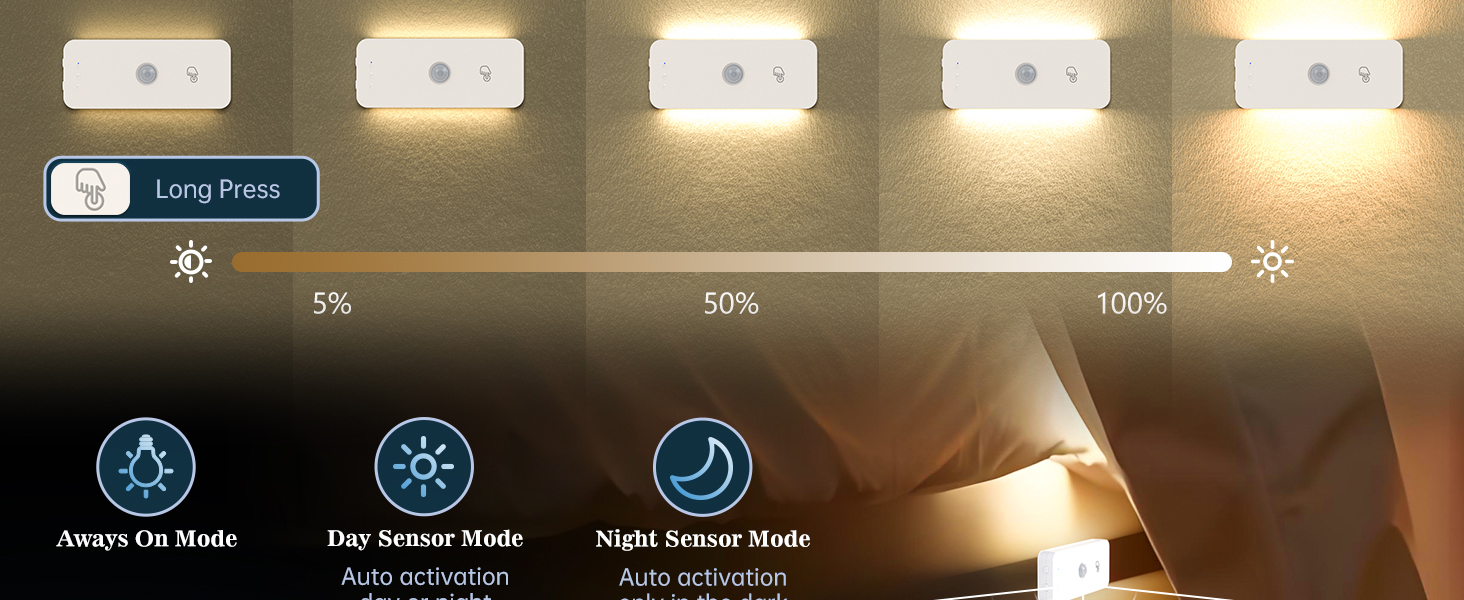
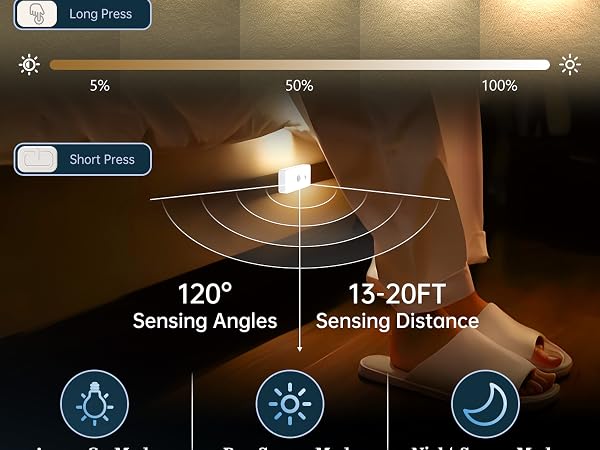
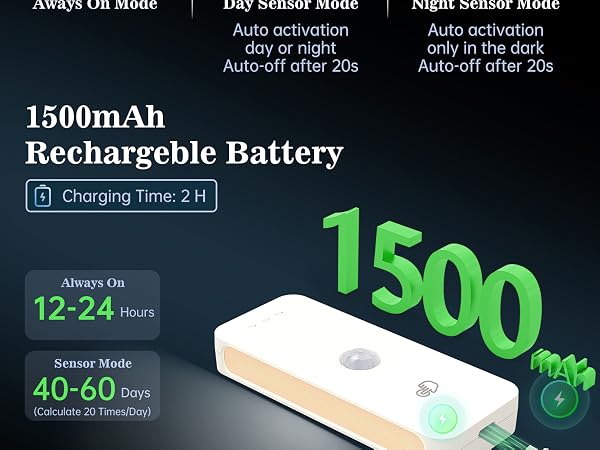
Short press the power button to switch between 3 modes:
1. Always-On Mode – Stays on continuously.
2. Day Mode – Activates with motion anytime, turns off after 20s.
3. Night Mode – Activates with motion only in the dark, turns off after 20s.
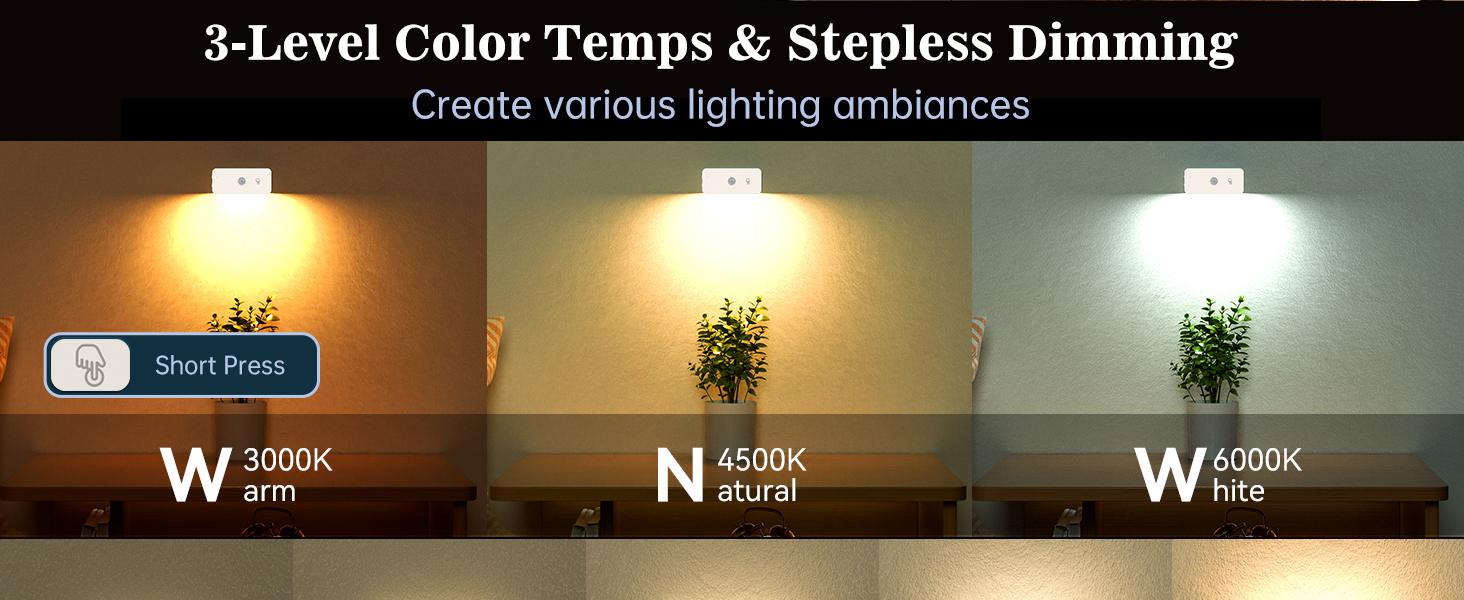
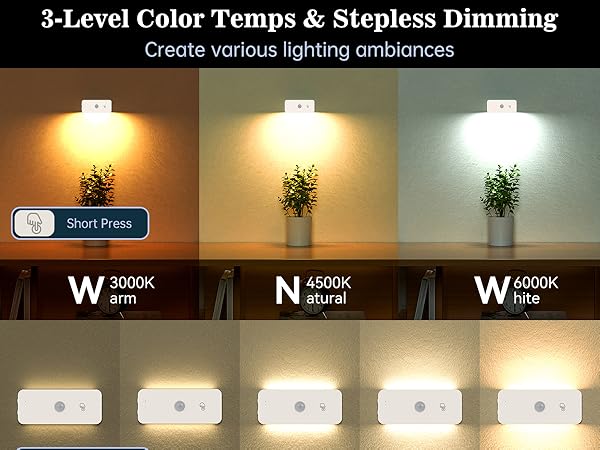
How do I switch between the three color temperatures and adjust brightness?
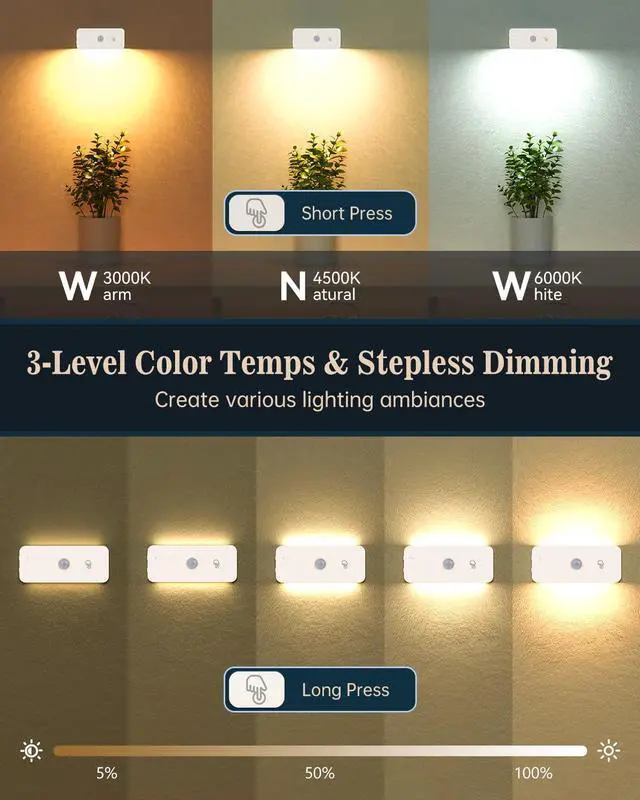
Short press the touch button (finger icon) to switch color temperatures. Long press to adjust brightness.
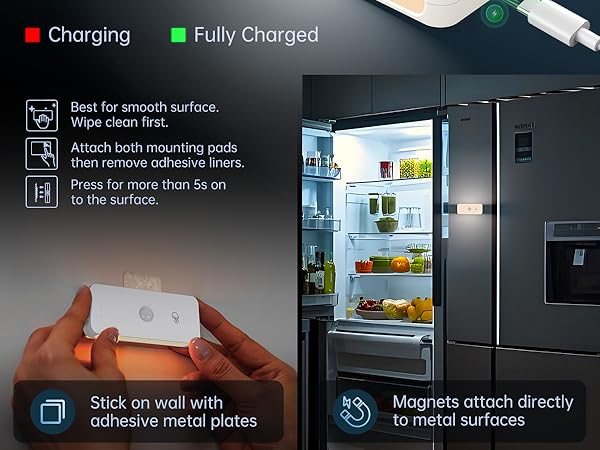
The magnetic/adhesive metal plate is crooked. What should I do?
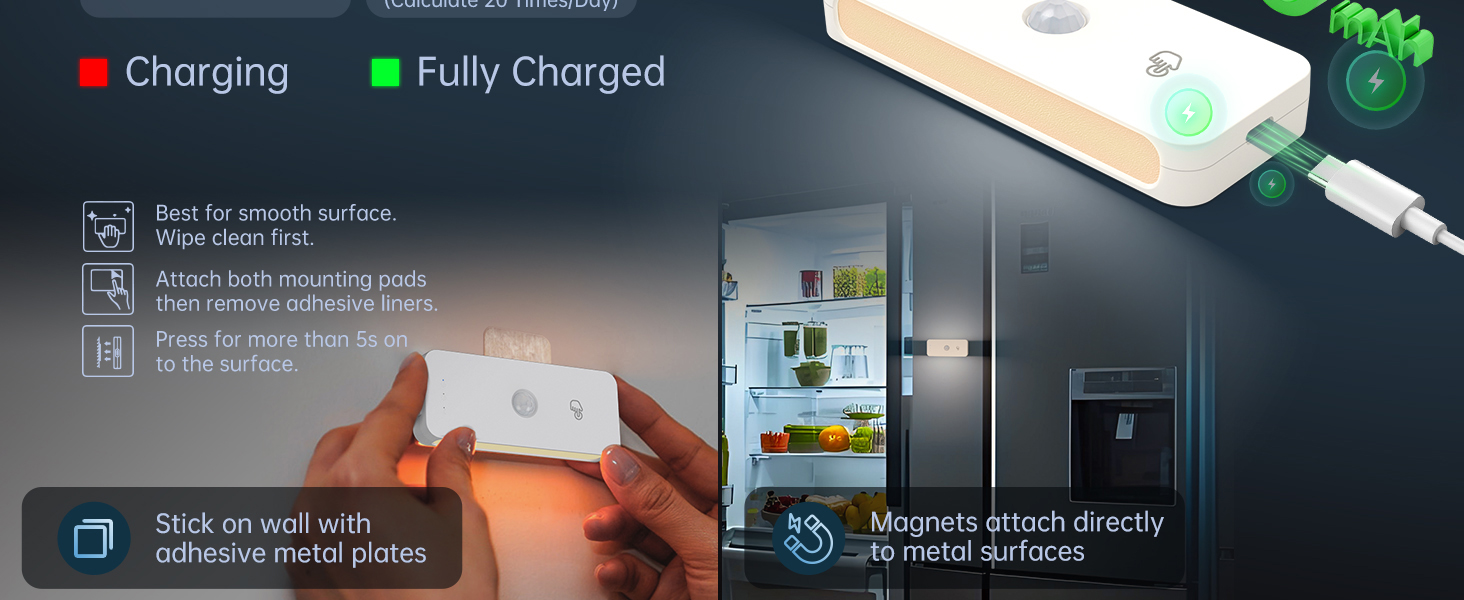
The magnetic metal plate is removable, so you can try adjusting or reattaching it as needed.
How do I turn this wall light on and off?
To turn the wall light on or off, press and hold the power button for about 2–3 seconds. If it doesn’t turn on, make sure it's charged and try holding the button again.
How do I switch between the three lighting modes, and what’s the difference?
Short press the power button to switch between 3 modes:
1. Always-On Mode – Stays on continuously.
2. Day Mode – Activates with motion anytime, turns off after 20s.
3. Night Mode – Activates with motion only in the dark, turns off after 20s.
How do I switch between the three color temperatures and adjust brightness?
Short press the touch button (finger icon) to switch color temperatures. Long press to adjust brightness.
The magnetic/adhesive metal plate is crooked. What should I do?
The magnetic metal plate is removable, so you can try adjusting or reattaching it as needed.
Yiliaw
Brighten Your Nights, Illuminate Your Life!
Under Cabinet Lighting
Puck Lights
Rechargeable Puck Lights
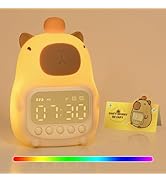
Alarm Clock Night Lights
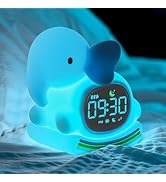
Alarm Clock with Night Lights
