




 here!
here!
I’m your shopping assistant for PC builds, upgrades, and everything tech.
Got questions? Ask away!
Start a conversation
here!
I’m your shopping assistant for PC builds, upgrades, and everything tech.
Got questions? Ask away!
Start a conversation



Any questions? Ask CelesteSM will help you find out quickly.



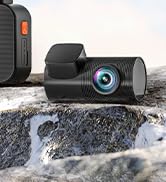


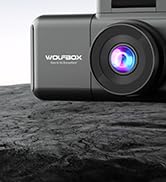
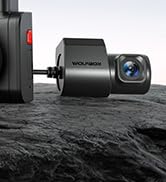
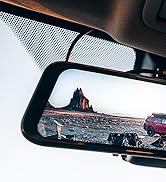
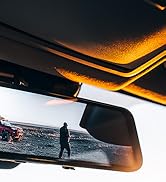




As the leading brand in the automotive electronics market, WOLFBOX has earned its reputation with an unwavering commitment to quality and durability.
At WOLFBOX, we understand that driving is more than just a means of transportation - it's an exploration, an adventure waiting to unfold.
WOLFBOX is your trusted companion, encouraging you to venture beyond your comfort zone and discover the extraordinary.


Device doesn't power on?
1. Ensure using the original charger and cables.
2. Remove and reinstall the memory card, camera cable, and car charger to check if any accessory is causing the issue.
3.If the issue persists, please reach out to our support team.
How to Use the Wi-Fi Function?
Download the WOLFBOX app, enable Wi-Fi on your mirror dash cam, and connect to it.
For more detailed steps, please refer to the instruction manual. If you have further questions, please reach out to our WOLFBOX support team, available 24/7.


Device doesn't power on?
1. Ensure using the original charger and cables.
2. Remove and reinstall the memory card, camera cable, and car charger to check if any accessory is causing the issue.
3.If the issue persists, please reach out to our support team.
How to Use the Wi-Fi Function?
Download the WOLFBOX app, enable Wi-Fi on your mirror dash cam, and connect to it.
For more detailed steps, please refer to the instruction manual. If you have further questions, please reach out to our WOLFBOX support team, available 24/7.
As the leading brand in the automotive electronics market, WOLFBOX has earned its reputation with an unwavering commitment to quality and durability.
At WOLFBOX, we understand that driving is more than just a means of transportation - it's an exploration, an adventure waiting to unfold.
WOLFBOX is your trusted companion, encouraging you to venture beyond your comfort zone and discover the extraordinary.
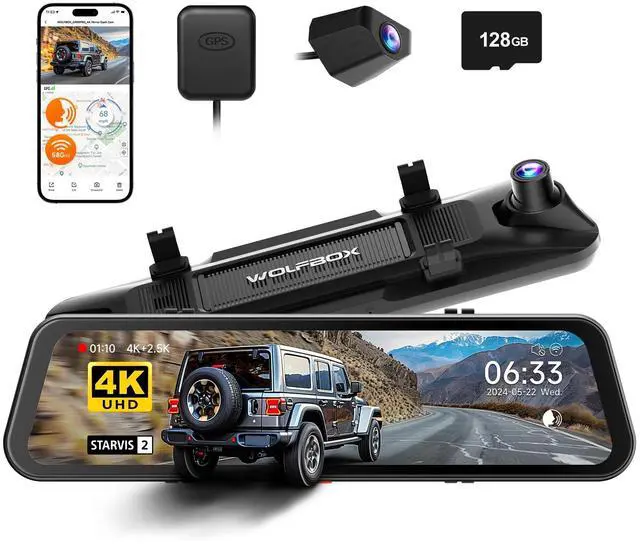
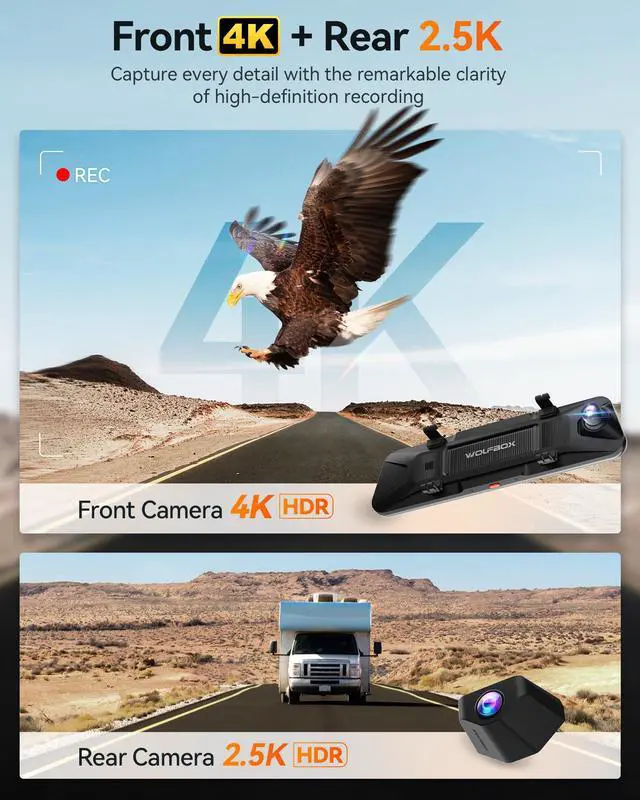
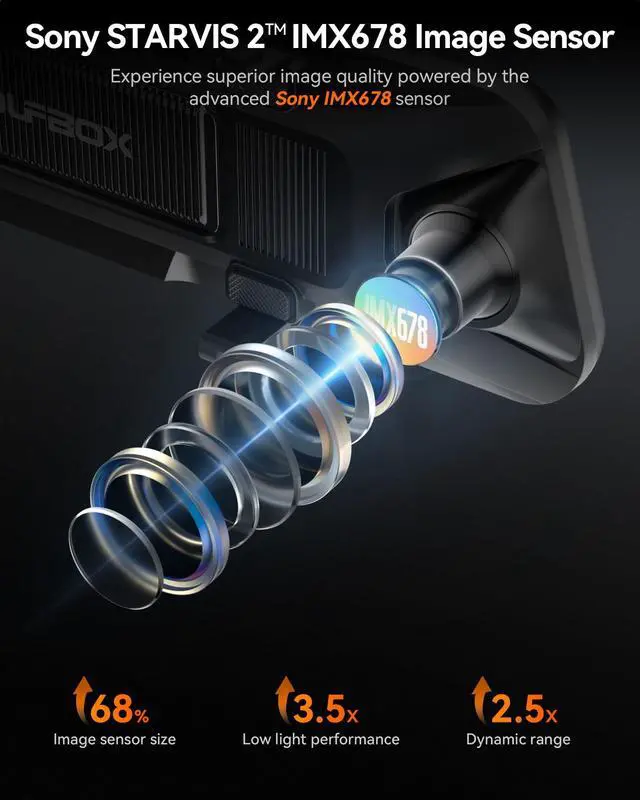
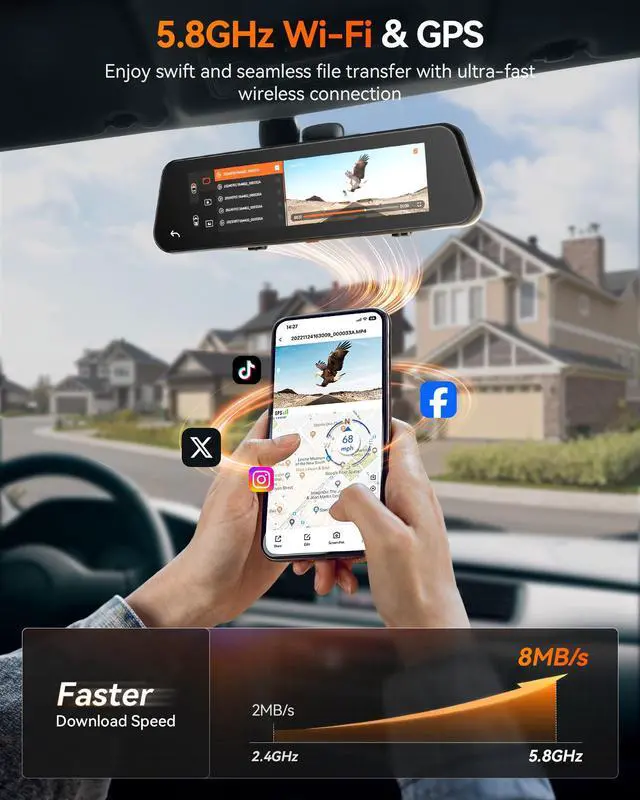
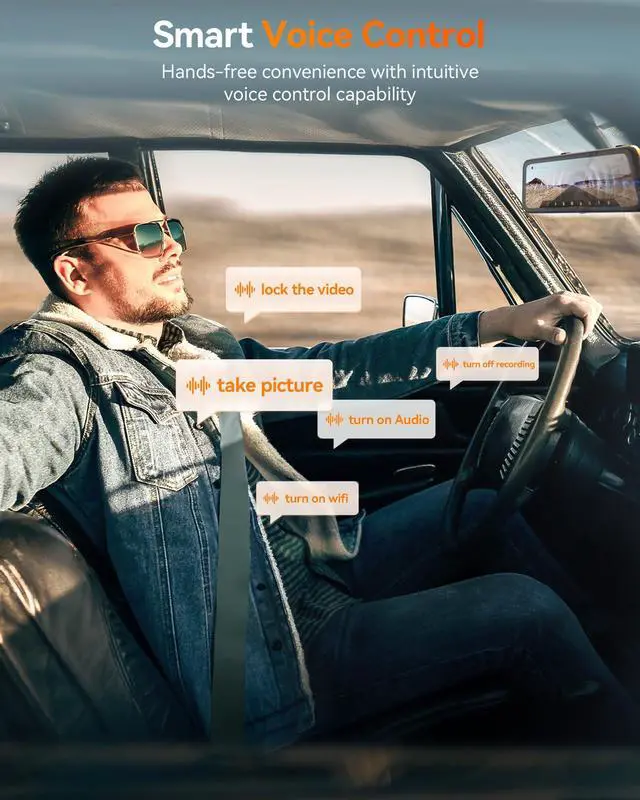
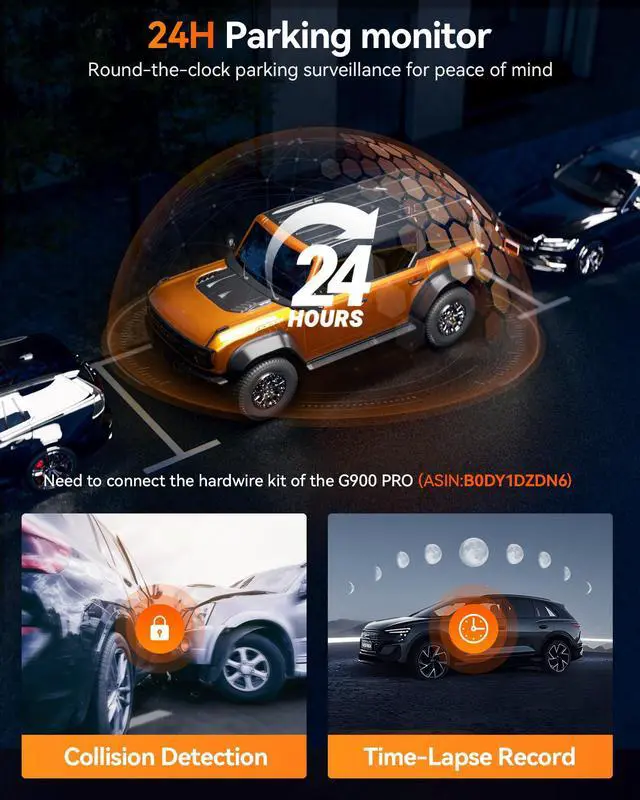
Discover the 4K dash camera for cars, this car camera - dash cam front and rear setup delivers unparalleled clarity and security. Our mission is to provide reliable, high-quality backup camera for car solutions that capture every moment with precision. Product Features: The G900 PRO rearview mirror backup camera captures every detail with front 4K and rear 2.5K resolution. Experience superior low-light performance with the STARVIS 2 IMX678 sensor, ensuring clear images in any lighting. This digital rear view mirror offers reliable day and night recordings. Seamlessly connect to your smart rear view mirror with ultra-fast 5.8GHz Wi-Fi for quick downloads and sharing. Enjoy hands-off operation with smart voice control, managing your car rear view mirror camera effortlessly through voice commands. Warning: Avoid exposing the dash cam rear view mirror to extreme temperatures. Enhance your driving experience with our mirror camera. This back up camera for cars features front and rear dash camera capabilities, providing a complete car camera system. Invest in peace of mind with reliable, high-quality footage and advanced features. Our mirror camera for car offers versatility, functioning as a rearview mirror dash cam, dash cam front and rear wireless, and night vision mirror camera. Trust for excellence in reverse camera rear view mirror solutions, including 4K rear view mirror camera and wireless rear view mirror camera options. Whether you need a dashcam front and rear camera, a rear view mirror backup camera, or an rear view mirror camera wireless, has the perfect solution. The G900 PRO also serves as a back up camera rear view mirror, combining advanced technology with user-friendly design. Enjoy the convenience of a dash cam front and rear mirror and the security of a backup camera rear view mirror. With , drive with confidence, knowing our mirror dash camera systems keep you safe on the road.


