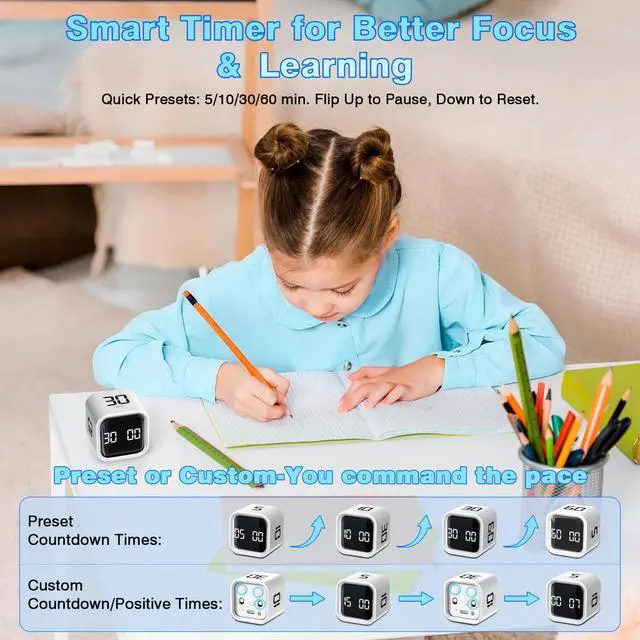
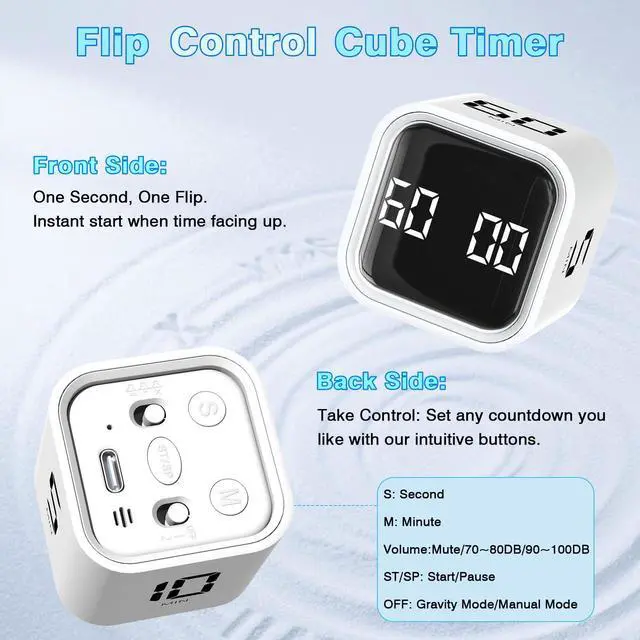
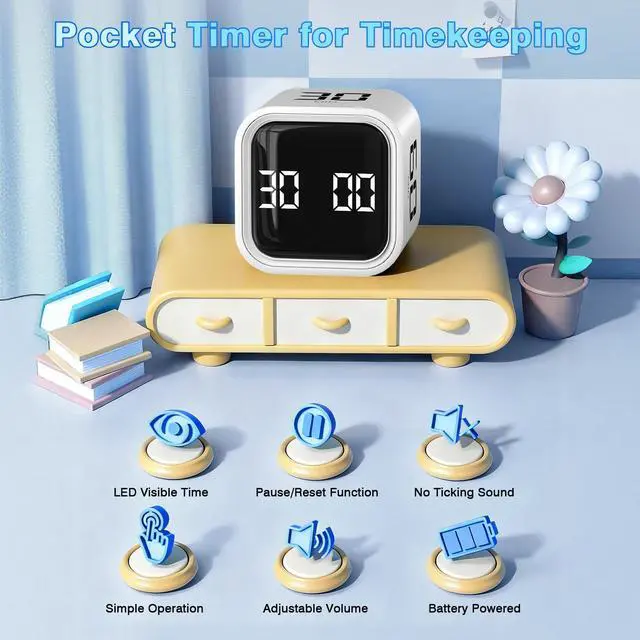
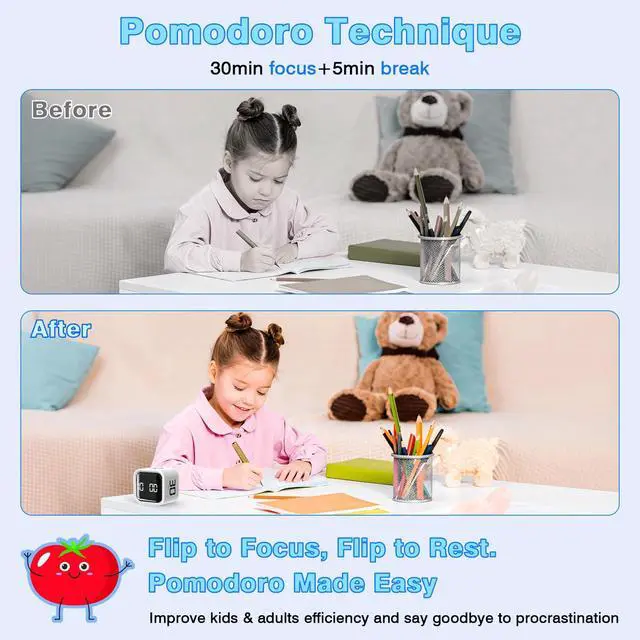
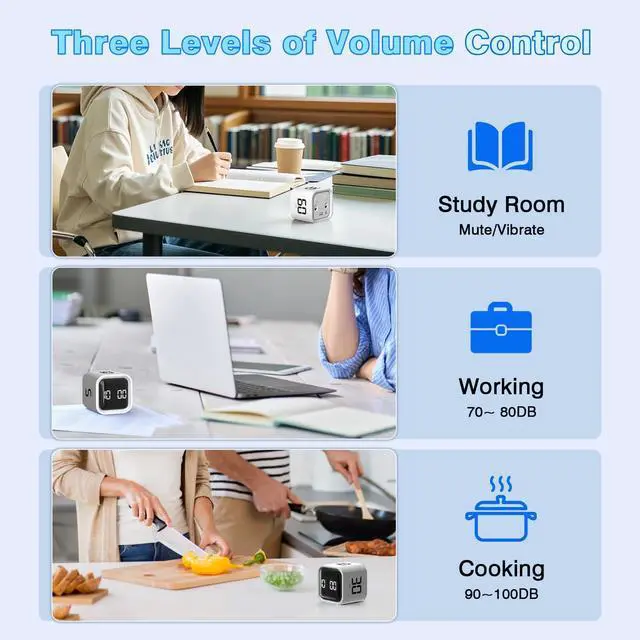
Easy to Use: To start the electronic timer countdown, flip timer over and select a preset time of 5/10/30/60 minutes. If you prefer a custom countdown time, switch to mode 2 and use the [SP/ST] buttons to set it. The Pomodoro timer offers options to pause, resume, mute, adjust the alarm volume, and vibrate. Keep track of time easily and make every minute count.
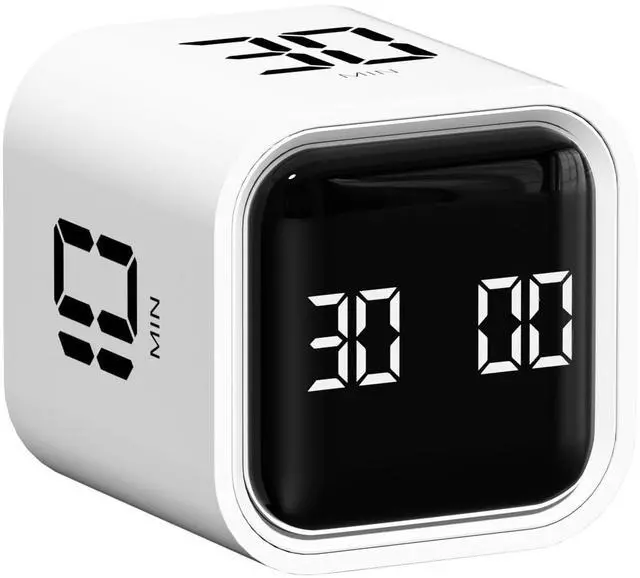
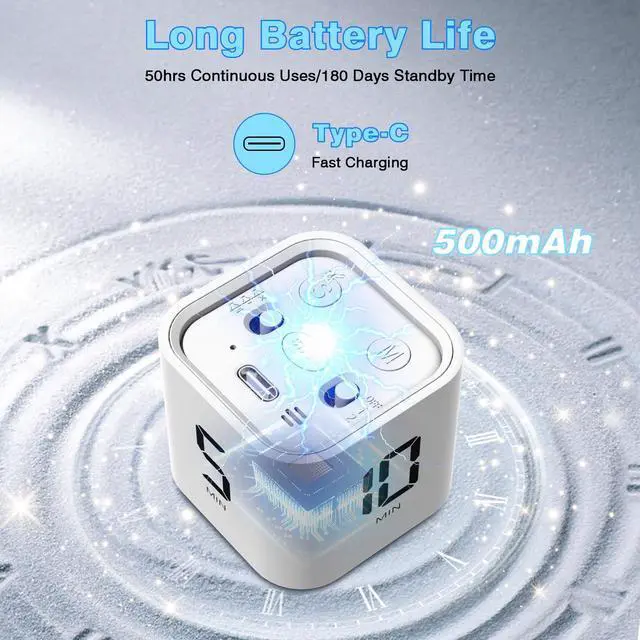
Pocket Timer: The productivity timer has a cubic design, measuring 1.73*1.73*1.81 inches and weighing only 1.68 ounces. It is portable and can fit in your hand, pocket, or bag, allowing you to track time without using your hands. The cube timer is rechargeable, has a durable lithium battery, and a USB-C charging port. This digital timer is great for home decoration, and you can choose to place it in your favorite location.
LED Indicator: The desk timer has two modes: gravity mode and manual mode. In gravity mode, the desk timer for productivity is placed with the bottom facing upwards to start the countdown, and the screen stands up to stop it. The LED screen displays the elapsed time. In manual mode, when the countdown reaches 00:00, there is a one-minute alarm reminder ('di di di') and the LED screen lights up. The sound stops and the LED screen goes out. The timer cube range for gravity mode is 5 to 60 minutes, while the manual timer range is from 00:01 to 99:59. Setting the study timer is easy and convenient, helping you stay focused and productive.
+
+
Overview
Specs
Reviews
Any questions? Our AI mode will help you find out quickly.