









Secura 60-minute visual countdown timer
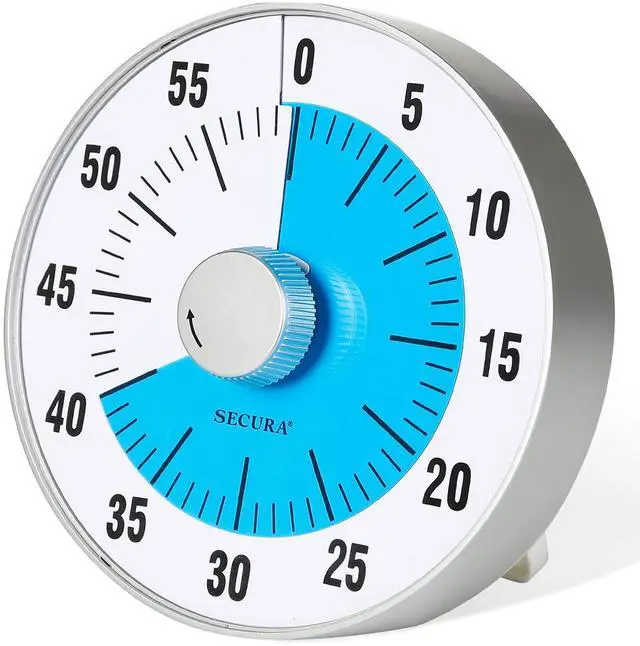
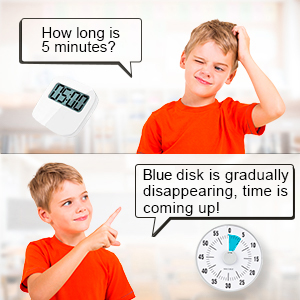
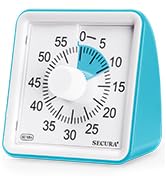
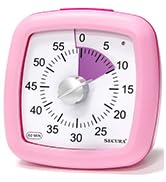
Secura 60-minute visual countdown timer is a modern time management tool that can help you easily transition from one activity to another, overcome inefficiencies and procrastination, and cultivate a good sense of time.
One of the biggest advantages of the visual timer is that it helps your child understand time (e.g. seconds, minutes, hours, remaining time, etc.), understand the passage of time, easily manage daily tasks, break big challenges into small tasks, and solve timeout issue.
Features:
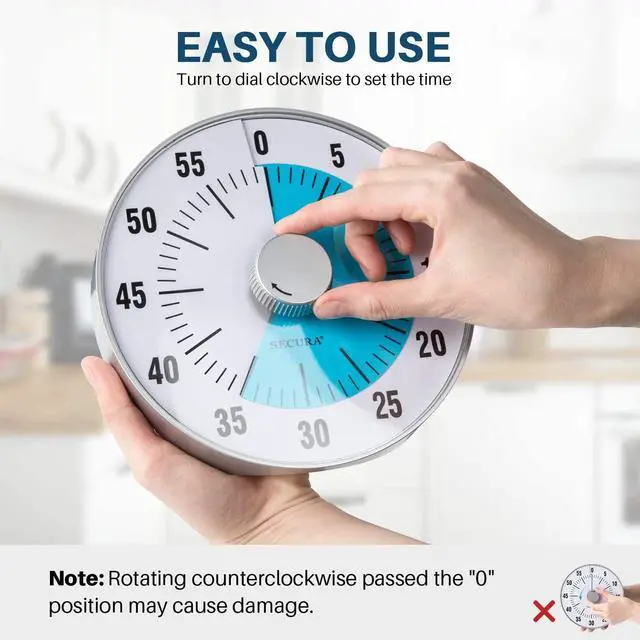
- Easy operation.
- No loud ticking.
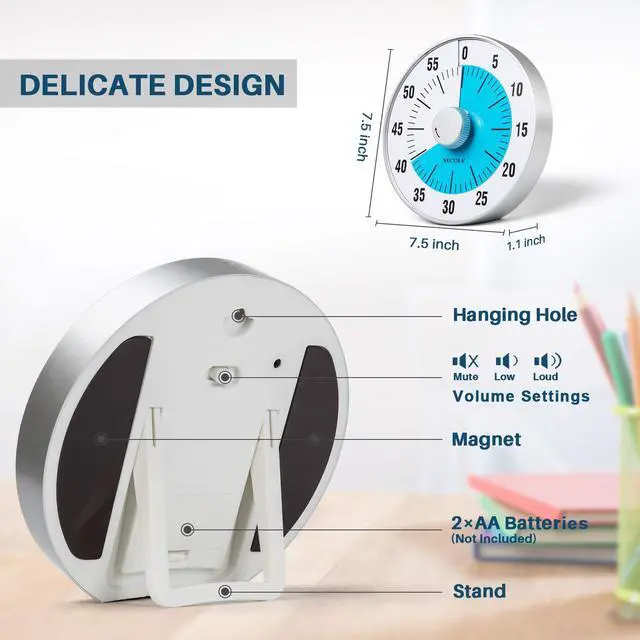
- Mute, loud or low Tone.
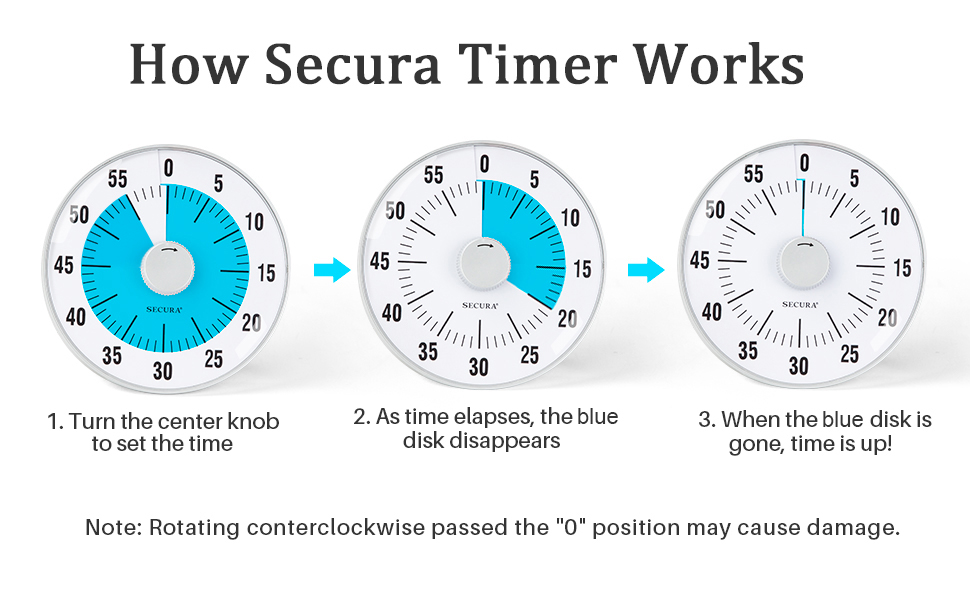
- Blue disk disappears as time elapses.
- Super magnetic backings.
- Stable foldable leg.
How to stop the beep?
When the time is up, the timer will beep for 3 seconds. If you want to interrupt the beep, turn the control knob clockwise to "5" position and then turn it back to “0”.

Study Time
Visual timer helps students of all ages and abilities to develop a sense of time and complete homework and exercises on their own.

Game Time
Stopping the game may be like the end of the world for your child! Tell him the time in advance and set your visual timer. During the game, he will enjoy the game time, and once the time is up, he will stop the game.

Meet More Needs
Eases stressful transitions by showing “how much longer” and “here’s what ‘5 more minutes’ really means.” Encourages confidence, independence and natural talents like visual thinking.

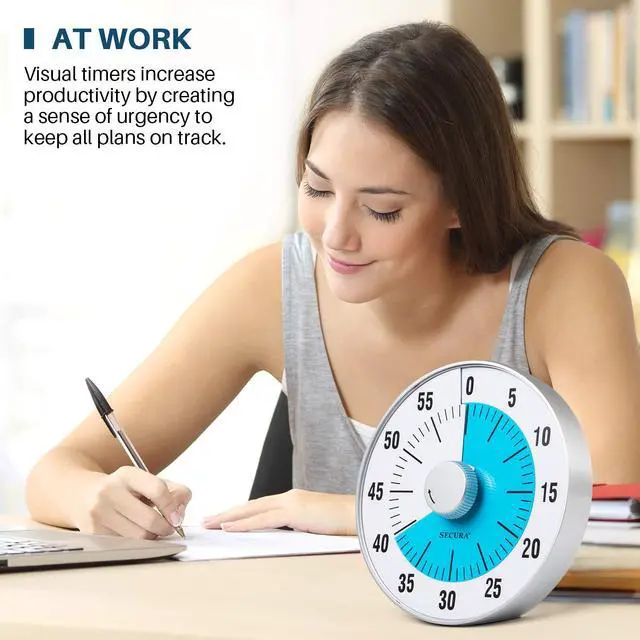
Work
At your desk or on the conference room, visual timer increases productivity by creating a sense of urgency and keeping everyone on track.

Kitchen
Used in the kitchen to control accurate cooking time, never worry about forgetting the food being cooked because of other housework or children, cook delicious food for your family.

School
Class testing time management, managing class transitions and empower students to manage their own time.
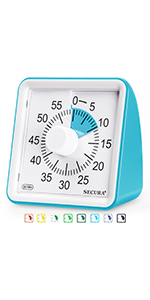 TM021 | 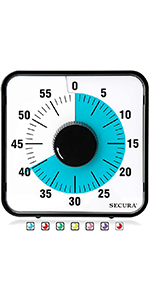 T764 | 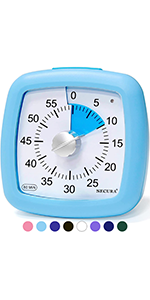 TM034 | 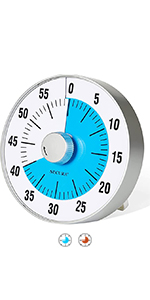 TM022 | 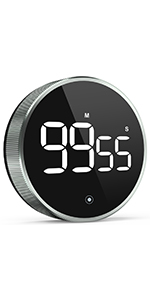 Digital Timer | 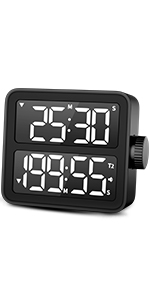 Dual Timer | |
|---|---|---|---|---|---|---|
| Customer Reviews | — | — | — | — | — | — |
| Price | — | — | — | — | — | — no data |
| Batteries Required | 2 "AAA" Batteries | No Batteries - Mechanical | 2 "AAA" Batteries | 2 "AA" Batteries | 3 "AAA" Batteries | 3 "AAA" Batteries |
| Audible Ticking or Silent Countdown | Silent | Ticking | Silent | Silent | Silent | Silent |
| Multiple Colors Available | yes | yes | yes | yes | no | no |
| To Begin Countdown | Set to desired time | Turn past "55" and reset to desired time | Set to desired time | Set to desired time | Set to desired time | Set to desired time |
| Dimensions | 3.1” x 3.1” x 1.8” | 7.5” x 7.5” x 1.3” | 3.9" x 1.8" x 3.9" | 7.5" x 7.5" x 1.1" | 3.7" x 3.7" x 1.1" | 3.6" x 3.2" x 1.3" |
| Alarm Length | 3 or 60 Seconds | 3 Seconds | 3 or 60 Seconds | 3 Seconds | 60 Seconds | 60 Seconds |


Secura, Inc. Proud to Be a U.S. Company
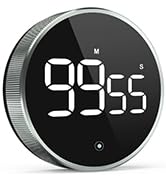
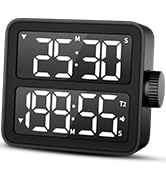
The TM021 series is top-rated among the public, the TM034 series has upgraded the countdown pause function of the timer, and the T764 premium mechanical countdown timer is entirely automatic—no batteries needed! TM5257D/TM5290D, New Release LED Digital Timer.
Over the years, we have been specializing in multifunctional timers in different styles and colors.
TM021 New Color Visual Timer




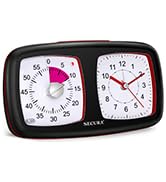
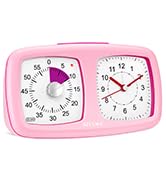
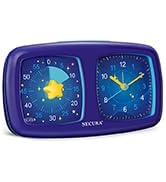
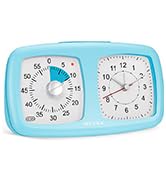
Visual Timer/Alarm Clock

Secura, Inc. Proud to Be a U.S. Company
The TM021 series is top-rated among the public, the TM034 series has upgraded the countdown pause function of the timer, and the T764 premium mechanical countdown timer is entirely automatic—no batteries needed! TM5257D/TM5290D, New Release LED Digital Timer.
Over the years, we have been specializing in multifunctional timers in different styles and colors.
TM021 New Color Visual Timer
Visual Timer/Alarm Clock
Secura 60-minute visual countdown timer
Secura 60-minute visual countdown timer is a modern time management tool that can help you easily transition from one activity to another, overcome inefficiencies and procrastination, and cultivate a good sense of time.
One of the biggest advantages of the visual timer is that it helps your child understand time (e.g. seconds, minutes, hours, remaining time, etc.), understand the passage of time, easily manage daily tasks, break big challenges into small tasks, and solve timeout issue.
Features:
- Easy operation.
- No loud ticking.
- Mute, loud or low Tone.
- Blue disk disappears as time elapses.
- Super magnetic backings.
- Stable foldable leg.
How to stop the beep?
When the time is up, the timer will beep for 3 seconds. If you want to interrupt the beep, turn the control knob clockwise to "5" position and then turn it back to “0”.
Study Time
Visual timer helps students of all ages and abilities to develop a sense of time and complete homework and exercises on their own.
Game Time
Stopping the game may be like the end of the world for your child! Tell him the time in advance and set your visual timer. During the game, he will enjoy the game time, and once the time is up, he will stop the game.
Meet More Needs
Eases stressful transitions by showing “how much longer” and “here’s what ‘5 more minutes’ really means.” Encourages confidence, independence and natural talents like visual thinking.
Work
At your desk or on the conference room, visual timer increases productivity by creating a sense of urgency and keeping everyone on track.
Kitchen
Used in the kitchen to control accurate cooking time, never worry about forgetting the food being cooked because of other housework or children, cook delicious food for your family.
School
Class testing time management, managing class transitions and empower students to manage their own time.
TM021 | T764 | TM034 | TM022 | Digital Timer | Dual Timer | |
|---|---|---|---|---|---|---|
| Customer Reviews | — | — | — | — | — | — |
| Price | — | — | — | — | — | — no data |
| Batteries Required | 2 "AAA" Batteries | No Batteries - Mechanical | 2 "AAA" Batteries | 2 "AA" Batteries | 3 "AAA" Batteries | 3 "AAA" Batteries |
| Audible Ticking or Silent Countdown | Silent | Ticking | Silent | Silent | Silent | Silent |
| Multiple Colors Available | yes | yes | yes | yes | no | no |
| To Begin Countdown | Set to desired time | Turn past "55" and reset to desired time | Set to desired time | Set to desired time | Set to desired time | Set to desired time |
| Dimensions | 3.1” x 3.1” x 1.8” | 7.5” x 7.5” x 1.3” | 3.9" x 1.8" x 3.9" | 7.5" x 7.5" x 1.1" | 3.7" x 3.7" x 1.1" | 3.6" x 3.2" x 1.3" |
| Alarm Length | 3 or 60 Seconds | 3 Seconds | 3 or 60 Seconds | 3 Seconds | 60 Seconds | 60 Seconds |