





Rechargeable Digital Timer
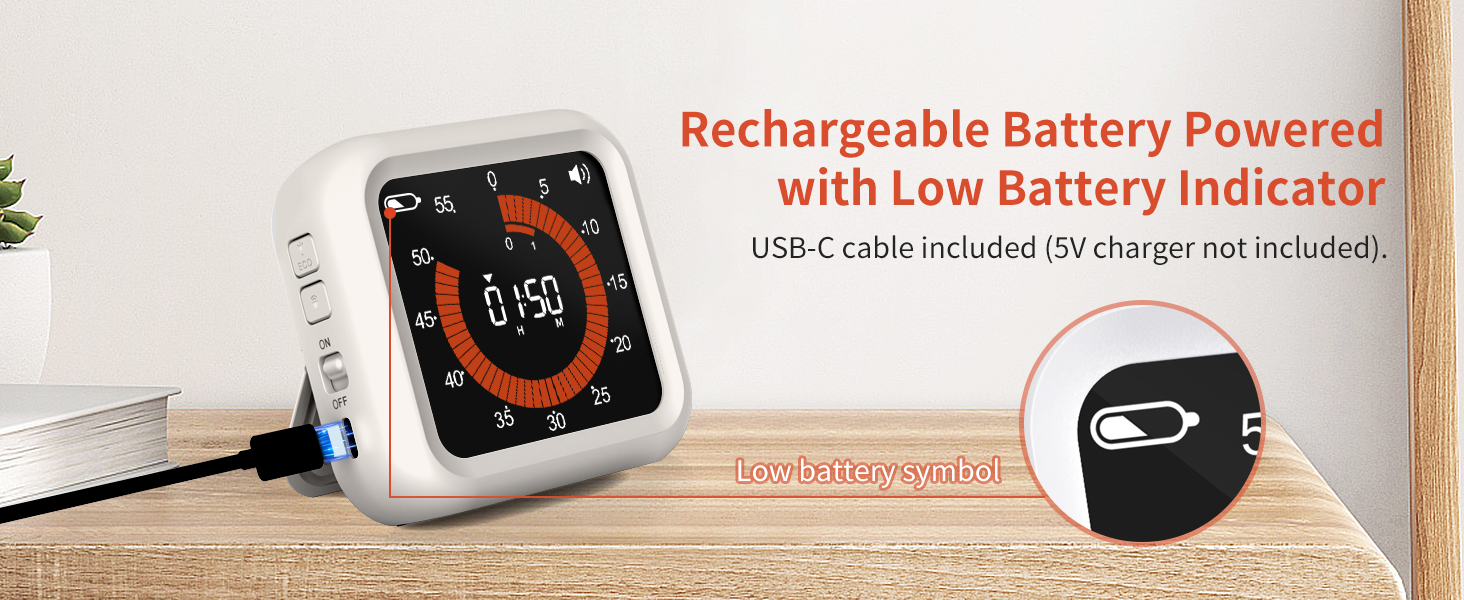
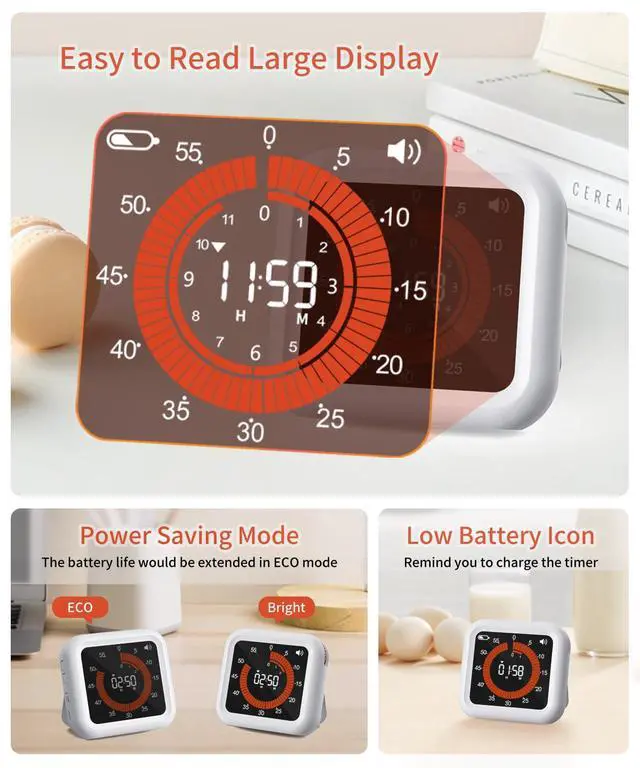
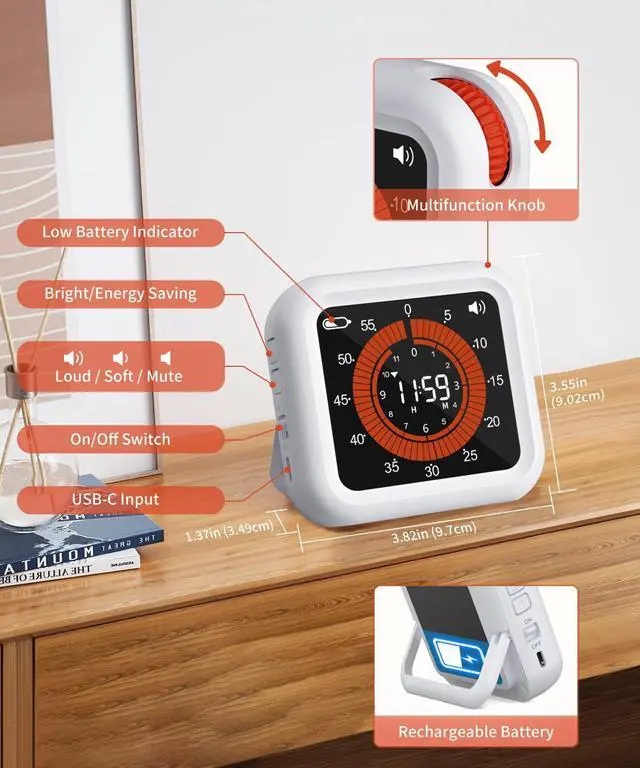
This timer is powered by a rechargeable battery. And it comes with a USB-C cable. The charger is universal with other devices you have. Just use a 5V charger to charge it. There would be a battery icon flashes to remind you to charge when the battery power is low.
Your Life Helper
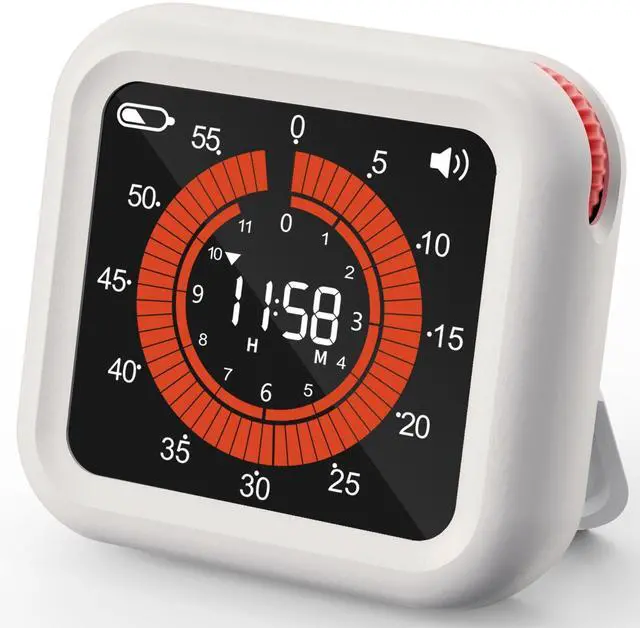
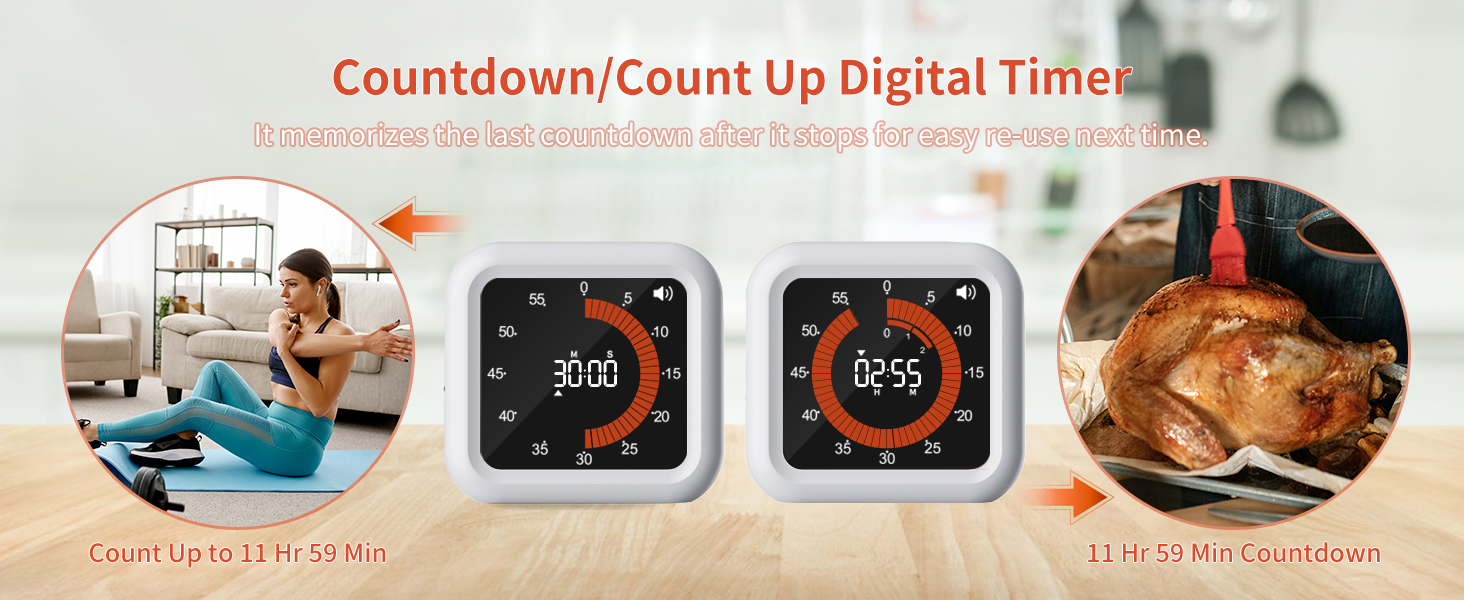
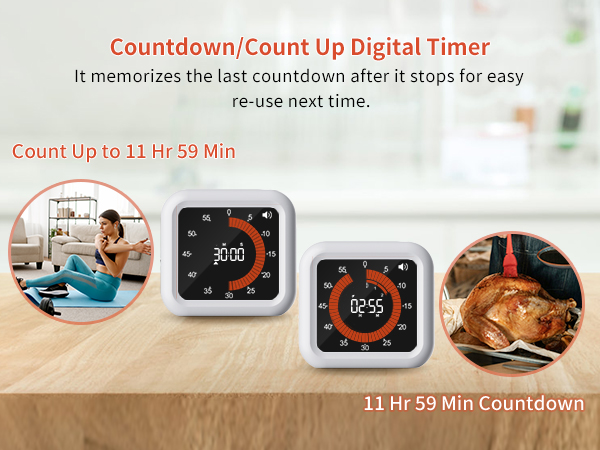
This timer will be a perfect helper while you're cooking, exercise, gaming, etc. Use the timer to countdown/count up any time you need within 11hr 59min. With the memory function, you could press any button to restart the last countdown after it ends, save your time to set it again.
How to set a countdown time in H:M?
Turn the wheel, when the time exceeds 59 minutes, it will go to hour setting, then we could continue to set the desired hour. One round of the outer ring means one hour.
What should we do if the display time exceeds the desired set time?
We can turn the knob counterclockwise to decrease the time.
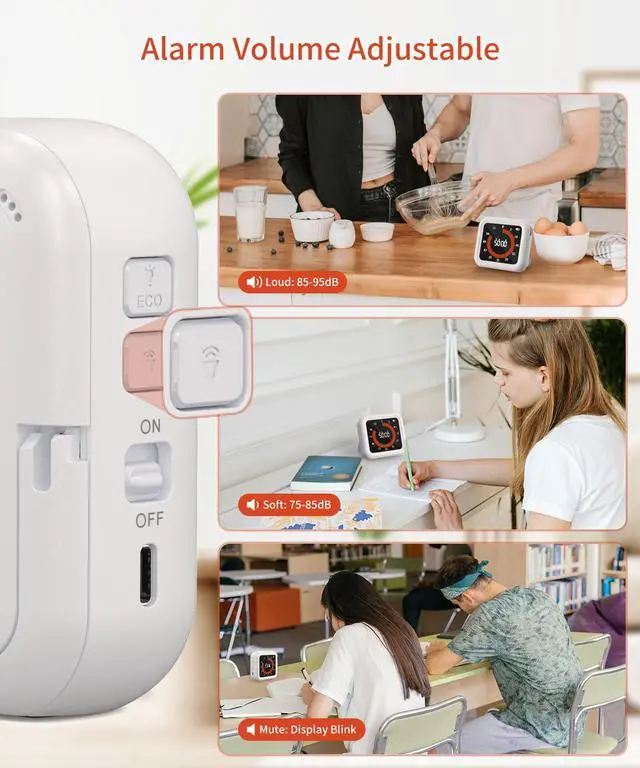
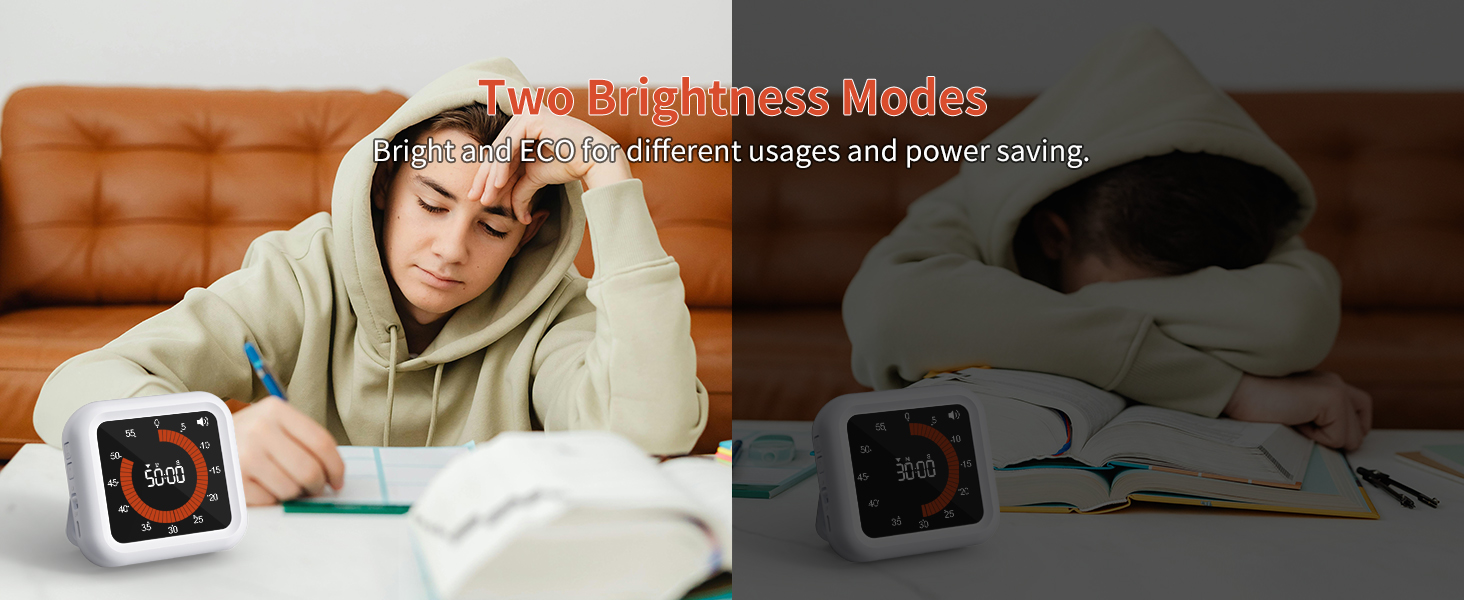
How to adjust the volume or brightness?
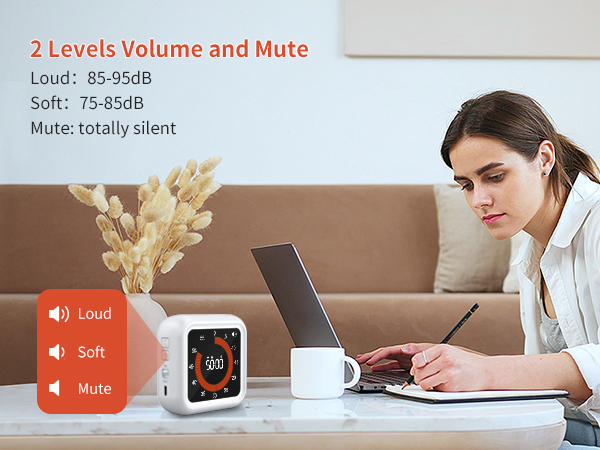
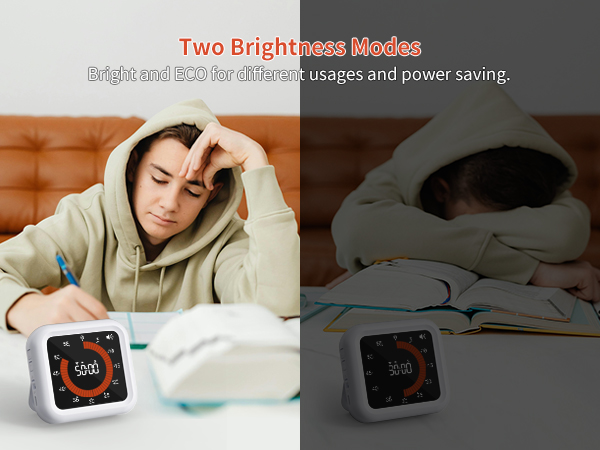
The volume and brightness button are on the side of the timer.
When should we charge the timer?
When the battery indicator shows on the display, it means we need to charge the timer. And the battery indicator will keep on until it is fully charged. The charging time is around 3.5 hours.

Rechargeable Digital Timer
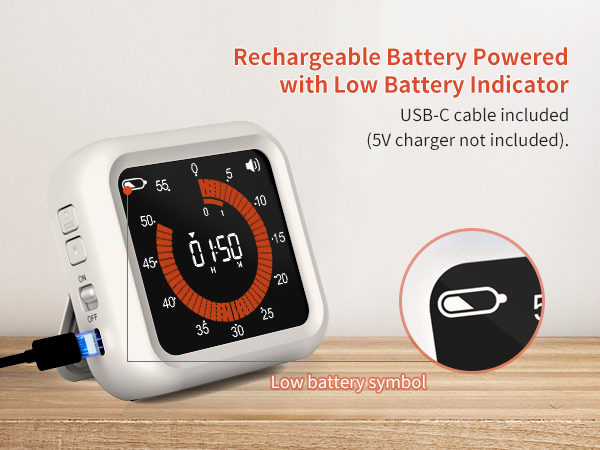
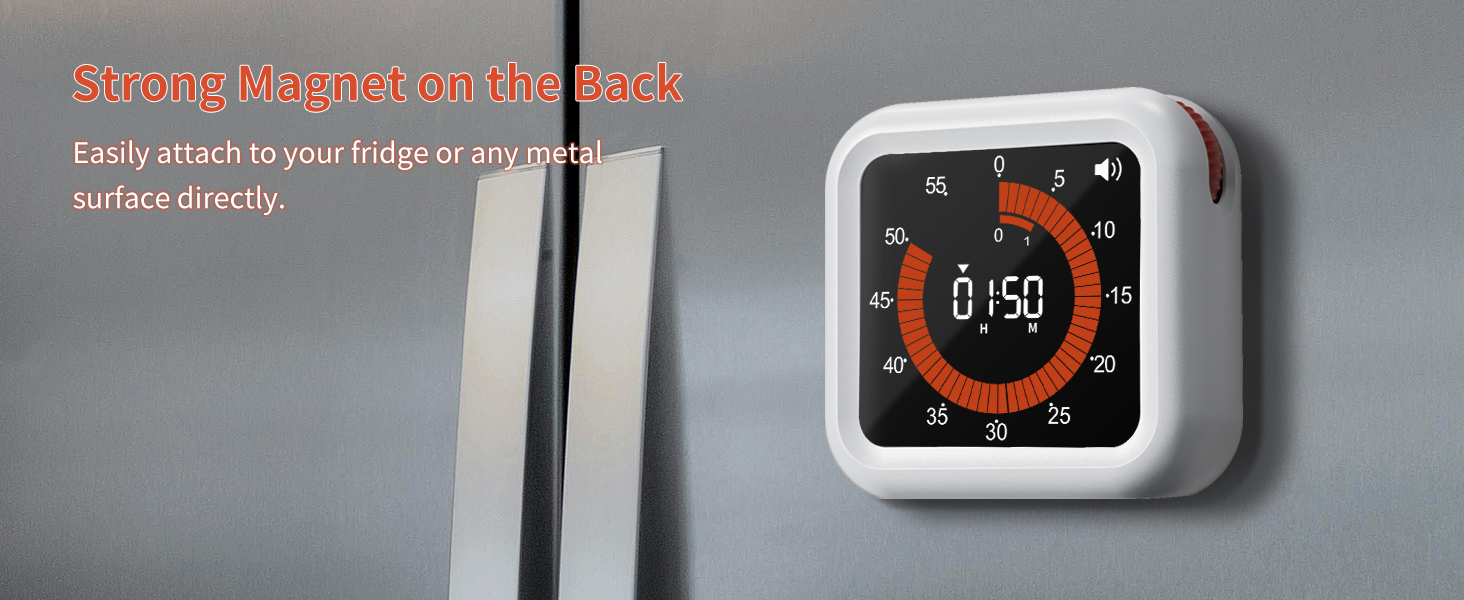
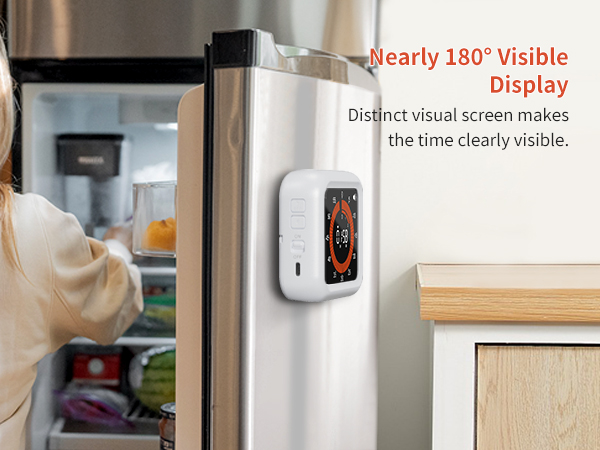
This timer is powered by a rechargeable battery. And it comes with a USB-C cable. The charger is universal with other devices you have. Just use a 5V charger to charge it. There would be a battery icon flashes to remind you to charge when the battery power is low.
Your Life Helper
This timer will be a perfect helper while you're cooking, exercise, gaming, etc. Use the timer to countdown/count up any time you need within 11hr 59min. With the memory function, you could press any button to restart the last countdown after it ends, save your time to set it again.
How to set a countdown time in H:M?
Turn the wheel, when the time exceeds 59 minutes, it will go to hour setting, then we could continue to set the desired hour. One round of the outer ring means one hour.
What should we do if the display time exceeds the desired set time?
We can turn the knob counterclockwise to decrease the time.
How to adjust the volume or brightness?
The volume and brightness button are on the side of the timer.
When should we charge the timer?
When the battery indicator shows on the display, it means we need to charge the timer. And the battery indicator will keep on until it is fully charged. The charging time is around 3.5 hours.