




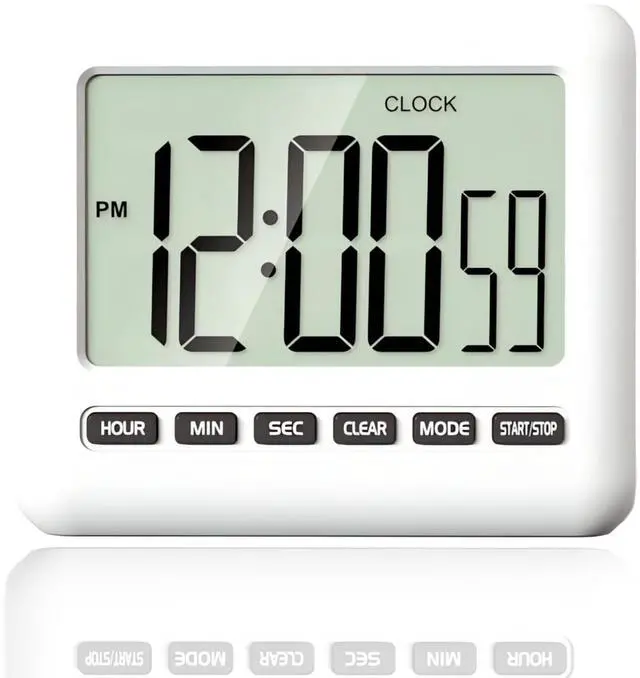
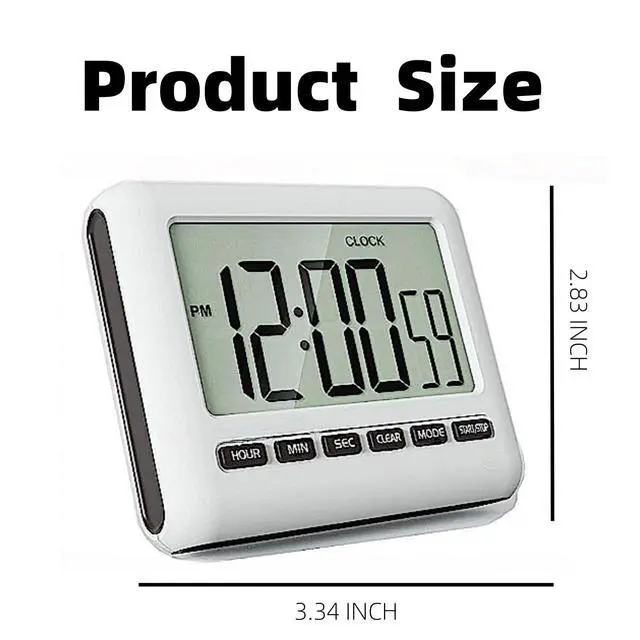


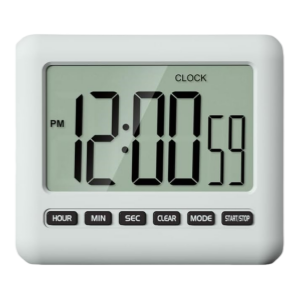
Magnetic Digital Clock for Kitchen
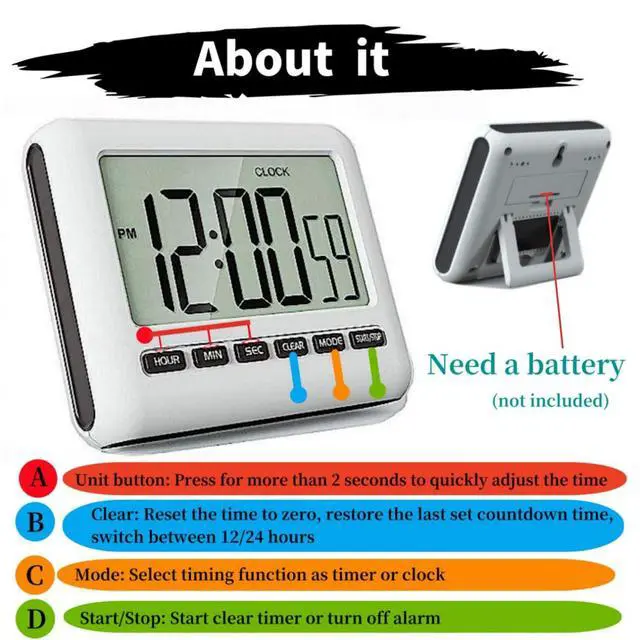
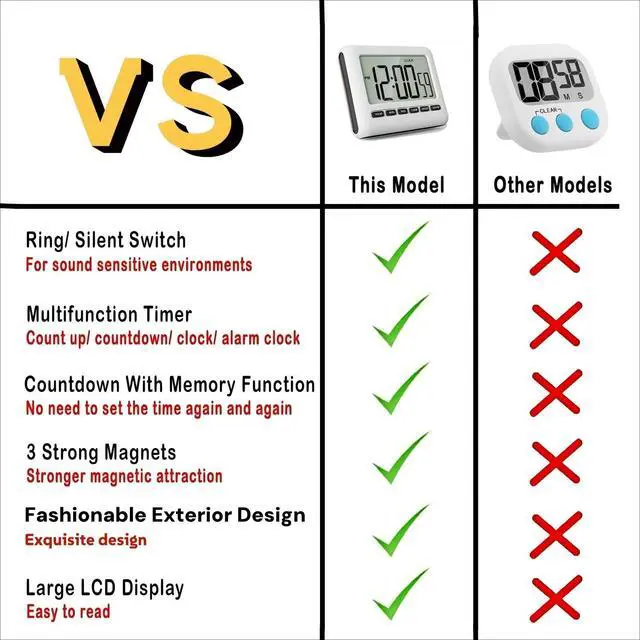
Memory Functions: When the countdown was completed, press START/STOP button first, then press CLEAR button to return to the previous setting time ------ No need to set up the time every time.
In the Time Mode, just press the "MODE" key to enter-Timer 1-Timer 2-Time MODE to switch or view.
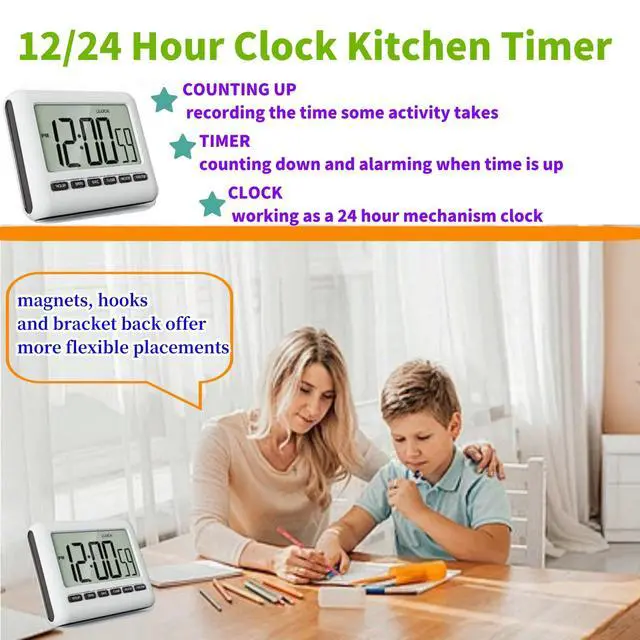
In the Time Mode, just press the "Clear" button to switch 12/24 hours.
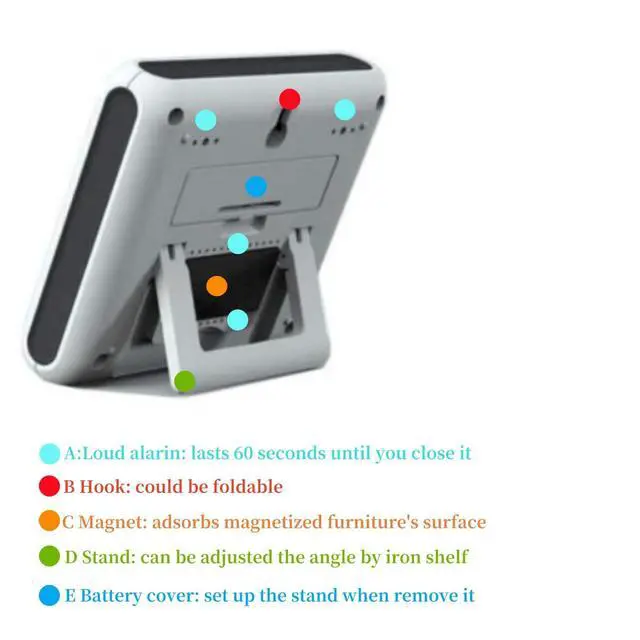
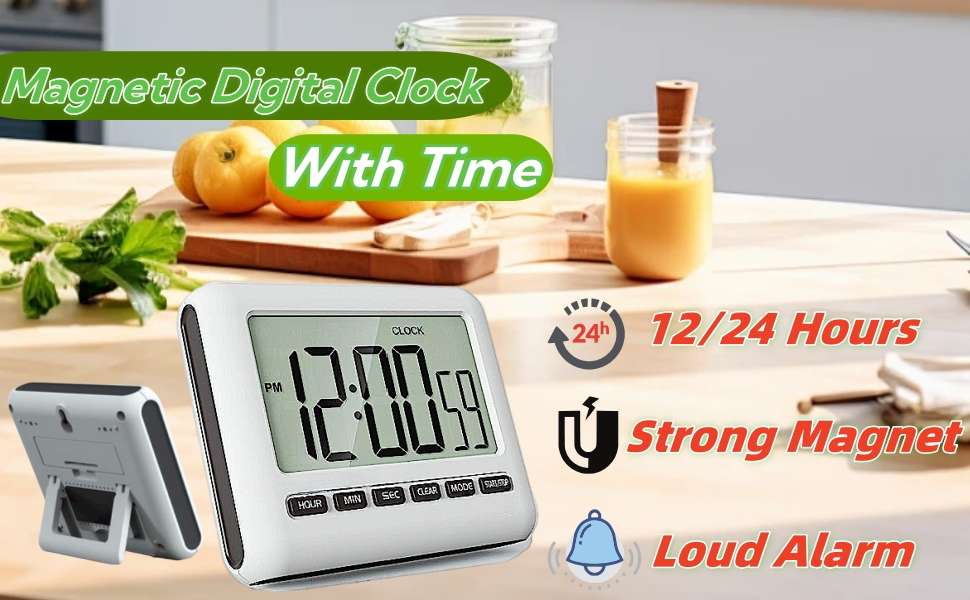
Strong Magnet: Working fine on the metal surface ------ Do not worry about falling down.
Rear Bracket: adjustable bracket with adjustable angle, can also be hung on a hook
Timer with Alarm
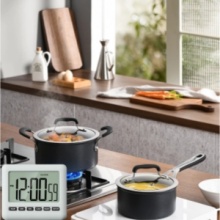
KITCKEN
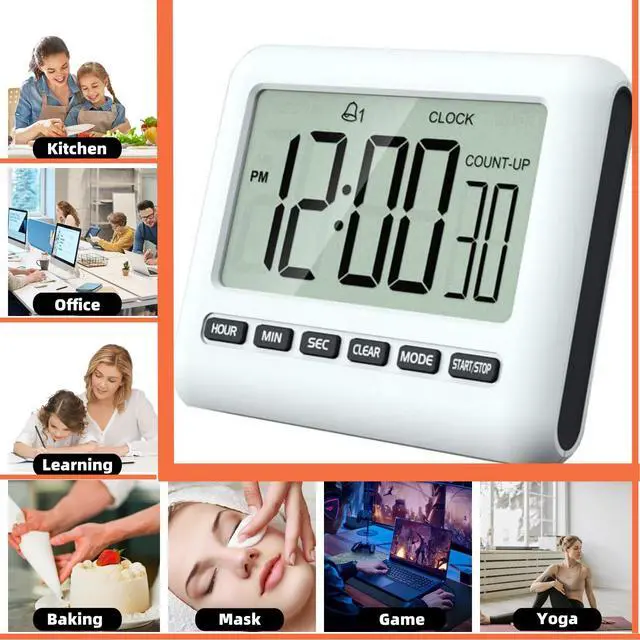
The kitchen timer will be the perfect assistant for your cooking, now refuse to burn food, and you can easily cook delicious food for your family.

SCHOOL
Improve classroom efficiency. Strengthen classroom time management. Suitable for school activities such as exams, reading, self-study, group discussions, etc.

OFFICE
During tight office hours, a timer can help you better manage your time, attend meetings and appointments on time, and improve work efficiency.

HOME
Cultivate children's sense of time and help them balance learning and play, such as homework, exercises, screen time, fitness, self-discipline, bedtime routines, etc.

Alarm Mode
1: Press the MODE button until you see the ALARM mark on the screen
2: Set the time by pressing the hour, minute, and second buttons
3: Press the start/stop button to activate the alarm function

12/24 Hour Clock Mode
1: Press the MODE button until you see the CLOCK mark on the screen
2: Long press the start/stop button for 3 seconds to reset the time
3: Set the time by pressing the hour, minute, and second buttons
4: Press the start/stop button to activate the clock function

Countdown Mode
1: Press the MODE button until you see the TIMER mark on the screen
2: Press the CLEAR button to return to zero
3: Press the HOUR, MIN, SEC buttons to set the time
4: Press the START/STOP button to start the countdown

Counting Mode
1: Press the MODE button until you see the TIMER mark on the screen
2: Press the clear button to return to zero
3: Press the start/stop button to start counting
Magnetic Digital Clock for Kitchen
Memory Functions: When the countdown was completed, press START/STOP button first, then press CLEAR button to return to the previous setting time ------ No need to set up the time every time.
In the Time Mode, just press the "MODE" key to enter-Timer 1-Timer 2-Time MODE to switch or view.
In the Time Mode, just press the "Clear" button to switch 12/24 hours.
Strong Magnet: Working fine on the metal surface ------ Do not worry about falling down.
Rear Bracket: adjustable bracket with adjustable angle, can also be hung on a hook
Timer with Alarm
KITCKEN
The kitchen timer will be the perfect assistant for your cooking, now refuse to burn food, and you can easily cook delicious food for your family.
SCHOOL
Improve classroom efficiency. Strengthen classroom time management. Suitable for school activities such as exams, reading, self-study, group discussions, etc.
OFFICE
During tight office hours, a timer can help you better manage your time, attend meetings and appointments on time, and improve work efficiency.
HOME
Cultivate children's sense of time and help them balance learning and play, such as homework, exercises, screen time, fitness, self-discipline, bedtime routines, etc.

Alarm Mode
1: Press the MODE button until you see the ALARM mark on the screen
2: Set the time by pressing the hour, minute, and second buttons
3: Press the start/stop button to activate the alarm function

12/24 Hour Clock Mode
1: Press the MODE button until you see the CLOCK mark on the screen
2: Long press the start/stop button for 3 seconds to reset the time
3: Set the time by pressing the hour, minute, and second buttons
4: Press the start/stop button to activate the clock function

Countdown Mode
1: Press the MODE button until you see the TIMER mark on the screen
2: Press the CLEAR button to return to zero
3: Press the HOUR, MIN, SEC buttons to set the time
4: Press the START/STOP button to start the countdown

Counting Mode
1: Press the MODE button until you see the TIMER mark on the screen
2: Press the clear button to return to zero
3: Press the start/stop button to start counting