here!
here!
I’m your shopping assistant for PC builds, upgrades, and everything tech.
Got questions? Ask away!
Start a conversation
here!
I’m your shopping assistant for PC builds, upgrades, and everything tech.
Got questions? Ask away!
Start a conversation
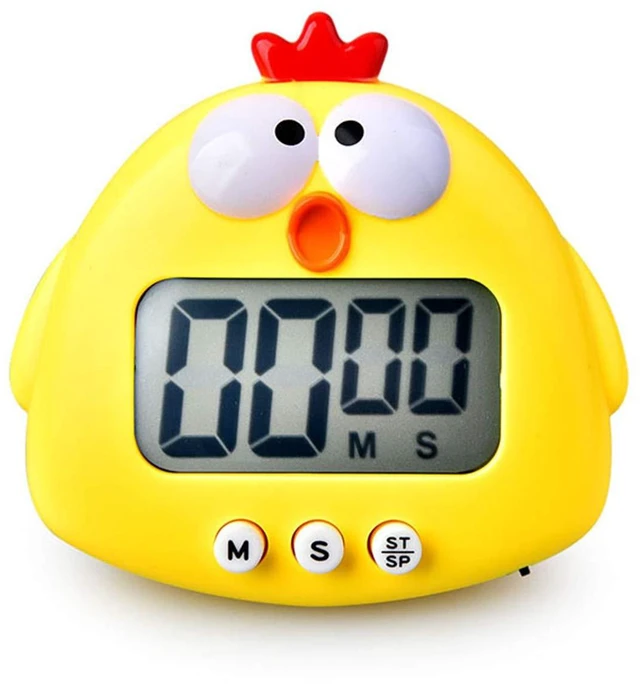
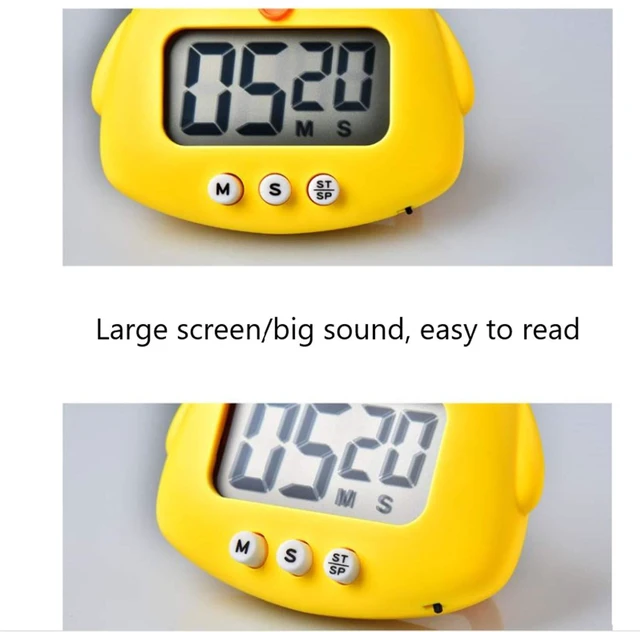

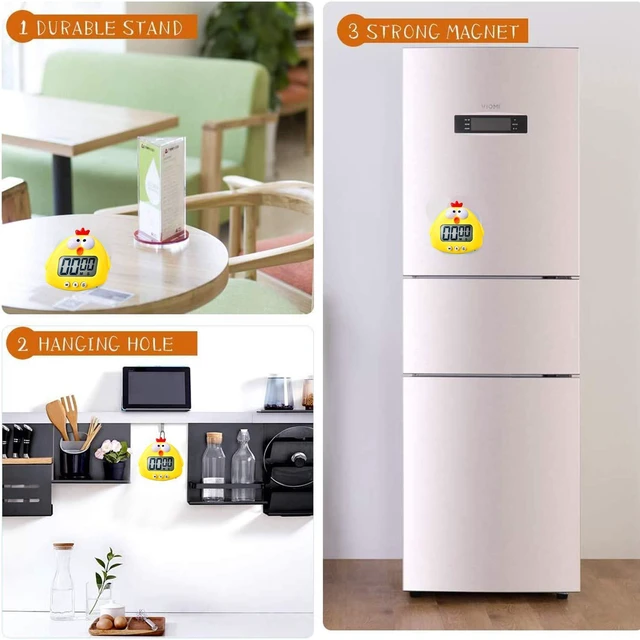
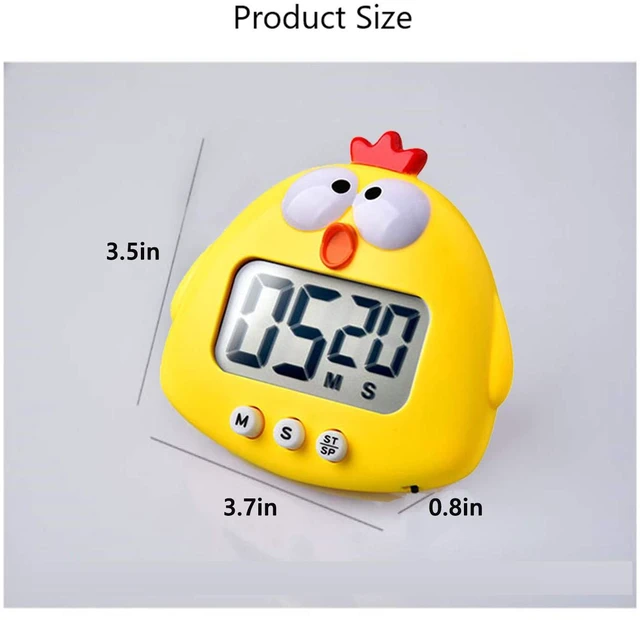



Any questions? Ask CelesteSM will help you find out quickly.

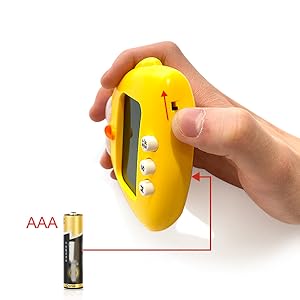
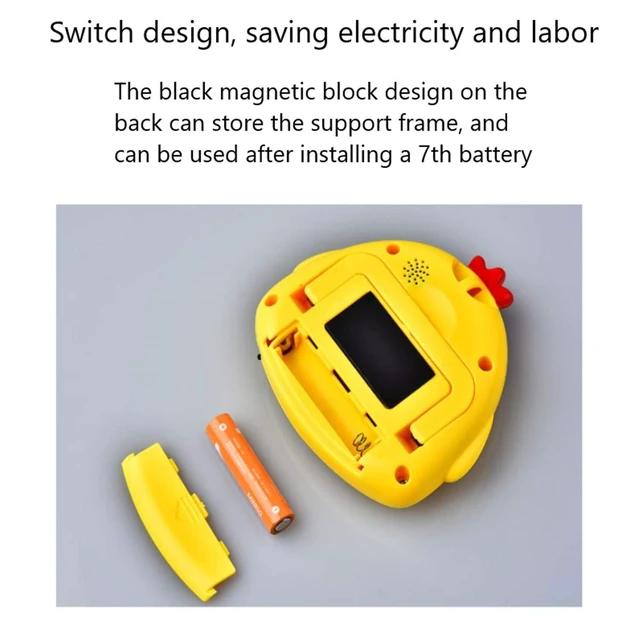
This energy-saving digital display timer requires a AAA battery. then slide the black switch on the bottom,This product does not include a battery!

Our timer helps your children develop a sense of learning and help them maintain a balance between study and rest, such as homework, homework, video learning, self-study, group discussion, etc.
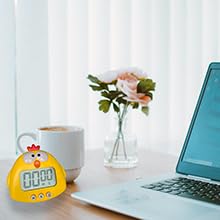
Let children gain the ability to manage rest time, suitable for parent-child games, reading, lunch break, etc.
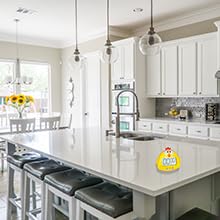
As your best helper in cooking, say NO to burnt food! You can easily make the best food for your family, friends, and relatives

Help you better manage time during tight office hours, arrange meeting progress, and improve work efficiency.
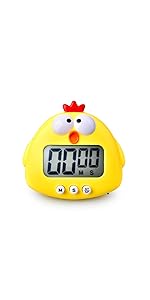 chick | 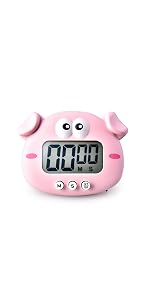 frog | 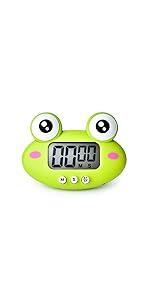 pig | 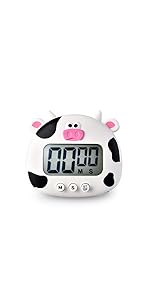 cow | 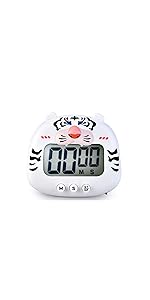 white tiger | |
|---|---|---|---|---|---|
| Customer Reviews | — | — | — | — | — |
| Price | — | — | — | — | — no data |
| Timing function | ? | ? | ? | ? | ? |
| Countdown function | ? | ? | ? | ? | ? |
| Digital Display | ? | ? | ? | ? | ? |
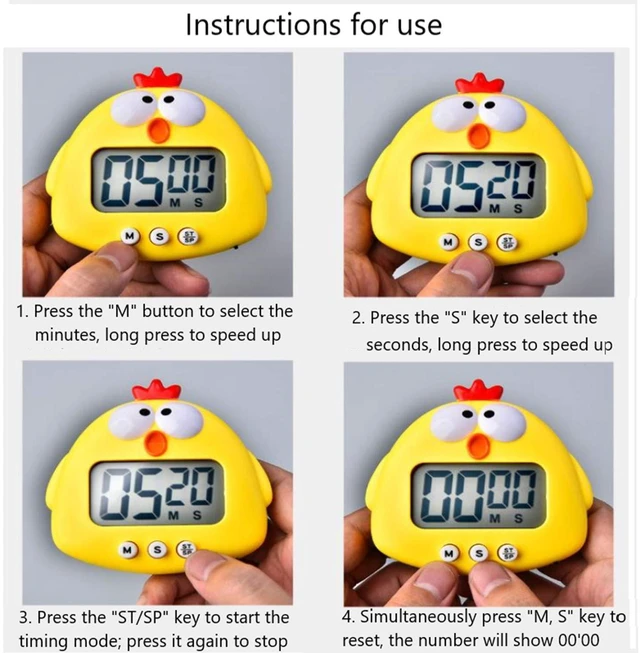
COUNTDOWN FUNCTION:
1. Press the [M] button and the [S] button simultaneously to reset, and the number will display 00'00.
2. [M] button is used to set the length of countdown 'minute'. Long press will speed up the countdown.
3. [S] button sets the length of countdown 'seconds,' long-press will speed up.
4. [st / SP] button starts and stops. Set the time. Press it to start the countdown. When the time is up, the alarm will ring.
5. In the ring, press any button to stop. If there is no operation, the ring will stop automatically for one minute.
6. During the countdown, press the [st / SP] button to pause. If you need to continue the countdown, press the [st / SP]
button again to continue.
TIMER FUNCTION:
1. Press the [M] button and the [S] button simultaneously to reset, and the number will display 00'00. 2. Press the [st / SP] button to start the timer. 3. Press any button to stop the timing. If you need to continue the timing, press the [st / sp] button to continue.
This energy-saving digital display timer requires a AAA battery. then slide the black switch on the bottom,This product does not include a battery!
Our timer helps your children develop a sense of learning and help them maintain a balance between study and rest, such as homework, homework, video learning, self-study, group discussion, etc.
Let children gain the ability to manage rest time, suitable for parent-child games, reading, lunch break, etc.
As your best helper in cooking, say NO to burnt food! You can easily make the best food for your family, friends, and relatives
Help you better manage time during tight office hours, arrange meeting progress, and improve work efficiency.
chick | frog | pig | 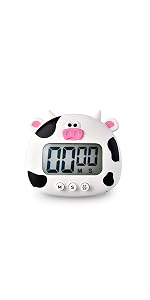 cow | white tiger | |
|---|---|---|---|---|---|
| Customer Reviews | — | — | — | — | — |
| Price | — | — | — | — | — no data |
| Timing function | ? | ? | ? | ? | ? |
| Countdown function | ? | ? | ? | ? | ? |
| Digital Display | ? | ? | ? | ? | ? |
COUNTDOWN FUNCTION:
1. Press the [M] button and the [S] button simultaneously to reset, and the number will display 00'00.
2. [M] button is used to set the length of countdown 'minute'. Long press will speed up the countdown.
3. [S] button sets the length of countdown 'seconds,' long-press will speed up.
4. [st / SP] button starts and stops. Set the time. Press it to start the countdown. When the time is up, the alarm will ring.
5. In the ring, press any button to stop. If there is no operation, the ring will stop automatically for one minute.
6. During the countdown, press the [st / SP] button to pause. If you need to continue the countdown, press the [st / SP]
button again to continue.
TIMER FUNCTION:
1. Press the [M] button and the [S] button simultaneously to reset, and the number will display 00'00. 2. Press the [st / SP] button to start the timer. 3. Press any button to stop the timing. If you need to continue the timing, press the [st / sp] button to continue.