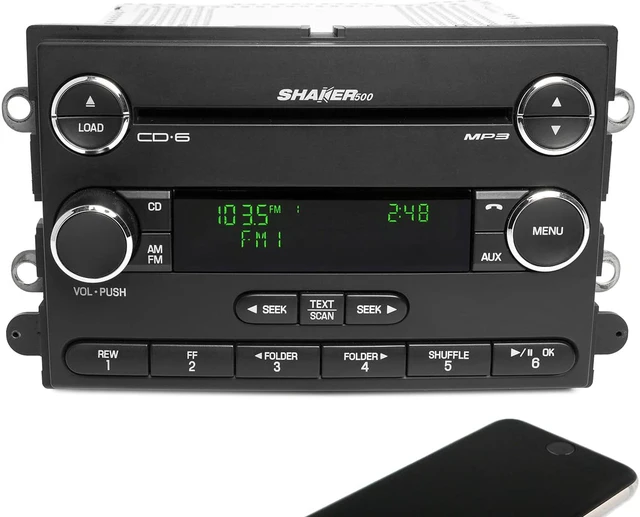
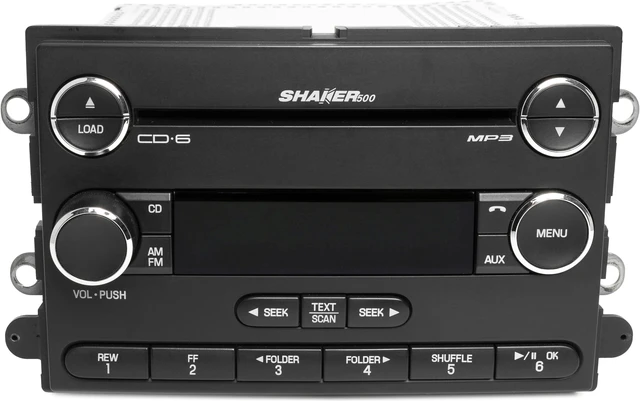
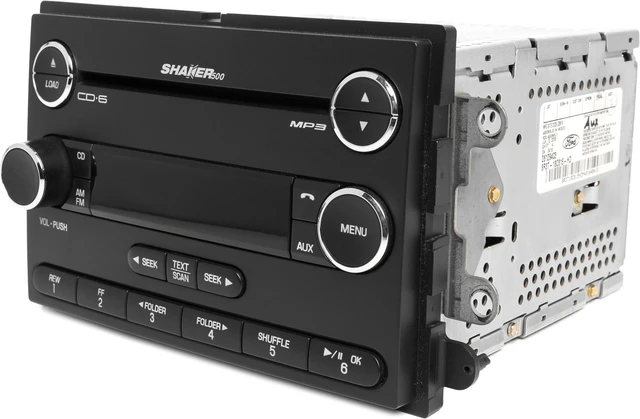
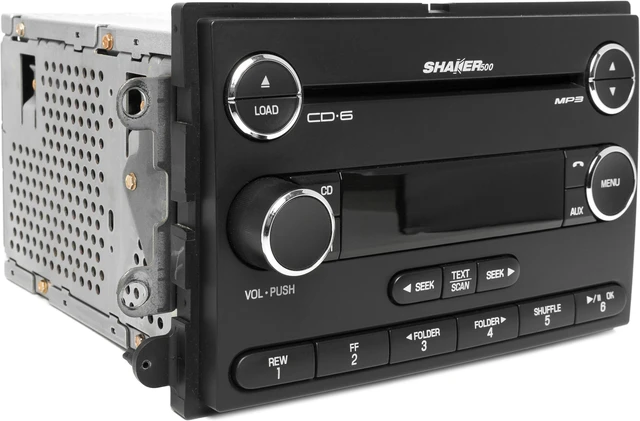
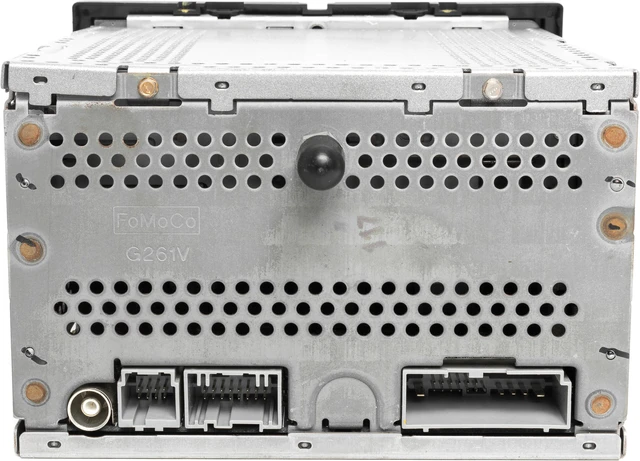
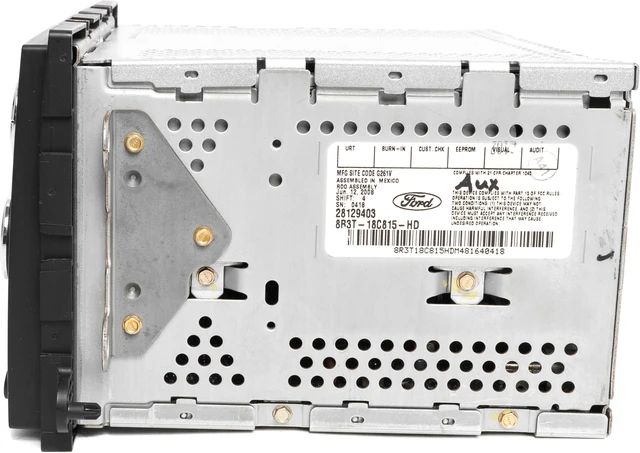
Shaker 500 AM FM Radio 6 CD Player
w Bluetooth Upgrade
Fits
-- 2008 --
Ford
Mustang
- No Code Required -
Part Number: 8R3T-18C815-HD
Interchange Part Number: 638-02616
This is a professionally remanufactured Shaker 500 AM FM Radio 6 CD Player with Bluetooth Upgrade that Fits 2008 Ford Mustang. This radio is in good cosmetic condition with minor wear, as pictured. This radio has been cleaned, serviced as needed and thoroughly checked. Function is in 100% working order!
This unit is being sold as a REPLACEMENT ONLY! The part number is 8R3T-18C815-HD. If you do not have this exact part number currently in your vehicle, it will likely NOT WORK. If you are unsure of your part number, contact us with your VIN and they should be able to provide you with the correct part number. They may look the same and have the same plugs but data streams may be different, not allowing them to code. For example, external amps are used in some cars and will not allow interchange, etc.
The Bluetooth upgrade is simple to operate! Just pair the device, press Mode button and play your music or most in-app audio to play in full, crisp, clean quality while taking advantage of all sound controls on the radio. To complete pairing, some devices require a pass key or code which is "0000".
Please note: that this will not work with phone calls as phone manufacturers have designed calls to work with Bluetooth mic systems only. When you do not want to listen to Bluetooth music, simply unpair or turn off your device's Bluetooth.




 here!