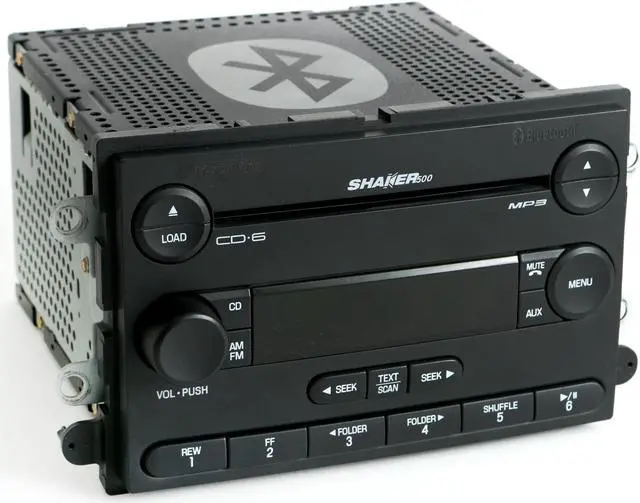
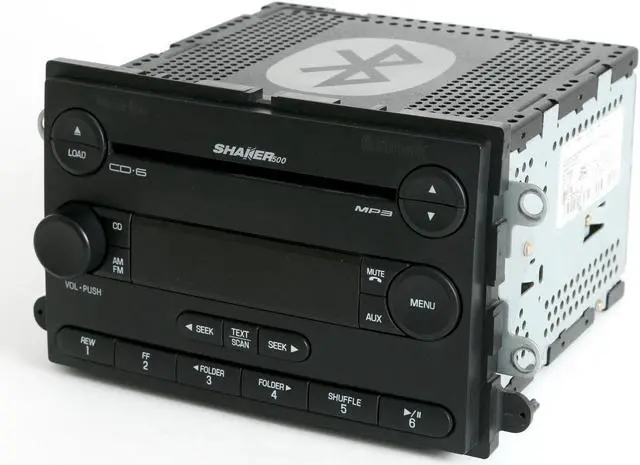
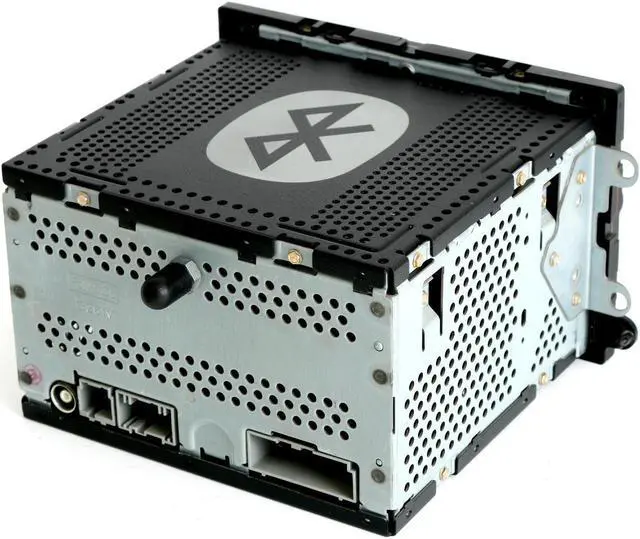
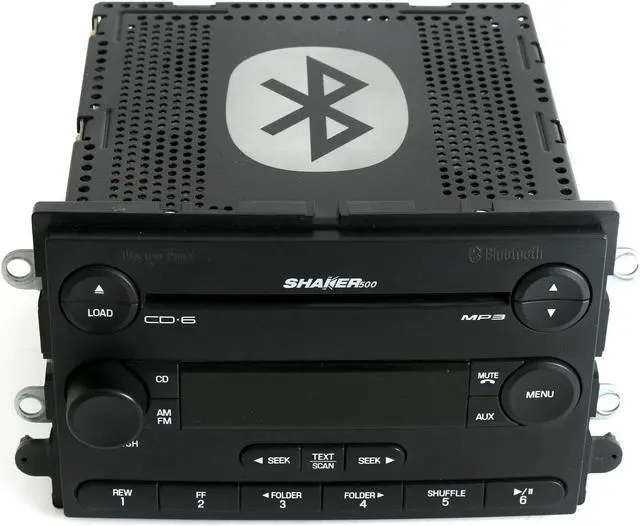
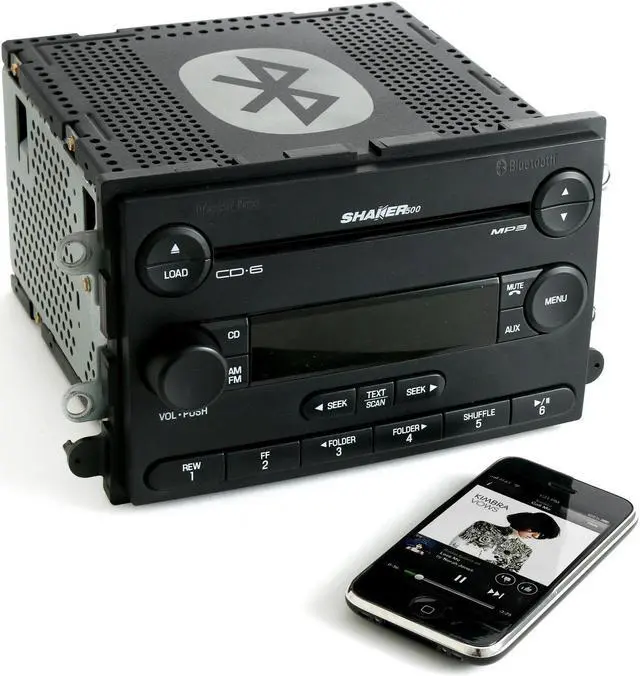
2007 Ford Mustang AM FM 6 Disc CD Player Shaker 500 Radio OEM Radio Upgraded with Bluetooth Music Capability Stream audio from a smartphone, tablet or Bluetooth capable music device!
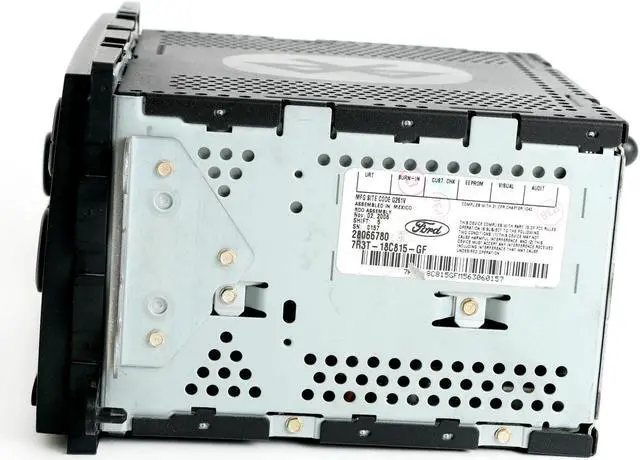
Part Number: 7R3T-18C815-GF is compatible with
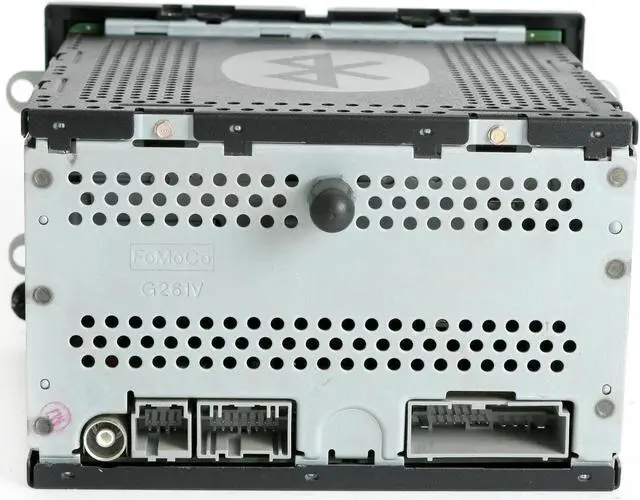
Part Number: 7R3T-18C815-GA / 7R3T-18C815-GB / 7R3T-18C815-GC / 7R3T-18C815-GD. Please confirm that these are the mounting brackets and plugs that you need before purchase. The 2007 Mustang used more than one style of radio and this part may not be compatible with your system. This radio is for the Shaker 500 sound system only. If you are unsure if this is the radio you need please do not hesitate to your local Ford dealer a call. This radio has been upgraded with Bluetooth, cleaned, serviced as needed and thoroughly checked. Please note that the iPhone pictured above is not included with the purchase and is for demonstration purposes only. This listing is for the Shaker 500 Bluetooth upgraded radio only. The Bluetooth upgrade is simple to operate! Just pair the device, press the "Aux" button and your music or most in-app audio, including iTunes, Rhapsody, Pandora, Spotify, YouTube, Netflix and many, many more will play in full, crisp, clean quality while taking advantage of all sound controls on the radio. Please note that this will not work with phone calls as phone manufacturers have designed calls to work with Bluetooth mic systems only.
When you want to listen to the in-dash Aux Input again, simply unpair or turn off your device's Bluetooth. Please contact seller with fitment or function questions.