here!
here!
I’m your shopping assistant for PC builds, upgrades, and everything tech.
Got questions? Ask away!
Start a conversation
here!
I’m your shopping assistant for PC builds, upgrades, and everything tech.
Got questions? Ask away!
Start a conversation
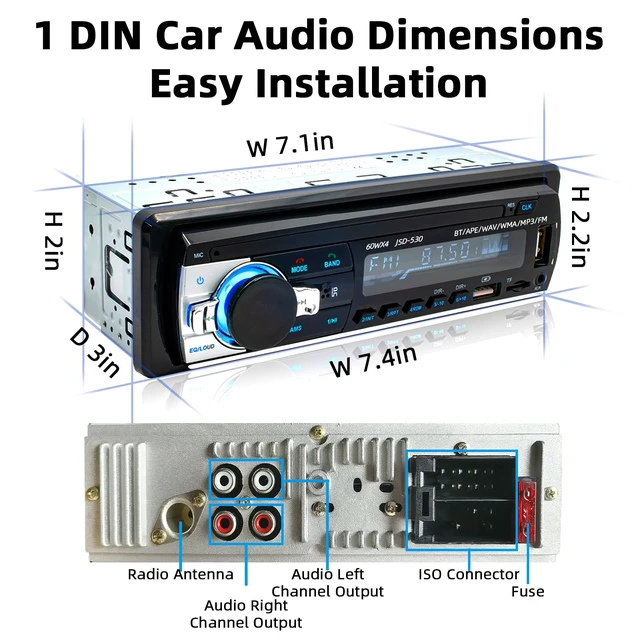



Any questions? Ask CelesteSM will help you find out quickly.
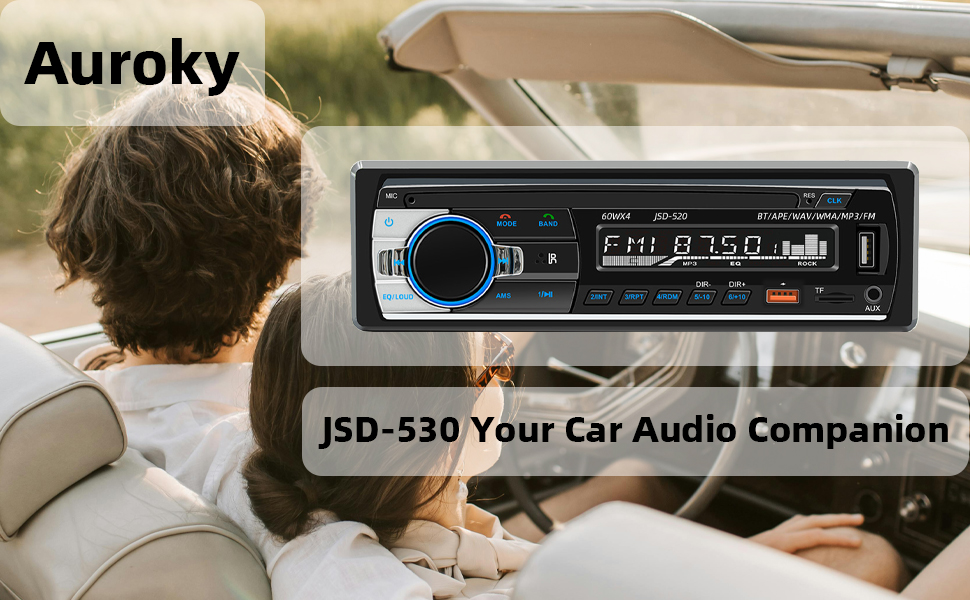
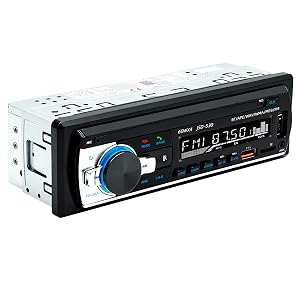
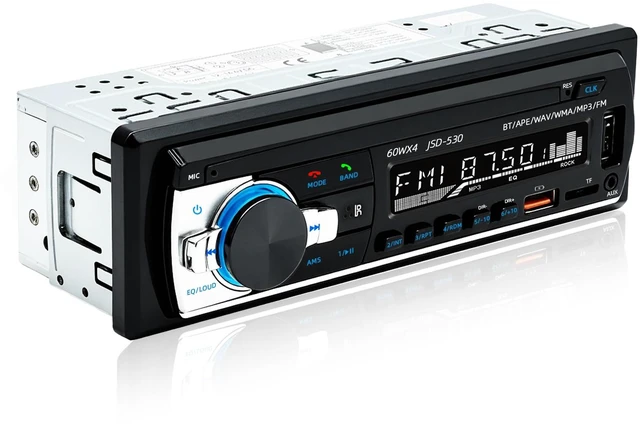
This Head Unit Single DIN Bluetooth car stereo digital systems features a sleek, mech-less design that provide multiple music formats. Delivers powerful sound, and ensures stable Bluetooth connectivity for more enjoyable driving.
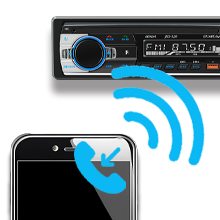
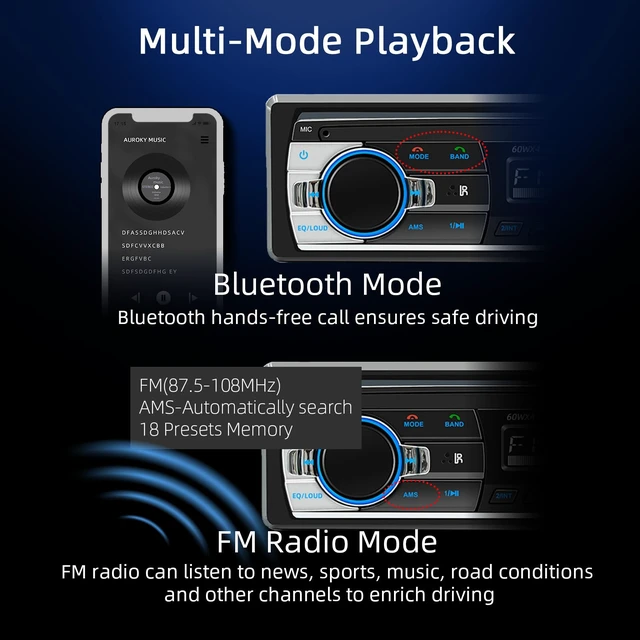
Experience smooth and stable wireless pairing. Enjoy hands-free calls and play your favorite music or audiobooks straight from your smartphone while driving.
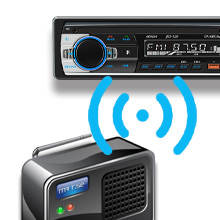
Stay informed with real-time traffic, news, and sports updates. FM range: 87.5~108.0MHz with 18 preset stations and automatic memory for last-used channels.
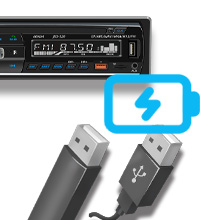
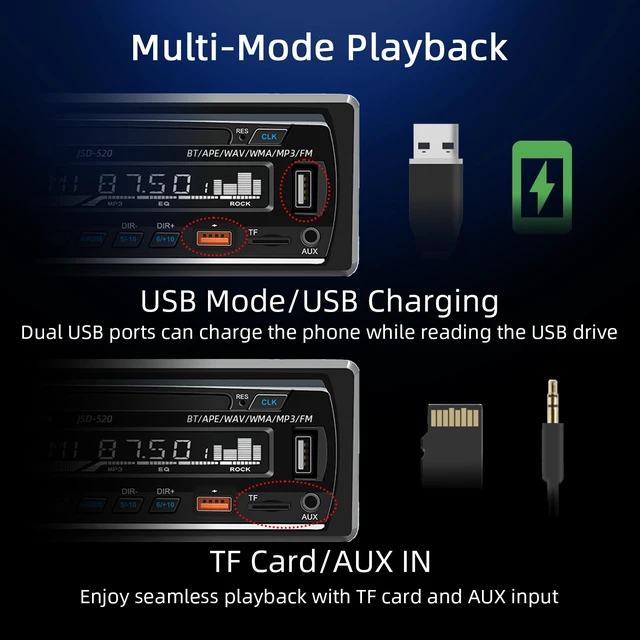
Play music directly from your USB drive. Dual USB ports include a 2.1A fast-charging port, keeping your devices powered throughout the journey.
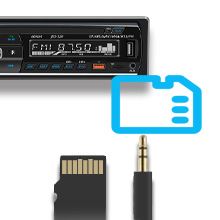
Multiple playback options let you enjoy music your way. Supports APE, MP3, WAV, and WMA formats via TF card or AUX input connection.

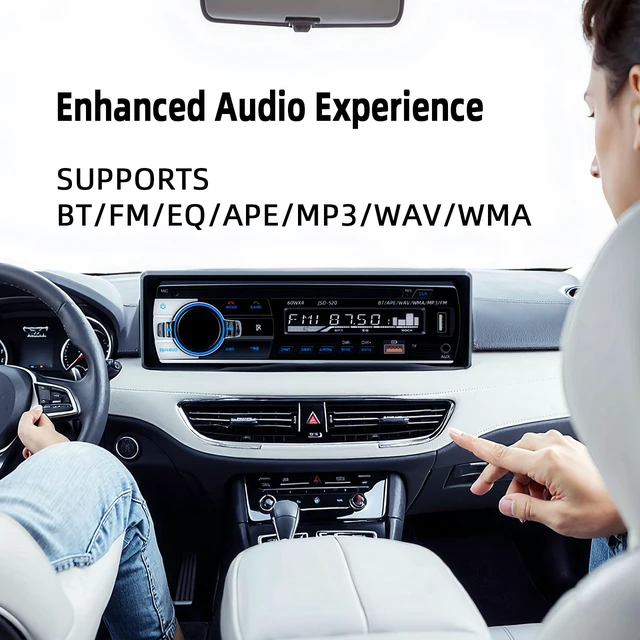
Fine-tune your favorite audio style with adjustable EQ settings for clear, rich, and immersive sound on every drive.
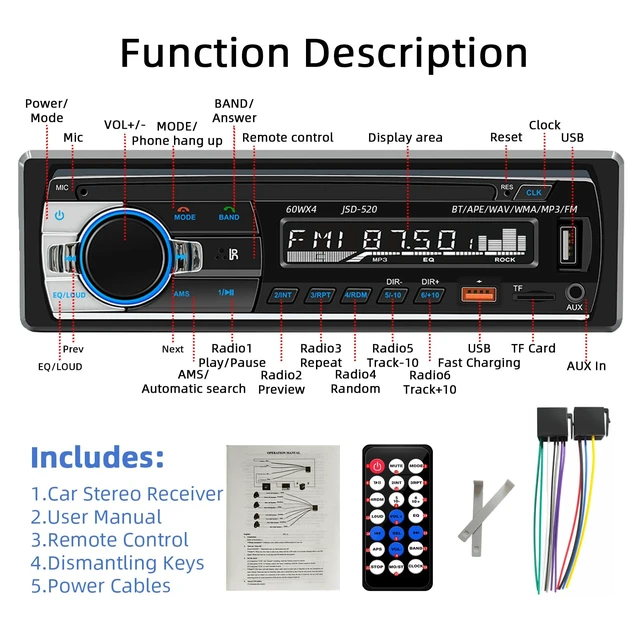
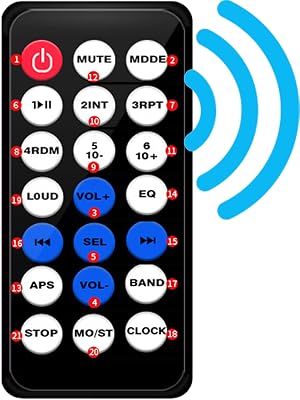
1.Turn the unit ON or OFF
2.MODE: Mode source switch
3.VOL+ : Turn up the volume
4.VOL- : Turn down the volume
5.SEL:Multi-function and audio settings
6. Pause / play button 7-11:FM channel storage
7.Repeat 8.Random 9.Choose ten backwards 10.Preview 11.Previously selected ten
12.MUTE: Pause / play button 13.APS: Radio search 14.EQ:Equalizer control
15.Next 16.Previous 17.BAND: Band switch 18.CLOCK: Time display
19.LOUD: Equal Loudness 20.MO/ST: Mono and Stereo
Bluetooth not working? Disconnect and reconnect your device.
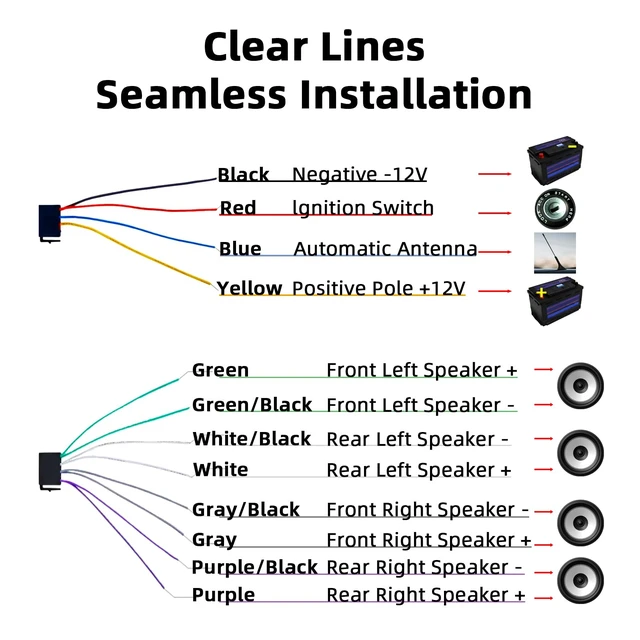
Power issue? Check wiring or replace with the same type of fuse.
Unit unresponsive? Press and hold the RST reset hole with a pin for 3+ seconds to restore factory settings.
If issues persist, contact our team anytime.
This Head Unit Single DIN Bluetooth car stereo digital systems features a sleek, mech-less design that provide multiple music formats. Delivers powerful sound, and ensures stable Bluetooth connectivity for more enjoyable driving.
Experience smooth and stable wireless pairing. Enjoy hands-free calls and play your favorite music or audiobooks straight from your smartphone while driving.
Stay informed with real-time traffic, news, and sports updates. FM range: 87.5~108.0MHz with 18 preset stations and automatic memory for last-used channels.
Play music directly from your USB drive. Dual USB ports include a 2.1A fast-charging port, keeping your devices powered throughout the journey.
Multiple playback options let you enjoy music your way. Supports APE, MP3, WAV, and WMA formats via TF card or AUX input connection.
Fine-tune your favorite audio style with adjustable EQ settings for clear, rich, and immersive sound on every drive.
1.Turn the unit ON or OFF
2.MODE: Mode source switch
3.VOL+ : Turn up the volume
4.VOL- : Turn down the volume
5.SEL:Multi-function and audio settings
6. Pause / play button 7-11:FM channel storage
7.Repeat 8.Random 9.Choose ten backwards 10.Preview 11.Previously selected ten
12.MUTE: Pause / play button 13.APS: Radio search 14.EQ:Equalizer control
15.Next 16.Previous 17.BAND: Band switch 18.CLOCK: Time display
19.LOUD: Equal Loudness 20.MO/ST: Mono and Stereo
Bluetooth not working? Disconnect and reconnect your device.
Power issue? Check wiring or replace with the same type of fuse.
Unit unresponsive? Press and hold the RST reset hole with a pin for 3+ seconds to restore factory settings.
If issues persist, contact our team anytime.