




 here!
here!
I’m your shopping assistant for PC builds, upgrades, and everything tech.
Got questions? Ask away!
Start a conversation
here!
I’m your shopping assistant for PC builds, upgrades, and everything tech.
Got questions? Ask away!
Start a conversation
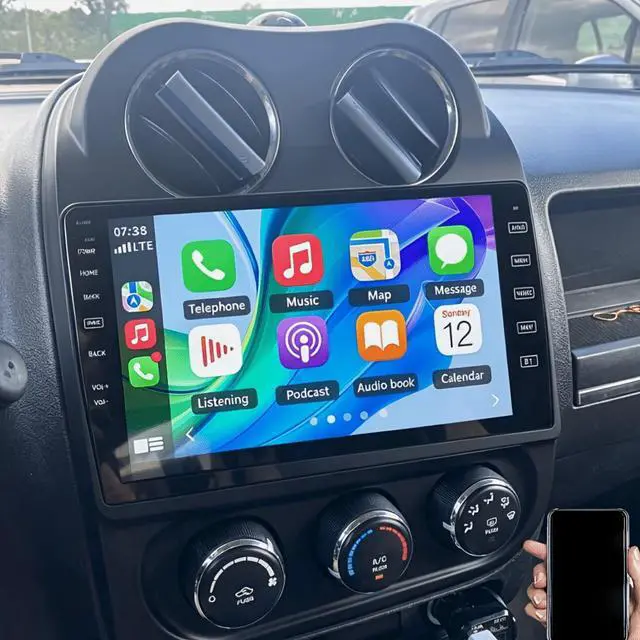
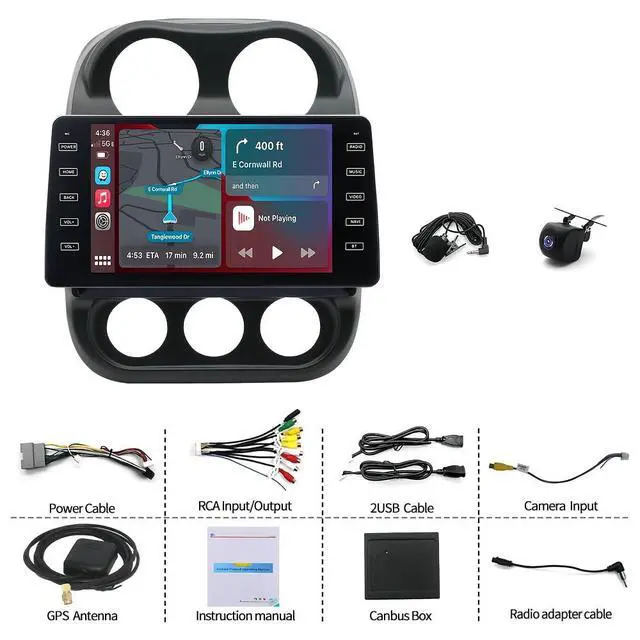
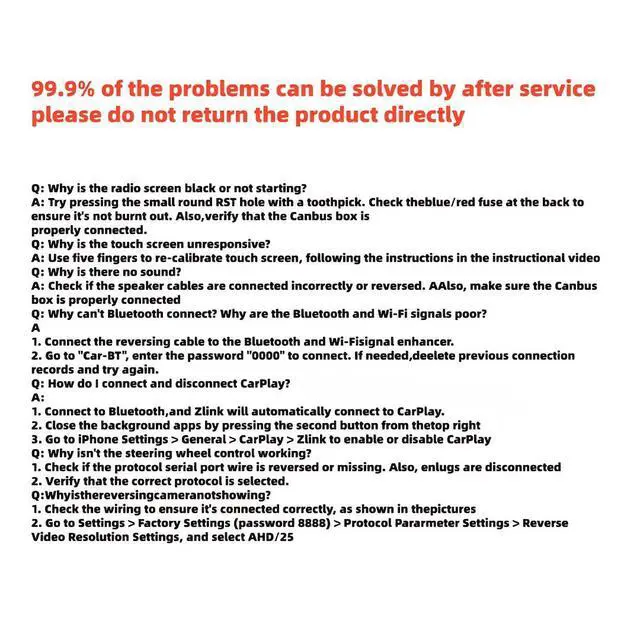
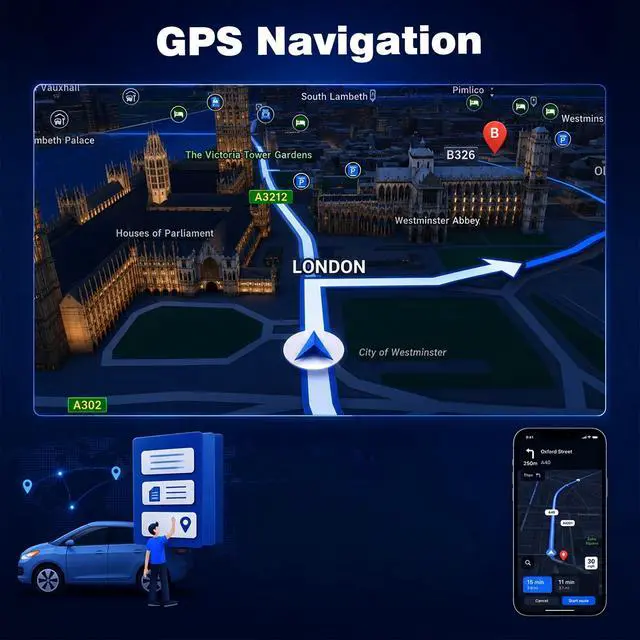



Any questions? Ask CelesteSM will help you find out quickly.
Tips:
Q1. Why can't turn on the car radio ?
Please check the Voltage of car radio: 12V
When you test this car radio,you can combine the red and yellow wires and connect them to the positive side of the power supply.Black line to negative power supply.
Replace the same type of insurance to test the car radio.
Note: Please must use our power cables to connect our car radio,it is not possible to insert the original car plug directly into our machine.
Q2. Why the car radio will show "No Signal" when we reversing?
Please check if the camera's line is properly connected to the car radio.
Note: The video port of rear camera must insert the "CAMIN" port of car radio.
Q3. Why does the camera display "!" and "Can't watch video while driving" when I use USB to watch videos?
Please turn off the "Video Warning" function in the settings,then will be OK.
Q4. Why can't search FM?
No radio antenna inserted.
Please check if the radio antenna is plugged in. Please insert more antennas several times to make it well contacted.
The signal of your location is not good. Please go to a better place to test again.
The radio antenna on the car is broken/no effect; please replace the radio antenna and test again.
Q5. Why can't connect the Wireless of car radio?
Open the phone settings interface, open the Wireless in the Wireless function, search for Wireless devices, find the player's Wireless model to be paired; if you need a pairing code, enter 0000; if not, try 1234 or 123456.
Please try to use another mobile phone to test this function.
All methods are correct and still cannot use Wireless , Please unplug the plug on the back of the player and plug it in after 3 minute.
Note:
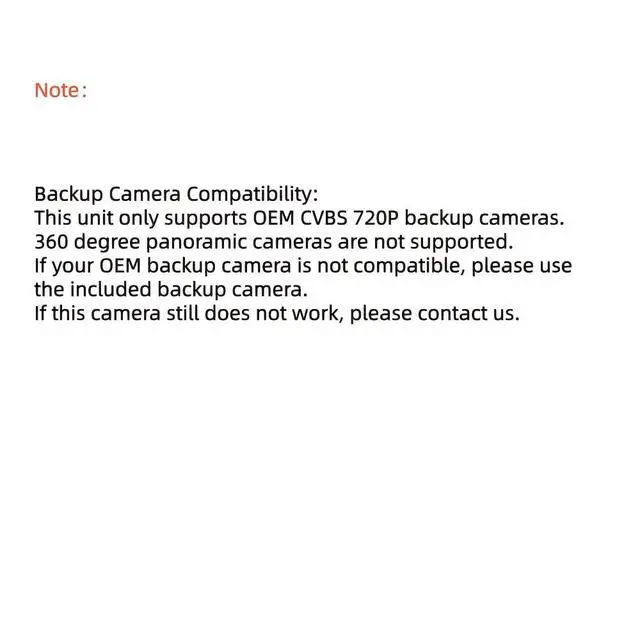
If the system comes with a camera, the car only supports direct adaptation of the original CVBS 720P reversing camera.|
1.If your original car camera is not of this specification, we recommend using the camera that comes with our car camera directly.|
2. If you insist on using the original car camera, please provide us with the central control image, the back image of the original car host, the model and product image of the car. | We need to make technical judgments and may need to purchase additional accessories.|
When the original car camera cannot be adapted, it is recommended to use our matching camera. If the matching camera cannot be used, the items need to confirm whether it is a wiring error on your part. We will provide you with a wiring diagram of the reverse camera. | If it still cannot be used, you can give us feedback in a timely manner, and we will provide relevant evidence to the technical judgment in a timely manner.|
360 panoramic related instructions:|
1. The above car infotainment systems do not directly support 360 degree panoramic function. If you want to achieve 360 degree panoramic view, you need to purchase a complete set of 360 accessories on your own. We currently do not sell such accessories.|
2. It is not recommended to upgrade to 360 degree panoramic if the car's computer configuration is lower than 8-core 4+64G, as it may cause graphics lag and poor user experience.|
3. The 360 degree panoramic view requires dismantling and installation, which is complex and must be installed by professional insta


