

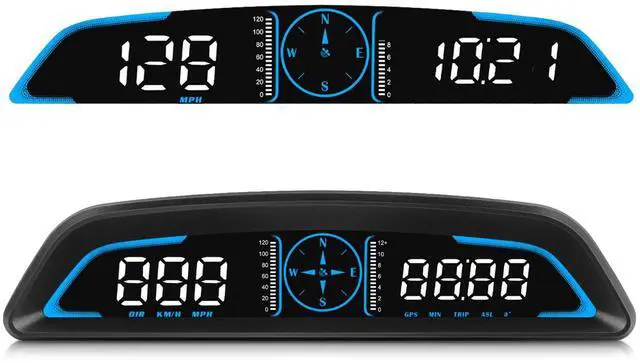
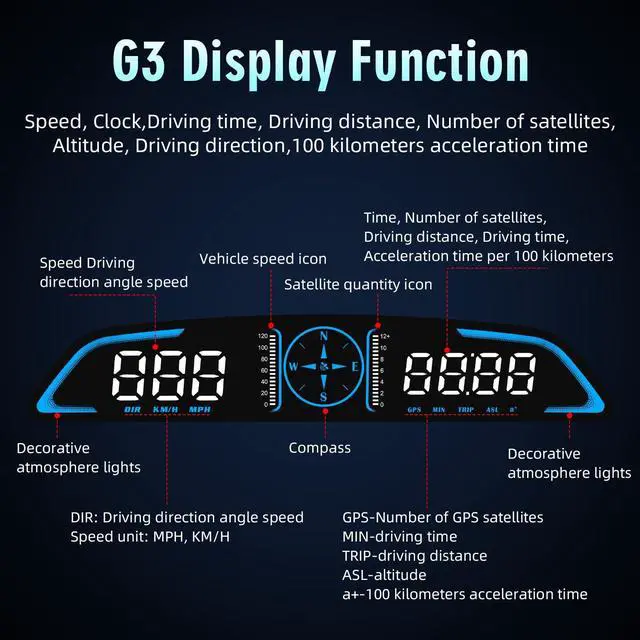
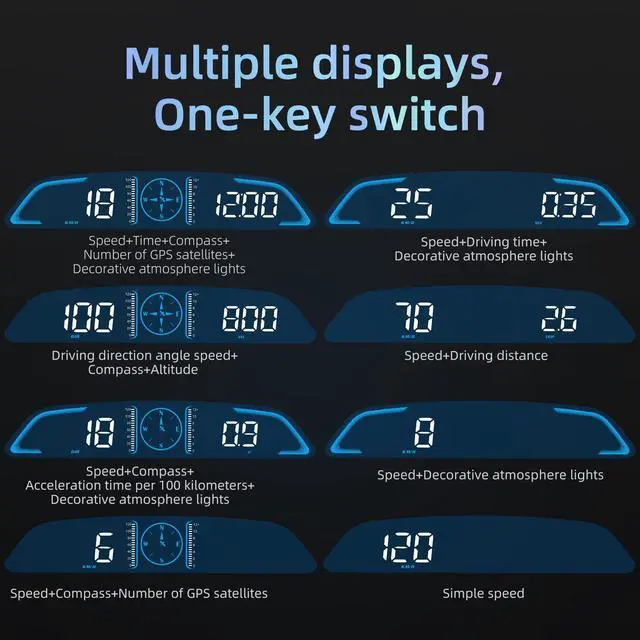
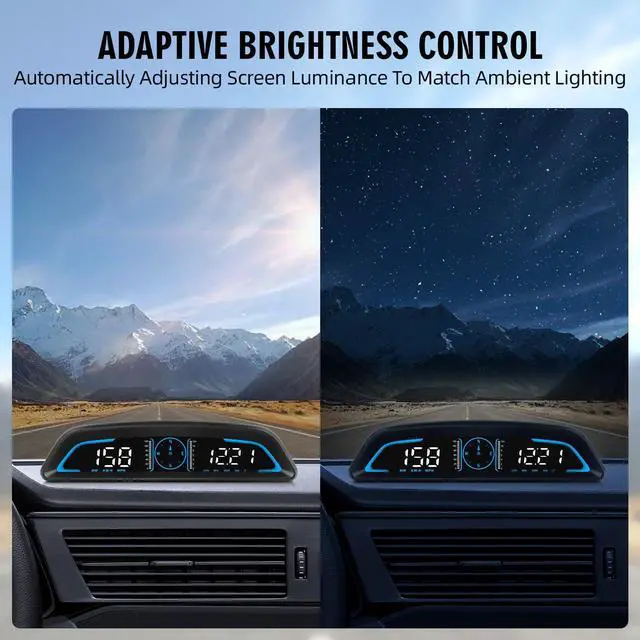

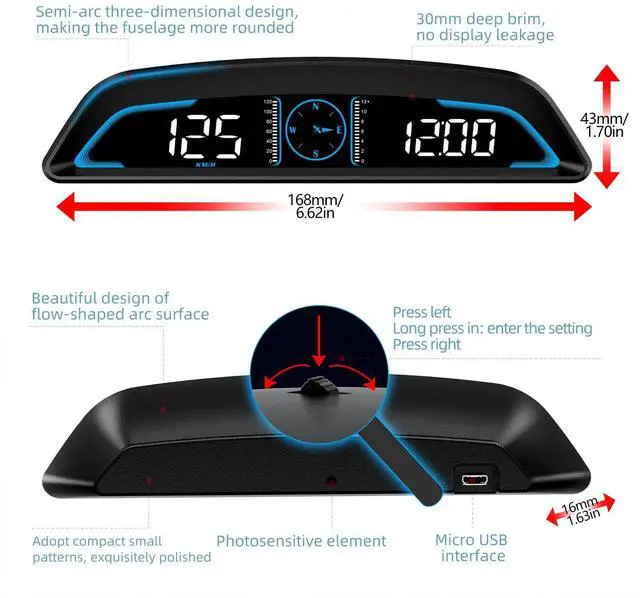


MAIMEIMI GPS Speedometer HUD for Car
Merchant Video
SWITCHING SPEED UNITS
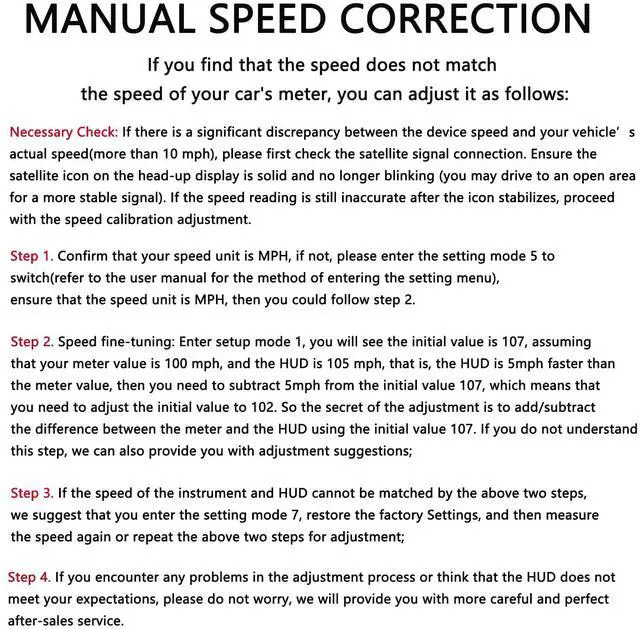
MANUAL SPEED CORRECTION


MAIMEIMI Auto Parts Store
Dedicated to being your ultimate travel companion.

MAIMEIMI Auto Parts, established in 2021, has specialized in automotive components for the past four years.
Focused on developing advanced various data instruments for vehicle monitoring, we deliver smarter, safer components such as: GPS speedometers, Tachometers, Throttle response controllers, HUD.
In 2025, we expanded into marine parts innovation, with a commitment to continuous improvement.
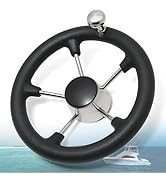
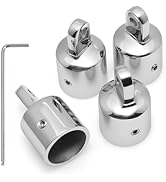
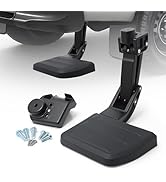
New Product Launch
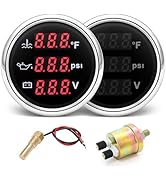
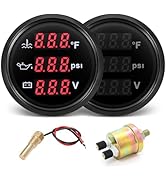
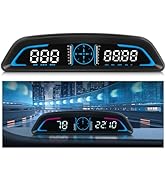
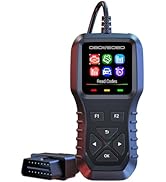
New Product Launch
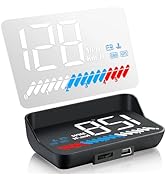
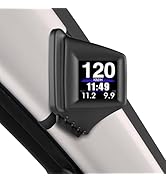
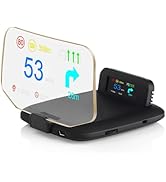
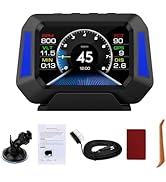
New Product Launch
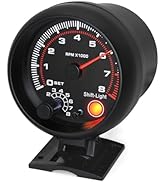
Tachometer & Speedometer
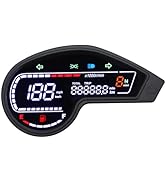

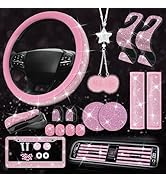
Motorcycles & Auto Parts
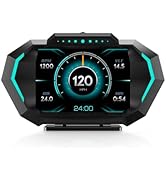
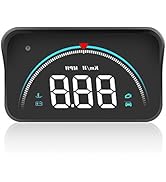
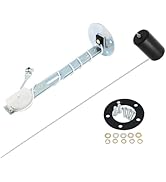
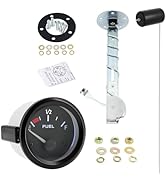
Speedometer & Fuel Gauge Set
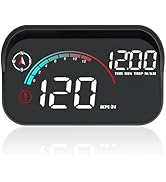
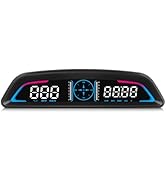
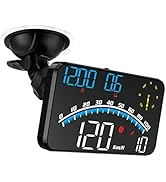
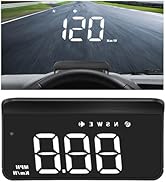
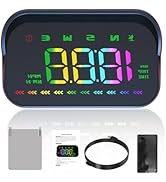
HUD for Car
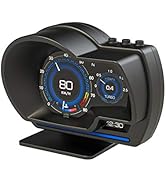
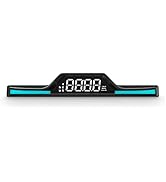
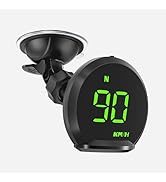
Head Up Display for Car
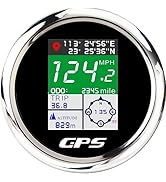
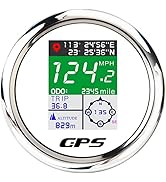
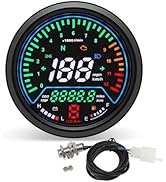
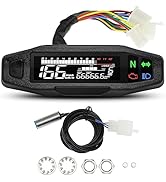
Digital GPS Speed Gauge
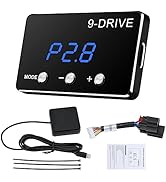
Throttle Response Controller
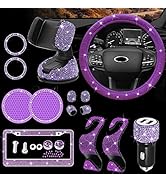
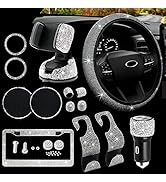
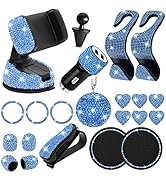
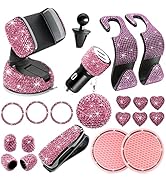
Bling Car Accessories
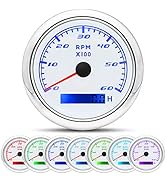
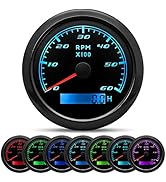
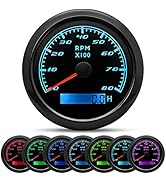
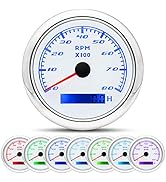
6000-8000 RPM Tachometer
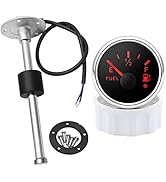
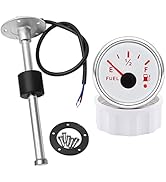
Fuel and Gauge Kit
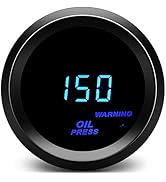
2" 52mm Oil Pressure Gauge

MAIMEIMI GPS Speedometer HUD for Car
Merchant Video
SWITCHING SPEED UNITS
| Step 1 | Press and hold the wave button to enter setup mode. The screen will display "1", indicating Menu Option 1; |
|---|---|
| Step 2 | Scroll button left/right to cycle through menu options. Stop when the screen shows "5", then press the button to enter parameter settings; |
| Step 3 | Scroll button left/right to toggle between "1" (MPH) and "0" (Km/h). Select your preferred unit; |
| Step 4 | Press and hold the wave button to save and exit, completing the setup. |
MANUAL SPEED CORRECTION
| Adjustable Speed | If you find that the speed does not match the speed of your car's meter, you can adjust it as follows: |
|---|---|
| Step 1 | Confirm that your speed unit is MPH, if not, please enter the setting mode 5 to switch(refer to the user manual for the method of entering the setting menu), ensure that the speed unit is MPH, then you could follow step 2; |
| Step 2 | Speed fine-tuning: Enter setup mode 1, you will see the initial value is 107, assuming that your meter value is 100 mph, and the HUD is 105 mph, that is, the HUD is 5mph faster than the meter value, then you need to subtract 5mph from the initial value 107, which means that you need to adjust the initial value to 102. So the secret of the adjustment is to add/subtract the difference between the meter and the HUD using the initial value 107. We can also provide you with adjustment suggestions; |
| Step 3 | If the speed of the instrument and HUD cannot be matched by the above two steps, we suggest that you enter the setting mode 7, restore the factory Settings, and then measure the speed again or repeat the above two steps for adjustment; |
| Step 4 | If you encounter any problems in the adjustment process or think that the HUD does not meet your expectations, please do not worry, we will provide you with more careful and perfect after-sales service. |


MAIMEIMI Auto Parts Store
Dedicated to being your ultimate travel companion.
MAIMEIMI Auto Parts, established in 2021, has specialized in automotive components for the past four years.
Focused on developing advanced various data instruments for vehicle monitoring, we deliver smarter, safer components such as: GPS speedometers, Tachometers, Throttle response controllers, HUD.
In 2025, we expanded into marine parts innovation, with a commitment to continuous improvement.
New Product Launch
New Product Launch
New Product Launch
Tachometer & Speedometer
Motorcycles & Auto Parts
Speedometer & Fuel Gauge Set
HUD for Car
Head Up Display for Car
Digital GPS Speed Gauge
Throttle Response Controller
Bling Car Accessories
6000-8000 RPM Tachometer
Fuel and Gauge Kit
2" 52mm Oil Pressure Gauge