


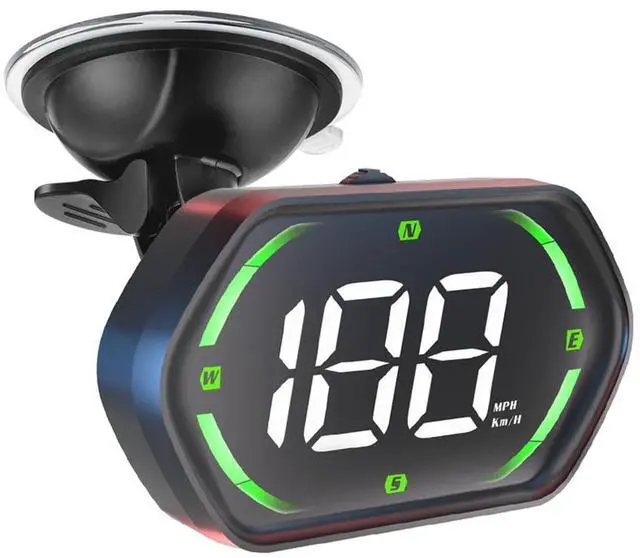
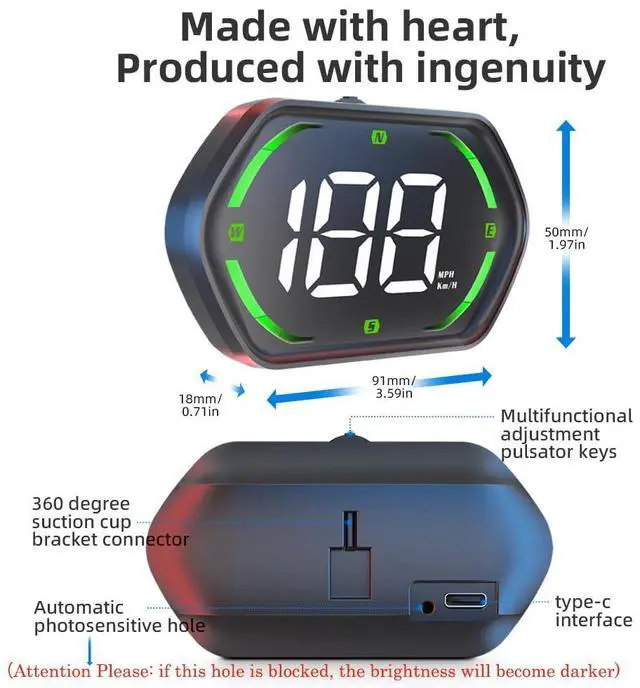
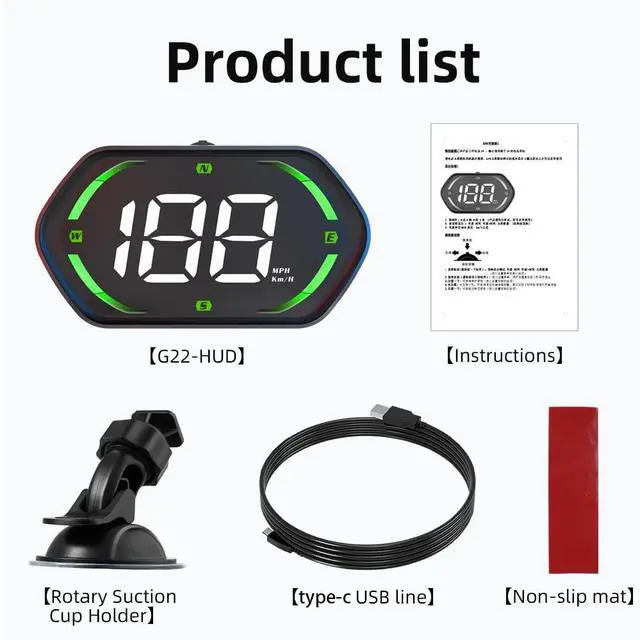


Driving direction compass
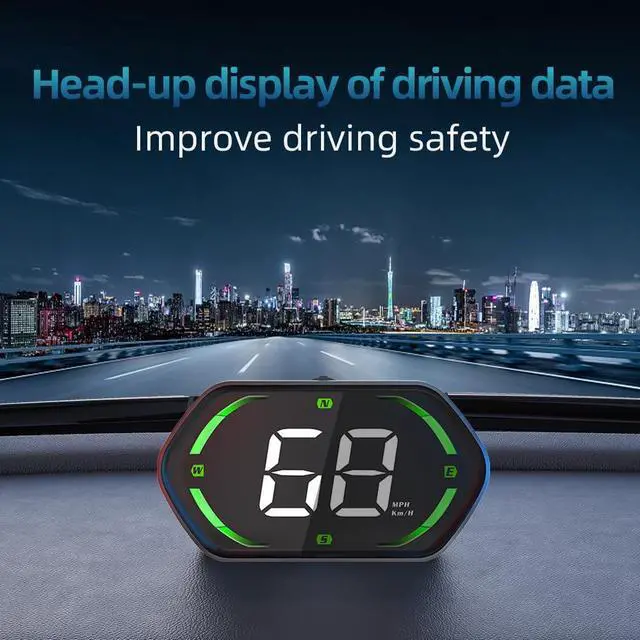
GPS precise positioning / real-time synchronous display data, satellite data collection, not affected by weather
N (North), E (East), W (West), S (South)


FAQ
- 1.The screen has no display and there is no power.
Check if the USB cable is damaged or replace new one for testing (It is forbidden to change the installation line or use a voltage higher than 5V)
- 2.No speed display
After the product is powered on, please move the car to an open road to receive the signal,need waiting for searching the signal,When '- - - ' shows 0, it means the signal is connected and can be used normally.
- 3.The speed is still displayed after the car stops
When driving in underground parking lots? tunnels? under overpasses and other places where the signal is unstable, the data displayed by the product may have deviation. Driving the car to an open road and wait a moment will restore to normal.
- 4. Inaccurate vehicle speed
a.Please check if the speed unit is correct kilometer KM/H or Mile MPH(Refer to the setting item speed unit switch)
b.If the speed unit is correct, fine-tune the speed, the car displays 100Km/H, the HUD product displays 105Km/H, and the HUD parameter value can be adjusted to 102
- 5.Driving direction display error
When the vehicle stops,the satellite cannot identify the direction of the vehicle. The product can only display normally after the vehicle speed exceeds 5Km/H.
Driving direction compass
GPS precise positioning / real-time synchronous display data, satellite data collection, not affected by weather
N (North), E (East), W (West), S (South)
FAQ
- 1.The screen has no display and there is no power.
Check if the USB cable is damaged or replace new one for testing (It is forbidden to change the installation line or use a voltage higher than 5V)
- 2.No speed display
After the product is powered on, please move the car to an open road to receive the signal,need waiting for searching the signal,When '- - - ' shows 0, it means the signal is connected and can be used normally.
- 3.The speed is still displayed after the car stops
When driving in underground parking lots? tunnels? under overpasses and other places where the signal is unstable, the data displayed by the product may have deviation. Driving the car to an open road and wait a moment will restore to normal.
- 4. Inaccurate vehicle speed
a.Please check if the speed unit is correct kilometer KM/H or Mile MPH(Refer to the setting item speed unit switch)
b.If the speed unit is correct, fine-tune the speed, the car displays 100Km/H, the HUD product displays 105Km/H, and the HUD parameter value can be adjusted to 102
- 5.Driving direction display error
When the vehicle stops,the satellite cannot identify the direction of the vehicle. The product can only display normally after the vehicle speed exceeds 5Km/H.