




 here!
here!
I’m your shopping assistant for PC builds, upgrades, and everything tech.
Got questions? Ask away!
Start a conversation
here!
I’m your shopping assistant for PC builds, upgrades, and everything tech.
Got questions? Ask away!
Start a conversation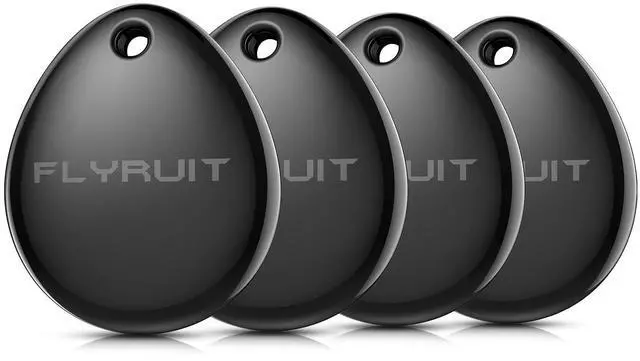

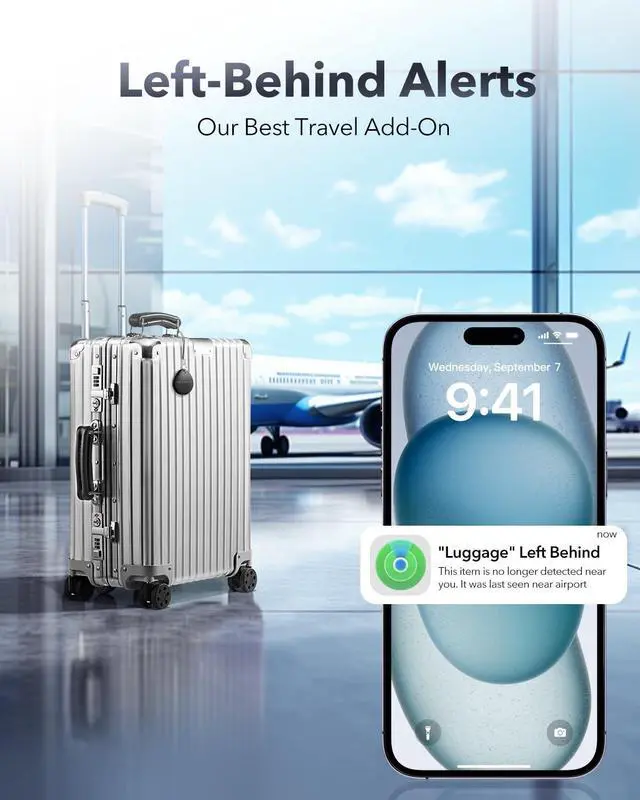
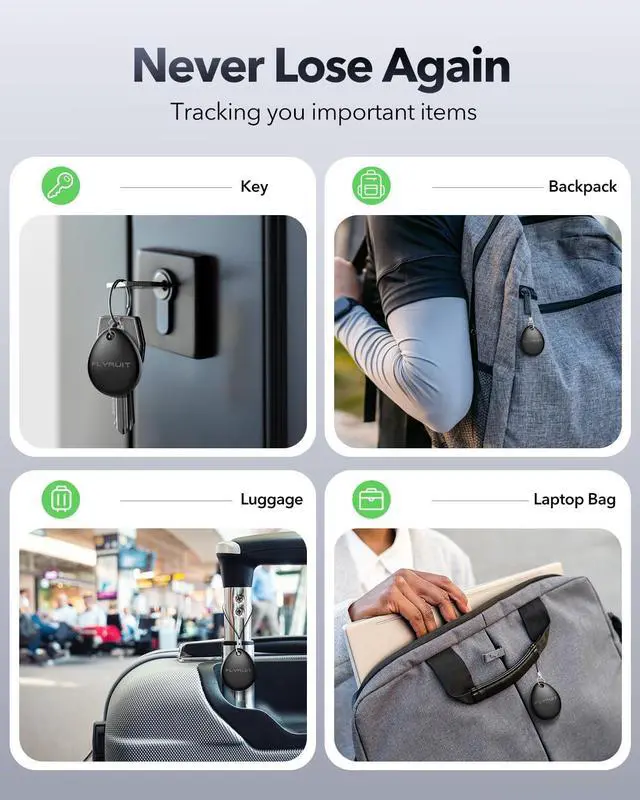



Any questions? Ask CelesteSM will help you find out quickly.


Flyruit tracker tag won't connect. What should I do?
1. Use iOS only – Android not supported. 2. Update iOS to latest version. 3. No binding to MacBook or Apple Watch – macOS/watchOS only view location. 4. Turn on Bluetooth & Internet. 5. Please add "other item" (not AirTag). 6. Reset tracker.
Why is the Flyruit tracker tag's location inaccurate or not updating?
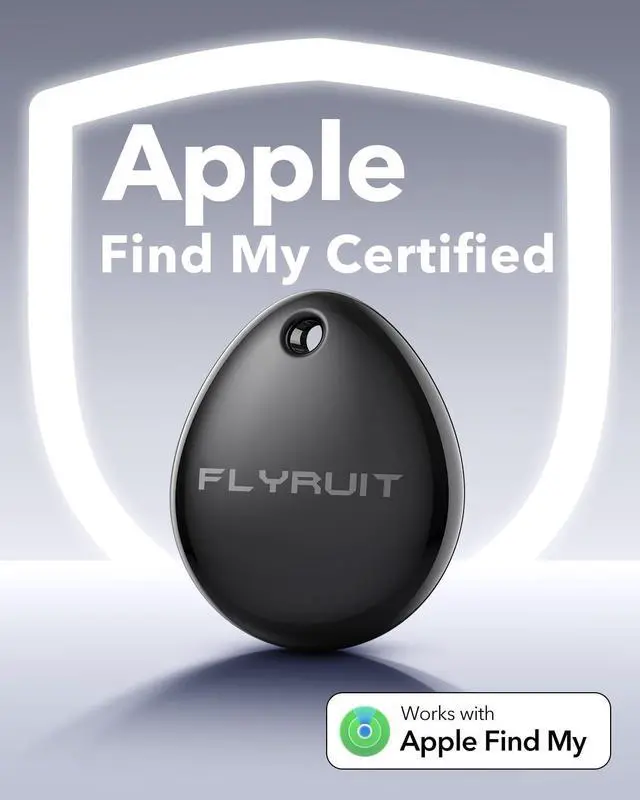
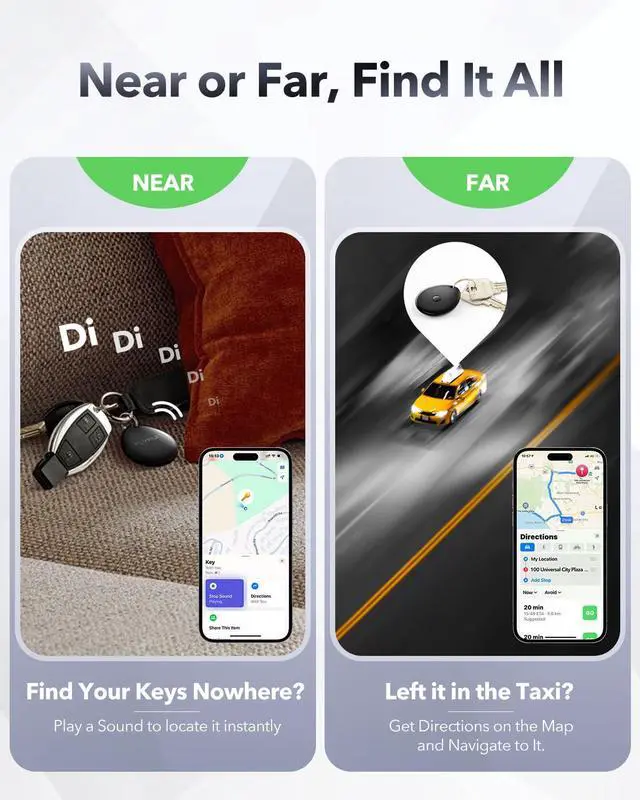
Flyruit tag works with Find My network. No GPS/cellular – uses nearby Apple devices via Bluetooth.
Location not updating?
No Apple device nearby; Bluetooth blocked (metal/thick luggage); Metal or Physical interference; Old iOS version incompatible.
Why can't download the Find My app, and does it require a subscription fee?
Please make sure you are downloading the correct app – search for "Find My" (the official app from Apple). Do not download "Apple Find My" or other third-party apps.
The official Find My app is free to use. No subscription fee is required.
Why won't Flyruit tracker tag connect to MacBook?
The Flyruit tag cannot be bound to a MacBook or Apple Watch. The macOS and watchOS systems only support viewing the tag's location information — not binding or full connection.
Pair a Flyruit Tag with my iPhone. The instructions say to pull a tab, but there is no tab to pull. What do you suggest?
When connecting, please select "Add Other Item" instead of "AirTag" in the Find My pairing interface. This will allow your iPhone to recognize the Flyruit Tag correctly without needing a pull tab.


With decades of manufacturing expertise, Flyruit delivers high-quality digital photo frames and digital clocks directly to you—cutting out the middleman for better prices and service.
Our products do more than tell time or display photos; they bridge distances, keep memories alive, and offer thoughtful solutions for families, seniors, and those who need care.
Flyruit - Technology That Cares When You're Away




















Flyruit tracker tag won't connect. What should I do?
1. Use iOS only – Android not supported. 2. Update iOS to latest version. 3. No binding to MacBook or Apple Watch – macOS/watchOS only view location. 4. Turn on Bluetooth & Internet. 5. Please add "other item" (not AirTag). 6. Reset tracker.
Why is the Flyruit tracker tag's location inaccurate or not updating?
Flyruit tag works with Find My network. No GPS/cellular – uses nearby Apple devices via Bluetooth.
Location not updating?
No Apple device nearby; Bluetooth blocked (metal/thick luggage); Metal or Physical interference; Old iOS version incompatible.
Why can't download the Find My app, and does it require a subscription fee?
Please make sure you are downloading the correct app – search for "Find My" (the official app from Apple). Do not download "Apple Find My" or other third-party apps.
The official Find My app is free to use. No subscription fee is required.
Why won't Flyruit tracker tag connect to MacBook?
The Flyruit tag cannot be bound to a MacBook or Apple Watch. The macOS and watchOS systems only support viewing the tag's location information — not binding or full connection.
Pair a Flyruit Tag with my iPhone. The instructions say to pull a tab, but there is no tab to pull. What do you suggest?
When connecting, please select "Add Other Item" instead of "AirTag" in the Find My pairing interface. This will allow your iPhone to recognize the Flyruit Tag correctly without needing a pull tab.
With decades of manufacturing expertise, Flyruit delivers high-quality digital photo frames and digital clocks directly to you—cutting out the middleman for better prices and service.
Our products do more than tell time or display photos; they bridge distances, keep memories alive, and offer thoughtful solutions for families, seniors, and those who need care.
Flyruit - Technology That Cares When You're Away





