




 here!
here!
I’m your shopping assistant for PC builds, upgrades, and everything tech.
Got questions? Ask away!
Start a conversation
here!
I’m your shopping assistant for PC builds, upgrades, and everything tech.
Got questions? Ask away!
Start a conversation
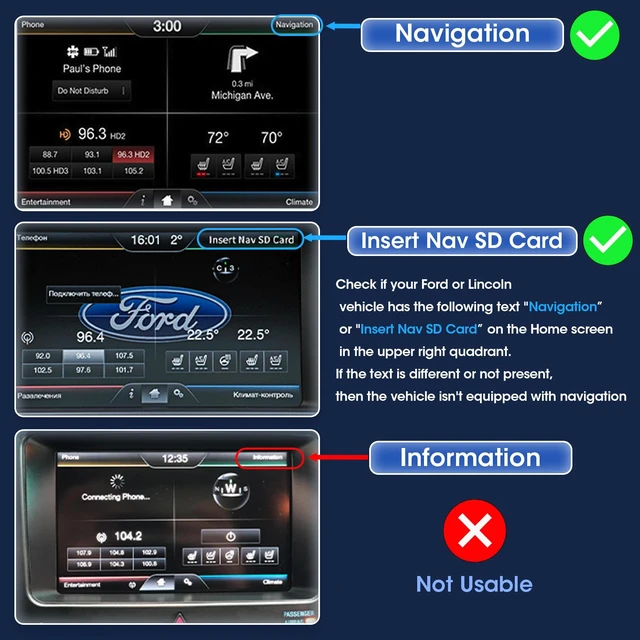
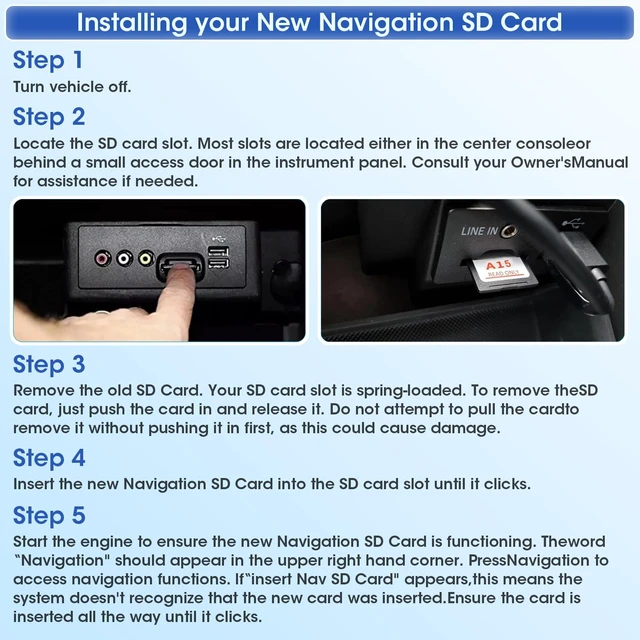



Any questions? Ask CelesteSM will help you find out quickly.
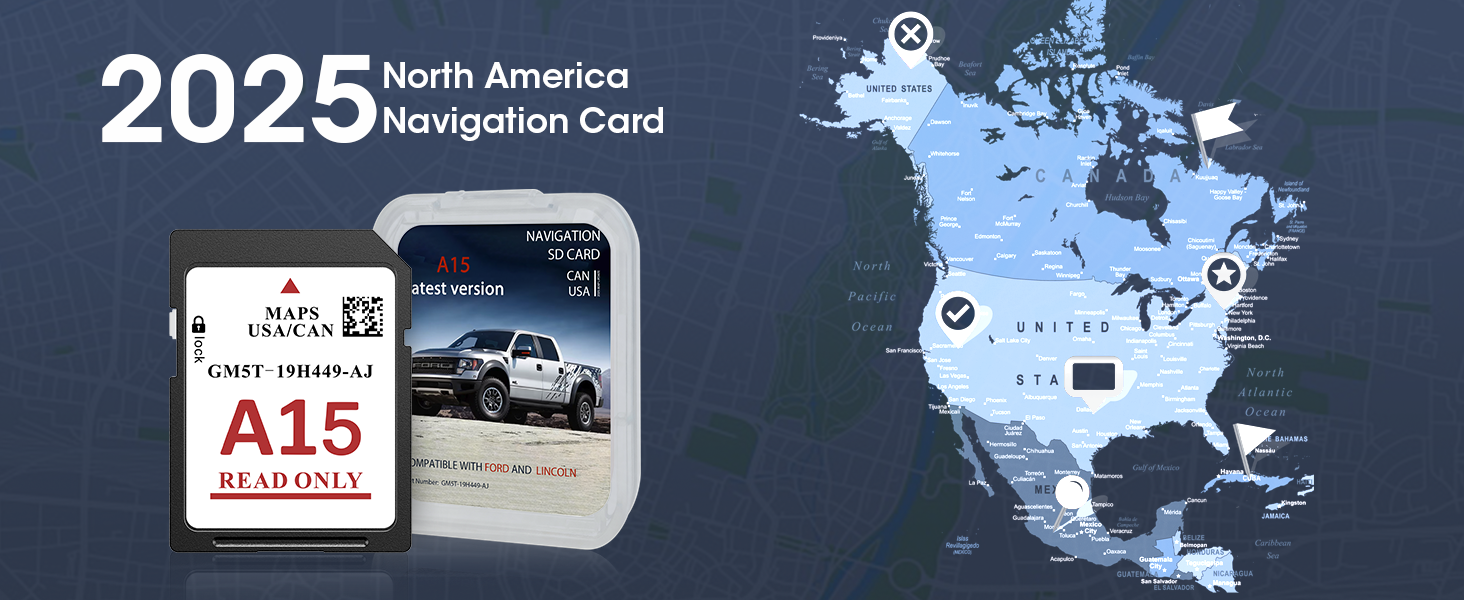
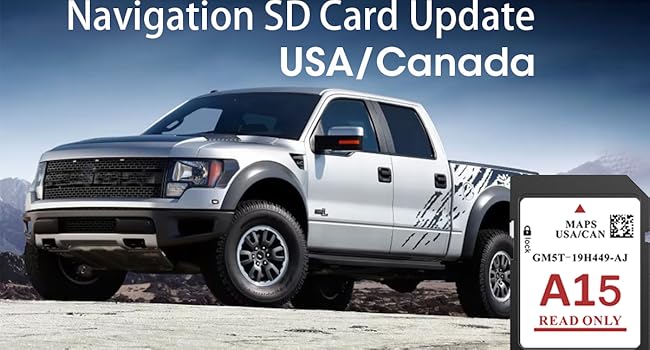
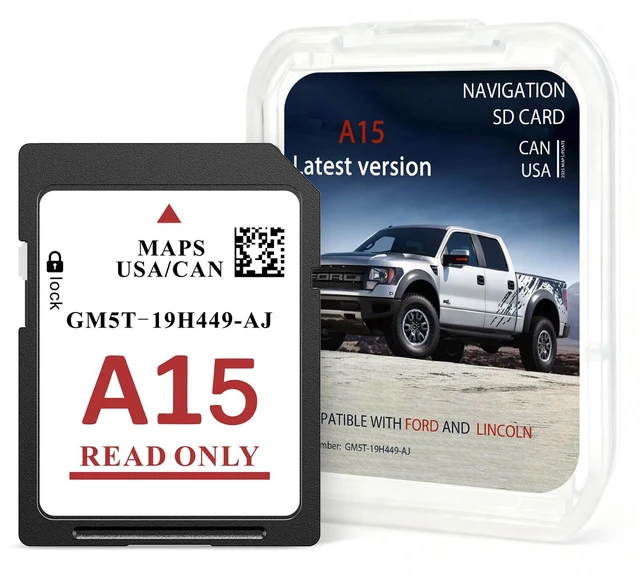
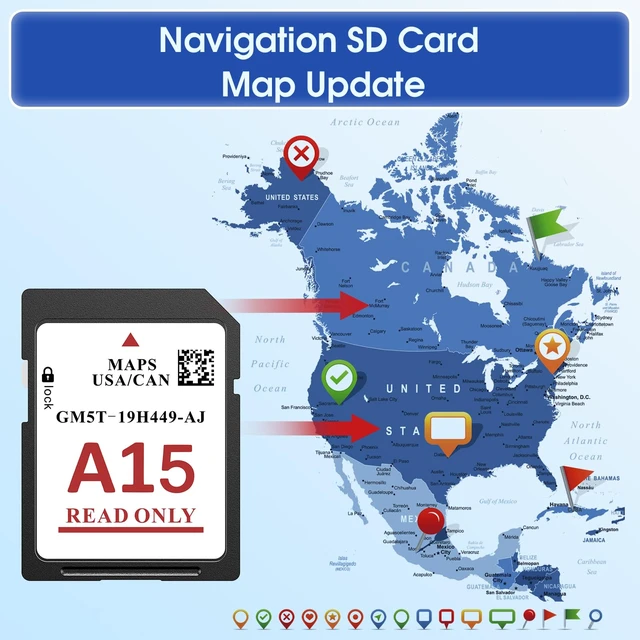
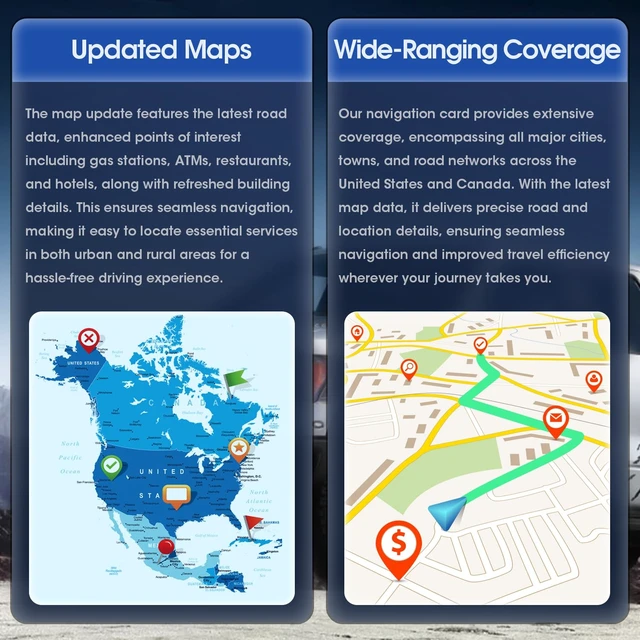
The 2025 SYNC 2 Navigation Map Update for the United States and Canada updates map databases from A4 to A15, adding highways, city streets, and POIs like supermarkets, hospitals, gas stations, restaurants, and airports for safer, smarter navigation.

Step 1: Check your CCPU S/W Versions
Step 2: Determine Compatibility Based on "Software Version"
Software Version (CCPU S/W Version)
Last five digits : Greater than or Equal to12285 : DIRECT COMPATIBILITY. You can purchase and use the update card immediately.
Last five digits : 10337, 11038, 11063, 11081, 11134, 12023, 12156 : Update system software first at owner.ford.com or owner.lincoln.com before using this update.
Last five digits :10212, 10308, 12058 : Dealer upgrade required. Visit a dealership to upgrade the system before using the update card
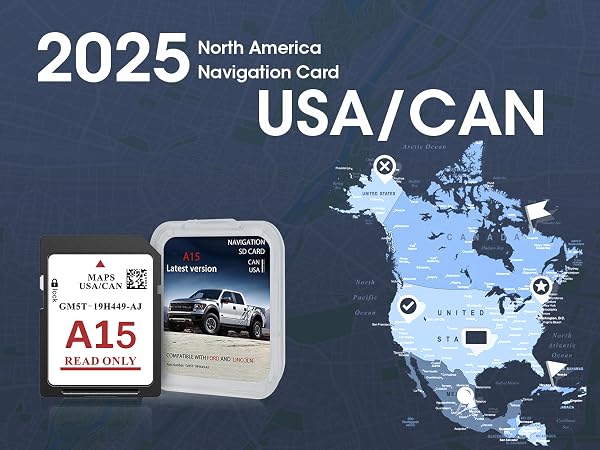
The 2025 SYNC 2 Navigation Map Update for the United States and Canada updates map databases from A4 to A15, adding highways, city streets, and POIs like supermarkets, hospitals, gas stations, restaurants, and airports for safer, smarter navigation.
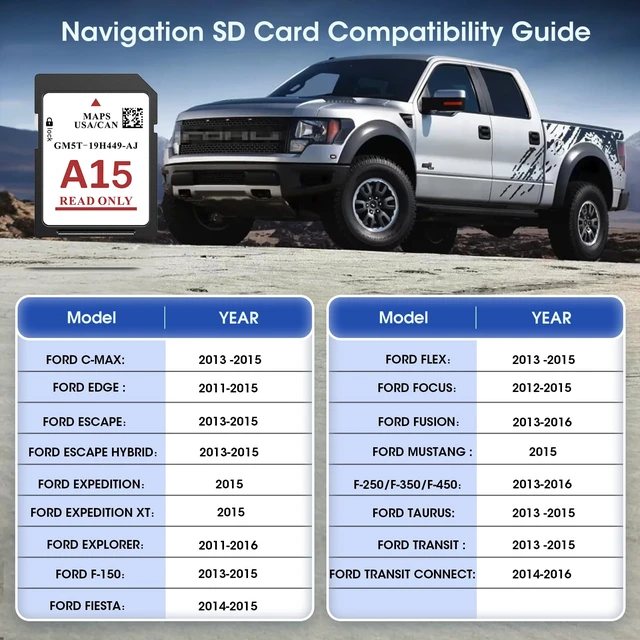
| FORD C-MAX | 2013 2014 2015 |
|---|---|
| FORD EDGE | 2011 2012 2013 2014 2015 |
| FORD ESCAPE | 2013 2014 2015 |
| FORD ESCAPE HYBRID | 2013 2014 2015 |
| FORD EXPEDITION | 2015 |
| FORD EXPEDITION XT | 2015 |
| FORD EXPLORER | 2011 2012 2013 2014 2015 2016 |
| FORD F-150 | 2013 2014 2015 |
| FORD FIESTA | 2014-2015 |
| FORD FLEX | 2013 2014 2015 |
| FORD FOCUS | 2012 2013 2014 2015 |
| FORD FUSION | 2013 2014 2015 2016 |
| FORD MUSTANG | 2015 |
| FORD TAURUS | 2013 2014 2015 |
| FORD TRANSIT | 2013 2014 2015 |
| FORD (F-250/F-350/F-450) | 2013 2014 2015 2016 |
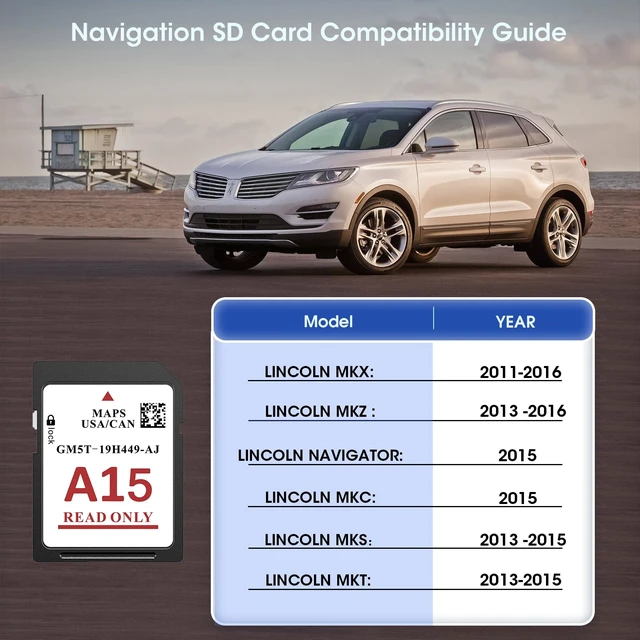
| LINCOLN MKC | 2015 |
|---|---|
| LINCOLN MKX | 2011 2012 2013 2014 2015 2016 |
| LINCOLN MKS | 2013 2014 2015 |
| LINCOLN MKZ | 2013 2014 2015 2016 |
| LINCOLN MKT | 2013 2014 2015 |
| LINCOLN NAVIGATOR | 2015 |
Step 1: Check your CCPU S/W Versions
Step 2: Determine Compatibility Based on "Software Version"
Software Version (CCPU S/W Version)
Last five digits : Greater than or Equal to12285 : DIRECT COMPATIBILITY. You can purchase and use the update card immediately.
Last five digits : 10337, 11038, 11063, 11081, 11134, 12023, 12156 : Update system software first at owner.ford.com or owner.lincoln.com before using this update.
Last five digits :10212, 10308, 12058 : Dealer upgrade required. Visit a dealership to upgrade the system before using the update card


