How do I turn the electric air duster on and off?
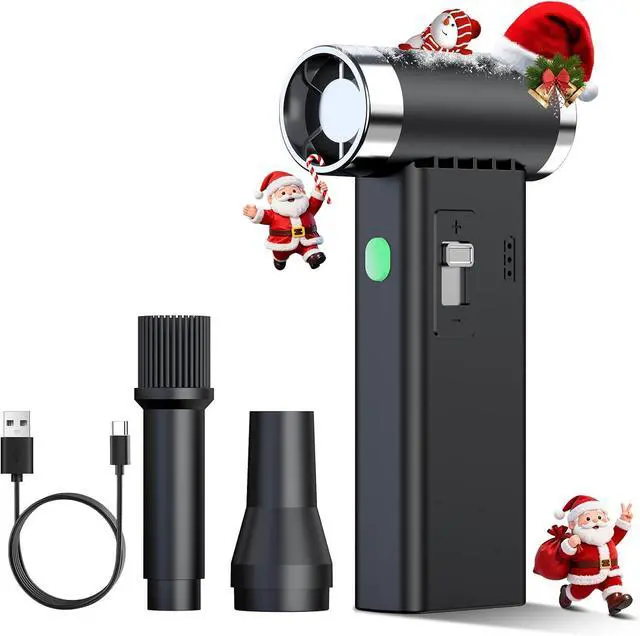
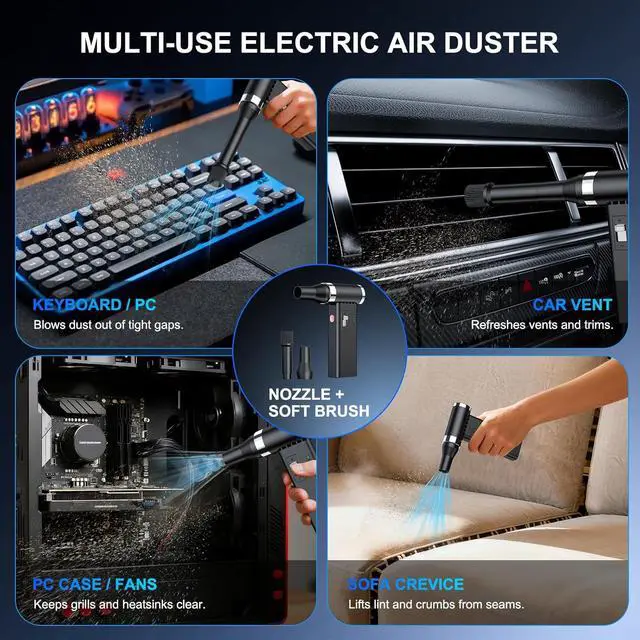
Press and hold the power button for about 3 seconds to turn this electronic duster on; repeat the long press to turn it off. Fully charge it for best airflow when using it as compressed air for computers or a computer duster.
How do I change the speed or airflow level?
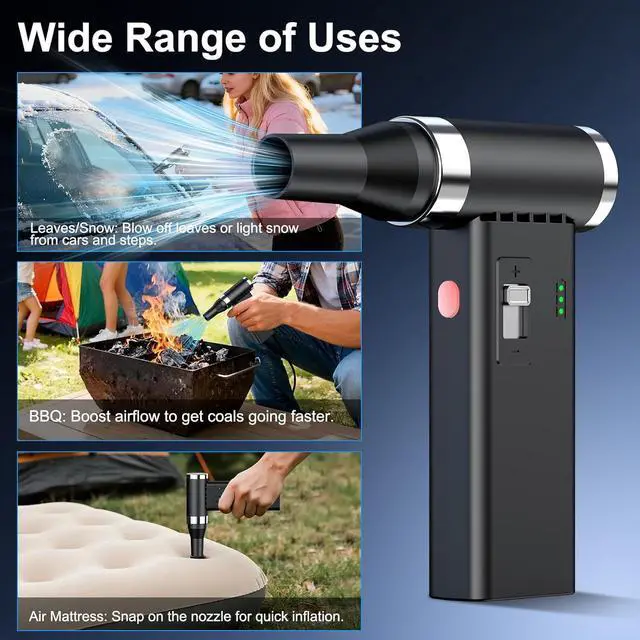
Slide the side speed-control switch after powering on. Move it toward HIGH for stronger airflow or LOW for gentle cleaning. Start low for delicate parts, then increase when you need this air blower to clear heavier dust.
What does the battery indicator light mean?
When the light is steady, power is sufficient. A flashing light means low battery and you should recharge soon. To avoid shutdown while using it as a compressed air can replacement, please charge once the light starts blinking.
What smart protection features does this device have?
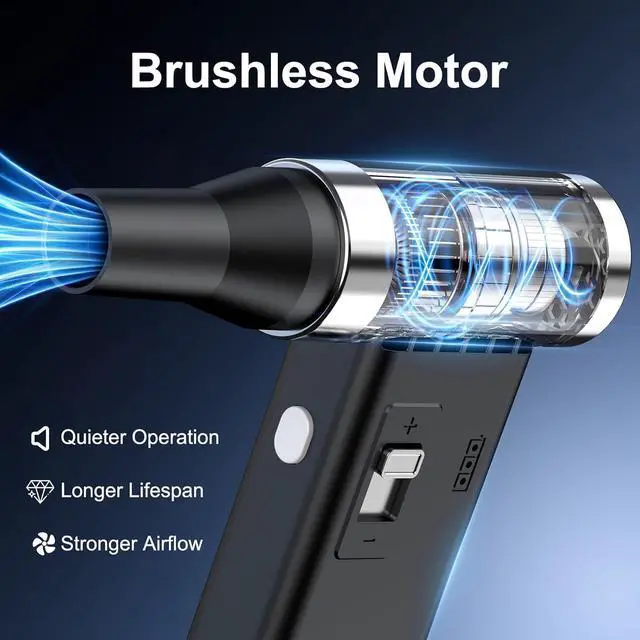
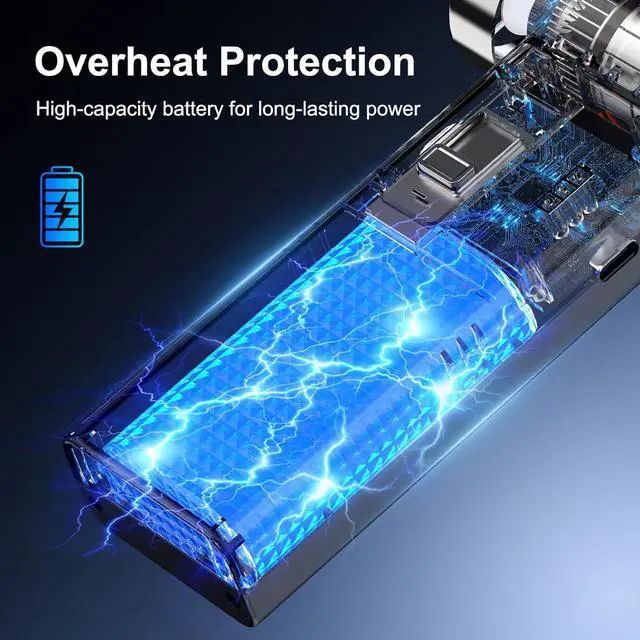
This electronic duster has built-in overheat and battery protection. It may stop automatically after long high-speed use to protect the motor. Let it cool for a few minutes, then restart. Safer than many disposable compressed air dusters.
What safety precautions should I follow when using this product?
Do not use or charge near flames or flammable gas. Keep hair, fingers and clothing away from the vents. Do not spray into eyes or ears or use on pets. Do not immerse in water or disassemble this computer duster / dust blower yourself.
How do I turn the electric air duster on and off?
How do I change the speed or airflow level?
What does the battery indicator light mean?
What smart protection features does this device have?
What safety precautions should I follow when using this product?