

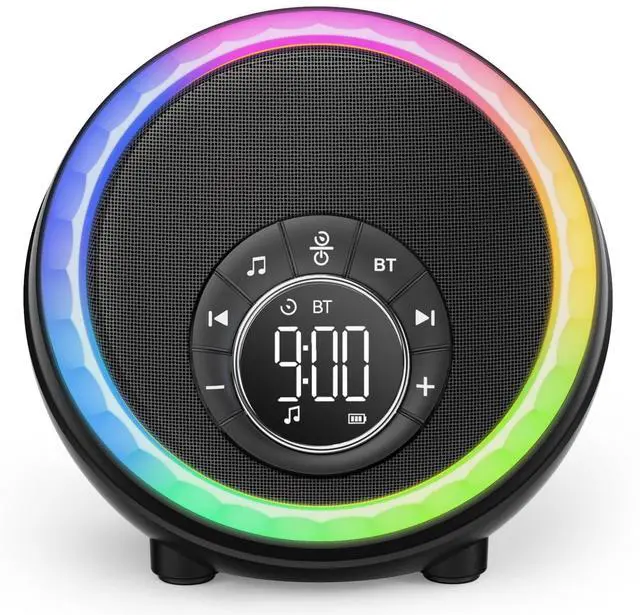
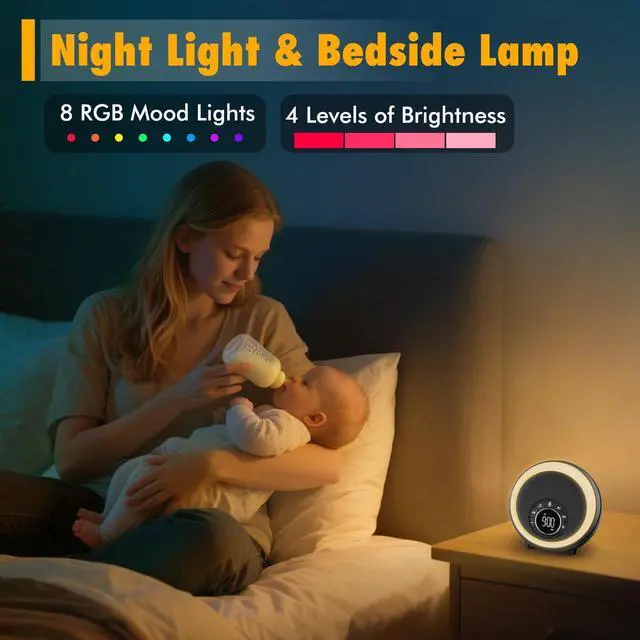
Night Light Bluetooth Speaker Alarm Clock, Portable Sound Machine with White Noise, Touch Bedside Lamp for Bedroom, Dimmable Warm Light, RGB Color Changing, Best Gifts for Teenage Boys Girls
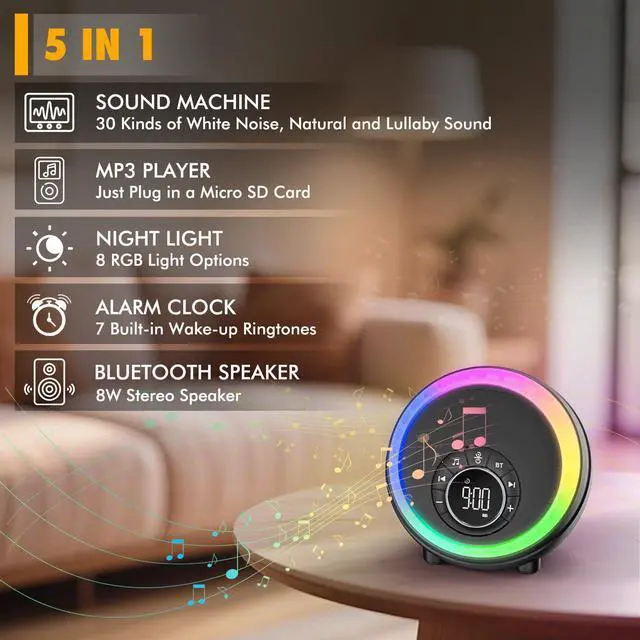
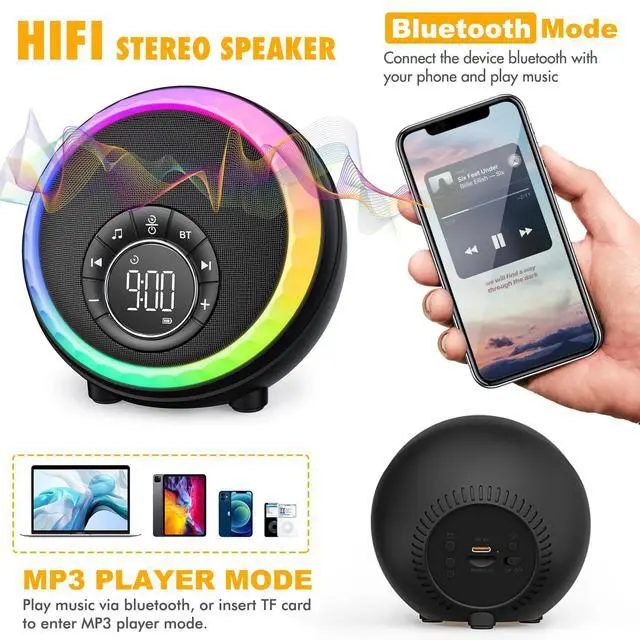
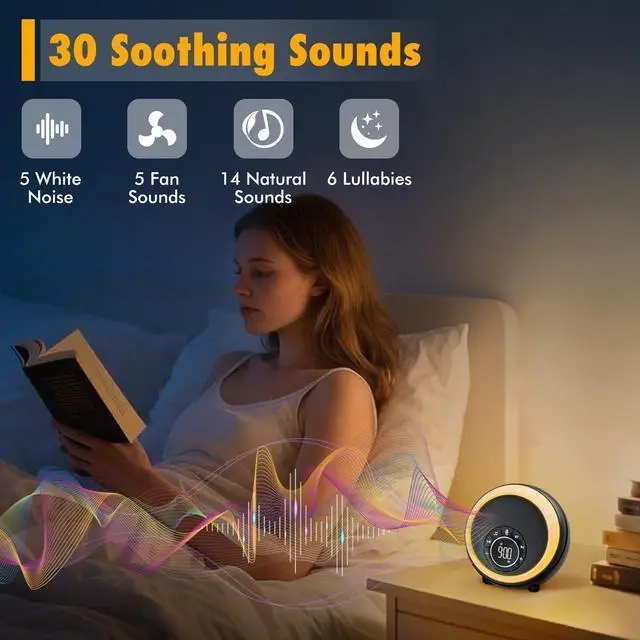
All in 1 Multi-functional- Battery Operated White Noise Machine + Sleep Sound Machine with Timer + Multi-color Touch Control Led Lamp + Kids Night Light for Bedroom + Bedside Alarm Clock for Kids. Can also be used as MP3 player supporting USB Flash Drive and Micro SD/TF Card input. Perfect for bedroom, living room, kitchen cooking, exercising, party, camping, or outdoor activities etc.
Hi-Fi Stereo White Noise Sound Machine- The white noise alarm clock achieve wonderful stereo and clear undistorted sound, you can enjoy super high sound quality. It's perfect for entertaining with music while resting and exercising, or playing music to create ambience at a party.
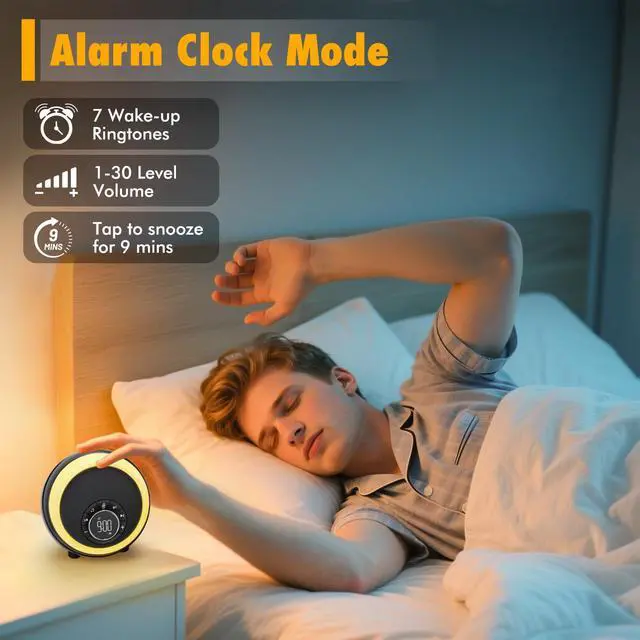
Battery Operated Digital Clock & Snooze SupportThe sound machine alarm clock provides 7 alarm sounds to choose from, including soft music and natural sounds, etc. 30 levels of adjustable volume, up to 110 dB, very suitable for heavy sleepers. In addition, when the alarm goes off, simply to press the snooze button to get an extra 9 mins of sleep (unlimited snooze time). Or press any button to stop this alarm from working.
+
+
Overview
Specs
Reviews
Any questions? Our AI beta will help you find out quickly.
AFEXOA stands for technological innovation and practical products. We hope our products can bring happiness to you and your loved ones!

Top Gift Ideas for Others
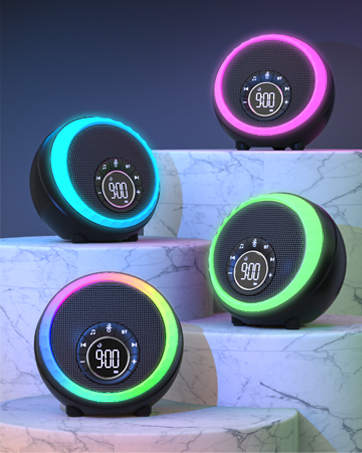
Great Addition to Your Bedroom
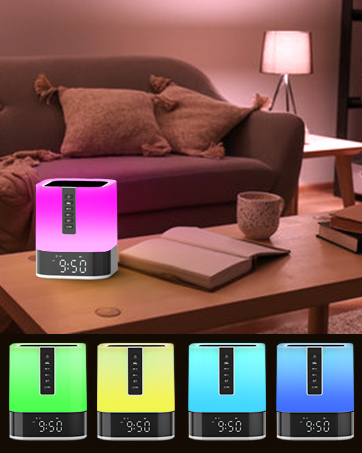
Nightlight Bluetooth Speaker
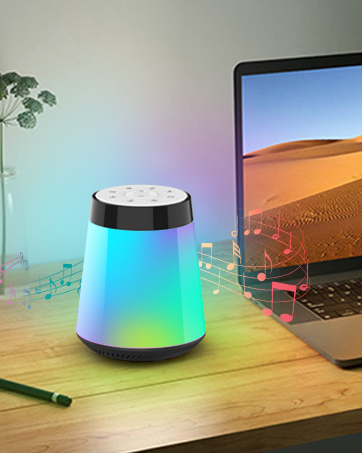
Bluetooth Speaker Alarm Clock
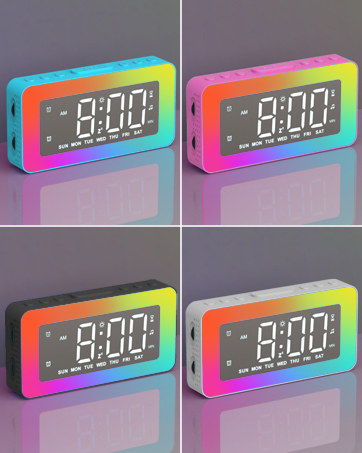
Night Light Alarm Clock
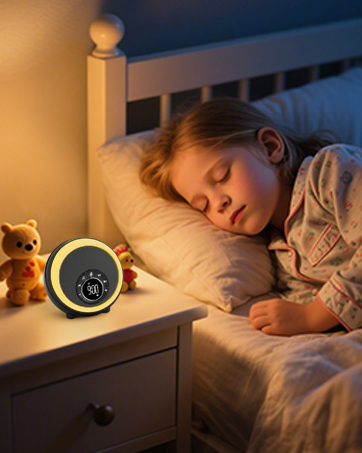
Bluetooth Speaker Light Clock
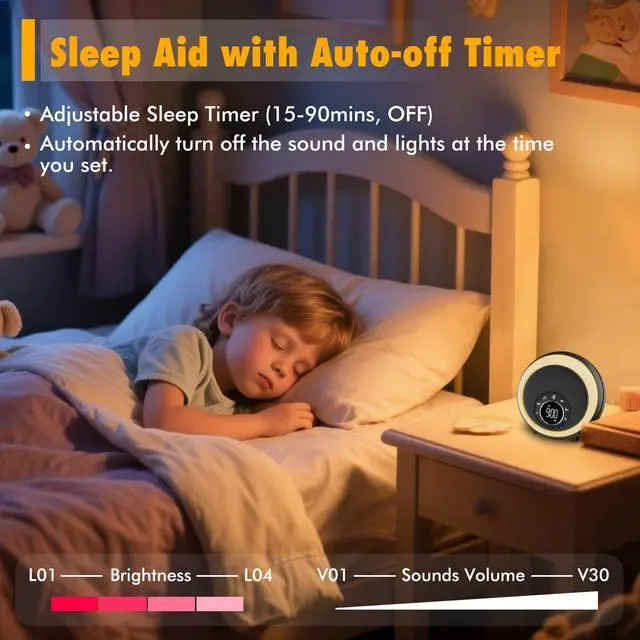
Countdown to Sleep for 15, 30, 60, or 90 Mins
Night Light Bluetooth Speaker Alarm Clock, Portable Sound Machine with White Noise, Touch Bedside Lamp for Bedroom, Dimmable Warm Light, RGB Color Changing, Best Gifts for Teenage Boys Girls
Learn more about the Generic Brand 1. Power on the device by pressing the power button. 2. To select a sound, press the 'Sound' button and use the navigation buttons to scroll through the 30 built-in sounds. 3. Adjust the volume using the '+' and '-' buttons. The volume can be adjusted up to 110 dB. 4. Set the sleep timer by pressing the 'Timer' button and selecting the desired duration (15, 30, 60, or 90 minutes). 5. To use the alarm clock function, press the 'Alarm' button and select one of the 7 alarm sounds. Set the time using the navigation buttons and adjust the volume as desired. 6. To use the lamp function, press the 'Light' button and select one of the 8 RGB colors. Adjust the brightness using the '+' and '-' buttons. The lamp can also be used as a nightlight. 7. To use the MP3 player function, insert a USB flash drive or micro SD/TF card with music files into the device.
General
Brand
Bell & Howell
Model
Part Number
DY56-01
Feature
Mapping
Riveters
Features
1. Power on the device by pressing the power button. 2. To select a sound, press the 'Sound' button and use the navigation buttons to scroll through the 30 built-in sounds. 3. Adjust the volume using the '+' and '-' buttons. The volume can be adjusted up to 110 dB. 4. Set the sleep timer by pressing the 'Timer' button and selecting the desired duration (15, 30, 60, or 90 minutes). 5. To use the alarm clock function, press the 'Alarm' button and select one of the 7 alarm sounds. Set the time using the navigation buttons and adjust the volume as desired. 6. To use the lamp function, press the 'Light' button and select one of the 8 RGB colors. Adjust the brightness using the '+' and '-' buttons. The lamp can also be used as a nightlight. 7. To use the MP3 player function, insert a USB flash drive or micro SD/TF card with music files into the device.
Input
Battery Powered
Output
1. Power on the device by pressing the power button. 2. To select a sound, press the 'Sound' button and use the navigation buttons to scroll through the 30 built-in sounds. 3. Adjust the volume using the '+' and '-' buttons. The volume can be adjusted up to 110 dB. 4. Set the sleep timer by pressing the 'Timer' button and selecting the desired duration (15, 30, 60, or 90 minutes). 5. To use the alarm clock function, press the 'Alarm' button and select one of the 7 alarm sounds. Set the time using the navigation buttons and adjust the volume as desired. 6. To use the lamp function, press the 'Light' button and select one of the 8 RGB colors. Adjust the brightness using the '+' and '-' buttons. The lamp can also be used as a nightlight. 7. To use the MP3 player function, insert a USB flash drive or micro SD/TF card with music files into the device.
Remote Control
N/A
Feature
Color
Black
Brand
BeeWi
Color
Black
Features
true, battery, lithium_ion, Black, Standard
Model
1. Power on the device by pressing the power button. 2. To select a sound, press the 'Sound' button and use the navigation buttons to scroll through the 30 built-in sounds. 3. Adjust the volume using the '+' and '-' buttons. The volume can be adjusted up to 110 dB. 4. Set the sleep timer by pressing the 'Timer' button and selecting the desired duration (15, 30, 60, or 90 minutes). 5. To use the alarm clock function, press the 'Alarm' button and select one of the 7 alarm sounds. Set the time using the navigation buttons and adjust the volume as desired. 6. To use the lamp function, press the 'Light' button and select one of the 8 RGB colors. Adjust the brightness using the '+' and '-' buttons. The lamp can also be used as a nightlight. 7. To use the MP3 player function, insert a USB flash drive or micro SD/TF card with music files into the device.
Customer Reviews of the Generic Brand 1. Power on the device by pressing the power button. 2. To select a sound, press the 'Sound' button and use the navigation buttons to scroll through the 30 built-in sounds. 3. Adjust the volume using the '+' and '-' buttons. The volume can be adjusted up to 110 dB. 4. Set the sleep timer by pressing the 'Timer' button and selecting the desired duration (15, 30, 60, or 90 minutes). 5. To use the alarm clock function, press the 'Alarm' button and select one of the 7 alarm sounds. Set the time using the navigation buttons and adjust the volume as desired. 6. To use the lamp function, press the 'Light' button and select one of the 8 RGB colors. Adjust the brightness using the '+' and '-' buttons. The lamp can also be used as a nightlight. 7. To use the MP3 player function, insert a USB flash drive or micro SD/TF card with music files into the device.
There are no reviews yet.
Do you own this product?
Warranty & Returns
Warranty, Returns, And Additional Information
Warranty
Please contact the Seller directly for warranty information. Warranty information may also be found on the Manufacturer's website.