






Wake Up to Convenience: Your Perfect Bedside Companion
Operating Instructions:
Is this clock plug-in or battery-operated? How long do the batteries last?
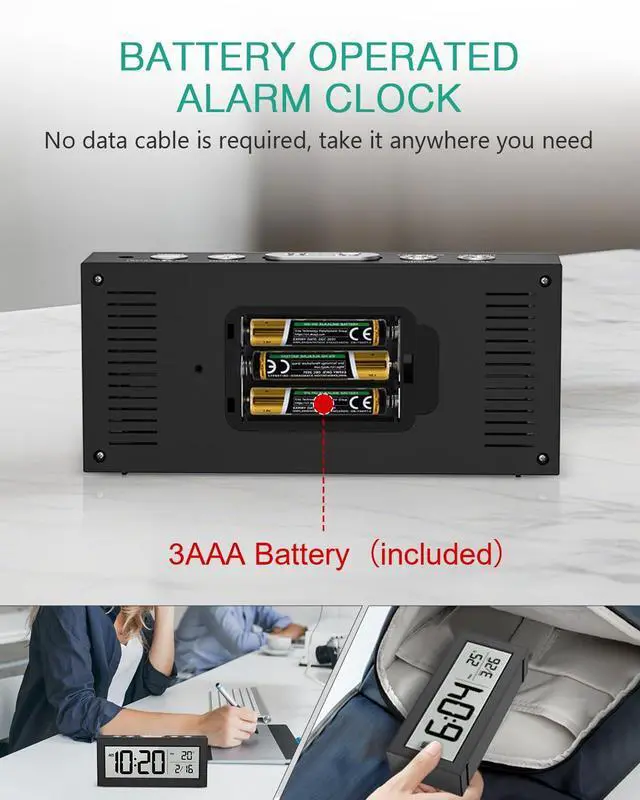
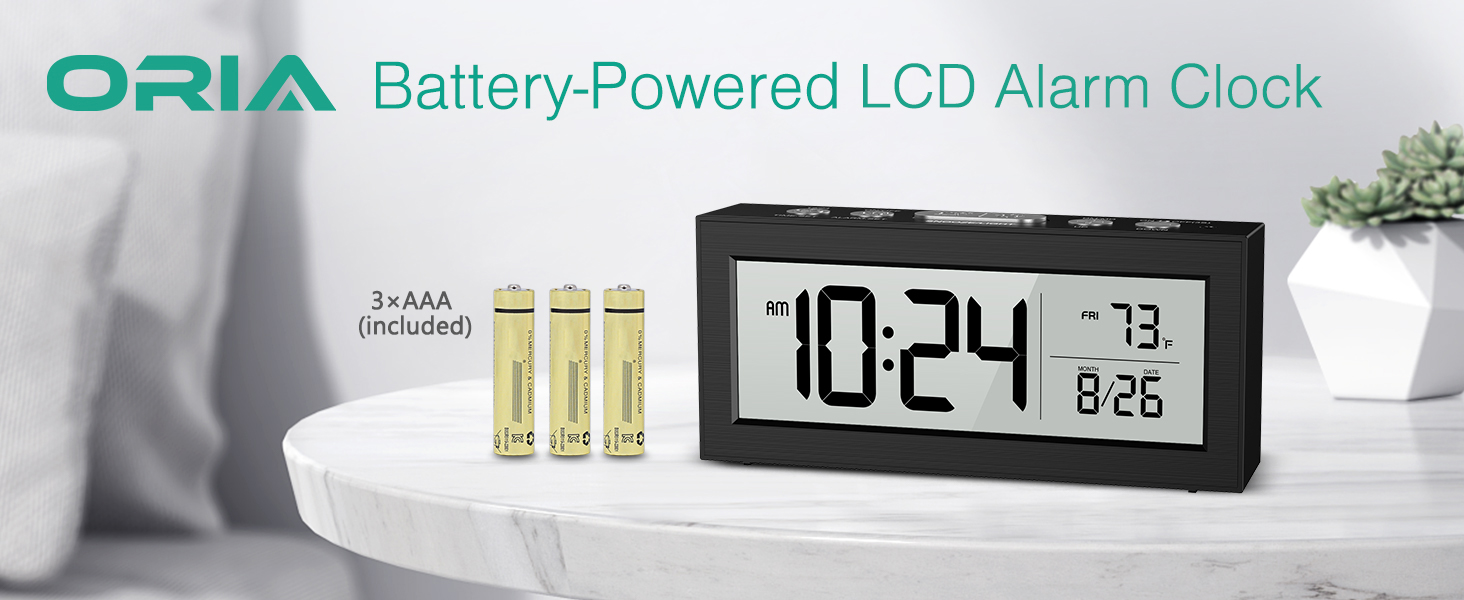
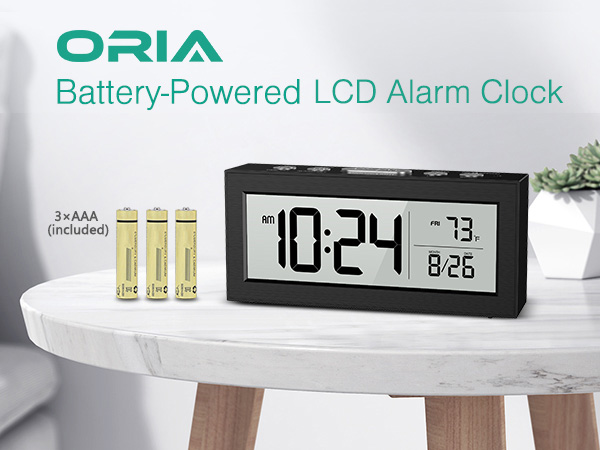
It’s battery-operated – no power cord or plug needed. The required AAA batteries are included, so you can use it right away. Actual battery life depends on usage (typically 2-3months)
How many alarm modes are there? Can I set it to only ring on weekdays?
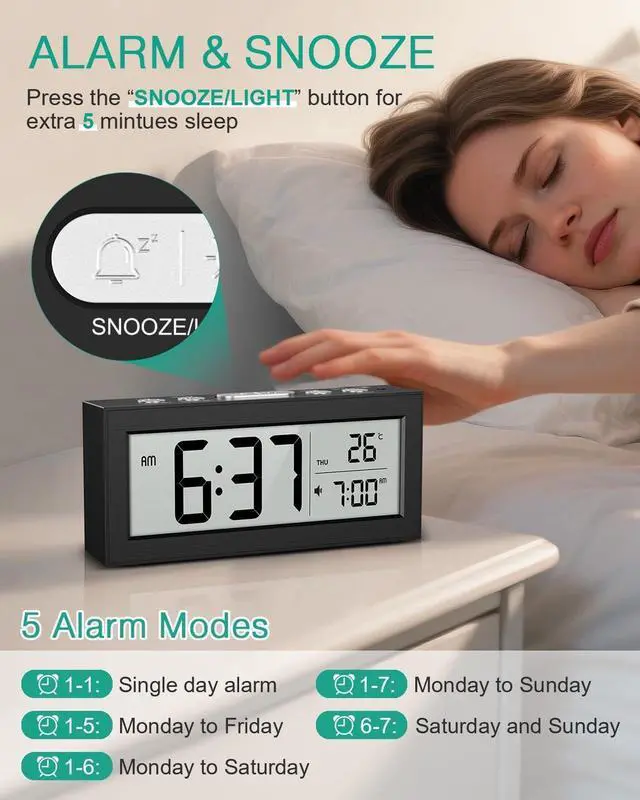
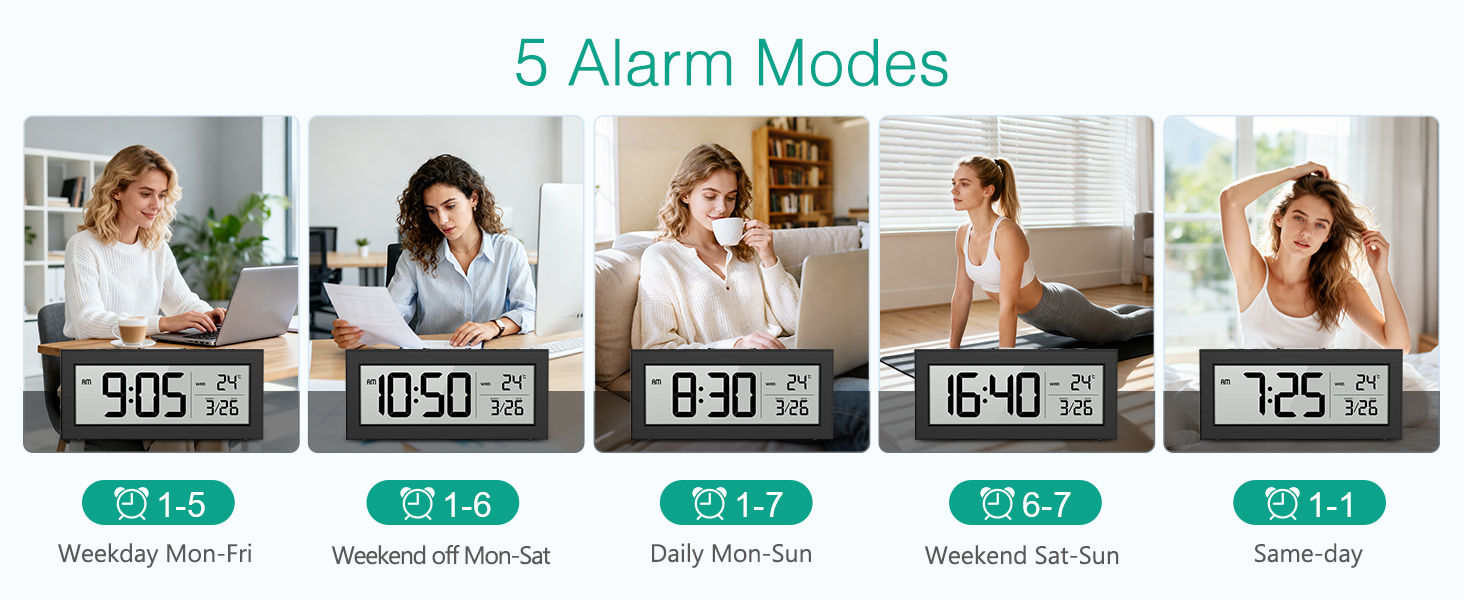
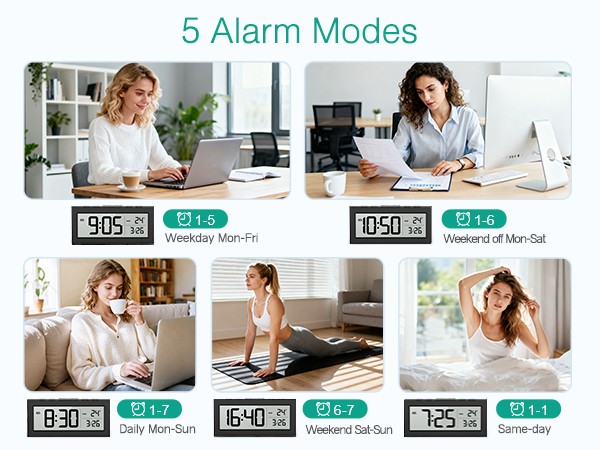
It has 5 flexible alarm modes to fit different schedules:Once (single day) ;Monday–Friday (great for work/school); Monday–Saturday; Monday–Sunday (every day); Saturday–Sunday (weekends only)
Is it easy to operate for seniors or kids?
Yes, it’s designed to be intuitive for seniors, kids, and anyone new to digital devices. The buttons are clearly labeled (set, adjust, snooze, mode) and there are no complicated button combinations.
Is the screen too bright at night? Does it have auto-dimming?
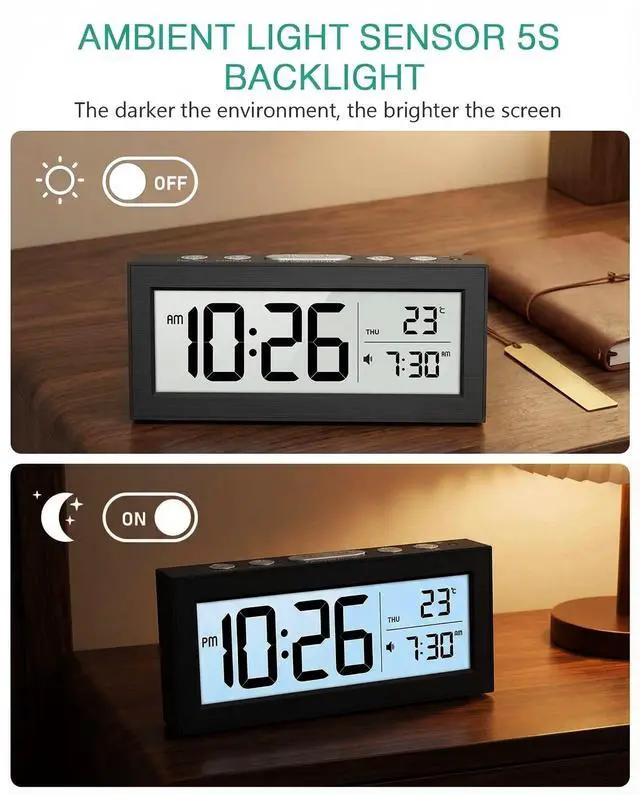
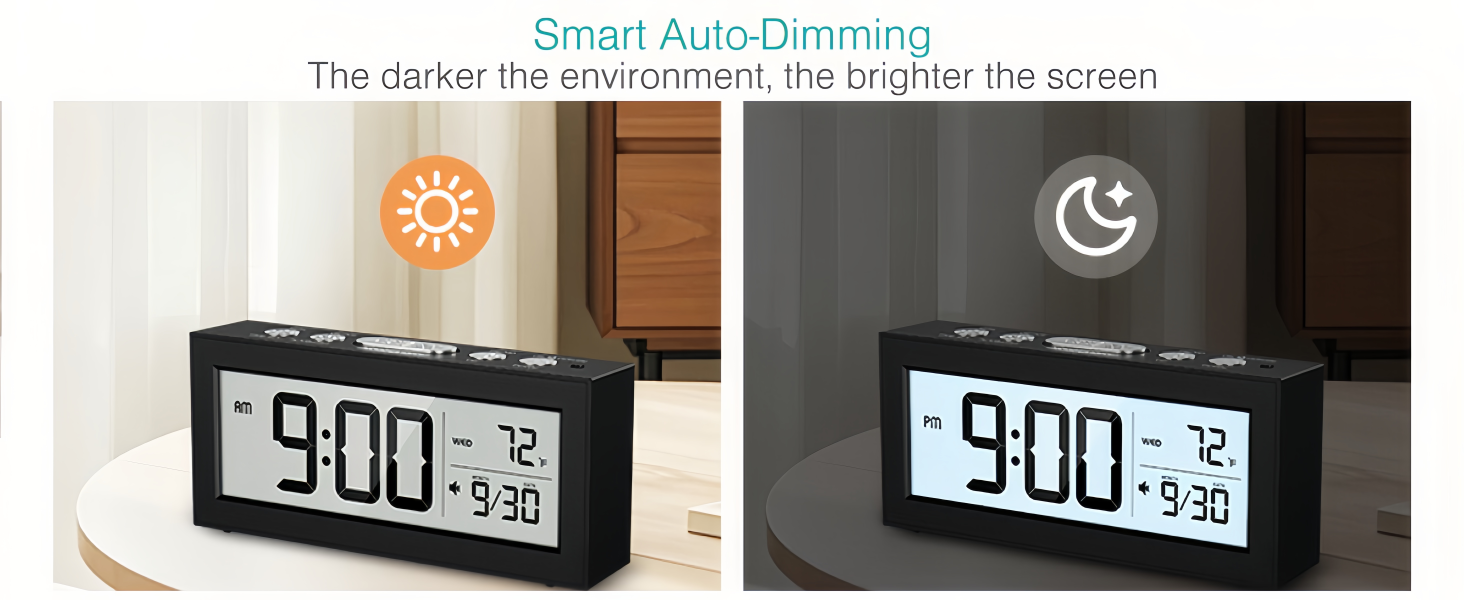
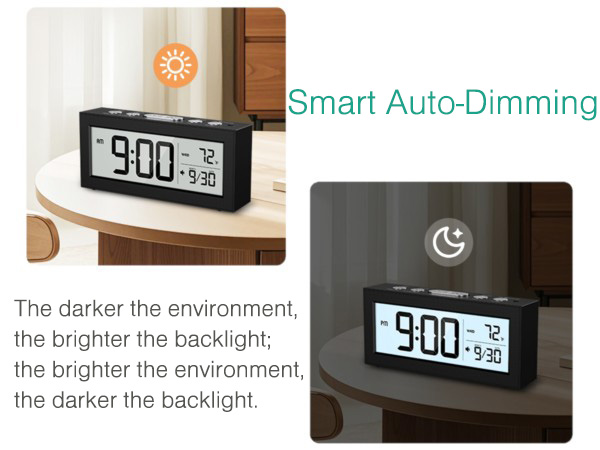
Yes, it features a smart ambient light sensor for auto-dimming.Please note: there is no manual brightness control; the brightness adjusts automatically. For most people who want a non-intrusive display at night, this works perfectly.
What are the exact dimensions and weight of this digital alarm clock?
The clock measures 5.7 x 2.5 x 1.9 inches, weighs about 10.19 oz, compact size perfect for bedroom, desk and office use.

Various Alarm Clock Series
Meet your needs for practicality and fashion
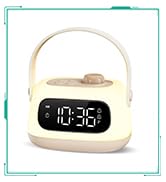
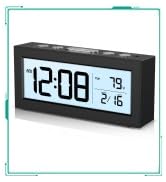
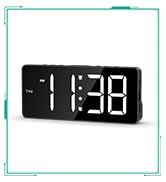
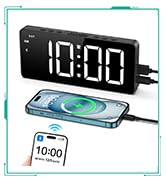
Best Seller Alarm Clocks
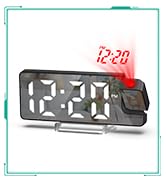
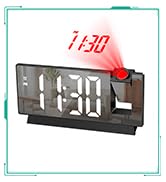
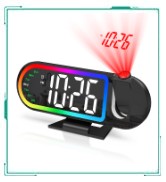
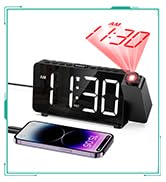
Projection Alarm Clock
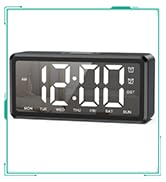
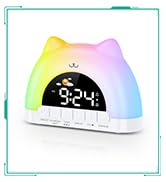
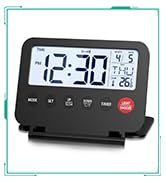
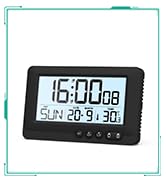
Digital Clock & Travel Clock
LED Clock & Vibrating Clock

How did we get our start?
We hope that we can provide the people of the world with high-quality and preferential tools and furniture to facilitate people's lives. So we created this brand.
What makes our products unique?
ORIA is a professional maintenace tools and household products brand; We have our own brands and customers in America, Britain, Germany Japan and more.
Why do we love what we do?
We would like to explore and provide our consumers with higher quality and products.
Our tenet: Brand products, good quality, customer first.
Various Alarm Clock Series
Meet your needs for practicality and fashion
Best Seller Alarm Clocks
Projection Alarm Clock
Digital Clock & Travel Clock
LED Clock & Vibrating Clock
How did we get our start?
We hope that we can provide the people of the world with high-quality and preferential tools and furniture to facilitate people's lives. So we created this brand.
What makes our products unique?
ORIA is a professional maintenace tools and household products brand; We have our own brands and customers in America, Britain, Germany Japan and more.
Why do we love what we do?
We would like to explore and provide our consumers with higher quality and products.
Our tenet: Brand products, good quality, customer first.
Wake Up to Convenience: Your Perfect Bedside Companion
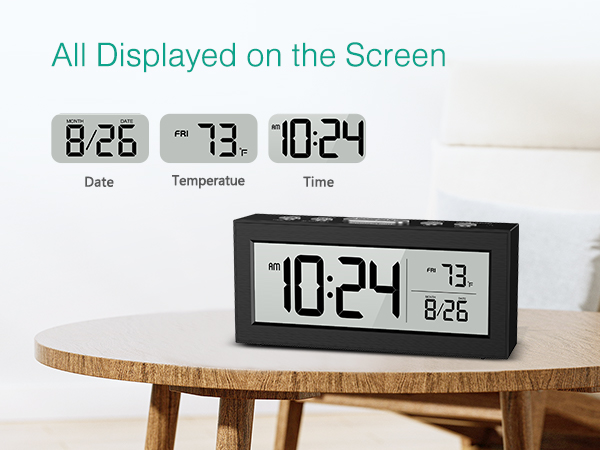
Operating Instructions:
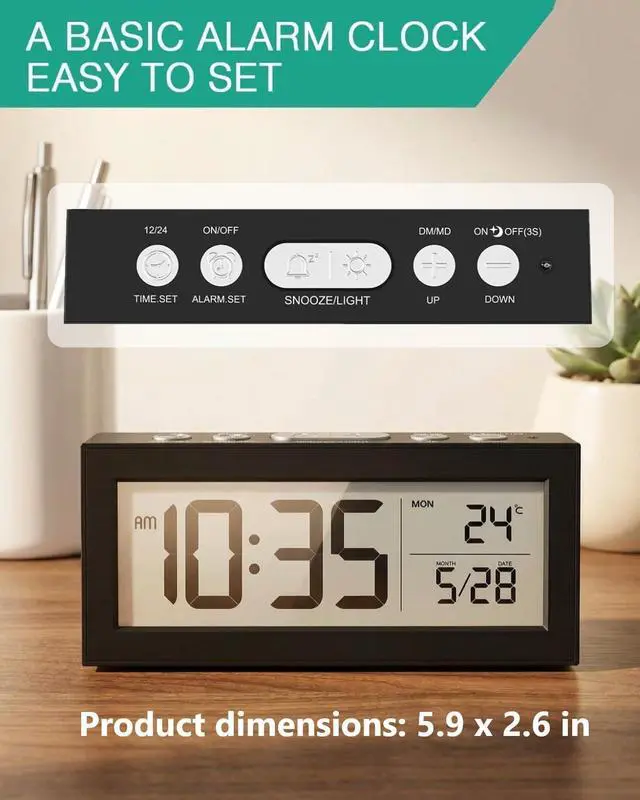
| ALARM SET Button: | 1. Short press to check the alarm time, short press again to turn on/off the alarm. 2. Long press to set the alarm, in hour minute alarm mode |
|---|---|
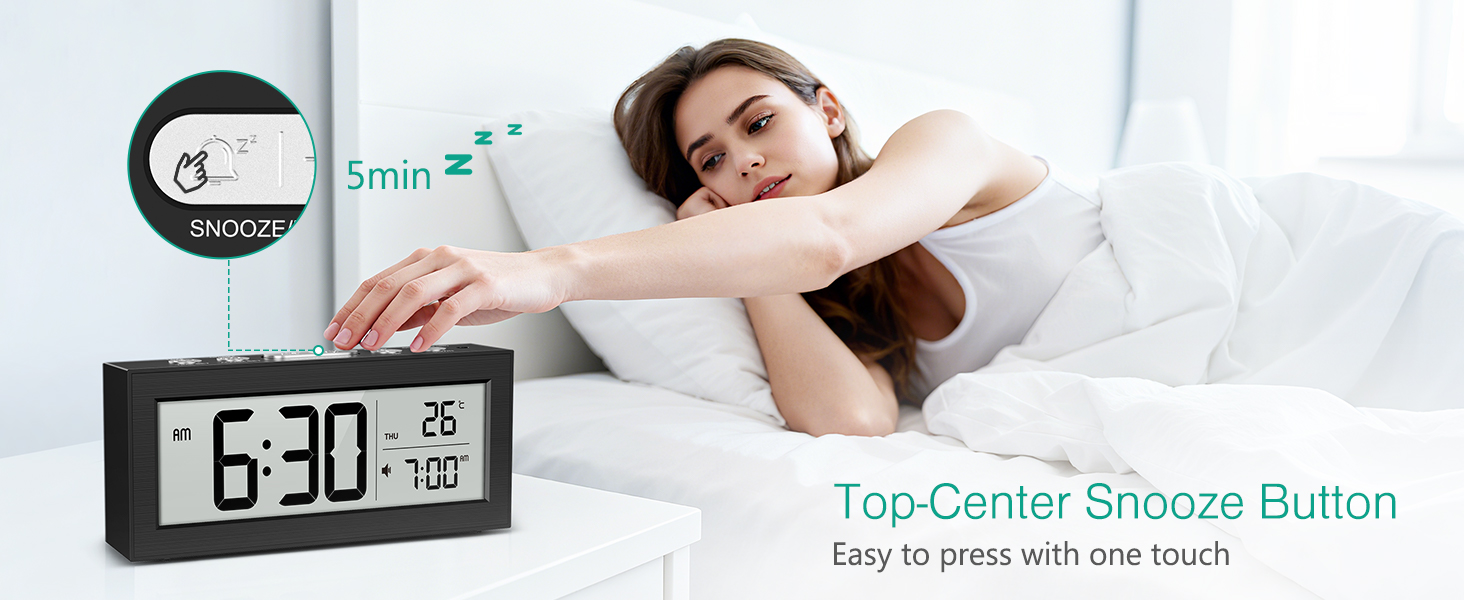
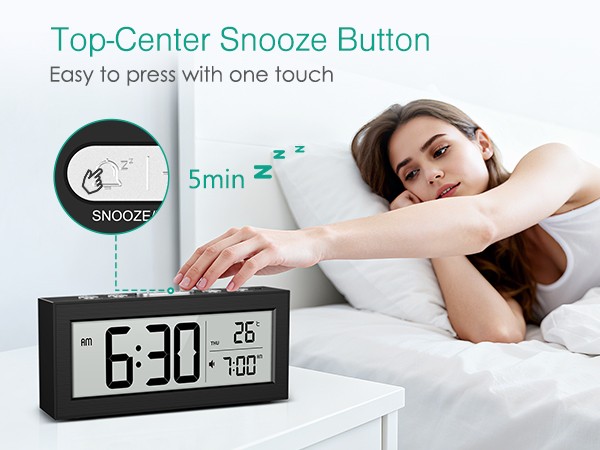
| SNOOZE/LIGHT Button: | 1. Short press to turn on the light, it will automatically turn off after 5 seconds. 2. When the alarm clock rings, short press to enter snooze mode and fix for 5 minutes to snooze |
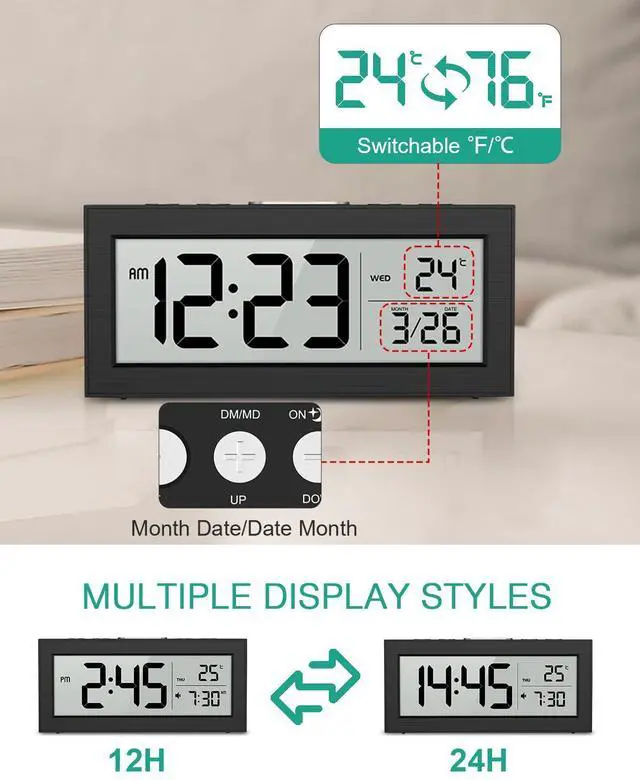
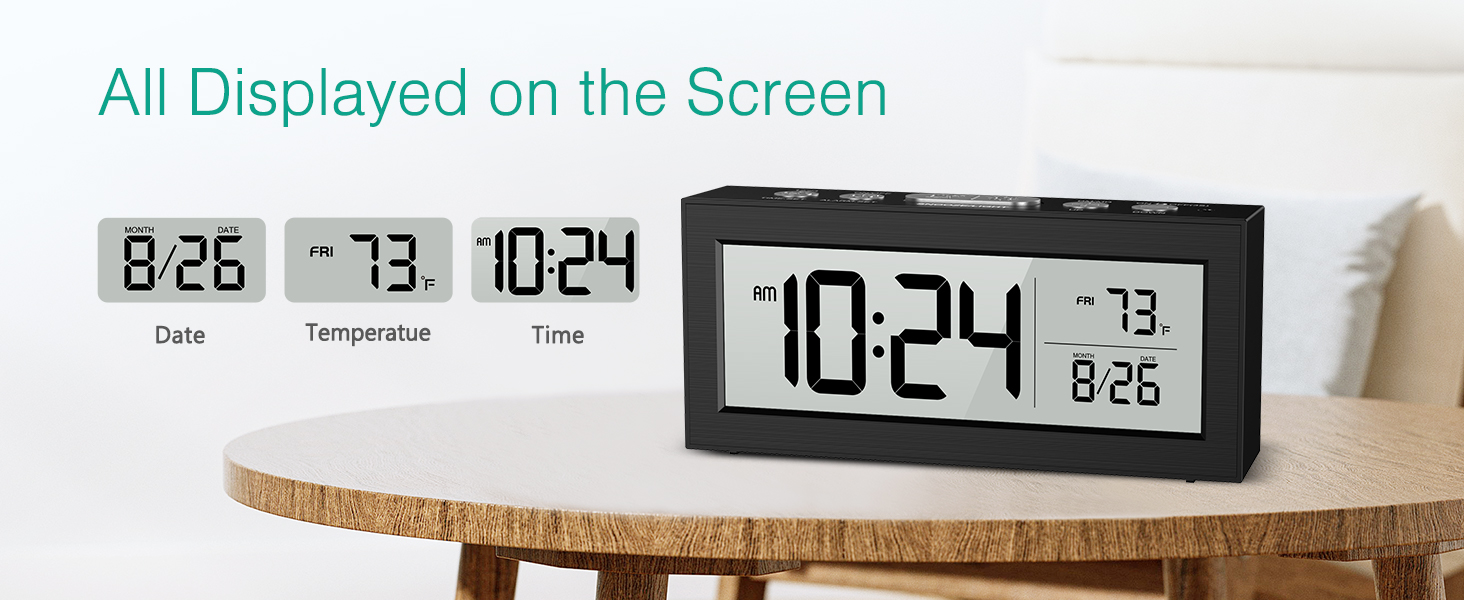
| UP/DM/MD Button: | 1. Short press to view the set alarm time. 2. Long press for 2 seconds to switch the display date order, MD/DM: month date/date month. 3. When setting, increase the value |
| DOWN Button: | 1. Short press to switch temperature units. 2. Press and hold for 3 seconds to turn on/off the automatic dimming function (ON to turn on, OFF to turn off), and if there is no operation within 5 seconds, it will automatically return to the time interface. 3. When setting, reduce the value |
| Auto-dimming Mode: | In any state, the darker the environment, the brighter the backlight; the brighter the environment, the darker the backlight. |
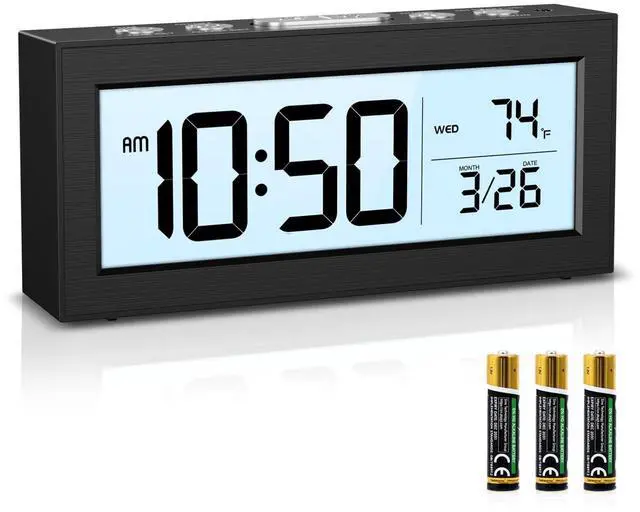
| Package Includes: | 1 x LCD Alarm Clock; 3 x AAA Batteries; 1 x User Manual |
Is this clock plug-in or battery-operated? How long do the batteries last?
It’s battery-operated – no power cord or plug needed. The required AAA batteries are included, so you can use it right away. Actual battery life depends on usage (typically 2-3months)
How many alarm modes are there? Can I set it to only ring on weekdays?
It has 5 flexible alarm modes to fit different schedules:Once (single day) ;Monday–Friday (great for work/school); Monday–Saturday; Monday–Sunday (every day); Saturday–Sunday (weekends only)
Is it easy to operate for seniors or kids?
Yes, it’s designed to be intuitive for seniors, kids, and anyone new to digital devices. The buttons are clearly labeled (set, adjust, snooze, mode) and there are no complicated button combinations.
Is the screen too bright at night? Does it have auto-dimming?
es, it features a smart ambient light sensor for auto-dimming.Please note: there is no manual brightness control; the brightness adjusts automatically. For most people who want a non-intrusive display at night, this works perfectly.
What are the exact dimensions and weight of this digital alarm clock?
The clock measures 5.7 x 2.5 x 1.9 inches, weighs about 10.19 oz, compact size perfect for bedroom, desk and office use.