









Explore More Meross Smart Devices
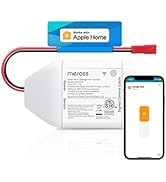
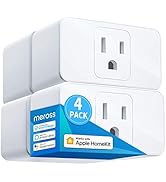
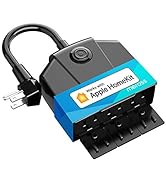
 Smart Thermostat |  2 Zone WiFi Water Timer |  WiFi Water Timer | 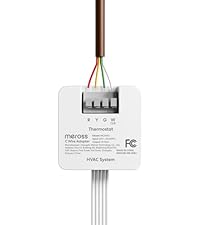 C Wire Adapter |  Smart Garage Remote |  3 Sockets Outdoor Plug |  Outdoor Smart Plug | |
|---|---|---|---|---|---|---|---|
Customer Reviews | — | — | — | — | — | — | — |
Price | — | — | — | — | — | — | — |
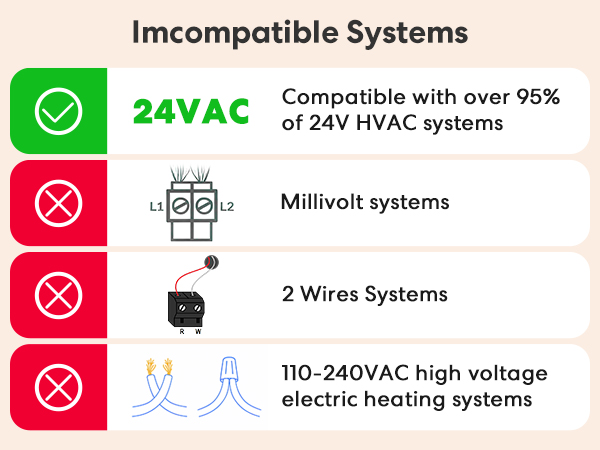
Compatible Devices | 24V HVAC systems | / | / | 24V HVAC systems | Garage Door Opener | / | / |
Not Compatible | Baseboard Heater | / | / | Baseboard Heater | / | / | / |
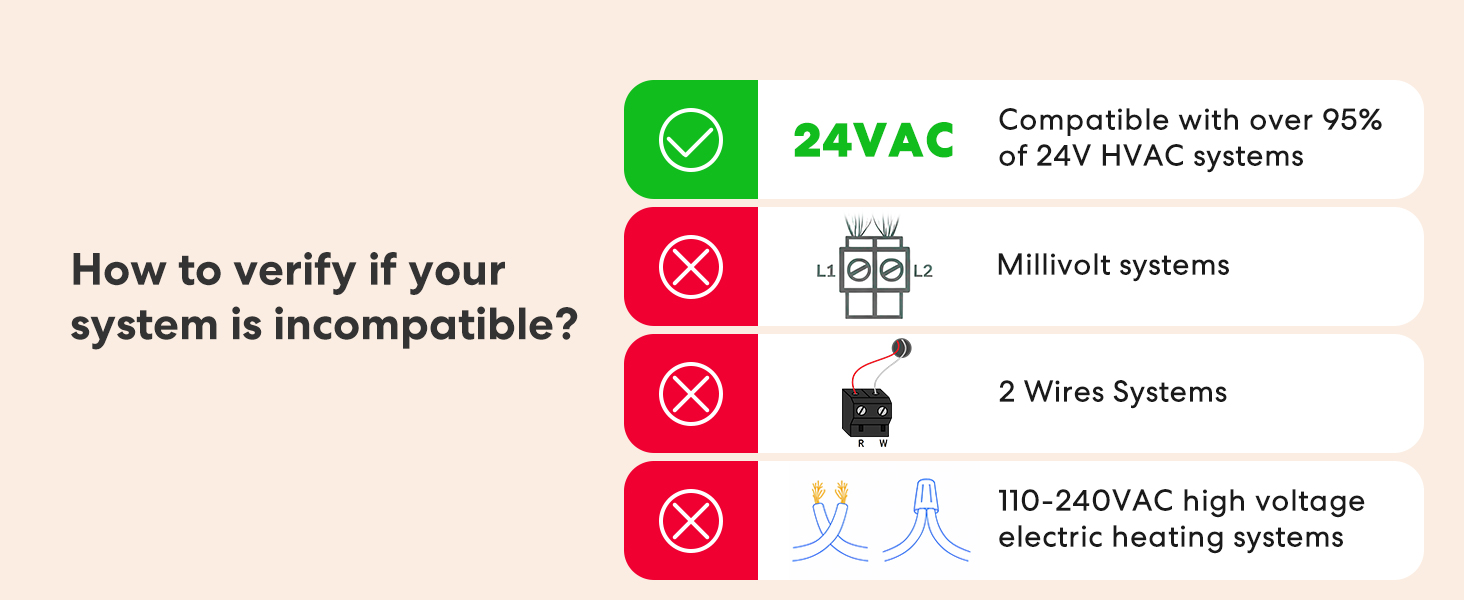
Not Compatible | Millivolt Heating | / | / | Millivolt Heating | / | / | / |
Not Compatible | R,W/R,G,W | / | / | R,W/R,G,W | / | / | / |
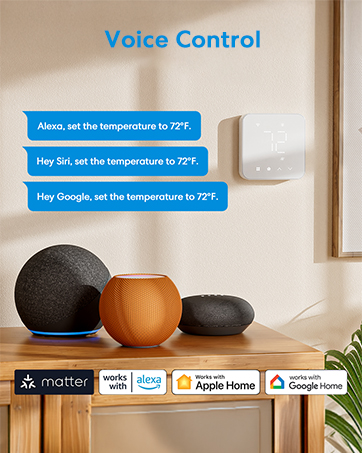
Works with | Matter/Alexa/Google/SmartThing | Alexa/Google/Apple HomKit | Alexa/Google/Apple HomKit | / | Apple HomKit/Alexa/Google | Apple HomKit/Alexa/Google | Apple HomKit/Alexa/Google |
Works with sensor | MS130H | / | / | / | / | / | / |
Adjustable Screen Brightness | ? | ? | ? | ? | ? | ? | ? |
Why is my smart thermostat screen blank or no power?
Pleae Verify R/C Wire Connections:Check that R (Red) and C (Common) wires are securely inserted at both the thermostat and HVAC control board. The C wire must be connected to the "C" terminal at the furnace.
I have R, W, Y, G wires. Is it compatible? Do I need a C-wire adapter?
Yes, the smart WiFi thermostat is compatible; however, a C-wire adapter is required for wiring configurations including R, W, Y, G; R, O/B, Y, G; or R, O/B, Y, G, W (AUX)
What functions can I control with Apple Home?
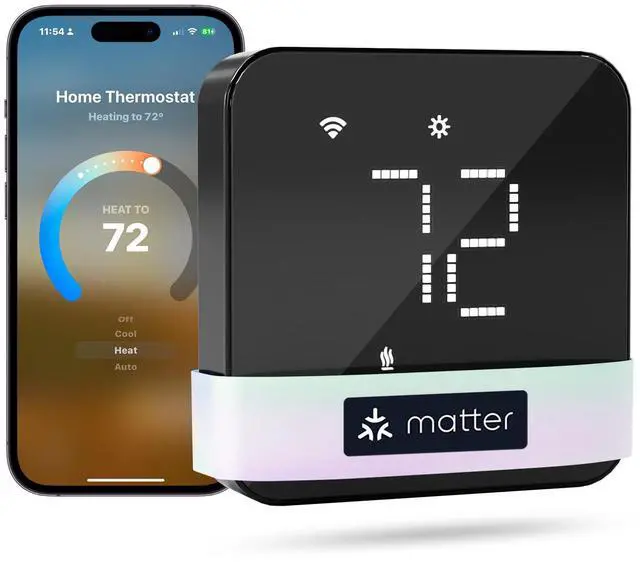
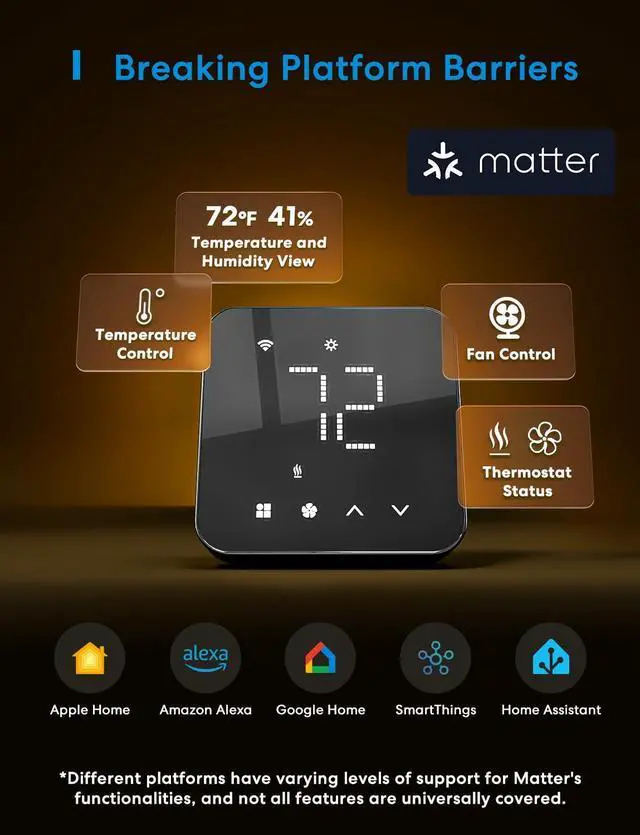
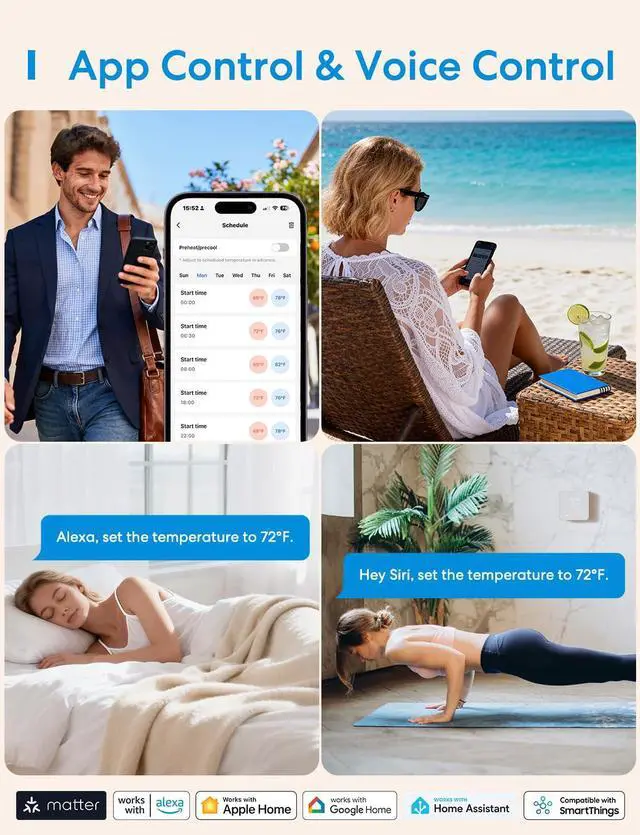
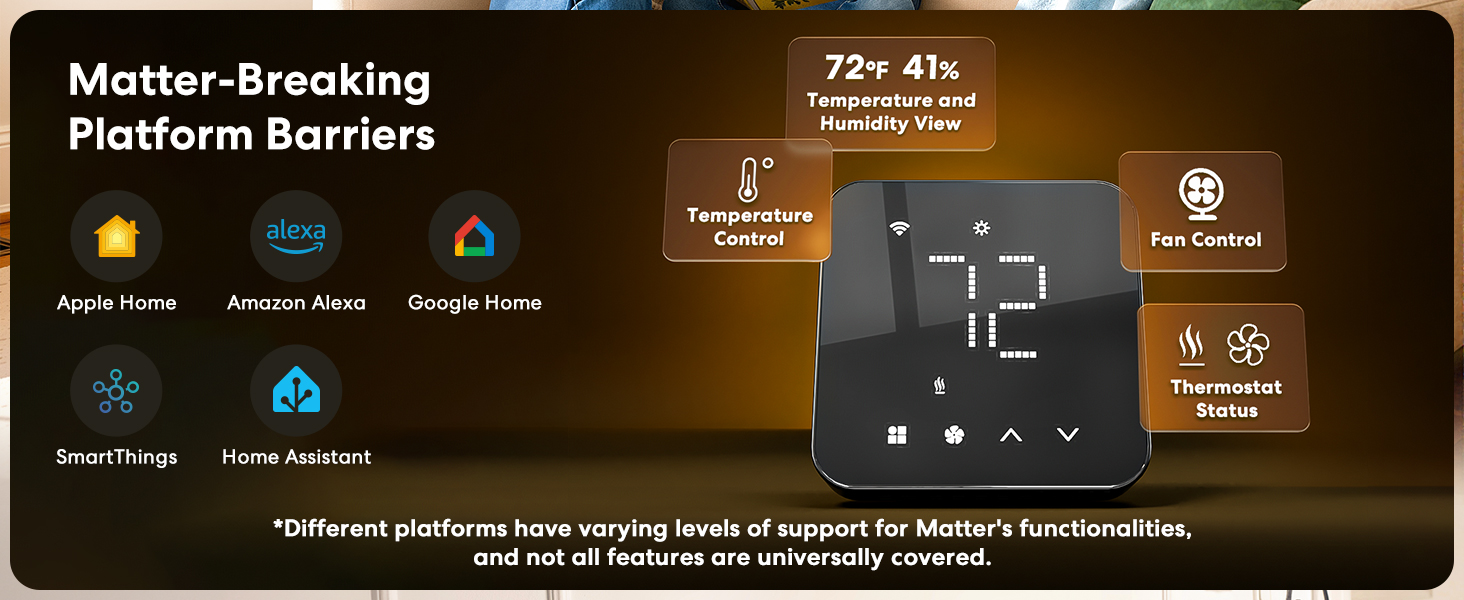
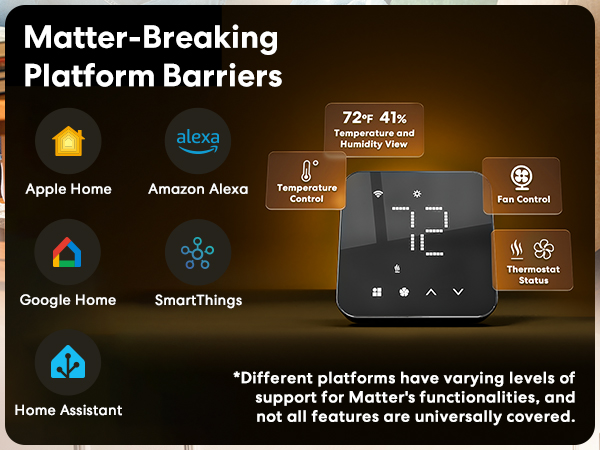
You can adjust the thermostat's mode (heat,cool,auto)and target temperature. You can view the temperature,humidity, but you can't control the fan at this time(the fan will work automatically based on heating and cooling)
Why is my heat pump heating when it should be cooling, and cooling when it should be heating?
This issue is likely caused by an incorrect setting for the reversing valve. You can fix this in the Meross app by going to: Meross app > Device Settings > Advanced > Installation Settings > HVAC Equipment > O/B Reversing Valve Type.
I have installed the wifi thermostat but it is not working. What should I do?
The issue may be caused by incorrect wiring or the need for an additional C-wire. For accurate diagnosis and resolution, please contact our technical support team via phone or email to verify your wiring configuration and system compatibility.
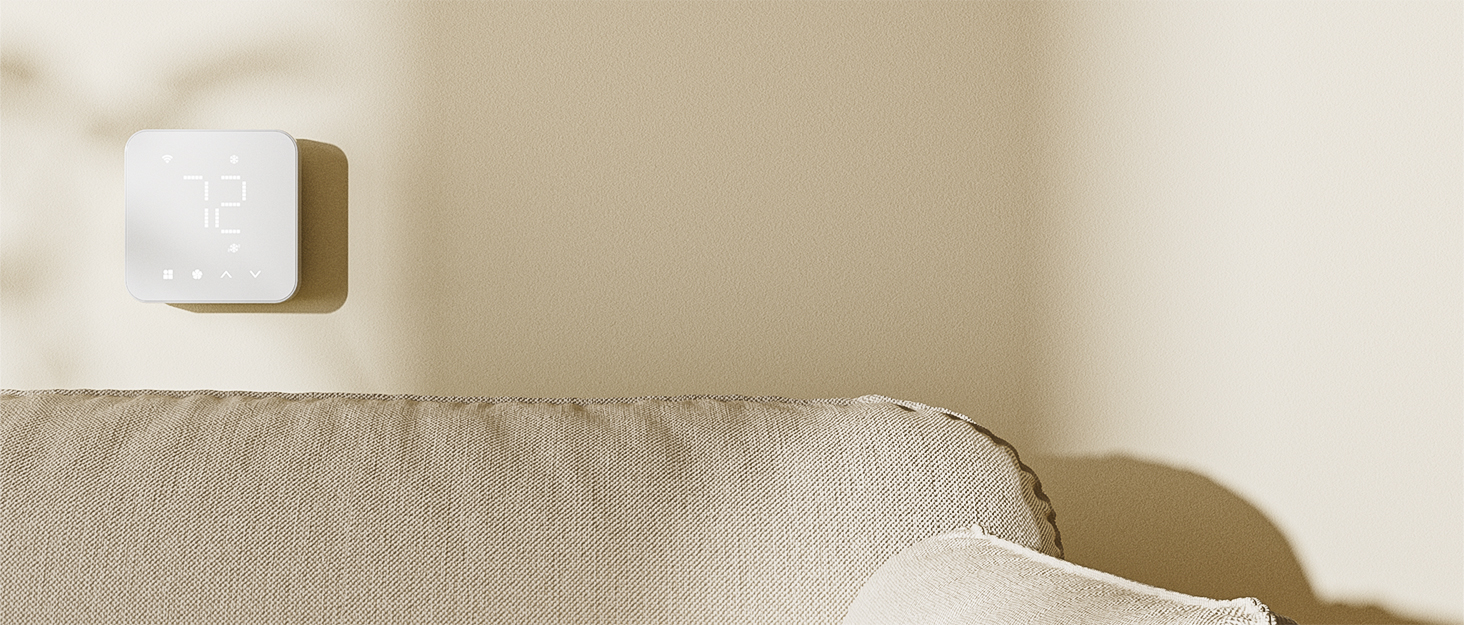
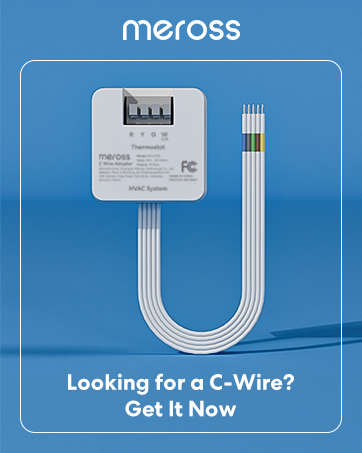
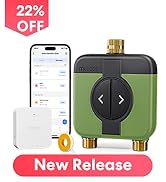
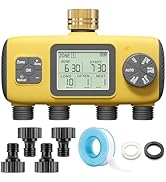
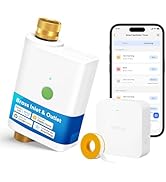
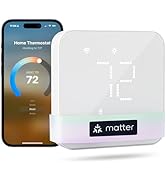
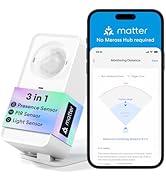
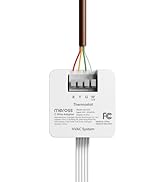
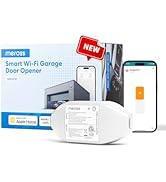
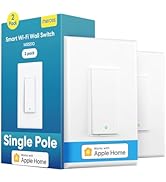
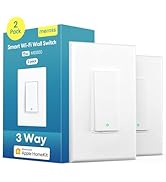
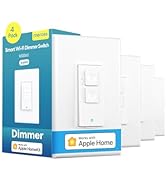
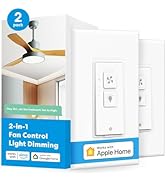
C Wire Adaptor
C-wire adapter is required for wiring configurations including R, W, Y, G; R, O/B, Y, G; or R, O/B, Y, G, W (AUX)
New Release
Most Popular
Hot Sales
Smart Switches
This smart thermostat only supports 2.4GHz Wi-Fi networks

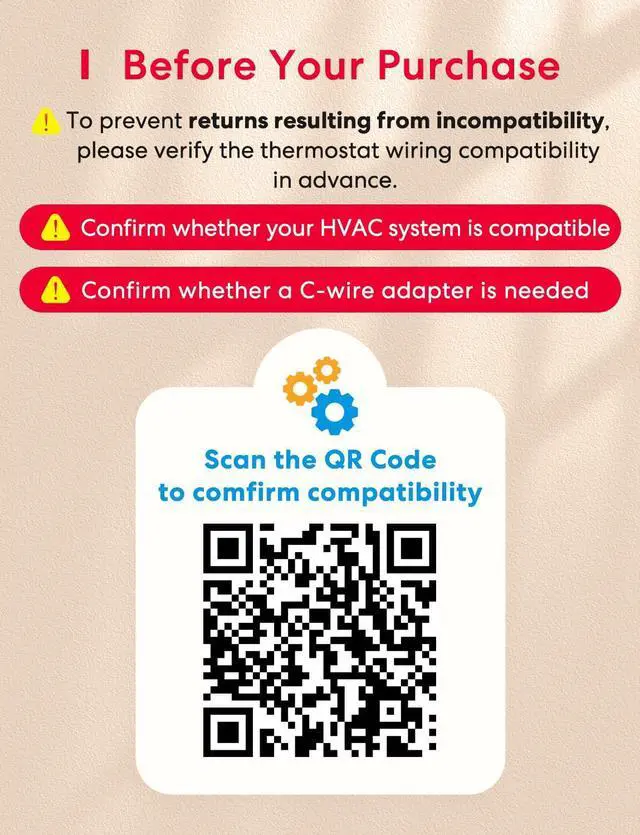
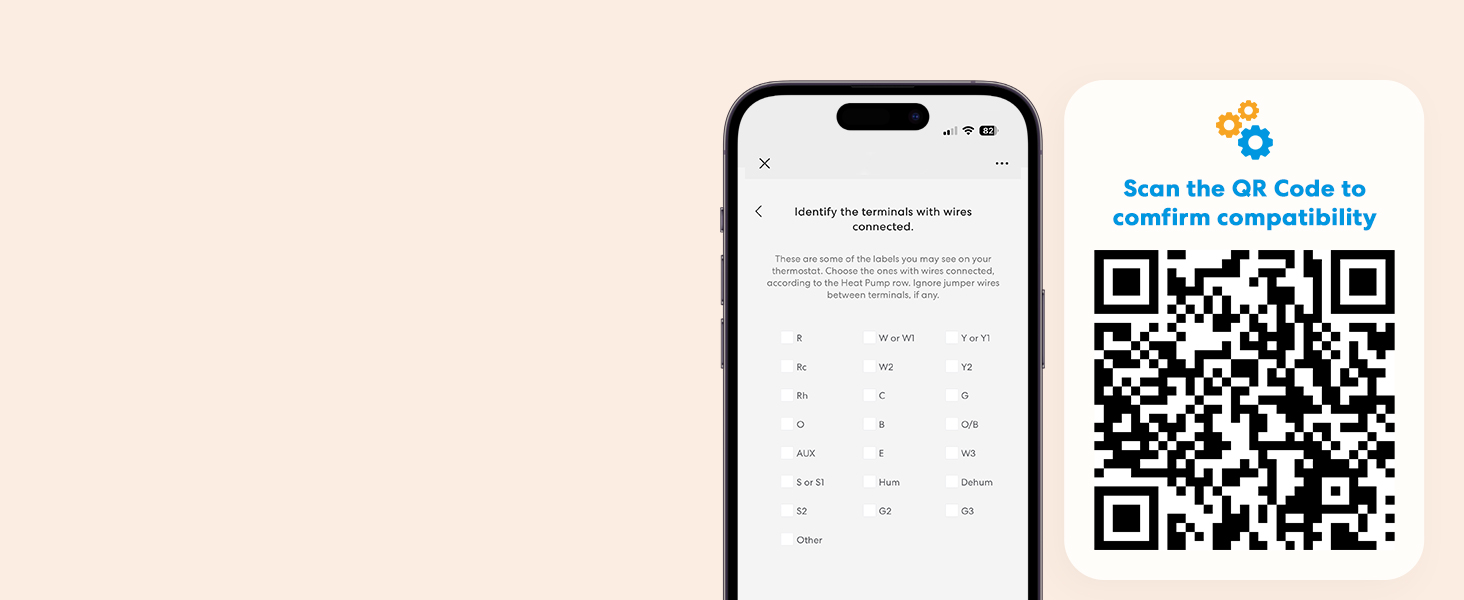
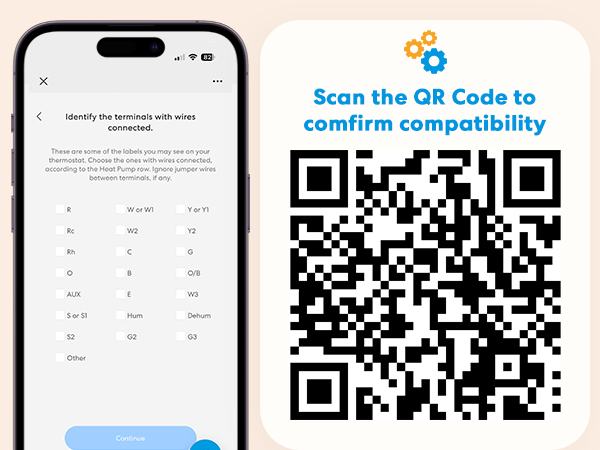
Compatibility Checker
Use the meross Compatibility Checker to see if your system is compatible
Check C-Wire Requirement (Not Included)
Use the Compatibility Checker to see if a C-wire is required (Sold separately)

Explore More Meross Smart Devices
Smart Thermostat | 2 Zone WiFi Water Timer | WiFi Water Timer | C Wire Adapter | Smart Garage Remote | 3 Sockets Outdoor Plug | Outdoor Smart Plug |
|---|---|---|---|---|---|---|
| Customer Reviews | ||||||
| — | — | — | — | — | — | — |
| Price | ||||||
| — | — | — | — | — | — | — |
| Compatible Devices | ||||||
| 24V HVAC systems | / | / | 24V HVAC systems | Garage Door Opener | / | / |
| Not Compatible | ||||||
| Baseboard Heater | / | / | Baseboard Heater | / | / | / |
| Not Compatible | ||||||
| Millivolt Heating | / | / | Millivolt Heating | / | / | / |
| Not Compatible | ||||||
| R,W/R,G,W | / | / | R,W/R,G,W | / | / | / |
| Works with | ||||||
| Matter/Alexa/Google/SmartThing | Alexa/Google/Apple HomKit | Alexa/Google/Apple HomKit | / | Apple HomKit/Alexa/Google | Apple HomKit/Alexa/Google | Apple HomKit/Alexa/Google |
| Works with sensor | ||||||
| MS130H | / | / | / | / | / | / |
| Adjustable Screen Brightness | ||||||
| ? | ? | ? | ? | ? | ? | ? |
Why is my smart thermostat screen blank or no power?
Pleae Verify R/C Wire Connections:Check that R (Red) and C (Common) wires are securely inserted at both the thermostat and HVAC control board. The C wire must be connected to the "C" terminal at the furnace.
I have R, W, Y, G wires. Is it compatible? Do I need a C-wire adapter?
Yes, the smart WiFi thermostat is compatible; however, a C-wire adapter is required for wiring configurations including R, W, Y, G; R, O/B, Y, G; or R, O/B, Y, G, W (AUX)
What functions can I control with Apple Home?
You can adjust the thermostat's mode (heat,cool,auto)and target temperature. You can view the temperature,humidity, but you can't control the fan at this time(the fan will work automatically based on heating and cooling)
Why is my heat pump heating when it should be cooling, and cooling when it should be heating?
This issue is likely caused by an incorrect setting for the reversing valve. You can fix this in the Meross app by going to: Meross app > Device Settings > Advanced > Installation Settings > HVAC Equipment > O/B Reversing Valve Type.
I have installed the wifi thermostat but it is not working. What should I do?
The issue may be caused by incorrect wiring or the need for an additional C-wire. For accurate diagnosis and resolution, please contact our technical support team via phone or email to verify your wiring configuration and system compatibility.