








Voice Control
Set the bedroom temperature with just your voice, no need to leave your cozy bed again.

Remote Control
Forget to switch off your home thermostat when you're away? No worries, Meross has got you covered.

Schedule
With the 7x24 schedule plan, say goodbye to labor-intensive manual settings, save more heating bill.

Fast Response
Enjoy millisecond response and no drop-off with superfast local control when you're at home.

Offline Control
When the Internet is down, you can control smart thermostat in Home Wi-Fi network via Meross app.


Easy to Install and Use (4 or more wires)
1. Locate the Live Wire, typically black and fed from the top entry.
2. Identify the Second Live Wire(red as usual) or Neutral Wire(white as usual), usually fed from the top entry.
3. Find the Load wires, which come from the heaters and are typically black, red, or other colors, usually fed from the bottom entry.
Note: See hardware installation video for detail.


Power Monitor
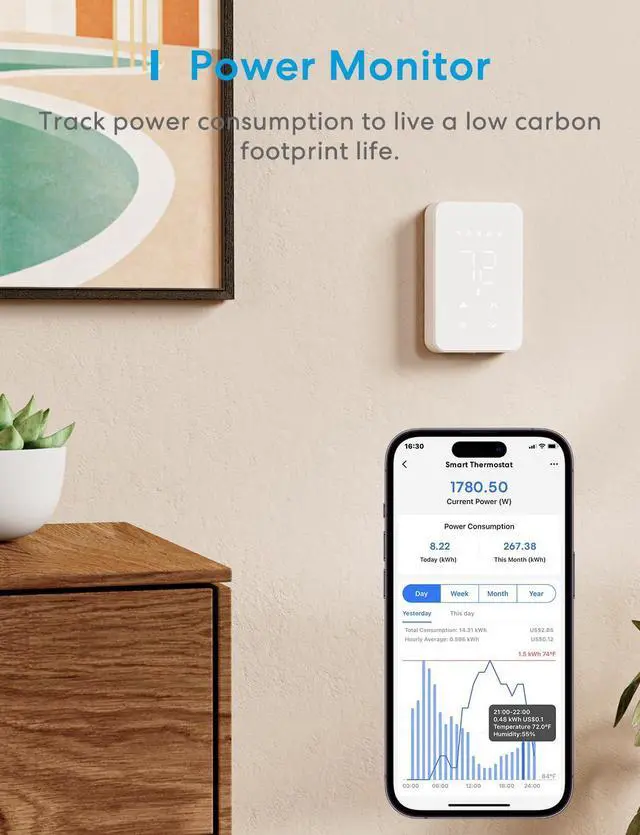
The Meross app supports an energy monitor function that helps you track the heating cost of each room. This allows you to set your energy plan more wisely, and save more utility costs.

Elegant Design
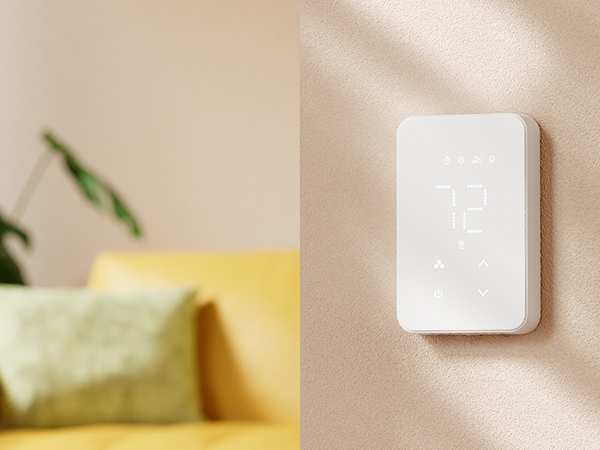
Our smart thermostat features advanced engineering that allows for seamless integration into the wall, resulting in a sleek and polished appearance.
Initiative energy-saving
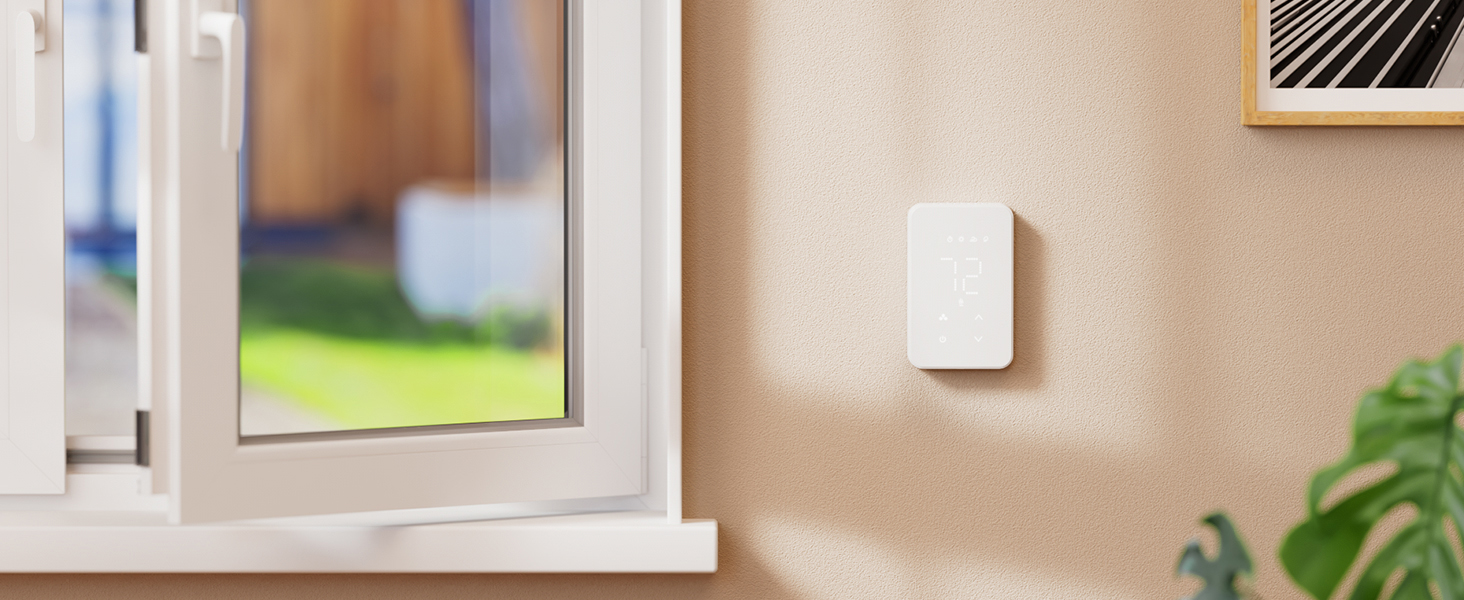
When you open the window to ventilate, automatically stop heating for a while to avoid energy waste.

Child Lock
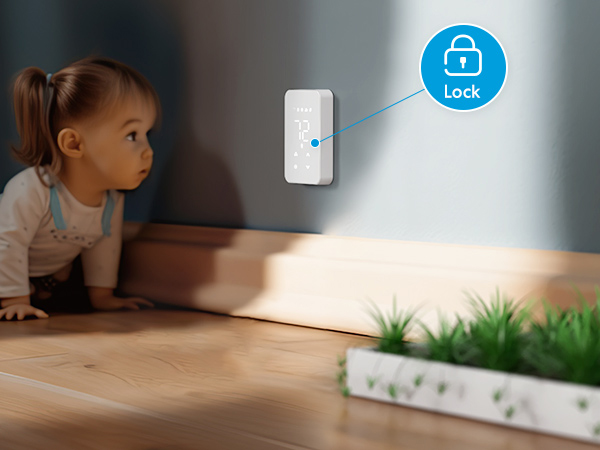
Helping create the safe, fun and warm home that you and your family deserve.

Low Carbon Life
Help reducing the carbon footprint by simply using your thermostat.


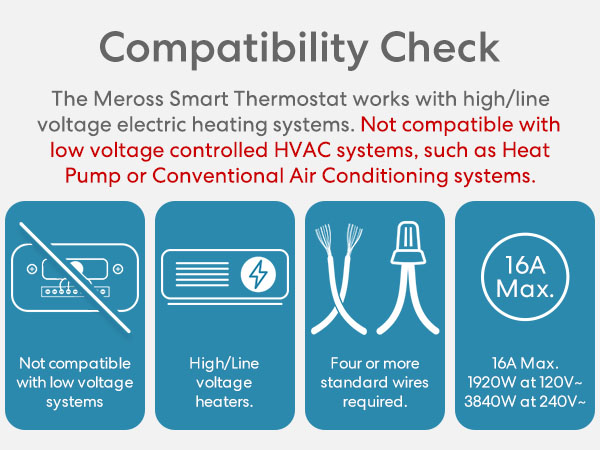
Does this product work with HVAC systems?
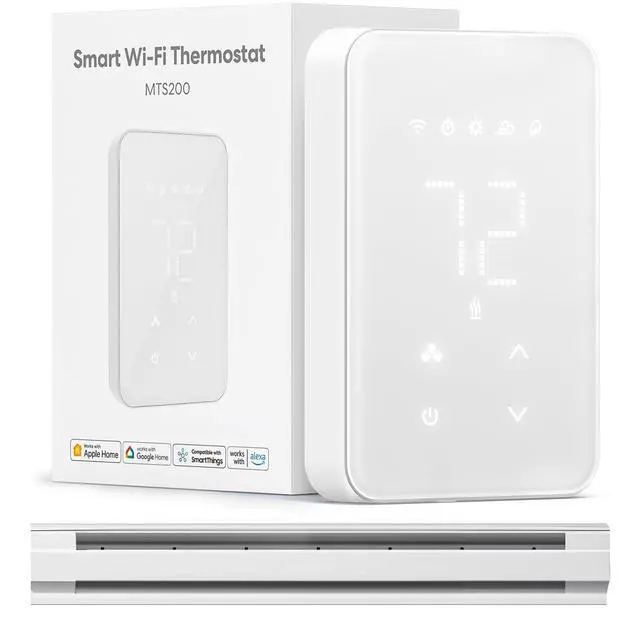
No, the product is NOT compatible with 24V HVAC systems, such as heat pumps or traditional air conditioning systems. Additionally, it is NOT compatible with electric underfloor heating systems.
What systems is this product compatible with?
The device casing dimensions (118 x 75 x 43mm) are ONLY suitable for North America. It can only be used with 100v-240v electric heating systems, such as baseboard heaters, convector heaters, and fan-forced heaters.
How to install this product?
1)Four-Wire Heating System: Connect the live wire (L), neutral wire (N), and load (LOAD) as indicated. 2)Multi-wire thermostat systems: Refer to the following wiring diagram or contact with our support department.
How to set up the device?
1) The device is a HomeKit version device. If you encounter configuration issues, please refer to the official FAQ "Can't pair HomeKit?" 2) If you are an Android customer, you can directly download our meross app for connection pairing.
About the inaccurate detection of the temperature may occur and how to go about solving it?
The sensor is directly under the casing and can be affected by nearby heat sources. Adjust the installation position or use the Meross app to calibrate the product for accurate temperature detection.




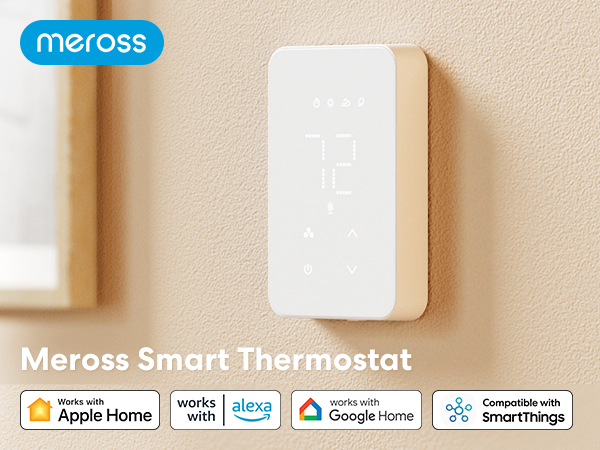
Voice Control
Set the bedroom temperature with just your voice, no need to leave your cozy bed again.
Remote Control
Forget to switch off your home thermostat when you're away? No worries, Meross has got you covered.
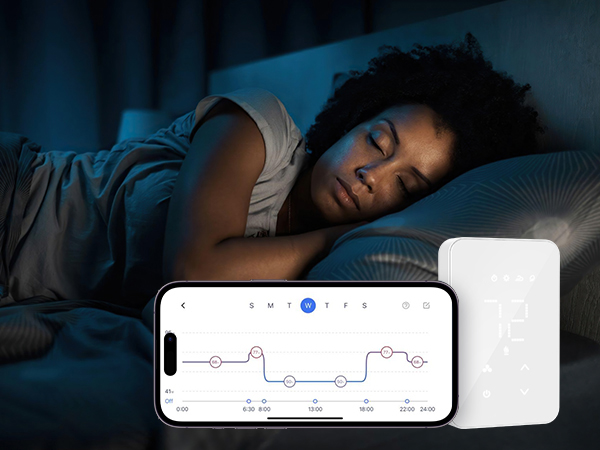
Schedule
With the 7x24 schedule plan, say goodbye to labor-intensive manual settings, save more heating bill.
Fast Response
Enjoy millisecond response and no drop-off with superfast local control when you're at home.
Offline Control
When the Internet is down, you can control smart thermostat in Home Wi-Fi network via Meross app.




Easy to Install and Use (4 or more wires)
1. Locate the Live Wire, typically black and fed from the top entry.
2. Identify the Second Live Wire(red as usual) or Neutral Wire(white as usual), usually fed from the top entry.
3. Find the Load wires, which come from the heaters and are typically black, red, or other colors, usually fed from the bottom entry.
Note: See hardware installation video for detail.
Power Monitor
Elegant Design
Initiative energy-saving
Child Lock
Low Carbon Life



The Meross app supports an energy monitor function that helps you track the heating cost of each room. This allows you to set your energy plan more wisely, and save more utility costs.
Our smart thermostat features advanced engineering that allows for seamless integration into the wall, resulting in a sleek and polished appearance.
When you open the window to ventilate, automatically stop heating for a while to avoid energy waste.
Helping create the safe, fun and warm home that you and your family deserve.
Help reducing the carbon footprint by simply using your thermostat.

Does this product work with HVAC systems?
No, the product is NOT compatible with 24V HVAC systems, such as heat pumps or traditional air conditioning systems. Additionally, it is NOT compatible with electric underfloor heating systems.
What systems is this product compatible with?
The device casing dimensions (118 x 75 x 43mm) are ONLY suitable for North America. It can only be used with 100v-240v electric heating systems, such as baseboard heaters, convector heaters, and fan-forced heaters.
How to install this product?
1)Four-Wire Heating System: Connect the live wire (L), neutral wire (N), and load (LOAD) as indicated. 2)Multi-wire thermostat systems: Refer to the following wiring diagram or contact with our support department.
How to set up the device?
1) The device is a HomeKit version device. If you encounter configuration issues, please refer to the official FAQ "Can't pair HomeKit?" 2) If you are an Android customer, you can directly download our meross app for connection pairing.
About the inaccurate detection of the temperature may occur and how to go about solving it?
The sensor is directly under the casing and can be affected by nearby heat sources. Adjust the installation position or use the Meross app to calibrate the product for accurate temperature detection.