



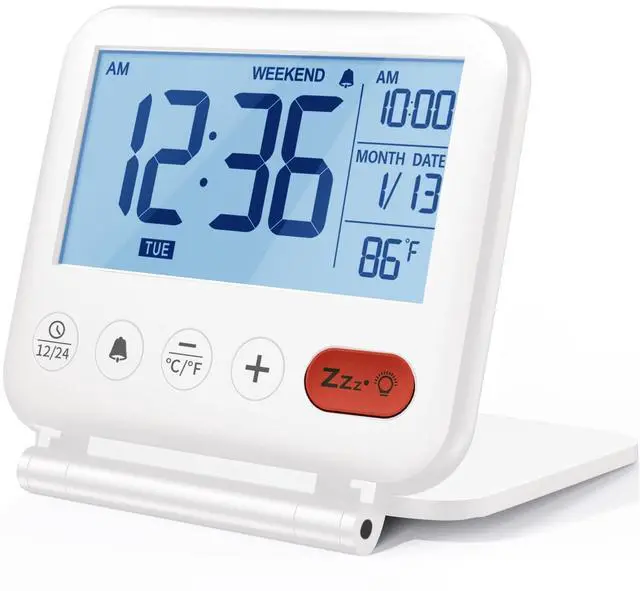


NOKLEAD NK5247 Small Digital Alarm Clock


Only Backlit When You Click
Setup Prompt
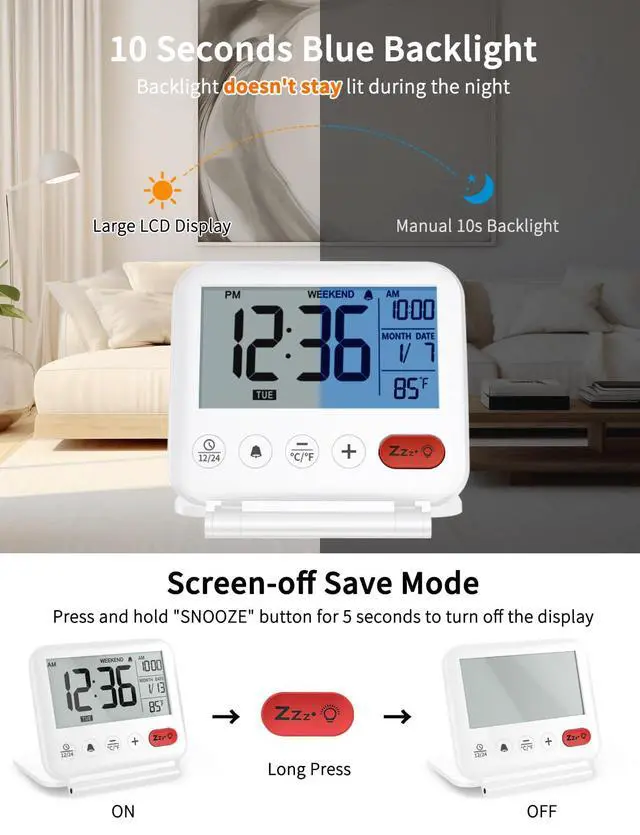
ON/OFF: Press and hold the orange “SNOOZE” button for 5s can completely off the display to save power. Then press any button can activate the display
10 Seconds Blue Backlit: Quick press the orange “SNOOZE” button to activate the backlight for 10s.
NOTE: The backlit will come on for 10s at a time and then go off. It isn’t always on
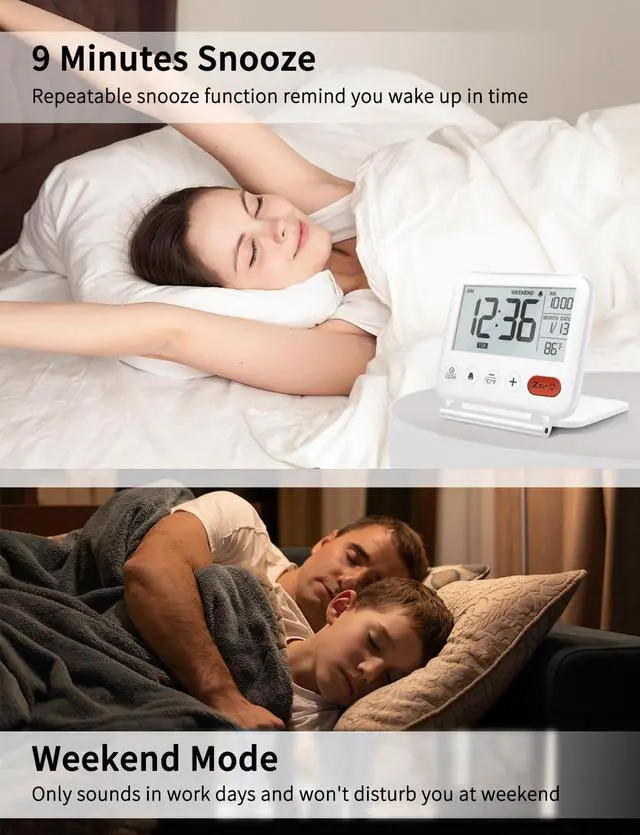
Weekend Mode: Press and hold the “+” button for 5s to turn on or off WEEKEND mode
More Features of This Travel Alarm Clock

Small Bedroom Clock is your ideal choice
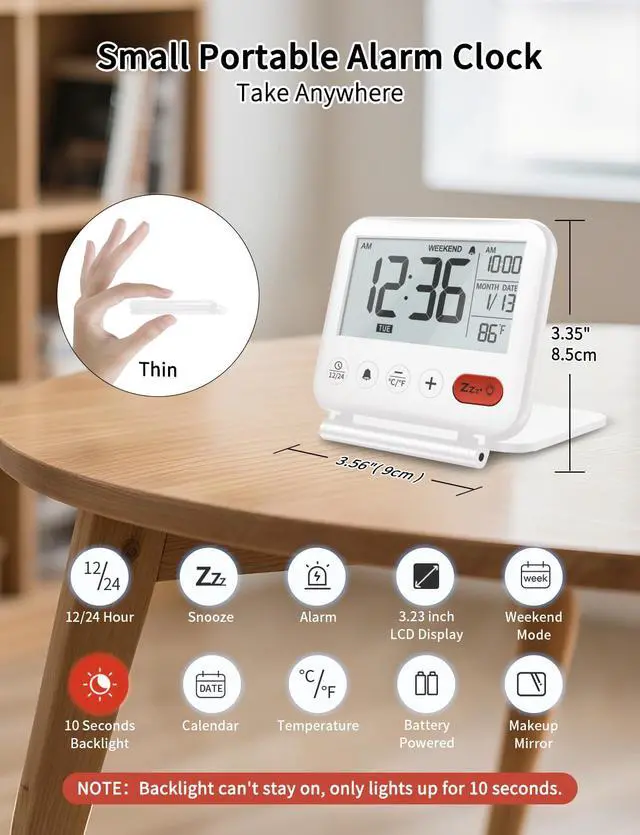
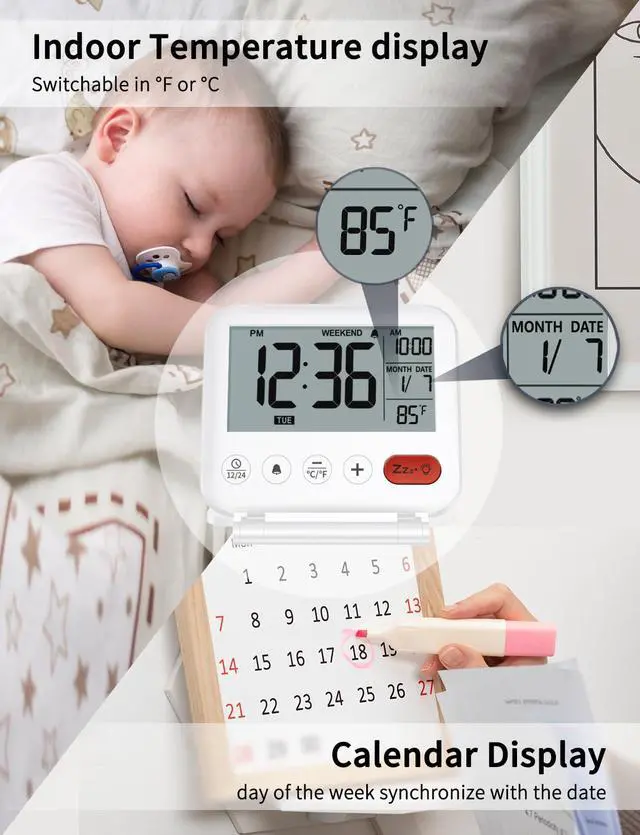
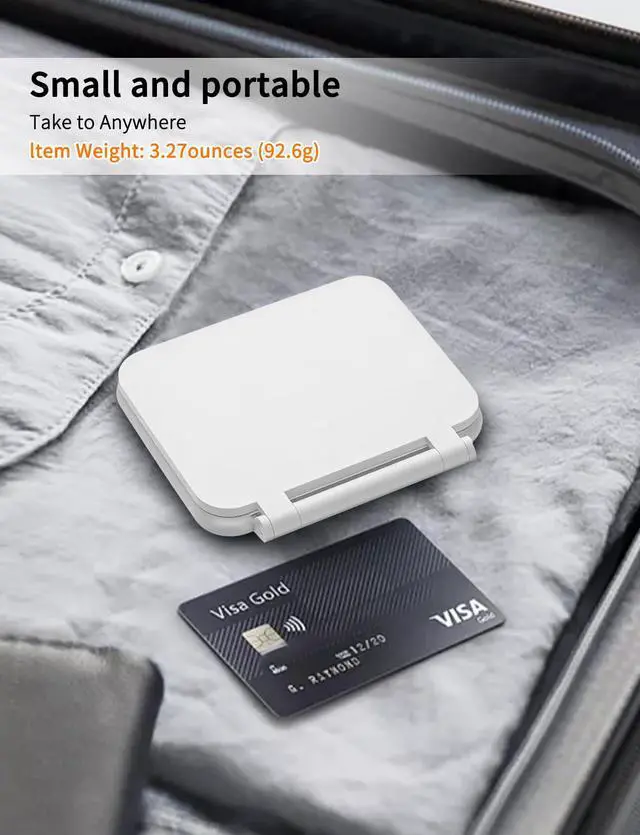
This mini clock features a 3.23-inch eye-protection LCD with clear 0.9in digits, showing time, date, etc. glare-free. Compact enough for handbags, it’s great for work, trips and makes an ideal gift for Christmas, birthdays. Keep time and share it with loved ones.

Battery Operated Alarm Clock
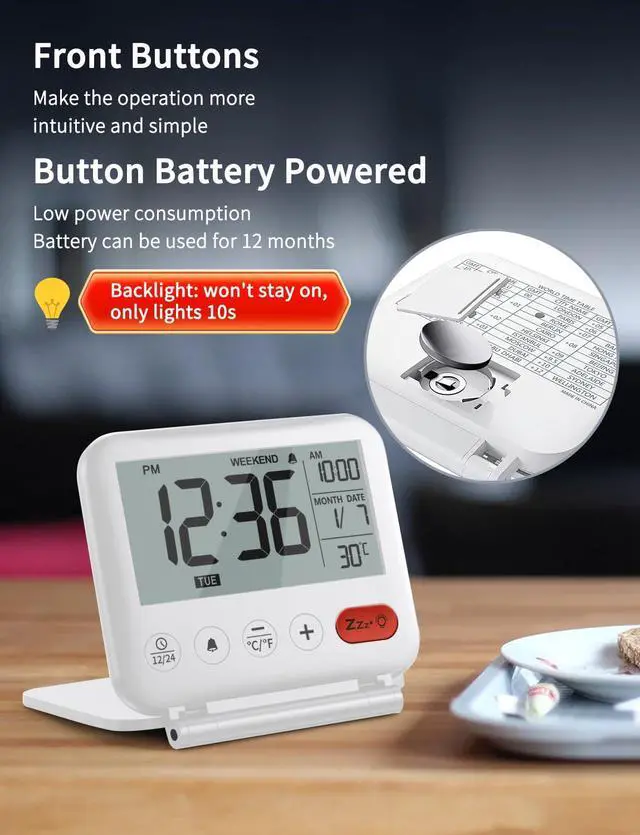
Power by one CR2032 button battery. One battery lasts 6-8 months, depending on how many times the alarm and backlight are used.

Package Included
- 1 x NOKLEAD digital travel alarm clock
- 1 x User Manual
- 2 x CR2032 button batteries (One in the alarm clock and a spare in the box)
NOTE: The battery needs to be replaced when the display becomes dim or completely off

Easy to Use
There are 5 Individual controls button on the front to set the time and alarm, one press to activate weekend mode, snooze function or backlight make it simple to operate even for kids, students and adults


How loud is the travel alarm clock?
This clock is relatively thin and runs on button batteries. The current volume is the maximum it can reach, about 75dB. There's a hole on the back of the clock for sound output. Please make sure it's not blocked.
Can the backlight be always on?
No, this clock has a 10 - second backlight. Press and release the orange "SNOOZE" button when you need it. The backlight will turn on and stay lit for 10 seconds, then turn off automatically to save battery.
Why doesn't the alarm go off?
It might be due to Weekend Mode. If the alarm doesn't sound, check two things: ensure it's on (an icon will show), and see if Weekend Mode is enabled. If it is, the alarm only rings on weekdays.
What should I do if the week on the clock is incorrect?
You just need to long press and hold the first alarm button to start seeing the screen numbers flashing, and you can change the year at this time (this year is 2025).
Kick Off Your Day with NOKLEAD Clocks
 NK5247 LCD Alarm Clock |  NK5256 Digital Clock |  5252 Wood Grain LED Clock |  5252 Wood Grain LED Clock | |
|---|---|---|---|---|
Customer Reviews | — | — | — | — |
Price | — | — | — | — |
Power Supply | Button Battery | USB Plug | USB Plug | USB Plug |
Alarm Group | One alarm set | Dual Alarm | One alarm set | One alarm set |
Alarm Sound | Beep | Beep & 4 Music | Beep | Beep |
Dimmable Display | X | Stepless Brightness | 5-levels Brightness | 5-levels Brightness |
USB Changing Port | ? | ? | ? | ? |


NOKLEAD | Start Your Day
NOKLEAD's brand philosophy is to integrate time and warmth into every family. They believe that when time and warmth meet, life will become better. Whether it's at family gatherings, busy workdays, or relaxing moments, NOKLEAD's products will accompany you, witnessing every precious moment in your life.
Choose NOKLEAD, choose the combination of quality and warmth. Let's feel the passage of time together and enjoy the beauty of life.
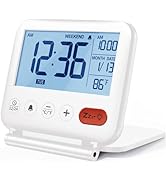
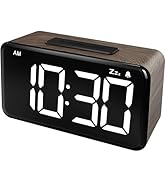
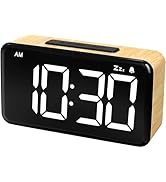
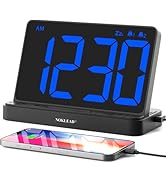
Digital Alarm Clock
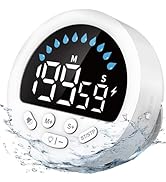
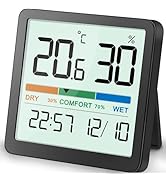
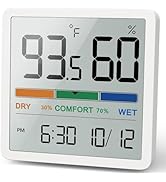
Timer & Clock & Hygrometer
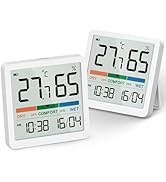
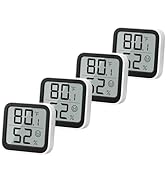
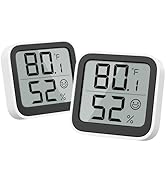
Indoor Thermometer Hygrometer
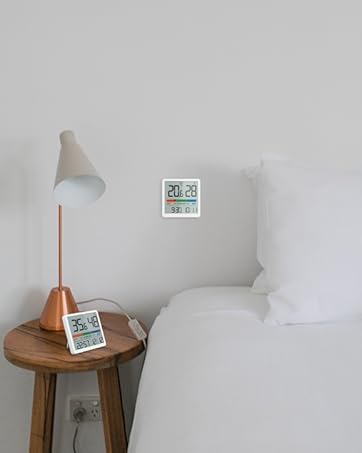
Indoor Thermometer Hygrometer

Digital Travel Alarm Clock
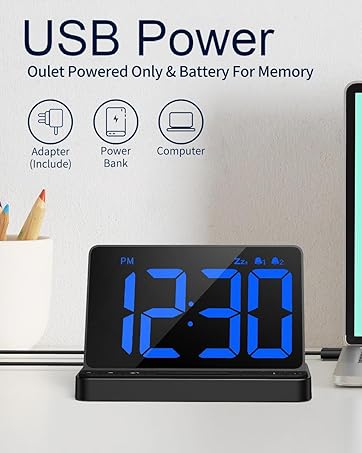
Large Display Alarm Clock
Woodgrain Alarm Clock

Waterproof Shower Timer


NOKLEAD | Start Your Day
NOKLEAD's brand philosophy is to integrate time and warmth into every family. They believe that when time and warmth meet, life will become better. Whether it's at family gatherings, busy workdays, or relaxing moments, NOKLEAD's products will accompany you, witnessing every precious moment in your life.
Choose NOKLEAD, choose the combination of quality and warmth. Let's feel the passage of time together and enjoy the beauty of life.
Digital Alarm Clock
Timer & Clock & Hygrometer
Indoor Thermometer Hygrometer
Indoor Thermometer Hygrometer
Digital Travel Alarm Clock
Large Display Alarm Clock
Woodgrain Alarm Clock
Waterproof Shower Timer
NOKLEAD NK5247 Small Digital Alarm Clock

Only Backlit When You Click
Setup Prompt
ON/OFF: Press and hold the orange “SNOOZE” button for 5s can completely off the display to save power. Then press any button can activate the display
10 Seconds Blue Backlit: Quick press the orange “SNOOZE” button to activate the backlight for 10s.
NOTE: The backlit will come on for 10s at a time and then go off. It isn’t always on
Weekend Mode: Press and hold the “+” button for 5s to turn on or off WEEKEND mode
More Features of This Travel Alarm Clock
Small Bedroom Clock is your ideal choice
This mini clock features a 3.23-inch eye-protection LCD with clear 0.9in digits, showing time, date, etc. glare-free. Compact enough for handbags, it’s great for work, trips and makes an ideal gift for Christmas, birthdays. Keep time and share it with loved ones.
Battery Operated Alarm Clock
Power by one CR2032 button battery. One battery lasts 6-8 months, depending on how many times the alarm and backlight are used.
Package Included
- 1 x NOKLEAD digital travel alarm clock
- 1 x User Manual
- 2 x CR2032 button batteries (One in the alarm clock and a spare in the box)
NOTE: The battery needs to be replaced when the display becomes dim or completely off
Easy to Use
There are 5 Individual controls button on the front to set the time and alarm, one press to activate weekend mode, snooze function or backlight make it simple to operate even for kids, students and adults


How loud is the travel alarm clock?
This clock is relatively thin and runs on button batteries. The current volume is the maximum it can reach, about 75dB. There's a hole on the back of the clock for sound output. Please make sure it's not blocked.
Can the backlight be always on?
No, this clock has a 10 - second backlight. Press and release the orange "SNOOZE" button when you need it. The backlight will turn on and stay lit for 10 seconds, then turn off automatically to save battery.
Why doesn't the alarm go off?
It might be due to Weekend Mode. If the alarm doesn't sound, check two things: ensure it's on (an icon will show), and see if Weekend Mode is enabled. If it is, the alarm only rings on weekdays.
What should I do if the week on the clock is incorrect?
You just need to long press and hold the first alarm button to start seeing the screen numbers flashing, and you can change the year at this time (this year is 2025).
Kick Off Your Day with NOKLEAD Clocks
NK5247 LCD Alarm Clock | NK5256 Digital Clock | 5252 Wood Grain LED Clock | 5252 Wood Grain LED Clock |
|---|---|---|---|
| Customer Reviews | |||
| — | — | — | — |
| Price | |||
| — | — | — | — |
| Power Supply | |||
| Button Battery | USB Plug | USB Plug | USB Plug |
| Alarm Group | |||
| One alarm set | Dual Alarm | One alarm set | One alarm set |
| Alarm Sound | |||
| Beep | Beep & 4 Music | Beep | Beep |
| Dimmable Display | |||
| X | Stepless Brightness | 5-levels Brightness | 5-levels Brightness |
| USB Changing Port | |||
| ? | ? | ? | ? |