





aplus content video
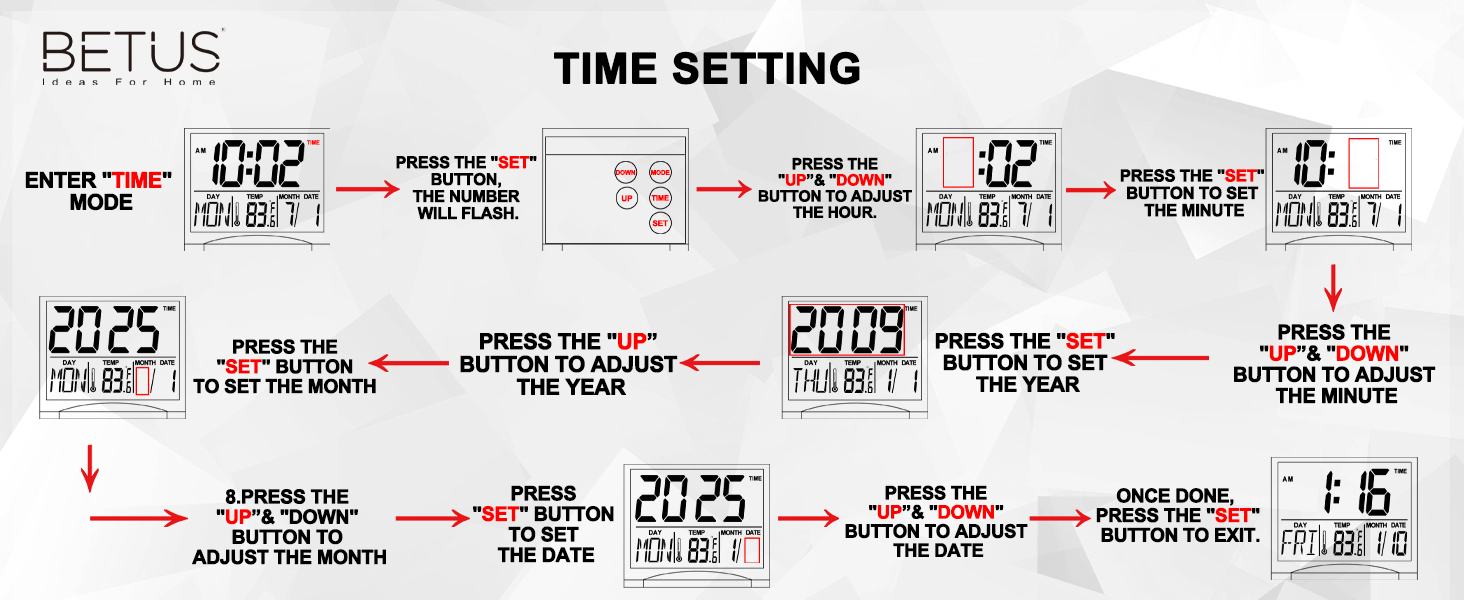
How to set the year?
Hello,
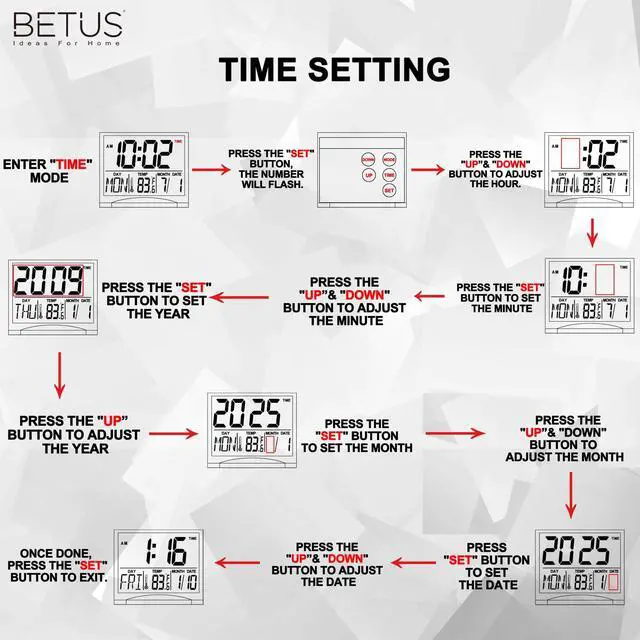
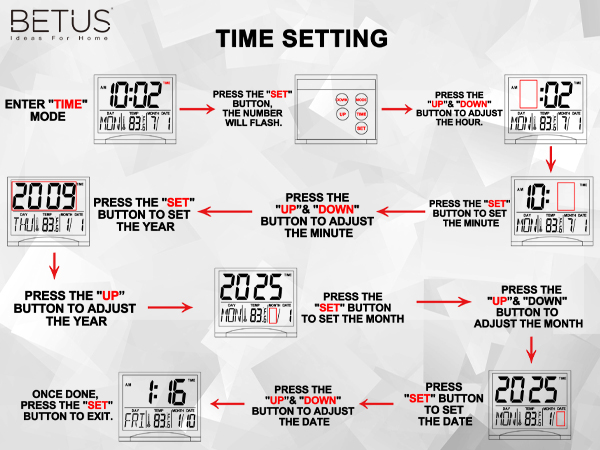
In TIME mode, press the "SET" button three times, then press "UP" to select the correct year. Press the "SET" and "UP" with the same steps to select correct Month and Date. Once done, hit the "SET" button, the day will change correctly.
How to turn off the alarm?
Press MODE to enter into ALARM setting mode(a bell icon). press UP to turn on/off the alarm(sound icon display) and snz(SNZ display). Press MODE to back TIME mode. If there is only a TIME icon and no sound icon display, this means alarm is turn off.
How to mute the clock?
Hello,
This clock has no sound adjustment function, the sound cannot be turned up or down, and cannot be muted.
I don't understand this clock and how to set it?
Hello,
We have uploaded 4 videos to help you use it easily. We stand behind our products, if you have any product-related questions, please let us know :)
- Set the Alarm
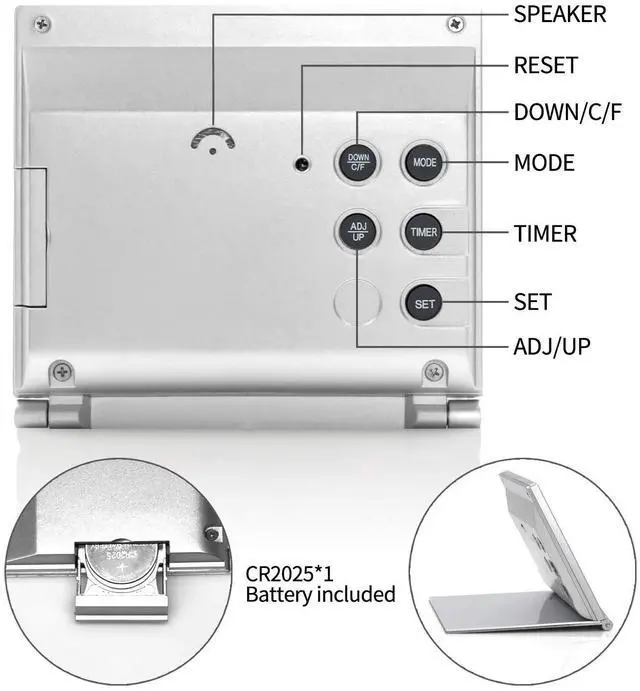
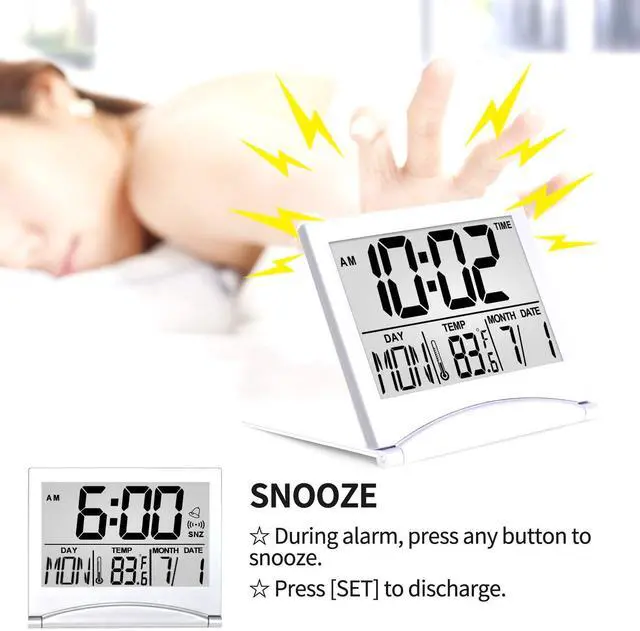
- Press “MODE” button to enter into alarm setting mode. Then press “SET” button to set hours, minutes, snooze and alarm tone in sequence. (Press “UP” and “DOWN” button to choose your desired time, snooze time and alarm). TURN ON/OFF ALARM & SNOOZE :In alarm mode, press “DOWN” or “UP” button to turn on/off the alarm and snooze. When alarm goes off, it will ring for 1 minute. When snooze is set up, snooze will work ONLY twice. During alarm, press any button (except “set”) to snooze, press “SET” to discharge.
Our tutorial videos are going to show you step-by-step how to set the Betus travel alarm clock, please watch our videos on the detail page.
Note: The main features of this travel clock are the clear-LCD-screen, date, temperature, timer instead of alarm, so please note that the sound of the alarm is NOT very loud. It will be perfect for those who like gentle ringing.
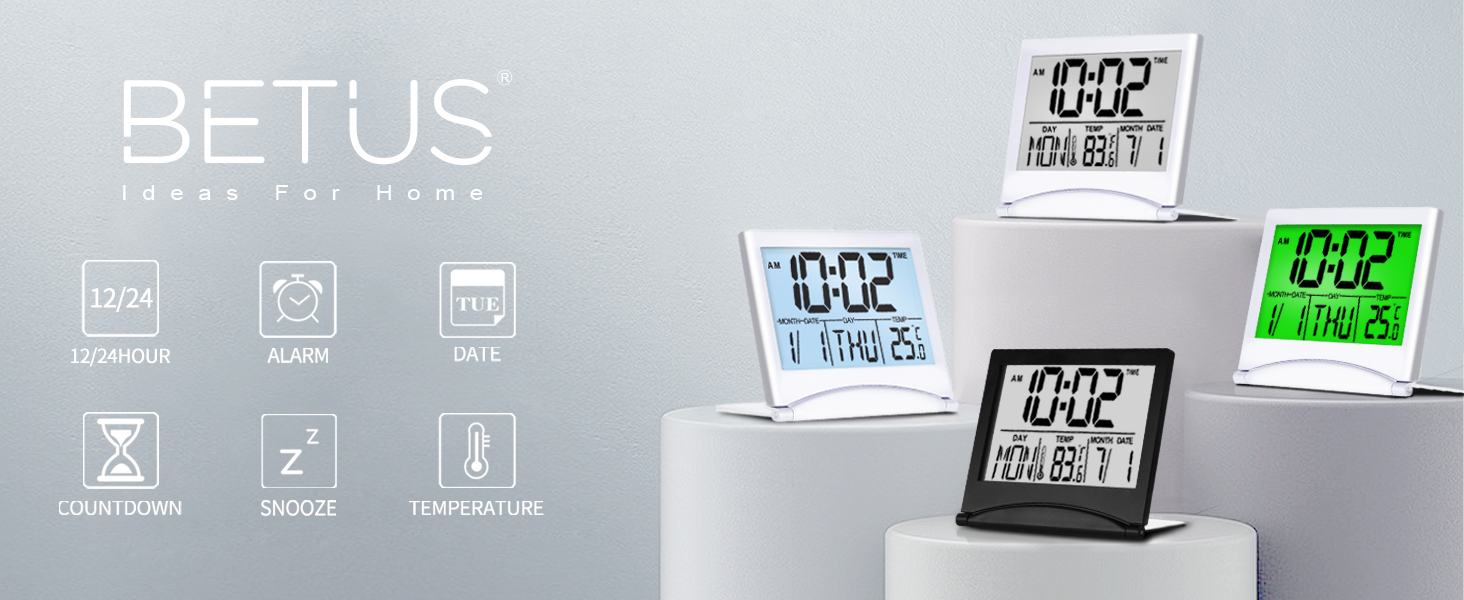
BETUS TRAVEL ALARM CLOCK FOR YOUR MULTI CHOICES
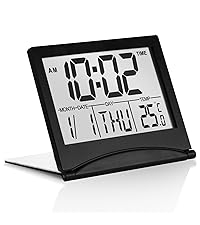 Classic Folding Clock | 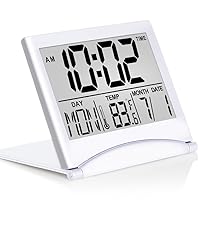 Classic Folding Clock | 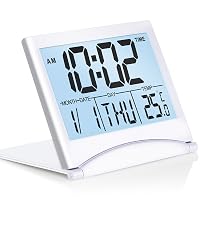 Folding Clock - Backlight | 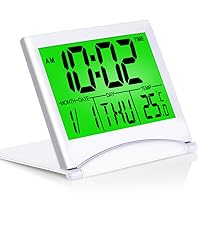 Folding Clock - Backlight | |
|---|---|---|---|---|
Customer Reviews | — | — | — | — |
Price | — | — | — | — |
Backlight Feature | -- | -- | White Backlight | Green Backlight |
12/24 Hour Format | ? | ? | ? | ? |
?/? Temperature | ? | ? | ? | ? |
Ringtones | 9 Ringtones | 9 Ringtones | 16 Ringtones | 16 Ringtones |
Timer Feature | ? | ? | ? | ? |
Snooze Function | ? | ? | ? | ? |

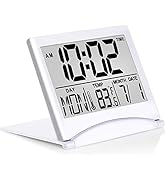

High-Quality Products
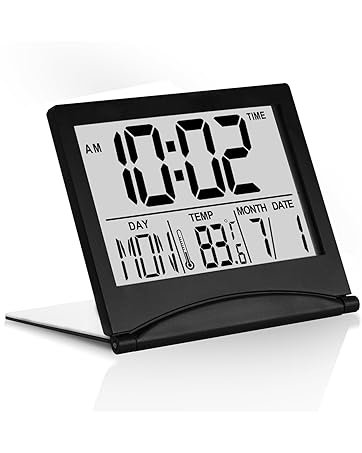
More New Products
How did we get our start?
BETUS is an ideal online destination for the home décor. We choose trusted artisans and manufacturers who share our passion for offering well-designed goods to refresh your home.
What makes our products unique?
We discover creative and useful items for life from around the world and make décor items accessible to everyone, on every budget.
Why do we love what we do?
We are proud to delight our customers every step of the way by providing thoughtful expertise, high-quality products, great value and exceptional service.
High-Quality Products
More New Products
How did we get our start?
BETUS is an ideal online destination for the home décor. We choose trusted artisans and manufacturers who share our passion for offering well-designed goods to refresh your home.
What makes our products unique?
We discover creative and useful items for life from around the world and make décor items accessible to everyone, on every budget.
Why do we love what we do?
We are proud to delight our customers every step of the way by providing thoughtful expertise, high-quality products, great value and exceptional service.
aplus content video
How to set the year?
Hello,
In TIME mode, press the "SET" button three times, then press "UP" to select the correct year. Press the "SET" and "UP" with the same steps to select correct Month and Date. Once done, hit the "SET" button, the day will change correctly.
How to turn off the alarm?
Press MODE to enter into ALARM setting mode(a bell icon). press UP to turn on/off the alarm(sound icon display) and snz(SNZ display). Press MODE to back TIME mode. If there is only a TIME icon and no sound icon display, this means alarm is turn off.
How to mute the clock?
Hello,
This clock has no sound adjustment function, the sound cannot be turned up or down, and cannot be muted.
I don't understand this clock and how to set it?
Hello,
We have uploaded 4 videos to help you use it easily. We stand behind our products, if you have any product-related questions, please let us know :)
- Set the Alarm
- Press “MODE” button to enter into alarm setting mode. Then press “SET” button to set hours, minutes, snooze and alarm tone in sequence. (Press “UP” and “DOWN” button to choose your desired time, snooze time and alarm). TURN ON/OFF ALARM & SNOOZE :In alarm mode, press “DOWN” or “UP” button to turn on/off the alarm and snooze. When alarm goes off, it will ring for 1 minute. When snooze is set up, snooze will work ONLY twice. During alarm, press any button (except “set”) to snooze, press “SET” to discharge.
Our tutorial videos are going to show you step-by-step how to set the Betus travel alarm clock, please watch our videos on the detail page.
Note: The main features of this travel clock are the clear-LCD-screen, date, temperature, timer instead of alarm, so please note that the sound of the alarm is NOT very loud. It will be perfect for those who like gentle ringing.
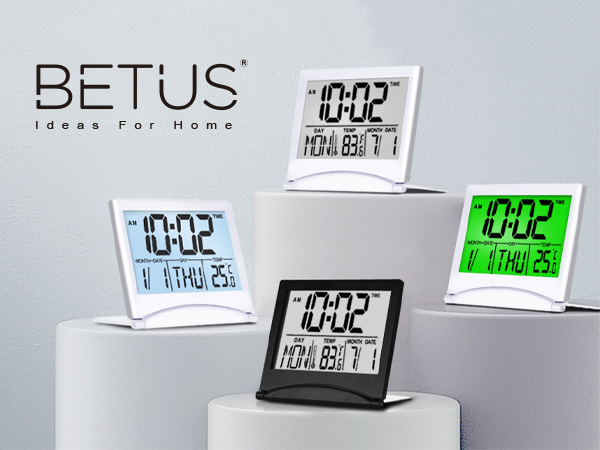
BETUS TRAVEL ALARM CLOCK FOR YOUR MULTI CHOICES
Classic Folding Clock | 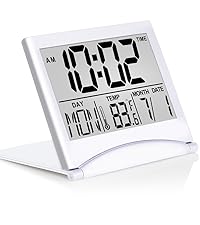 Classic Folding Clock | 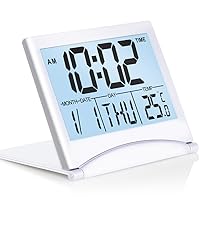 Folding Clock - Backlight | 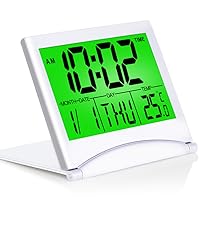 Folding Clock - Backlight |
|---|---|---|---|
| Customer Reviews | |||
| — | — | — | — |
| Price | |||
| — | — | — | — |
| Backlight Feature | |||
| -- | -- | White Backlight | Green Backlight |
| 12/24 Hour Format | |||
| ? | ? | ? | ? |
| ?/? Temperature | |||
| ? | ? | ? | ? |
| Ringtones | |||
| 9 Ringtones | 9 Ringtones | 16 Ringtones | 16 Ringtones |
| Timer Feature | |||
| ? | ? | ? | ? |
| Snooze Function | |||
| ? | ? | ? | ? |