




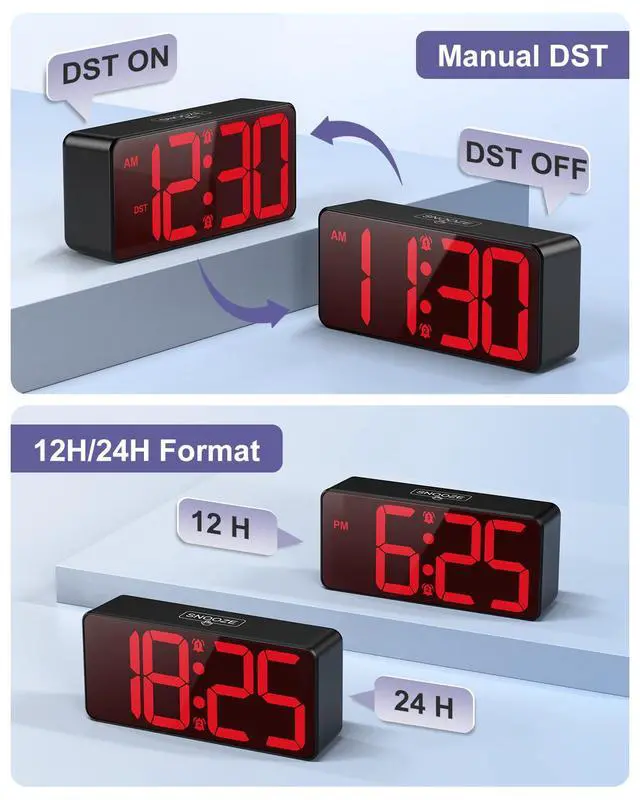


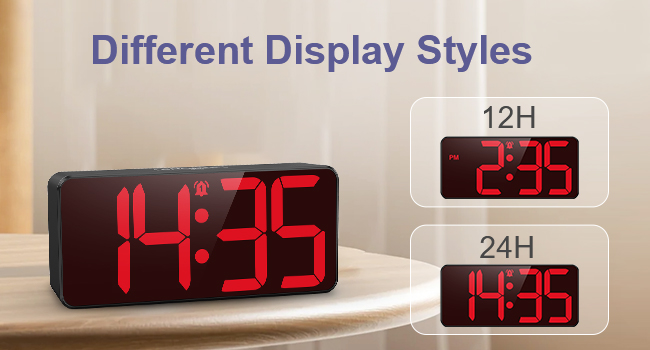
12/24h format switchable: Supports one-click switching between 12h (AM/PM) and 24h format to meet the time viewing needs of different users.
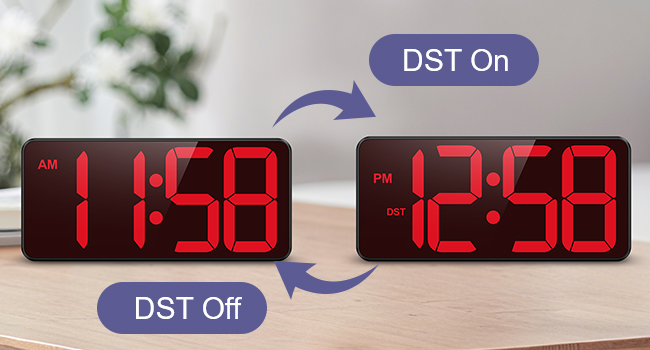
One-touch manual DST: DST button activates the time adjustment with one click, and there is no need to reset it.
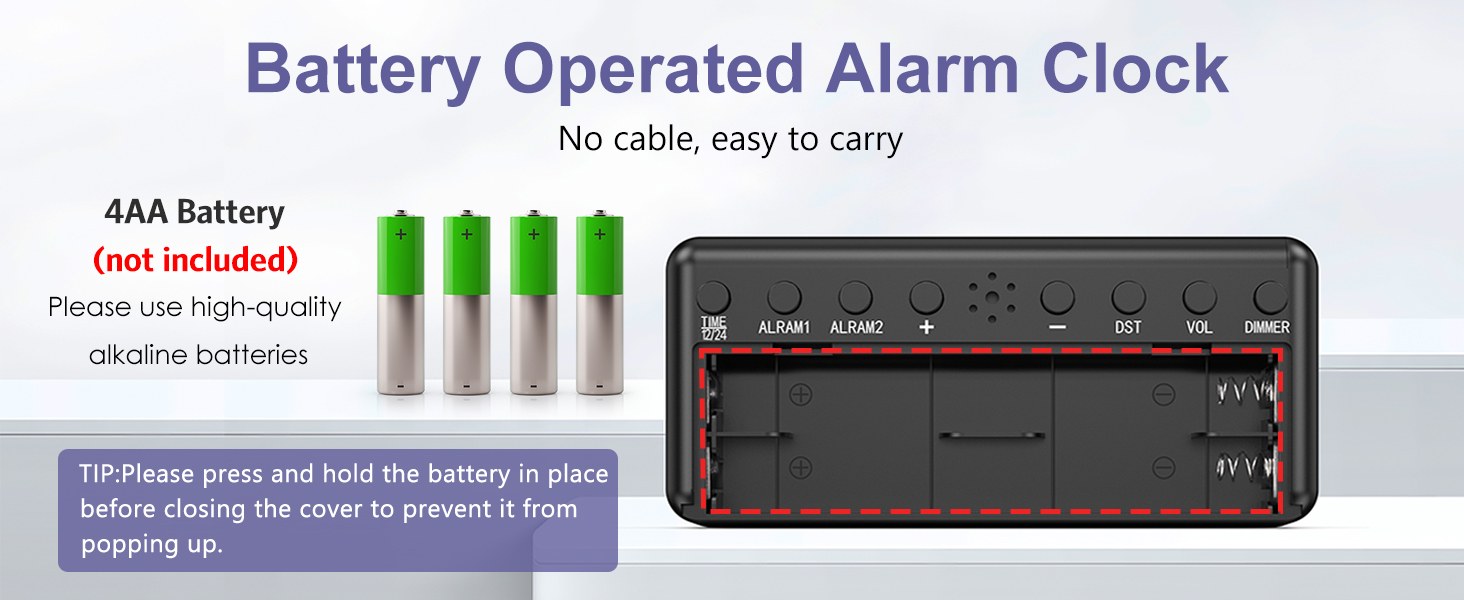
How long does it last with the battery?
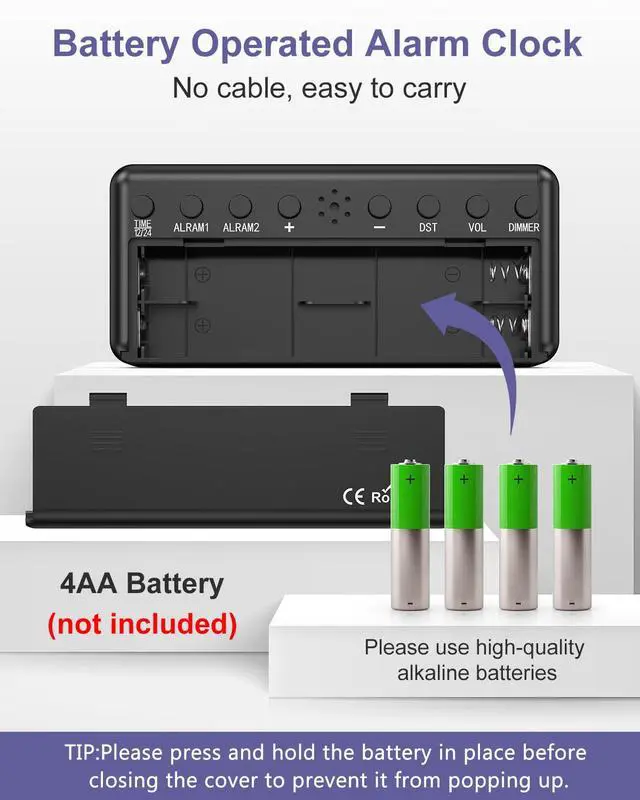
It is powered exclusively by 4 AA batteries and lasts up to a year at the lowest brightness. No network cable required.(battery not provided)
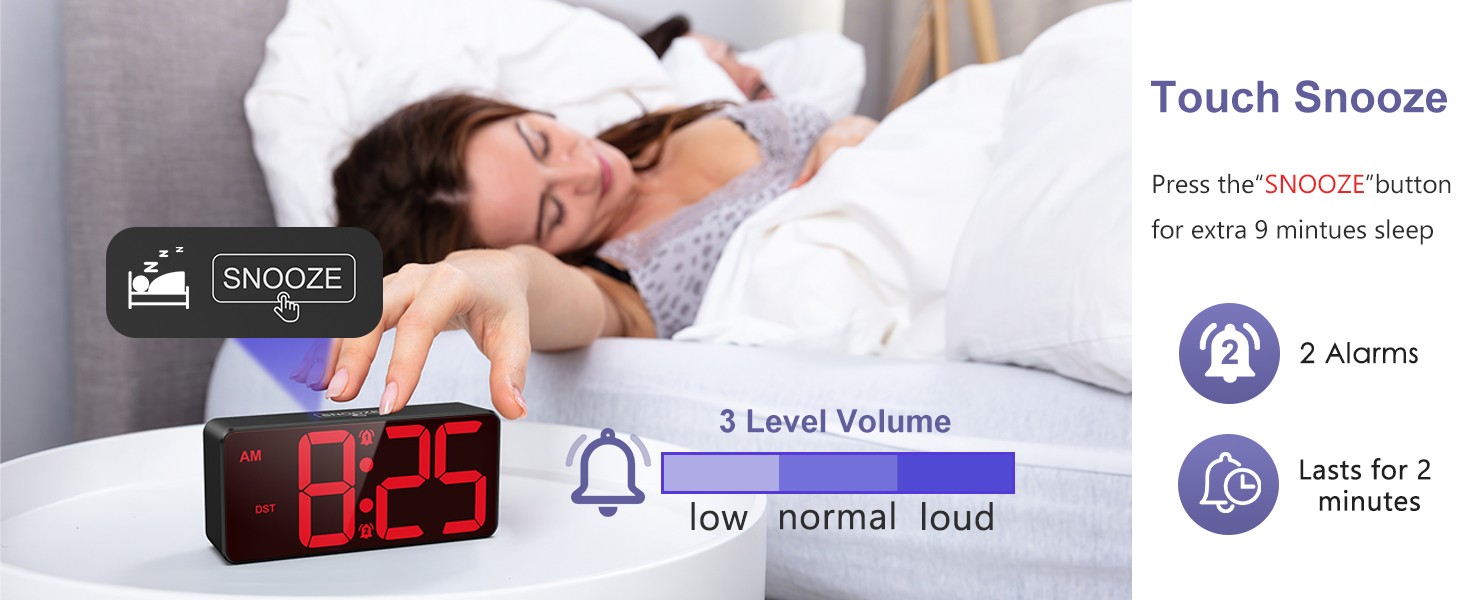
How to use the snooze function of the alarm clock?
When the alarm goes off, touch the top button to enter snooze mode. The snooze icon will flash and sound again after 9 minutes. If you don't turn off the alarm, it will continue to sound for 2 minutes.
How do I snooze an alarm and reset it for the next day?
When the alarm expires, pressing any button (except the snooze button at the top) snoozes the alarm and resets it for the next day.
How to use the brightness function?
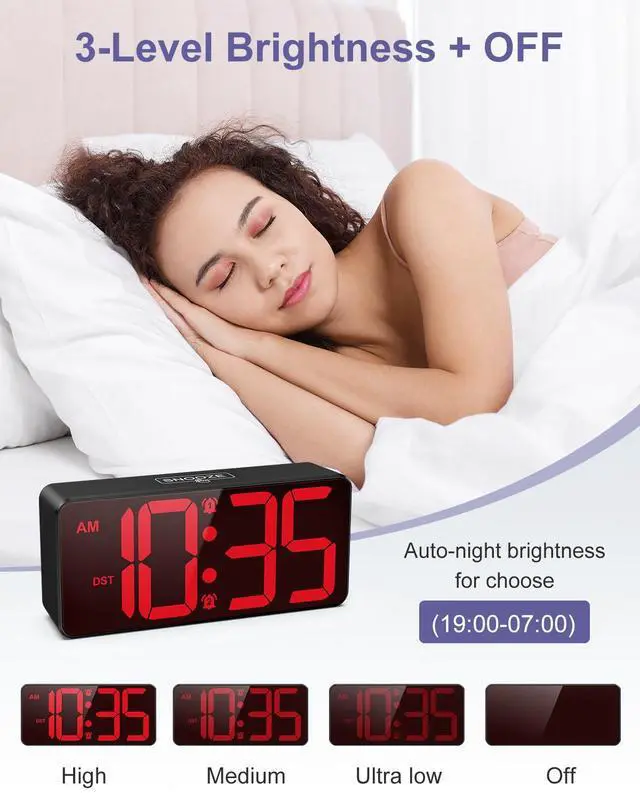
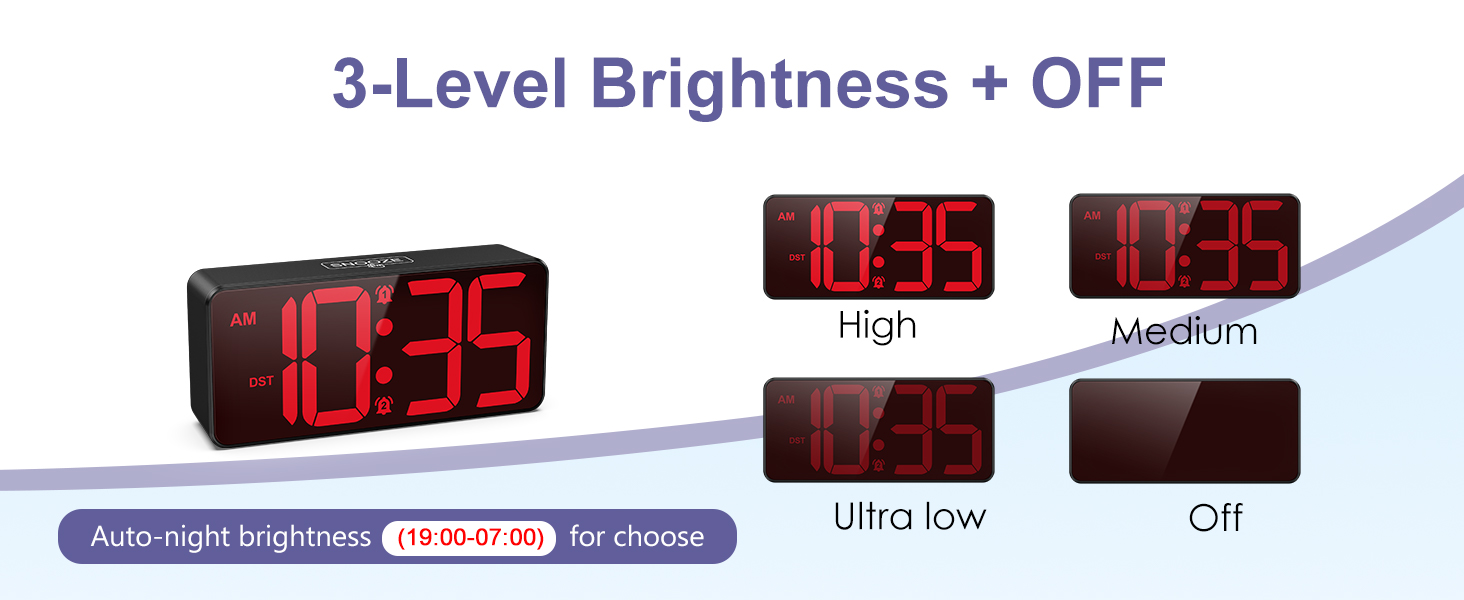
Press DIMMER to switch between 4 brightness levels, you can clearly see the time even with backlight. Turning off the brightness when taking it out can save power.
Long press DIMMER to turn on night brightness and display the moon (7pm - 7am).
12/24h format switchable: Supports one-click switching between 12h (AM/PM) and 24h format to meet the time viewing needs of different users.
One-touch manual DST: DST button activates the time adjustment with one click, and there is no need to reset it.
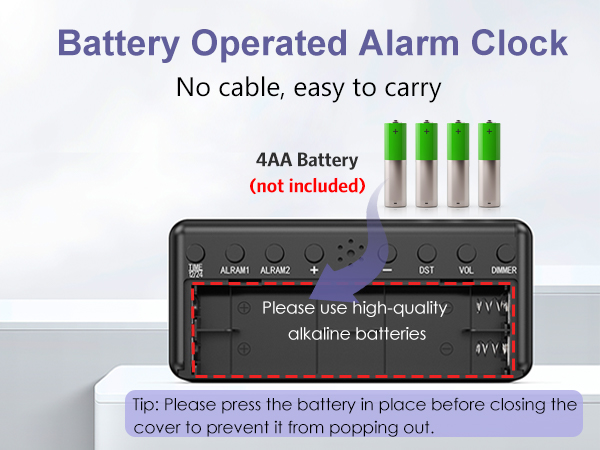
How long does it last with the battery?
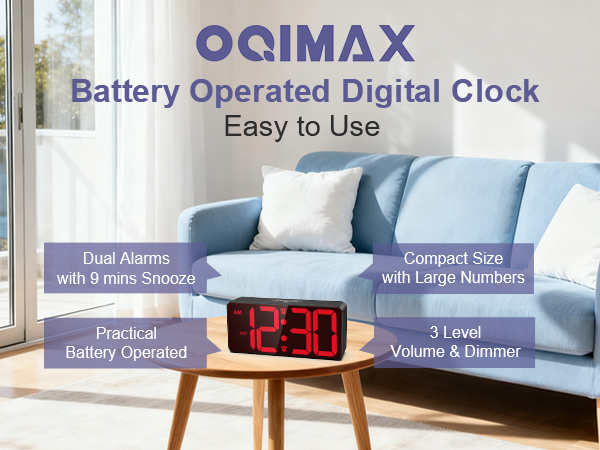
It is powered exclusively by 4 AA batteries and lasts up to a year at the lowest brightness. No network cable required.(battery not provided)
How to use the snooze function of the alarm clock?
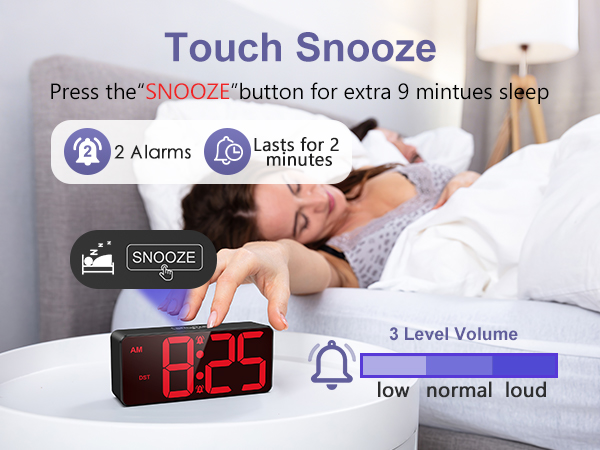
When the alarm goes off, touch the top button to enter snooze mode. The snooze icon will flash and sound again after 9 minutes. If you don't turn off the alarm, it will continue to sound for 2 minutes.
How do I snooze an alarm and reset it for the next day?
When the alarm expires, pressing any button (except the snooze button at the top) snoozes the alarm and resets it for the next day.
How to use the brightness function?
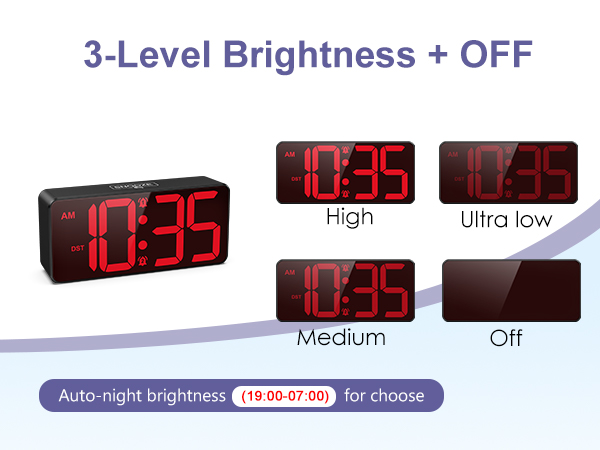
Press DIMMER to switch between 4 brightness levels, you can clearly see the time even with backlight. Turning off the brightness when taking it out can save power.
Long press DIMMER to turn on night brightness and display the moon (7pm - 7am).