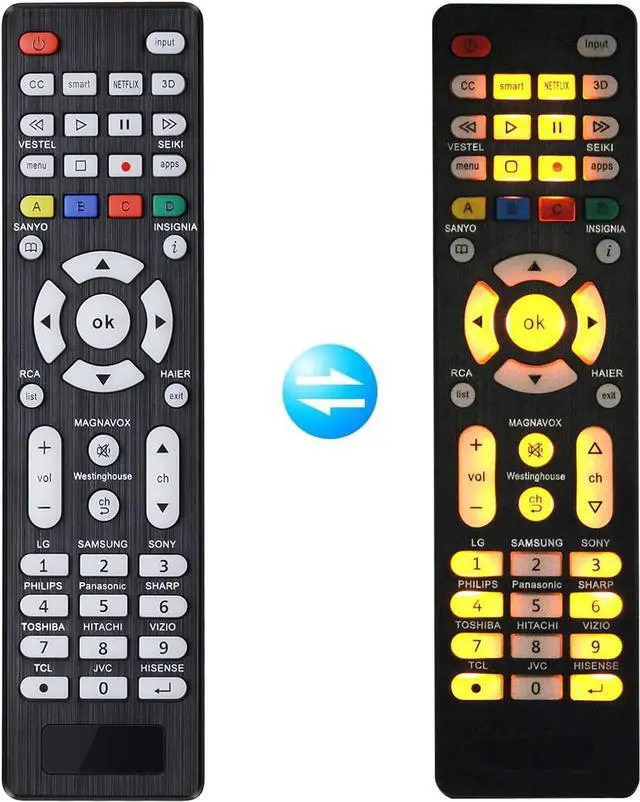
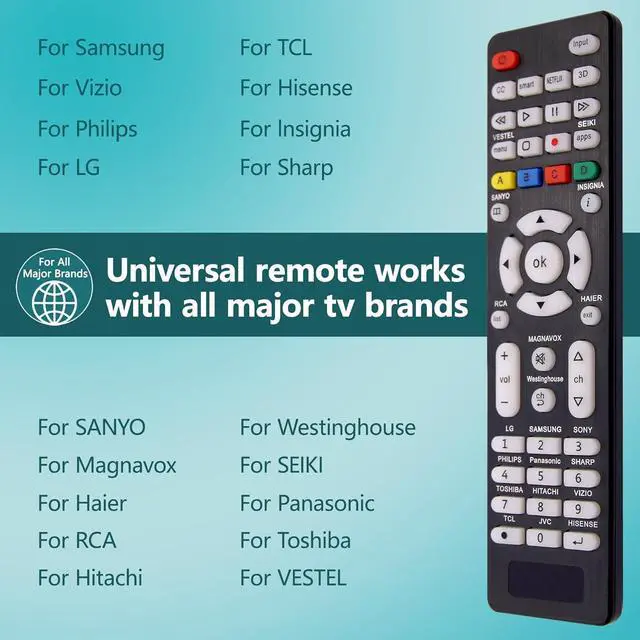
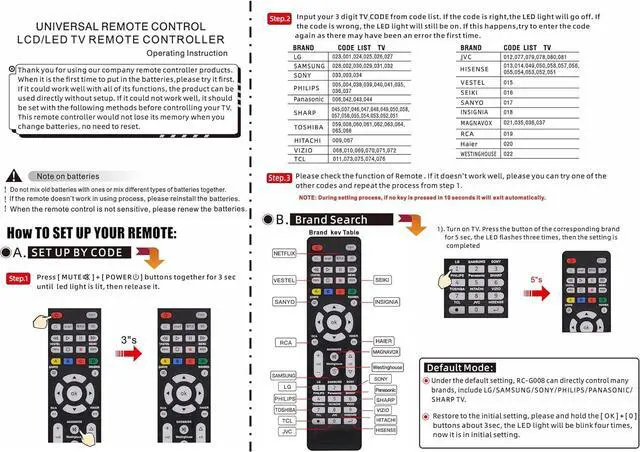
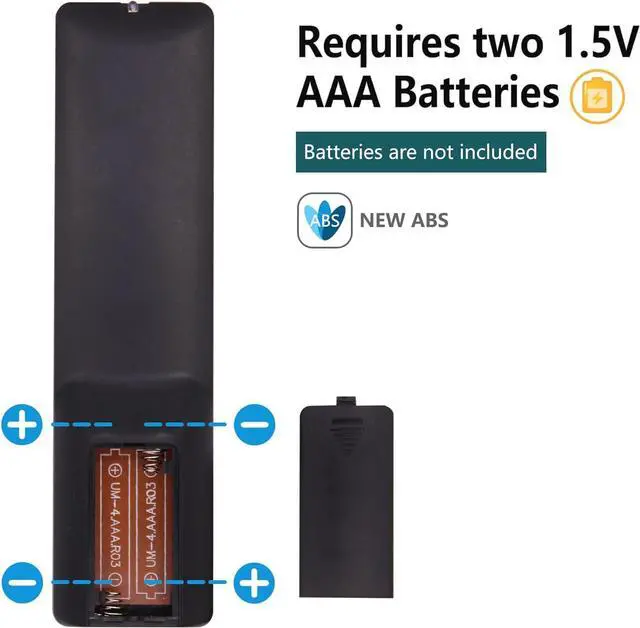
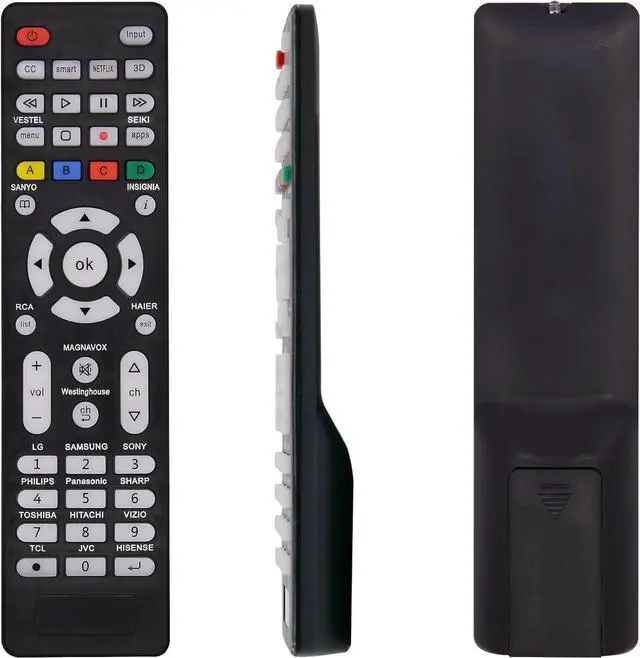
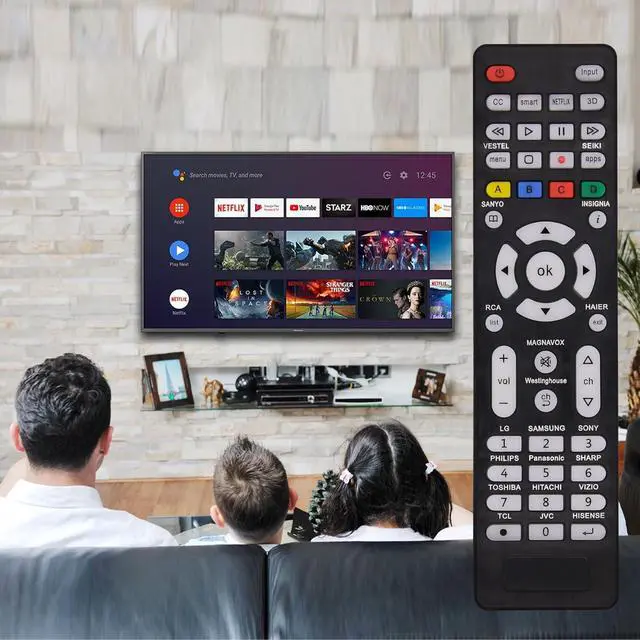
Universal TV Remote & Replace over 16 Brand TV Remote High-quality universal tv remote control works for following tv brands: Samsung LG Sony Sharp Vizio Philips Toshiba Hitachi Sanyo JVC TCL Hisense Vestel Seiki Insignia Magnavox Haier Panasonic and etc. How to SetupUniversal TV Remote directly using for PHILIP SHARP LG SONY SAMSUNG PANASONIC TV;
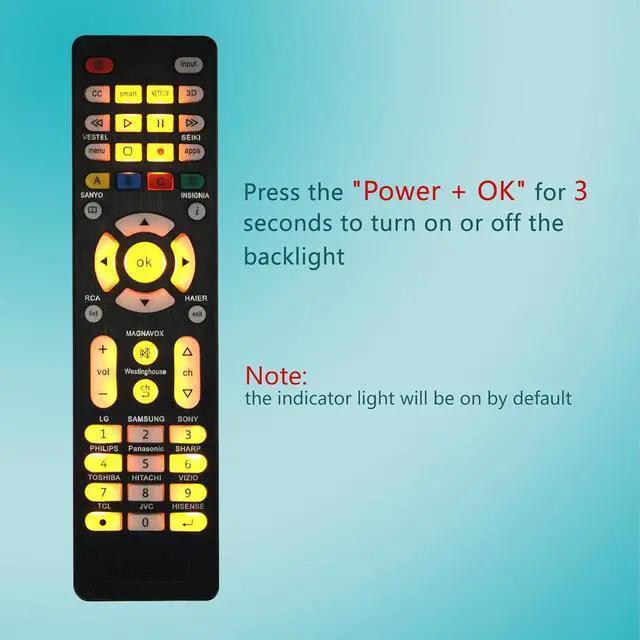
Other Brand Setting: Press MUTE+[POWER buttons together for 3-5 secs until led light lit then release it. Find and input the 3 digit tv brand CODE from code list. If the code is right the LED light will go off. If the code is wrong the LED light will still be on. If this happens If you try the codes on the code list and still can't pair please contact us for more codes. (Including an instruction manual). Backlight FunctionAfter putting the battery the indicator light will be on by default in the initial state press the Power + OKbuttons for 3 seconds at the same time to turn on/off the backlight. Flexible Button with no Delay in PressingEvery universal tv remote control is rigorously checked to ensure that each of them works properly. Our upgraded universal control has a fast transmission response time of 0.2 seconds. 100% CUSTOMER SATISFACTION 100% customer satisfaction with perfect after-sales service. we provide you with instructions or specific steps or other detailed solutions if you have any problem about the model matching please don't hesitate to contact us we will try our best to solve it to your satisfaction.