• $90.99
  • Free 30-day Returns
  • Price alert
    Shop it at NeweggBusiness.

    Meet Your Seller

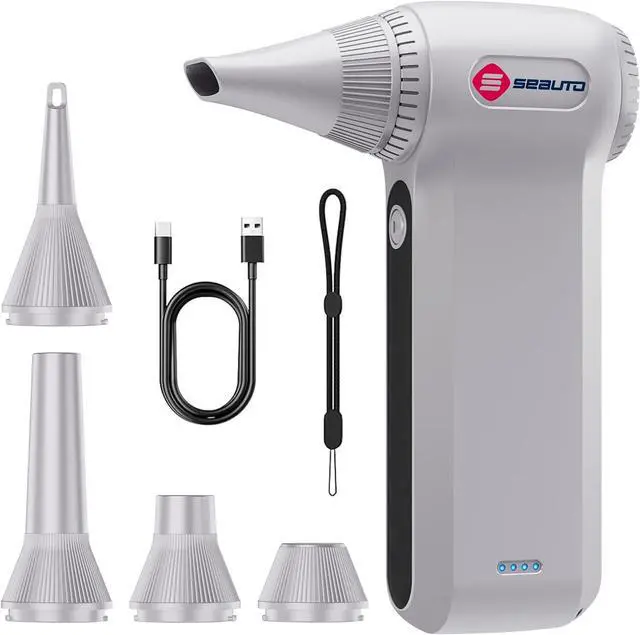
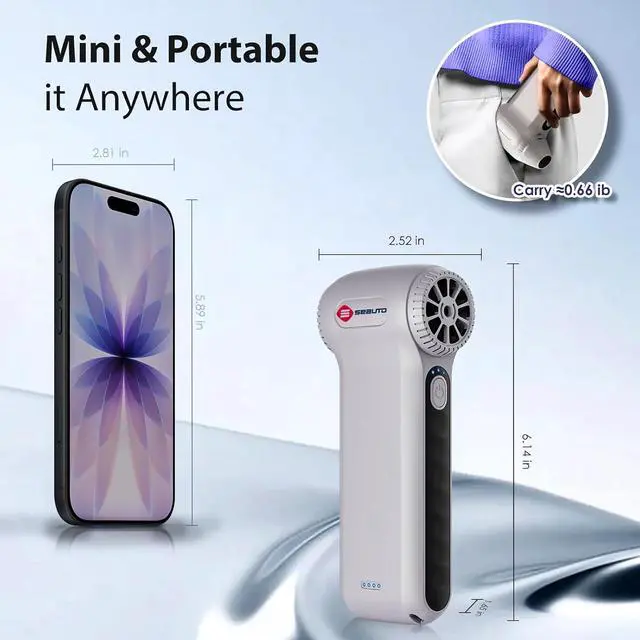
    Seauto Electric Air Duster, 110,000 RPM Brushless Motor, Cordless Compressed Air Can Alternative, 3-Gear Powerful Blower for Computer Keyboard, PC Cleaning,Full-Size Appliance,Car,Home and Outdoor

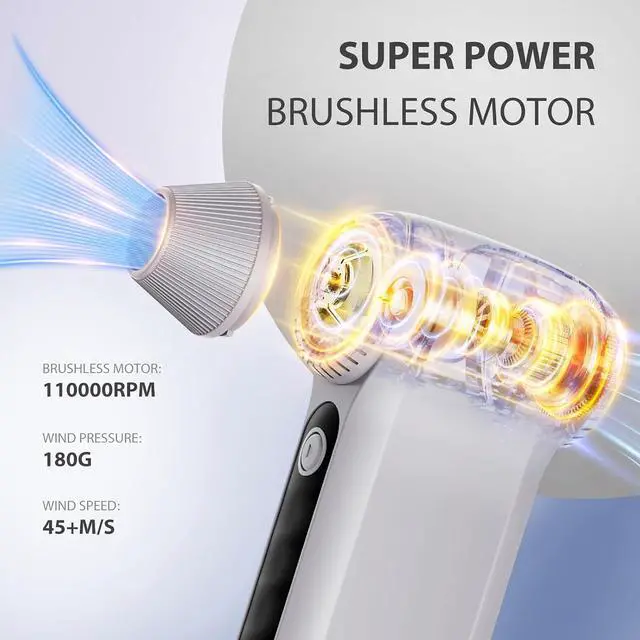
    • Ultra-Powerful 110,000 RPM Airflow Powered by a high-performance brushless motor, this professional air duster generates 45 m/s of intense airflow at 110,000 RPMideal among cleaning tools for removing stubborn dust, debris, and pet hair in seconds. With 3 adjustable speeds, it transitions smoothly from delicate tasks like keyboard cleaner use to heavy-duty HVAC tools applications.
    • Eco-Friendly & Reusable Air Duster Ditch single-use canned air. This rechargeable air blower is built for 500+ uses, offering an eco-conscious and cost-saving alternative for home, office, and workshop. A smarter cleaning tools choice that reduces waste.
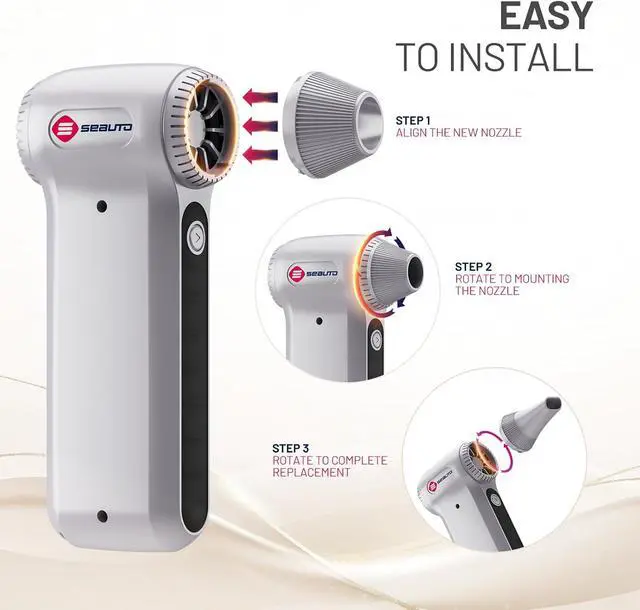
    • 4-in-1 Versatile Cleaning Gadget More than a standard keyboard cleaner, this cordless air duster includes 4 specialized nozzles to handle countless scenariosfrom PCs and car interiors to inflatables and campfires. One of the most adaptable gadgets in modern cleaning tools collections.
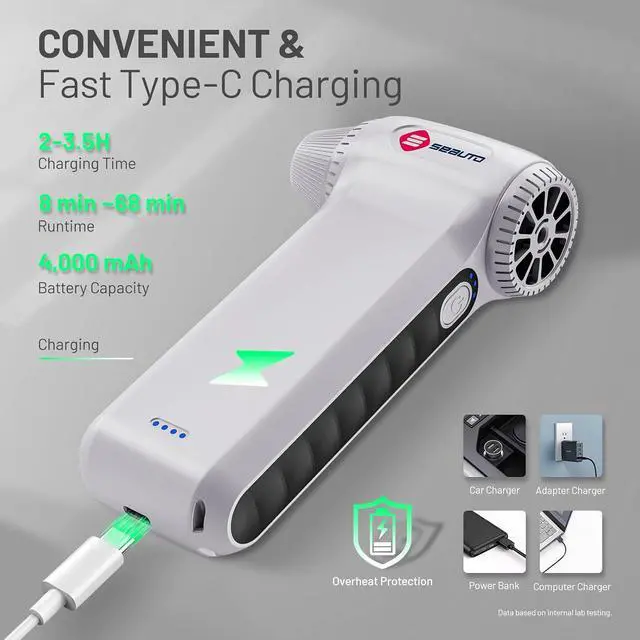
    • Long-Lasting & Fast Type-C Charging Engineered with a
    +
    +
    Overview
    Specs
    Reviews
    avatar

    Any questions? Our AI beta will help you find out quickly.

    1HOME CLEANING2CAR CLEANING3OUTDOOR CLEANING Adjusting Speed & Operation
    Selecting Speed & Operation:
    When powered on (in standby), press the Power button to cycle speed levelsshown by the indicator.
    Press Start/Pause to begin airflow; press again to pause.
    *For the highest speed (3rd gear), press and hold Start/Pause.*

    Battery Indicator Lights
    Charging: Lights flash sequentially.
    Fully Charged: All four lights are solid.
    Low Battery: The first light flashes.

    Important Safety Precautions
    Keep hair, loose clothing, and body parts away from the air intake vent to prevent injury and damage to the device.
    Do not plug in or charge the device while it is in use. Only connect the power cable when the device is turned off.

    Power On & Off
    Adjusting Speed & Operation
    Battery Indicator Lights
    Important Safety Precautions

    Warranty & Returns

    Warranty, Returns, And Additional Information

    Warranty

    • Please contact the Seller directly for warranty information. Warranty information may also be found on the Manufacturer's website.
    • CONTACT

    Return Policies

    Manufacturer Contact Info

    LOADING...