here!
here!
I’m your shopping assistant for PC builds, upgrades, and everything tech.
Got questions? Ask away!
Start a conversation
here!
I’m your shopping assistant for PC builds, upgrades, and everything tech.
Got questions? Ask away!
Start a conversation






Any questions? Ask CelesteSM will help you find out quickly.


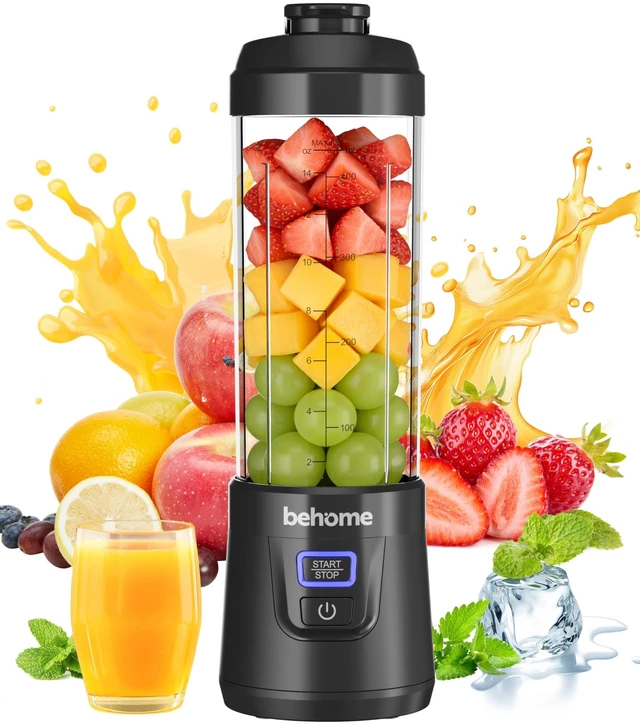
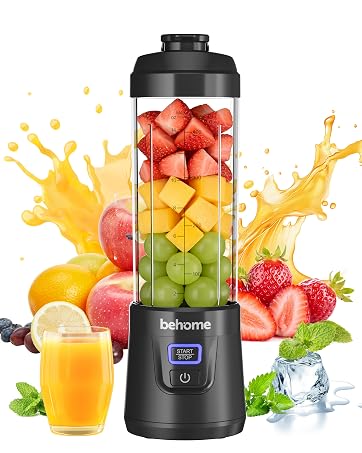
behome was born from a simple wish: make fresh, healthy blending effortless for life on the go. Tired of bulky blenders and messy prep, we crafted a compact, wireless blender with 6-blade power, USB-C charging, and effortless self-cleaning. Letting you enjoy fresh homemade smoothies, juices and nutrition anytime, anywhere.



Why won’t my blender turn on right out of the box?
Please charge the blender before using it for the first time. We recommend charging it for approximately 4 hours to activate the battery. Once it is fully charged, the indicator light will turn blue.
Why won’t the blender start even after it is fully charged?
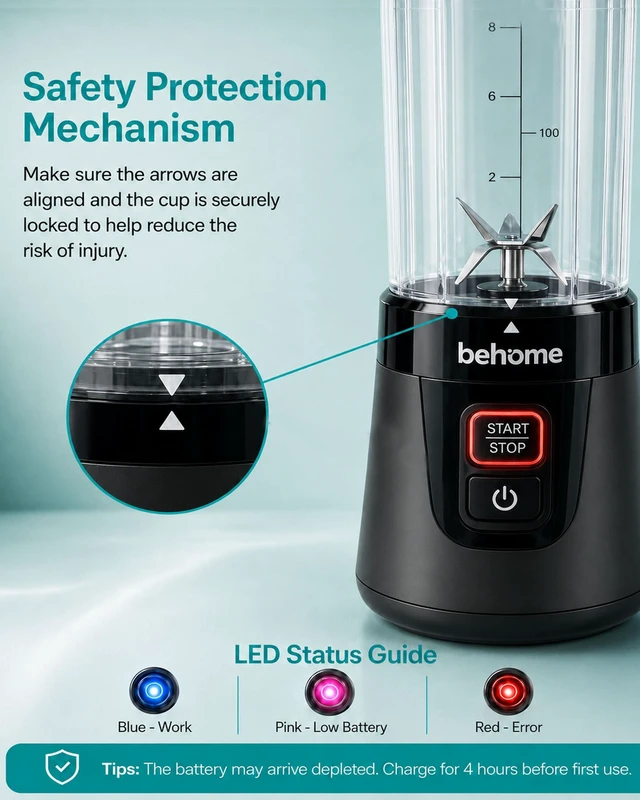
The blender features a built-in safety lock. Make sure the bottle is securely tightened onto the motor base and that the arrows on the bottle and base are properly aligned. The blender will only operate when both arrows line up.
What should I do if the blades stop spinning while blending?
Cut fruit into small pieces before blending, as large chunks may become lodged around the blades. If the blades stop, turn off the blender and gently shake it to reposition the ingredients. Then restart it to continue blending until smooth.
What do the indicator light colors mean?
Solid Blue: Ready to use or operating normally. Flashing Pink: Low battery—please recharge the blender. Red: An error has occurred and the blender cannot operate.
Refer to the troubleshooting section in the user manual for the appropriate solution.




behome was born from a simple wish: make fresh, healthy blending effortless for life on the go. Tired of bulky blenders and messy prep, we crafted a compact, wireless blender with 6-blade power, USB-C charging, and effortless self-cleaning. Letting you enjoy fresh homemade smoothies, juices and nutrition anytime, anywhere.

Why won’t my blender turn on right out of the box?
Please charge the blender before using it for the first time. We recommend charging it for approximately 4 hours to activate the battery. Once it is fully charged, the indicator light will turn blue.
Why won’t the blender start even after it is fully charged?
The blender features a built-in safety lock. Make sure the bottle is securely tightened onto the motor base and that the arrows on the bottle and base are properly aligned. The blender will only operate when both arrows line up.
What should I do if the blades stop spinning while blending?
Cut fruit into small pieces before blending, as large chunks may become lodged around the blades. If the blades stop, turn off the blender and gently shake it to reposition the ingredients. Then restart it to continue blending until smooth.
What do the indicator light colors mean?
Solid Blue: Ready to use or operating normally. Flashing Pink: Low battery—please recharge the blender. Red: An error has occurred and the blender cannot operate.
Refer to the troubleshooting section in the user manual for the appropriate solution.