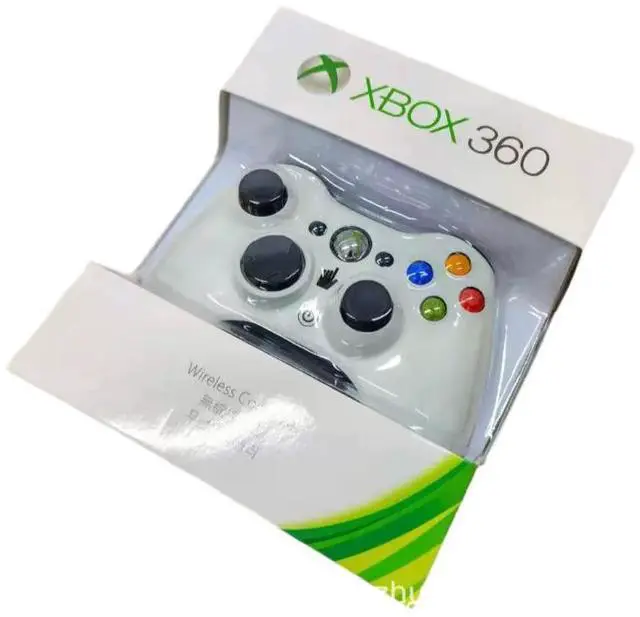
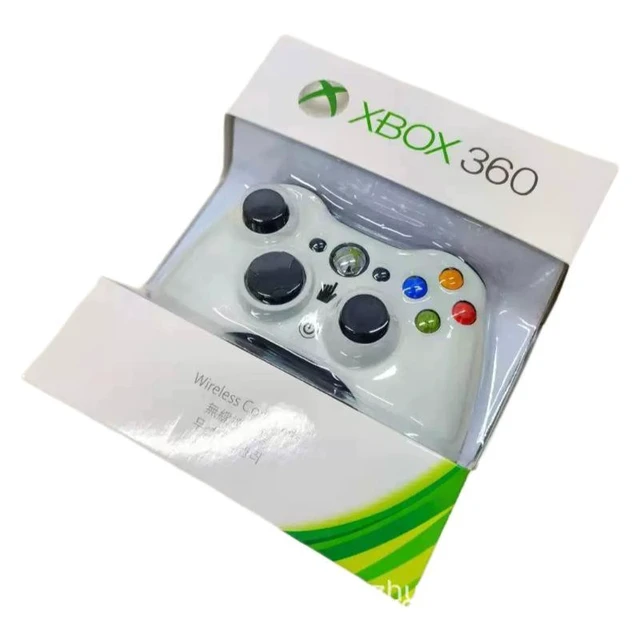
- 2.4GHz Wireless Technology: Operates on 2.4GHz wireless with an effective range of about 30 feet.
- Live Headset Microphone Interface: Provides a Live headset microphone interface for voice communication.
- Force Feedback Vibration: Supports force feedback vibration; you can choose to turn it off to save battery power.
- Multi-Controller Connection: Each Xbox 360 console can connect up to four wireless controllers.
- Compatible with Microsoft Rechargeable Battery Pack: Works with the rechargeable battery pack released by Microsoft.
- Play While Charging: Can be connected to a USB rechargeable battery kit, allowing you to play games while charging.
- Vibration Control: The vibration function can be set to full speed, moderate, low level, or turned off according to personal preference.
- Xbox Navigation Button: The "Xbox Navigation Button" located in the center of the controller enables quick access to favorite Xbox 360 system activities, such as watching movies, listening to music, communicating with friends on Xbox Live, and personalizing your gaming experience. It provides a convenient way to switch between Xbox player guidance and the Xbox Live marketplace.
Learn more about the 2.4G Wireless Gamepad Compatible with 360 Console/PC, Third-Party Replacement Controller with Dual Vibration & Headset Jack (White)
Model| Type | Controllers |
|---|
| Name | 2.4G Wireless Gamepad Compatible with 360 Console/PC, Third-Party Replacement Controller with Dual Vibration & Headset Jack (White) |
|---|
Features| Features | Dual Vibration & Headset Jack |
|---|
Additional Information| First Listed on Newegg | September 15, 2026 |
|---|
Customer Reviews of 2.4G Wireless Gamepad Compatible with 360 Console/PC, Third-Party Replacement Controller with Dual Vibration & Headset Jack (White)





 here!
here!