



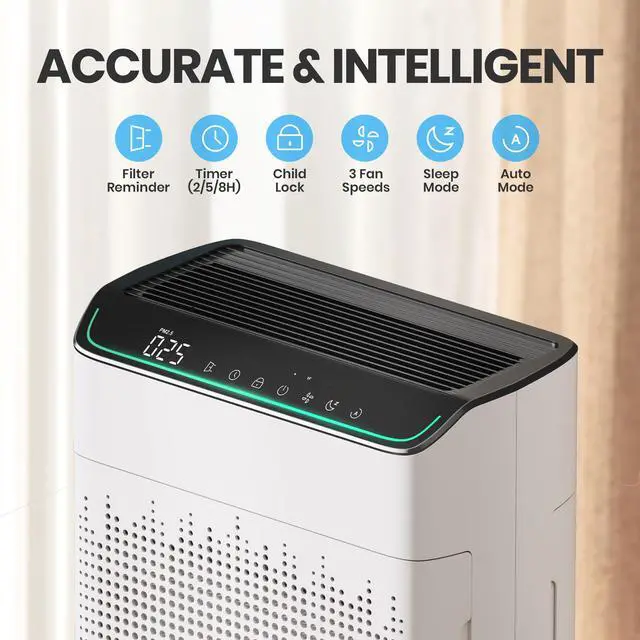


My FN5866 air purifier changes settings on its own while running. What could be causing this, and how can I resolve it?
Your FN5866 might change modes by itself due to accidental entry into engineering mode.
Fix: Unplug for 10 seconds, then restart. This resolves it for older units; newer ones are already fixed.
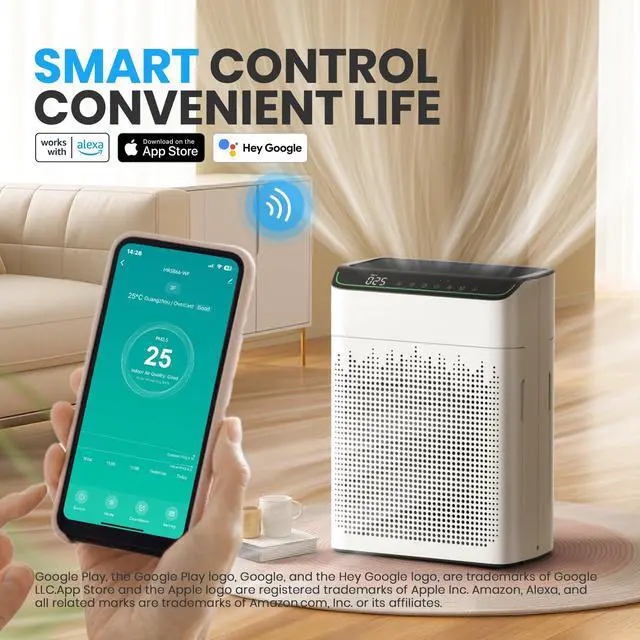
My FN5866 won't connect to Wi-Fi or the app. Why is this happening and how do I fix it?
FN5866 connection issues often stem from 5GHz Wi-Fi (must use 2.4GHz), weak signal, or accidental engineering mode. Fix by switching to 2.4GHz Wi-Fi, enabling phone Bluetooth, and restarting the purifier to retry setup.


At FLANUR, we believe that homes should be sanctuaries of comfort, safety, and innovation. Our mission has revolved around merging technology with family well-being, creating products that empower you to live better. When you join the FLANUR, you're part of a movement to reimagine what a home can be: a place where technology serves people. Every FLANUR product delivers: innovation that cares, design that lasts, and a healthier home for you.
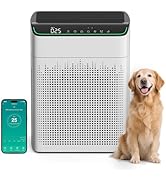
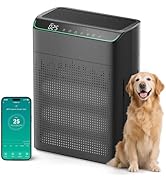
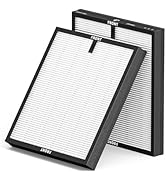
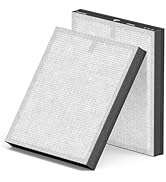
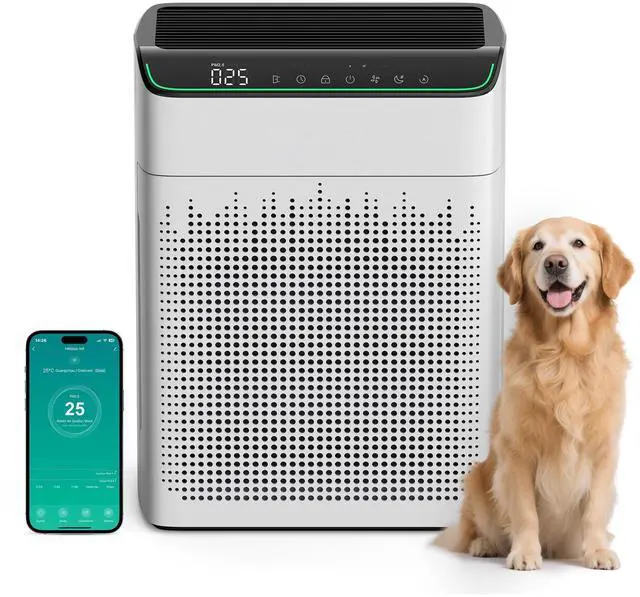
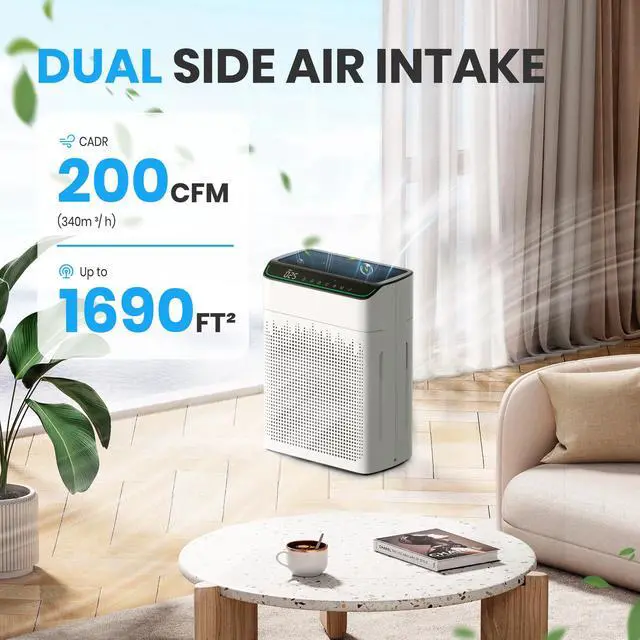
MR5866 Air Purifier & Filters
At FLANUR, we believe that homes should be sanctuaries of comfort, safety, and innovation. Our mission has revolved around merging technology with family well-being, creating products that empower you to live better. When you join the FLANUR, you're part of a movement to reimagine what a home can be: a place where technology serves people. Every FLANUR product delivers: innovation that cares, design that lasts, and a healthier home for you.
MR5866 Air Purifier & Filters


My FN5866 air purifier changes settings on its own while running. What could be causing this, and how can I resolve it?
Your FN5866 might change modes by itself due to accidental entry into engineering mode.
Fix: Unplug for 10 seconds, then restart. This resolves it for older units; newer ones are already fixed.
My FN5866 won't connect to Wi-Fi or the app. Why is this happening and how do I fix it?
FN5866 connection issues often stem from 5GHz Wi-Fi (must use 2.4GHz), weak signal, or accidental engineering mode. Fix by switching to 2.4GHz Wi-Fi, enabling phone Bluetooth, and restarting the purifier to retry setup.