

Your Browsing History

Meet Your Seller

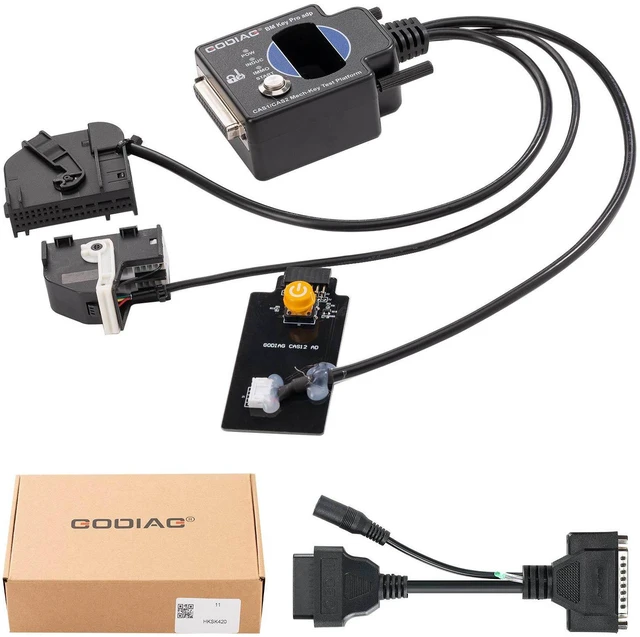
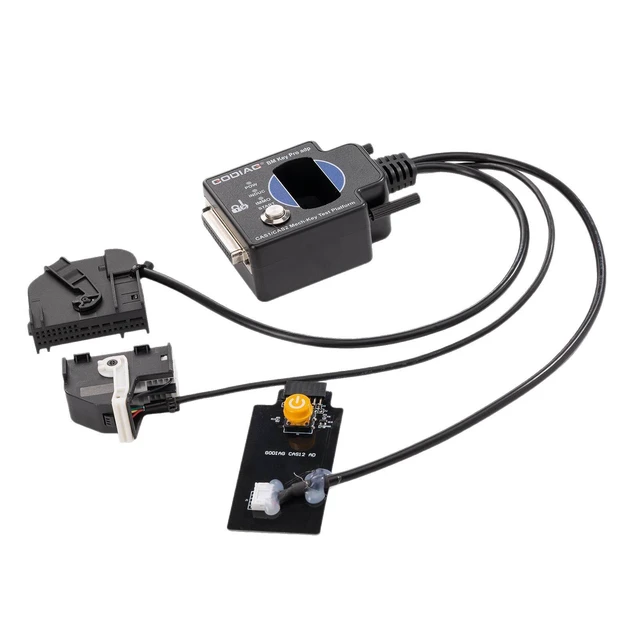
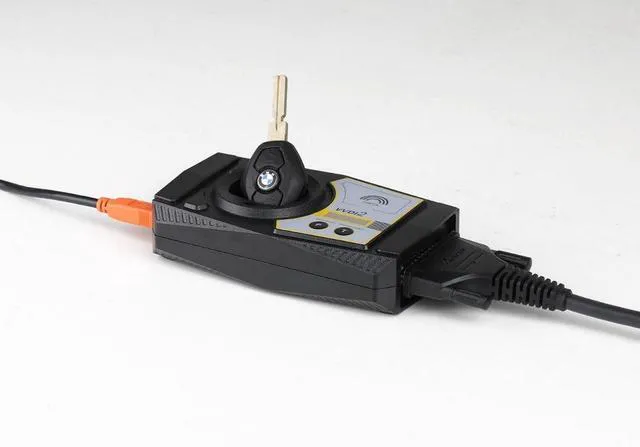


GODIAG BMW CAS1/CAS2 Mech-Key Test Platform Detect CAS & Key Synchronization Solder-free Matching CAS Data Read, Write and Program
- GODIAG BMW CAS1/CAS2 Mech-Key Test Platform is a dedicated device developed for BMW locksmiths, maintenance engineers and CAS1 / CAS2 programming engineers. It can cooperate with the key programming devices like Xhorse Key Tool Plus Pad / Xhorse vvdi 2 / bmw vvdi bim tool / Autel im608 / CGDI BMW / Lonsdor devices, OBDSTAR devices, etc., to perform all key lost matching or key addition operations. Please note that this product is only suitable for mechanical keys.
- Note: GODIAG BMW CAS1/CAS2 Mech-Key Test Platform does not support semi-intelligent smart key CAS2 and cannot be used with diagnostic equipment or with GT100, GT100+. If necessary, please purchase a semi-intelligent smart key detection platform for the semi-intelligent smart key CAS2.
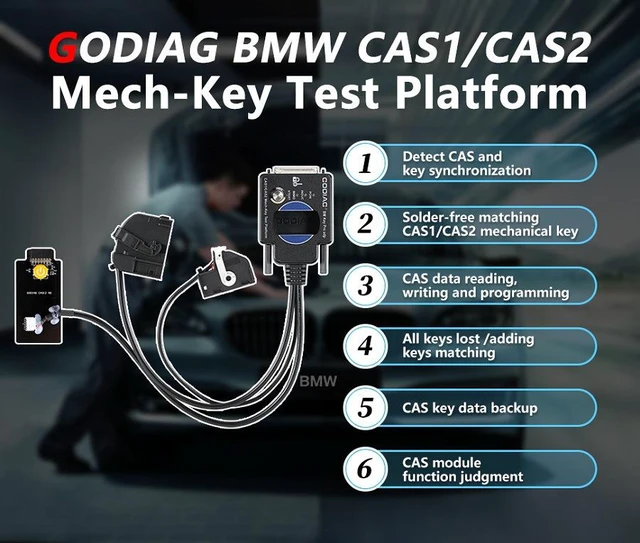
- Product Features:
- 1. Detect CAS and key synchronization
- 2. Solder-free matching CAS1/CAS2 mechanical key
- 3. CAS data reading, writing and programming
- 4. All keys lost /adding keys matching
- 5. CAS key data backup
- 6. CAS module function judgment
+
+
Overview
Specs
Reviews

Any questions? Our AI mode will help you find out quickly.
Try me now
2.Cooperate with the key programming devices like Xhorse Key Tool Plus Pad / Xhorse vvdi 2 / bmw vvdi bim tool / Autel im608 / CGDI BMW / Lonsdor devices, OBDSTAR devices, etc., to perform all key lost matching or key addition operations.
3.CAS1/CAS2 module diagnostics
4.CAS1 / CAS2 module programming
Synchronous detection of module and key:
Check whether the CAS2 module and mechanical key can be synchronized:
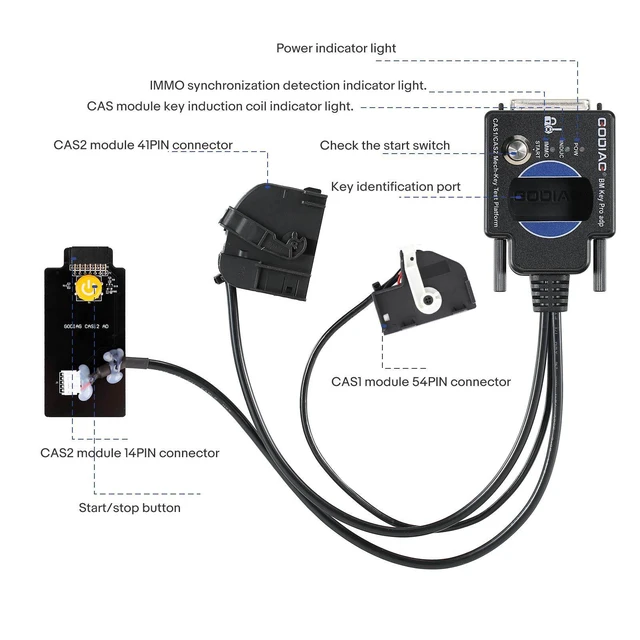
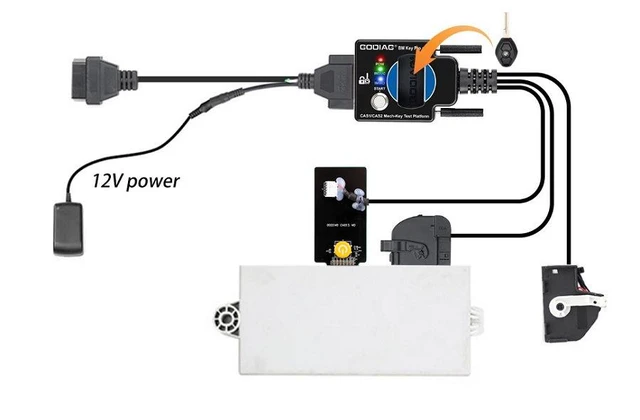
Step 1: Connect the CAS2 module according to the connection diagram
Step 2: Put the key into the key sensing area
Step 3: Connect the power supply.
Step 4: Press the start switch (press the start switch once to turn on the CAS power and automatically detect whether the key and CAS are synchronized, press it again to turn off the CAS power and turn off the detection).
Synchronization judgment method: when the detection start switch is pressed, the Power indicator light will light up. If the key is synchronized with CAS2, the CAS module key induction coil indicator light will flash regularly. If it is an unsynchronized key, the key induction coil indicator light will only flash quickly for 2 seconds. [If the key is synchronized with the CAS module, the IMMO synchronization detection indicator light will light up and the internal buzzer of the machine will sound. If the key is not synchronized with the CAS module, the IMMO synchronization detection indicator light will not light up and the internal buzzer of the machine will not sound.]
Step 5: Press and hold the analog start/stop button, the IMMO synchronization detection indicator light will go out after 3 seconds. The INDUC sensor indicator light also goes out. After releasing, the IMMO synchronization detection indicator light will light up. The INDUC sensor indicator light flashes.
CAS1 module and key synchronization detection:
1.Connect the device according to the connection diagram. Please use 12V 2.5A for power supply, otherwise the CAS1 module cannot be driven. [Do not connect the CAS2 module]
2.Press the start switch [you can see the START-STOP indicator light on the CAS lights up]
3.Insert the key into CAS1
4.Press the CAS1 key. If the key is synchronized with the CAS1 module, the CAS1 key will be locked. It will automatically exits if the key is not synchronized.
CAS2 mechanical key module key programming and module programming identification diagnostic connection demonstration:
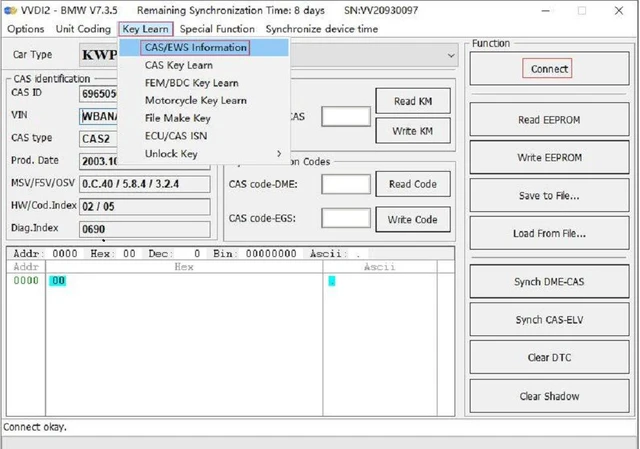
The following uses Xhorse vvdi2 device to perform BMW CAS2 mechanical key programming and matching operations:
1.Connect the CAS2 mechanical key module and key programming diagnostic equipment according to the connection diagram. Press the start button to provide power to CAS2.
Warranty & Returns
Warranty, Returns, And Additional Information
Warranty
- Please contact the Seller directly for warranty information. Warranty information may also be found on the Manufacturer's website.
- CONTACT
Return Policies
- Return for refund within: 30 days
- Return for replacement within: 30 days
- This item is covered by Nexlly Return Policy
Manufacturer Contact Info
- For a directory of all our manufacturers, please click below.
- Manufacturers Directory
LOADING...