Description: Please visit the official web site:
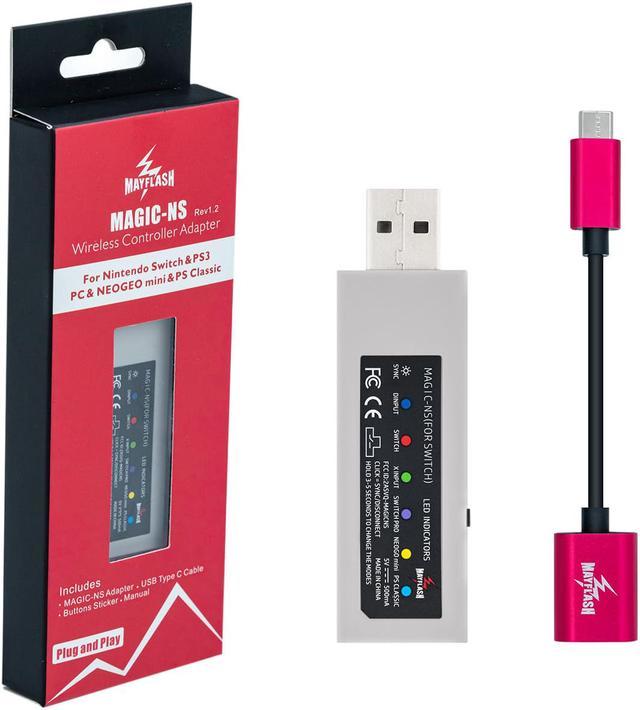
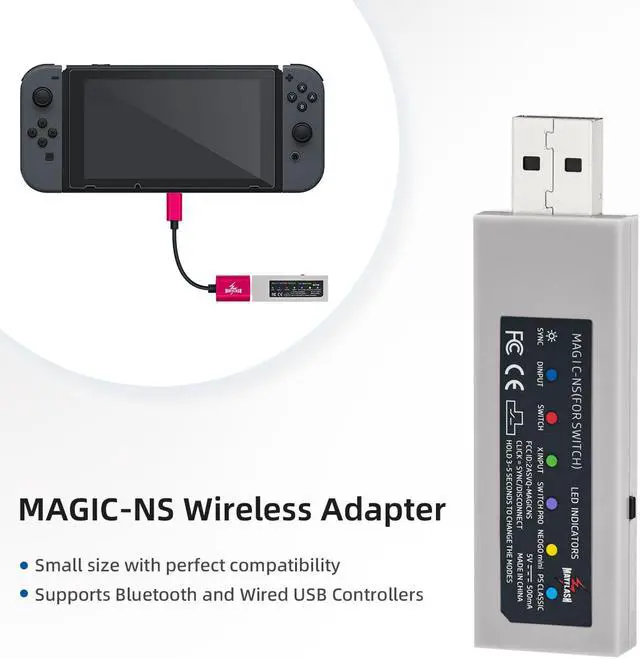
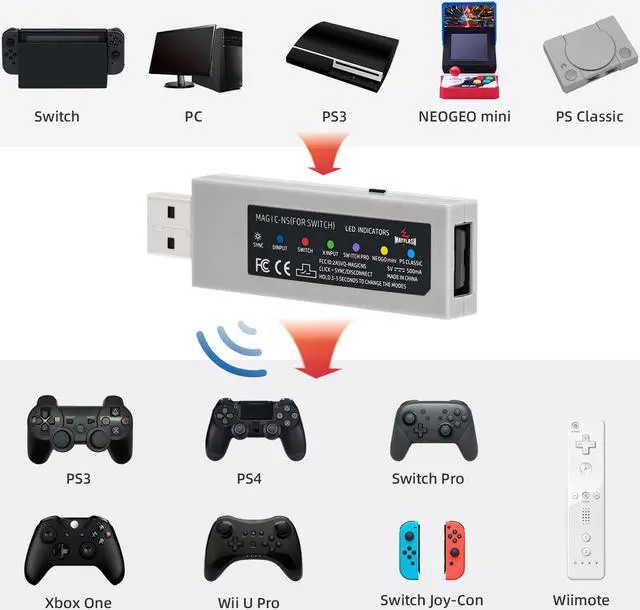
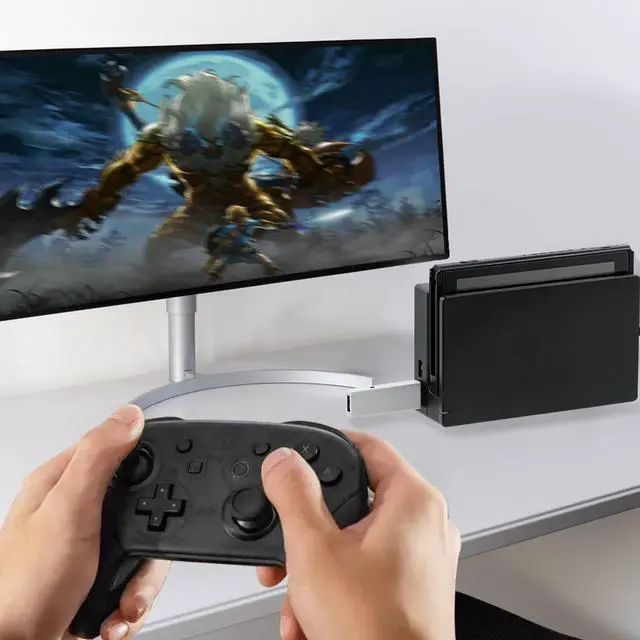
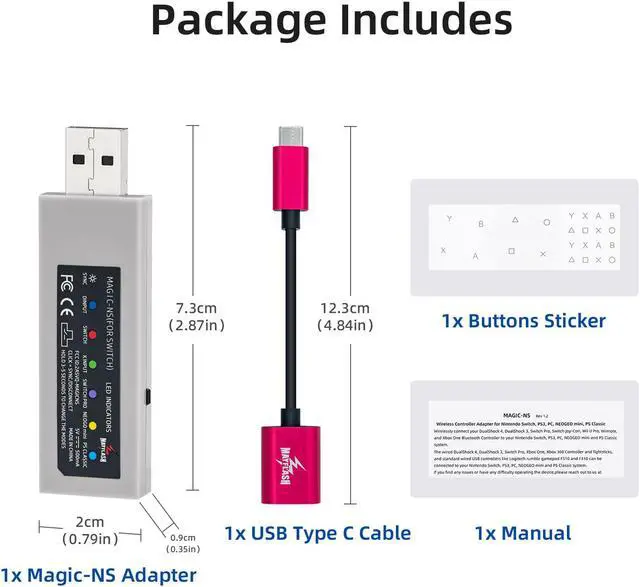
http: //www. mayflash. com/Support/Download/ and check about the new update firmware occasionally because the support team will release firmware to enhance the product. New version 1.1 - comes with a USB-C to Female USB cable. MAGIC-NS Wireless Controller Adapter for NINTENDO SWITCH and PC - Wirelessly connect your PS4, PS3, Nintendo Switch Pro, Nintendo Switch Joy-Con, Wii U Pro, and Xbox One S Bluetooth controllers to your Nintendo Switch, PS3 or PC system. Compatible with the Xbox 360 wireless controller by a Xbox 360 dongle - The wired PS4, PS3, Nintendo Switch Pro, Xbox One, Xbox One S, Xbox 360 controllers and fight sticks, and standard wired USB controllers can be connected to your Nintendo Switch, PS3 and PC system. - Small size with perfect compatibility. - Plug and Play! Quick Start Guide Buttons and LED Indicators 1.
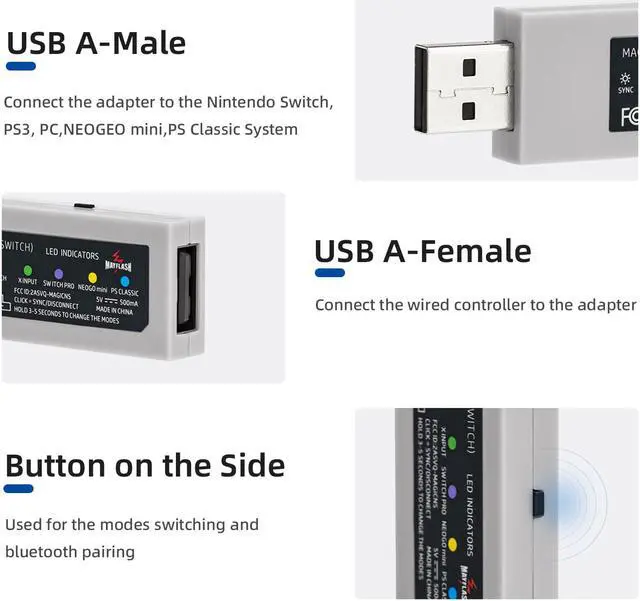
USB A-Male: Connect the adapter to the Nintendo Switch, PS3 or PC system. 2.
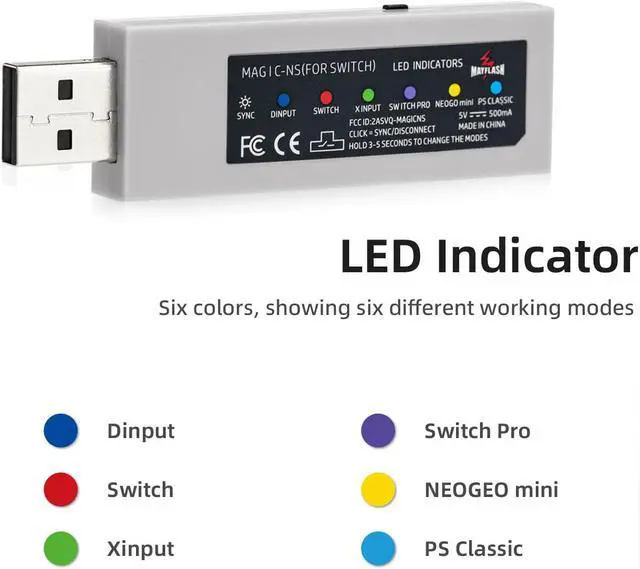
USB A-Female: Connect the wired PS4, PS3, Nintendo Switch Pro, Xbox One, Xbox One S, Xbox 360 controllers and fight sticks, and standard wired USB controllers to the adapter. 3. LED Indicators -LED
Indicator in Blue: PS3 or PC Dinput System mode
LED Indicator blinks slowly: The Bluetooth is not connected yet
LED Indicator blinks quickly: The Bluetooth is syncing
LED Indicator lights up: The Bluetooth has been paired -LED
Indicator in Red: Nintendo Switch System mode
LED Indicator blinks slowly: The Bluetooth is not connected yet
LED Indicator blinks quickly: The Bluetooth is syncing
LED Indicator lights up: The Bluetooth has been paired -LED
Indicator in Green: PC Xinput System mode
LED Indicator blinks slowly: The Bluetooth is not connected yet
LED Indicator blinks quickly: The Bluetooth is syncing
LED Indicator lights up: The Bluetooth has been paired
Note: The Bluetooth is not connected yet if LED Indicators blink slowly (around 2 times/second). 4. Button on the side of the adapter: Used for the modes switch and Bluetooth pairing. - Press the button shortly to SYNC the controllers and the adapter. The indicator blinks quickly. - To switch the modes, press and hold the button on the side of the adapter for 3-5 seconds. The LED indicator blinks slowly in blue for the PS3 or PC Dinput system mode, the Nintendo Switch mode is red and the PC Xinput mode is green. Bluetooth Controllers Set Up 1. Firstly connect the Nintendo Switch system to a TV. Just turn on your PC if you use the adapter on your PC system. 2. Connect the adapter into any spare USB port on your Nintendo Switch or PC system. 3. To switch the modes, press and hold the button on the side of the adapter for 3-5 seconds. The LED ind





 here!
here!