





Are you suffering the hassel of wired CarPlay , overheating cellphone , messy cables , and can't auto-connect ?
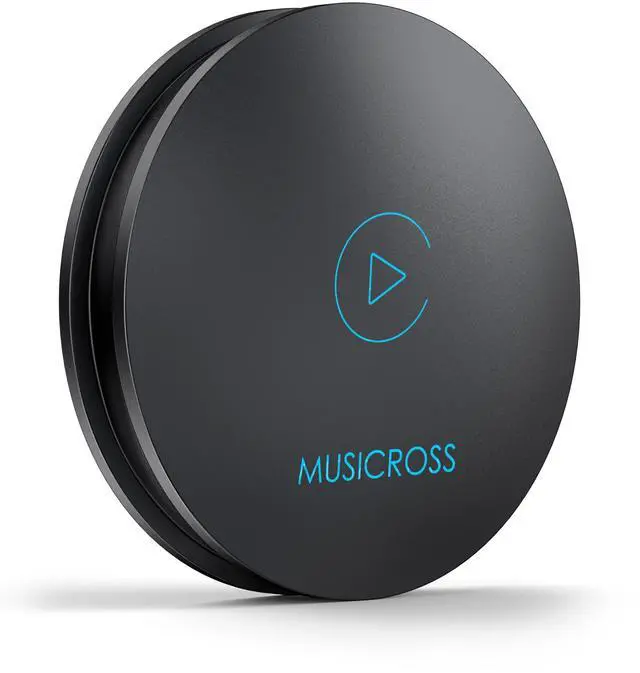
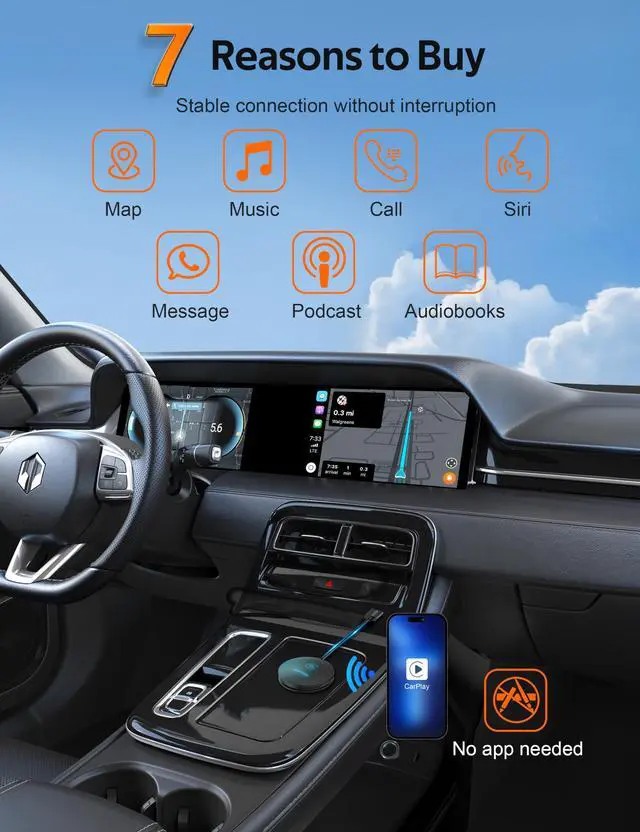
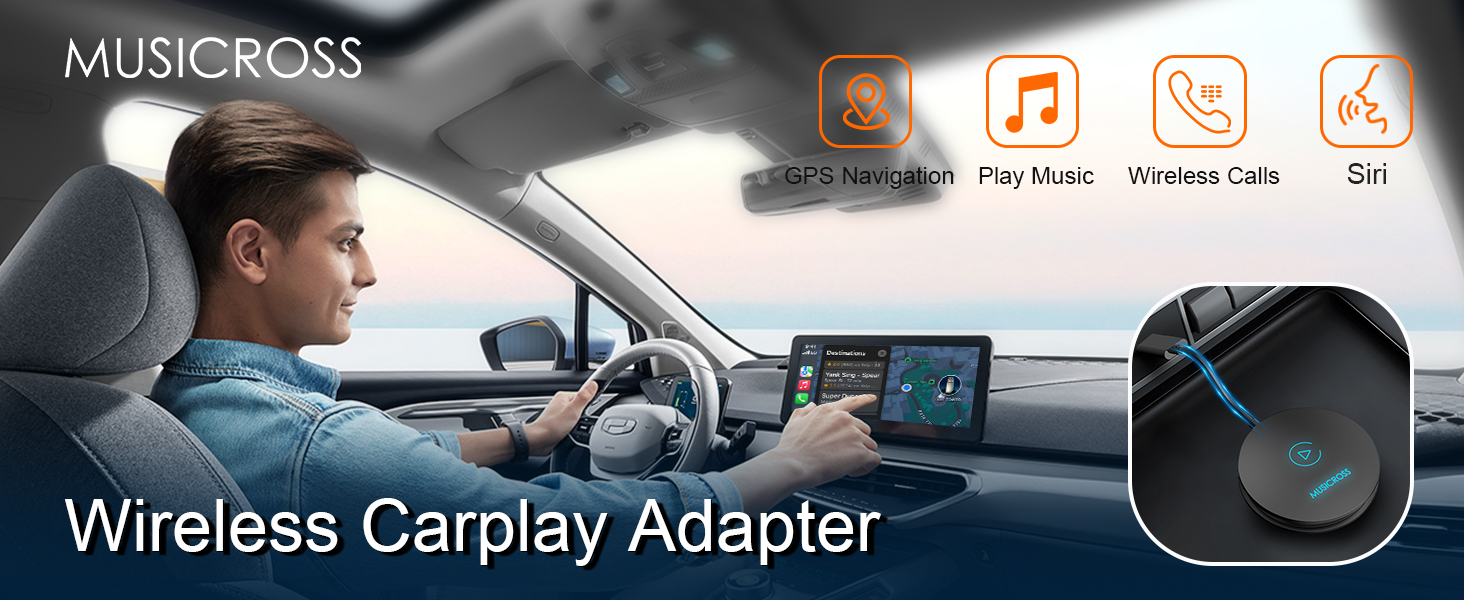
MUSICROSS wireless CarPlay adapter , easy setup & low delay , No app NO drive needed, you'll be able to enjoy all the features of wireless CarPlay , upgrade your driving experience today !
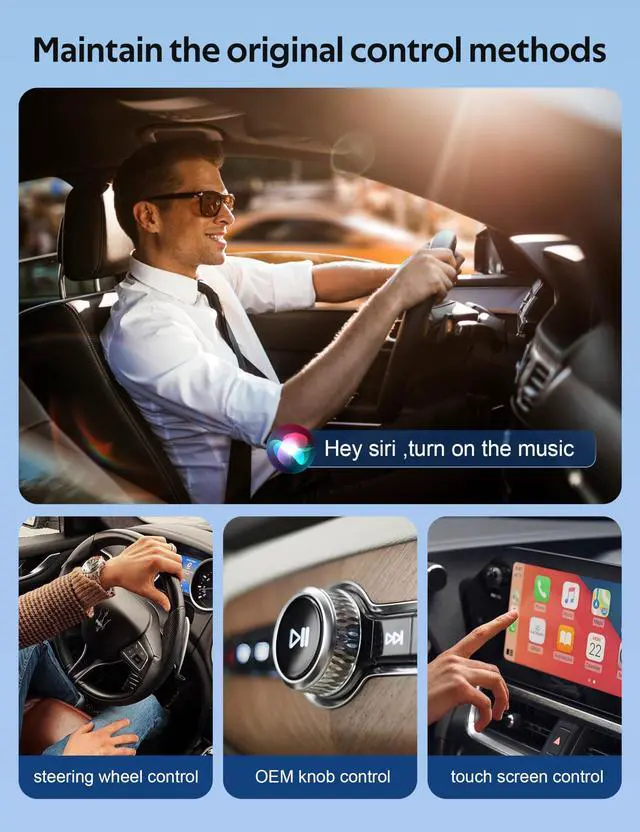
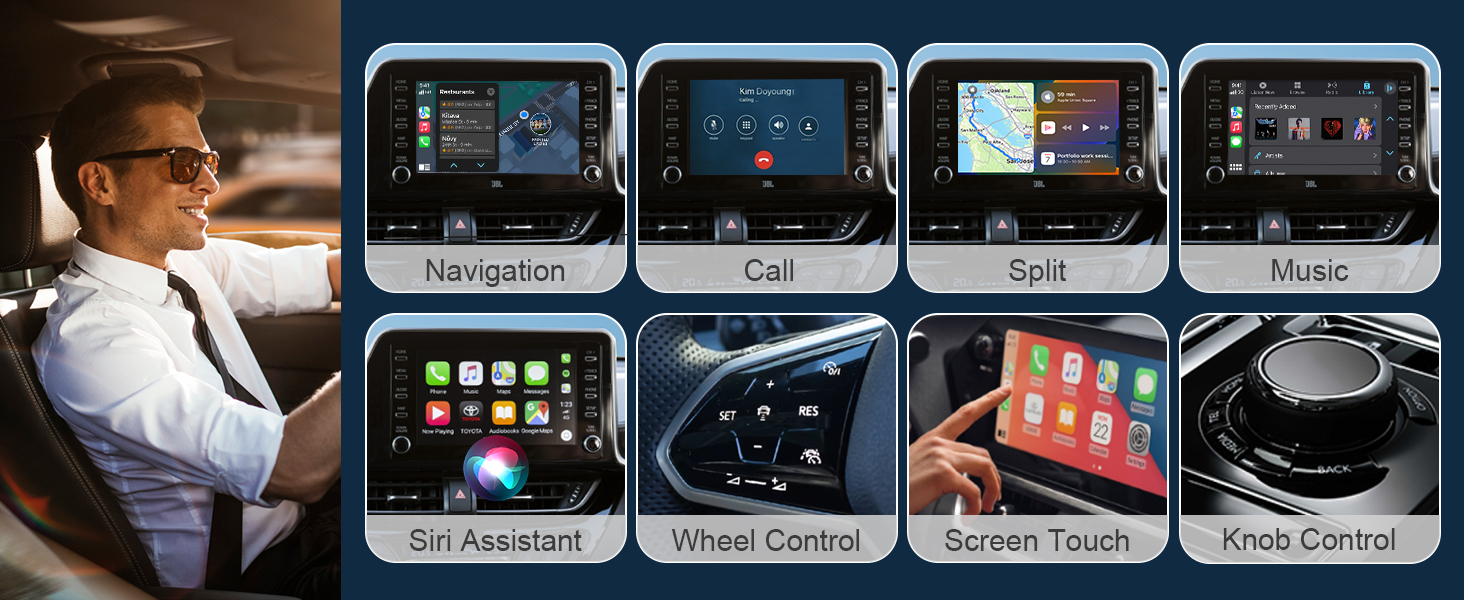
Enjoy all the wireless CarPlay function
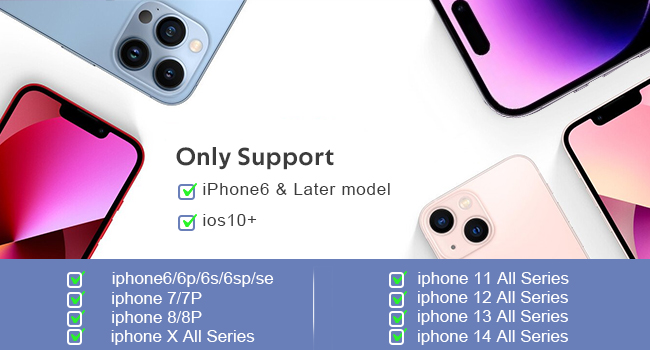
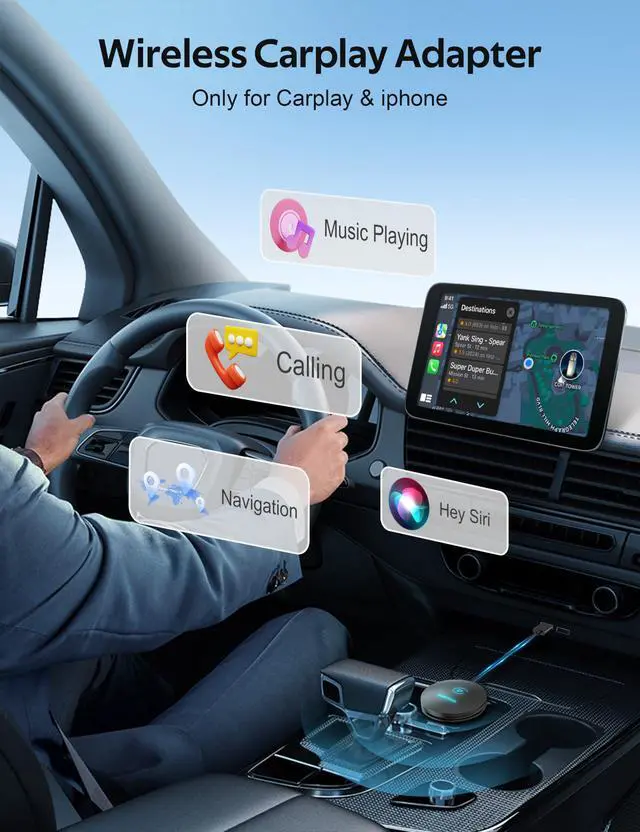
Only Work With Apple CarPlay&iphone
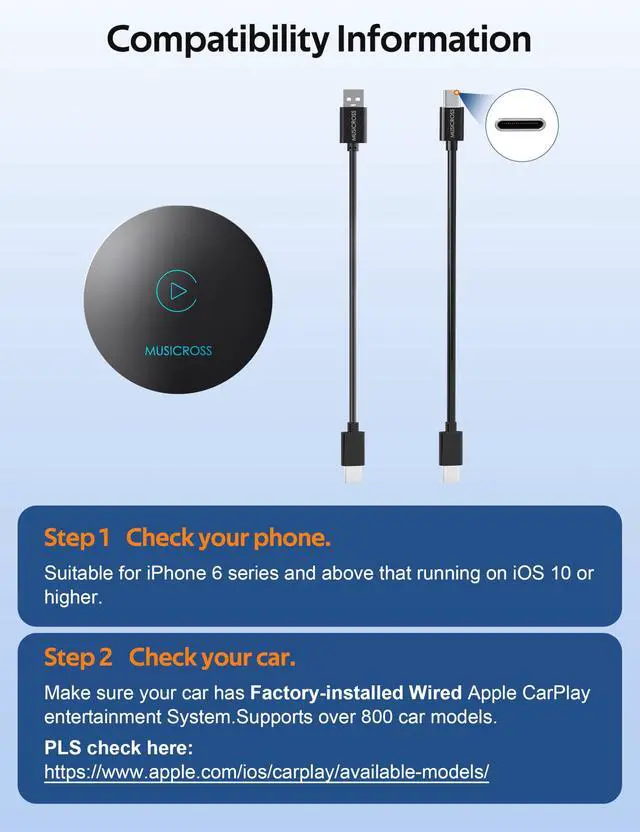
The adapter is specifically designed for Apple CarPlay. Compatible with iPhone 6/6s series iphone7/7p ..... iphone 13/pro//pro max ,iphone 14/14p/pro//pro max that running on iOS10 or higher.
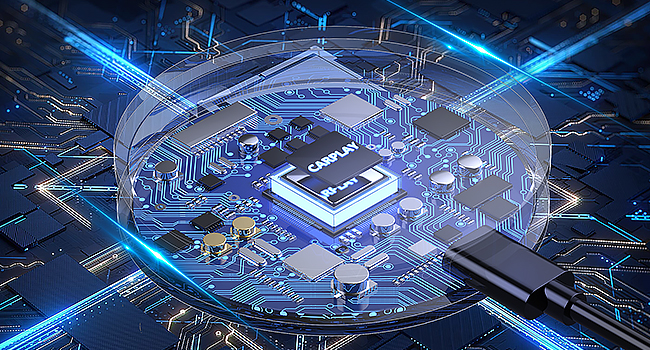
Powerful Chip, Bluetooth5.0,Faster&More Consistent
The dongle is equipped with a powerful chip to establish a seamless connection with your iPhone. Once connected via Bluetooth, it will send the WiFi credentials to your phone and disconnect the Bluetooth. The adapter hands over data transmission to your phone's WiFi for sustained wireless CarPlay.
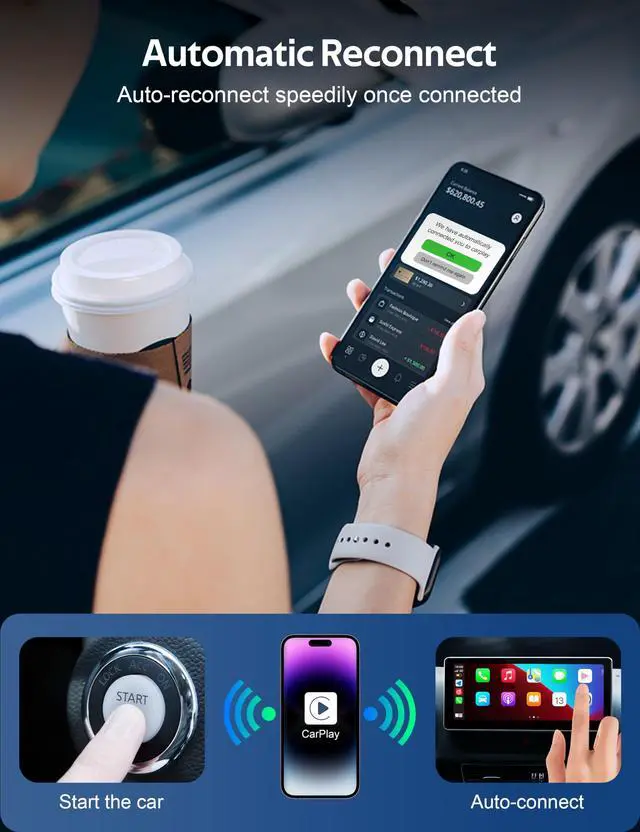
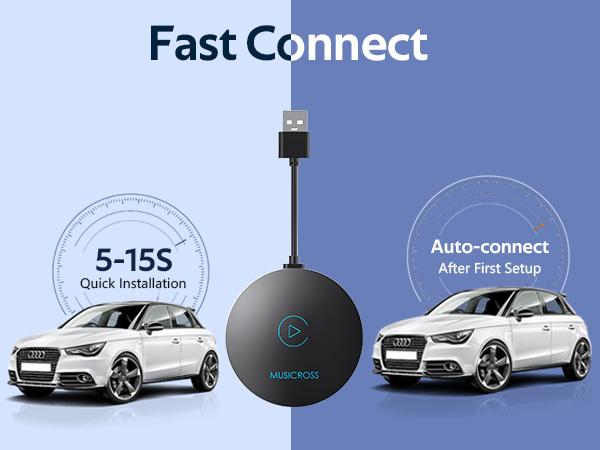
Auto-Reconnect speedily
Unable to Find Wi-Fi and Bluetooth
Make sure that the adapter is powered on and the light is on. Test with another iPhone. If only one specific iPhone is unable to locate the dongle's Bluetooth or Wi-Fi, try resetting the network and Bluetooth settings on that iPhone and restart it.
Regarding Wi-Fi
To use Wi-Fi, simply turn it on without pairing, so there's no need to enter a password.
Frequent Disconnections
Disconnections are usually caused by Wi-Fi interference. You may need to ignore other Wi-Fi networks while using the dongle. You can also try improving this by resetting your mobile Wi-Fi network. Also, updating the dongle's firmware may be helpful.
Auto-Connect Failure
1. For some cars, you need to select "Auto-connect" in the iPhone CarPlay setting. 2. Ensure that your mobile phone's Bluetooth and Wi-Fi functions are turned on and that Bluetooth is not being occupied. 3: Upgrade the firmware.
Screen shows pairing page but won't pair
Make sure Bluetooth and Wi-Fi are turned on on your iPhone and are not being used by another device. Also, make sure the CarPlay option is enabled in Settings > General.
Other questions you might want to ask
- Audioinputoroutputissues:callsrejectedorforwardedtovoicemail/noplaysound/microphonenotworking/musicplaybackinterruptedorpaused/voicefunctioningabnormally...
(1) Please check your phone's Bluetooth to see if it is connected to another device. If so, please ignore other auto-connected Bluetooth devices or turn off the Bluetooth directly.
(2) Clear the programs running in the background of your phone when using the dongle.
(3) When on a call, check that your ""Audio"" output option is CarPlay.
* Note: Bluetooth plays a pairing role in the work of the dongle. When the pairing is completed, it only needs wifi to keep working, so it doesn't matter to turn off Bluetooth. But when you use it next time, you still need to turn on Bluetooth, so that the dongle can be automatically paired and connected.
- Persistentdisconnection?
(1) The dongle relies on a WiFi connection to your phone to work. Dropped connections are usually caused by wifi interference. Do you have other wifi devices in your car, such as a car camera with a WiFi function? If so, you may need to ignore other wifi networks when using the dongle.
(2) You can also improve this problem by resetting your mobile WLAN network. Also, updating the firmware of your dongle is worth trying. First , reset network settings (this will cause you to re-enter your password when using a network you have previously connected to) ; Second , go to Settings > General > Transfer or Reset [Device] > Reset > Reset Network Settings.


Musicross always focuses on innovation and progress in the automotive industry. We continuously explore the latest technology and apply it to creating top-quality automotive accessories that enhance the overall driving experience.
Our wireless technology allows you to enjoy the convenience and freedom. It's designed to be user-friendly and easy to install, making it possible for anyone to start enjoying the benefits of going wireless right away.

MUSICROSS Technology
MUSICROSS has a professional team with strong technical R&D capability. Provide you with excellent products and reliable support .

Advanced Production Process
Integrate state-of-the-art machinery, robotics, and computer systems to streamline manufacturing operations and reduce human error .
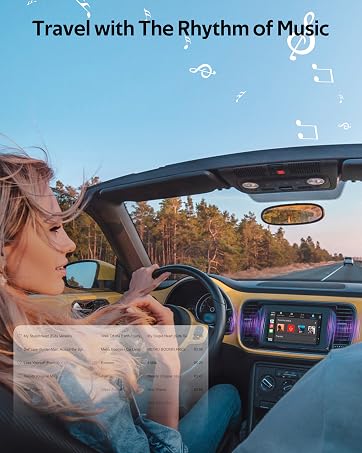
Enjoy music anytime anywhere
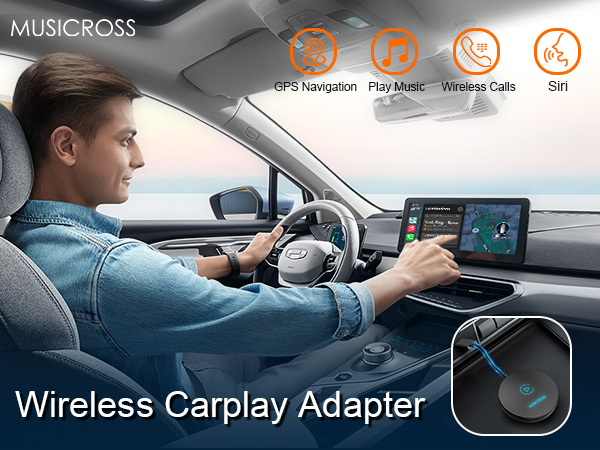
Are you suffering the hassel of wired CarPlay , overheating cellphone , messy cables , and can't auto-connect ?
MUSICROSS wireless CarPlay adapter , easy setup & low delay , No app NO drive needed, you'll be able to enjoy all the features of wireless CarPlay , upgrade your driving experience today !
Enjoy all the wireless CarPlay function
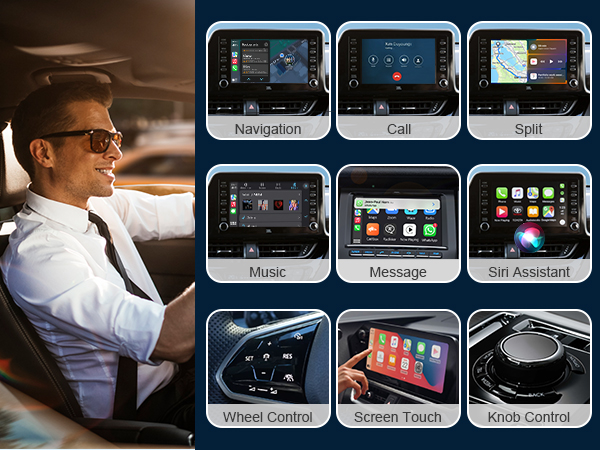
Only Work With Apple CarPlay&iphone
The adapter is specifically designed for Apple CarPlay. Compatible with iPhone 6/6s series iphone7/7p ..... iphone 13/pro//pro max ,iphone 14/14p/pro//pro max that running on iOS10 or higher.
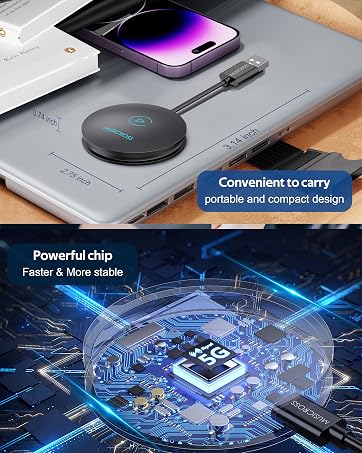
Powerful Chip, Bluetooth5.0,Faster&More Consistent
The dongle is equipped with a powerful chip to establish a seamless connection with your iPhone. Once connected via Bluetooth, it will send the WiFi credentials to your phone and disconnect the Bluetooth. The adapter hands over data transmission to your phone's WiFi for sustained wireless CarPlay.
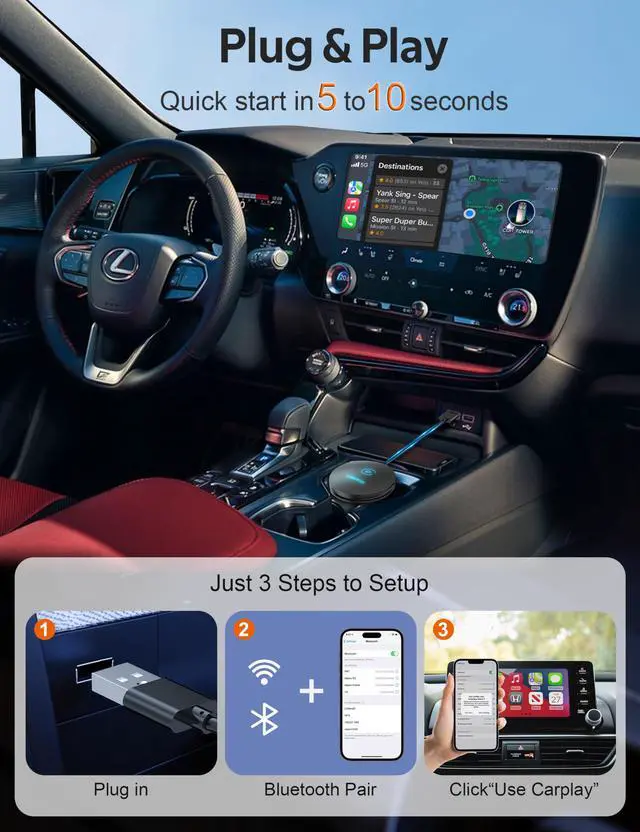
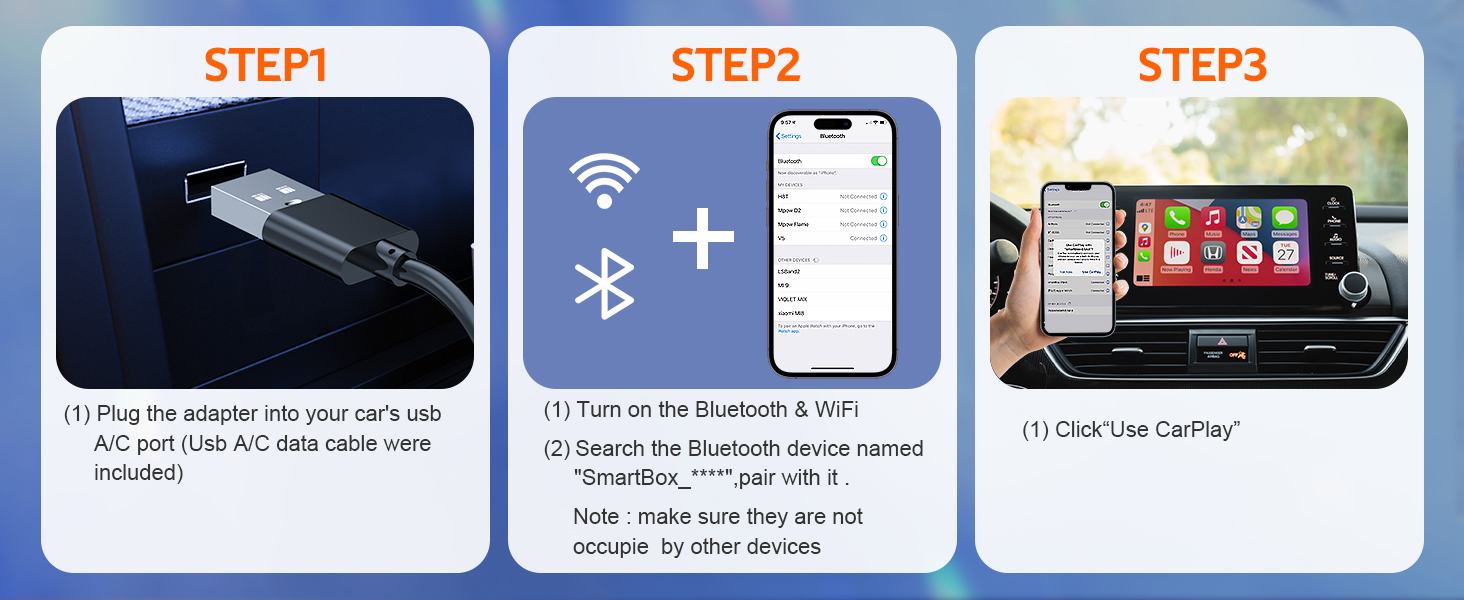
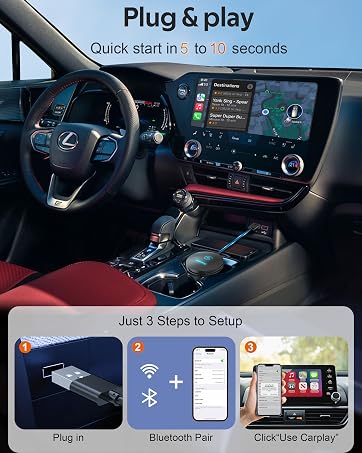
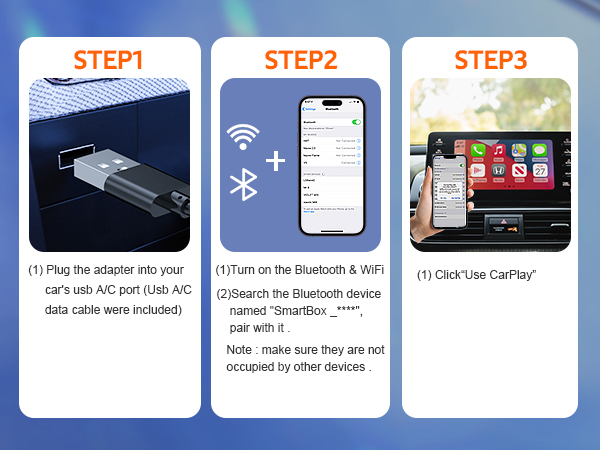
Just 3 steps To Setup
Just 3 steps to setup
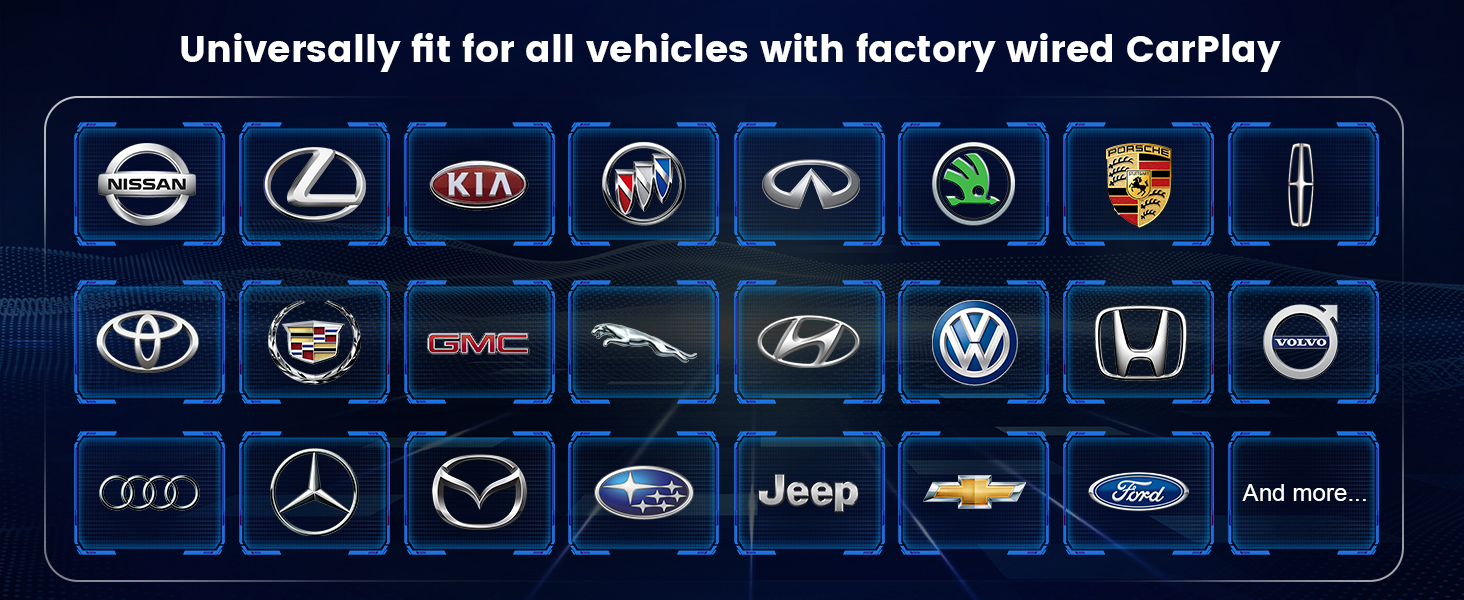
Fit for over 800 model cars
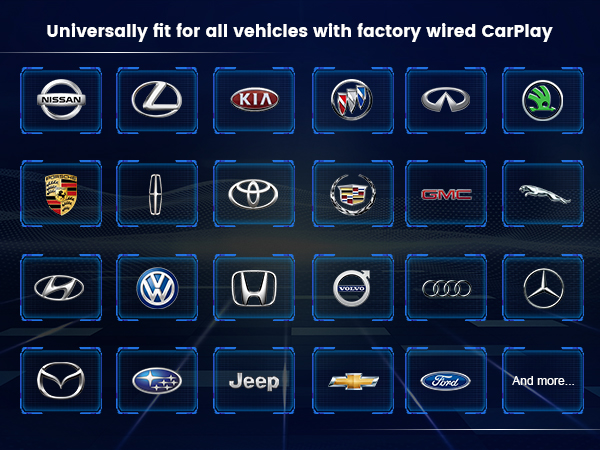

Fitting vehicle with Factory wired CarPlay , like Ford Benz Lexus Honda GM Subaru Toyota Volkswagen etc .
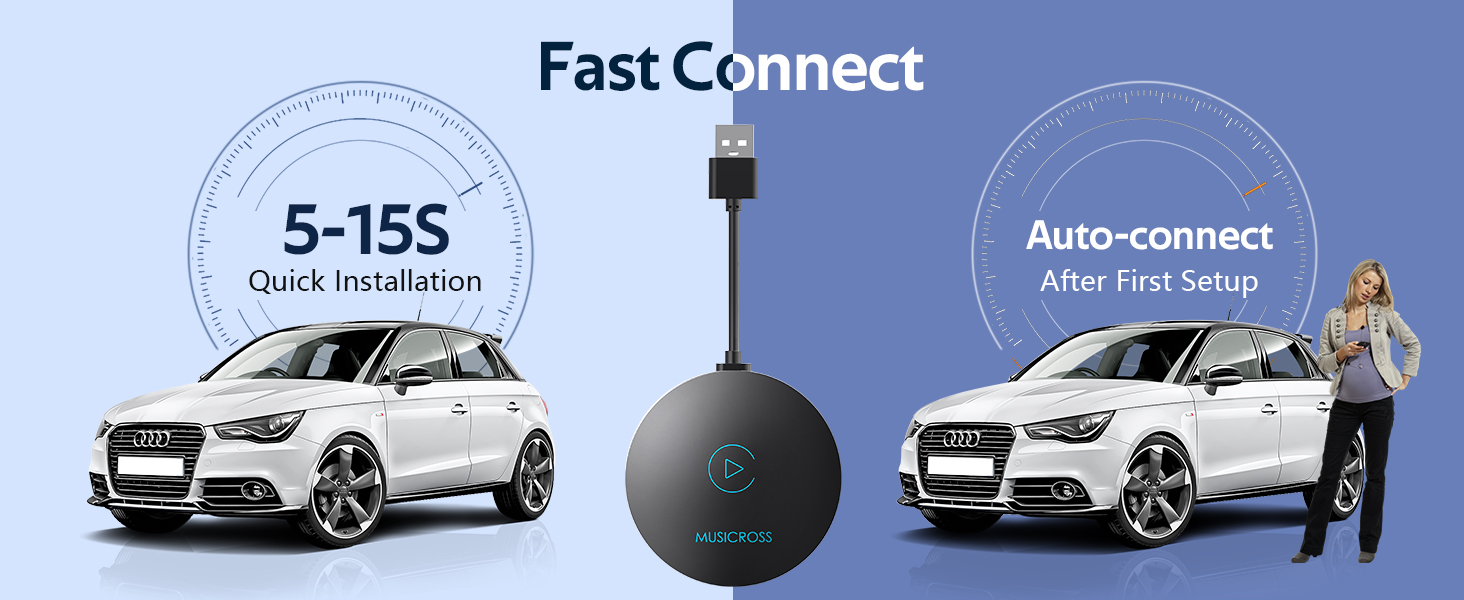
Auto-Reconnect speedily
Unable to Find Wi-Fi and Bluetooth
Make sure that the adapter is powered on and the light is on. Test with another iPhone. If only one specific iPhone is unable to locate the dongle's Bluetooth or Wi-Fi, try resetting the network and Bluetooth settings on that iPhone and restart it.
Regarding Wi-Fi
To use Wi-Fi, simply turn it on without pairing, so there's no need to enter a password.
Frequent Disconnections
Disconnections are usually caused by Wi-Fi interference. You may need to ignore other Wi-Fi networks while using the dongle. You can also try improving this by resetting your mobile Wi-Fi network. Also, updating the dongle's firmware may be helpful.
Auto-Connect Failure
1. For some cars, you need to select "Auto-connect" in the iPhone CarPlay setting. 2. Ensure that your mobile phone's Bluetooth and Wi-Fi functions are turned on and that Bluetooth is not being occupied. 3: Upgrade the firmware.
Screen shows pairing page but won't pair
Make sure Bluetooth and Wi-Fi are turned on on your iPhone and are not being used by another device. Also, make sure the CarPlay option is enabled in Settings > General.
Other questions you might want to ask
- Audioinputoroutputissues:callsrejectedorforwardedtovoicemail/noplaysound/microphonenotworking/musicplaybackinterruptedorpaused/voicefunctioningabnormally...
(1) Please check your phone's Bluetooth to see if it is connected to another device. If so, please ignore other auto-connected Bluetooth devices or turn off the Bluetooth directly.
(2) Clear the programs running in the background of your phone when using the dongle.
(3) When on a call, check that your ""Audio"" output option is CarPlay.
* Note: Bluetooth plays a pairing role in the work of the dongle. When the pairing is completed, it only needs wifi to keep working, so it doesn't matter to turn off Bluetooth. But when you use it next time, you still need to turn on Bluetooth, so that the dongle can be automatically paired and connected.
- Persistentdisconnection?
(1) The dongle relies on a WiFi connection to your phone to work. Dropped connections are usually caused by wifi interference. Do you have other wifi devices in your car, such as a car camera with a WiFi function? If so, you may need to ignore other wifi networks when using the dongle.
(2) You can also improve this problem by resetting your mobile WLAN network. Also, updating the firmware of your dongle is worth trying. First , reset network settings (this will cause you to re-enter your password when using a network you have previously connected to) ; Second , go to Settings > General > Transfer or Reset [Device] > Reset > Reset Network Settings.
Musicross always focuses on innovation and progress in the automotive industry. We continuously explore the latest technology and apply it to creating top-quality automotive accessories that enhance the overall driving experience.
Our wireless technology allows you to enjoy the convenience and freedom. It's designed to be user-friendly and easy to install, making it possible for anyone to start enjoying the benefits of going wireless right away.
MUSICROSS Technology
MUSICROSS has a professional team with strong technical R&D capability. Provide you with excellent products and reliable support .
Advanced Production Process
Integrate state-of-the-art machinery, robotics, and computer systems to streamline manufacturing operations and reduce human error .
Enjoy music anytime anywhere