



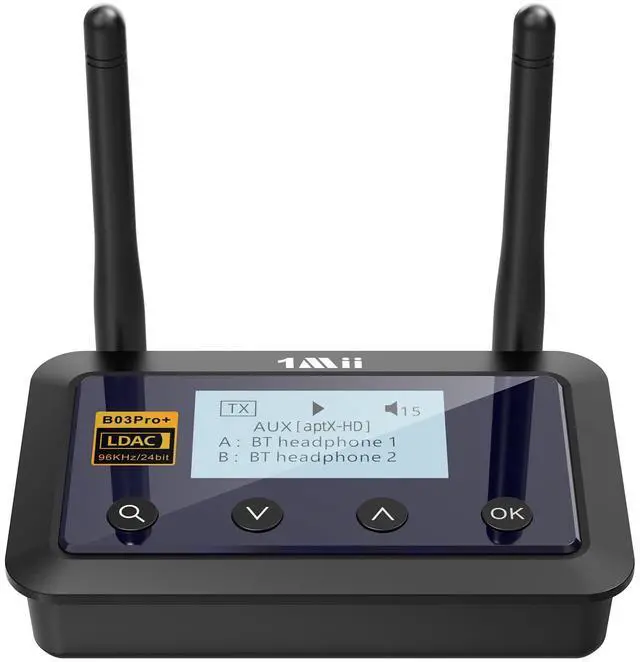
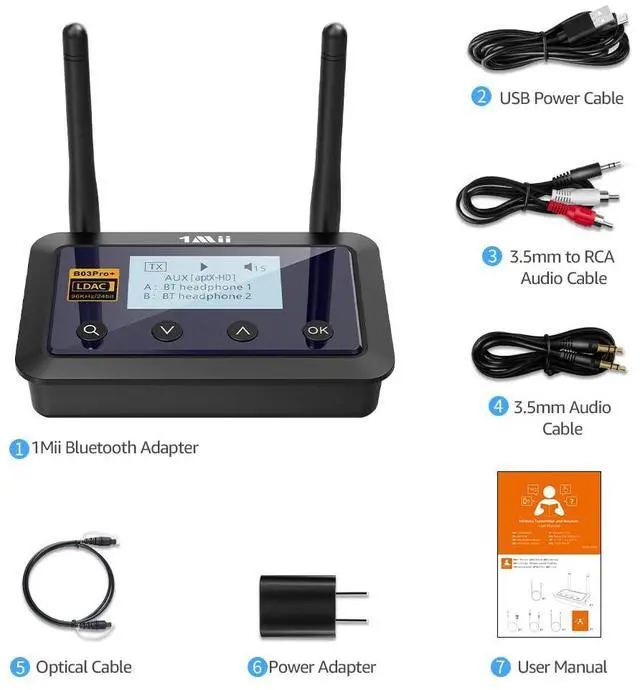


1Mii B03Pro+ Bluetooth 5.3 Transmitter Receiver
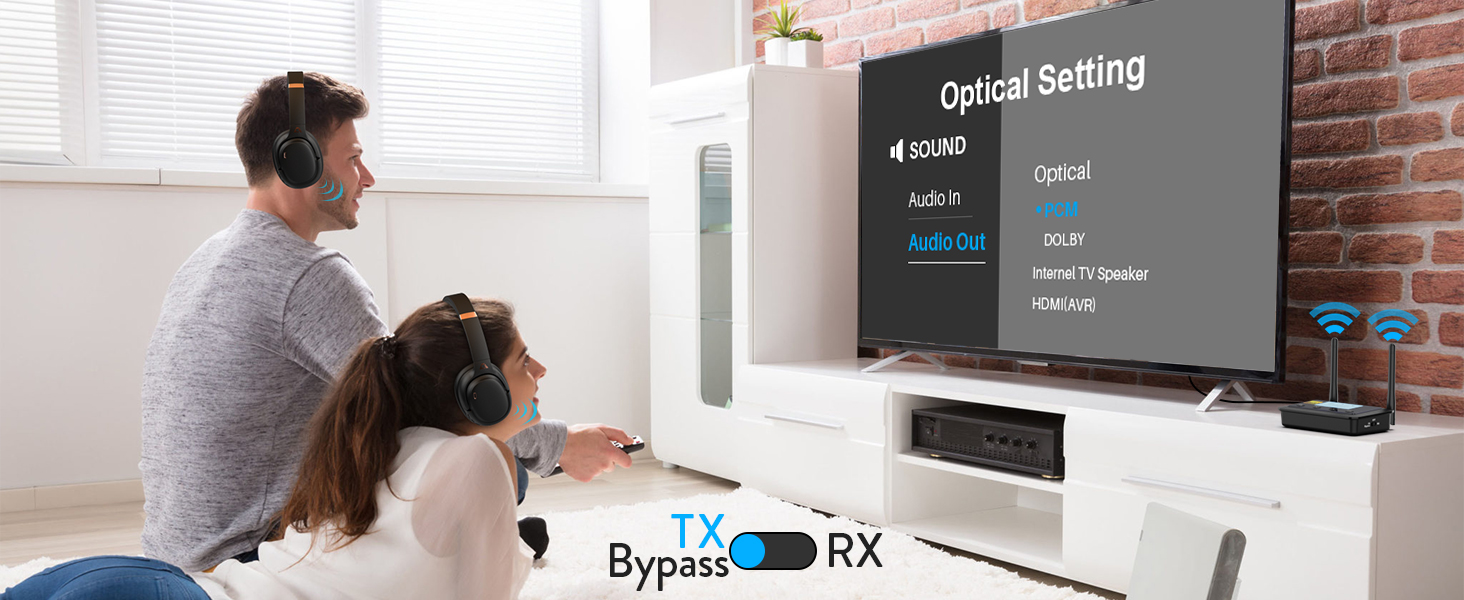
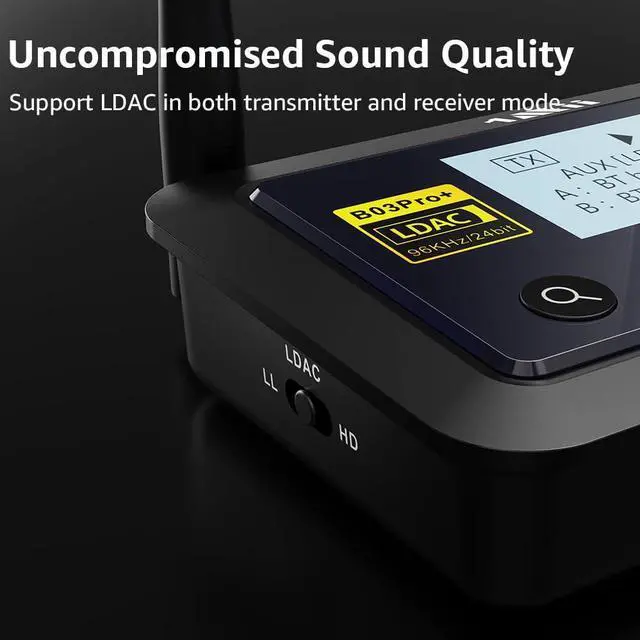
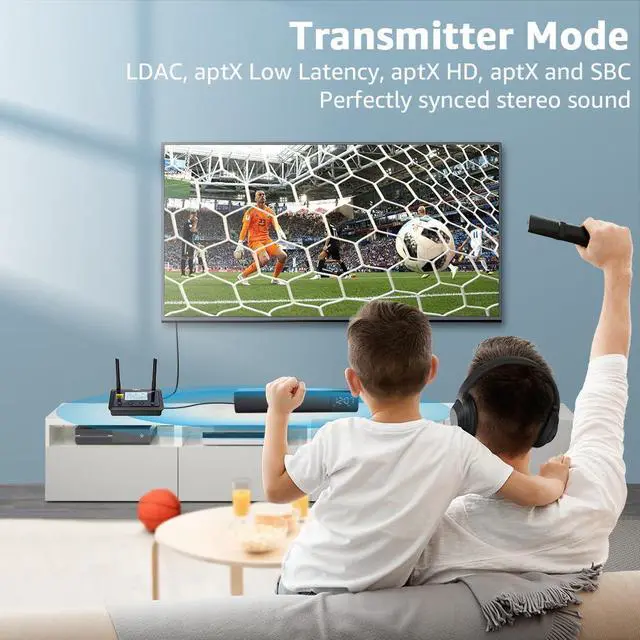
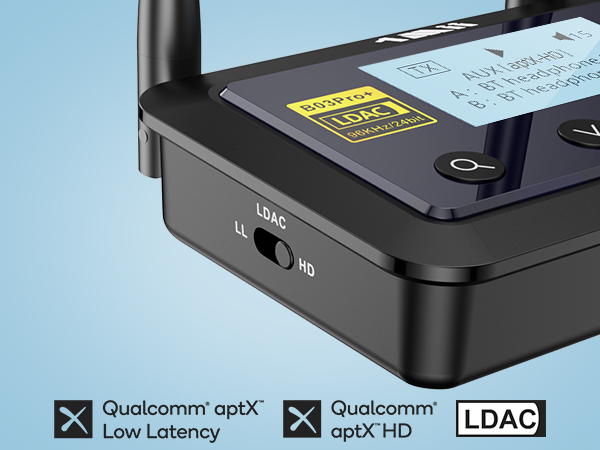
Support LDAC, aptX LL, aptX HD, aptX, SBC
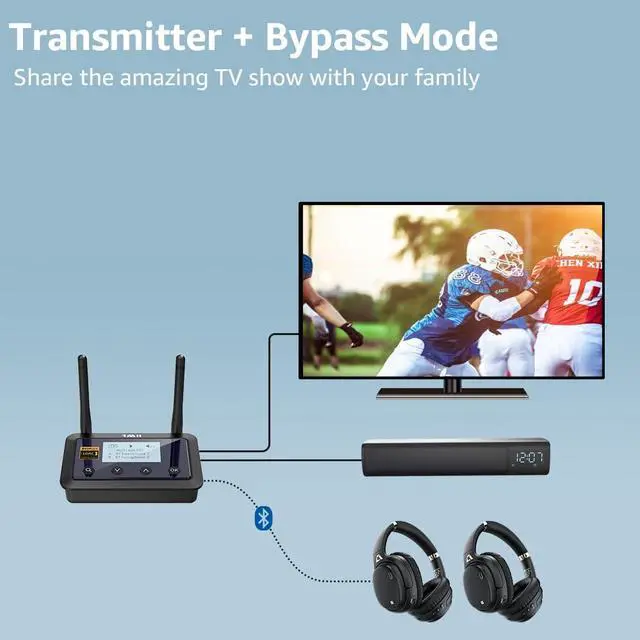
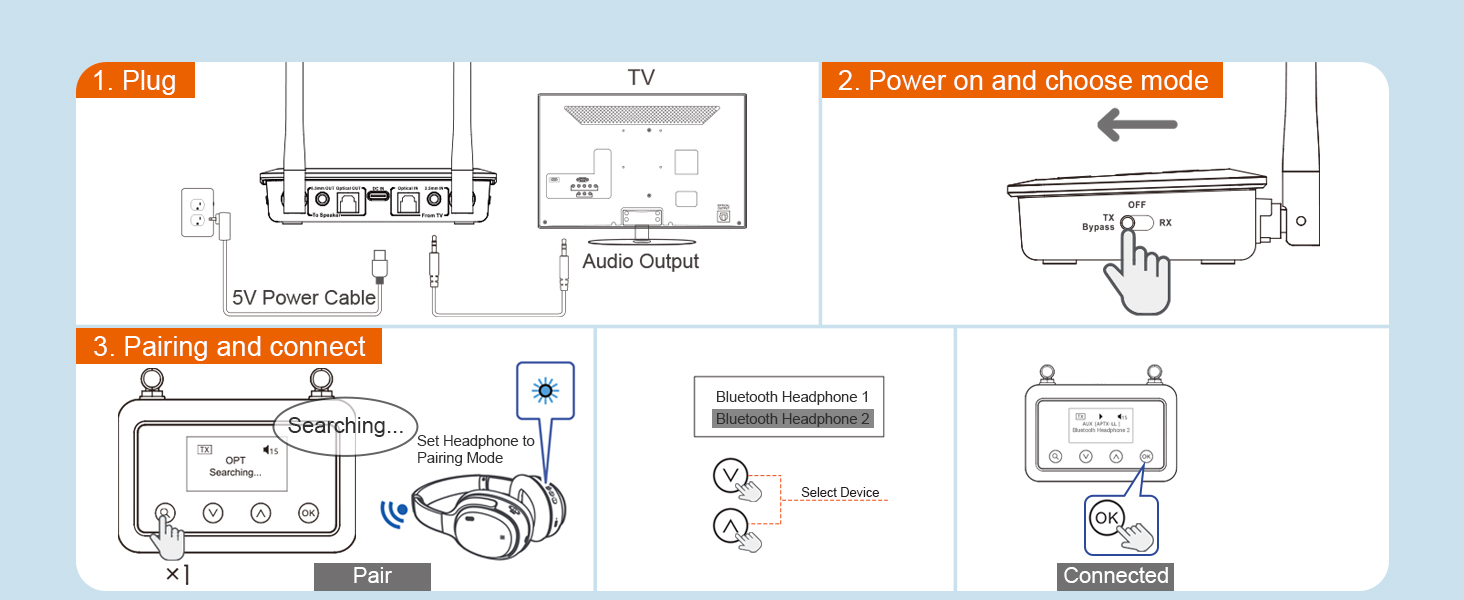
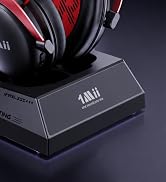
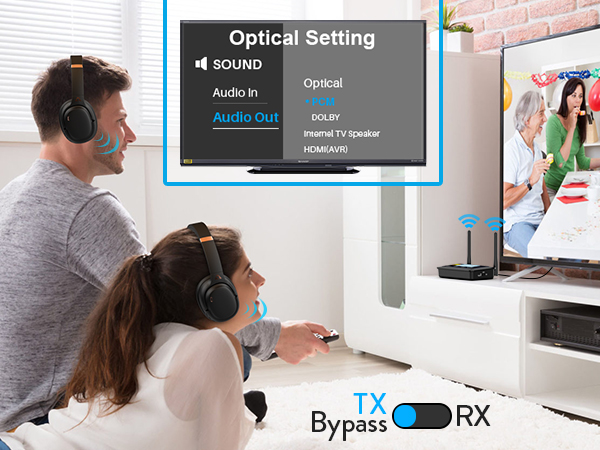
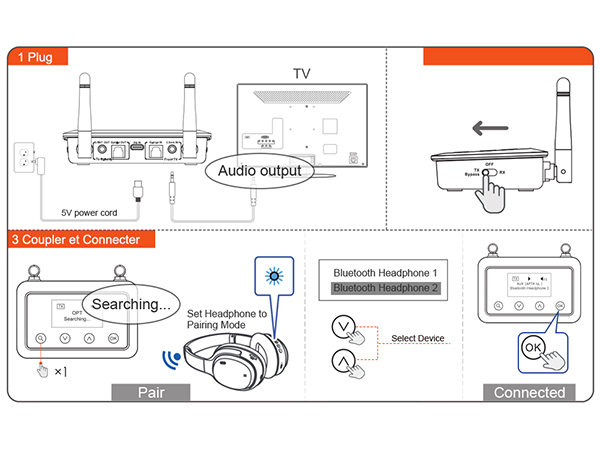
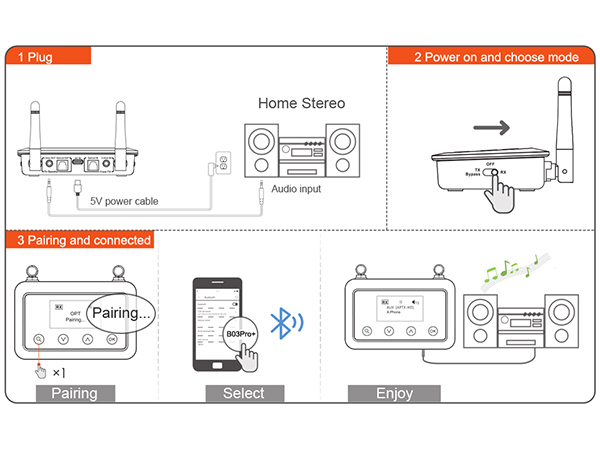
Connect your wireless headphones/Bluetooth speakers to your existing non-Bluetooth TV via Bluetooth
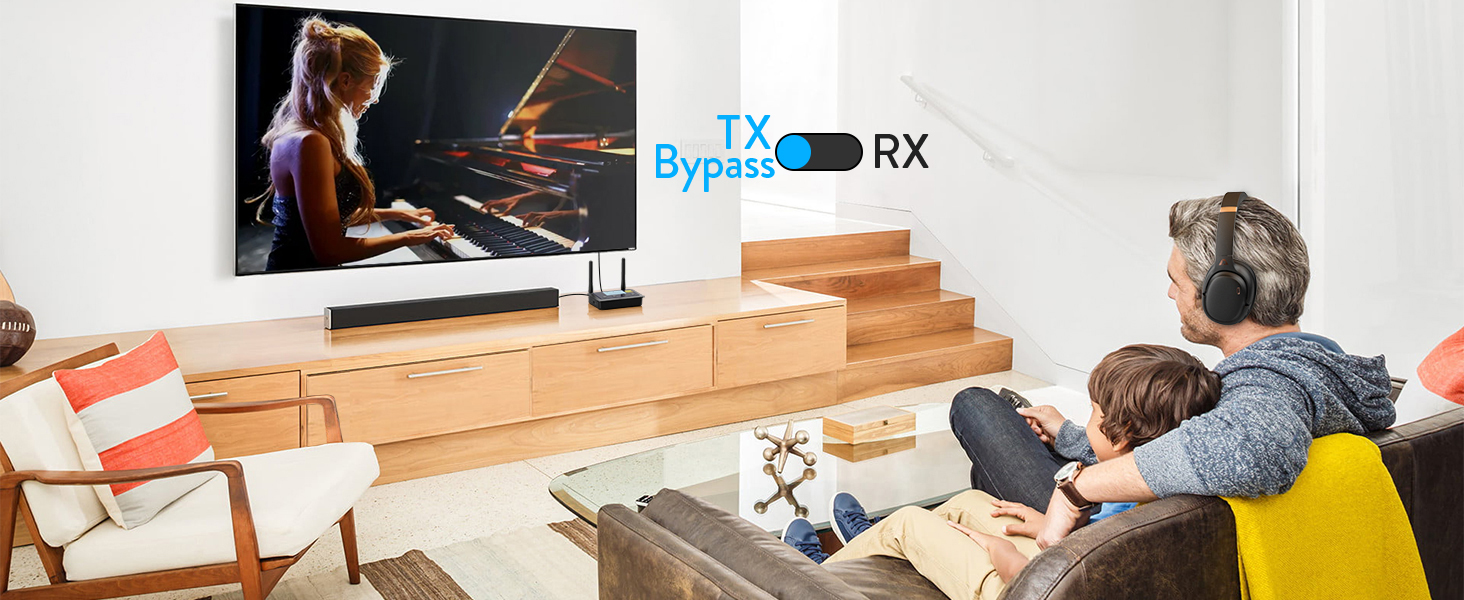
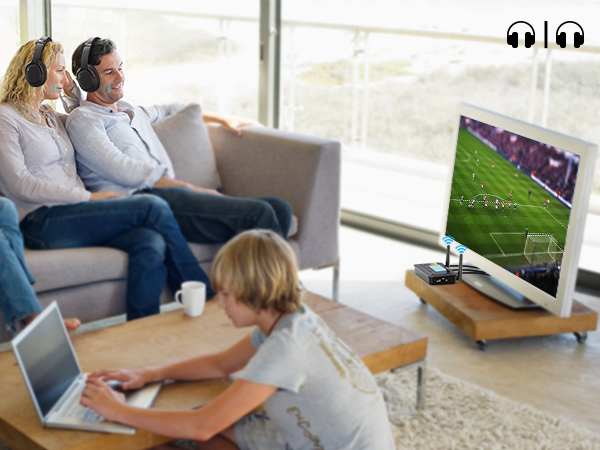
Share TV with Your Family
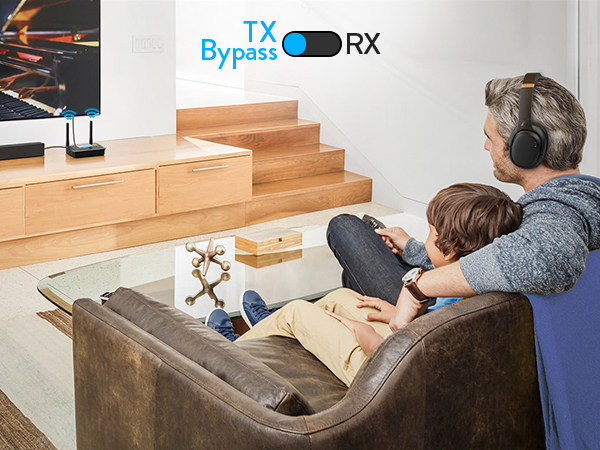
When connect your wireless headphones via Bluetooth, can also connect your wired speakers via cable
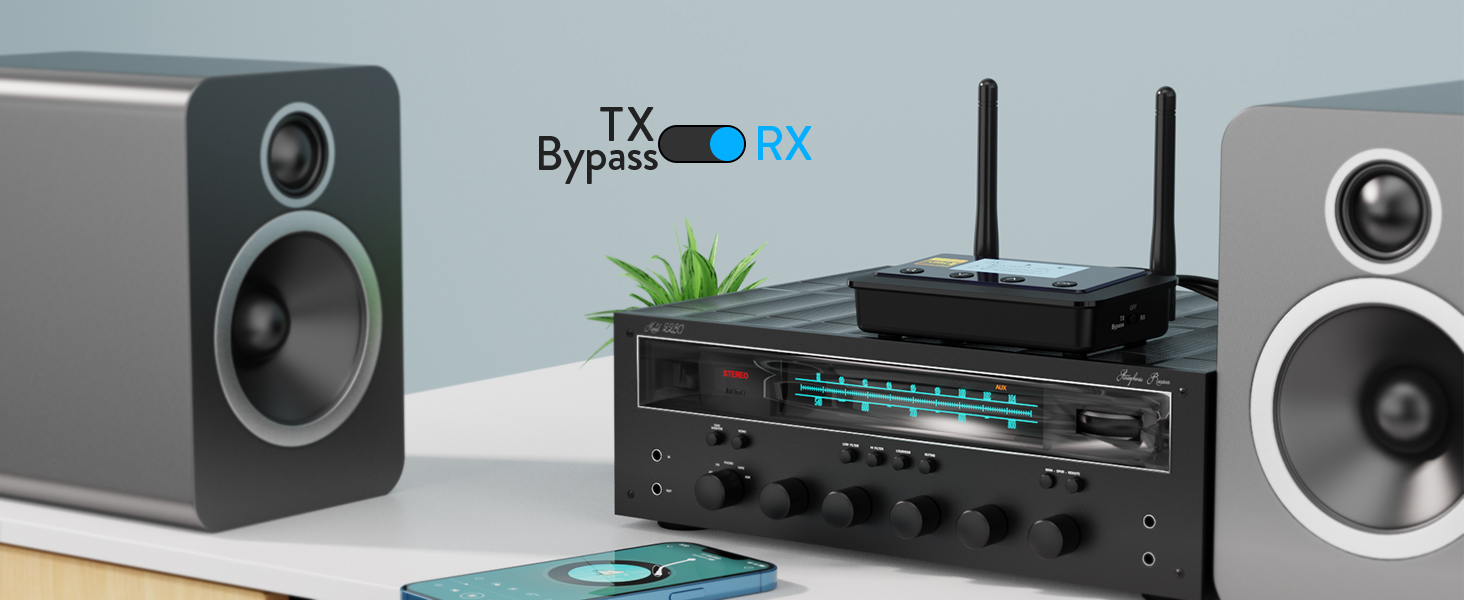
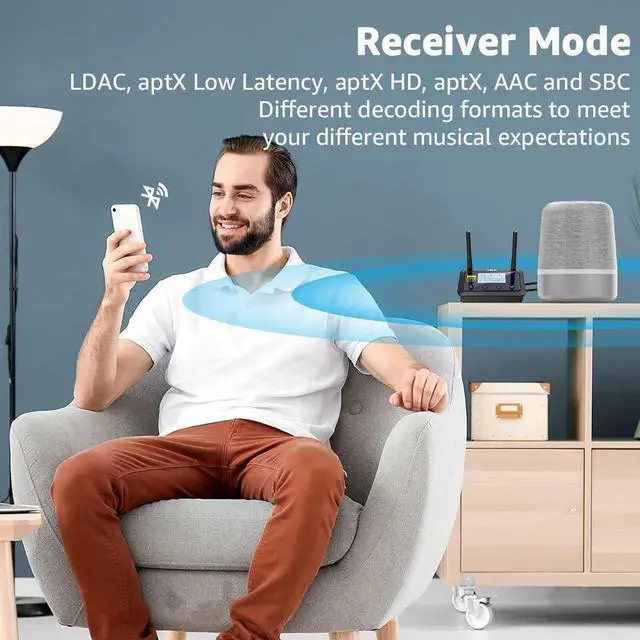
Support LDAC, aptX LL, aptX HD, aptX, AAC, SBC
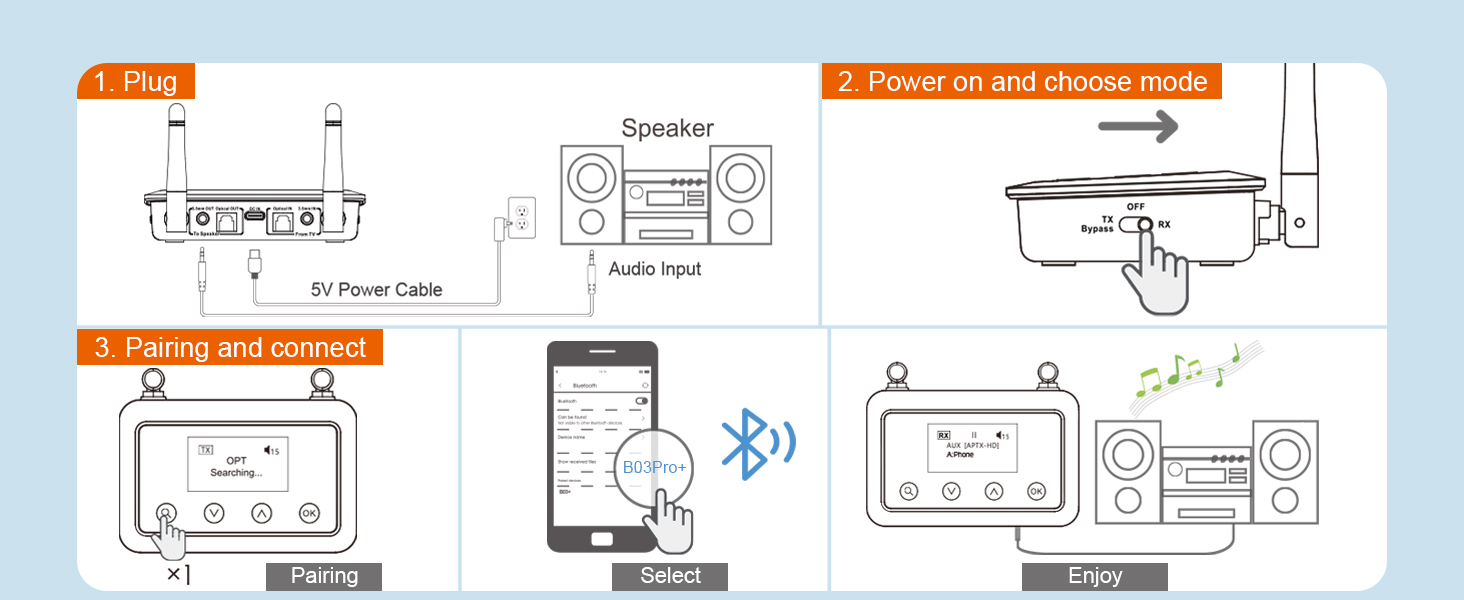
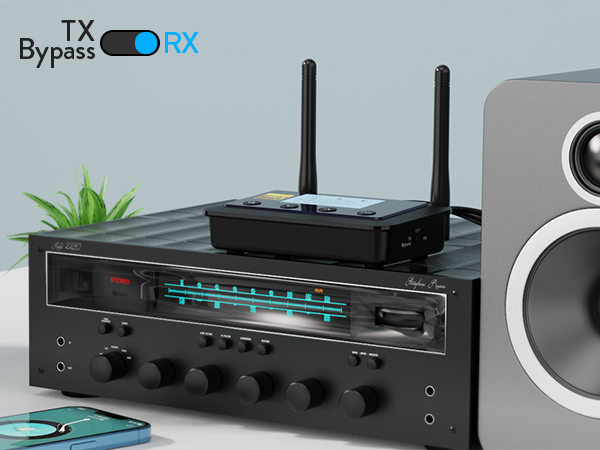
Stream music from any phone, tablet, laptop or desktop to your old sound system via Bluetooth 5.3
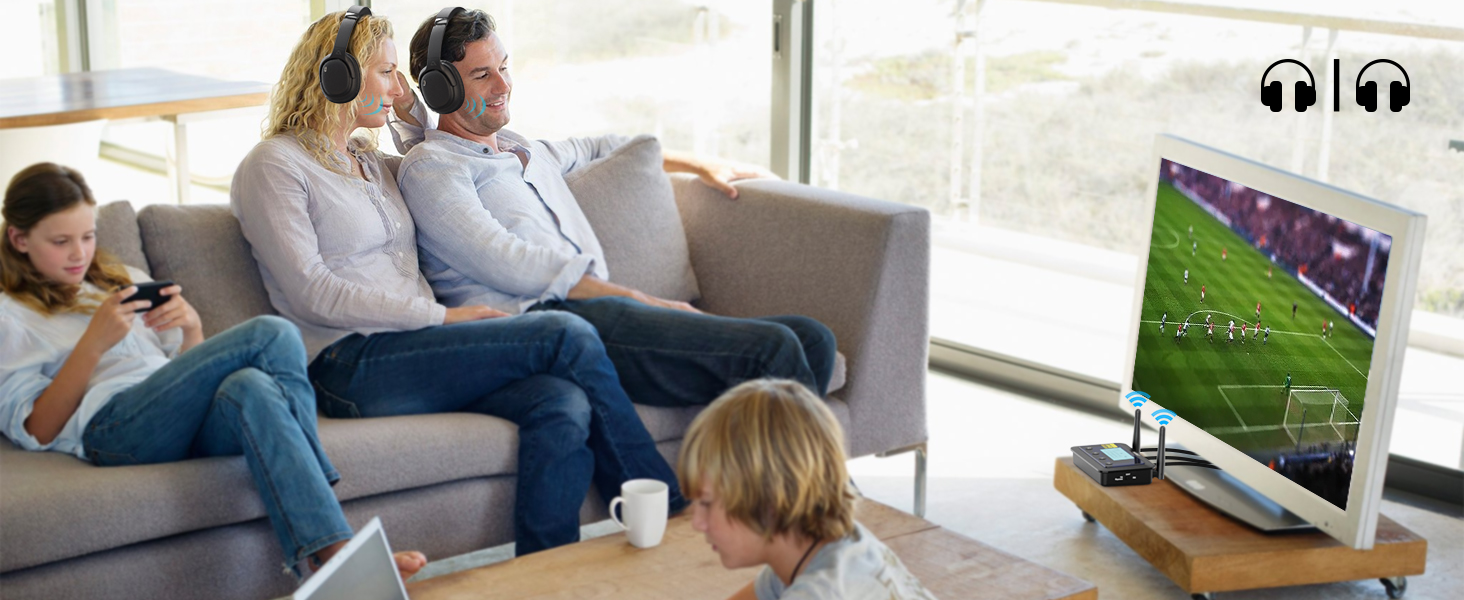
1Mii B03Pro+ Bluetooth adapter can stream to 2 headphones or speakers simultaneously
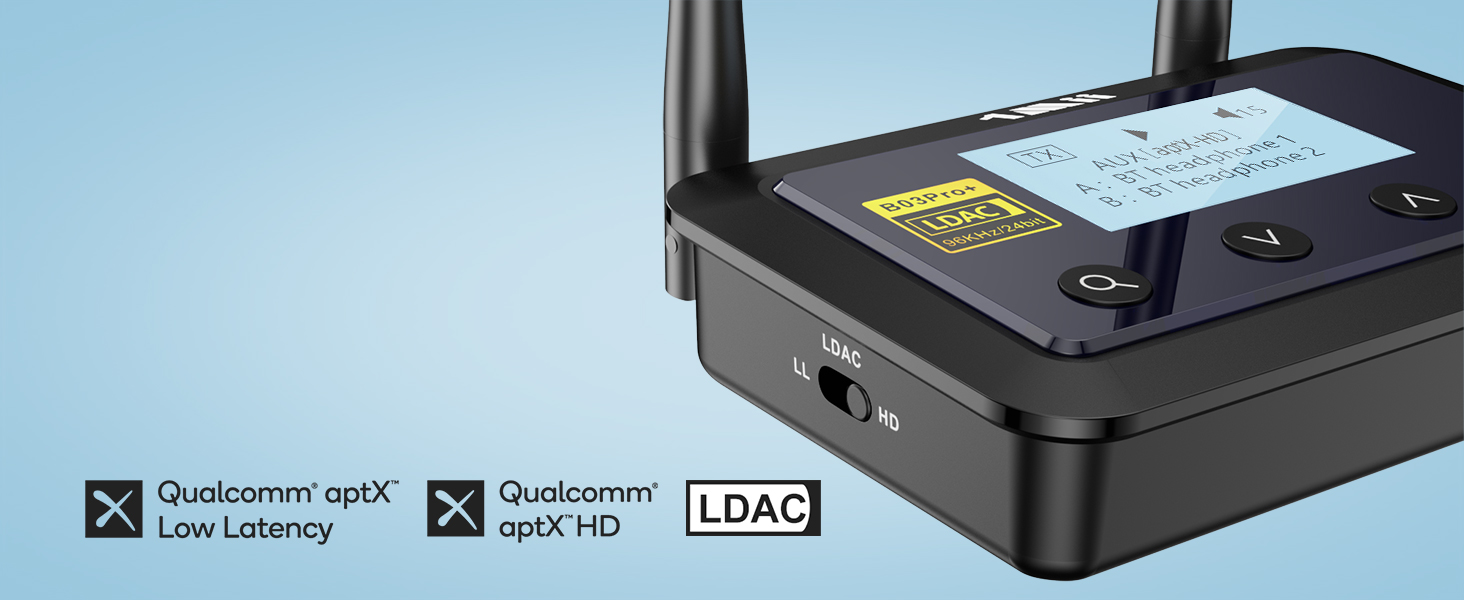
Supports LDAC, aptX LL, aptX HD, aptX, SBC and AAC (AAC is receiver mode only).
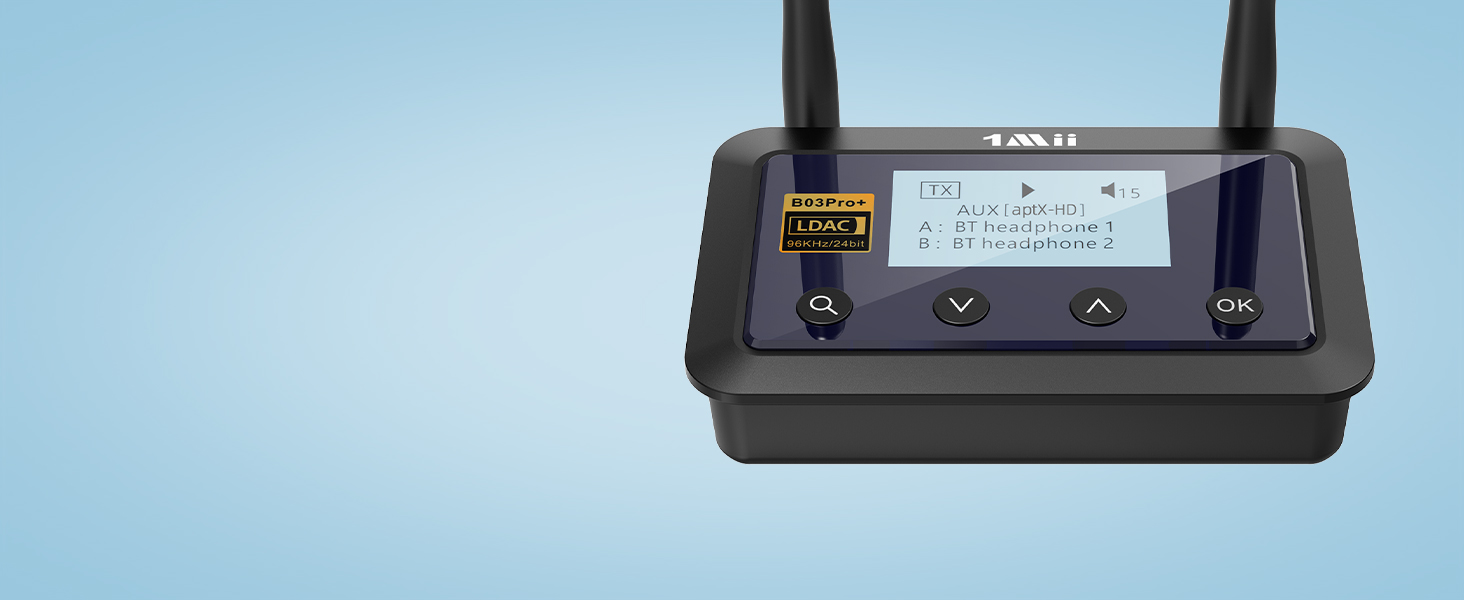
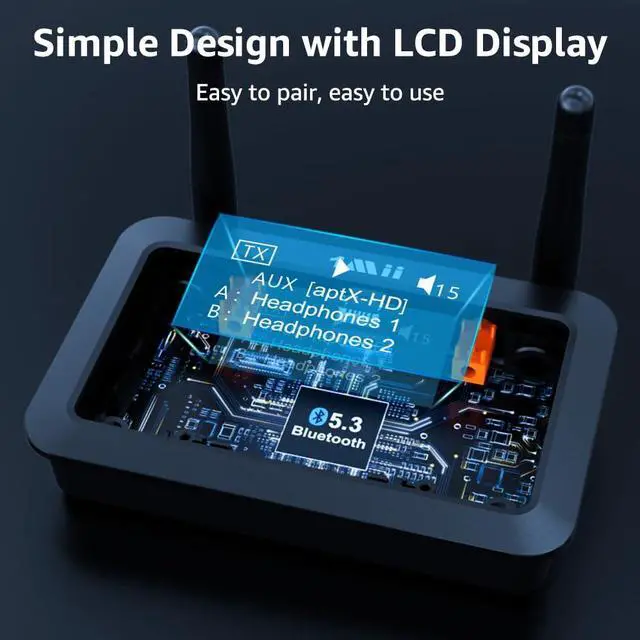
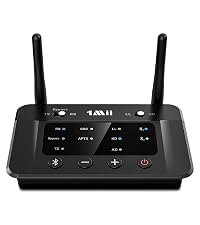
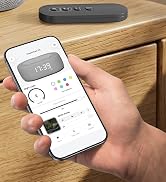
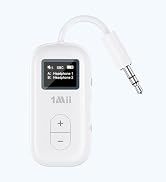
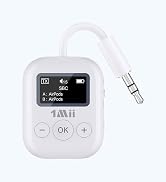
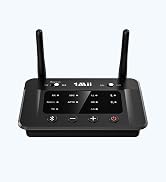
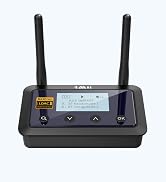
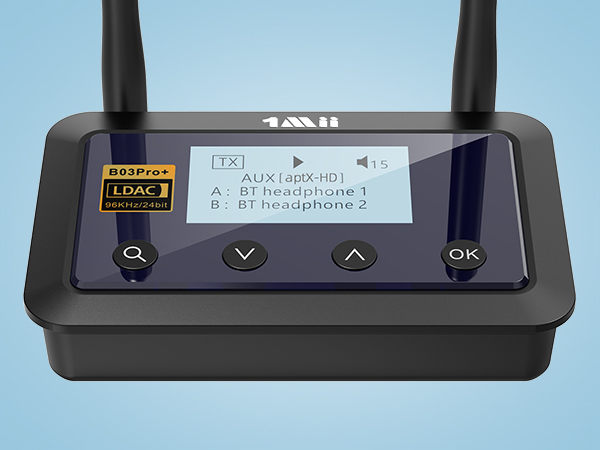
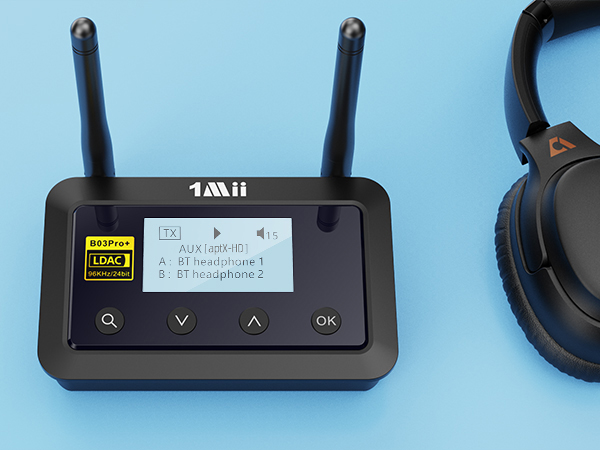
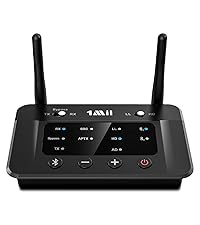
Clearly see the model, pause/play, volume level, bluetooth code and devices A/B on the screen.
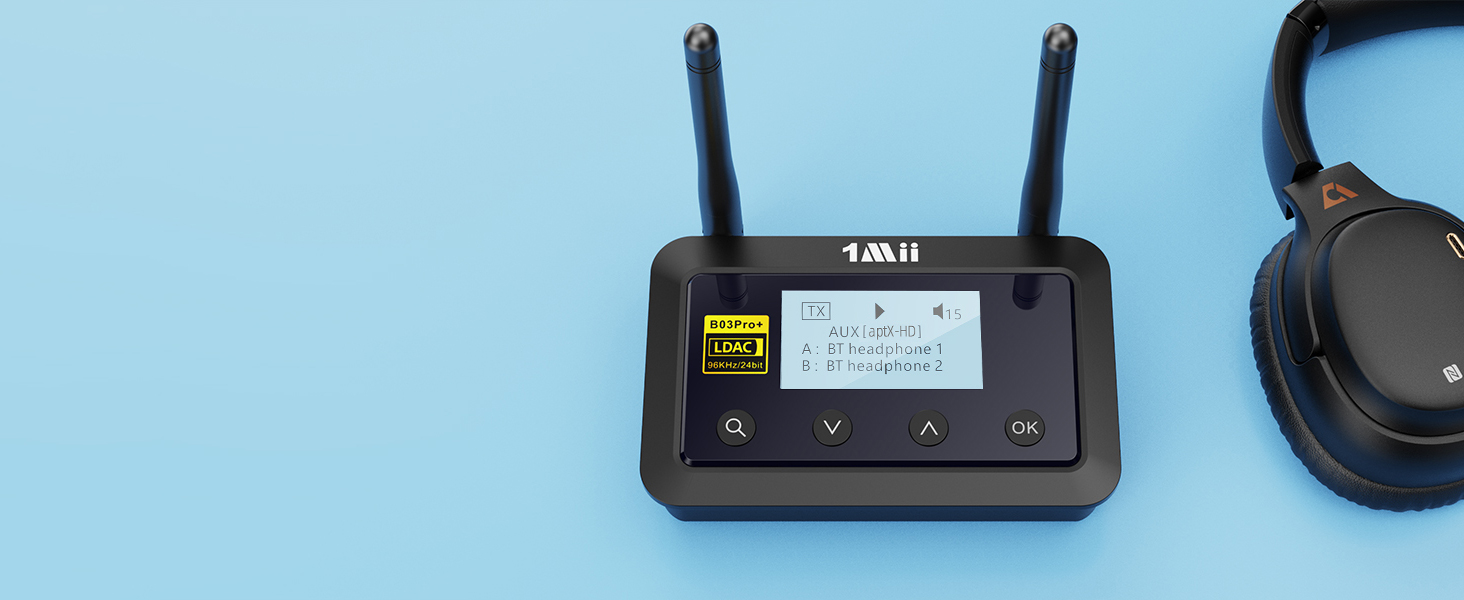
B03Pro+ will remember previously paired devices and reconnect automatically when they are in range.
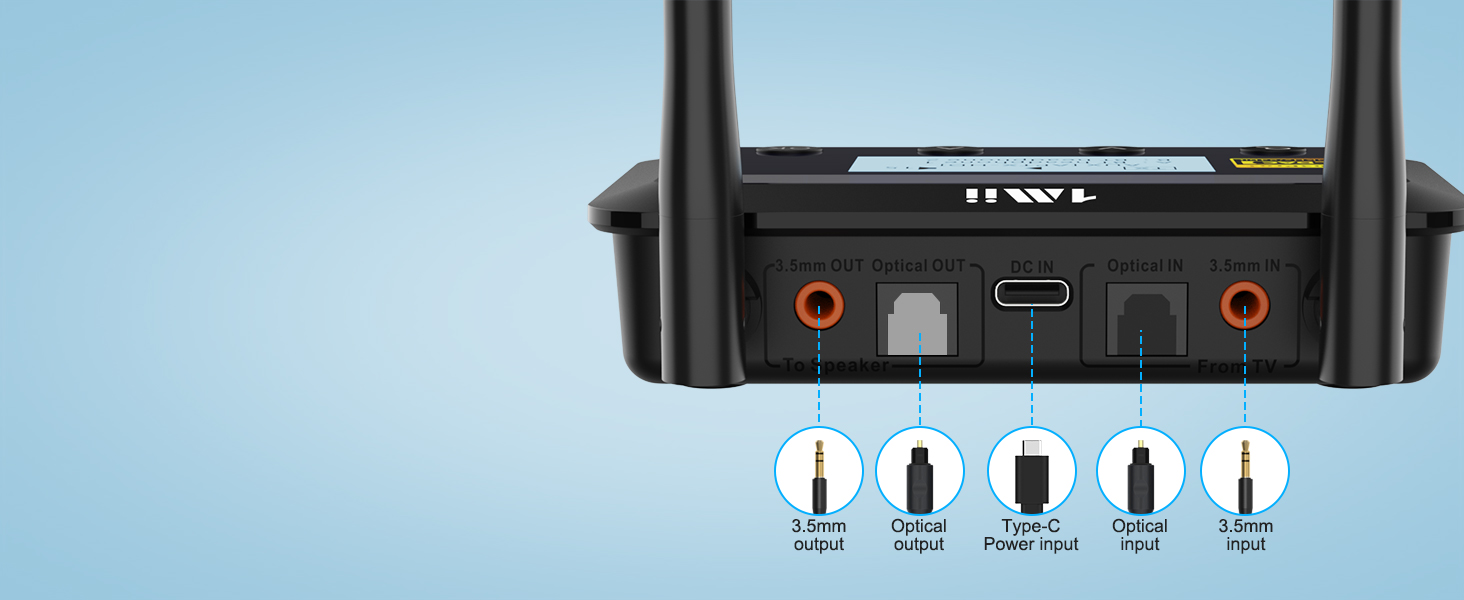
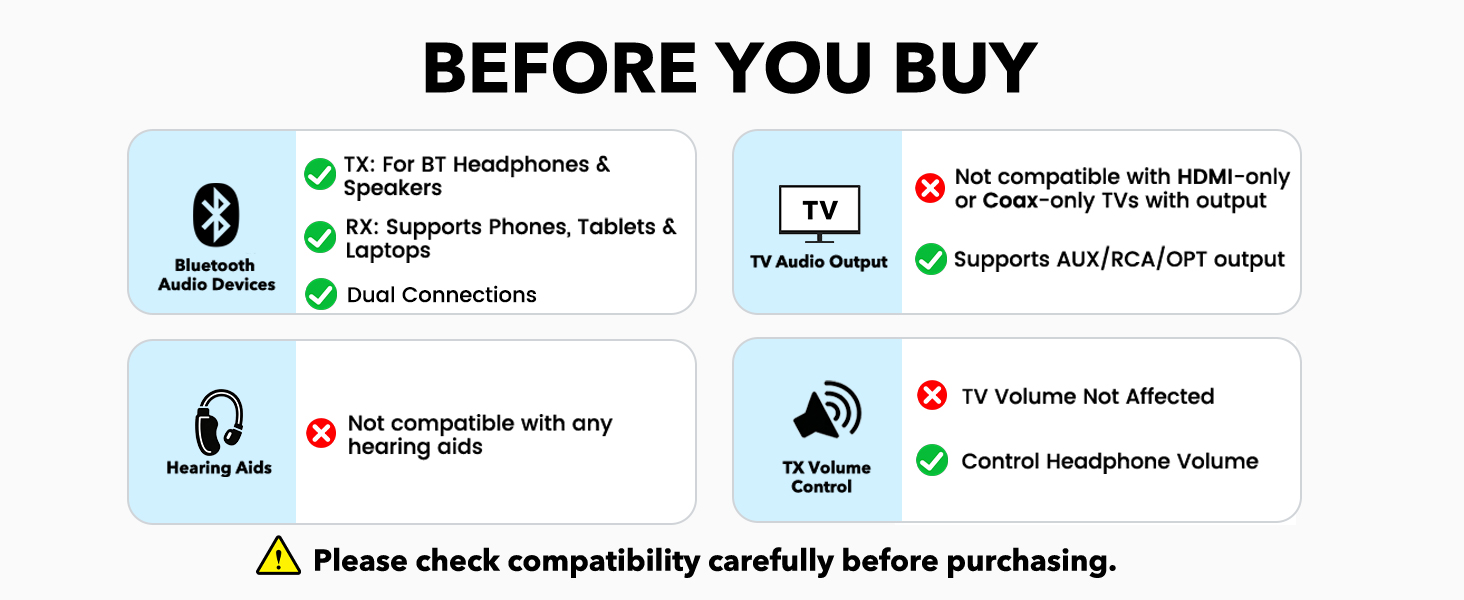
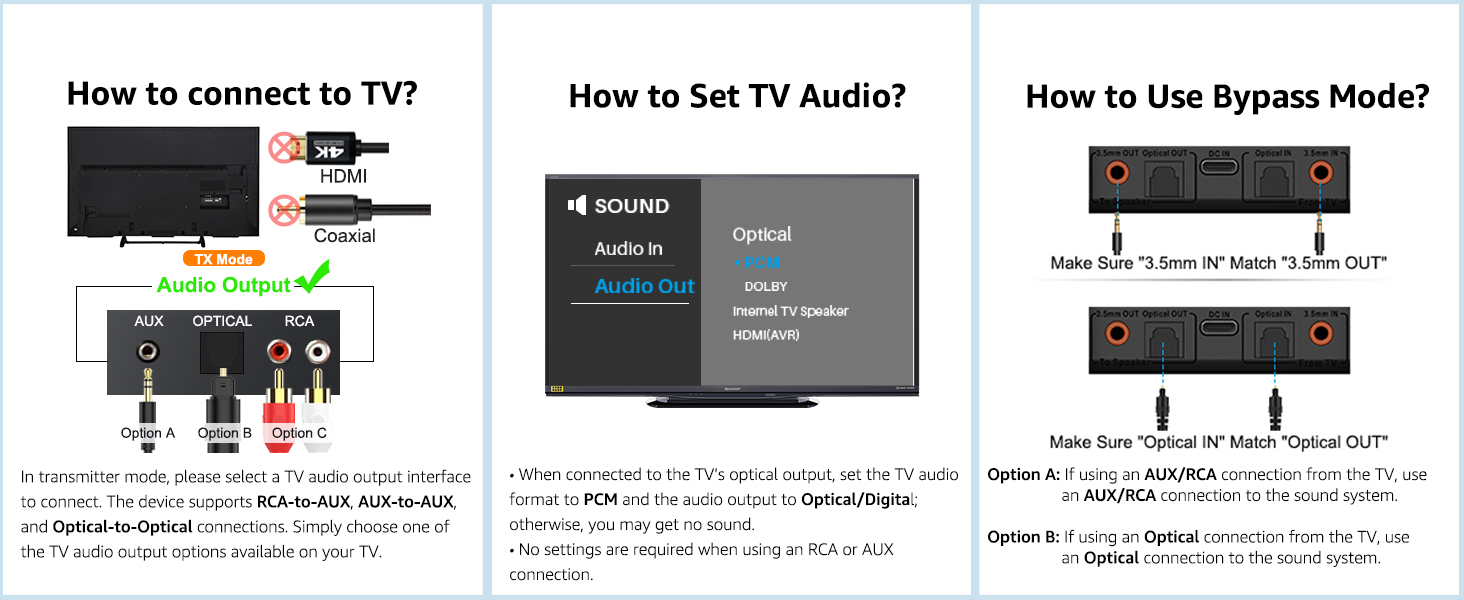
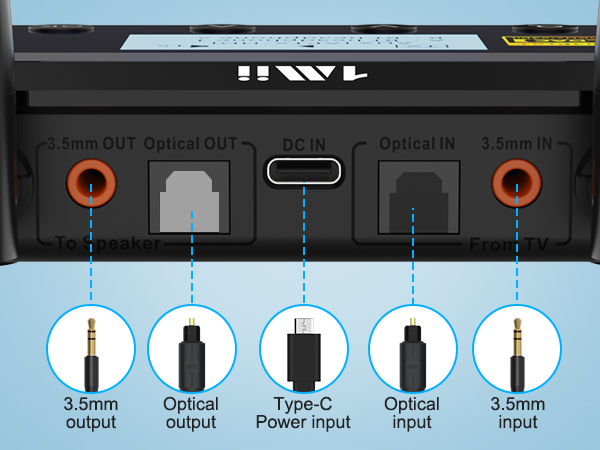
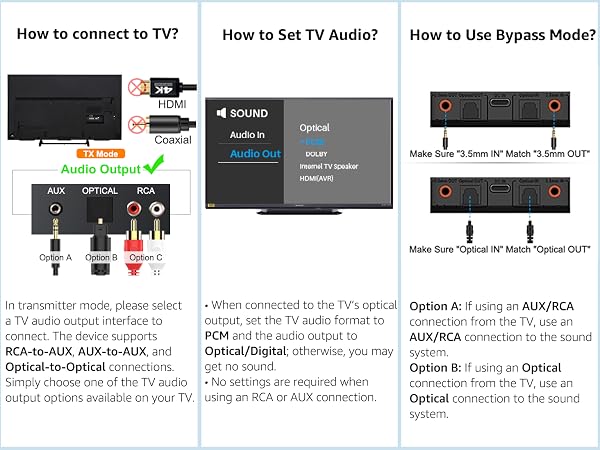
Supports OPTICAL/AUX 3.5mm/RCA audio outputs/inputs, compatible with 99% of the TVs

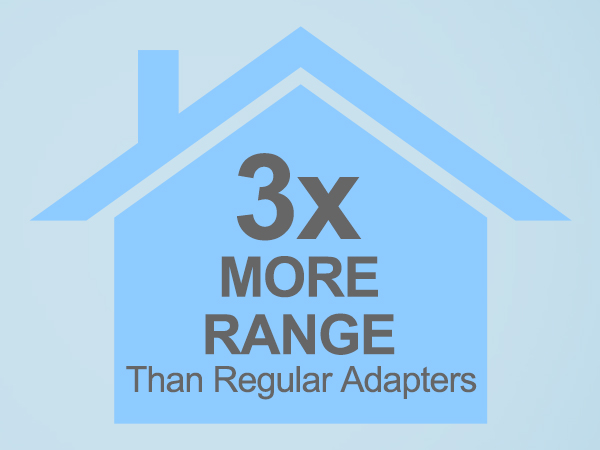
B03Pro+ reaches up to 230ft line of sight outdoors, 70–100ft (20–30m) indoors without obstacles.
1Mii Bluetooth Audio Transmitter Receiver
 1Mii B03 | 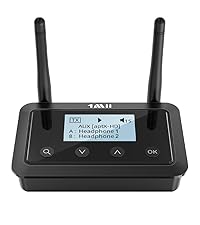 1Mii B03+ | 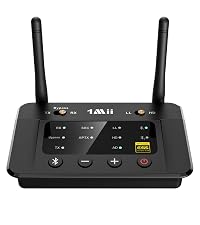 1Mii B03Pro | 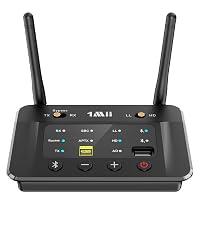 1Mii B03S | 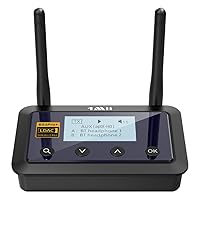 1Mii B03Pro+ | |
|---|---|---|---|---|---|
Customer Reviews | — | — | — | — | — |
Price | — | — | — | — | — |
Type | Bluetooth Transmitter Receiver | Bluetooth Transmitter Receiver | Bluetooth Transmitter Receiver | Bluetooth Transmitter Receiver | Bluetooth Transmitter Receiver |
Bluetooth Version | 5.3 | 5.3 | 5.3 | 5.3 | 5.3 |
Audio Input Support | AUX/ RCA / Optical / Bluetooth | AUX/ RCA / Optical / Bluetooth | AUX/ RCA / Optical / Bluetooth | AUX/ RCA / Optical / Bluetooth | AUX/ RCA / Optical / Bluetooth |
Audio Output Support | AUX/ RCA / Optical / Bluetooth | AUX/ RCA / Optical / Bluetooth | AUX/ RCA / Optical / Bluetooth | AUX/ RCA / Optical / Bluetooth | AUX/ RCA / Optical / Bluetooth |
Audio Codec Support | aptX AD/LL/HD/aptX/AAC/SBC | aptX AD/LL/HD/aptX/AAC/SBC | aptX AD/LL/HD/aptX/AAC/SBC | aptX AD/LL/HD/aptX/AAC/SBC | LDAC/aptX HD/LL/aptX/AAC/SBC |
Extra Audiophile DAC | ? | ? | ? | ? | ? |
With Screen Dispaly | ? | ? | ? | ? | ? |
Independent Bypass Mode | ? | ? | ? | ? | ? |
TX & Bypass Mode | ? | ? | ? | ? | ? |
Support USB Drive Audio Input | ? | ? | ? | ? | ? |







![[Upgraded] 1Mii B06Pro Long Range Bluetooth Receiver, HiFi Wireless Audio Adapter, Bluetooth 5.3 ...](http://c1.neweggimages.com/sellingpilot/modules/product/a-plus/49bbee7bcb63368ca38340bd1a04be17154c277a499d23977bcd2bd3307b8272.jpg)
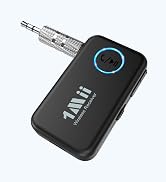
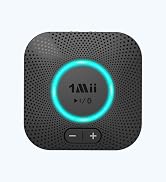
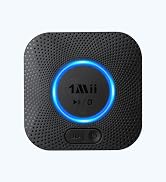
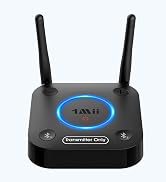
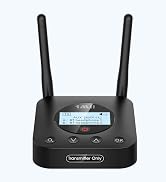
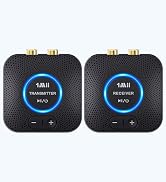

1Mii B03Pro+ Bluetooth 5.3 Transmitter Receiver
Support LDAC, aptX LL, aptX HD, aptX, SBC
Connect your wireless headphones/Bluetooth speakers to your existing non-Bluetooth TV via Bluetooth
Share TV with Your Family
When connect your wireless headphones via Bluetooth, can also connect your wired speakers via cable
Support LDAC, aptX LL, aptX HD, aptX, AAC, SBC
Stream music from any phone, tablet, laptop or desktop to your old sound system via Bluetooth 5.3
1Mii B03Pro+ Bluetooth adapter can stream to 2 headphones or speakers simultaneously
Supports LDAC, aptX LL, aptX HD, aptX, SBC and AAC (AAC is receiver mode only).
Clearly see the model, pause/play, volume level, bluetooth code and devices A/B on the screen.
B03Pro+ will remember previously paired devices and reconnect automatically when they are in range.
Supports OPTICAL/AUX 3.5mm/RCA audio outputs/inputs, compatible with 99% of the TVs
B03Pro+ reaches up to 230ft line of sight outdoors, 70–100ft (20–30m) indoors without obstacles.
| Q1 | What shall i do if i can not get B03Pro+ Bluetooth Adapter to pair with my Bluetooth Headphones or Speakers? |
|---|---|
| A1 | 1) Turn off Bluetooth on all phones/PC/TV in house (Make sure your headphone/speaker is not paired with other device automatically during the process of pairing B03Pro+); 2) For first time pairing, make sure the pairing distance is within 1 meter; 3) If still cannot get them paired, set both B03Pro+ and your Bluetooth headphone/speaker to factory default. |
| Q2 | How to reset B03Pro+? |
| A2 | Please press and hold the volume up and down buttons at the same time until the screen displays “Factory Settings”. |
| Q3 | Why is there still audio delay when I use this Low Latency B03Pro+ adapter with my Bluetooth headphones? |
| A3 | To achieve low latency, your receiving device is better also support function of aptX Low Latency. Or, the receiving device might use another codec (e.g. SBC, aptX), resulting in a 70-200ms audio delay which may be noticeable by some users. |
| Q4 | Why are the Volume + / - of my B03Pro+ not working in TX mode, only works in RX mode? |
| A4 | In TX mode, take optical cable as the connected audio cable, the Volume + / - on B03Pro+ may not work if your device does not support Audio / Video Remote Control Profile. Change the optical cable to AUX 3.5mm or RCA audio cable, the volume buttons works. |
| Q5 | After the TV is connected to 1Mii B03Pro+, can my Bluetooth headphone or speaker sound simultaneously with the TV’s built-in speaker? |
| A5 | 1) For many models of TV, the built-in speakers might not work if you choose to use an external audio output device. This is a TV feature and its availability depends on your TV make and model. 2) But you can achieve simultaneous sounding function by getting a 1Mii B03Pro+ and wired EXTERNAL speaker, the TX mode of B03Pro+ has a unique function, which allows you to share the TV audio simultaneously with an Wired EXTERNAL speaker / sound bar and a pair of Bluetooth headphones. |
| Q6 | Is it compatible with AirPods? |
| A6 | Yes, it is compatible with AirPods, but it is INCOMPATIBLE with AirPods Pro 2nd Gen. |
| Q7 | Why doesn’t LDAC mode work properly on my B03Pro+? |
| A7 | 1.Transmitter Mode (TX): 1)The paired Bluetooth device must support LDAC. 2)Switch the toggle on the left side of the B03Pro+ to LDAC. 3)LDAC does not support dual connections. If two devices are paired, it will automatically downgrade to aptX or SBC, depending on the lower codec supported.2. Receiver Mode (RX): 1)The paired device must support LDAC (Apple devices do not). 2)Some Android phones may not enable LDAC by default; it needs to be turned on in the Developer Options. |
1Mii Bluetooth Audio Transmitter Receiver
 1Mii B03 | 1Mii B03+ | 1Mii B03Pro | 1Mii B03S | 1Mii B03Pro+ |
|---|---|---|---|---|
| Customer Reviews | ||||
| — | — | — | — | — |
| Price | ||||
| — | — | — | — | — |
| Type | ||||
| Bluetooth Transmitter Receiver | Bluetooth Transmitter Receiver | Bluetooth Transmitter Receiver | Bluetooth Transmitter Receiver | Bluetooth Transmitter Receiver |
| Bluetooth Version | ||||
| 5.3 | 5.3 | 5.3 | 5.3 | 5.3 |
| Audio Input Support | ||||
| AUX/ RCA / Optical / Bluetooth | AUX/ RCA / Optical / Bluetooth | AUX/ RCA / Optical / Bluetooth | AUX/ RCA / Optical / Bluetooth | AUX/ RCA / Optical / Bluetooth |
| Audio Output Support | ||||
| AUX/ RCA / Optical / Bluetooth | AUX/ RCA / Optical / Bluetooth | AUX/ RCA / Optical / Bluetooth | AUX/ RCA / Optical / Bluetooth | AUX/ RCA / Optical / Bluetooth |
| Audio Codec Support | ||||
| aptX AD/LL/HD/aptX/AAC/SBC | aptX AD/LL/HD/aptX/AAC/SBC | aptX AD/LL/HD/aptX/AAC/SBC | aptX AD/LL/HD/aptX/AAC/SBC | LDAC/aptX HD/LL/aptX/AAC/SBC |
| Extra Audiophile DAC | ||||
| ? | ? | ? | ? | ? |
| With Screen Dispaly | ||||
| ? | ? | ? | ? | ? |
| Independent Bypass Mode | ||||
| ? | ? | ? | ? | ? |
| TX & Bypass Mode | ||||
| ? | ? | ? | ? | ? |
| Support USB Drive Audio Input | ||||
| ? | ? | ? | ? | ? |
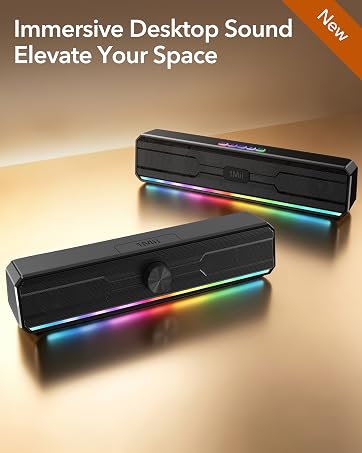
Computer Speakers Coming Soon
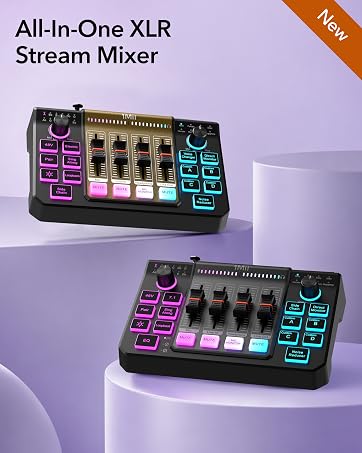
Gaming Audio Mixer Coming Soon
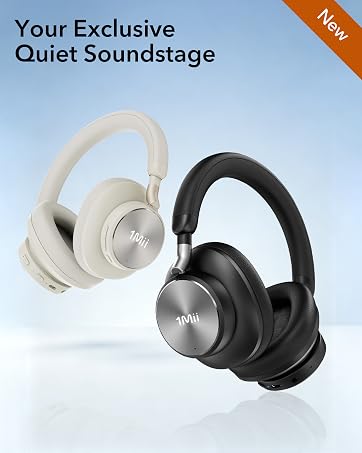
Premium ANC Arrives Soon
Flight Earbuds Kit Coming Soon
Wireless Gaming Headset
Sound Machine
Noise Cancelling Headphones
![[Upgraded] 1Mii B06Pro Long Range Bluetooth Receiver, HiFi Wireless Audio Adapter, Bluetooth 5.3 ...](//c1.neweggimages.com/sellingpilot/modules/product/a-plus/49bbee7bcb63368ca38340bd1a04be17154c277a499d23977bcd2bd3307b8272.jpg)
Bluetooth Receiver
Bluetooth Transmitter
Bluetooth Transmitter Receiver
Wireless Transmitter Receiver