





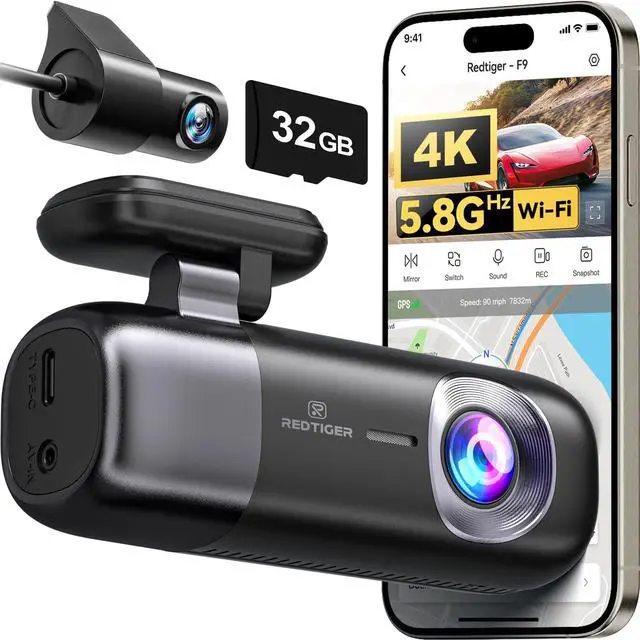
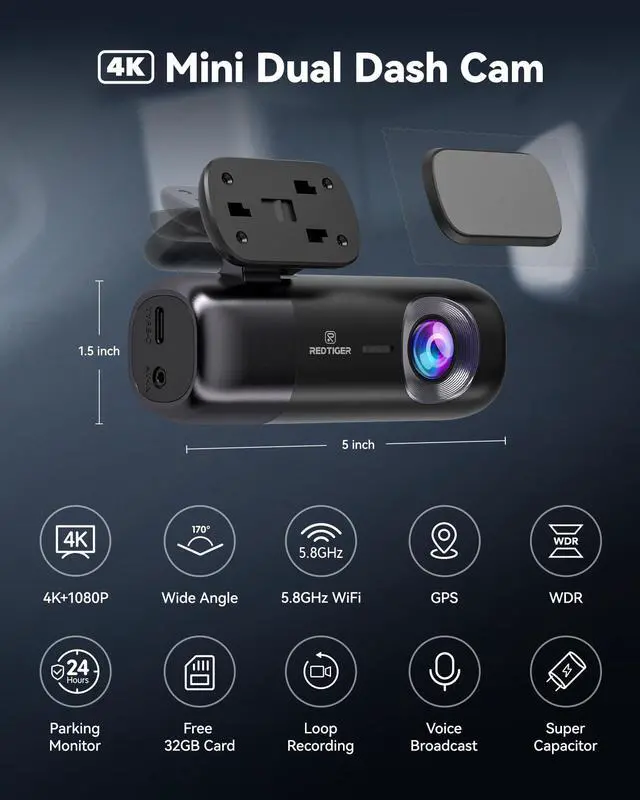
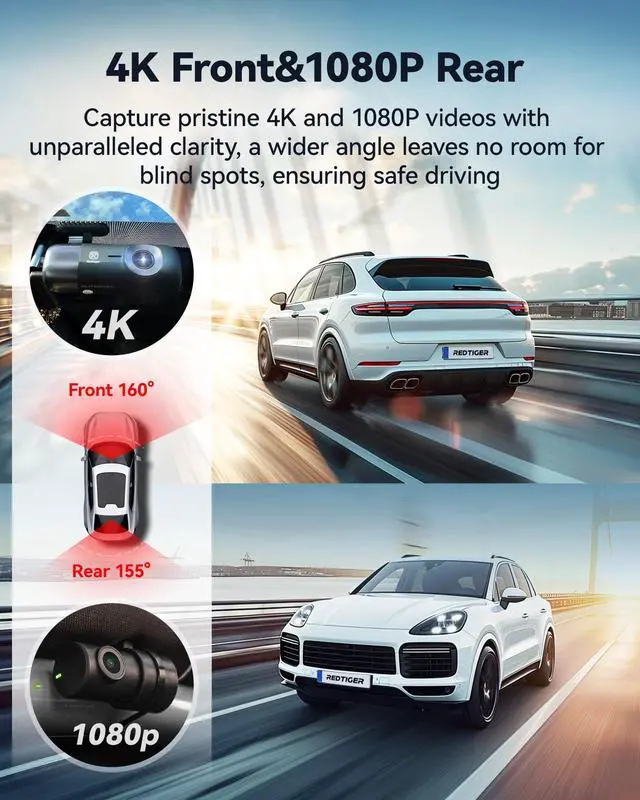
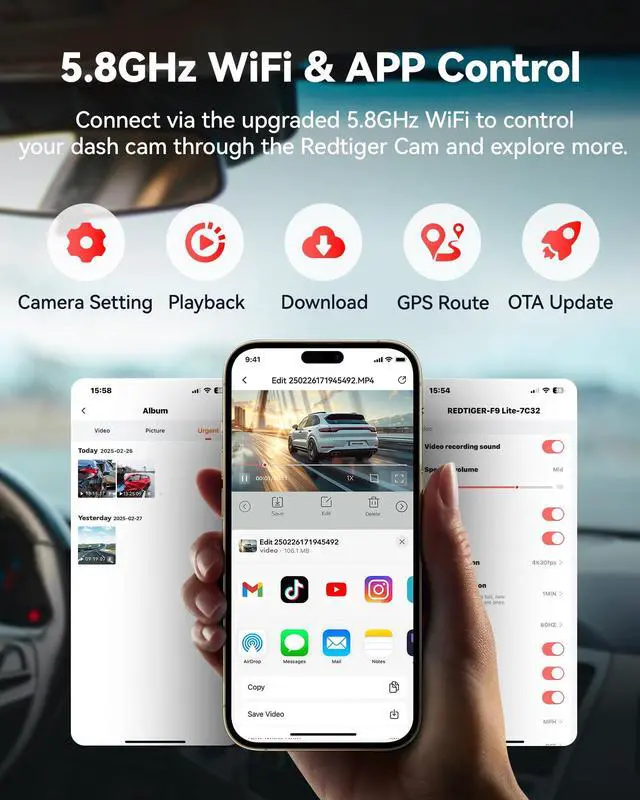



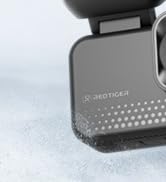
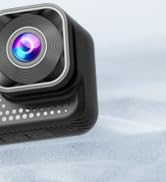
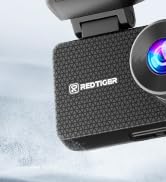
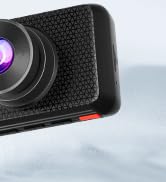


F9 4K dashcam
Merchant Video


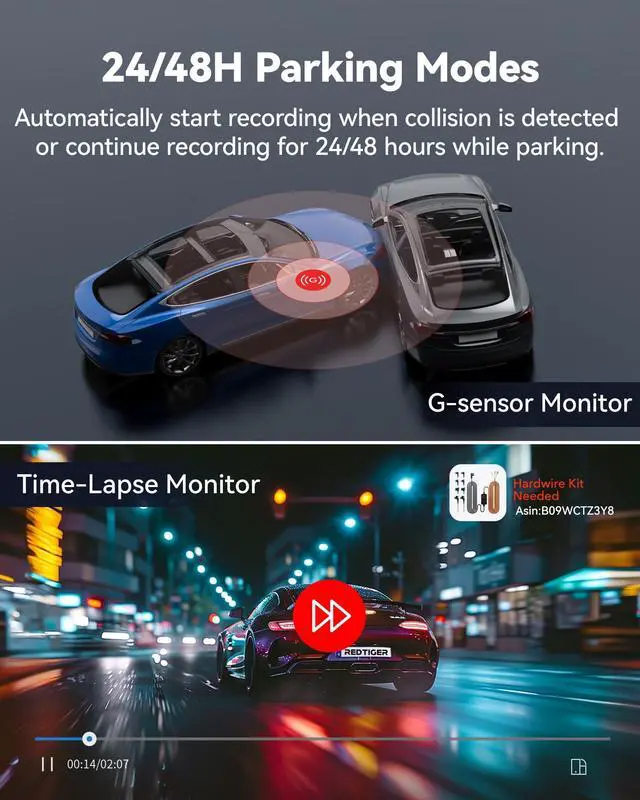
Two Parking Monitor Modes-Parking in Security

Collision Emergency Recording
After parking, the dash cam automatically starts recording when a sudden collision is detected and secures the footage. (Hardwire kit needed - B09WCTZ3Y8/B0DCZC1162)
Setting Steps:
Set Collision Sensitivity - Low/Middle/High
Collision Recording - On
Time-lapse Recording - Off

24/48H Time-Lapse Recording
After parked, the dash camera records at very low 1fps per second, no events will be missed and no capacity is wasted.(Hardwire kit needed-B09WCTZ3Y8/B0DCZC1162)
Setting Steps
1.Set Collision Sensing Sensitivity-Low/Middle/High
2.Collision Boot Recording-Off
3.Time-lapse Redcording-12H/24H/48H

How does built-in wifi work? How do I connect dash cam to my phone?
Please download REDTIGER APP and connect to REDTIGER F9 WiFi to add camera, if you still have questions, please just contact the 24/7 Redtiger support team.
I want to use the parking monitoring function, how to buy a separate hardwire kit?
You can search for B09WCTZ3Y8 to purchase this hardware kit or consult our support team.
How can I adjust the settings for this car camera?
Please connect to F9 dashcam's WiFi and use the app to adjust the settings. You can also modify your WiFi password in the settings.
How do i know if the dash camera is recording?
The dash cam has a status light. This status light will flash during normal recording. If it remains on, it indicates that recording has stopped.
Capture all that matters.
 F9-Dual Dashcam(no screen |  F77 V2-Dual Dash Cam |  VS10-Dual 4G Dash Cam |  F9 Lite-Dash Cam Front |  F4-Dash Cam Front |  VP20-3 Channel Dashcam |  F17-3 Channel Dashcam | |
|---|---|---|---|---|---|---|---|
Customer Reviews | — | — | — | — | — | — | — |
Price | — | — | — | — | — | — | — |
Video Resolution | 3840*2160P+1080P | 3840*2160P+1080P | 2.5K+1080P | 3840*2160P | Front 4K/2.5K/1080P | 2.5K+2.5K+1080P | 3840*2160P+1080P+1080p |
Screen Size | ? | 4" Touch Screen | 3"IPS Screen | ? | 2.2" Touch Screen | 3.18" Touch Screen | 3" Screen |
Wi-Fi(APP Control) | ? | ? | ? | ? | ? | ? | ? |
GPS | ? | ? | ? | ? | ? | ? | ? |
Mounting Type | Adhesive Mount | Adhesive Mount | Adhesive Mount | Adhesive Mount | Adhesive Mount | Adhesive Mount | Adhesive Mount |
Memory card included | 32GB Card Included | 256GB eMMC Included | 32GB Card Included | 32GB Card Included | 32GB Card Included | 128GB Card Included | 64GB Card Included |
Storage/Battery | 256G Max, NO battery | 512G Max, NO battery | 256G Max, NO battery | 256G Max, NO battery | 256G Max, NO battery | 512G Max, NO battery | 512G Max, NO battery |
Charging | Type-C Port/,DC12V/24V, 2.5A | Type-C Port/,DC12V/24V, 2.5A | Type-C Port/,DC12V/24V, 2.5A | Type-C Port/,DC12V/24V, 2.5A | 256G Max, NO battery | Type-C Port/,DC12V/24V, 2.5A | Type-C Port/,DC12V/24V, 2.5A |
F9 4K dashcam
Merchant Video


Two Parking Monitor Modes-Parking in Security
Collision Emergency Recording
After parking, the dash cam automatically starts recording when a sudden collision is detected and secures the footage. (Hardwire kit needed - B09WCTZ3Y8/B0DCZC1162)
Setting Steps:
Set Collision Sensitivity - Low/Middle/High
Collision Recording - On
Time-lapse Recording - Off
24/48H Time-Lapse Recording
After parked, the dash camera records at very low 1fps per second, no events will be missed and no capacity is wasted.(Hardwire kit needed-B09WCTZ3Y8/B0DCZC1162)
Setting Steps
1.Set Collision Sensing Sensitivity-Low/Middle/High
2.Collision Boot Recording-Off
3.Time-lapse Redcording-12H/24H/48H

How does built-in wifi work? How do I connect dash cam to my phone?
Please download REDTIGER APP and connect to REDTIGER F9 WiFi to add camera, if you still have questions, please just contact the 24/7 Redtiger support team.
I want to use the parking monitoring function, how to buy a separate hardwire kit?
You can search for B09WCTZ3Y8 to purchase this hardware kit or consult our support team.
How can I adjust the settings for this car camera?
Please connect to F9 dashcam's WiFi and use the app to adjust the settings. You can also modify your WiFi password in the settings.
How do i know if the dash camera is recording?
The dash cam has a status light. This status light will flash during normal recording. If it remains on, it indicates that recording has stopped.
Capture all that matters.
F9-Dual Dashcam(no screen | F77 V2-Dual Dash Cam | VS10-Dual 4G Dash Cam | F9 Lite-Dash Cam Front | F4-Dash Cam Front | VP20-3 Channel Dashcam | F17-3 Channel Dashcam |
|---|---|---|---|---|---|---|
| Customer Reviews | ||||||
| — | — | — | — | — | — | — |
| Price | ||||||
| — | — | — | — | — | — | — |
| Video Resolution | ||||||
| 3840*2160P+1080P | 3840*2160P+1080P | 2.5K+1080P | 3840*2160P | Front 4K/2.5K/1080P | 2.5K+2.5K+1080P | 3840*2160P+1080P+1080p |
| Screen Size | ||||||
| ? | 4" Touch Screen | 3"IPS Screen | ? | 2.2" Touch Screen | 3.18" Touch Screen | 3" Screen |
| Wi-Fi(APP Control) | ||||||
| ? | ? | ? | ? | ? | ? | ? |
| GPS | ||||||
| ? | ? | ? | ? | ? | ? | ? |
| Mounting Type | ||||||
| Adhesive Mount | Adhesive Mount | Adhesive Mount | Adhesive Mount | Adhesive Mount | Adhesive Mount | Adhesive Mount |
| Memory card included | ||||||
| 32GB Card Included | 256GB eMMC Included | 32GB Card Included | 32GB Card Included | 32GB Card Included | 128GB Card Included | 64GB Card Included |
| Storage/Battery | ||||||
| 256G Max, NO battery | 512G Max, NO battery | 256G Max, NO battery | 256G Max, NO battery | 256G Max, NO battery | 512G Max, NO battery | 512G Max, NO battery |
| Charging | ||||||
| Type-C Port/,DC12V/24V, 2.5A | Type-C Port/,DC12V/24V, 2.5A | Type-C Port/,DC12V/24V, 2.5A | Type-C Port/,DC12V/24V, 2.5A | 256G Max, NO battery | Type-C Port/,DC12V/24V, 2.5A | Type-C Port/,DC12V/24V, 2.5A |
ViewClear70 2 Channel Dashcam
F17 Elite 3 Channel Dashcam
