


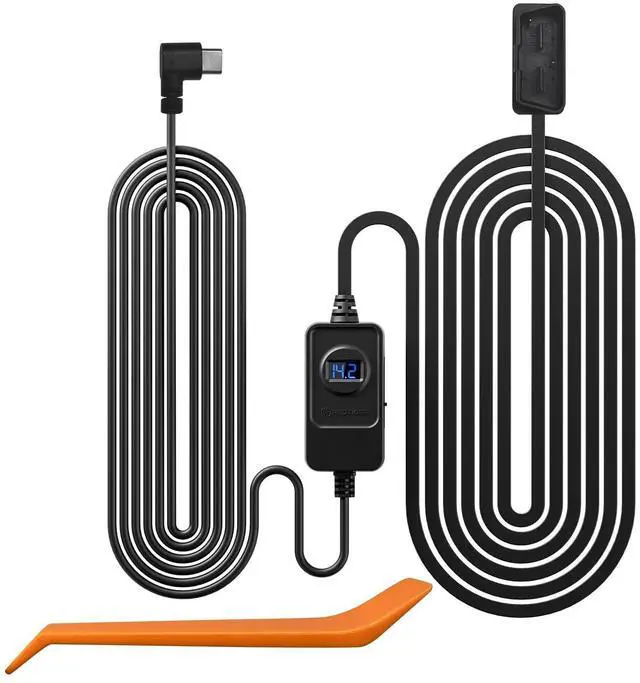
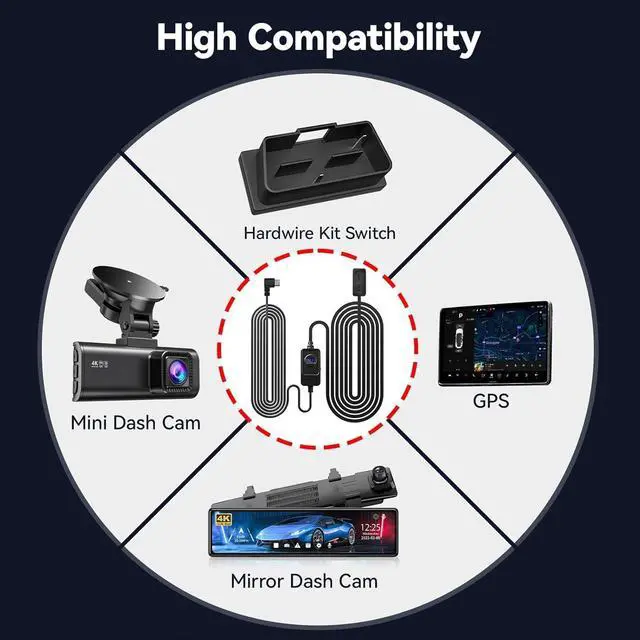
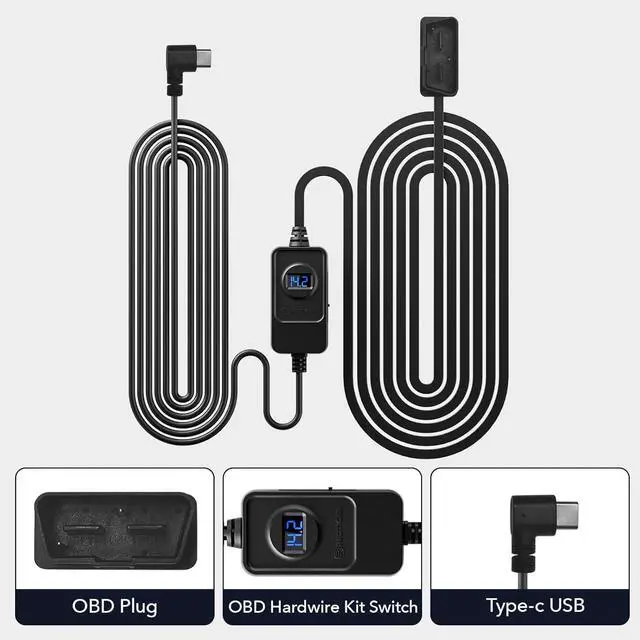
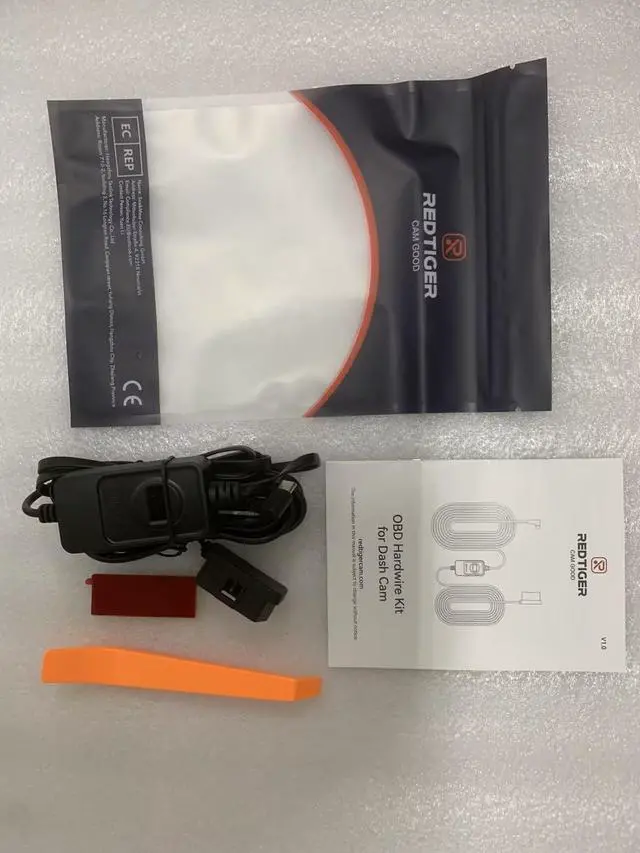
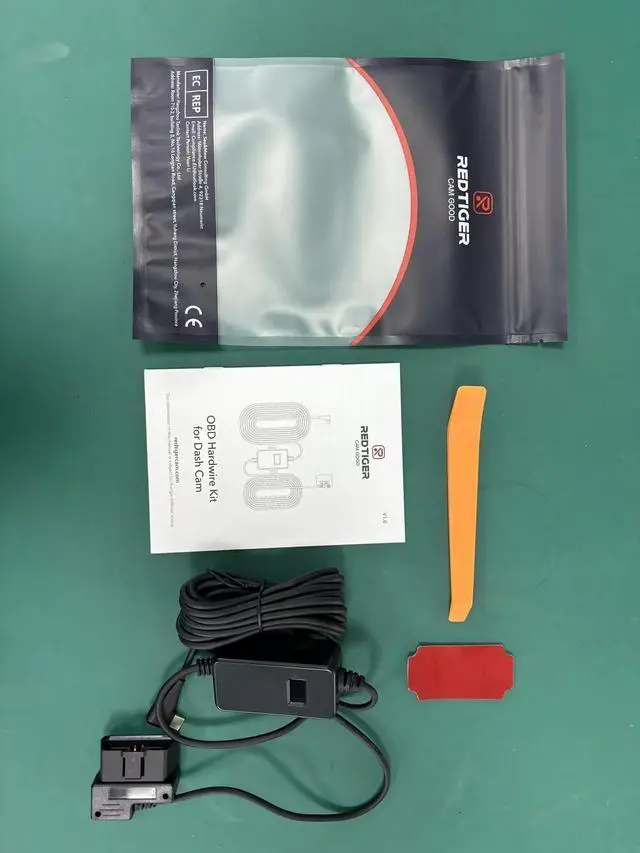


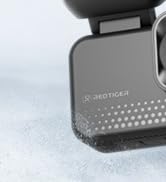
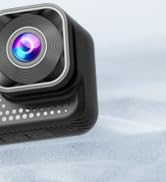
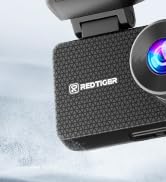



The REDTIGER Hardwire Kit compatible withto all REDTIGER series dash cam.
(F7N/F7NP/F7NT/F7NS/F8/F9/F17/F4/F77 Mini Dash Cam and T27/T700 Mirror Dash Cams etc.)
-Installation tips:
- Please feel free to reach us if any professional help in need.
- Please use the dedicated hardwire kit for your REDTIGER dash cam, Because the other brands of hardwire kits are not suitable for REDTIGER dash cams.
- The length of this hardwire kit is 11.5ft, various types of vehicles, especially regular passenger cars, sedans, SUVs, and trucks.
- Therefore, when selecting a voltage hardwire kit, it is recommended to refer to the specifications and requirements of your vehicle and device to ensure compatibility and safety.
- Note that installation steps may vary by model and situation. It is strongly recommended to refer to the vehicle manual or seek professional help before installation.
-Instructions for installation
The most common location of the car OBD interface for the driver is the lower left of the trim panel under the steering wheel. However, the location of the OBD will be slightly different depending on the origin and model year of the vehicle.Some are above the accelerator pedal, or near the driver's side fuse box, some are in front of the shift lever, etc. You can find relevant introductions by querying the instructions for use or the vehicle maintenance manual.
- Step 1:
After unpacking the OBD hardwire kit, connect it to your car's OBD port.
- Step 2:
Position the voltage regulator controller in a suitable location for convenient adjustment of the protection voltage and monitoring of the voltage display.
- Step 3:
Connect the USB Type-C interface of the OBD hardwire kit to the dash cam and verify that the dash cam powers on properly.

G-Sensor Function
You can also set Gsensor for the dash cam, when your vehicle suffers from vibration or collision, it will automatically start recording and lock the key video. Preserve critical evidence for insurance claims or legal purposes.

24H Parking Monitoring
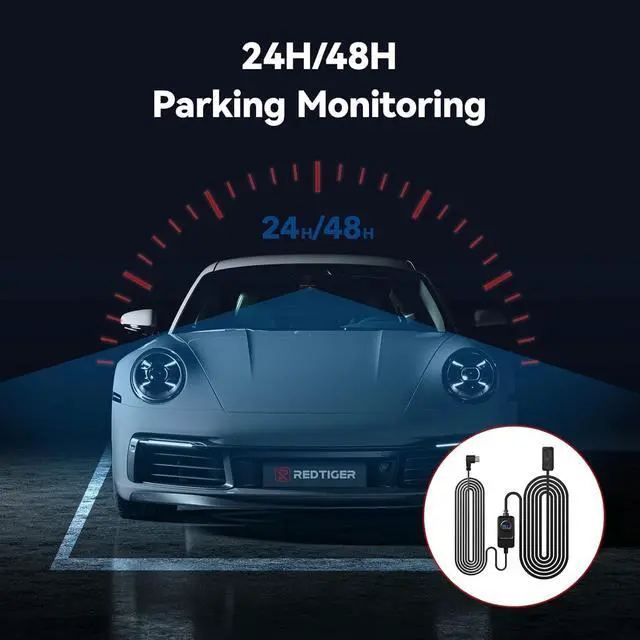
The REDTIGER hardwire kit can uninterruptedly supply power for dash camera for 12/24/48 hours. It can even supply power when the car is turned off. Protect your vehicle and capture any potential incidents that may occur.

OBD Interface Connection
The REDTIGER dash cam OBD hardwire kit supports most standard OBD interfaces, ensuring broad vehicle compatibility.

Low Voltage Protection
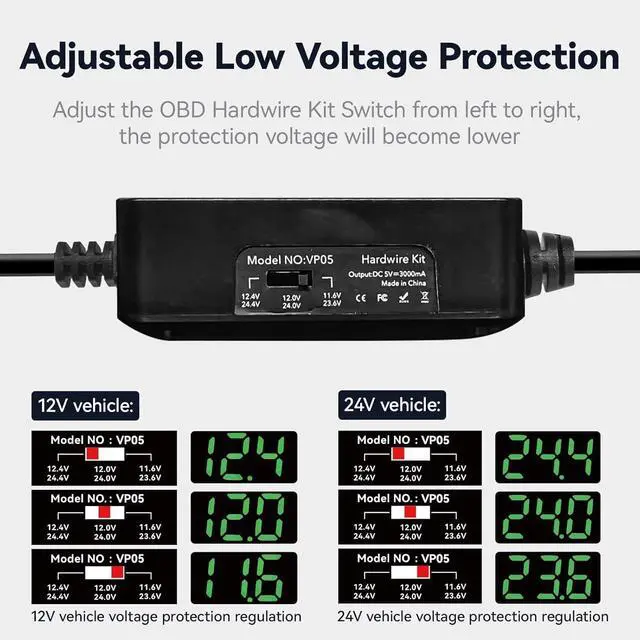
Ensure the safety of your vehicle's battery with the REDTIGER hardwire kit. It features a low voltage protection mode that cuts off power when the voltage drops below 11.8V(+-0.2).

Universal Compatibility
The OBD hardwire kit is suitable for various types of vehicles, especially regular passenger cars, sedans, SUVs, and trucks. It is used to convert the 12V/24V power supply in vehicles to a lower voltage for devices that require it.

Easy Installation
With the hardwire kit, you can hide the wiring and eliminate clutter inside your vehicle. Enjoy a clean and professional-looking installation.
Enjoy hassle-free setup and reliable power supply.
The REDTIGER Hardwire Kit compatible withto all REDTIGER series dash cam.
(F7N/F7NP/F7NT/F7NS/F8/F9/F17/F4/F77 Mini Dash Cam and T27/T700 Mirror Dash Cams etc.)
-Installation tips:
- Please feel free to reach us if any professional help in need.
- Please use the dedicated hardwire kit for your REDTIGER dash cam, Because the other brands of hardwire kits are not suitable for REDTIGER dash cams.
- The length of this hardwire kit is 11.5ft, various types of vehicles, especially regular passenger cars, sedans, SUVs, and trucks.
- Therefore, when selecting a voltage hardwire kit, it is recommended to refer to the specifications and requirements of your vehicle and device to ensure compatibility and safety.
- Note that installation steps may vary by model and situation. It is strongly recommended to refer to the vehicle manual or seek professional help before installation.
-Instructions for installation
The most common location of the car OBD interface for the driver is the lower left of the trim panel under the steering wheel. However, the location of the OBD will be slightly different depending on the origin and model year of the vehicle.Some are above the accelerator pedal, or near the driver's side fuse box, some are in front of the shift lever, etc. You can find relevant introductions by querying the instructions for use or the vehicle maintenance manual.
- Step 1:
After unpacking the OBD hardwire kit, connect it to your car's OBD port.
- Step 2:
Position the voltage regulator controller in a suitable location for convenient adjustment of the protection voltage and monitoring of the voltage display.
- Step 3:
Connect the USB Type-C interface of the OBD hardwire kit to the dash cam and verify that the dash cam powers on properly.
G-Sensor Function
You can also set Gsensor for the dash cam, when your vehicle suffers from vibration or collision, it will automatically start recording and lock the key video. Preserve critical evidence for insurance claims or legal purposes.
24H Parking Monitoring
The REDTIGER hardwire kit can uninterruptedly supply power for dash camera for 12/24/48 hours. It can even supply power when the car is turned off. Protect your vehicle and capture any potential incidents that may occur.
OBD Interface Connection
The REDTIGER dash cam OBD hardwire kit supports most standard OBD interfaces, ensuring broad vehicle compatibility.
Low Voltage Protection
Ensure the safety of your vehicle's battery with the REDTIGER hardwire kit. It features a low voltage protection mode that cuts off power when the voltage drops below 11.8V(+-0.2).
Universal Compatibility
The OBD hardwire kit is suitable for various types of vehicles, especially regular passenger cars, sedans, SUVs, and trucks. It is used to convert the 12V/24V power supply in vehicles to a lower voltage for devices that require it.
Easy Installation
With the hardwire kit, you can hide the wiring and eliminate clutter inside your vehicle. Enjoy a clean and professional-looking installation.
Enjoy hassle-free setup and reliable power supply.
ViewClear70 2 Channel Dashcam
F17 Elite 3 Channel Dashcam
