


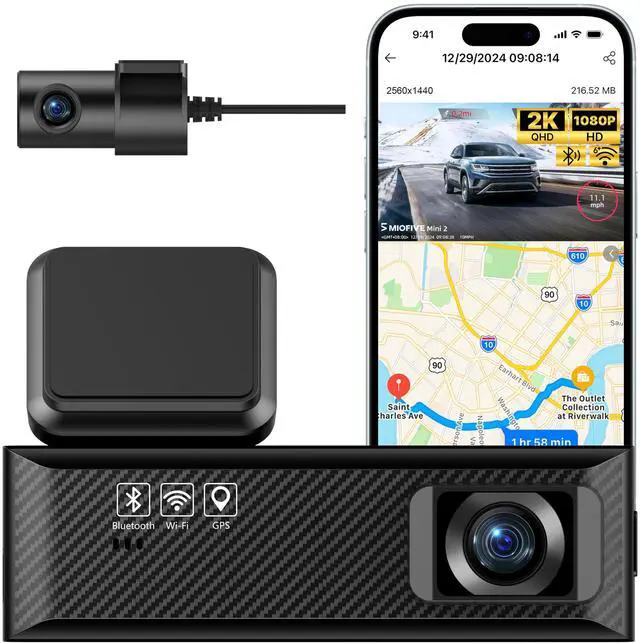





Miofive Dash Cam
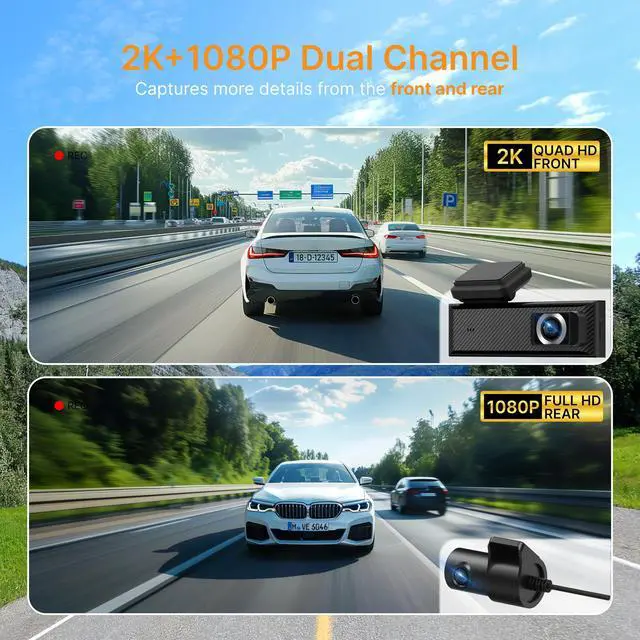
2K(2560x1440) @30fps | Front Resolution | 4K(3840x2160) @25fps |
1920 × 1080P@25fps | Rear Resolution | X |
X | Display | X |
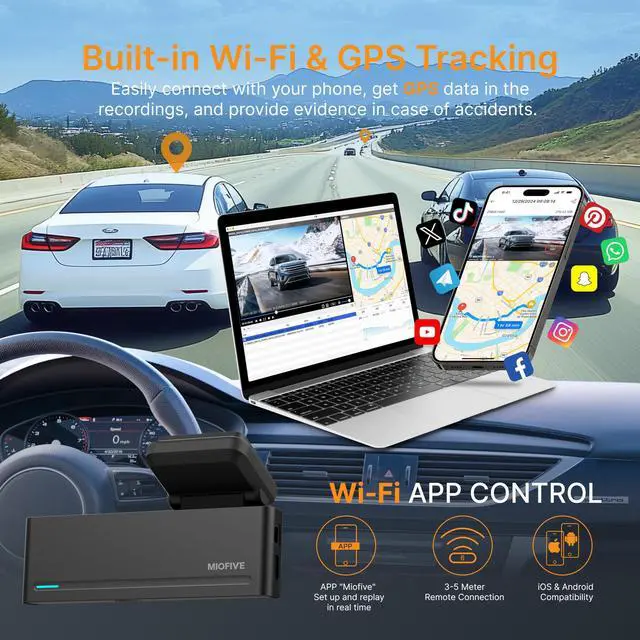
2.4G & 5G | Wi-Fi | 2.4G & 5G |
Bluetooth 4.2 | Bluetooth | Bluetooth 4.2 |
NOT Included | SD Card(Included) | NOT Included |
Super Capacitor |
2K(2560x1440) @30fps | Front Resolution | 4K(3840x2160) @30fps |
1920 × 1080P@25fps | Rear Resolution | X |
X | Display | 3" IPS |
2.4G & 5G | Wi-Fi | 2.4G & 5G |
Bluetooth 4.2 | Bluetooth | Bluetooth 4.2 |
NOT Included | SD Card(Included) | 32GB |
Super Capacitor |


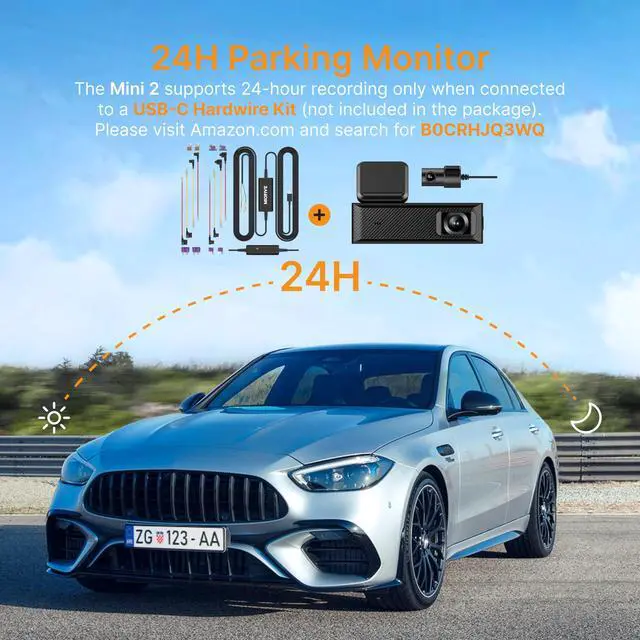
How to activate this dash cam's parking monitoring?
The Mini 2 supports 24-hour recording only when connected to a USB-C Hardwire Kit (not included in the package). Please visit .com and search for B0CRHJQ3WQ.
Do you have to reconnect the dash cam to your phone every time you get in the car?
After the initial connection, the dash cam will continue to record as soon as you turn on the car, without needing to reconnect through the app each time. It will record to your SD card.
How does the dash cam format the memory card?
Open the Miofive app, go to My Device ? Quick Settings ? More ? Format Memory Card.
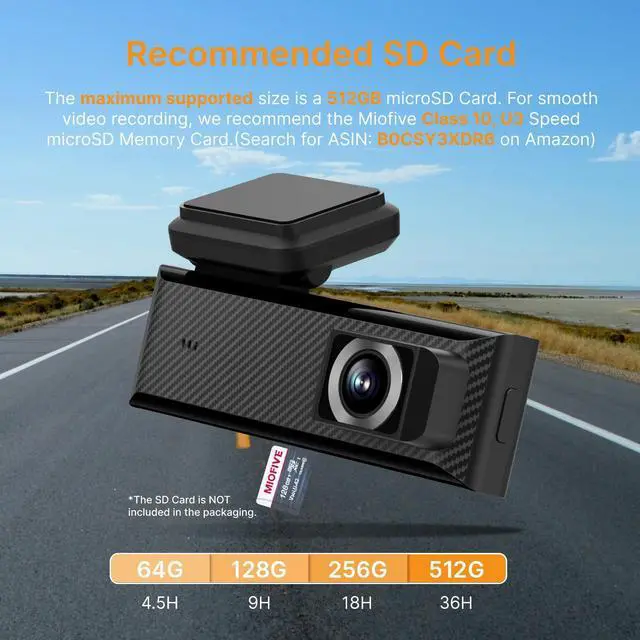
Do I need to buy an SD card to use this dash cam? Which memory card is recommended?
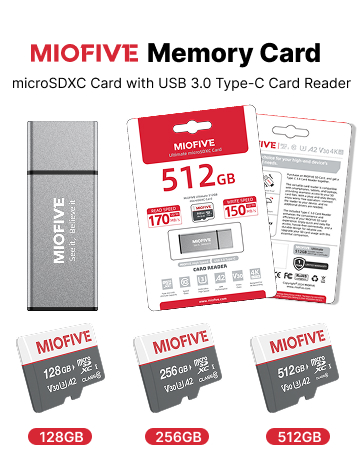
This dash cam supports memory cards from 32 GB to 512 GB. The SD card is NOT INCLUDED. If you need to purchase a new one, we recommend a U3 Class 10 microSD card from Miofive.
Why is the video quality of my dash cam unclear?
To ensure smoother video playback, the videos viewed on the app or the dash cam screen are compressed and may not represent the original video quality. Please download the video to your phone's gallery or computer for better clarity.


Miofive Dash Cam
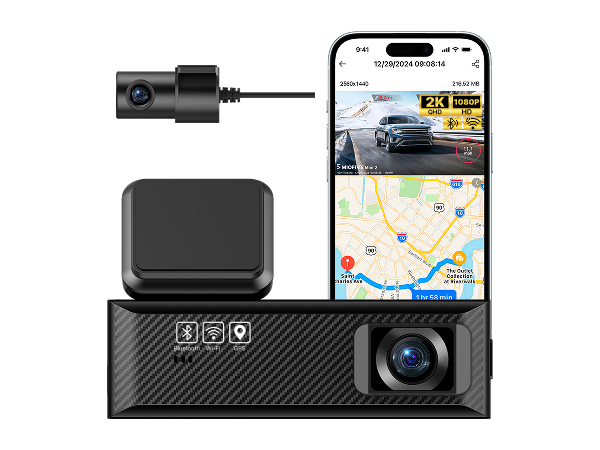
Mini 2
Front Resolution
2K(2560x1440) @30fps
Rear Resolution
1920 × 1080P@25fps
Display
X
Wi-Fi
2.4G & 5G
Bluetooth
Bluetooth 4.2
SD Card(Included)
NOT Included
Super Capacitor
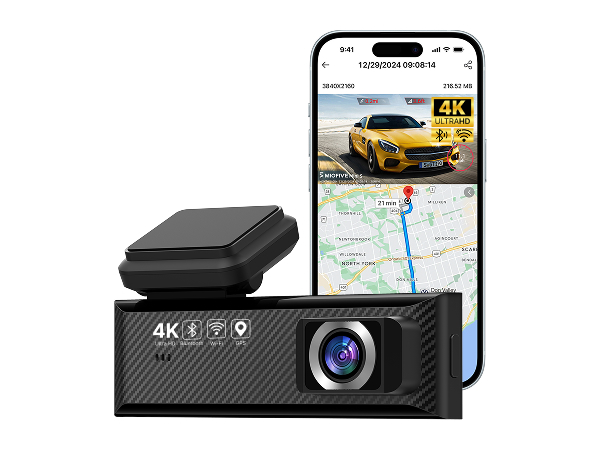
Mini S
Front Resolution
4K(3840x2160) @25fps
Rear Resolution
X
Display
X
Wi-Fi
2.4G & 5G
Bluetooth
Bluetooth 4.2
SD Card(Included)
NOT Included
Super Capacitor
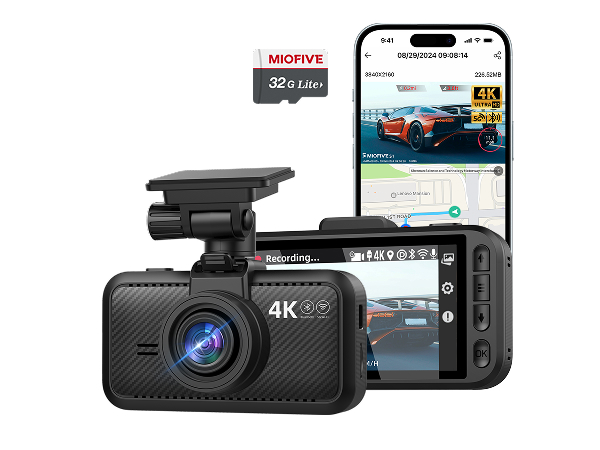
S1+32G
Front Resolution
4K(3840x2160) @30fps
Rear Resolution
X
Display
3" IPS
Wi-Fi
2.4G & 5G
Bluetooth
Bluetooth 4.2
SD Card(Included)
32GB
Super Capacitor
How to activate this dash cam's parking monitoring?
The Mini 2 supports 24-hour recording only when connected to a USB-C Hardwire Kit (not included in the package). Please visit .com and search for B0CRHJQ3WQ.
Do you have to reconnect the dash cam to your phone every time you get in the car?
After the initial connection, the dash cam will continue to record as soon as you turn on the car, without needing to reconnect through the app each time. It will record to your SD card.
How does the dash cam format the memory card?
Open the Miofive app, go to My Device ? Quick Settings ? More ? Format Memory Card.
Do I need to buy an SD card to use this dash cam? Which memory card is recommended?
This dash cam supports memory cards from 32 GB to 512 GB. The SD card is NOT INCLUDED. If you need to purchase a new one, we recommend a U3 Class 10 microSD card from Miofive.
Why is the video quality of my dash cam unclear?
To ensure smoother video playback, the videos viewed on the app or the dash cam screen are compressed and may not represent the original video quality. Please download the video to your phone's gallery or computer for better clarity.
Miofive S1 Ultra Dash Cam
